Managing Multiple Accounts Safely: Browser Fingerprints, Session Isolation and Hidemium
Try Hidemium for free

Managing multiple accounts becomes difficult when several sessions share the same browser environment. Cookies, local storage, browser settings, IP addresses, and device-level signals can all contribute to how a platform evaluates a session.
Hidemium Antidetect Browser helps teams separate browser profiles, sessions, proxy configurations, and browser environments so each workflow can be managed independently.
This guide explains why multi-account workflows become difficult, how browser fingerprinting fits into the picture, and how to structure separate browser profiles for more consistent account management.
Quick Answer: Why Do Multi-Account Workflows Become Risky?
Multi-account workflows become harder to manage when different accounts share the same cookies, storage, browser configuration, proxy, or device environment. Platforms may also evaluate signals such as IP reputation, browser characteristics, login history, and account behavior.
Hidemium helps separate these environments by keeping browser profiles isolated and allowing teams to assign profile-specific settings and proxies where needed.
Why Can Multiple Accounts Become Difficult to Manage?
Many users mistakenly believe that simply changing their IP address (via a proxy or VPN) is enough to stay safe. This is a dangerous misconception that often leads to mass account suspensions.
How Does Browser Fingerprinting Affect Account Recognition?
Browser fingerprinting refers to the use of browser and device characteristics to distinguish one browser environment from another.
Depending on the website and browser, observable signals may include:
- operating system
- browser version
- screen resolution
- language
- time zone
- Canvas rendering
- WebGL characteristics
- fonts
- hardware-related browser signals
These signals may be used alongside cookies, IP information, login history, and other security signals. A browser fingerprint is therefore only one part of a broader risk and identity assessment.
Learn more about how browser fingerprinting works.
Browser fingerprinting has been widely documented by privacy researchers and browser vendors. Tools such as EFF's Cover Your Tracks demonstrate how combinations of browser characteristics can make a browser environment distinguishable.
What Problems Can Poor Session Separation Cause?
Poor session separation can create operational problems even before any platform action occurs.
Teams may experience:
- employees working in the wrong client account
- repeated login and logout cycles
- inconsistent account environments
- unclear ownership of browser sessions
- difficult team handoffs
- higher risk of configuration mistakes
Platform restrictions may also occur when activity conflicts with a service's policies or security systems, so teams should always follow the rules of the platforms they use.
How Does Hidemium Help Manage Multiple Accounts More Consistently?
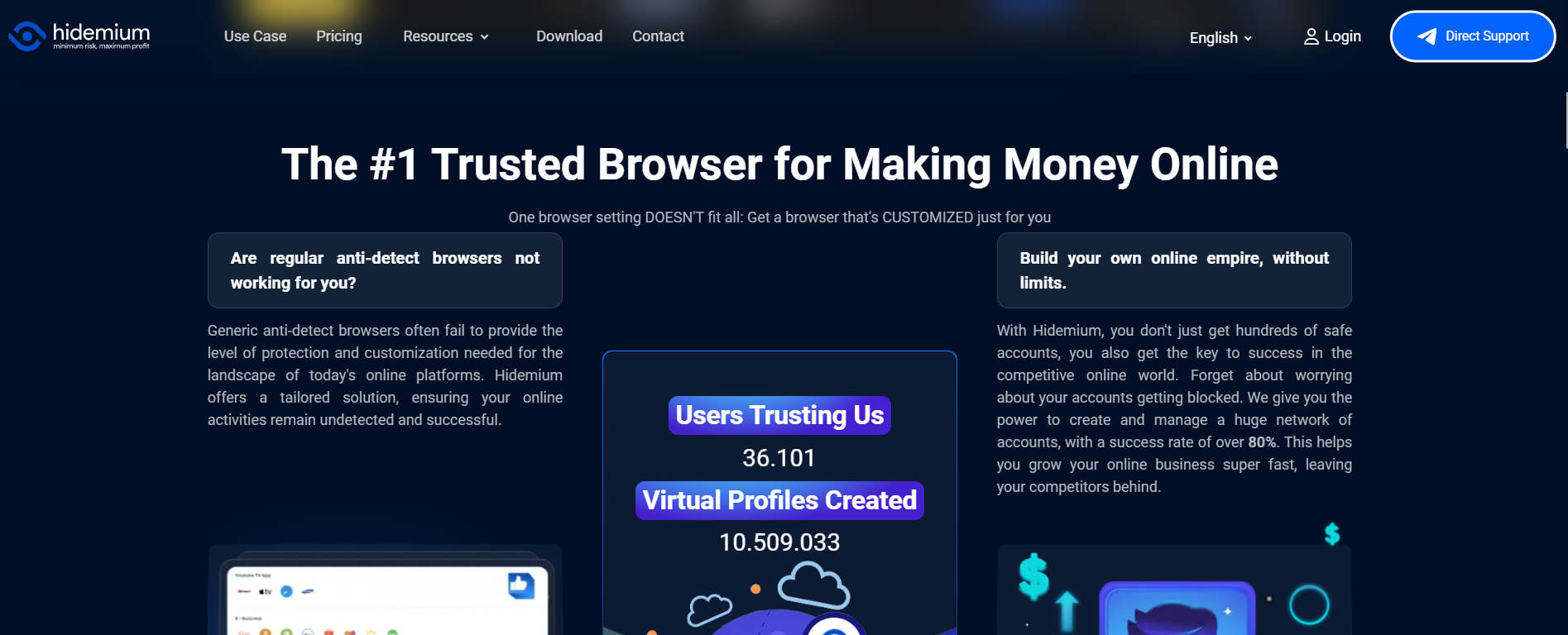
Hidemium Antidetect Browser is designed to create and manage separate browser profiles for different accounts, clients, or workflows.
Each profile can maintain its own browser data and configuration, helping teams avoid mixing sessions between unrelated accounts.
How does Hidemium help you manage multiple accounts?
Hidemium is a leading antidetect browser designed to help advertisers, MMO practitioners, and dropshippers operate large-scale systems safely and efficiently.
What Does Hidemium Separate Between Profiles?
- Browser sessions: Each profile can maintain its own login state and session data.
- Cookies and local storage: Website data stays associated with the relevant profile.
- Browser configuration: Profiles can use separate browser-environment settings.
- Proxy configuration: Teams can assign a residential proxy vs datacenter proxy to a specific profile when the workflow requires it.
- Team workflows: Profiles can be organized around clients, projects, or account groups.
- Automation: Repetitive browser workflows can be automated where appropriate and permitted.
Hidemium reduces cross-session overlap by isolating browser data and configuration between profiles.
For agencies and multi-account teams, separate Hidemium profiles make it easier to keep client sessions, proxies, and browser environments organized.
What Mistakes Should You Avoid in Multi-Account Workflows?
Even with an understanding of antidetect technology, many users still make mistakes that expose them to unnecessary risks.
Mixing Multiple Clients in One Browser Environment
Avoid storing unrelated client sessions in the same browser profile. This increases the chance of cookie, storage, and login confusion.
Reusing Unclear Proxy Configurations
If proxies are part of the workflow, document which proxy belongs to which profile. Avoid changing network configurations without a clear operational reason.
Poor Profile Naming
Names such as Account 1 or New Profile quickly become difficult to manage. Use a structure such as: Client – Platform – Purpose.
Giving Everyone Access to Everything
Team members should only have access to profiles required for their role. This reduces accidental changes and simplifies offboarding.
Ignoring Platform Policies
Browser-profile tools should not be used to circumvent platform restrictions or enforcement systems. Multi-account workflows should remain consistent with the terms of service of the platforms involved.
A structured browser-profile workflow can reduce operational mistakes and make account environments easier to manage consistently.
Step-by-Step: How to Organize Multiple Accounts with Hidemium
Step 1: Create a Separate Profile for Each Workflow
Create profiles based on account, client, or project rather than mixing unrelated sessions together.
Step 2: Use a Clear Naming Convention
For example:
- ClientA-Facebook-Organic
- ClientA-Ads
- ClientB-Social
Step 3: Configure Network Settings if Needed
If your workflow uses proxies, assign and document them per profile. Make sure the proxy location and purpose are clear to the team. Before assigning a proxy, you can check IP and network information with Whoer or test browser fingerprint signals with Pixelscan.
Step 4: Keep Sessions and Storage Separate
Avoid copying cookies or session data between unrelated profiles unless there is a legitimate testing or migration reason.
Step 5: Assign Team Permissions
Give each team member access only to the profiles required for their work.
Step 6: Audit Profiles Regularly
Review inactive profiles, outdated proxy settings, former team access, and duplicated environments.
Further Reading on Browser Profiles and Multi-Account Management
To gain a deeper understanding of account operations and security, you can refer to the following in-depth resources:
.webp)
- How to create separate browser profiles with Hidemium
- Residential proxy vs datacenter proxy for browser profiles
- How browser fingerprinting works
- Browser profile management checklist
Conclusion: Build a More Consistent Multi-Account Workflow
Managing multiple accounts becomes difficult when sessions, browser storage, network settings, and team access are mixed together.
The most reliable approach is to keep environments clearly separated, document profile ownership, use consistent naming, and review permissions regularly.
Hidemium Antidetect Browser helps teams organize separate browser profiles so cookies, sessions, browser settings, and proxy configurations can be managed independently.
For advertisers, agencies, e-commerce teams, and other multi-account workflows, this makes browser operations easier to scale and hand off between team members.
=>> Explore Hidemium for multi-account browser profile management
Frequently Asked Questions
What is a browser fingerprint?
A browser fingerprint is a combination of browser and device characteristics such as operating system, browser version, language, screen resolution, Canvas, WebGL, and other signals that may help distinguish one browser environment from another.
Can Hidemium keep browser sessions separate?
Yes. Hidemium browser profiles are designed to maintain separate cookies, sessions, storage, and browser configuration so unrelated account environments do not need to share the same browser state.
Should every browser profile use a different proxy?
Not necessarily. Proxy requirements depend on the workflow. If separate proxies are needed, they should be documented and assigned consistently rather than changed without a clear operational reason.
Does Hidemium prevent account bans?
No tool can guarantee that an account will never be restricted or suspended. Platforms evaluate many signals and enforce their own policies. Hidemium is primarily useful for separating browser environments and organizing multi-account workflows.
Is Hidemium allowed by every platform?
Hidemium is a browser-profile management tool. Whether a particular workflow is permitted depends on the terms and policies of the platform being accessed. Users should always review and follow those rules.
Related Blogs

Using a proxy or VPN is not enough to stay anonymous because an IP address is only a small part of a digital identity. In reality, users can still be exposed through their browser fingerprint, making accounts vulnerable to being flagged or suspended.In this article, Hidemium will help you understand why a proxy alone is insufficient to protect you, while also pointing out comprehensive solutions[…]

Making money online has become a popular trend in recent years, with people looking for ways to supplement their income or make a full-time living from the comfort of their homes. One way to do this is by using apps that allow you to earn money through various means. In this blog post, we will discuss some of the best apps for making money online.SwagbucksSwagbucks is a rewards-based app that[…]

In blogging, if something is ranking well, then it doesn’t mean that copying it can make you rank as well. Remember, both the readers and search engines seek originality. So, your unique thoughts, presentation, clarity, and style are the only factors that can help you earn visibility.However, ignoring this, some bloggers just mimic the high-ranking content and hit “publish,” thinking they’ve[…]
Online marketers often manage dozens to hundreds of accounts the same time. So how to do they do?You have everything from social and merchant accounts for yourself and your clients. Each account must be accessible by different people, such as VAs (virtual assistants) and team members, throughout any given project. You need an effective way to allow access without setting off verification alarm[…]

In today’s digital age, using sample Prompt Scripts to automate browser tasks is becoming more and more popular, especially when combined with the Hidemium antidetect browser. With the powerful support of AI models like ChatGPT, Claude, and Gemini, users can easily perform tasks such as form filling, page scrolling, or content analysis – all without any coding knowledge.This article will[…]

The best antidetect browser for affiliate marketing depends on your workflow, team size, proxy requirements, automation needs, and budget. Hidemium is worth evaluating for organized browser-profile workflows and team collaboration; GoLogin emphasizes accessible profile management; Multilogin appeals to technical teams; Dolphin Anty is positioned toward ad-oriented workflows; AdsPower offers[…]
