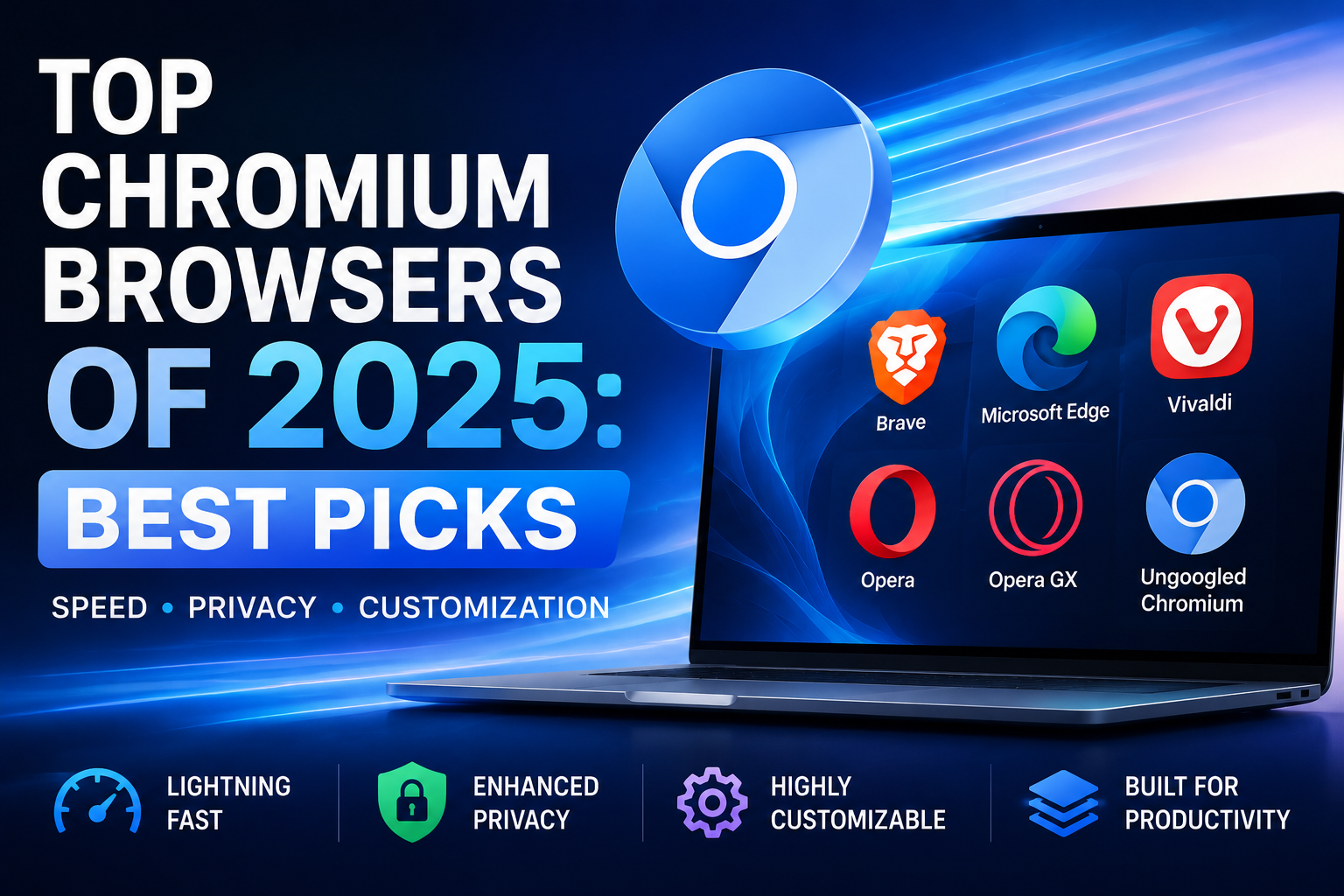

If you are reading this, chances are you are using a web browser built on Chromium. While Google Chrome is the undisputed heavyweight champion of the internet, it is far from the only fish in the sea. In fact, many of the most innovative, secure, and fast web experiences today are found on alternative chromium-based browsers.
Whether you are frustrated by Chrome’s notorious memory hogging, concerned about your digital footprint, or simply looking for a fresh user interface, you have plenty of incredible options. Welcome to the ultimate guide to finding the best chromium browsers 2025 has to offer.
What Exactly is a Chromium Browser?
How Chromium Powers Modern Web Browsers
Before diving into the top choices, it helps to understand the underlying technology. Chromium is a free, open-source web browser project originally created by Google. It serves as the core source code—the "engine"—that developers can use to build their own fully functional browsers.
There are numerous benefits of open source browser engines. Because the code is public, thousands of independent developers and security researchers can audit it for vulnerabilities, patch bugs, and build upon it. This collaborative environment ensures that the engine rendering your web pages is fast, modern, and highly secure.
Are Chromium Browsers Compatible With Chrome Extensions?
A common question users have is: are all Chromium browsers compatible with extensions? The short answer is yes. Because they share the same foundational architecture, virtually all browsers built on this framework can access and install add-ons directly from the Google Chrome Web Store.
Why Look for Google Chrome Alternatives?
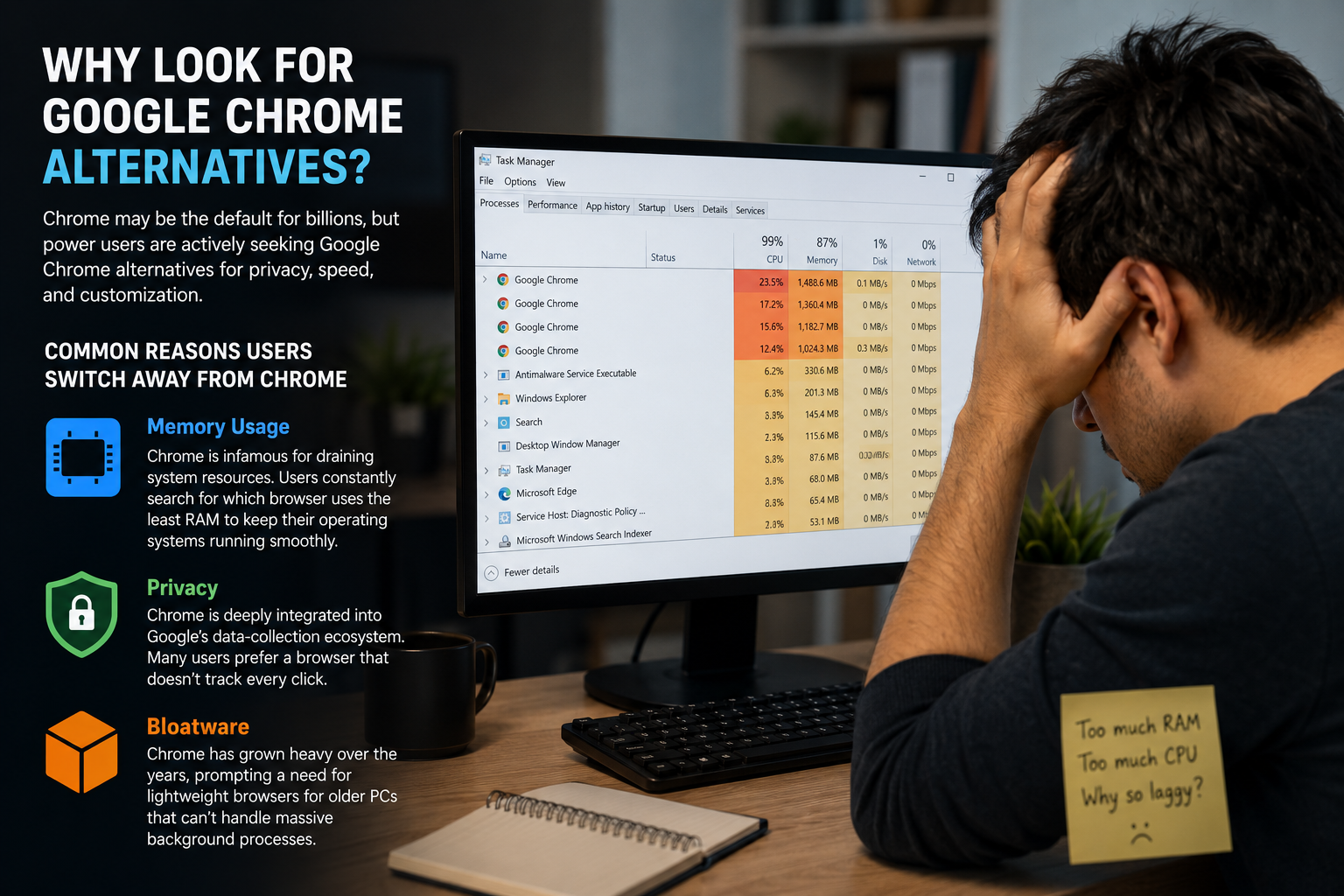
Chrome may be the default for billions, but power users are actively seeking Google Chrome alternatives for privacy, speed, and customization.
Common Reasons Users Switch Away From Chrome
Here are the most common reasons users make the switch:
- Memory Usage: Chrome is infamous for draining system resources. Users constantly search for which browser uses the least RAM to keep their operating systems running smoothly.
- Privacy: Chrome is deeply integrated into Google’s data-collection ecosystem. Many users prefer a browser that doesn't track every click.
- Bloatware: Chrome has grown heavy over the years, prompting a need for lightweight browsers for older PCs that can’t handle massive background processes.
The Top Chromium Browsers to Try in 2025
Let's break down the best chromium based browsers currently available, categorized by what they do best.
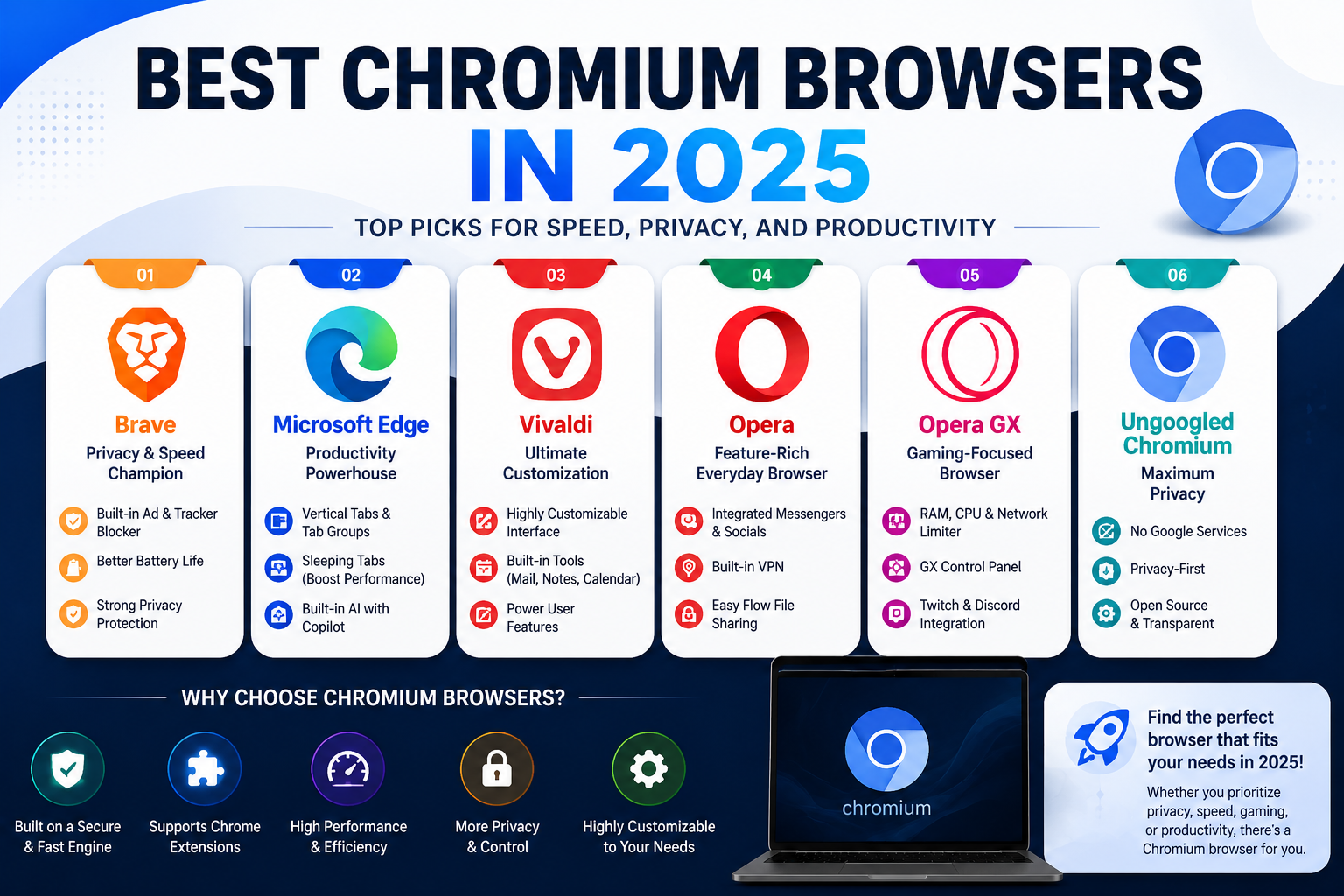
1. Brave: The Privacy and Speed Champion
If your priority is keeping advertisers out of your digital life, Brave is easily one of the best chromium browsers available today. It belongs to an elite class of privacy focused open source browsers designed from the ground up to protect user data.
- Ad and Tracker Blocking: Brave features phenomenal built-in ad blocker browser features known as "Brave Shields." It blocks cross-site trackers, third-party cookies, and invasive ads by default without needing an extension.
- Battery Life: When testing Microsoft Edge vs Brave for battery life, Brave frequently comes out on top for laptop users. By preventing heavy tracking scripts and video ads from loading in the background, it actively conserves CPU cycles and battery power.
- Extension Support: If you rely on specific add-ons, installing Chrome extensions on Brave is a seamless experience. You simply visit the Chrome Web Store and click "Add to Brave."
2. Microsoft Edge: The Productivity Powerhouse
Microsoft’s decision to rebuild Edge using the Chromium engine was a massive success. Today, it stands out as one of the top chromium browsers for enterprise users, students, and productivity enthusiasts.
- Tab Management: If you are a tab hoarder, you will love managing tab groups in Microsoft Edge. Edge offers a brilliant "Vertical Tabs" feature that moves your tabs to the side of the screen, making it incredibly easy to organize dozens of open pages.
- Performance: Edge is deeply integrated into Windows, making it highly optimized. It features "Sleeping Tabs," which automatically puts inactive pages to sleep to free up system memory.
- AI Integration: With built-in Microsoft Copilot features, Edge makes summarizing long articles and drafting emails a breeze.
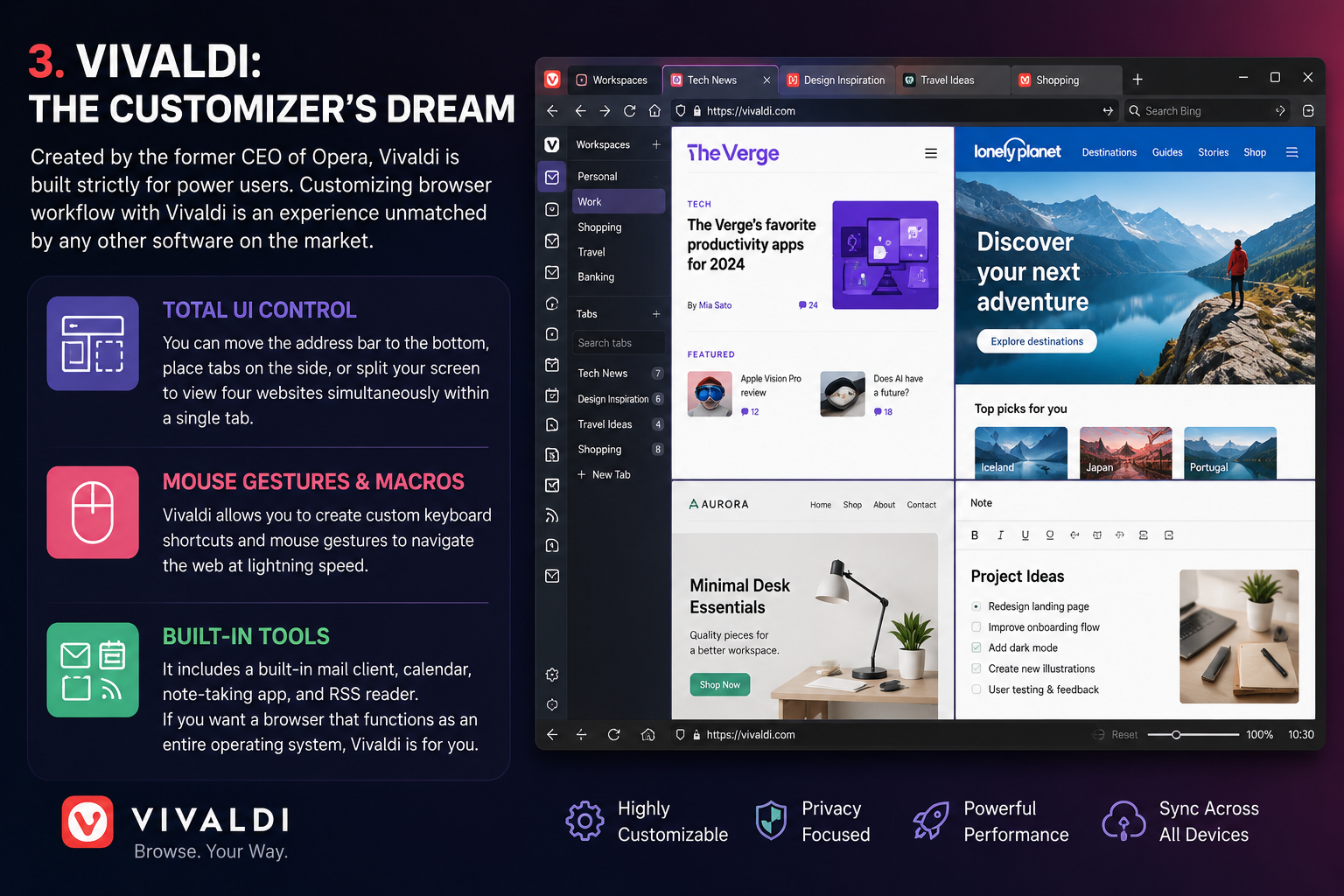
3. Vivaldi: The Customizer’s Dream
Created by the former CEO of Opera, Vivaldi is built strictly for power users. Customizing browser workflow with Vivaldi is an experience unmatched by any other software on the market.
- Total UI Control: You can move the address bar to the bottom, place tabs on the side, or split your screen to view four websites simultaneously within a single tab.
- Mouse Gestures & Macros: Vivaldi allows you to create custom keyboard shortcuts and mouse gestures to navigate the web at lightning speed.
- Built-in Tools: It includes a built-in mail client, calendar, note-taking app, and RSS reader. If you want a browser that functions as an entire operating system, Vivaldi is for you.
4. Opera and Opera GX: Feature-Rich and Gaming-Focused
Opera has been a staple in the browser market for decades, and its modern iteration remains one of the most popular chromium browsers globally.
- Integrated Socials: Opera features a handy sidebar with direct integrations for WhatsApp, Instagram, Telegram, and Spotify, allowing you to chat and listen to music without switching tabs.
- Opera GX: Designed specifically for gamers, Opera GX allows you to set hard limits on how much CPU, RAM, and network bandwidth the browser is allowed to consume—ensuring your browser never lags your gameplay.
5. Ungoogled Chromium: The Purist's Choice
For the absolute strictest privacy advocates, standard browsers won't cut it. When comparing Ungoogled Chromium vs standard Chrome, the differences are entirely under the hood.
Ungoogled Chromium takes the open-source Chromium code and surgically removes every single Google-specific web service. There is no telemetry, no background pings to Google servers, and no native Chrome Web Store integration (though you can enable it manually). It is a barebones, lightning-fast experience that guarantees total anonymity from Google.
What is the Community Consensus?
If you want unbiased opinions, tech forums are the best place to look. When searching for the "best chromium browsers reddit" communities recommend, a few clear trends emerge.
What Reddit Users Recommend Most Often
Redditors overwhelmingly recommend Brave for the average user who wants privacy out-of-the-box without tinkering with settings. Meanwhile, Firefox (which we will discuss below) and Vivaldi dominate the recommendations for power users who want maximum control over their digital environment. Microsoft Edge also receives surprisingly high praise on Reddit for its PDF reader and smooth scrolling on Windows machines.
Looking Beyond: The Best Non Chromium Browsers
While this guide focuses on the Chromium ecosystem, it is vital to acknowledge the broader market. If you are actively trying to avoid Chromium-based architecture—perhaps to prevent Google's web engine from gaining a total monopoly—you will want to look at the best non chromium browsers.
Firefox and Safari as Chromium Alternatives
The most prominent alternative is Mozilla Firefox. When looking at a standard Chromium vs Firefox performance comparison, Chromium browsers typically render modern web pages a fraction of a second faster. However, Firefox counters with a completely independent rendering engine (Gecko) and unique privacy features like "Multi-Account Containers," which isolate your web sessions so platforms like Facebook cannot track your browsing habits across other websites. Apple's Safari (built on WebKit) is the other major non-Chromium player, highly optimized for the Mac and iOS ecosystems.

Pro-Tips for Getting the Most Out of Your Browser
No matter which software you choose, following a few best practices will elevate your daily web surfing.
1. Optimize Your Syncing Strategy
One of the biggest perks of Chrome is how easily it syncs your passwords and history via your Google account. Fortunately, syncing data across Chromium devices is just as easy on alternatives. Brave features "Brave Sync," which uses a secure, decentralized code chain to sync your devices without requiring an email login. Microsoft Edge uses your Microsoft account to seamlessly sync across Windows, Mac, iOS, and Android.
2. Lock Down Your Security
Always take a moment to configure your browser security settings for safe browsing. Dive into your browser's settings and look for the "Privacy and Security" tab.
- Turn your tracking prevention to "Strict."
- Enable "Always use secure connections (HTTPS)."
- Ensure that your browser is set to automatically update, as updates contain vital patches for newly discovered zero-day vulnerabilities.
3. Manage Your Extensions Carefully
While we established that you can install Chrome extensions on these browsers, be cautious. Extensions are the number one cause of browser lag. Keep your extensions limited to the essentials—like a password manager and a grammar checker. Since browsers like Brave and Vivaldi already block ads natively, you won't need to bog down your memory with third-party ad-blocking extensions.
Conclusion
Finding the perfect web browser is a highly personal journey. What works for a hardcore PC gamer might not work for a remote data analyst or a privacy-conscious student.
If you want unbeatable privacy and ad-blocking out of the box, Brave is the clear winner. If deep Windows integration and productivity tools are what you crave, Microsoft Edge will serve you beautifully. For those who view their browser as a personalized workspace, Vivaldi offers unparalleled customization.
Google Chrome paved the way, but the best chromium browsers of 2025 have taken that foundation and built something better, faster, and more secure. Take a few minutes today to download one of these alternatives, import your bookmarks, and experience the internet on your own terms.
Related Blogs
1. What is Captcha Typing for Money?Captcha (Completely Automated Public Turing test to tell Computers and Humans Apart) is a security tool used to distinguish real users from bots, by requiring them to re-enter distorted characters displayed in an image.Typing Captcha to earn money is the job of re-entering these characters on online platforms and receiving corresponding remuneration. After[…]
What Is an ISP Proxy? And How to Use It Safely for Multi-Account ManagementManaging multiple accounts today isn’t just about creating more profiles—it’s about staying undetected.Whether you're running stores on Amazon, scaling TikTok accounts, or doing affiliate marketing, your setup is only as strong as your proxy—especially when using an antidetect browser.One wrong IP choice can lead to[…]

Affiliate marketing is currently one of the most popular and sustainable ways to make money online. Whether you are a beginner or a veteran, using the right support tools will help save time, easily manage campaigns and improve conversion efficiency.In this article, Hidemium will introduce 15 top affiliate marketing tools, divided into many groups: tracking & analytics, link management, SEO,[…]

If you've ever experienced region-based access restrictions, account suspensions, or concerns about your personal information being compromised online, you understand the crucial role of a quality proxy service. IPBurger was created to address these issues by providing a flexible, highly secure, and easy-to-use proxy system.Whether you need to collect data, manage multiple accounts, or simply[…]

Have you heard of Telnet but don't really understand how it works or its applications? In the world of networking technology, Telnet used to be one of the core tools for remote device management. The following article is from Antidetect Browser Hidemium will help you discover What is Telnet?, how it works, practical applications as well as weaknesses that have led to it being gradually replaced[…]

Port 443 is the standard network port used by HTTPS to securely transmit web traffic between browsers and servers. HTTPS protects data on Port 443 with TLS encryption, helping prevent eavesdropping, tampering, and unauthorized access. It is the default port used by most secure websites.One of the factors that plays an important role in protecting online data is Port 443 - the standard connection[…]
