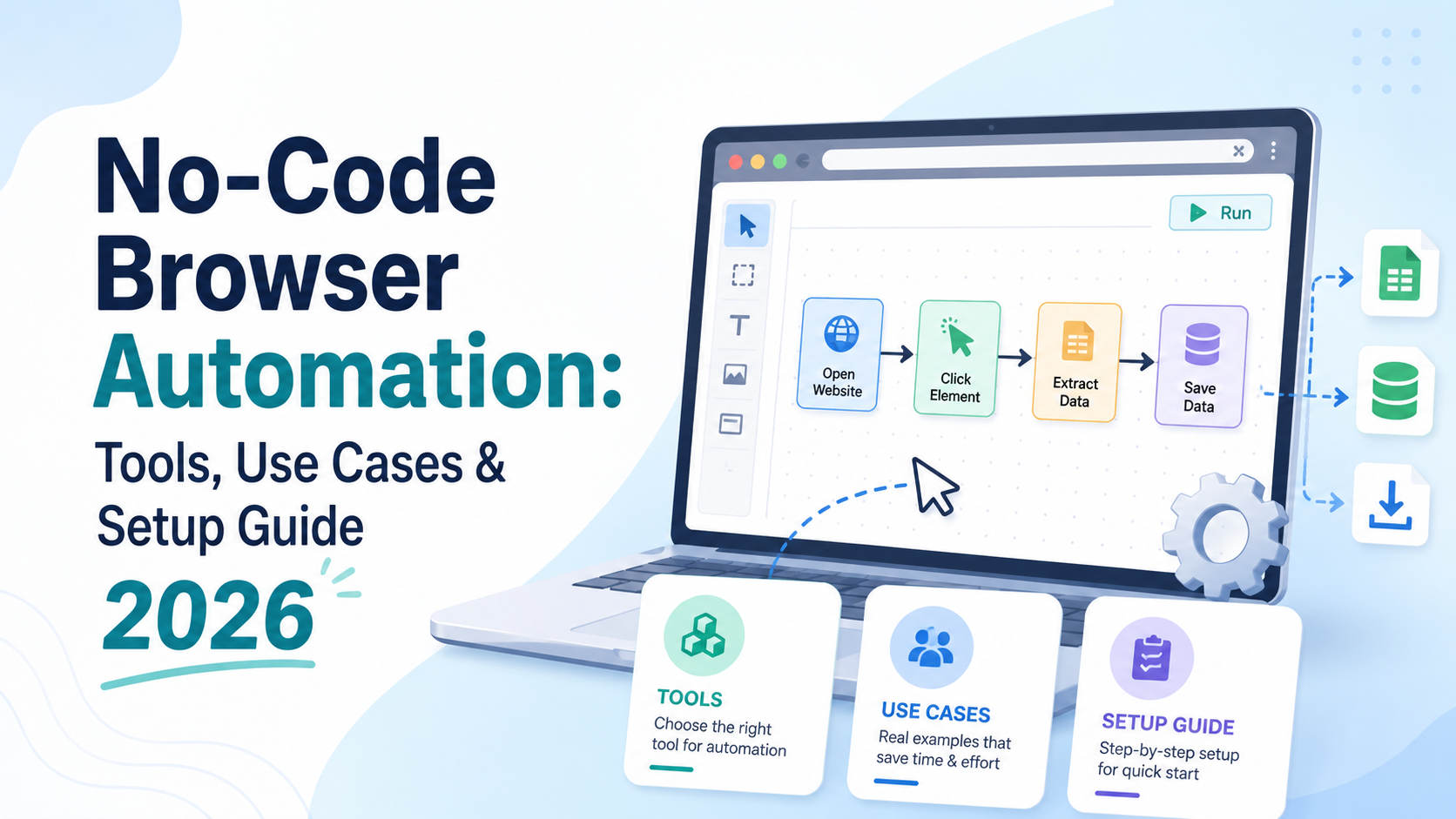

What Is No-Code Browser Automation — and Why Does It Matter in 2026?
For years, browser automation was the exclusive domain of developers. If you wanted to automate repetitive web tasks — filling forms, scraping data, clicking through workflows, or managing multiple accounts — you needed to write code in Python, JavaScript, or another language. Tools like Selenium, Playwright, and Puppeteer were powerful, but they came with a steep learning curve that locked out the majority of business users.
That's all changed. In 2026, no code browser automation has emerged as one of the fastest-growing categories in enterprise productivity software. Visual workflow builders, drag-and-drop script designers, and AI-assisted automation recorders now allow marketers, operations teams, finance professionals, affiliate marketers, and business owners to automate complex browser tasks without writing a single line of code.
This guide covers everything you need to know: what no-code browser automation is, the best browser automation tools available today, the most valuable use cases, how it connects to RPA browser automation, and a step-by-step setup guide to get you started.
No-Code vs. Traditional Browser Automation: Key Differences
Understanding the distinction between traditional and no-code approaches helps you choose the right solution for your needs.
Traditional browser automation (Selenium, Playwright, Puppeteer) requires programming knowledge, custom script maintenance, and developer resources to build and sustain. It's highly flexible but slow to deploy and expensive to maintain. One change to a website's HTML can break a script entirely.
No-code browser automation flips this model. Instead of writing code, users interact with a visual interface — recording clicks and keystrokes, building workflows from drag-and-drop blocks, and scheduling tasks through a simple dashboard. The underlying automation logic is still powerful and precise, but the complexity is abstracted away. Non-technical users can build, test, and deploy automations in hours rather than weeks.
The result: faster time-to-value, lower costs, and automation capabilities accessible to every role in an organization — not just engineering teams.
Top Use Cases for No-Code Browser Automation in 2026
The range of tasks that modern web automation software can handle without code is remarkable. Here are the most impactful use cases driving adoption in 2026:
1. Web Scraping and Data Collection
Automatically extract product prices, competitor data, job listings, social media metrics, or any other structured data from websites. No-code scrapers can navigate paginated results, handle login-protected pages, and export data directly to spreadsheets or databases — all without developer involvement.
2. Form Filling and Data Entry Automation
Eliminate manual data entry by automating the submission of forms, updating CRM records, or populating internal systems from external sources. This is one of the most time-saving applications of no code browser automation for operations and administrative teams.
3. Social Media and Ad Account Management
Automate repetitive tasks across social media platforms and ad management dashboards: scheduling posts, checking campaign metrics, updating budgets, or warming up new accounts. For marketers managing multiple profiles, this use case alone can save dozens of hours per week.
4. E-Commerce Monitoring and Price Tracking
Set up automated workflows that check competitor prices, monitor product availability, and trigger alerts when key metrics change. For a deeper dive, see our guide on Competitor Price Monitoring Tools 2026. No-code web automation software makes it easy to build these monitoring pipelines without any custom code.
5. Lead Generation and Outreach
Automate the process of extracting contact information from directories, LinkedIn profiles, or industry databases, then feeding that data into your CRM or outreach tool. What used to require a developer and hours of work can now be accomplished with a visual workflow in under an hour.
6. Quality Assurance and Website Testing
QA teams use no-code browser automation to run regression tests, check that web pages load correctly, and verify that user flows work after deployments. This dramatically reduces the cost of ongoing web testing.
7. RPA-Style Business Process Automation
RPA browser automation (Robotic Process Automation) traditionally required expensive enterprise platforms and dedicated developers. No-code tools have democratized this space — now any business can automate multi-step processes that span multiple web applications without the enterprise price tag or technical overhead.
The 6 Best No-Code Browser Automation Tools in 2026
1. Hidemium — Best for Multi-Profile Browser Automation
Best for: Teams that need to automate tasks across multiple browser profiles with full identity isolation — ideal for marketers, agencies, and ad operations teams.
Hidemium is a powerful antidetect browser platform that doubles as a sophisticated no code browser automation environment. What makes Hidemium unique is its combination of multi-profile management and automation: you can run automated workflows across dozens of isolated browser profiles simultaneously, each with its own fingerprint, proxy, and session — something no standard automation tool can replicate.
For teams managing multiple ad accounts, social profiles, or client environments, Hidemium's automation capabilities eliminate hours of manual repetitive work while keeping each profile completely isolated to avoid detection or cross-contamination. If you're evaluating alternatives, read our full breakdown of the top AdsPower alternatives for 2026.
Key automation features:
- Visual script recorder to capture and replay browser actions across any profile
- Schedule automated tasks (warm-ups, posting, ad management) to run at set times
- Run parallel automation across multiple browser profiles simultaneously
- API access for teams that want to extend automation with lightweight scripts
- Built-in proxy management ensures each automated session uses the correct IP
Why it stands out: Hidemium is the only browser automation tool that combines enterprise-grade fingerprint protection with no-code automation, making it the go-to solution for any workflow that involves multiple accounts or requires anonymity. This same principle applies across platforms — from managing Bluesky multiple accounts to running large-scale ad operations.
2. Make (formerly Integromat) — Best for Multi-App Workflow Automation
Best for: Business users who want to connect browser-triggered events to broader app ecosystems (CRMs, Slack, Google Sheets, etc.).
Make is a leading visual automation platform that excels at connecting web-based data sources to downstream applications. While it relies on web connectors rather than a full browser engine, it covers a huge range of web automation software use cases through its library of 1,500+ app integrations. For data pipelines, notifications, and multi-step business workflows, Make is exceptionally powerful and user-friendly.
3. Browse AI — Best for No-Code Web Scraping
Best for: Business users who need to extract and monitor data from websites without any coding knowledge.
Browse AI is a purpose-built no-code web scraping tool that lets users record a browsing session and turn it into an automated data extractor. It handles pagination, login authentication, and dynamic content out of the box. Extracted data can be scheduled for regular collection and exported to Google Sheets, Airtable, or webhooks automatically. For competitive monitoring and lead generation, Browse AI is one of the cleanest no code browser automation solutions available.
4. UiPath — Best Enterprise RPA Browser Automation Platform
Best for: Enterprises that need scalable RPA browser automation with governance, audit trails, and enterprise integrations.
UiPath is the market leader in enterprise RPA and has invested heavily in no-code capabilities through its StudioX product — a drag-and-drop automation designer built for business users rather than developers. Its browser automation capabilities are mature, supporting both attended and unattended automation across any web application. For large organizations that need to automate complex, multi-step browser workflows at scale, UiPath remains the gold standard.
5. Bardeen — Best AI-Powered No-Code Automation
Best for: Knowledge workers who want AI to help design and run browser automations from natural language prompts.
Bardeen is an AI-first browser automation tool that runs as a Chrome extension. Users describe what they want to automate in plain language, and Bardeen's AI generates the workflow automatically. It integrates with popular tools like Notion, HubSpot, LinkedIn, and Gmail, making it one of the most accessible entry points into browser automation for non-technical users in 2026.
6. Selenium IDE — Best Free No-Code Option for Developers Transitioning to No-Code
Best for: Technical users who want a free, open-source record-and-playback tool without writing full automation scripts.
Selenium IDE is the no-code sibling of the classic Selenium framework. It allows users to record browser interactions and export them as reusable test scripts, all through a browser extension with no coding required. While it's less polished than commercial tools, it's completely free and provides a solid foundation for teams exploring browser automation on a tight budget.
How to Set Up No-Code Browser Automation: Step-by-Step Guide
Ready to get started with no code browser automation? Follow this practical setup guide to launch your first automated workflow.
Step 1: Define Your Automation Goal
Before choosing a tool, clearly define what you want to automate. Ask: What repetitive browser task takes the most time? What data do I need to collect? How often should the automation run? What should happen with the output? A clearly defined goal will point you directly to the right web automation software for your needs.
Step 2: Choose the Right Tool for Your Use Case
Use this quick decision framework: if you need multi-profile automation with account isolation, choose Hidemium. If you need web scraping and data monitoring, choose Browse AI. If you need enterprise-scale RPA browser automation, choose UiPath StudioX. If you need AI-assisted automation with app integrations, choose Bardeen or Make.
Step 3: Install and Configure the Tool
Most no-code browser automation tools install as browser extensions or desktop applications. Install your chosen tool, create an account, and walk through the onboarding tutorial. Pay attention to how the tool handles credentials and session data — for sensitive workflows, ensure your data is encrypted and stored securely.
Step 4: Record Your First Automation
Use the tool's recording feature to capture your browser actions in real time. Navigate through the workflow you want to automate while the recorder observes: clicking buttons, filling fields, navigating pages, and extracting data. Most tools let you review and edit the recorded steps before saving.
Step 5: Add Logic, Conditions, and Variables
Once your base recording is captured, enhance it with logic. Add conditional steps (if a button exists, click it; otherwise, skip), insert variables (use a dynamic value instead of a hardcoded one), and add error handling to make the automation resilient to page changes or timeouts.
Step 6: Test in a Safe Environment
Run the automation in a test environment before deploying it on live data. Check that it handles edge cases correctly — what happens if a page loads slowly? What if an expected element is missing? Fixing these issues before going live saves significant headaches.
Step 7: Schedule and Monitor
Set up the automation to run on a schedule (hourly, daily, or triggered by an event). Configure notifications or alerts for failures so you know immediately if something breaks. Regularly review execution logs to ensure the automation is performing as expected.
No-Code Browser Automation vs. RPA: What's the Difference?
RPA browser automation and no-code browser automation are closely related but not identical. RPA is a broader category focused on automating rule-based business processes — which often include browser interactions but may also involve desktop applications, file systems, and legacy software. Enterprise RPA platforms like UiPath and Automation Anywhere are sophisticated, scalable, and governed by enterprise security frameworks.
No-code browser automation, by contrast, is specifically focused on web browser tasks. It's typically lighter-weight, faster to deploy, and more accessible to non-technical users. Many modern web automation software platforms blur the line between these categories by offering both browser-specific automation and broader workflow capabilities.
For most small and mid-sized businesses in 2026, starting with a no-code browser automation tool and graduating to a full RPA browser automation platform as needs grow is the most practical and cost-effective path.
Security and Privacy Considerations for Browser Automation
As no code browser automation becomes more accessible, it's important to use these tools responsibly and securely. Key considerations include credential security (never store plaintext passwords in automation scripts — use secure vaults or environment variables), rate limiting (don't hammer websites with requests at machine speed — add human-like delays to avoid bans or blocks), terms of service compliance (ensure your automation use cases comply with the terms of the websites you're interacting with), and data handling (be mindful of what personal or sensitive data your automations collect, store, or transmit, especially under GDPR and similar regulations).
Tools like Hidemium address many of these concerns natively by providing isolated browser environments that behave like real human users — reducing both the risk of detection and the potential for unintended data exposure.
The Future of No-Code Browser Automation
The trajectory of no code browser automation in 2026 and beyond is clear: AI is becoming central to every major platform. Natural language interfaces are making it possible to describe an automation goal in plain English and have the tool build the workflow automatically. Computer vision is enabling automation of visual interfaces that traditional DOM-based scrapers can't handle. And edge-case resilience — the ability for automations to self-correct when websites change — is rapidly improving through machine learning models that understand page intent rather than rigid element selectors.
The tools that will win in this space are those that combine powerful automation capabilities with intelligent adaptability — and the best of them, like Hidemium, are already integrating these AI-native features into their platforms.
Conclusion: Start Automating Your Browser Workflows Today
No-code browser automation has fundamentally changed who can automate and what they can accomplish. Whether you're a marketer looking to automate social media management, an operations manager eliminating manual data entry, or a business owner building competitive intelligence pipelines, there is a browser automation tool designed for your exact needs in 2026 — and you don't need to write a single line of code to use it.
For teams that manage multiple browser profiles, ad accounts, or social identities, Hidemium offers the most complete solution: powerful no-code automation combined with the fingerprint isolation and proxy management that serious multi-account operations require. It's the only platform where browser automation and identity protection work hand in hand.
Ready to eliminate repetitive browser tasks and reclaim hours every week? Download Hidemium. Try Hidemium free and experience no-code browser automation at its most powerful.
Related Blogs
Browser Profile Management: A Practical Operating System for TeamsBrowser profile management is often misunderstood as the simple process of creating multiple browser profiles and assigning a different proxy to each one.That approach may work for an individual managing a small number of accounts. However, it becomes difficult to maintain when a team is responsible for dozens or hundreds of[…]
Social media managers are tasked with producing a lot of content. Many platforms, many formats, one brand voice, daily or nearly daily publishing, all at once. Most of them now use some form of AI to help with at least a portion of that workload. There's nothing inherently wrong with using AI. The problems arise when AI-generated posts go live without getting a real editorial pass. The post that[…]
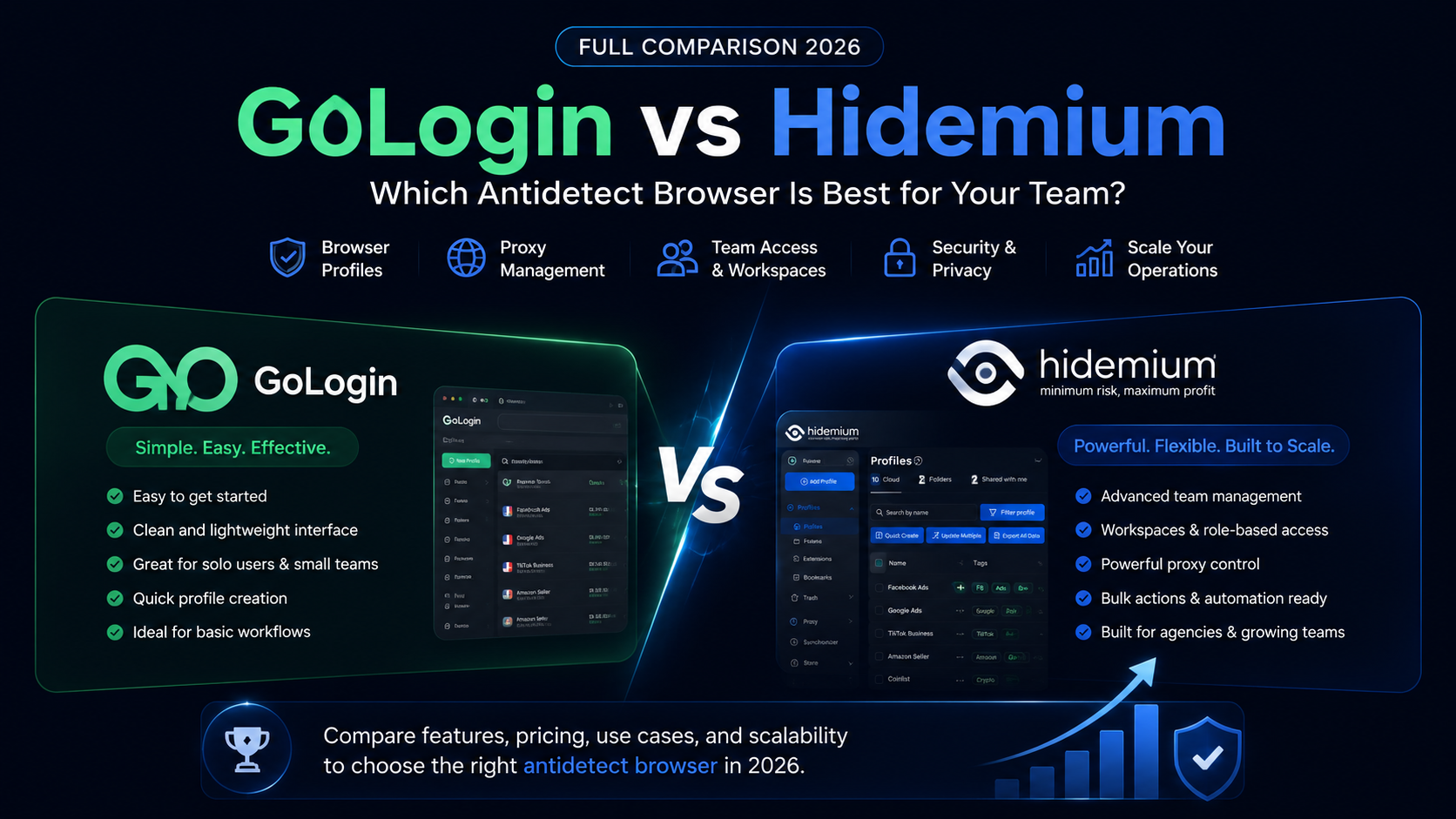
GoLogin vs Hidemium: quick answerGoLogin vs Hidemium is a comparison between two antidetect browser platforms used for browser profiles, proxies, and multi-account workflows. GoLogin is often considered by users who want a simple and accessible way to start managing browser profiles. Hidemium is a stronger fit for teams that need structured workspaces, proxy visibility, team access, profile[…]
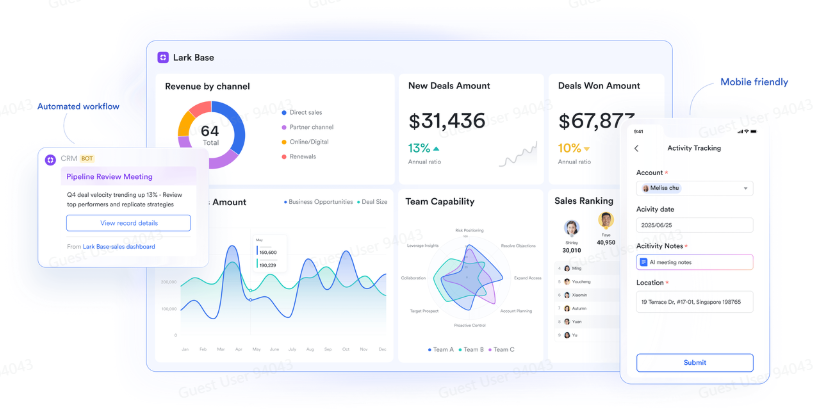
Agility in business used to mean fast reactions—responding quickly to change. Today, agility means anticipation: the ability to see patterns before they unfold and act with precision. Yet this level of awareness can't come from instinct alone. It comes from data—and more importantly, from how that data moves between people, processes, and decisions.A CRM app may reveal customer behavior, but[…]
.png)
GoLogin, one of these Antidetect Browser oldest and popular, has established a strong position in protecting online identities and maintaining anonymity while browsing the web. However, with increasingly strong competition from competitors with modern technology, attractive prices and more intuitive interfaces, is GoLogin really worth the investment? Let's find out the details to make the right[…]
The proxy bill is what caps your operationAnyone running accounts at scale hits the same wall, and it isn't a technical one. It's arithmetic.Say you need 200 isolated profiles, each with its own dedicated residential IP. Buy those IPs directly from a major provider and you're looking at a serious monthly line item, plus separate accounts at three or four providers, because no single one covers[…]
