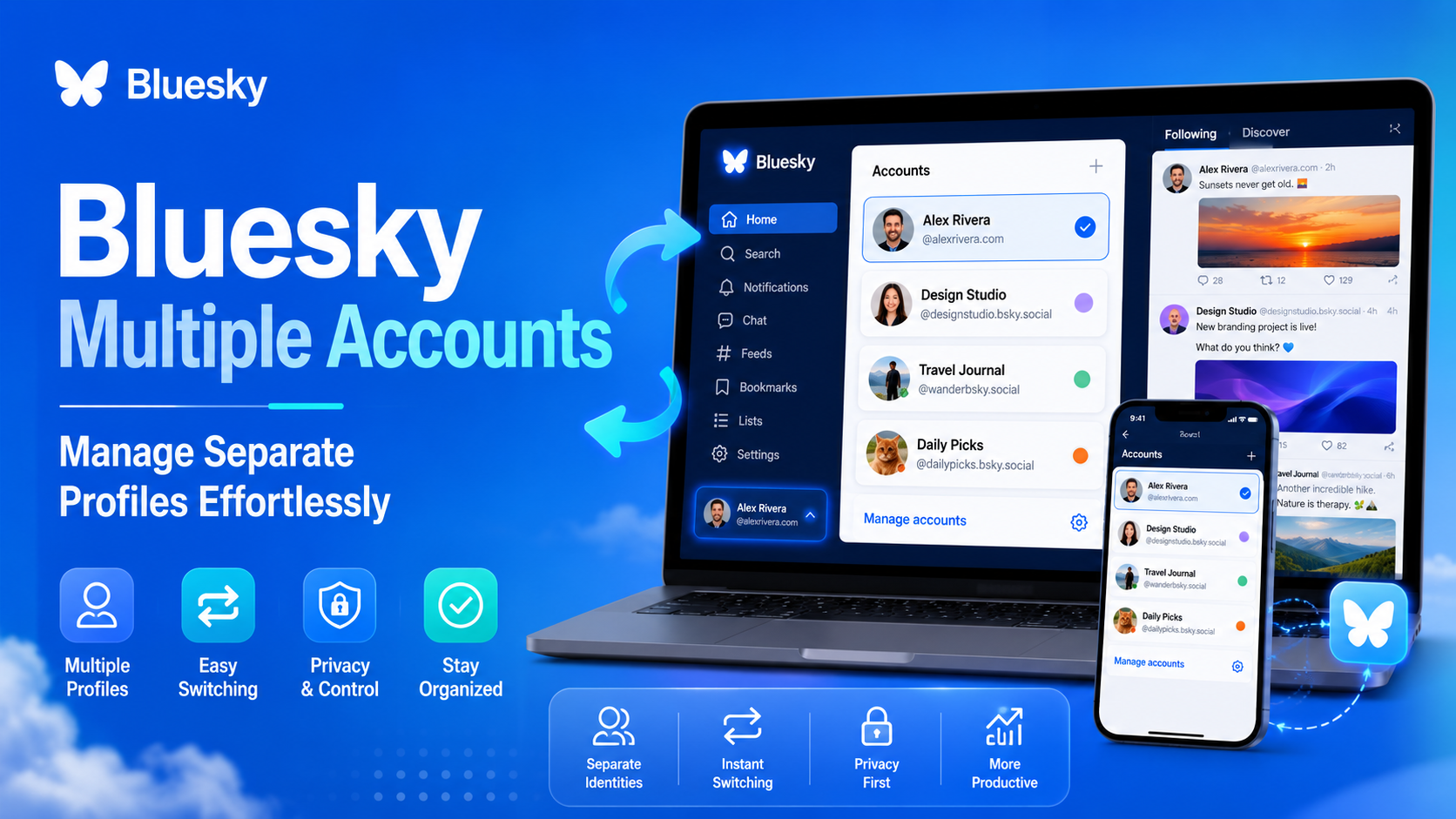

Have you ever wanted to share your weekend gardening projects, but felt awkward posting them right next to your professional networking updates? Keeping personal and professional spaces separate creates much-needed mental clarity and focus — and if you've ever wondered can you have multiple Bluesky accounts to solve this clutter?, the answer is a resounding yes.
In practice, managing two personas is as seamless as turning to face a different desk in the same office. Using Bluesky multiple accounts means the app remembers your different logins simultaneously. You can instantly flip between a private personal feed and a public community profile with a single tap — completely eliminating the frustration of logging out and retyping passwords every time you switch gears.
Setup takes only seconds, whether you're tapping through the mobile app or browsing on desktop. Soon, you'll confidently juggle unique interests while knowing exactly which audience you're speaking to at any given moment.
Why Keeping Your Professional and Private Bluesky Lives Separate Saves Time and Stress
Keeping work updates and personal hobbies apart is the most effective way to reduce social anxiety around posting. By setting up distinct profiles, you create healthy boundaries that let you post freely without worrying about who might be watching.
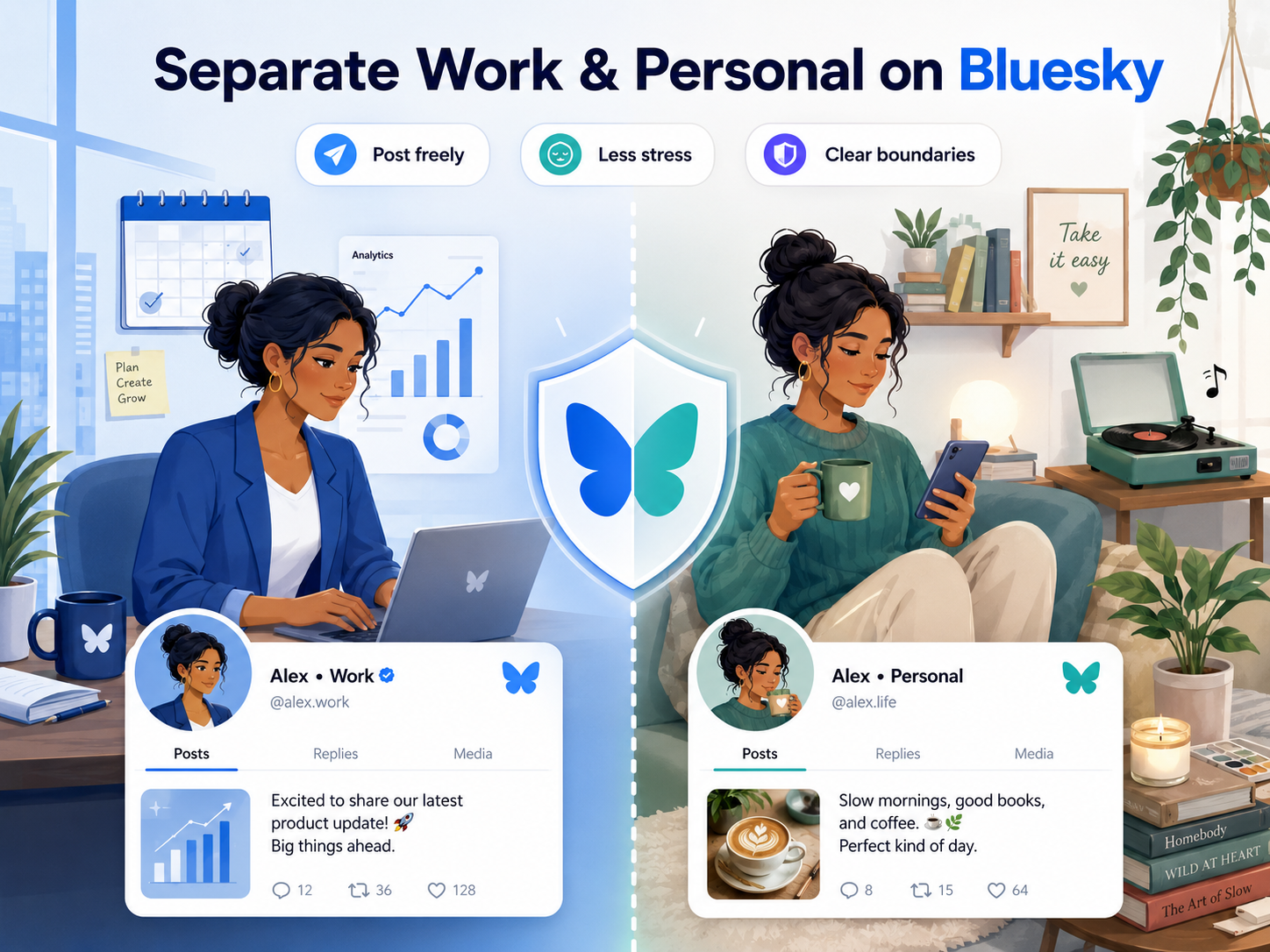
Your Audience Gets a Cleaner, More Focused Feed
People generally prefer to follow accounts that stick to a predictable theme. If someone follows you for real estate tips, they might scroll past weekend sports posts. When you focus on organizing different Bluesky personas, your audience receives exactly what they signed up for — making them far more likely to stick around and engage with your content.
Your Personal Feed Becomes More Intentional
Beyond what you share, this separation dramatically improves what you see when you open the app. The benefits of separate professional and personal Bluesky feeds become obvious once you want to read industry news during the day, then switch to pure entertainment in the evenings.
Step-By-Step: Adding Your Secondary Account to the Bluesky Mobile App
Managing a personal account and a brand profile doesn't mean constantly typing passwords. Linking profiles takes under sixty seconds. Once you link another Bluesky profile in the mobile app settings, you'll never have to log out entirely just to check a different feed.
How to Connect Multiple Profiles in Seconds
Finding the account switcher menu is easy once you know where to look. To get both personas running side-by-side, follow these quick steps:
- Open the side menu by tapping your profile picture.
- Tap the small downward-pointing arrow next to your username.
- Select "Add account" from the pop-up options.
- Enter your secondary account's handle and password.
That's all it takes to connect them securely. To switch accounts on Bluesky moving forward, simply tap that same arrow — your second profile will be waiting in the list. One tap flips your entire view, keeping your separate lives instantly accessible.
Before rushing to set this up, you might hit a common roadblock if you haven't actually registered that second persona yet.
The One-Email Dilemma: Can You Use the Same Address for Multiple Accounts?
When setting up a fresh profile, many users wonder: can you have multiple Bluesky accounts on one email? The short answer is no — the platform uses your email address as a unique security key for password resets. If two profiles shared the same address, the system wouldn't know which account you were trying to recover during a lockout.
.png)
The Email "Plus Trick" That Solves Everything
Fortunately, you don't need to register a brand-new inbox for a hobby profile. By adding a plus sign and a descriptive word before the @ symbol — like jane+garden@gmail.com — the app reads it as a completely new registration. Every notification for that second persona will drop safely into your primary inbox. This clever shortcut makes running Bluesky multiple accounts on the same email entirely feasible, saving you the hassle of juggling multiple inboxes.
Effortless Switching: How to Flip Between Profiles in Under Two Seconds
Juggling a personal timeline and a hobby feed shouldn't feel like a chore. Once your personas are set up, switching between Bluesky accounts without logging out is incredibly fast. You never even have to leave your current spot in the feed to check on your other audience.
Three Ways to Switch Profiles Instantly
To manage multiple Bluesky profiles on one device, the app offers three convenient paths:
- The Side Menu: Tap your avatar in the corner to open the main menu, then select your alternate handle.
- The Settings Menu: Navigate to Settings and tap "Switch Account" for a full list of logged-in profiles.
- The Long-Press Shortcut: Hold down the profile icon on the bottom navigation bar for two seconds to instantly pop open a quick-jump menu.
After selecting your desired persona, glancing at the bottom navigation bar icon will always confirm who you're currently acting as — a quick visual habit that prevents accidental posts to the wrong audience.
Avoiding the 'Wrong Account' Nightmare: How to Verify Your Active Profile Before Posting
We've all panicked after realizing a casual joke just went live on our professional page. While the Bluesky account switcher makes flipping between personas incredibly fast, it does introduce the minor risk of posting to the wrong audience.
Building a reliable visual habit eliminates this worry entirely. Before typing your message, run through this quick pre-post checklist:
- Look at your profile bubble icon next to the composer area.
- Verify the specific handle displayed inside the "What's happening?" box.
- Confirm the post button color or theme matches your active profile.
Mistakes can still happen, but fixing them is painless — simply delete the post, switch personas, and share it again. This same discipline applies when you're managing accounts across platforms, not just Bluesky.
Beyond the App: Using Third-Party Tools for Professional Multi-Account Management
Flipping back and forth between profiles works well for casual use, but sometimes you need to see everything at once. This is exactly what third-party Bluesky clients with multi-account support offer — securely connecting to your existing logins to give you a broader, real-time view of all your personas simultaneously.
When You Need a More Powerful Workflow
For users who manage multiple social media accounts professionally — such as in e-commerce, affiliate marketing, or social media agency work — a more robust setup becomes essential. An antidetect browser like Hidemium goes several steps further than simple profile switching. Rather than just toggling between accounts inside one app, Hidemium isolates each browser profile with a completely separate fingerprint, proxy, cookie jar, and login environment — making it ideal for managing accounts at scale without the risk of cross-contamination or platform bans.
This approach is especially valuable if you're running Bluesky accounts alongside other platforms simultaneously. If you're curious about how browser identity affects account management, the article on browser fingerprint testing is a great starting point to understand exactly what platforms can detect about your device.
Claiming Your Identity: Why a Custom Domain Handle Matters
New users frequently wonder: can you have more than one Bluesky handle when managing different areas of your life? The answer is yes — and you can even upgrade standard usernames into verified digital business cards using a domain you already own. Instead of a generic label ending in .bsky.social, your professional account can display @yourwebsite.com, proving instantly that you are who you claim to be.
This unique verification becomes especially helpful when separating your public work from personal passions. Reserve your custom web address strictly for your verified professional profile — your audience will immediately recognize which voice represents your official brand and which is just for fun. Owning your username ultimately gives you a portable identity that belongs entirely to you, no matter how many profiles you manage.
.png)
Mastering the Multi-Account Workflow: Your Next Steps for a Cleaner Feed
The days of worrying about posting out of context are over. You no longer need to choose between sharing professional milestones and weekend hobbies. Managing multiple Bluesky accounts isn't a workaround — it's a safe, built-in feature designed to give you full control over your digital workspace.
Your Action Plan Starts Here
Ready to organize your social media life? Take the first step with this simple progression:
- Audit your interests: Decide which parts of your life deserve a dedicated space and audience.
- Create the second account: Use the email plus-sign trick to register a new handle without needing a new inbox.
- Link them in the app: Add the new profile to your device so you can switch channels effortlessly.
As your social media presence grows — especially if you're running accounts across multiple platforms — consider exploring tools built for scale. Users who manage accounts professionally often compare antidetect browser options to keep each account fully isolated, protected, and running smoothly. It's the next logical step once basic profile-switching is no longer enough.
You are now fully equipped to curate your online presence exactly how you want it — keeping your communities focused and your passions beautifully separated.
Related Blogs
.png)
Due to the nature of Telegram, large-scale Airdrop games cannot run on browsers and can only be played on mobile devices, causing inconvenience for players, especially with games like Hamster Kombat. To address this issue, Hidemium has developed an exclusive extension to Bypass Telegram Game Bots. This tool allows users to easily participate in Telegram Airdrops directly from the browser, saving[…]

Social media managers are tasked with producing a lot of content. Many platforms, many formats, one brand voice, daily or nearly daily publishing, all at once. Most of them now use some form of AI to help with at least a portion of that workload. There's nothing inherently wrong with using AI. The problems arise when AI-generated posts go live without getting a real editorial pass. The post that[…]
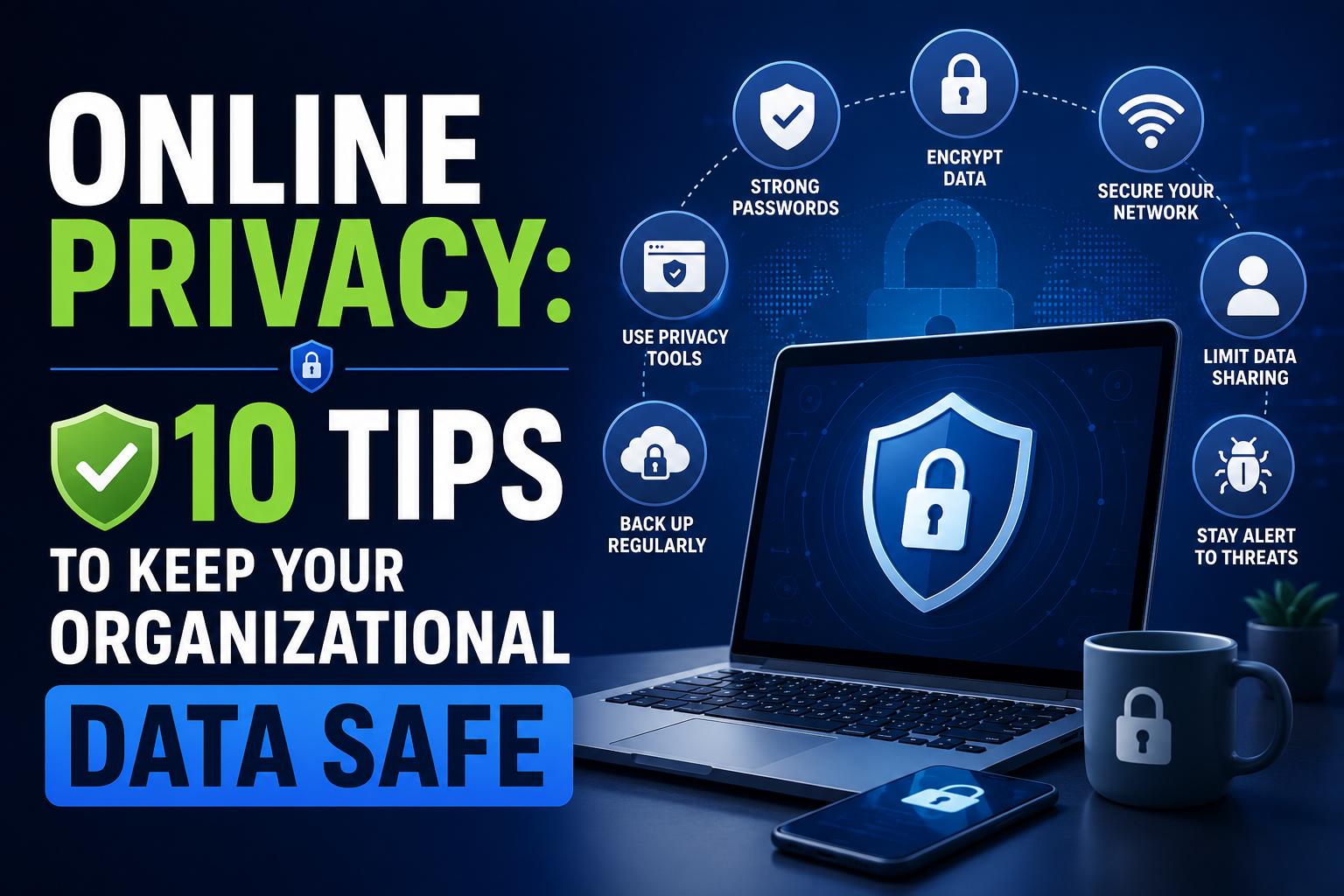
Data represents a valuable asset for any organization. Financial records, employee details, and proprietary information all require protection. The boundaries of data security have shifted because cloud solutions and remote work continue to expand. Protecting this information demands a comprehensive approach to online privacy and security across the entire organization.Financial penalties,[…]

You are looking for information about “What is SAN”and how can this technology help businesses optimize data management? In the era of explosive data development, Storage Area Network (SAN) is considered an ideal storage solution for organizations that need to process and protect large amounts of information. Hidemium Antidetect Browser will help you to learn more about what SAN is, and why more[…]

In the context of relationships with cyber security threats as cyberattacks continue to increase, protecting small businesses from cyberattacks has become a top priority. 2025 marks a turning point with many advanced technology solutions that help small businesses improve their defenses without spending too much money.This article Antidetect Browser Hidemium will introduce Top 13 Cyber Security[…]

What Is Web Scraping?Web scraping is the automated process of extracting data from websites. Instead of manually copying information from web pages, web scraping tools send HTTP requests to websites, parse the HTML content, and extract structured data — which can then be saved to a database, spreadsheet, or used directly in applications.In 2026, web scraping has become an essential capability for[…]
