
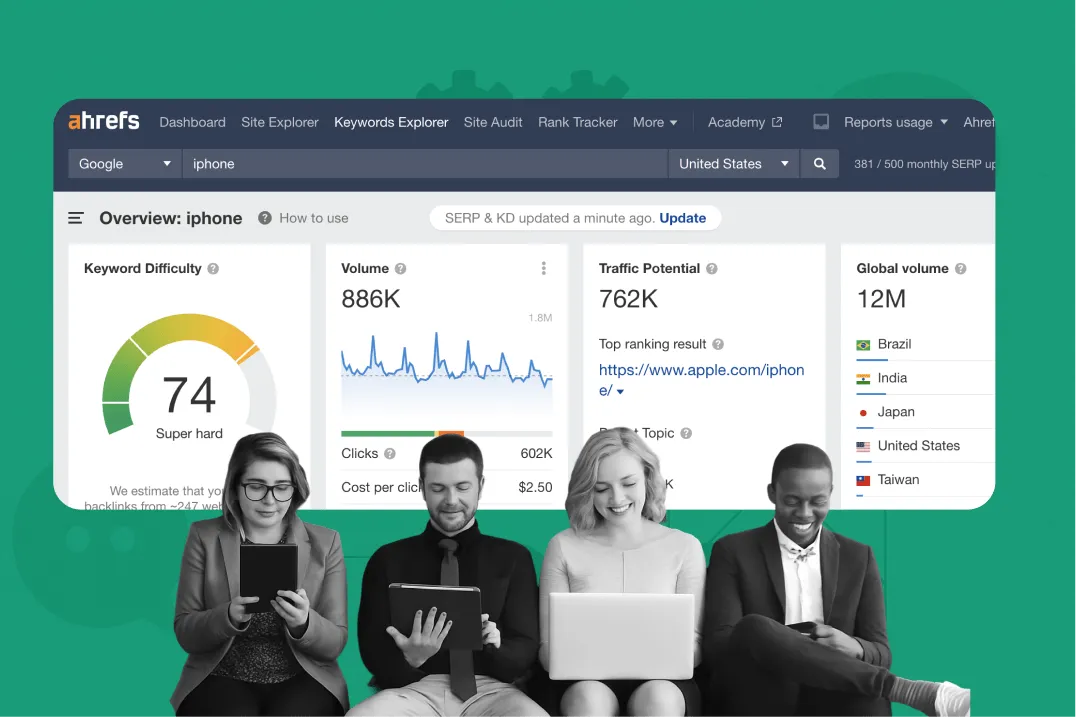
In the SEO space, many businesses and agencies build blogging strategies from scratch, focusing on optimizing website rankings through quality content. However, a common challenge is Manage multiple Ahrefs accounts for multiple clients or share access that no additional user fees for Ahrefs.
Hidemium who share how Share Ahrefs account safely, comply with terms and avoid the risk of being locked out. After testing many solutions, I found a method that helps Manage multiple Ahrefs accounts on the same device, eliminating the need for complicated password sharing and minimizing security risks.
1. Common reasons for sharing Ahrefs accounts
Most of SEO experts, freelancers and agencies have all been in a situation where they needed to grant Ahrefs access to someone else. The reason lies not only in cost savings but also in the need for real collaboration.
1.1 Managing multiple clients (Freelancer/Agency)
Many clients want to use their own Ahrefs account to track keyword data and analyze their website. They often share their login information with freelancers or agencies, who often operate multiple accounts on the same device. However, this poses a risk of account suspension (the reasons for this will be explained later).
1.2 Temporary collaboration between freelancers
With independent freelancer, sometimes you need to allow colleagues, partners or virtual assistants (VA) temporary access to view reports, check keywords without registering a new account.
1.3 Save on additional user costs
Ahrefs charges $40–$100 per additional user, which is sometimes not worth it for small teams if the only purpose is to view dashboards or data reports.
In any case, the goal is still to increase cooperation efficiency, save time and money, and get the most out of Ahrefs – the leading keyword analysis and SEO tool. Luckily, there are solutions to help you do that without worrying about account lockout, access cancellation, or having to constantly verify via email.
>>> Learn more: What is Proxy SEO? Top 5 Best SEO Proxy Providers in 2025
2. Ahrefs 2025 account sharing policy & pricing
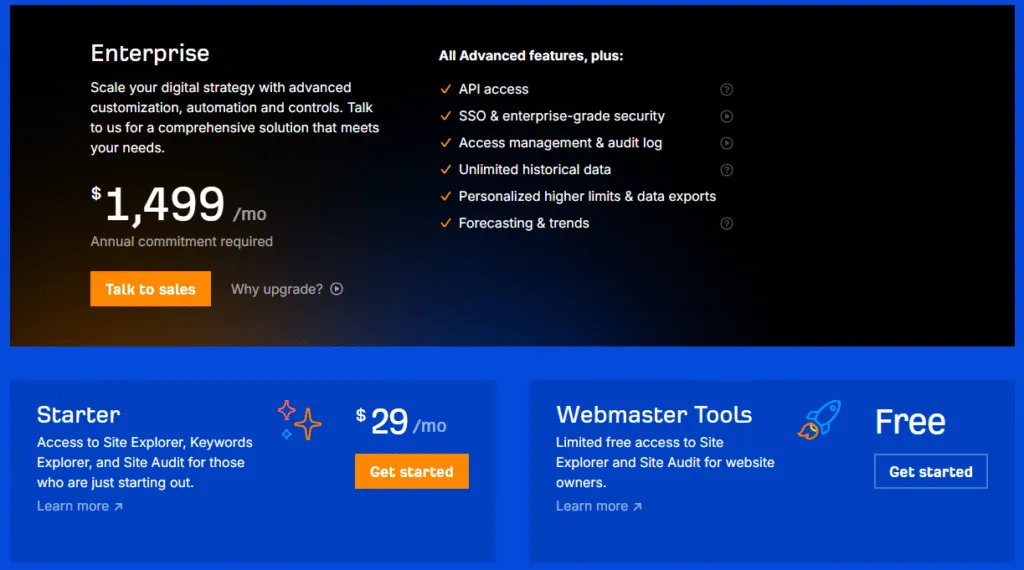
Ahrefs Currently offers 4 main service packages: Lite, Standard, Advanced and Enterprise. The important difference is Each package allows only one primary user, if you want to add additional users, you need to pay the following rates:
Lite Package – $129/month: Includes 1 user. Up to 2 additional users can be added, each +$40/month.
Standard Package – $249/month: Includes 1 user. Up to 5 users can be added, each +$60/month.
Advanced Package – $449/month: Includes 1 user. Up to 10 users can be added, each +$80/month.
Enterprise Package – from $14,990/year: Includes 3 users. Unlimited users can be added for +$100/month/user.
According to Terms and Conditions of Ahrefs, they share the same login information with multiple people To be strictly prohibited. The regulation clearly states:
"Your login credentials are for single use only. Sharing them with multiple people is not permitted. Ahrefs reserves the right to suspend or revoke access if violations are detected."
Ahrefs Help Central warning: whenTo share an account, you will have toContinuous email confirmation and Only one person can log in at a time.
Conclude: If you want multiple people to use Ahrefs, the safest and most compliant solution is to Upgrade your package or buy more user slots. This allows you to take full advantage of the power of Ahrefs without worrying about your account being locked.
>>> Learn more: TOP 10+ free and most effective Facebook SEO software in 2025
3. 5 Popular Ways to Share Ahrefs Accounts
From experience working with freelancers and agencies, I find there are many ways to share ahrefs account access. Some methods are officially supported by Ahrefs, while others are just community-created tips.
3.1. Invite users via Ahrefs groups feature
The safest and most convenient way – if budget allows – is to Upgrade to multi-user support package, then invite colleagues to join your workspace. Each member will be given a private login account under your admin rights and can use Ahrefs at the same time.
This method fully compliant with policy by Ahrefs. The only drawback is that high cost due to the additional charge for each seat. If budget is not an issue, this is the optimal solution. However, if you want to save money, please refer to the other options below.
3.2. Directly sharing login information (Not recommended)
Some people choose the simple way Provide username and password for others. However, this way not recommended because:
Violation Terms of Service by Ahrefs
Only allowed a user at the same time
Frequently asked verify new device or IP
Potential serious security risk
The above limitation makes account sharing inconvenient and inefficient.
3.3. Shared IP or VPN
A tip mentioned on the forum BlackHatWorld is: “Use the same city if purchasing a shared account”. Specifically, both parties can connect to the same VPN server located in the same city, helping Ahrefs identify them as a single user.
However, this method still requires sharing login information and agreeing on usage times. Additionally, if VPN disconnected or forget to enable before accessing, the account is at risk of being locked.
>>> Learn more: What is API Automation? A Comprehensive Guide to Optimize Your SEO
3.4. Use remote desktop to share Ahrefs
One of the widely used methods, not only for Ahrefs but also for many other online tools, is to use remote computer control applications or virtual machines that can be accessed by multiple people.
For example, you can install Ahrefs on your personal computer or cloud virtual machine, then share access to team members via remote control software.
In principle, all members work on the same “device” with Ahrefs already logged in. This helps maintain Stable login sessions because the system only recognizes a single device. However, this method also has disadvantages such as slow access speed, costly to maintain, and complicated to manage and operate remote computers.
3.5. Share Ahrefs account safely with Hidemium
According to practical experience, Hidemium is the solution safest and most optimal to share one or more Ahrefs accounts. This method completely overcomes the problems of traditional sharing, allowing multiple people to access without being logged out or triggering security alerts.
Hidemium works by creating a virtual browser profile with permanent fingerprint (device fingerprint) and private access environment. Just one person logs into Ahrefs on this profile, then shares the profile with other members, they can use it immediately without password.
Outstanding advantages when using Hidemium:
Share one or more Ahrefs accounts at the same time
Allow teammates access without sharing passwords.
Manage all accounts (Ahrefs, social media, etc.) on a single control panel.
Flexible authorization, control access level for each member.
In the next section, we will explore the details How Hidemium Works and why this is the top solution for safe and effective Ahrefs account sharing.
>>> Learn more: 17 Amazon SEO Tools to Help Your Products Stand Out and Increase Sales
4. How to share Ahrefs account via Hidemium
Share Ahrefs account equal Hidemium is the optimal solution to help SEO teams work effectively, secure information and save costs. Below are detailed step-by-step instructions:
Step 1: Install and register Hidemium
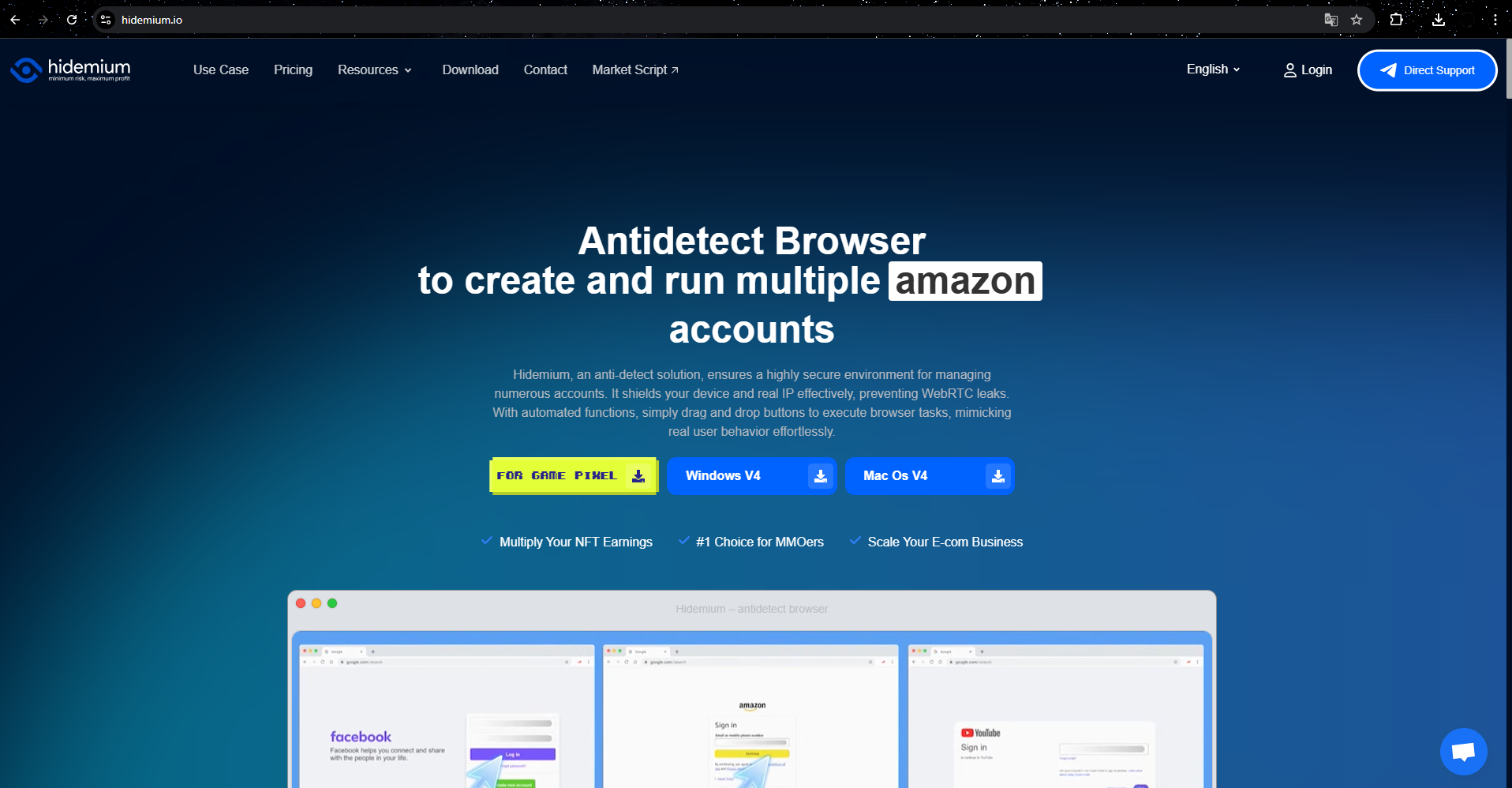
Download the Hidemium app to your device, register an account and complete the initial setup.
Step 2: Create a separate browser profile for Ahrefs
In Hidemium, select “Add profile”, name the profile asAhrefs Accountand customize browser fingerprint (browser type, operating system, etc.) to simulate a real device environment. Usually, the default settings will serve your needs well.
Step 3: Login to Ahrefs
Launch the newly created profile, Hidemium will open a separate browser window. Go to ahrefs.com and log in with your account.
Step 4: Save your session
Close the browser window. Hidemium will automatically save cookies and login data, helping you stay logged in for subsequent visits without having to re-enter information.
Step 5: Share your profile with teammates
In your “Ahrefs Account” profile, click on the three dots→ select Share.
Enter your teammate's Hidemium account email → set access permissions → send invitation.
Invitees need to have Hidemium (including the free trial available). Once they accept the email invitation, the shared profile will appear in their account. When they launch the profile, they'll access Ahrefs right in the environment you set up, No password or verification code required.
Benefits of sharing Ahrefs via Hidemium
Save time: No need to log in multiple times.
High Security: Do not share passwords directly.
Effective teamwork: Multiple members can use the same session.
Multi-application: Besides Ahrefs, it can be applied to other SEO tools.
Using Hidemium for Ahrefs helps you and your team Optimize teamwork processes, improve performance and ensure data security.
5. Types of accounts that can be safely shared with Hidemium
HidemiumNot only does it help optimize costs when using Ahrefs, but it also applies effectively to many paid tools, social networks and sensitive platforms. Here are some typical cases:
Upwork & Freelancer: Allow team members to securely access your profile, without worrying about security risks or account lockouts due to different IP addresses.
Fiverr & freelance platforms: Easily share access to process orders or communicate with customers, ensuring stable connections and secure login sessions.
Similarweb, Semrush & SEO tools: Instead of spending a lot of budget on expensive tools, Hidemium allows you to share access without logging out, saving costs for businesses.
Social & Business Accounts: Manage multiple Facebook, LinkedIn… accounts through separate browser profiles, ideal for agencies and media companies.
Overall, Hidemium is the ideal solution for any situation that requires Shared account but limited access, include Amazon Seller Central, data analysis tools and many other important platforms.
>>> Learn more: Best Antidetect Browser: Top Pick for Managing Multiple Accounts
6. Conclusion
With Hidemium, you can share your Ahrefs account with your team without creating additional users or revealing your password. This is methodfast - secure - effective, and is compatible with most other online tools.
If you are looking for a safe alternative to share passwordor fear of risk when buy shared account, Hidemium is optimal choice helps you protect your data and maximize your productivity.
Related Blogs
.png)
Why You Might Need Two Venmo AccountsWhether you are launching a new side hustle, organizing payments for a community group, or simply trying to separate your weekend spending from your professional income, you might find yourself wondering about the logistics of your digital wallet. If you are asking yourself, can I have two Venmo accounts, you are certainly not alone. As our financial lives[…]
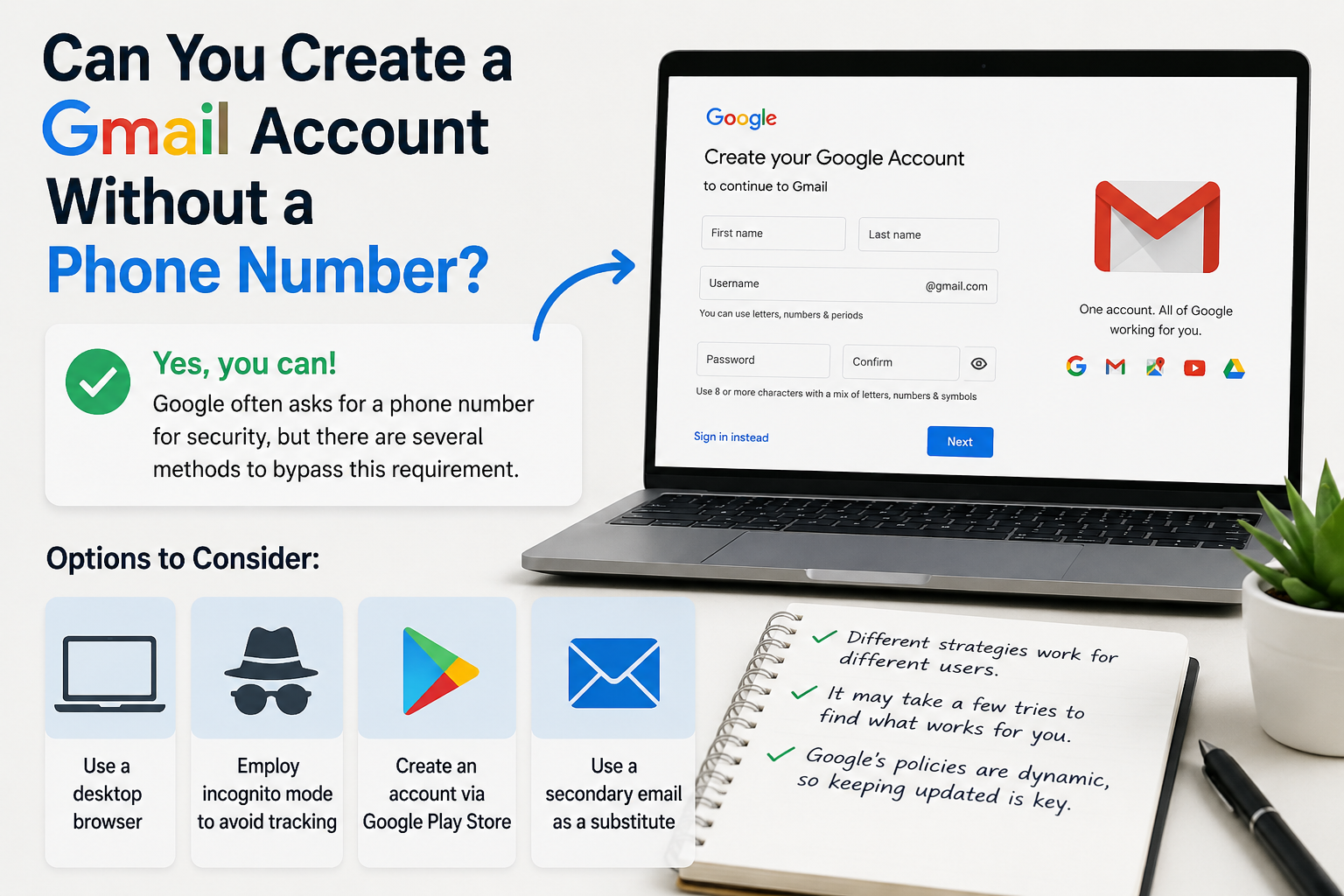
Create gmail with no phone numberCreating a Gmail account without a phone number is possible. Many users prefer this for privacy reasons.Google often requests a phone number for verification. However, there are ways to bypass this step.This guide will show you how to create a Gmail account without providing a phone number.We will explore different methods and tips to achieve this.Whether you're[…]
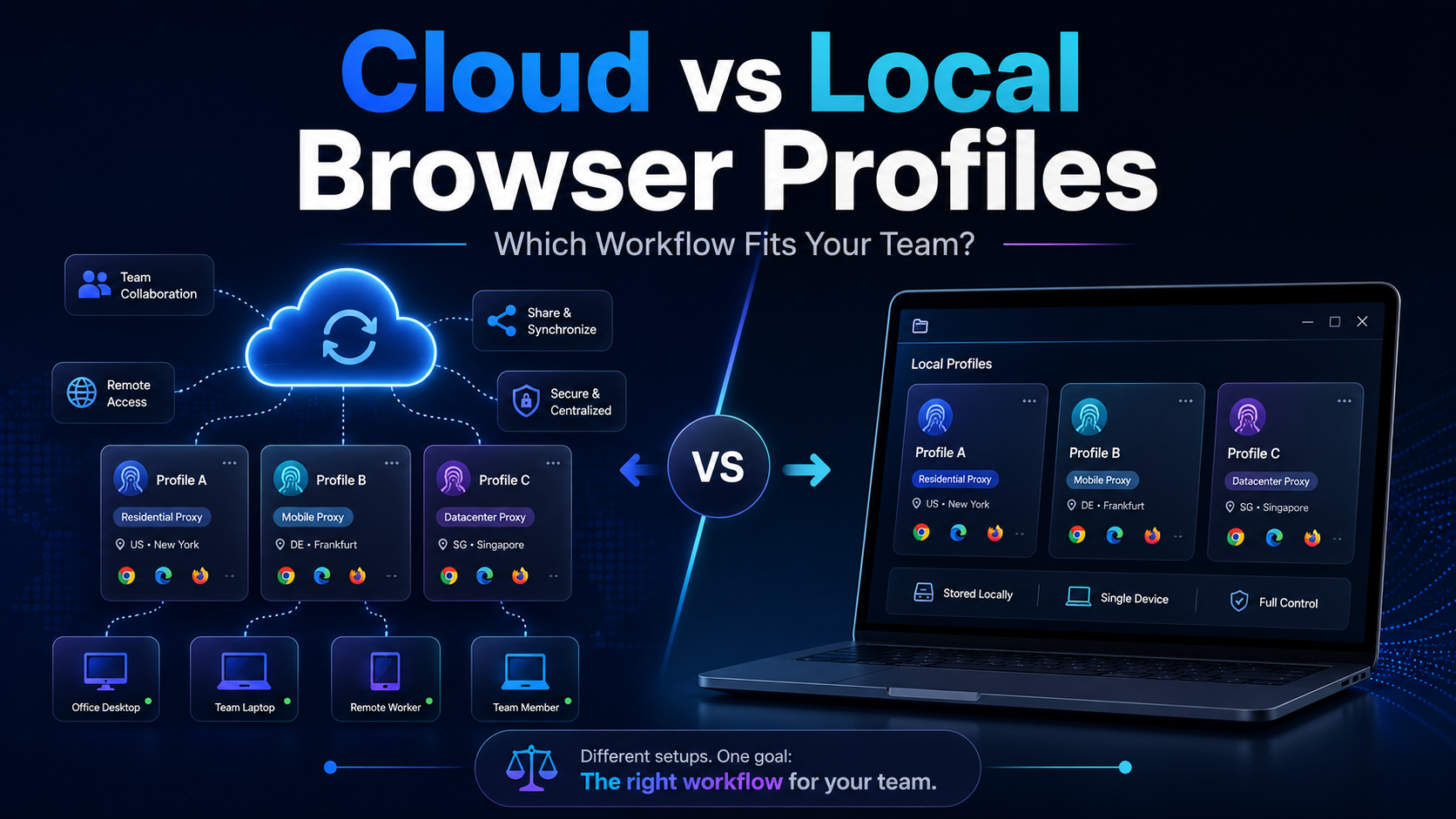
Cloud vs Local Browser Profiles: Which Workflow Fits Your Team?When a team starts managing multiple browser profiles, one of the most important decisions is whether to use cloud profiles or local profiles.Local profiles can be attractive because profile data is primarily stored and operated on the user's device, providing more direct control and reducing reliance on synchronization. Cloud[…]

Changing a VPN is an important solution to help users stay anonymous, secure personal information, and access regionally blocked websites. Especially in the digital age, when privacy threats are increasing, using a VPN is a smart choice to protect your identity online. Together Antidetect Browser Hidemium Learn how to change VPN simply and effectively on both computers and laptops.1. Instructions[…]

In today’s multi-platform environment—across Facebook, Google, Amazon, TikTok Ads, and more—managing large numbers of accounts has become increasingly complex. Many individuals and businesses face unstable account performance and frequent suspensions due to overlapping login environments or poorly controlled behavior. As account volume grows, issues such as shared environments, duplicated[…]
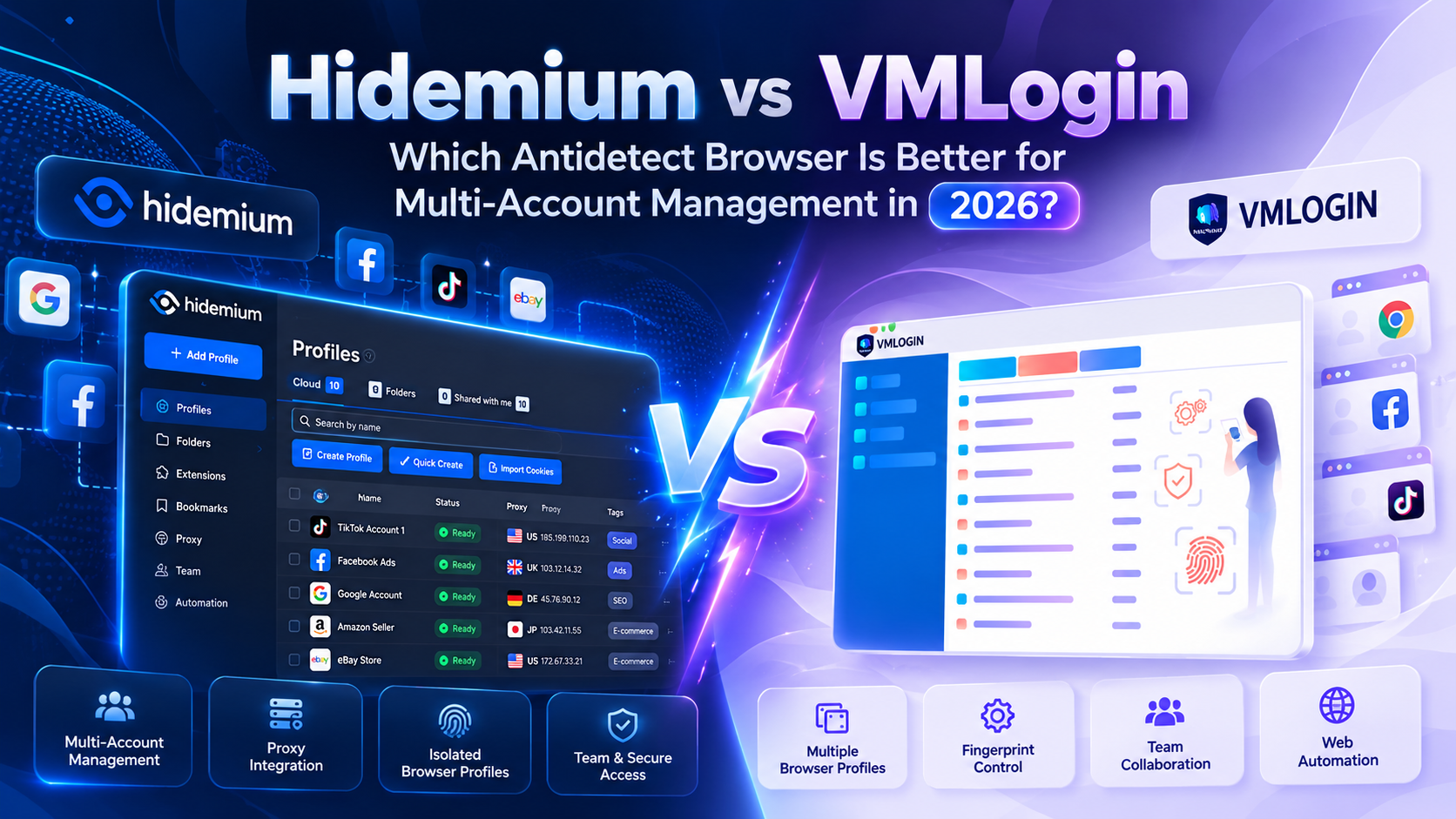
Managing multiple online accounts has become increasingly common in digital marketing, affiliate marketing, and e-commerce. However, as the number of accounts grows, maintaining separate browser environments, managing data, and performing repetitive tasks can become more complicated.To address these challenges, many users turn to antidetect browsers such as Hidemium and VMLogin. Both support[…]
