
Are you looking for a way to access websites restricted at school, work, or in your region? Unblocked browsers and related browsing tools may help in certain situations by using proxy servers, privacy networks, or alternative connection methods.
However, not every browser works the same way. Some tools focus on privacy and accessing restricted content, while antidetect browsers such as Hidemium specialize in managing browser fingerprints, proxies, and separate browsing profiles.
In this guide, we'll explore five browsing solutions, compare their key features and limitations, and help you choose the right tool for your needs.
1. What Are Unblocked Browsers?
An unblocked browser is a broad term for a browser or browsing solution that may help users access websites restricted by internet service providers (ISPs), network administrators, geographic limitations, or other access controls.
Depending on the technology, these tools may use proxy servers, privacy networks such as Tor, or other methods to establish alternative connections.
It is important to understand that not all unblocked browsers work in the same way. For example, an antidetect browser focuses on managing browser fingerprints and separate browsing environments, while a proxy changes the route through which supported traffic reaches a website.
No browser can guarantee unrestricted access to every website. The results depend on the type of restriction, network configuration, and website security policies.
2. How to Choose the Right Unblocked Browser
Before choosing a browser, consider the following factors.
2.1. Compatibility
Check whether the browser supports your operating system and device, including Windows, macOS, Linux, Android, or other platforms.
Compatibility is especially important if you work across multiple devices or manage several browser environments.
2.2. Security Features
Security and privacy are essential when using alternative browsing solutions.
Look for features such as:
- Data protection: Understand whether connections are encrypted and how user data is handled.
- Tracking protection: Check whether the browser provides safeguards against online tracking.
- Cookie management: Review how browsing sessions and cookies are stored.
- Regular updates: Choose software that receives security patches and maintenance.
For additional guidance, explore these tips for protecting personal information with antidetect browsers.
2.3. Legal Compliance
Make sure the browser and your intended use comply with applicable laws, workplace policies, and network access rules.
Some organizations restrict certain websites or connection methods for security reasons. Understanding these restrictions is important before selecting a solution.
2.4. Proxy Support and Reliability
If you need to manage different IP connections, check whether the browser supports proxy configuration.
A reliable proxy setup may help you organize browsing environments, but proxy quality, connection stability, and the provider's privacy practices are equally important.
3. Best Browsers to Bypass Blocked Websites
Below are five browsers and browsing solutions with different features and intended uses.
3.1. Hidemium
Hidemium is an antidetect browser designed for managing multiple browser profiles, configuring browser fingerprints, integrating proxies, and supporting automation workflows.
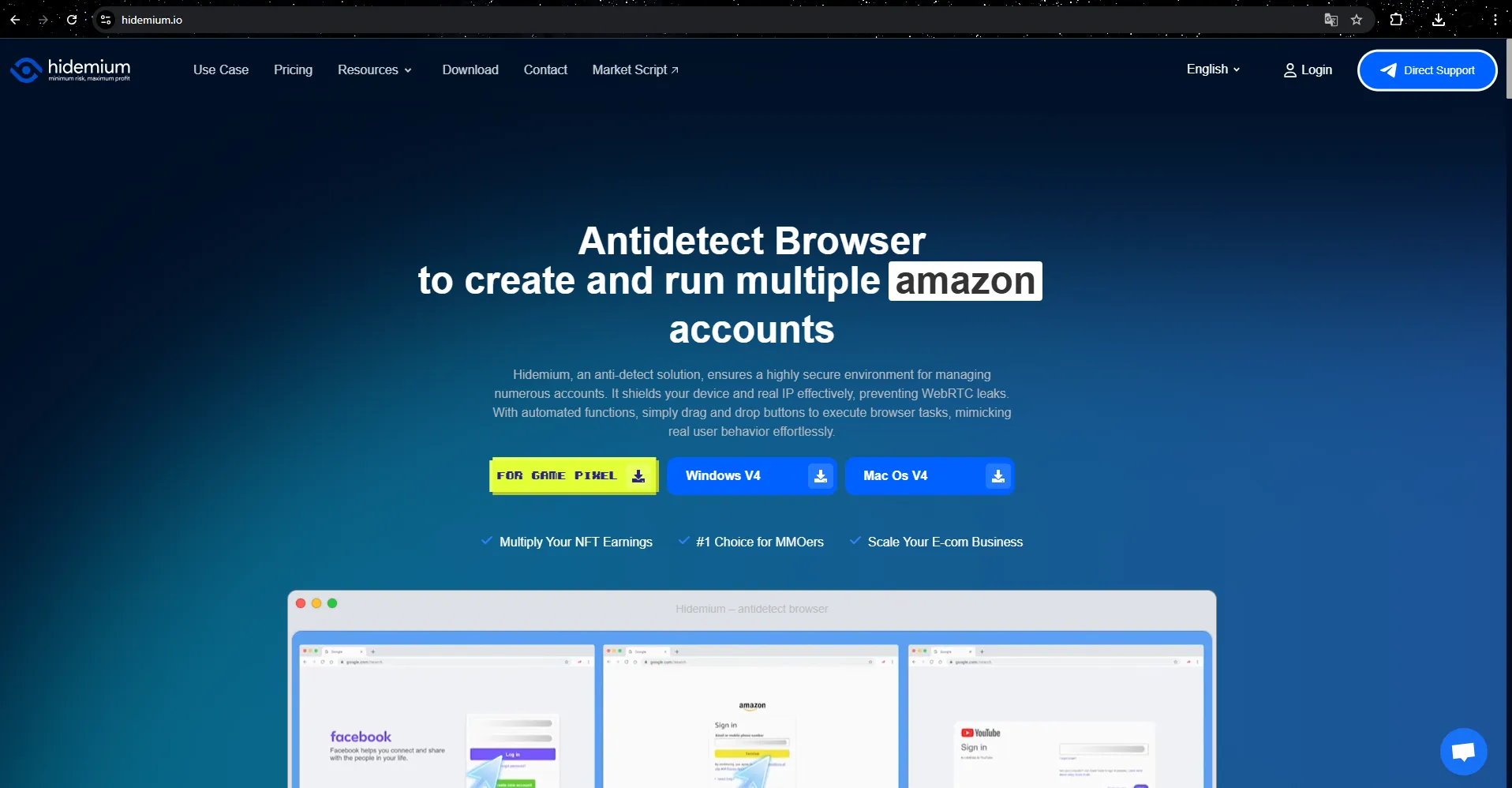
It is particularly useful for digital marketing teams, e-commerce businesses, and professionals who need to organize multiple browsing environments.
Managing Diverse Browser Profiles
Hidemium allows users to create and manage separate browser profiles with individual settings such as cookies, language, time zone, screen resolution, proxy configuration, and browser fingerprint parameters.
These independent environments help users organize account management workflows and reduce interference between browsing sessions.
Profile and folder sharing features can also support team collaboration.
Browser Fingerprint Management
A key feature of Hidemium is its ability to configure browser fingerprint characteristics across different profiles.
Browser fingerprints may include operating system information, screen resolution, language, time zone, and other technical characteristics that websites can use to distinguish browsing environments.
Hidemium supports managing these parameters alongside individual proxy configurations.
However, changing a browser fingerprint does not automatically change an IP address or bypass network-level restrictions. Those functions depend on the connection method and proxy settings.
Powerful Automation Features
Hidemium supports browser automation to help streamline repetitive workflows such as navigating websites, filling forms, and managing routine browser tasks.
Automation can reduce manual work for teams operating multiple browser environments.
Cookie and Session Management
Each profile can maintain its own browsing data and cookies, helping users organize independent sessions.
Proper session management is useful for maintaining separate workflows and avoiding accidental mixing of account data.
Cross-Platform Support
Hidemium provides desktop browser management features. Users should check the official website for the latest supported operating systems, pricing, free trial conditions, and profile limits.
Best for: Digital marketing, e-commerce, MMO workflows, multi-profile management, and browser automation.
Main limitation: Hidemium is not a universal website-unblocking tool. Access to restricted websites depends on the network environment and connection configuration.
For a practical setup example, see this step-by-step guide to configuring proxies in Hidemium.
3.2. GoLogin
GoLogin is an antidetect browser designed to help users create and manage multiple browsing profiles with separate fingerprint configurations.
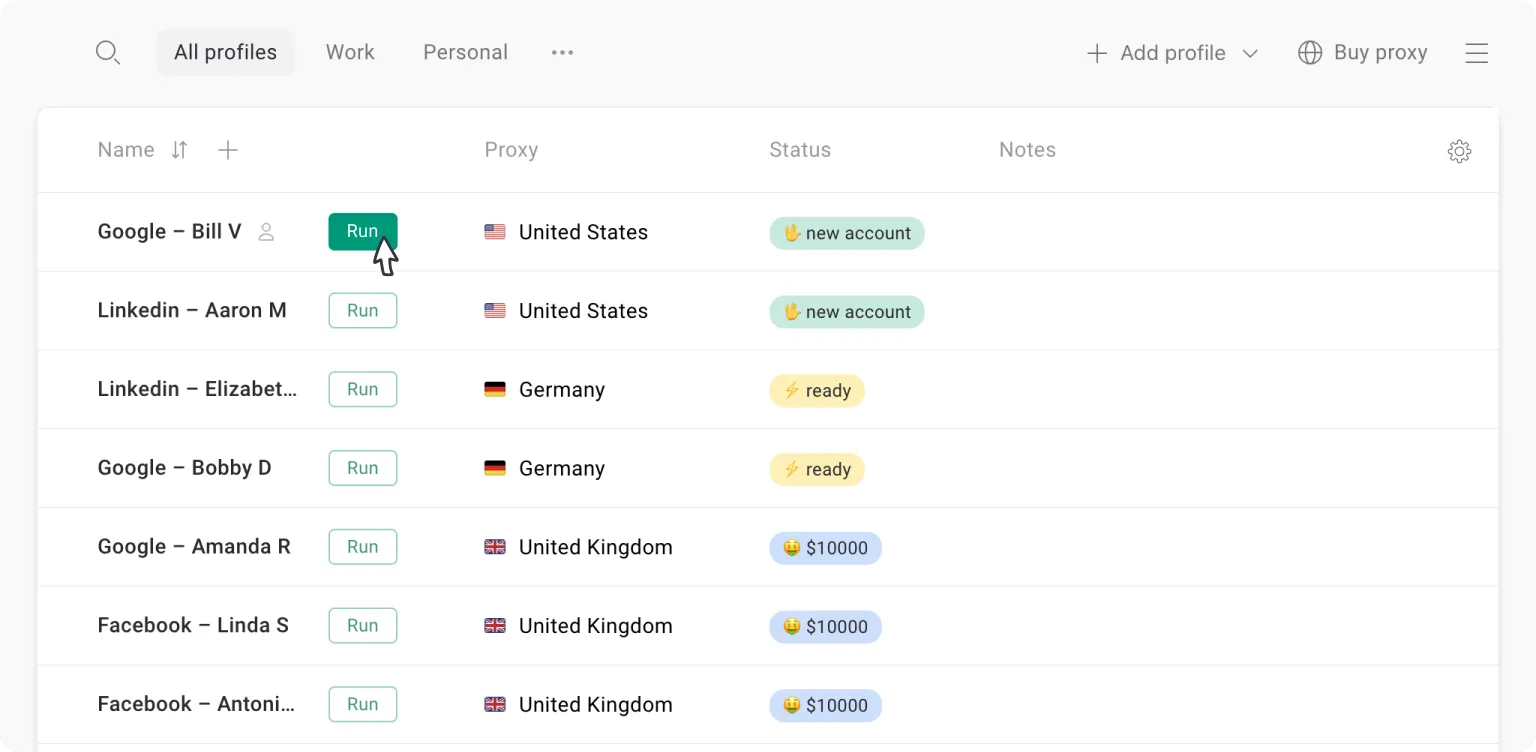
It is commonly considered by users who need organized browser environments for account management, marketing, and e-commerce operations.
Key Features:
- Create and manage multiple browser profiles.
- Configure browser fingerprint settings.
- Integrate proxy connections.
- Organize browser sessions for different workflows.
- Support collaborative profile management, depending on the available plan.
GoLogin focuses on browser identity and profile management. It should not be confused with a VPN or a dedicated network-unblocking service.
Best for: Digital marketers, e-commerce teams, and professionals managing multiple browser environments.
Main limitation: GoLogin does not guarantee access to every restricted website or prevent all account restrictions.
Pricing and availability: Refer to GoLogin's official website for current plans, free profile limits, and supported platforms.
3.3. 1Browser
1Browser is another browsing solution included in this comparison for users exploring alternatives to conventional web browsers.
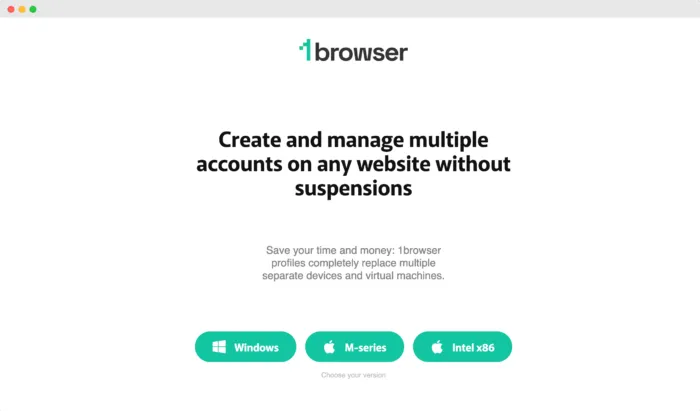
It is commonly considered by users who need organized browser environments for account management, marketing, and e-commerce operations.
Key Features:
- Create and manage multiple browser profiles.
- Configure browser fingerprint settings.
- Integrate proxy connections.
- Organize browser sessions for different workflows.
- Support collaborative profile management, depending on the available plan.
GoLogin focuses on browser identity and profile management. It should not be confused with a VPN or a dedicated network-unblocking service.
Best for: Digital marketers, e-commerce teams, and professionals managing multiple browser environments.
Main limitation: GoLogin does not guarantee access to every restricted website or prevent all account restrictions.
Pricing and availability: Refer to GoLogin's official website for current plans, free profile limits, and supported platforms.
3.4. Tor Browser — A Privacy-Focused Browsing Solution
Tor Browser is a free, open-source browser designed to improve online privacy and reduce tracking.
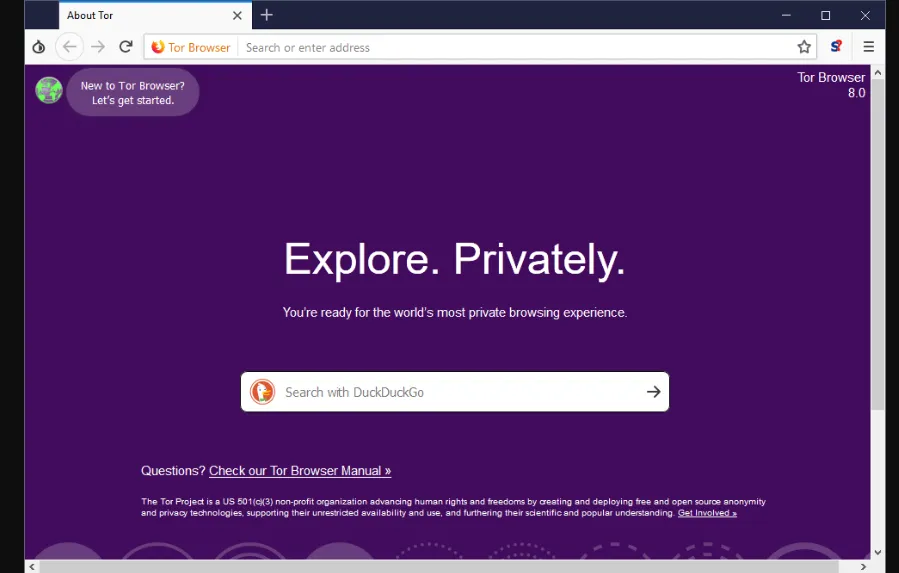
It uses the Tor network to route browsing traffic through multiple relays, making it more difficult for destination websites to identify a user's original public IP address.
How Tor Browser Works
Tor Browser uses onion routing, which forwards traffic through a series of relays.
This architecture helps separate a user's original network location from the destination website.
Tor Browser also includes protections intended to reduce browser fingerprinting and cross-site tracking.
Key Features:
- Tor Network Routing: Routes traffic through multiple Tor relays.
- Fingerprinting Resistance: Helps reduce differences that websites can use to identify browsers.
- Tracking Protection: Includes privacy-focused browser settings.
- Session Privacy: Designed to reduce persistent browsing traces.
- Free and Open Source: Available without a subscription.
Advantages:
- Strong focus on privacy.
- Free to use.
- Useful for certain restricted-network scenarios.
- Includes anti-tracking and fingerprinting protections.
Limitations:
- Browsing may be slower than a direct connection.
- Some websites block or challenge Tor exit nodes.
- It does not guarantee complete anonymity.
- It is not designed for large-scale multi-account profile management.
Best for: Users who prioritize browsing privacy and want to use the Tor network.
Learn more through the official Tor Project website.
3.5. ProxyBoost.net — A Web Proxy Alternative
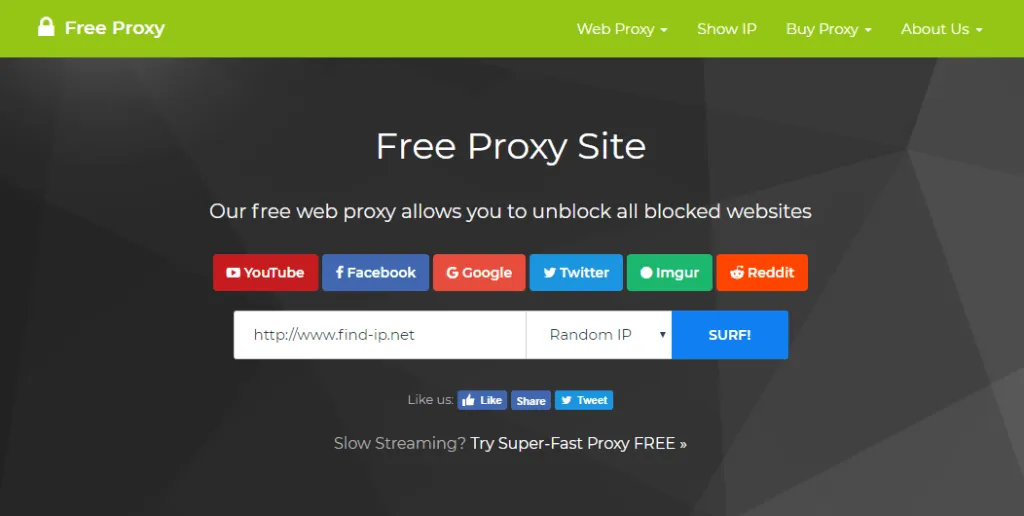
ProxyBoost.net is included in the original list as a web proxy-oriented browsing solution.
Web proxies generally work by forwarding supported web requests through an intermediary server rather than connecting directly from the user's browser to the destination website.
How Web Proxies Work
When using a compatible web proxy, the destination website may see the proxy server's IP address instead of the user's original public IP address.
This can provide an alternative connection path for certain browsing activities.
Potential Advantages:
- Some web proxies work directly in a browser.
- An intermediary connection may be useful for basic browsing.
- Certain services do not require installing a separate application.
Limitations:
- Website compatibility varies.
- Connection quality depends on the proxy provider.
- Some websites restrict proxy traffic.
- Untrusted proxy services may create privacy and security risks.
Important: ProxyBoost.net's current service availability, server locations, security features, pricing, and supported platforms should be verified before relying on the service.
For an additional example of a browser-based proxy service, read Hidemium's Proxyium web proxy review.
4. Unblocked Browser Comparison: Which One Is Right for You?
Different browsing tools are designed for different purposes. Some prioritize privacy and alternative network routes, while others specialize in managing browser profiles and proxies.
Browser / Tool | Type | Key Features | Best For | Main Limitation |
| Hidemium | Antidetect Browser | Fingerprint management, profiles, proxies, automation | Multi-account management and marketing | Not a standalone network-unblocking solution |
| GoLogin | Antidetect Browser | Profile management, fingerprint configuration, proxies | Marketing and e-commerce | Cannot guarantee unrestricted access |
| 1Browser | Alternative browser solution | Features require current verification | Users comparing browser environments | Specifications need confirmation |
| Tor Browser | Privacy Browser | Tor routing, tracking resistance | Privacy-focused browsing | Potentially slower connections |
| ProxyBoost.net | Web Proxy | Intermediary web access, subject to verification | Basic proxy browsing | Service reliability and security need verification |
Which Unblocked Browser Should You Choose?
If your main priority is online privacy, Tor Browser is worth considering because it is designed around privacy-preserving network routing.
If you need multiple independent browser profiles, fingerprint management, proxy configuration, and automation, Hidemium may be a better fit.
If you only need a web proxy, evaluate the service's privacy policy, reliability, and compatibility before using it.
No single tool is ideal for every situation.
5. How Do Unblocked Browsers Work?
Unblocked browsers and related browsing tools use different technologies depending on their intended purpose.
5.1. Proxy-Based Connections
A proxy server acts as an intermediary between your browser and a destination website.
When properly configured, a proxy may change the public IP address visible to the website.
However, a proxy does not automatically guarantee encrypted browsing or access to every blocked website.
5.2. Privacy Networks
Tor Browser uses the Tor network to route browsing traffic through multiple relays.
This can help protect a user's network identity and provide an alternative connection path in some situations.
Nevertheless, some networks and websites restrict Tor connections.
5.3. Browser Fingerprint Management
Antidetect browsers such as Hidemium focus on creating separate browser environments with configurable fingerprint settings.
This can be useful for organizing multiple profiles, but fingerprint management does not directly change network routing.
To understand related privacy considerations, see Hidemium's overview of the best incognito browsers in 2026.
6. What Is the Difference Between VPNs and Unblocked Browsers?
VPNs and unblocked browsers may be used for related purposes, but they are not interchangeable.
A VPN (Virtual Private Network) creates an encrypted tunnel between a device and a VPN server for traffic routed through the connection.
It can change the public IP address visible to websites and help protect traffic on untrusted networks.
An unblocked browser is a broader term for browsing solutions that may provide alternative access methods.
An antidetect browser focuses on managing browser fingerprints, cookies, and independent browser profiles.
Feature | VPN | Antidetect Browser |
| Changes public IP address | Typically yes | With a proxy or suitable network configuration |
| Manages browser fingerprints | Not a primary feature | Yes |
| Supports multiple isolated profiles | Not a primary feature | Yes |
| Provides an encrypted VPN tunnel | Yes | Not inherently |
| Main purpose | Network privacy and traffic routing | Browser environment management |
If you need to manage multiple browser profiles with different proxy connections, an antidetect browser may complement a proxy or VPN setup rather than replace it.
7. Frequently Asked Questions About Unblocked Browsers
7.1. What Is the Best Unblocked Browser in 2026?
The best choice depends on your requirements. Tor Browser focuses on privacy and Tor-based routing, while Hidemium and GoLogin specialize in managing browser profiles and proxies. No browser can guarantee access to every restricted website.
7.2. Are Unblocked Browsers Safe to Use?
Safety depends on the provider, software updates, privacy policies, and network configuration. Choose reputable tools and avoid submitting sensitive information through untrusted web proxies.
7.3. Can I Access Blocked Websites Without a VPN?
In some cases, yes. Proxy-based browsing tools and Tor Browser may provide alternative connection paths without requiring a separate VPN. Results depend on the type of restriction and network policies.
7.4. Is an Antidetect Browser the Same as an Unblocked Browser?
No. Antidetect browsers primarily manage browser fingerprints and isolated profiles. Unblocked browser is a broader term for tools associated with accessing restricted websites.
7.5. Does Hidemium Automatically Unblock Websites?
No. Hidemium is designed for browser profile management, fingerprint configuration, proxy integration, and automation. Access to restricted websites depends on the network and connection settings.
8. Conclusion
Choosing the right unblocked browser depends on your browsing needs, privacy requirements, and the type of restrictions you encounter.
Tor Browser is a strong option for privacy-focused browsing. Web proxy services may provide alternative connections for basic browsing, while antidetect browsers such as Hidemium and GoLogin are designed for managing separate browser environments.
For professionals working in digital marketing, e-commerce, or multi-account management, Hidemium offers browser profile management, fingerprint configuration, proxy integration, and automation features to support more organized workflows.
Explore Hidemium today to discover how independent browser profiles and proxy management can improve your browsing workflows.
Related Blogs

The best antidetect browser for affiliate marketing depends on your workflow, team size, proxy requirements, automation needs, and budget. Hidemium is worth evaluating for organized browser-profile workflows and team collaboration; GoLogin emphasizes accessible profile management; Multilogin appeals to technical teams; Dolphin Anty is positioned toward ad-oriented workflows; AdsPower offers[…]

Which is the better choice for your online business—VPN or Proxy? While many people mistakenly believe that simply using a VPN to change their IP address is enough for security, major platforms can still easily detect shared IP ranges and blacklist associated accounts. The difference between data encryption (VPN) and dedicated IP rotation (Proxy) is often the line between smooth operations and[…]

Swiftproxy 2025: Residential Proxy Service Review In 2025, Swiftproxy continues to stand out in the competitive proxy market. Whether you're an individual prioritizing privacy and anonymity or a business requiring large-scale IP resources, Swiftproxy delivers convenience, reliability, and robust performance.With high-quality IP pools, global reach, and a 99.89% connection success rate, Swiftproxy[…]

In the era of digital marketing, search engine optimization (SEO) is a key factor that helps websites improve their rankings on Google, Bing and other search platforms. Well‑optimized content will increase the chance of appearing in high positions, attract high‑quality traffic, and make it easier for potential customers to access products or services. An effective SEO strategy not only boosts[…]

Proxies are an excellent solution for changing IP addresses, offering convenience and affordability. However, choosing a proxy provider that meets your needs isn't always easy. In this article, we'll explore TabProxy, a reputable residential proxy service, evaluating its features, performance, pros, and cons.1. What is TabProxy?abProxy is a residential proxy provider with over 200 million IP[…]

Browser emulator is a technique that allows your browser to appear as if it is running on a different device, operating system, or browser. This method is often used for website testing, privacy protection or Access content restricted by region or platform.So how does browser emulation work? Is it really safe and legal? In this article, Hidemium will help you understand how it works, when to use[…]
