OpenClaw for Social Media Marketing: Honest Review And How to Use It with Hidemium
Try Hidemium for free.png)

If you haven’t heard about OpenClaw yet, chances are you will soon.
Since early 2026, this open-source AI agent has been gaining massive attention across communities, especially among marketers looking for smarter ways to automate their workflows. It promises something different from traditional tools — not just content generation, but actual task execution.
But here’s the real question:
Can OpenClaw actually help you scale social media marketing safely?
The answer is yes — but only if you use it correctly.
What Is OpenClaw?
OpenClaw is an open-source AI agent that runs on your own machine or VPS. Unlike typical AI tools that just generate text, OpenClaw can actually perform actions.
It can browse websites, run scripts, manage files, and automate multi-step workflows using its plugin system (called “skills”).
In simple terms, it acts more like a digital assistant that executes tasks, not just a chatbot.
For social media marketers, this opens up a lot of possibilities.
What OpenClaw Can Do for Social Media Marketing
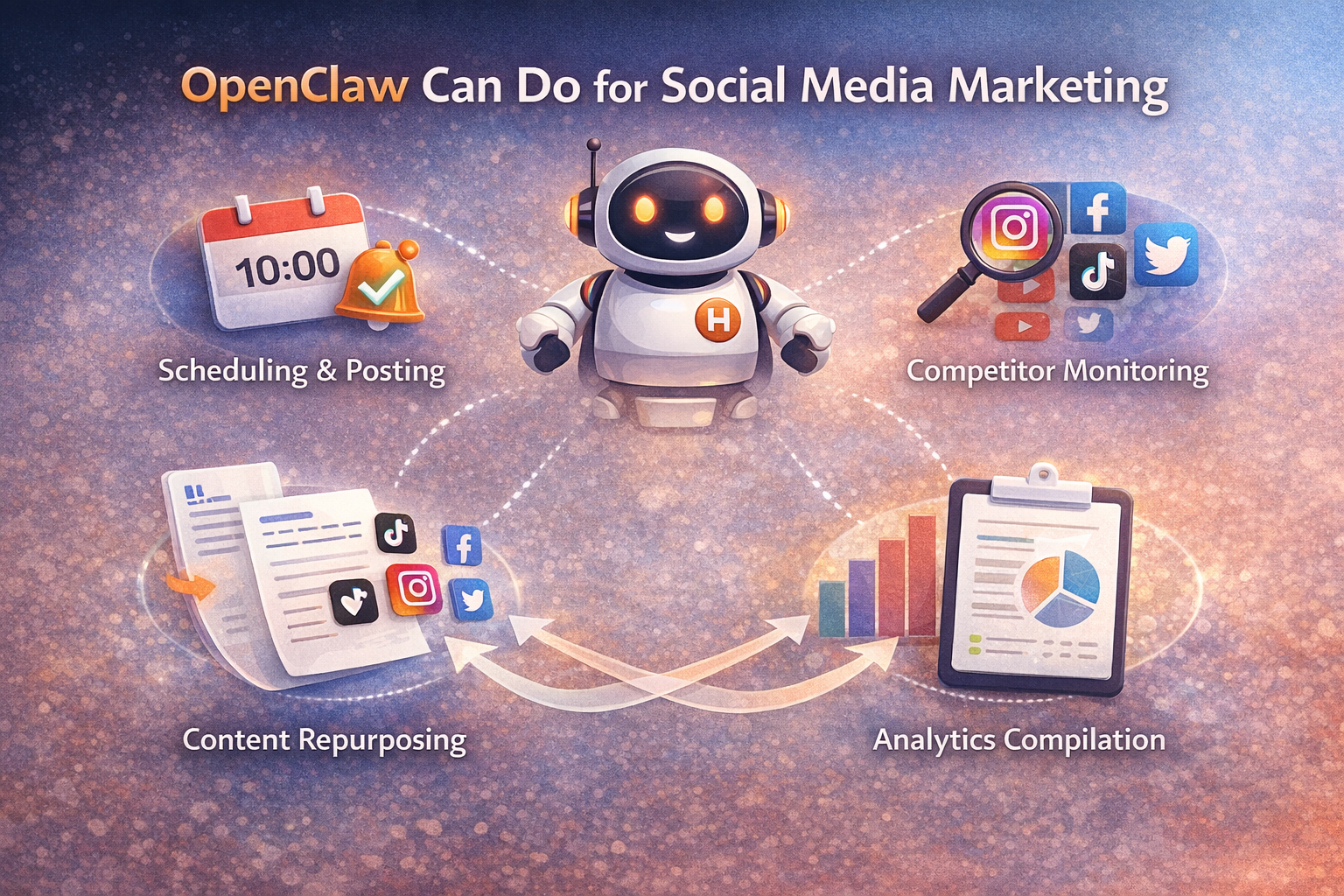
OpenClaw becomes powerful when you start using it for repetitive workflows.
Instead of manually posting, tracking competitors, or compiling reports, you can automate these processes.
It can schedule content across platforms, monitor competitors daily, and even turn one piece of content into multiple formats for different channels.
You can also set up weekly analytics reports that are automatically delivered to your Slack or Telegram.
This alone can save hours every week.
But there’s something important most people overlook.
The Biggest Problem: Automation ≠ Account Safety
Automation tools like OpenClaw focus on efficiency.
But platforms like Instagram, TikTok, Facebook, and X focus on detection.
In 2026, social platforms don’t just look at what you post. They analyze:
- IP address
- Browser fingerprint
- Device environment
- Behavioral patterns
If multiple accounts share similar signals, they get linked.
And once accounts are linked, bans are only a matter of time.
👉 Learn how platforms detect users through browser fingerprinting
This is where most automation setups fail.
Why You Need Hidemium with OpenClaw
OpenClaw helps you automate workflows.
But it doesn’t protect your accounts.
That’s where Hidemium comes in.
Hidemium is an antidetect browser designed specifically for multi-account management.
It allows you to create completely isolated environments for each account, including:
- Separate browser profiles
- Unique fingerprints
- Dedicated proxies
- Independent cookies and sessions
When combined with OpenClaw, you get a complete system:
- OpenClaw → handles automation
- Hidemium → handles identity & safety
How the OpenClaw + Hidemium Workflow Works
The real power comes from combining both tools.
OpenClaw generates content, schedules posts, and monitors performance.
Hidemium ensures each account operates in a separate, safe environment.
For example:
OpenClaw creates a week of content for your accounts.
You then open each account inside a dedicated Hidemium profile and publish content safely.
Each account appears as a real user, on a real device, with its own identity.
This setup dramatically reduces the risk of bans while keeping your workflow efficient.
Real Use Cases
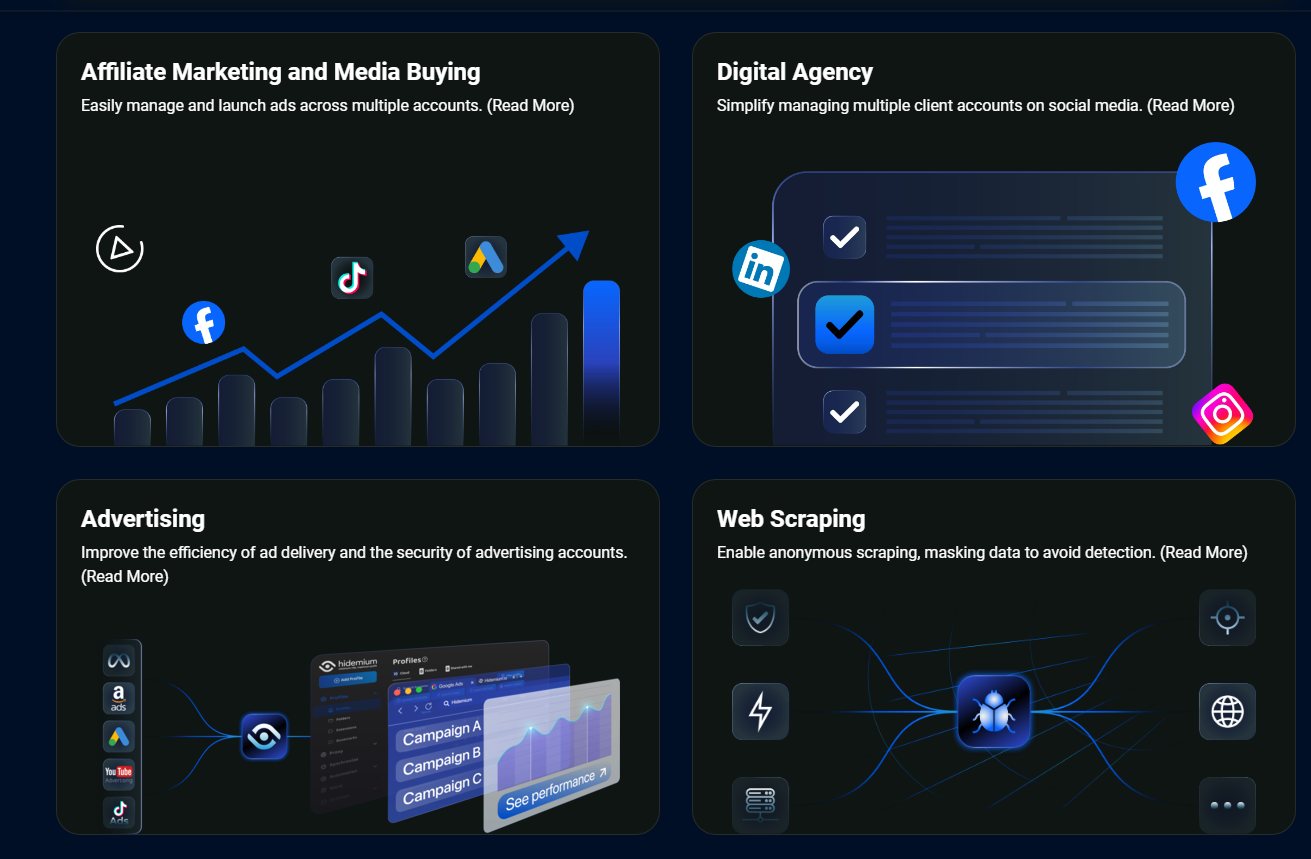
This combination is especially useful if you are:
- Running multiple client accounts for a social media agency
- Managing several brand accounts on the same platform
- Operating across different countries and need geo-targeting
- Scaling content across multiple platforms simultaneously
👉 Explore more use cases.
The Trade-Offs You Should Know
OpenClaw is powerful, but it’s not beginner-friendly.
You’ll need to set up a VPS, configure APIs, and manage infrastructure. It’s not a plug-and-play tool.
AI-generated content also still needs human editing. Without it, your content may feel generic or repetitive.
And most importantly — automation increases risk if you don’t have proper account isolation.
That’s why combining it with Hidemium is not optional if you want to scale safely.
Ready to Scale Your Social Media Workflow?
If you're serious about managing multiple accounts, don’t rely on automation alone.
Start using Hidemium
Create isolated browser profiles, assign proxies, and manage all your accounts safely — while OpenClaw handles the heavy lifting
Related Blogs

MMO has never been an easy game—especially as platforms like Facebook, Google, Amazon, and eBay continue to tighten their algorithms. If you’re still in the habit of opening dozens of tabs in regular browsers such as Chrome, CocCoc, or Firefox to run jobs, you’re exposing yourself to a very high risk of mass account bans.This article will help MMO practitioners avoid costly losses caused by using[…]

In the current market, when consumers form an opinion about your business by just taking a glance at your visuals, it is essential to pay attention to your brand identity.The logo, brand colors, slogan, and even fonts and text styles are what make your brand stand out. Especially in 2026, when the market is more competitive than ever before, it is essential to create unique features for your[…]

Amazon and Amazon Marketplace are part of the same e-commerce ecosystem, but they are not the same selling model. Amazon Retail sells products directly to customers, while Amazon Marketplace allows third-party sellers to list and sell products through Amazon’s platform.The main differences between Amazon vs Amazon Marketplace involve who owns the inventory, seller fees, fulfillment, customer[…]

There is a point where a group chat stops being a management system. Usually it arrives quietly. You add the tenth contractor, or the second warehouse, or a support rotation in another timezone, and suddenly nobody can tell you who read the new returns policy, who finished the safety module, or which version of the shift roster is the real one. That is the problem this software category exists to[…]

In the digital age, increasing YouTube comments has become an essential platform for sharing content and engaging with your audience. Comment count is not only a measure of viewer engagement but also an important factor in improving your video’s ranking on the platform. Here are 5 effective ways to increase comments on your YouTube videos.1. Ask smart questions to encourage viewers to commentWhen[…]

Digital marketing today runs on speed and volume. Brands are expected to push out fresh creatives constantly, and traditional video production simply can’t keep up. That’s where an AI Facebook ad generator comes in. These tools take product links, scripts, or raw assets and turn them into ready-to-use Facebook video ads with minimal manual editing. 1. Pollo AI Pollo AI works as a practical AI […]
