.png)

In today's digital age, safeguarding personal information while browsing the web is becoming increasingly important. One of the most effective tools for protecting online privacy is the Antidetect Browser. With its ability to disguise device information, window size, and IP addresses, the Antidetect Browser helps users maintain anonymity while surfing the internet. Additionally, it prevents browser fingerprinting techniques, such as canvas fingerprinting and WebGL fingerprinting, which websites use to track users based on unique hardware and software characteristics. Below are five ways to optimize the Antidetect Browser to ensure the best protection for personal information.
1. What is an Antidetect Browser?
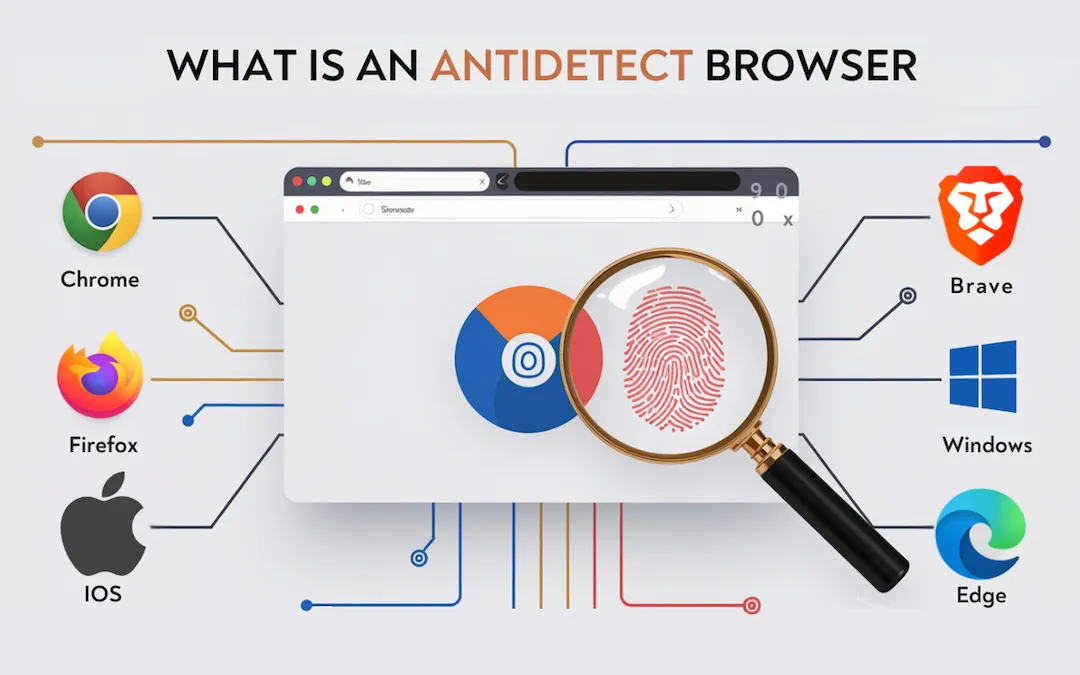
An Antidetect Browser is a specialized browser that allows users to create multiple web browsing profiles with independent fingerprints. This enables users to remain anonymous, avoid user tracking, and efficiently manage multiple accounts on various online platforms. Many platforms rely on fingerprint databases to detect suspicious activities, but a well-optimized Antidetect Browser helps bypass such detection mechanisms. Familiar names such as Morelogin, AdsPower, Multilogin, or GoLogin have become top choices for the MMO (Make Money Online) community and Digital Marketing professionals..
>>> Learn more: Safe, secure, and private browsing with Antidetect Browser
2. Why is it necessary to optimize performance when using Antidetect Browser?
Optimizing an Browser Antidetect not only enhances the user experience but also brings practical benefits that significantly impact work efficiency, security, system resource management, and software stability. Given the increasing complexity of browser fingerprinting and tracking technologies, ensuring optimal performance is essential for seamless and secure browsing.
Boosting Work Efficiency
Optimizing the browser, including refining proxy configuration, adjusting browser settings, and improving profile management, directly contributes to faster processing speeds and more efficient task execution. By fine-tuning these aspects, users can reduce the time needed to load browser profiles, enabling them to switch between accounts swiftly and handle multiple tasks without unnecessary delays.
Furthermore, a well-optimized Antidetect Browser minimizes lag, slow response times, and page load failures, allowing users to perform critical operations without interruptions. This is particularly valuable for individuals and businesses managing multiple e-commerce accounts, advertising campaigns, social media profiles, or automated workflows, where every second counts.
Enhancing Security
By optimizing the Antidetect Browser, users significantly strengthen their protection against detection mechanisms employed by online platforms. Security measures such as improved proxy integration, fingerprint configuration adjustments, and cookie management help reduce the risk of tracking, account bans, and rule violations.
When properly optimized, the browser effectively conceals identifiable information, such as IP addresses, cookies, browsing history, and browser fingerprints, preventing platforms from linking accounts together. This is particularly important for those engaging in multi-account management, digital marketing, affiliate marketing, or other activities where anonymity and separation between accounts are critical.
Additionally, fingerprint optimization ensures that each profile maintains a unique but natural browsing environment, preventing anomalies that could raise suspicion from automated detection systems. A well-calibrated fingerprint technology setup helps maintain credibility and reduces the likelihood of triggering security checks.
Saving System Resources
Optimization not only enhances browsing performance but also significantly reduces system resource consumption, including CPU, RAM, and device memory usage. Without proper optimization, an Antidetect Browser running multiple accounts or profiles may cause excessive resource drain, leading to system slowdowns, overheating, and even crashes.
By implementing efficient proxy configurations, adjusting browser rendering settings, and optimizing hardware concurrency, users can prevent unnecessary strain on their devices. This ensures that even when handling high workloads with multiple browser sessions, the system remains stable, responsive, and energy-efficient.
For users running cloud-based Antidetect Browsers, optimizing cloud data management also plays a crucial role in maintaining performance efficiency, as excessive data syncing or poorly managed cache files can slow down workflows.
Maintaining Stability
One of the most significant advantages of browser optimization is its role in ensuring software stability. Poorly optimized browsers are prone to frequent errors, unexpected crashes, or sluggish performance, which can severely disrupt work processes.
By keeping the Antidetect Browser updated, fine-tuning browser settings, and managing browser fingerprints effectively, users can minimize system conflicts and software glitches. This leads to a seamless and reliable browsing experience, preventing disruptions that could result in lost work progress, session terminations, or account suspensions.
Additionally, optimizing client rects and audio context fingerprint configurations ensures that browser behavior remains consistent, reducing detection risks while maintaining high-speed performance.
In conclusion, optimizing an Antidetect Browser is an essential step for anyone looking to maximize efficiency, security, system stability, and resource management. Whether for multi-account management, online business operations, or privacy protection, a well-optimized browser provides a smoother, safer, and more productive experience..
3. 5 Ways to Optimize Antidetect Browser for Protecting Personal Information While Browsing
3.1 Customize Browser Profiles to Avoid Tracking
To enhance security while using an Antidetect Browser or anti fingerprint browser, customize browser profiles with different parameters such as user agent, screen resolution, time zone, language, and hardware concurrency. These customizations not only help conceal real user information but also prevent browser fingerprinting techniques from tracking online activities. By leveraging profile management features, users can create unique browsing environments that minimize the risk of detection.
3.2 Use High-Quality Proxies
Proxies play a crucial role when combined with an Antidetect Browser or even antidetect browser free solutions. Choosing residential or datacenter proxies from reliable providers enhances privacy and security. Proxies not only change your IP address but also help bypass detection systems and improve connection speeds, ensuring efficient multi-account management.
To optimize efficiency, keep the following factors in mind:
✅ Choose High-Speed Proxy/VPN: Avoid free proxy IP or VPN services, as they often have slow speeds and unstable connections. Prioritize reputable services to ensure browser optimization and smooth workflow.
✅ Use Static IPs When Possible: For accounts requiring long-term connections, such as ad accounts, using a static IP ensures stability and minimizes suspicion. A consistent IP address prevents tracking systems from detecting frequent IP changes.
✅ Select Trusted Proxy/VPN Providers: Opt for reputable proxy and VPN providers such as Smartproxy, Luminati, or ProxyEmpire. These services offer secure, high-speed connections and protect against leaks in fingerprint databases, reducing the risk of detection.

>>> Learn more:Compare Proxy, VPN, and Antidetect Browser – What Are the Key Differences?
3.3 Regularly Update Software
To maintain security, regularly update your anti detection browser, including antidetect browser free versions, to the latest version. These updates often provide enhanced browser fingerprinting protection, improved client rects handling, and refined audio context fingerprint defenses, helping users stay ahead of advanced tracking technologies.
3.4 Manage Profiles Scientifically
When using Antidetect Browsers, such as Genesium Browser, for multi-account management, organizing and arranging profiles scientifically is essential. Below are methods to help you optimize this task:
✅ Categorize profiles by type: To manage efficiently, divide accounts into groups such as advertising accounts, social media accounts, and dropshipping accounts. This method enhances profile management and ensures seamless transitions between multiple accounts.
✅ Store data on the cloud: Use browsers that support cloud data management, such as Morelogin, to access profiles across multiple devices while maintaining security. Storing data in the cloud reduces the risk of data loss and enhances workflow efficiency.
✅ Utilize account management tools: Combine anti browser solutions with task management or automation tools to streamline multi-account management. This approach saves time and improves productivity when handling various accounts simultaneously.
3.5 Set Up Fingerprints Effectively
Fingerprinting refers to a collection of technical characteristics unique to your device and browser, including screen resolution, operating system, browser version, client rects, and audio context fingerprint. A well-configured and natural fingerprint profile prevents detection when using multiple accounts.
To optimize fingerprint technology and protect online identity, follow these best practices:
✅ Use independent fingerprint configurations for each profile: Ensure each profile has a unique fingerprint by adjusting hardware concurrency, browser settings, and fingerprint database parameters to prevent linkability.
✅ Choose appropriate and logical configurations: Avoid using overly rare or inconsistent configurations, as they may trigger suspicion. Instead, set up fingerprints that resemble standard user environments, such as Windows with Chrome or macOS with Safari, ensuring a natural browsing experience.
By implementing these techniques, users can maximize the effectiveness of Antidetect Browsers, strengthen browser optimization, and improve multi-account management while minimizing the risks associated with browser fingerprinting. 🚀
4. Choosing Hidemium – The Optimal Antidetect Browser
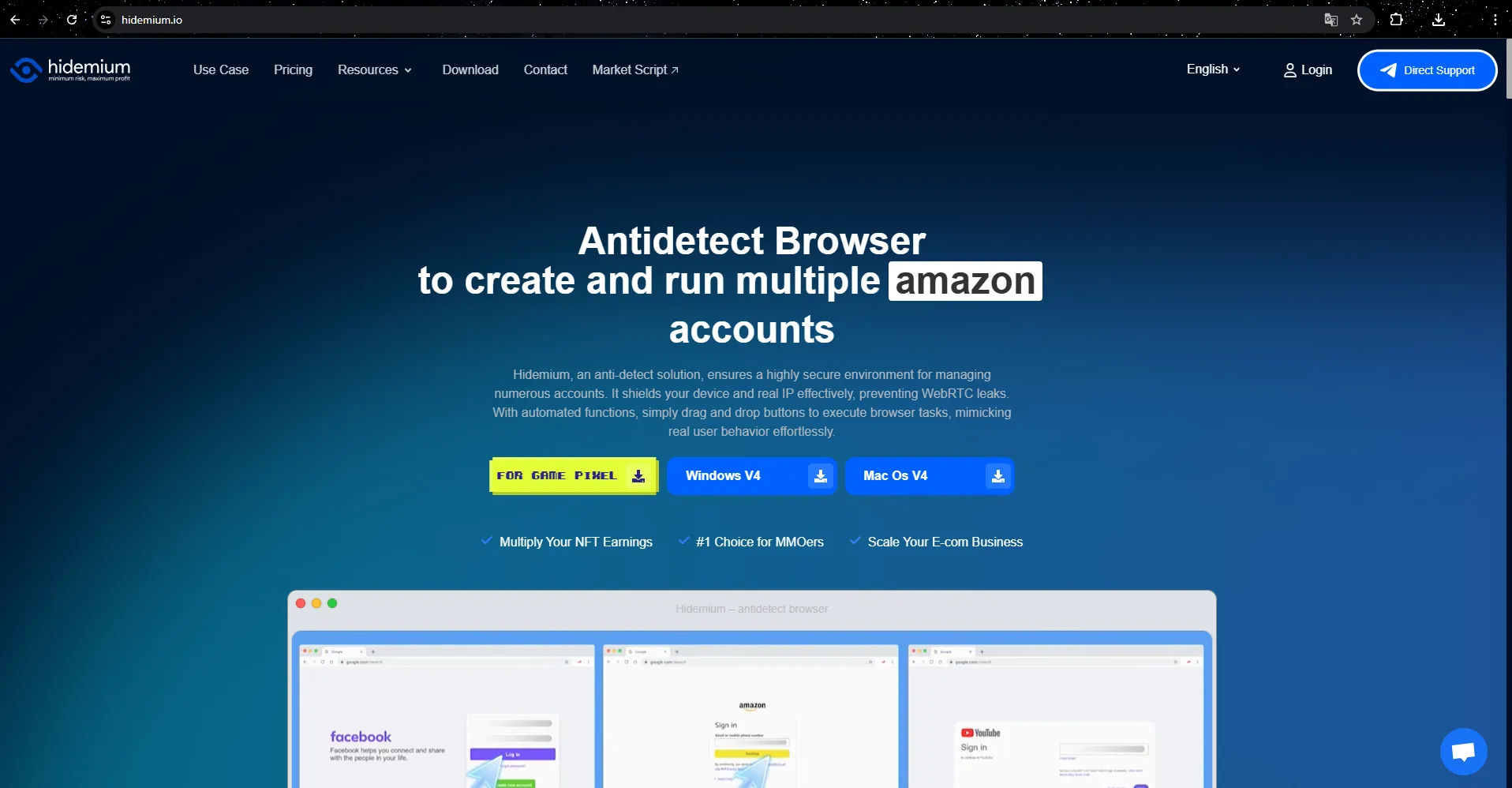
Hidemium is a groundbreaking Antidetect Browser developed by a team of experts with years of experience in the MMO field. This software not only protects personal information during web browsing but also optimizes complex tasks like automation and data synchronization, making it ideal for MMO teams and e-commerce businesses. If you are looking for a reliable antidetect browser download, Hidemium is a top choice.
Hidemium antidetect software allows users to easily create and manage multiple browser profiles with distinct parameters such as country, device, cookies, proxy, fingerprint, language, and screen resolution. This ensures identity protection and keeps personal information secure while browsing. It is also an excellent anti detect browser for multi-accounting, providing seamless management of multiple profiles without detection risks.
A standout feature of Hidemium Antidetect Browser is its ability to share profiles with teams, partners, or clients, streamlining group work efficiently and quickly. The browser automation mode enables tasks like logging in, posting, or clicking to be executed effortlessly and rapidly.
Additionally, Hidemium supports flexible IP address changes with a variety of proxy and VPN options, along with advanced technology to emulate and modify Browser Fingerprints, enhancing security. Its smart cookie storage feature simulates user behavior, maintaining a natural and secure browsing experience.
Hidemium runs smoothly across multiple platforms, including Windows, macOS, Linux, and anti detect browser for Android, offering convenience for users on any device. Notably, Hidemium’s trial package includes clean proxies and the ability to create up to 1,000 profiles, making it suitable for both beginners and seasoned MMO professionals.
>>> Learn More:The Best Antidetect Browser of 2024
5. Conclusion
Antidetect Browsers have become an essential tool for individuals and businesses that require multi-account management, anonymity, and protection against browser fingerprinting. Whether you're an e-commerce seller, digital marketer, or cybersecurity enthusiast, utilizing a high-quality Antidetect Browser ensures that your online activities remain undetected and secure.
However, merely using an anti-detection browser is not enough. To achieve optimal results, you need to implement a comprehensive security strategy. This includes:
Choosing the right tool: Not all Antidetect Browsers offer the same level of browser optimization and security. Selecting a solution that provides robust fingerprint technology protection, customizable settings, and advanced security features is crucial.
Combining it with high-quality proxies or VPNs: A reliable residential or datacenter proxy enhances your anonymity by masking your real IP address and preventing unwanted tracking. Opting for reputable providers ensures a stable and secure connection.
Applying system configuration optimization methods: Properly configuring your browser fingerprinting settings, including client rects, audio context fingerprint, and hardware concurrency, can help you mimic natural browsing behavior and avoid detection.
Among the many options available, Hidemium stands out as an advanced Antidetect Browser that offers cutting-edge features for profile management, cloud data management, and multi-account management. By choosing Hidemium, users benefit from a seamless and secure browsing experience, enhanced anonymity, and improved workflow efficiency.
Ultimately, investing in the right Antidetect Browser, combined with the best privacy tools and configurations, will ensure a safer, more efficient online presence, helping users navigate the digital world without restrictions or unnecessary risks.
Related Blogs

Creating an account to sell on Amazon is not easy for sellers. However, locked Amazon accounts are even more common problems. Losing an account is a significant loss for those who trade even for a day. This is unavoidable in the sales process. So what can you do when Amazon ban your account? Or how to minimize these risks? Find out below!What is a suspended Amazon account? Sanctions from[…]

In today's article, we will explore Multilogin – one of the prominent names in the Antidetect Browser field. Multilogin has established its position due to its stable operation and long-standing presence in the market. However, it also attracts attention because of its high price and customer-specific support options. Notably, with the latest Multilogin X update, there have been significant[…]

Need a free proxy site you can use directly in your browser? Start with browser-based options such as ProxySite and KProxy, then check whether Hidester, hide.me, or Megaproxy currently offer a working web proxy. This list also includes VPN apps and business proxy services: not all 15 tools are free web proxies.Quick answer: A web proxy lets you enter a URL and load some websites through a remote[…]

If you've ever experienced region-based access restrictions, account suspensions, or concerns about your personal information being compromised online, you understand the crucial role of a quality proxy service. IPBurger was created to address these issues by providing a flexible, highly secure, and easy-to-use proxy system.Whether you need to collect data, manage multiple accounts, or simply[…]

In the world of computer networks, network Topology plays an important fundamental role in helping devices connect, transmit data and operate effectively. So what is Topology? Why is it important in LAN (Local Area Network) systems? In this article Antidetect Browser Hidemiumwill help you understand more about Topology in LAN, analysis Most common Topology types with Advantages and disadvantages[…]

AI tools make our lives much easier today because they can handle a large pool of repetitive tasks that often take a lot of time and effort from humans. The most scrupulous attention is directed at writing because of the integrity rules. Today, if you use AI tools to generate content, you are more likely to face risks of various penalties. Thus, an AI content detector is a tool that should[…]
