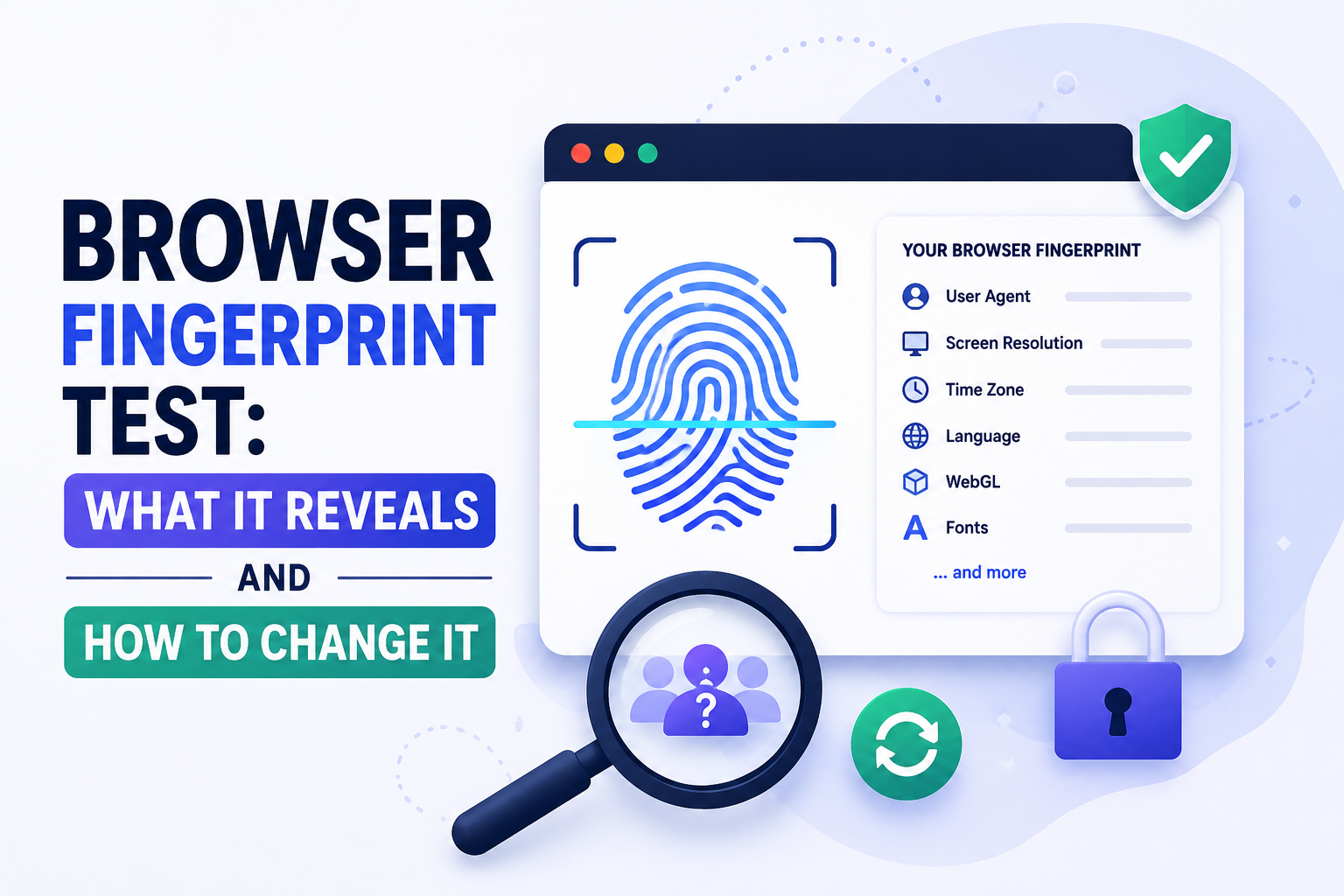

What Is a Browser Fingerprint — and Why Should You Test Yours?
A browser fingerprint is a unique identifier built from the technical characteristics of your browser and device — not from cookies, not from your IP address, and not from anything you can clear by going incognito. It is assembled from dozens of data points your browser automatically shares with every website you visit.
Running a browser fingerprint test shows you exactly what data websites can see, how unique your combination of signals is, and where you're most exposed to tracking. According to research from AmIUnique.org and the EFF's Panopticlick project, combining 13 or more fingerprint signals produces a profile that is statistically unique for 83–90% of users — even without a single cookie.
In 2026, browser fingerprinting has overtaken IP-based tracking as the primary method used by ad networks, anti-fraud systems, and platform security teams. Google announced that year that they would no longer prohibit advertising customers from fingerprinting users — a move the UK ICO sharply criticized, signaling the regulatory tension that now surrounds the practice.
Understanding what your fingerprint looks like is not academic. For digital marketers managing multiple accounts, e-commerce operators running multi-store setups, and anyone concerned about online privacy, knowing what websites see — and knowing how to control it — is now a practical skill.
How to Run a Browser Fingerprint Test: The Best Free Tools
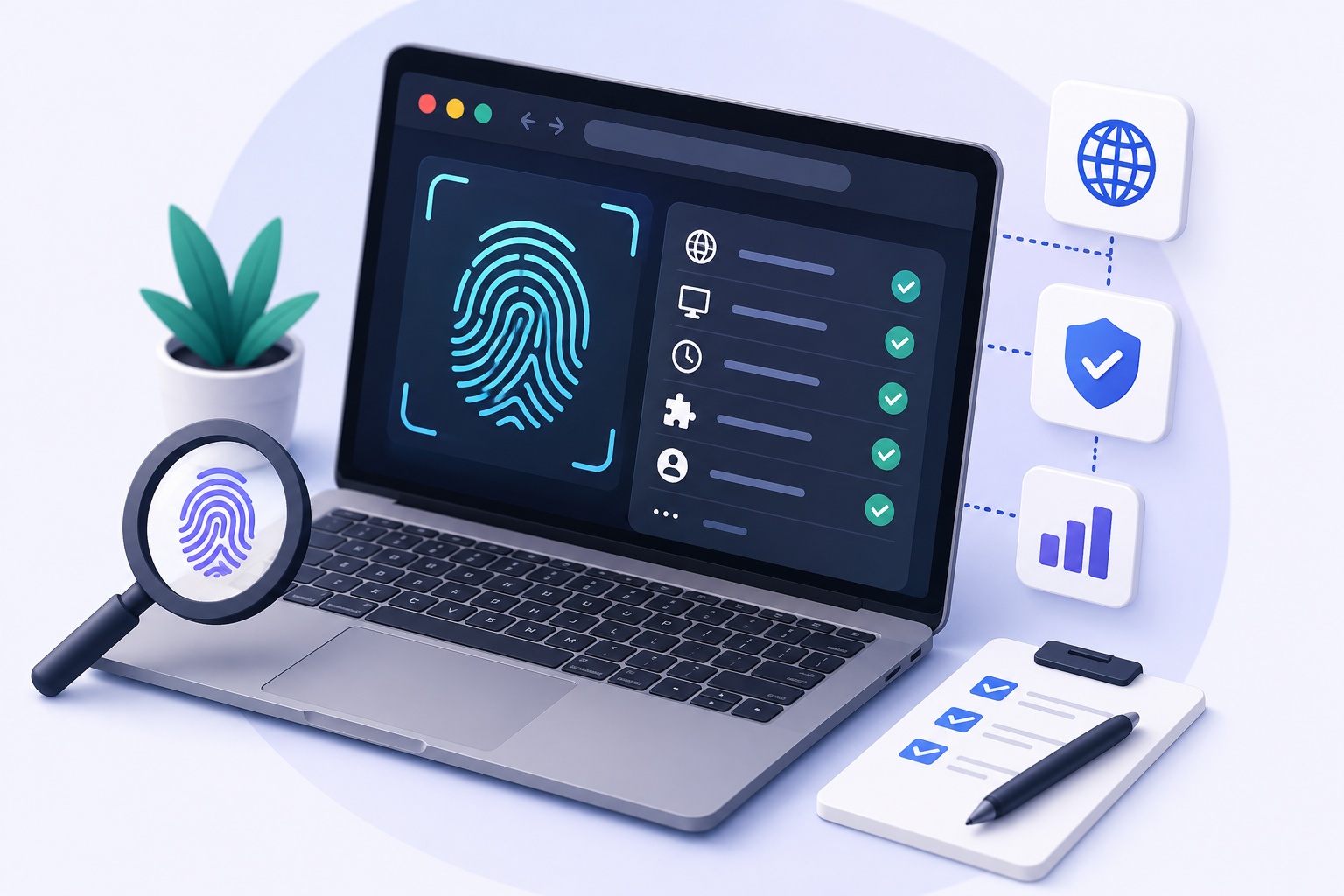
Before examining what each signal reveals, run a test on your own browser. These tools are free, require no account, and show exactly how websites see your device:
Tool | URL | Key Feature | Best For |
BrowserLeaks | browserleaks.com | 20+ individual tests | Comprehensive per-signal breakdown |
CreepJS | abrahamjuliot.github.io/creepjs | Entropy score + trust rating | Overall fingerprint strength assessment |
PixelScan | pixelscan.net | Consistency check | Detecting antidetect browser inconsistencies |
AmIUnique | amiunique.org | Compares vs 2M+ real fingerprints | Uniqueness percentile ranking |
EFF Cover Your Tracks | coveryourtracks.eff.org | Tracking protection test | Checking browser privacy defenses |
Scrapfly FP | scrapfly.io/web-scraping-tools/browser-fingerprint | Hash + database comparison | Matching vs known browser profiles |
What a Browser Fingerprint Test Reveals: The 10 Key Signals
Browser fingerprinting collects 15–20 types of data from your device. Here are the ten signals that contribute the most identifying information, ranked by their entropy contribution (how much they narrow down your identity):
# | Signal | Entropy | Stable? | What it reveals |
1 | Canvas fingerprint | ~10 bits | Very stable | How your GPU + browser renders invisible graphics. Two machines with different GPUs produce different hashes even when everything else is identical. |
2 | WebGL fingerprint | ~10 bits | Very stable | Your graphics card model, driver version, and supported extensions. The WEBGL_debug_renderer_info extension literally returns your GPU model string. |
3 | Audio fingerprint | ~5 bits | Stable | How your audio hardware processes an OfflineAudioContext signal. Tiny but consistent variations across different hardware stacks. |
4 | Font list | ~8 bits | Stable | Which fonts are installed on your system. A designer with 50+ professional fonts is far more identifiable than someone with only system defaults. |
5 | User-Agent string | ~3 bits | Changes with updates | Browser name, version, OS, and CPU architecture. High-entropy but being reduced — Chrome now phases in reduced UA strings. |
6 | Screen resolution & color depth | ~3 bits | Stable | Your display dimensions and pixel density. Combines with other signals to narrow identification. |
7 | Timezone & language | ~2 bits | Stable | Your system timezone (e.g., America/New_York) and browser language settings. Mismatch with IP location is a major detection flag. |
8 | Hardware concurrency & memory | ~2 bits | Stable | CPU core count and device memory. Browsers cap memory display (showing 8GB max even on 32GB systems) but it still contributes. |
9 | Navigator properties | ~2 bits | Semi-stable | Platform, plugins, Do Not Track setting, JavaScript engine details. |
10 | WebRTC local IP | High if leaked | Stable | Your real local IP address, leaked through WebRTC even behind a VPN or proxy. A critical test to run before using any proxy setup. |
Who Uses Fingerprinting — and For What
Browser fingerprinting is used across three major categories, each with different motivations:
Who Uses It | Purpose | Your Exposure |
Ad networks & data brokers | Cross-site tracking as third-party cookies phase out. Fingerprinting is now the primary persistent identifier for ad targeting. | You are tracked across unrelated sites without cookies or consent. Hard to opt out. |
Platform security teams (Facebook, Google, Amazon) | Detecting multiple accounts, policy violations, bot activity, and account takeover fraud. | Multi-account operators are the primary target. Fingerprint linking connects accounts even across different IPs and devices. |
Anti-fraud & anti-bot systems (Cloudflare, DataDome, PerimeterX) | Distinguishing real users from automation scripts, scrapers, and credential stuffing bots. | Automated tasks get blocked. Sessions with fingerprint anomalies (injected values, inconsistent signals) are flagged. |
Websites for user analytics | Non-tracking use: understanding returning visitors without requiring login or cookies. | Generally low-risk. Used for UX analytics rather than cross-site surveillance. |
The regulatory landscape is shifting: GDPR and CCPA permit fingerprinting for fraud prevention and security as "legitimate interest" — without the same consent notification requirements as cookie banners. Privacy advocates argue this creates more pervasive tracking with less user visibility than the cookie era it is replacing.
Fingerprint Spoofing: How to Change What Websites See
Fingerprint spoofing means presenting a browser profile that looks like a real, legitimate user — but with controlled, fake values instead of your real hardware characteristics. There are four levels of approach, from least to most effective:
Level 1 — Browser Privacy Settings (Limited Effectiveness)
• Firefox — Enable Strict Enhanced Tracking Protection + set privacy.resistFingerprinting = true in about:config. Normalizes screen size, timezone, and locale. Significant usability cost.
• Brave — Blocks known fingerprinting scripts and randomizes canvas output each session. Better than standard browsers, but randomization is itself detectable — consistent profiles look more legitimate than random ones.
• Chrome/Edge — Minimal fingerprint protection. User-Agent reduction via Client Hints is the primary privacy change. Not meaningful against active fingerprinting.
Level 2 — Tor Browser (Strong Privacy, High Usability Cost)
Tor Browser is the gold standard for fingerprint anonymization. It normalizes screen size to a fixed window, blocks canvas and WebGL readback, standardizes fonts to system defaults, and reports a generic user-agent. The goal is to make every Tor user look identical — individual entropy drops to near zero.
The tradeoff: significant performance overhead (Tor routing), many websites actively block Tor exit nodes, and the user experience degradation is substantial. Appropriate for high-privacy personal use; not suitable for multi-account business operations.
Level 3 — Antidetect Browser (Recommended for Multi-Account Use)
An antidetect browser creates isolated browser profiles, each with a unique, internally consistent fake fingerprint — canvas hash, WebGL output, audio context, font list, screen resolution, navigator properties, and timezone all matching a single coherent "device profile."
This approach is used by digital marketers, affiliate professionals, and e-commerce operators who need multiple accounts to appear as separate real users. The key difference from Level 1 and 2:
• Consistency: The same fake fingerprint is presented every session for that profile. It looks like a real device — not a privacy-hardened browser that rotates values.
• Isolation: Each profile has completely separate cookies, local storage, cache, and fingerprint. Profiles cannot be linked to each other or to your real identity.
• Proxy integration: Each profile uses a dedicated proxy (residential or mobile), so the IP layer is also isolated. The fingerprint and IP consistently match.
Antidetect Browser | Spoofing Method | Free Plan | Starting Price | Best For |
JS-level + consistency checks | 5 profiles ♾️ | $15/mo | All user types + AI automation | |
Multilogin | Engine-level (C++ modification) | €1.99 trial only | €99+/mo | Enterprise / highest scrutiny |
GoLogin | JS-level injection | 3 profiles + 7d trial | $24/mo | Solo / teams |
AdsPower | JS-level injection | 5 profiles ♾️ | ~$9/mo | E-commerce / RPA |
Dolphin Anty | JS-level injection | 10 profiles ♾️ | $10/mo | CPA affiliates / FB Ads |
Level 4 — The Complete Stack (Best Protection)
The most effective fingerprint protection combines all three layers simultaneously:
1. Antidetect browser (fingerprint layer) — Hidemium creates isolated profiles with unique, consistent fingerprints.
2. Residential or mobile proxy (IP layer) — one dedicated proxy per profile, auto-synced timezone.
3. Auto timezone sync — the most commonly missed step. Timezone mismatch between proxy IP and browser fingerprint is one of the most reliable detection signals.
4. WebRTC leak check — verify at whoer.net inside each profile before real use. Real IP leaking through WebRTC defeats the entire stack.
How to Check and Change Your Browser Fingerprint: Step-by-Step
Step 1: Run Your Baseline Test
Open your current browser (do not use a private window — fingerprint is the same either way) and navigate to BrowserLeaks.com. Note your scores across the following sections: User-Agent, Canvas, WebGL, Fonts, Audio, and WebRTC. These are your baseline values.
Step 2: Identify Your Highest-Entropy Signals
In your BrowserLeaks results, identify which signals are most identifying. The highest-risk signals are typically: canvas hash (check if it renders a unique output), WebGL renderer string (shows exact GPU model), font count (high count = more unique), and WebRTC (check if your real IP is visible).
Step 3: Choose Your Protection Approach
Based on your use case:
• Personal privacy — Install Brave Browser or enable Firefox's privacy.resistFingerprinting. Use CreepJS monthly to monitor changes.
• Multi-account management — Set up Hidemium (free plan, 5 profiles). Create one profile per account. Assign dedicated proxy to each. Run PixelScan inside each profile before use.
• Anti-bot bypass (web scraping) — Use Hidemium + residential proxy per session. Run Playwright via Hidemium API for programmatic control. Verify at CreepJS that consistency score is high.
Step 4: Verify Your Changed Fingerprint
After setting up your protection, run these four checks inside each protected profile:
1. BrowserLeaks.com — confirm canvas and WebGL fingerprints are the expected spoofed values, not your real hardware
2. whoer.net — confirm no WebRTC IP leak (real IP must not be visible)
3. pixelscan.net — confirm the profile shows as 'consistent' rather than 'anomalous'
4. amiunique.org — confirm your uniqueness percentile has improved (lower = better for anonymity)
Conclusion
Browser fingerprinting in 2026 is the most effective tracking method available — more persistent than cookies, invisible to standard privacy tools, and actively used by ad networks, platform security teams, and anti-fraud systems across the web. Testing your own fingerprint is the essential first step to understanding your exposure.
If you're a regular user concerned about tracking: Brave Browser or Firefox with privacy.resistFingerprinting enabled provides meaningful reduction in trackability. If you're managing multiple accounts for business purposes: an antidetect browser with per-profile fingerprint isolation, combined with dedicated residential or mobile proxies, is the complete solution.
The single most important rule in fingerprint protection: consistency beats randomness. A stable, fake-but-internally-consistent profile looks like a real user. A profile whose fingerprint changes every session looks like a bot.
Related Blogs
Quick Answer: Does Clearing Cookies Change Your Browser Fingerprint?No. Clearing cookies usually does not change your browser fingerprint.Deleting cookies removes stored identifiers and website session data from your browser, but a browser fingerprint is built from characteristics such as your operating system, browser version, screen resolution, language, time zone, fonts, Canvas, WebGL, and[…]
.png)
What Is an Anti Detect Browser — and Why Does It Matter in 2026?Every time you open a browser, you broadcast a fingerprint. Not your IP address — something far more specific: your canvas hash, WebGL output, installed fonts, screen resolution, timezone, audio context, and dozens of other signals that websites use to identify you as a unique device.Standard browsers send this fingerprint[…]

Account management websiteWhy Account Management Solutions Matter for Modern BusinessesIn today's fast-paced business world, managing client relationships is crucial. Account management solutions offer a way to streamline this process. They help businesses automate tasks and improve efficiency.Key Benefits of Integrated Account Management SoftwareThese solutions are not just about managing[…]

In the digital age, protecting your identity and managing multiple online accounts has become increasingly important. Proxy 911 S5 has been known as one of the most powerful and stable residential proxy solutions on the market. This article will help you understand what Proxy 911 S5 is, its pros and cons, and whether this is the right tool for your security, business, or automation needs. Let's[…]

I tested three platforms that all claim to turn ideas into moving images quickly. The goal was simple: run the same set of everyday tasks and note where each tool helped or slowed me down. No rankings. Just observed differences.Starting Point and Test SetupI used three recurring needs. First, a short text prompt for a mood scene. Second, a product photo that needed motion. Third, a short script[…]
.png)
In the digital age, protecting privacy and accessing geo-restricted content on Android has become essential. Using a free VPN is an effective solution to browse securely, bypass access restrictions, and protect personal data. Here’s the list of the top 10 free VPN apps for Android in 2025, rated based on speed, security, and user experience.1. What is a VPN and why do you need it on Android?A VPN[…]
