

Using a proxy or VPN is not enough to stay anonymous because an IP address is only a small part of a digital identity. In reality, users can still be exposed through their browser fingerprint, making accounts vulnerable to being flagged or suspended.
In this article, Hidemium will help you understand why a proxy alone is insufficient to protect you, while also pointing out comprehensive solutions to effectively address these issues and maintain absolute security in the online environment.
1. What is a Browser Fingerprint and why is it dangerous?
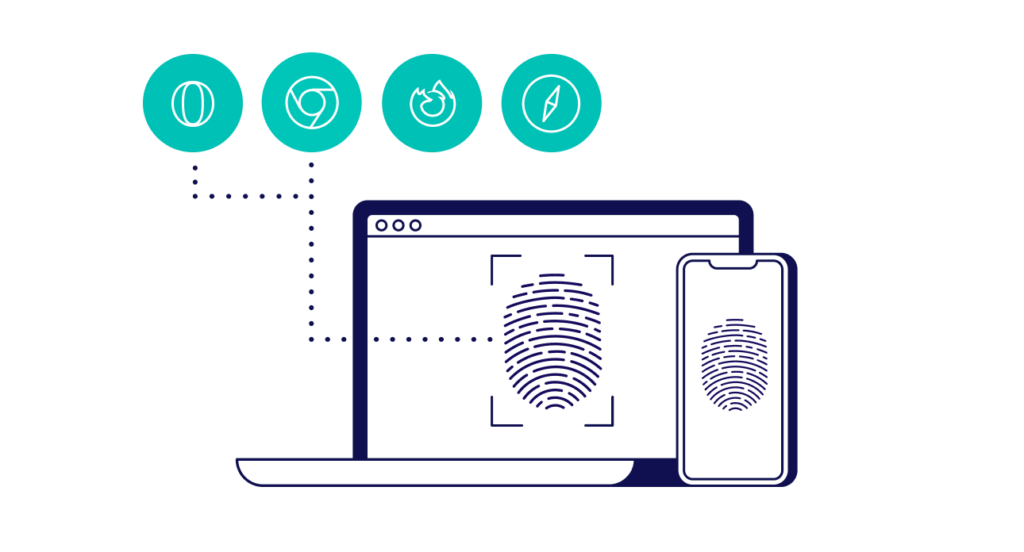
A Browser Fingerprint is a collection of technical traces that your device unintentionally leaves behind every time it accesses a website. As soon as you open a website, your browser automatically sends a wide range of technical parameters to the server in order to optimize the display experience. However, these parameters are not random; when combined, they form a unique identifier that is specific to your device—much like a human fingerprint.
Even if you change your IP address using a proxy, the following parameters can still silently “expose” your true identity to detection systems:
Hardware configuration: This includes detailed information such as the CPU type, number of processing cores, graphics card (via WebGL), exact screen resolution, and even the device’s current battery level.
Software configuration: Websites can easily read the browser version, operating system, a complete list of installed fonts, as well as the system’s default time zone and language.
Deep-level data: These are advanced techniques such as Canvas fingerprinting (how the browser renders a hidden image) and AudioContext fingerprinting (how the browser processes audio signals), generating distinctive parameters that make it nearly impossible for two devices to be exactly the same.
>>> Learn more: 7 free online tools to check IP fingerprints
2. Why are accounts still suspended in bulk even when using a proxy?
The core reason accounts get suspended despite using a proxy is information inconsistency. Modern anti-fraud (anti-cheat) systems used by platforms like Facebook, Google, and Amazon are extremely sophisticated at detecting mismatches between the IP address and the device’s actual configuration.
| Parameter | Typical status when using a proxy | Result |
|---|---|---|
| IP address | Changed to the U.S. or another country | Matches system requirements. |
| Time zone & language | Still remain the same as the real computer | Data inconsistency. |
| Font list | Characteristic of the real user’s device | Abnormal. |
| WebRTC | Leaks the real IP address of the home network | Fully exposed. |
This mismatch causes systems to flag your account as abnormal as soon as you log in to the management dashboard. In particular, free proxies often have poor security and can easily leak your real IP address through WebRTC vulnerabilities, rendering any attempt at anonymity meaningless.
.webp)
3. Hidemium – A dedicated browser solution
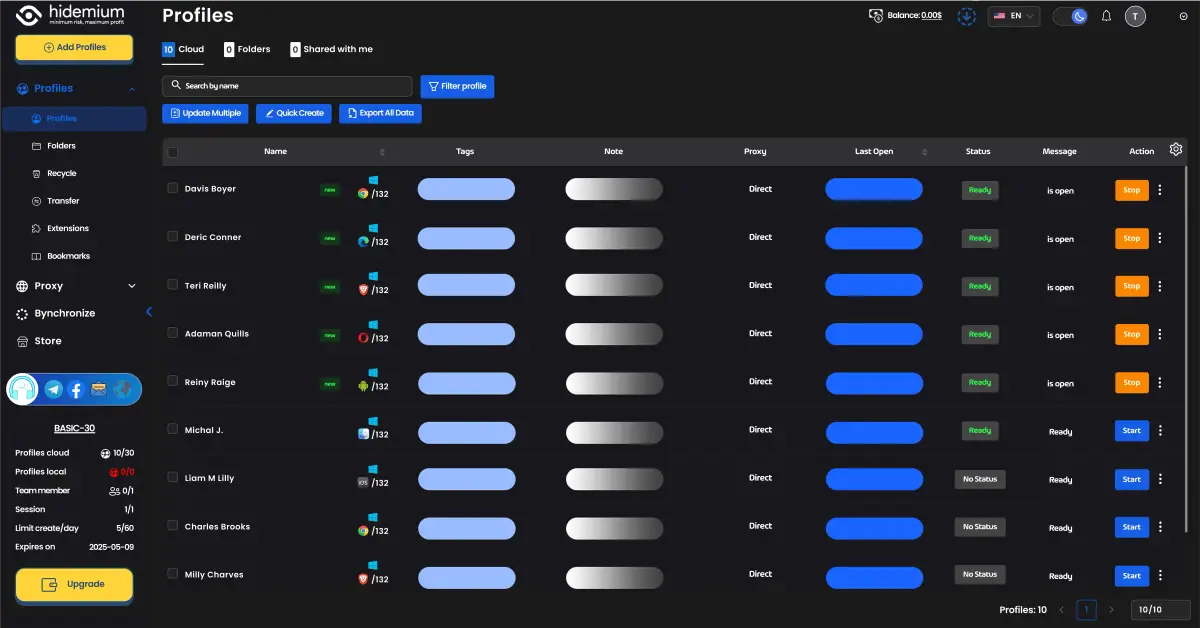
To comprehensively address fingerprint exposure—an issue that conventional solutions like proxies or VPNs cannot fully solve—professional users need Hidemium. Unlike basic IP masking, Hidemium allows you to take full control of your digital identity through its advanced features:
Perfect simulated fingerprints: While proxies and VPNs still expose technical parameters, Hidemium generates completely distinct browser fingerprints (Canvas, WebGL, Audio) for each profile. Websites perceive you as a new user on a new device, fully eliminating the risk of account linkage.
Centralized proxy management: Instead of complex configurations on standard browsers, Hidemium allows you to assign proxies (Residential or Datacenter) directly to individual profiles. This enables structured management of thousands of accounts while minimizing the risk of mistakes.
Absolute leak protection: Hidemium automatically synchronizes time zone and language settings to match the IP address and completely blocks WebRTC leaks—vulnerabilities that Chrome-based VPNs frequently suffer from.
Powerful automation support: This is a highly effective tool for running automation scripts or managing large numbers of accounts. You can freely use AI tools such as Soulgen without worrying about being flagged by security systems.
4. Workflow for using Hidemium to achieve maximum anonymity
Secure proxy + Hidemium workflow:
Step 1: Choose a high-quality residential proxy → brief analysis
Step 2: Create a separate profile for each account
Step 3: Check the fingerprint using Pixelscan / Whoer
Step 4: Only log in when all indicators are fully synchronized
Conclusion:
Using only a proxy or VPN is not sufficient to protect accounts from browser fingerprinting. Hidemium provides a comprehensive solution, offering absolute anonymity, leak prevention, centralized proxy management, and powerful automation support.
Investing in Hidemium not only helps you protect your accounts, but also saves time and costs compared to constantly purchasing new accounts due to suspensions.
Related Blogs
.png)
Our software, Hidemium, masks all common browser fingerprints, such as screen size, operating system, and others that websites use to track and identify you. Using the same browser fingerprint across your accounts can lead to account suspension.But ultimately, the most extensive fingerprint of all is your IP address. Using the same IP address with multiple accounts is a big red flag that can and[…]

What Are AI Agents for HR and How to Integrate Them Into an Existing BusinessAnyone who’s worked in HR knows the routine: piles of resumes, endless follow-ups, and calendars packed with interviews that get delayed, cancelled, and end up ruining your schedule daily. The new wave of AI agents for HR and recruiting is quietly changing that.These systems don’t hire or fire on their own. They handle[…]

Owning and operating a large number of accounts on social media platforms like X (Twitter) or Discord has become essential for those involved in MMO, airdrops, and marketing. However, the biggest challenge users face is that their accounts are frequently suspended or flagged for identity verification when multiple accounts are logged in on the same device.So how can this issue be resolved? The[…]
.png)
If you haven’t heard about OpenClaw yet, chances are you will soon.Since early 2026, this open-source AI agent has been gaining massive attention across communities, especially among marketers looking for smarter ways to automate their workflows. It promises something different from traditional tools — not just content generation, but actual task execution.But here’s the real question:Can[…]

IPFoxy TikTok Proxy Review: Performance and How to Test Them TikTok’s global reach demands reliable residential proxies to avoid IP hopping flags and boost local traffic. Yet most proxies fall short—data center IPs get blocked, cheap options risk contamination, and blacklisted IPs trigger bans.Now we test IPFoxy’s residential proxies and share a review and tutorial to dodge these risks.1. Why[…]

Cryptocurrency airdrops are becoming an indispensable strategy for new blockchain projects to attract community interest and expand their initial user base. Moving into 2025, this trend continues to explode with a series of confirmed airdrop programs, providing the opportunity to own free tokens with extremely low risk.In this article, Hidemium will update list Top 5 most reputable crypto[…]
