
What Is Web Scraping?
Web scraping is the automated process of extracting data from websites. Instead of manually copying information from web pages, web scraping tools send HTTP requests to websites, parse the HTML content, and extract structured data — which can then be saved to a database, spreadsheet, or used directly in applications.
In 2026, web scraping has become an essential capability for businesses across industries — from e-commerce price monitoring to market research, lead generation, and AI training data collection.
How Web Scraping Works: The Technical Basics
The web scraping process follows several key steps:
- Sending HTTP requests: The scraper makes requests to the target website, just like a browser would
- Receiving HTML responses: The website returns HTML, CSS, and JavaScript content
- Parsing the content: The scraper uses libraries like BeautifulSoup, lxml, or XPath to locate and extract specific data elements
- Storing the data: Extracted data is saved to CSV files, databases, or APIs for further processing
- Handling pagination: For large datasets, the scraper automatically navigates through multiple pages
Common Web Scraping Use Cases in 2026
Web scraping powers a wide range of real-world applications:
- Price monitoring: E-commerce businesses track competitor pricing in real time to optimize their own pricing strategies
- Lead generation: Sales teams extract contact information and business details from directories and social platforms
- Market research: Companies analyze reviews, forum discussions, and news content to understand trends
- Real estate data: Property investors scrape listing sites to track market values and identify opportunities
- Financial data: Traders extract stock prices, earnings reports, and economic indicators at scale
- AI and machine learning: Data scientists collect large text, image, and video datasets for training AI models
- SEO monitoring: Marketers track search rankings, backlinks, and competitor content across thousands of keywords
The Biggest Challenge: Anti-Scraping Detection
Most websites deploy anti-scraping measures to prevent automated data extraction. The most common detection methods include:
- IP rate limiting: Blocking IP addresses that make too many requests in a short time
- CAPTCHA challenges: Presenting puzzles that bots struggle to solve
- Browser fingerprinting: Detecting non-human browser environments by analyzing Canvas, WebGL, and hardware parameters
- Behavioral analysis: Flagging sessions that move in perfect patterns without human variation
- Honeypot traps: Hidden links that legitimate users never click but bots follow
Overcoming these measures requires sophisticated tools — specifically, a combination of rotating proxies and antidetect browser profiles.
How to Scrape Websites Without Getting Blocked
The most reliable approach to large-scale web scraping in 2026 combines three key elements:
- Rotating residential proxies: Use a pool of residential IP addresses to distribute requests across different locations and ISPs. This prevents any single IP from hitting rate limits.
- Realistic browser fingerprints: Use an antidetect browser like Hidemium to generate legitimate browser profiles that pass fingerprint checks. Headless browsers and simple HTTP libraries are easily detected by modern anti-bot systems.
- Human-like behavior simulation: Introduce random delays, mouse movements, and scroll patterns to mimic organic user behavior.
Web Scraping with Hidemium
Hidemium's antidetect browser is purpose-built for tasks that require undetectable browser automation, including web scraping. Here's how Hidemium helps:
- Multiple isolated profiles: Run dozens of scraping sessions simultaneously, each with a unique fingerprint — no cross-contamination between sessions
- Proxy integration: Connect each profile to a different residential proxy to distribute your scraping load
- Automation support: Hidemium supports browser automation through its built-in scripting capabilities, allowing you to automate navigation, form filling, and data extraction
- JavaScript rendering: Unlike simple HTTP scrapers, Hidemium fully renders JavaScript-heavy pages, making it capable of scraping single-page applications (SPAs)
Popular Web Scraping Tools to Use with Hidemium
Hidemium can be paired with various scraping tools and frameworks:
- Puppeteer and Playwright: Browser automation frameworks that control Chrome-based browsers, perfect for JavaScript-rendered content
- Selenium: The original browser automation framework, compatible with Hidemium profiles
- BeautifulSoup: Python HTML parsing library for processing extracted page content
- Scrapy: Full-featured Python scraping framework for large-scale operations
Is Web Scraping Legal?
Web scraping occupies complex legal territory that varies by jurisdiction and the specific website being scraped. Some general principles:
- Scraping publicly available data for research, business intelligence, or competitive analysis is generally permitted
- Scraping data behind authentication barriers or violating a website's terms of service may have legal risks
- Scraping personal data must comply with GDPR, CCPA, and other data protection regulations
- Rate-limiting your scraper and using cached data when possible shows good faith
Always consult legal counsel for your specific use case, particularly when operating at commercial scale.
Start Scraping at Scale with Hidemium
Whether you're monitoring prices, generating leads, or building datasets, Hidemium gives you the antidetect infrastructure to scrape at scale without interruption. Create unlimited isolated browser profiles, integrate your proxy network, and extract data from any website in 2026.
Download Hidemium today and start your first web scraping project with undetectable browser profiles.
Related Blogs

Need a free proxy site you can use directly in your browser? Start with browser-based options such as ProxySite and KProxy, then check whether Hidester, hide.me, or Megaproxy currently offer a working web proxy. This list also includes VPN apps and business proxy services: not all 15 tools are free web proxies.Quick answer: A web proxy lets you enter a URL and load some websites through a remote[…]

When applied correctly, the 10 Antidetect Browser tips not only significantly reduce the risk of account restrictions but also enhance stability in multi-account management. Close synchronization between browser fingerprints, IP addresses, and access behavior helps platform AI systems assess activity as more natural.In addition, these techniques optimize marketing operations, save management[…]
Facebook can i see who viewed my profileUnderstanding Who Views Your Facebook Profile: Facts vs MythsIf you have ever posted a new profile picture, shared an exciting life update, or simply wondered if an old flame is checking up on you, you have likely asked yourself the ultimate social media question. We all want to know who is looking at our digital footprint. The curiosity surrounding[…]
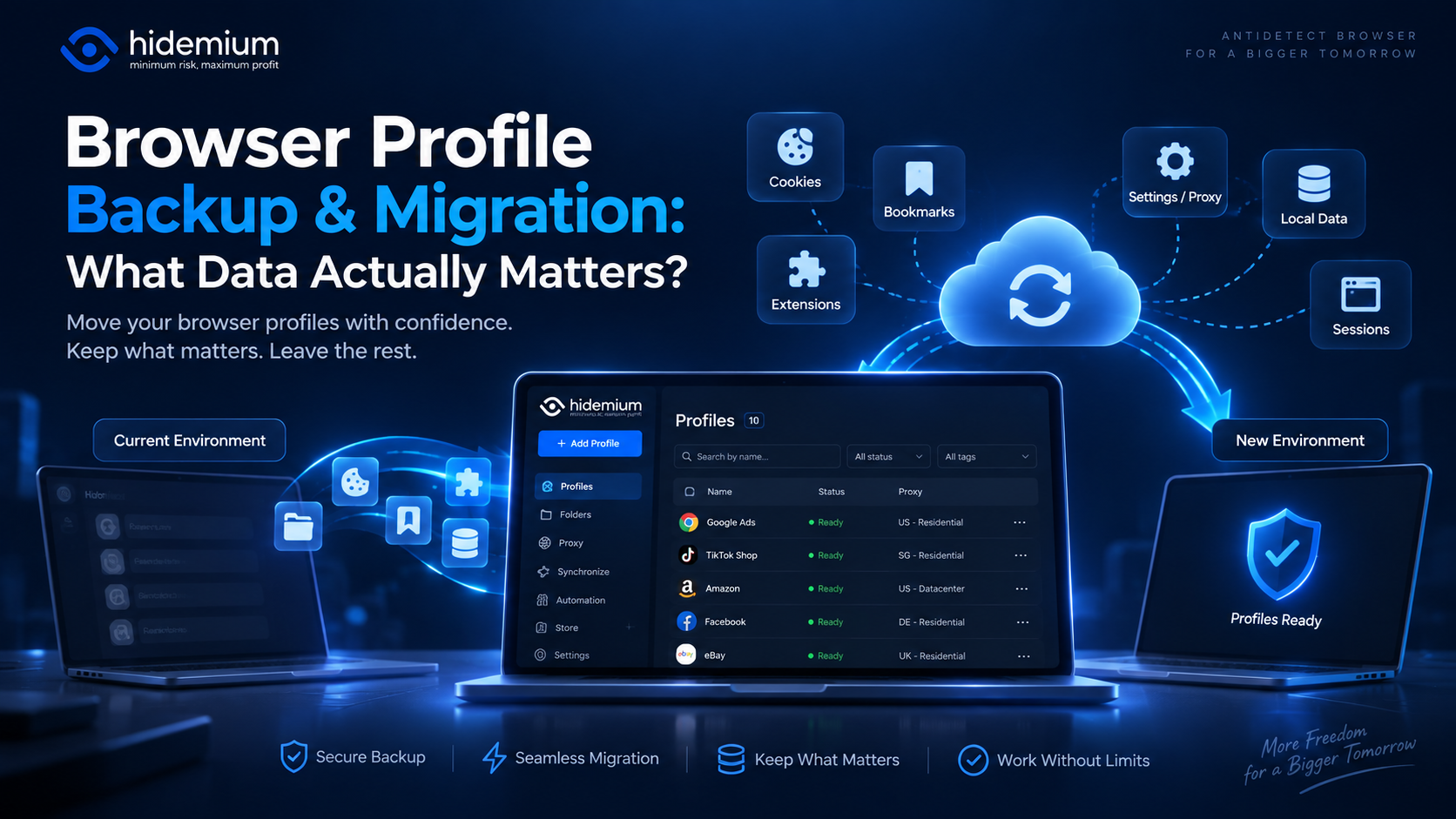
Moving a browser profile sounds easy:Export → Import → Open.But that is rarely the whole story.A migrated profile may open successfully while the user is logged out, extensions are missing, proxy settings have disappeared, or website data behaves differently.In other words:The profile moved, but the working environment did not.That is why browser profile backup migration should not be treated as[…]

Managing multiple social media accounts sounds simple—until you actually do it.If you're handling 5, 10, or even 15 accounts, you probably know the feeling: writing similar captions, repeating the same workflow, and constantly switching between accounts. It quickly becomes time-consuming and hard to scale.That’s where a structured workflow using Claude AI can make a real difference. Instead of[…]
.png)
Why Competitor Price Monitoring Matters More in 2026Prices on e-commerce platforms don't move weekly. In a Visualping sample of 9,705 active monitors watching competitor pricing pages in April 2026, 42% flagged at least one price change within a 30-day window — with the median check running every 2.8 hours. The velocity is sharper in specific verticals: HubSpot's pricing page changed on 96% of[…]
