Claude AI Workflow for Managing Multiple Social Media Accounts (2026 Guide)
Try Hidemium for free

Managing multiple social media accounts sounds simple—until you actually do it.
If you're handling 5, 10, or even 15 accounts, you probably know the feeling: writing similar captions, repeating the same workflow, and constantly switching between accounts. It quickly becomes time-consuming and hard to scale.
That’s where a structured workflow using Claude AI can make a real difference. Instead of treating content creation as a series of random tasks, you turn it into a repeatable system that saves time while keeping quality consistent.
Let’s break it down step by step.
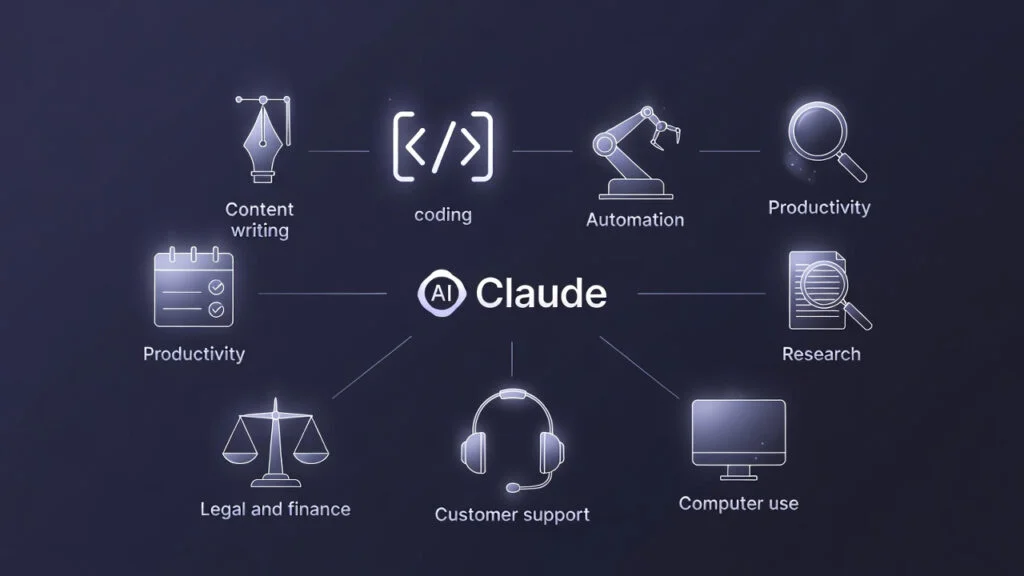
Step 1: Build Your Brand Context
Before generating any content, you need to give Claude the right context.
Think of this as setting the foundation. For each account, define things like brand voice, target audience, and content direction. The more specific you are, the better the output will be.
Instead of saying “friendly and professional,” try something more precise like “clear, slightly technical, but still conversational.” That small difference makes Claude’s output much more usable.
Once this is set up, you don’t need to repeat it every time. Claude will already “understand” the account you’re working on.
Step 2: Create Content in Batches (Not One by One)
This is where most of the time savings happen.
Instead of asking Claude to write one post at a time, you can generate an entire week of content in one session. Just provide a list of ideas or topics, and Claude will turn them into structured posts.
This approach helps you:
- Save hours every week
- Keep content consistent
- Reduce mental fatigue
You go from “writing content daily” to “reviewing content weekly.”
Step 3: Add a Research Layer
Good content isn’t just consistent—it’s relevant.
Before generating posts, take a moment to identify what’s happening in your niche. What are people talking about? What problems are they facing?
You can ask Claude to suggest trending angles or common questions in your industry. Even though it’s not real-time data, it still helps you avoid generic content and stay aligned with what your audience cares about.
Step 4: Adapt Content Across Platforms
If you’re managing multiple platforms, you don’t need to start from scratch each time.
Instead, create one core idea and adapt it.
For example, the same message can become:
- A short, engaging caption for Instagram
- A more detailed post for LinkedIn
- A quick thread or hook for X (Twitter)
This keeps your message consistent while adjusting the format to fit each platform.
Step 5: Review and Refine (This Step Matters)
Claude can generate content quickly, but it shouldn’t be your final editor.
Take time to review:
- Does it match the brand voice?
- Is it specific enough?
- Does it feel natural for the platform?
You’ll often need to remove filler phrases, adjust tone, or add real details. This step is what turns “AI-generated content” into something actually usable.
Step 6: Schedule and Publish
Once your content is ready, move it into your scheduling tool.
Most teams use tools like Buffer, Hootsuite, or similar platforms to plan posts in advance. With a batch workflow, this process becomes much smoother because everything is already prepared.
Step 7: Don’t Ignore Account Setup
Creating content is only part of the process. Managing multiple accounts safely is just as important.
Social media platforms track signals such as IP address, browser fingerprint, and device environment. When multiple accounts share similar signals, they can easily get linked—and once that happens, restrictions or bans are just a matter of time.
That means even if your content workflow is perfect, your entire system can still fail because of poor account setup.
To avoid this, you need proper account isolation.
👉 Learn more about how to manage multiple accounts safely
With Hidemium, each account runs in its own environment:
- A separate browser profile
- A unique fingerprint
- A dedicated proxy
You can also explore a free proxy list to get started here:
This setup allows you to operate multiple accounts without cross-linking risks, making it much easier to scale campaigns, manage clients, and maintain long-term account stability.
Why This Workflow Actually Works
Most people focus only on content—but scaling social media requires both content and infrastructure.
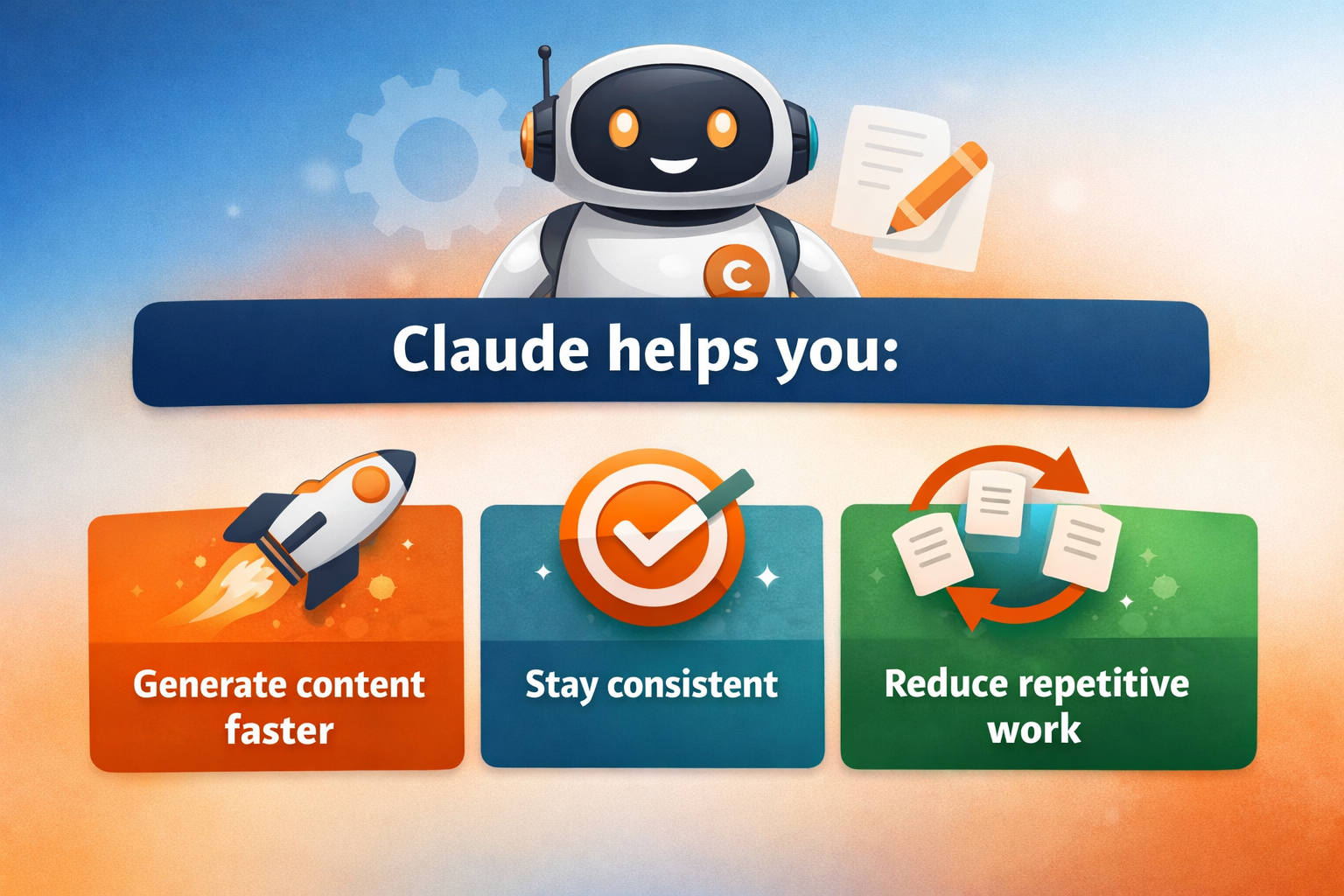
Claude helps you:
- Generate content faster
- Stay consistent
- Reduce repetitive work
Hidemium helps you:
- Isolate accounts
- Avoid detection
- Scale safely
Without proper account isolation, even the best content strategy can break due to account bans or restrictions.
That’s why combining AI workflow + account infrastructure is what truly makes scaling possible.
Ready to Scale Your Social Media Workflow?
If you're currently managing multiple accounts manually, now is the time to upgrade your system.
👉 Start building your workflow with Hidemium
Create isolated browser profiles, assign proxies, and manage all your accounts in one place—without worrying about bans or account linkage.
❓ FAQ
What is the best way to manage multiple social media accounts?
The most effective way is to combine content automation tools like Claude AI with an account management solution like Hidemium. This allows you to create content efficiently while keeping accounts isolated and secure.
Can I manage multiple social media accounts from one device?
Yes, but without proper setup, accounts can be linked and flagged. Using an antidetect browser like Hidemium helps create separate environments for each account, reducing the risk of bans.
Why do social media accounts get banned when managing multiple accounts?
Platforms track signals such as IP address, browser fingerprint, and behavior patterns. If multiple accounts share similar data, they may be flagged as connected and restricted.
Is using AI enough for managing multiple accounts?
No. AI helps with content creation, but you still need proper account infrastructure. Without tools like Hidemium, managing multiple accounts at scale can lead to detection and bans.
Do I need proxies for multi-account management?
Yes. Proxies help assign different IP addresses to each account. Combined with browser fingerprint isolation in Hidemium, this creates a safer and more stable setup.
Related Blogs

Browser emulator is a technique that allows your browser to appear as if it is running on a different device, operating system, or browser. This method is often used for website testing, privacy protection or Access content restricted by region or platform.So how does browser emulation work? Is it really safe and legal? In this article, Hidemium will help you understand how it works, when to use[…]

In the digital age, increasing YouTube comments has become an essential platform for sharing content and engaging with your audience. Comment count is not only a measure of viewer engagement but also an important factor in improving your video’s ranking on the platform. Here are 5 effective ways to increase comments on your YouTube videos.1. Ask smart questions to encourage viewers to commentWhen[…]
Can You Browse Instagram Anonymously?Instagram is one of the most visited social media platforms in the world — but it's also one of the most aggressive when it comes to tracking user behavior. Whether you want to research competitors, view profiles without leaving traces, or simply protect your privacy, browsing Instagram anonymously has become increasingly important in 2026.The short answer is:[…]

The old story of VPNs is simple. Hide. Mask. Browse. But the world has moved on. So must the tools.Why anonymity alone isn't enoughPeople still think of VPNs as a cloaking device. That belief is narrow. Modern threats are layered. Attacks target devices, cloud apps, telemetry, supply chains, and identities — not just IP addresses. A good encrypted internet connection should do more than hide[…]
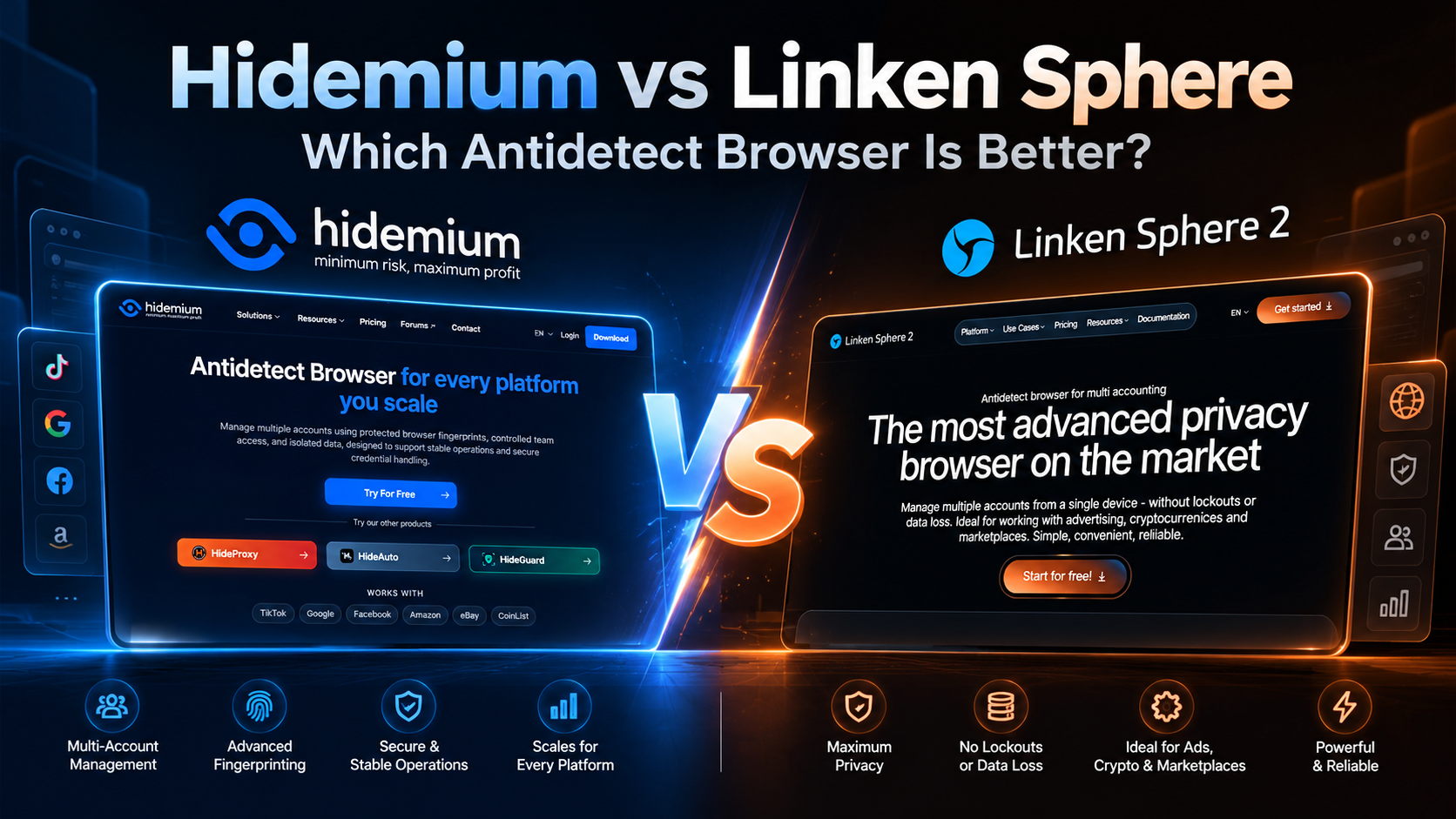
Managing multiple online accounts has become increasingly complex as websites develop more sophisticated tracking and browser fingerprinting technologies. For digital marketers, e-commerce sellers, affiliate marketers, and agencies, maintaining separate browsing environments is essential for efficient account management.Antidetect browsers help address this challenge by allowing users to create[…]
.png)
What Is an Anti Detect Browser — and Why Does It Matter in 2026?Every time you open a browser, you broadcast a fingerprint. Not your IP address — something far more specific: your canvas hash, WebGL output, installed fonts, screen resolution, timezone, audio context, and dozens of other signals that websites use to identify you as a unique device.Standard browsers send this fingerprint[…]
