

What is Turbo VPN is the question many people ask when looking for a tool to help personal information security and Bypass regional content access restrictionsIn this article, Antidetect Browser Hidemium will explore Turbo VPN in detail with you - from concept, outstanding features to how to use it effectively on devices like Windows, Android and iOS.
1. What is Turbo VPN?
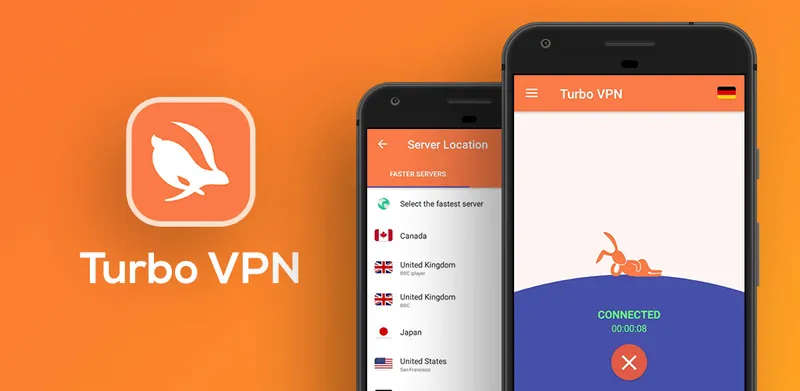
Turbo VPN is a trusted free VPN application that allows you to connect to a wide range of global servers quickly and easily. Thanks to the use of strong encryption protocol, Turbo VPN helps protect personal data when accessing the Internet, especially when connecting to public Wi-Fi networks. At the same time, this tool supports users access region-blocked websites, ensuring optimal privacy and freedom online.
With friendly design, easy to use and stable operation on many platforms,Turbo VPN is the ideal choice for those looking for a Quality Free VPN, serving both entertainment and safe working needs in the digital environment.
>>> Learn more: Top 10 Best Free VPN Apps for Android in 2025
2. Pros and cons of Turbo VPN
To have a clearer view of Turbo VPN, here is a quick summary of important information to help you make a comprehensive assessment of this VPN application:
Criteria | Information |
| Supported operating systems | Windows, Android, iOS |
| Version used | There are both free and premium versions. |
| Main function | Encrypt data, bypass content censorship, protect user privacy |
| Connection speed | Stable, high speed (depending on account type and time of use) |
| Number of servers | 10+ servers for free, more options for paid |
| Display ads | Appears in free version |
Similar to other VPN applications,Turbo VPN Each application has its own strengths and weaknesses. Accurately assessing the pros and cons of an application will help you choose the right tool for your personal or business needs.
2.1 Outstanding advantages of Turbo VPN
Turbo VPN is highly appreciated by many users thanks to the following outstanding features:
User-friendly interface design: Simple interface, easy to operate, especially suitable for beginners using VPN.
Fast access speed: Supports smooth Internet connection, limits lag when watching movies, playing games or accessing restricted content.
Multi-device compatibility: Works well on multiple platforms such as Windows computers, Android phones, iOS.
Convenient free version: Meet basic needs such as hiding IP, accessing foreign websites without needing to upgrade immediately.
High level of security: Applying modern encryption technology helps protect personal data from cyber threats.
If you are looking for an applicationFree VPN
2.2 Disadvantages of Turbo VPN – Limitations to Consider
Despite its many strengths,Turbo VPN still exist some Notable limitations, especially for users using free version:
Ads appear frequently: One of the biggest inconveniences when using the free version is being bothered by ads. This significantly affects the user experience, especially when you need a quick and seamless connection.
Limited number of servers: The free version only allows access to a few servers, which reduces flexibility in choosing the right IP location and may affect access speed.
Unstable connection during peak hours: During high traffic hours, Turbo VPN's connection speed tends to decrease significantly, making it difficult to watch videos, surf the web or use applications that require high stability.
Not meeting specialized needs: For activities that require strong and secure connections such as working remotely, accessing corporate systems or playing online games, Turbo VPN free version may not be sufficient. For a smoother experience, users should consider upgrading to a paid plan.
In short, if you only have basic needs such as accessing blocked websites or protecting privacy when using public Wi-Fi, Turbo VPN Free Is a decent option. However, for more advanced needs, consider more advanced options or other premium VPN services.
>>> Learn more: Proxy, VPN and Anti Detecting Browser Comparison – What are the Main Differences?
3. Instructions for using Turbo VPN on multiple platforms
Turbo VPN is one of the most popular VPN applications today thanks to its superior security, stable connection and ease of use on multiple operating systems such as Windows, Android and iOS. Below are detailed instructions on how to install and use Turbo VPN effectively on popular devices:
3.1 How to use Turbo VPN on Windows
Step 1 – Download the software: Visit Turbo VPN's official website to download the installation file for Windows operating system.
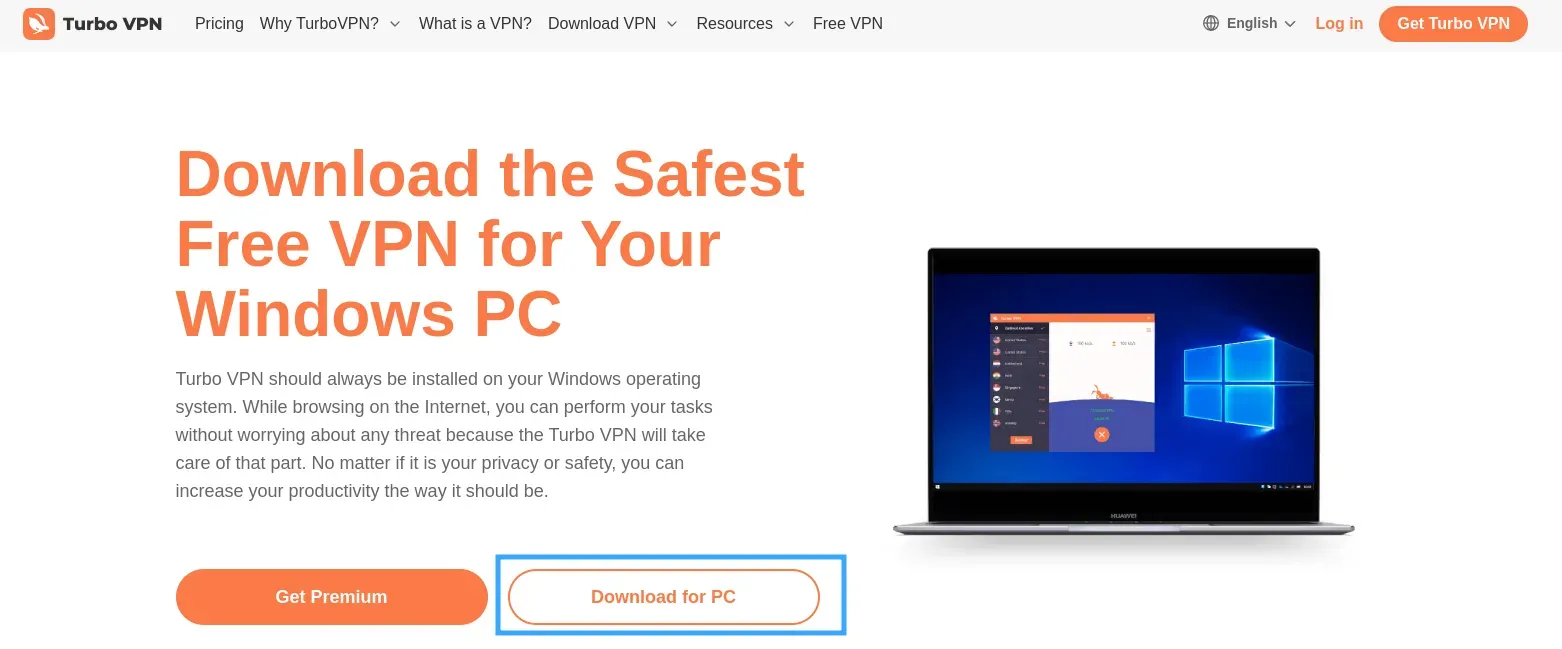
Step 2 – Install the app: Open the downloaded file and follow the on-screen instructions to complete the installation.
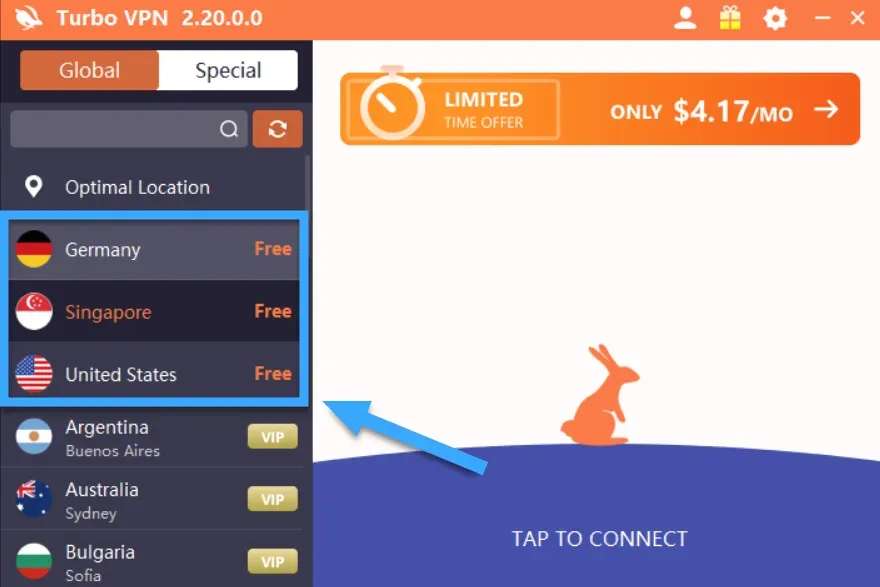
Step 3 – Connect to the server: Launch Turbo VPN, select a suitable server according to your geographical location or usage purpose, then press the button"Connect".
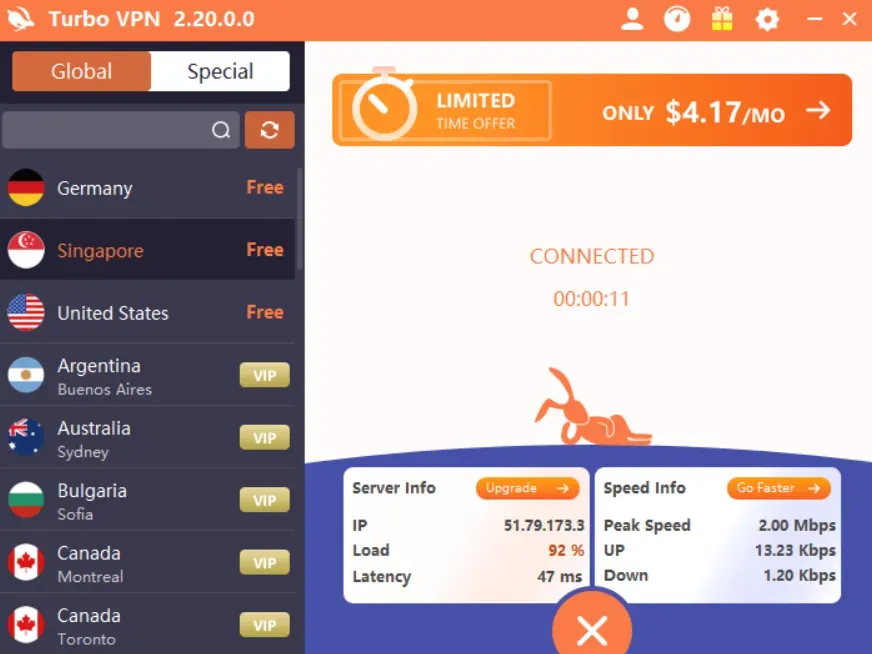
Step 4 – Browse Safely: Once connected successfully, you can surf the web with peace of mind with guaranteed security and privacy.
3.2 How to use Turbo VPN on Android and iOS
Step 1 – Download the app: AccessGoogle Play Store(for Android) orApp Store(for iOS), search for the keyword “Turbo VPN” and proceed with the installation.
Step 2 – Open the app: After installation is complete, open Turbo VPN to start using it.
Step 3 – Select Server: Select a server from the list. For optimal speed, you should choose a server close to your current location.
Step 4 – Quick Connection: Press the button"Connect", and when the VPN icon appears in the notification bar, your connection is securely encrypted.
>>> Learn more: Proxy, VPN and Anti Detecting Browser Comparison – What are the Main Differences?
Through the above tutorial, you have clearly understoodWhat is Turbo VPN, as well as how to use this app on popular platforms. WithStrong security features, User friendly interface, and effective firewall bypass, Turbo VPN is the ideal solution for those who need access to geo-restricted content or online privacy protection.
If you are looking for aSimple, Reliable and Effective VPN, do not hesitate to experienceTurbo VPN today to feel the difference.
>>> ARTICLES ON THE SAME TOPIC:
Related Blogs
In today's article, we will explore Multilogin – one of the prominent names in the Antidetect Browser field. Multilogin has established its position due to its stable operation and long-standing presence in the market. However, it also attracts attention because of its high price and customer-specific support options. Notably, with the latest Multilogin X update, there have been significant[…]
.png)
Beyond the Bot: How to Humanize AI and Safely Bypass AI DetectionThe year 2026 has brought us to a strange crossroads. On one hand, we have large language models that can write poetry, code, and 3,000-word essays in the blink of an eye. On the other, we have an "AI police force"—detectors like Turnitin, Originality.ai, and GPTZero—that are getting increasingly aggressive.If you’re a student or a[…]

Facebook can i see who viewed my profileUnderstanding Who Views Your Facebook Profile: Facts vs MythsIf you have ever posted a new profile picture, shared an exciting life update, or simply wondered if an old flame is checking up on you, you have likely asked yourself the ultimate social media question. We all want to know who is looking at our digital footprint. The curiosity surrounding[…]

If you already know how affiliate marketing works, then learning about the AliExpress Affiliate program will be a good choice. If you don’t know, learn about affiliate marketing first!What is the AliExpress affiliate program?The AliExpress affiliate program, like all other affiliate programs, pays a commission based on products sold through the affiliate. So you earn commissions by promoting and[…]
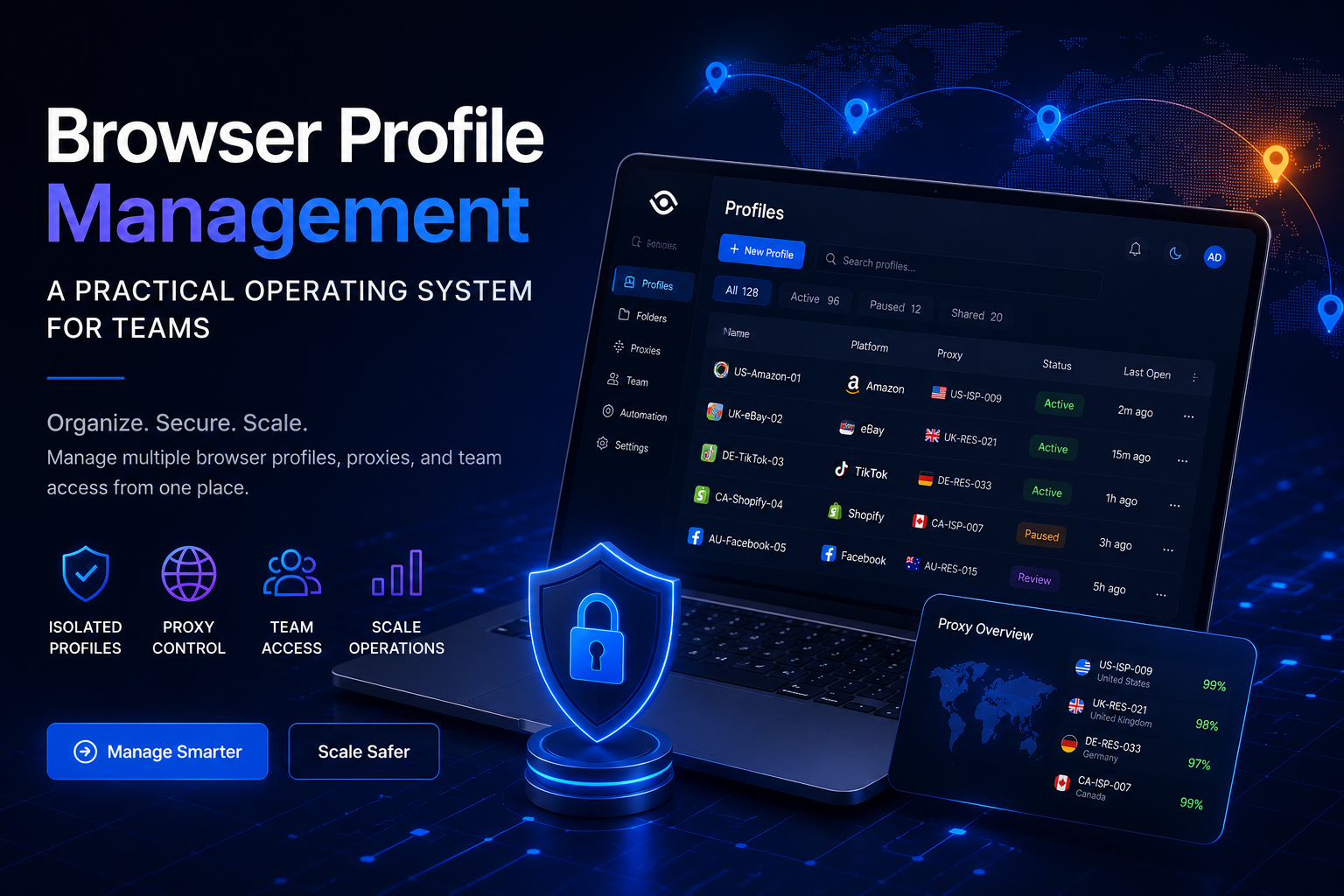
Browser Profile Management: A Practical Operating System for TeamsBrowser profile management is often misunderstood as the simple process of creating multiple browser profiles and assigning a different proxy to each one.That approach may work for an individual managing a small number of accounts. However, it becomes difficult to maintain when a team is responsible for dozens or hundreds of[…]
.png)
In international flash sale campaigns, where time is of the essence and opportunities are fleeting, having an effective tool to assist in your shopping is incredibly important. Antidetect Browser is the solution that helps you manage multiple accounts and participate in flash sales without the risk of detection. This tool changes browser fingerprints, IP addresses, and personal identification[…]
