

NordVPN is a reputable VPN service that helps secure personal data and ensure privacy when accessing the Internet. If you are in need of a solution to hide your IP, bypass regional content restrictions, and browse safely, this article is for you. Antidetect Browser Hidemium will help you better understand NordVPN – from outstanding features to points to note.
1. What is NordVPN?
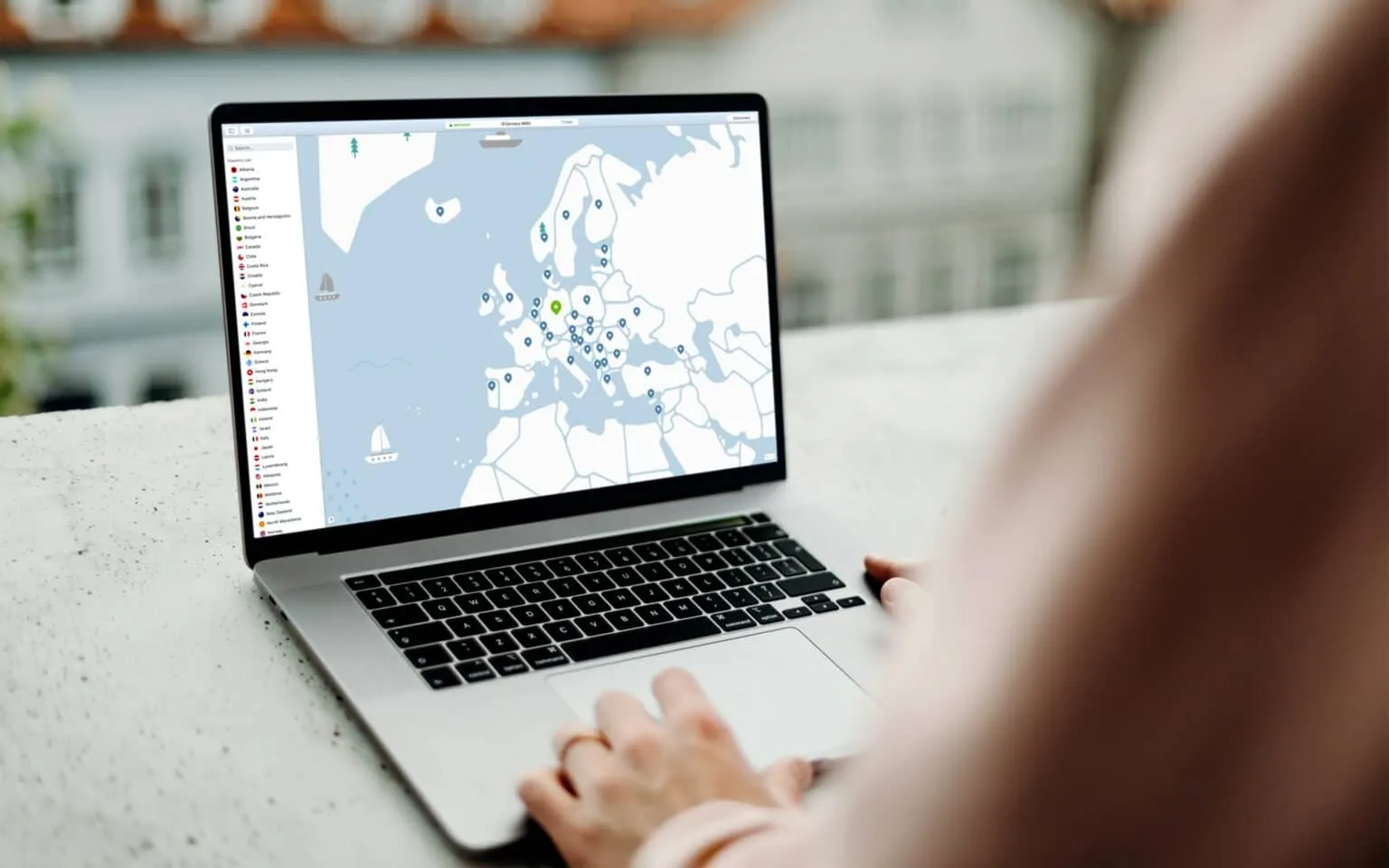
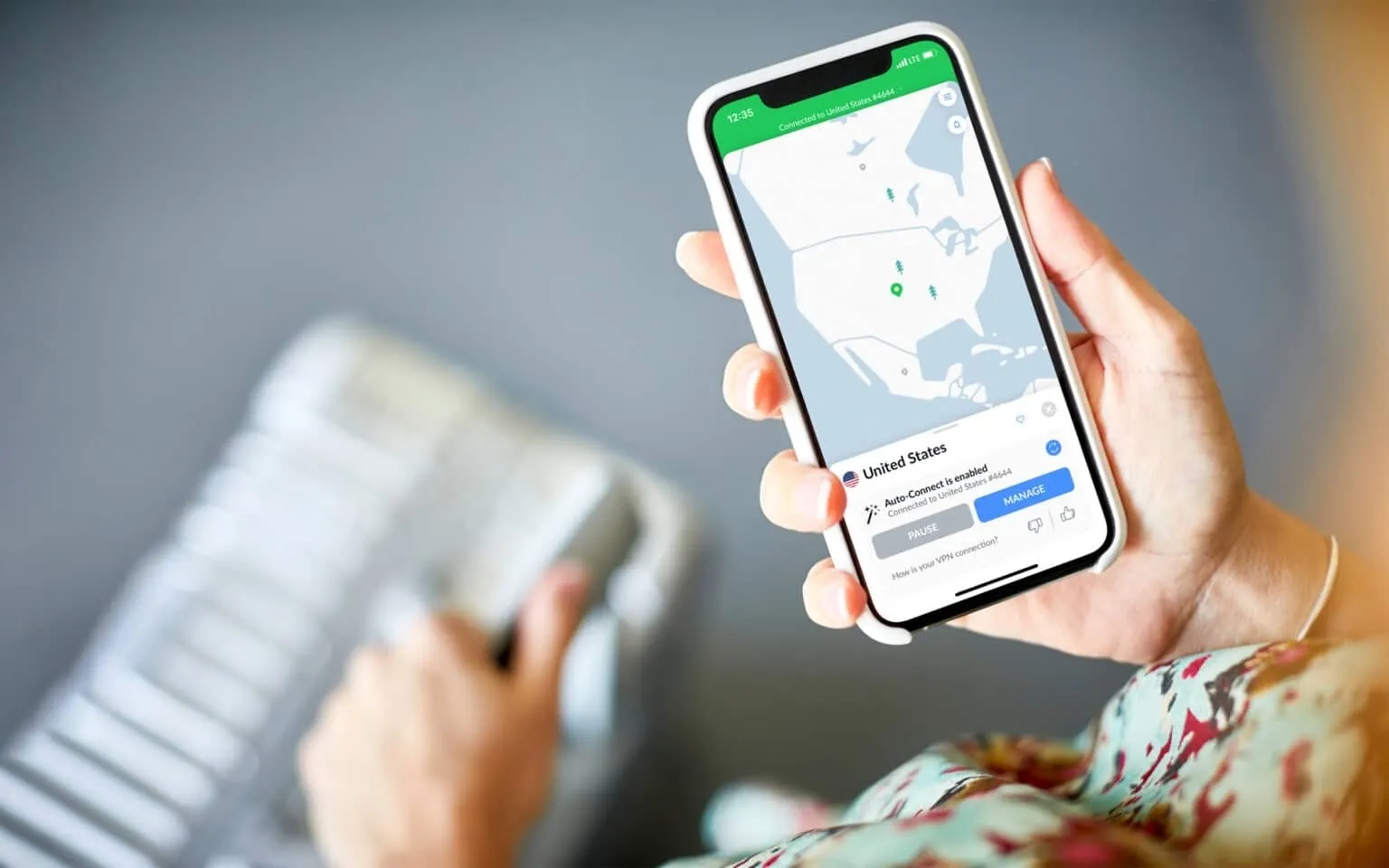
NordVPN is a virtual private network (VPN) that stands out with the ability to encrypt data and route traffic through an intermediary server, helping to hide real IP addresses and effectively protect personal information. In addition to the ability to access geo-restricted content, NordVPN is also compatible with many popular devices and operating systems such as Windows, macOS, iOS, Android, Chrome and Apple TV, providing a flexible and convenient experience for users.
>>> Learn more: Top 10 best free VPN apps for Android in 2025
2. Outstanding advantages of NordVPN - Reliable VPN service for modern users
NordVPN is one of the world’s leading VPN providers, known for its advanced security technology and unlimited internet access. Here are some of the notable features that make NordVPN the preferred choice for millions of users:
2.1. Superior data security with strong encryption technology
NordVPN uses AES-256 encryption combined with DHE-4096 key exchange protocol - a military security standard that helps fully protect personal information. In particular, the Double VPN feature helps encrypt data twice through two different servers, improving safety when accessing public Wi-Fi networks or untrusted websites.
2.2. Kill Switch – Effective solution to prevent data leaks
NordVPN's Kill Switch feature automatically disconnects the internet when the VPN crashes. This ensures no data is leaked outside, helping users maintain privacy and safety while surfing the web or working online.
2.3. CyberSec – Ad and malware blocking tool
CyberSec is an advanced feature that helps users prevent annoying ads, malware and websites containing malicious code. Not only does it protect devices from potential dangers, CyberSec also contributes to improving access speed and user experience.
2.4. Multi-platform connection – Protects 6 devices simultaneously
NordVPN allows connecting up to 6 devices at the same time on many operating systems such as Windows, macOS, iOS and Android. This is especially useful for individual users using multiple devices or families that need to share security access.
2.5. Flexible packages - Long-term cost savings
NordVPN offers a variety of packages to suit different needs. Long-term packages such as 1 year or 2 years have significant preferential prices, helping users save while still ensuring stable performance and service quality.
2.6. 24/7 customer support – Fast and dedicated
NordVPN is always ready to support users via live chat or email 24/7. Regardless of whether you have technical problems or need service advice, NordVPN's professional customer care team will accompany you and provide timely support.
>>> Learn more: Compare Proxy, VPN and Antidetected Browser – What are the main differences?
3. Limitations to keep in mind when using NordVPN
Although NordVPN stands out with its high security capabilities and stable connection speed, there are still some disadvantages that users should consider:
3.1. The configuration interface is not friendly to new users
One of the big downsides to NordVPN is its relatively complicated setup process. Users need to download a ZIP file containing the configuration of the servers, with two options TCP and UDP for each server. There are more than 9,300 files such as al1.nordvpn.com.tcp443 good za12.nordvpn.com.tcp443, making choosing the right server time-consuming and confusing – especially for beginners.
3.2. Restrictions when using torrents
Although NordVPN does support torrenting, it is only on specific servers. This makes the usage experience inconsistent and frustrating for users who need to download large files frequently. Besides, torrent download speed sometimes does not meet expectations, reducing usage efficiency.
3.3. Slow connection to server and application
Another weakness of NordVPN is that the connection establishment speed is not really optimal. On average, users need to wait 14–30 seconds to complete the process of connecting to the server - not to mention the application startup time, causing a feeling of slowness and lack of convenience during use.
>>> Learn more: Top 15 trustworthy free proxy websites
4. Detailed instructions for downloading and installing NordVPN on all platforms
Are you looking to download and install NordVPN to protect your internet privacy? Here are detailed step-by-step instructions, applicable to devices running Windows, macOS, iOS, and Android:
Step 1: Sign up for a NordVPN account
First, visit NordVPN's official website at https://nordvpn.com/ and choose the service package that suits your needs. Then, proceed to create an account by filling in personal information and making payment according to the instructions.
Step 2: Download the NordVPN application
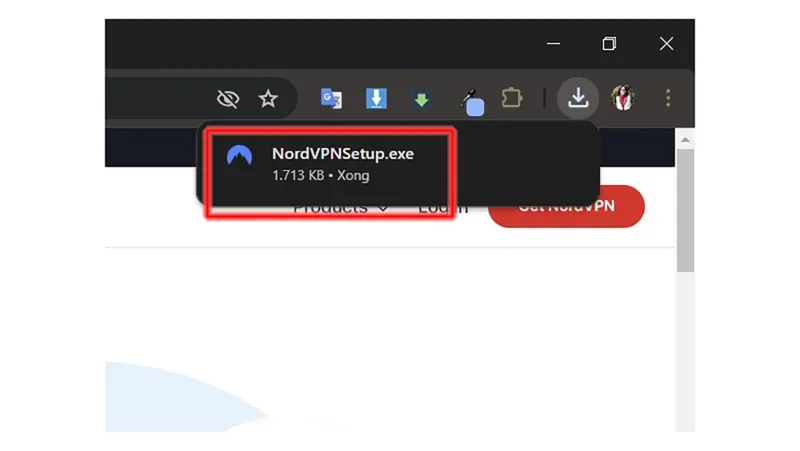
After completing registration, log in to your NordVPN account on the website. In the "Downloads" section, select the correct application version suitable for the operating system you are using (Windows, macOS, Android or iOS) and click "Download" to start downloading.
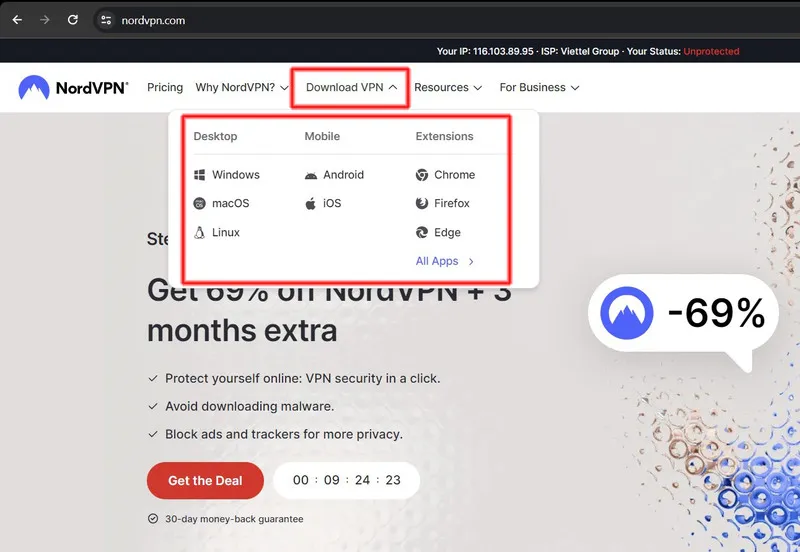
Step 3: Install the application
For Windows & macOS: Open the downloaded file. On Windows, double-click the .exe file to begin the installation. On macOS, simply drag the application icon into the “Applications” folder.
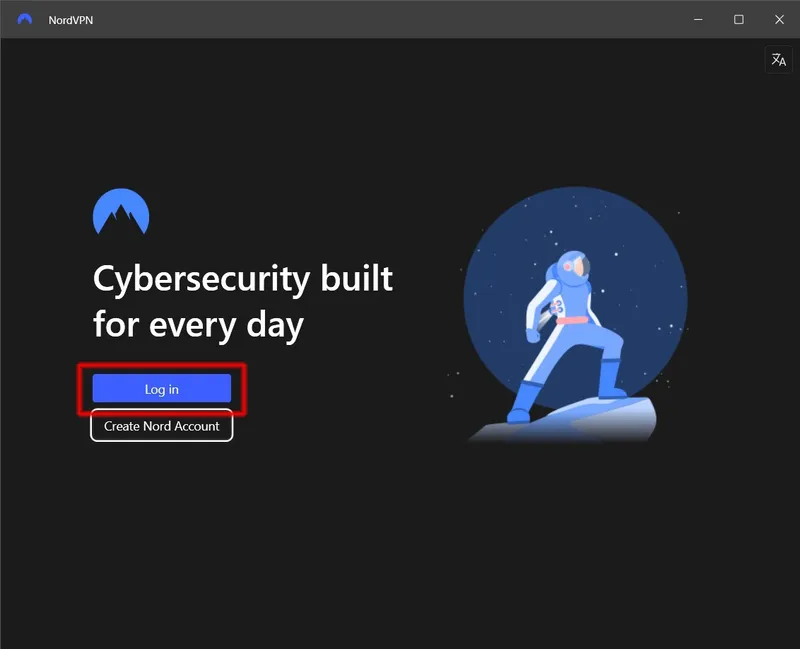
For iOS & Android: Go to the App Store or Google Play, search for “NordVPN”, then download and install the app. Open the app and log in with the account you created earlier.
Step 4: Connect to VPN and use
After logging in, you can manually select the desired VPN server or use the "Quick Connect" feature to have the system automatically select the fastest and most stable server. Click “Connect” to start your safe, secure, and unlimited web surfing experience.
Through the above instructions, you can easily download, install and use NordVPN on any device. With fast speeds, strong encryption, and thousands of global servers, NordVPN is the ideal VPN solution for those who need to secure their data and access geo-blocked content. If you need further technical support or advice on suitable solutions, do not hesitate to contact the Hidemium team for quick and effective help.
>>> ARTICLES WITH THE SAME TOPIC:
Related Blogs
.png)
Captcha is a popular security tool used on websites to prevent suspicious activities from automated programs (bots). However, Captcha can sometimes be frustrating for users, especially when fast access is needed or when the Captcha becomes overly complex. In this article, we will explore 7 effective ways to bypass Captcha in 2025, allowing you to overcome these barriers legally and safely.1. What[…]

How to Integrate IPRoyal with Hidemium — Complete Privacy at Your FingertipsIn today’s digital landscape, privacy, speed, and scalability are crucial. Whether you’re a digital marketer, developer, or eCommerce entrepreneur, managing multiple accounts and operations demands tools that are secure, seamless, and efficient.That’s why combining Hidemium with IPRoyal creates a powerful solution — one[…]
When managing multiple accounts on the same device, many individuals and businesses face issues such as unstable profiles and frequent account suspensions due to overlapping fingerprints, IP addresses, or behavioral patterns. This is where Antidetect Browsers become a foundational solution—giving each account its own distinct “digital identity,” enabling more stable operation and making detection[…]

Hotspot Shield VPN is one of the software virtual private network (VPN) most popular today, trusted by many users thanks to its superior security and support for anonymous Internet access. With a series of useful features, Hotspot Shield becomes the ideal choice for those who want to protect their privacy online. So what is Hotspot Shield? What are the advantages and how to download this[…]
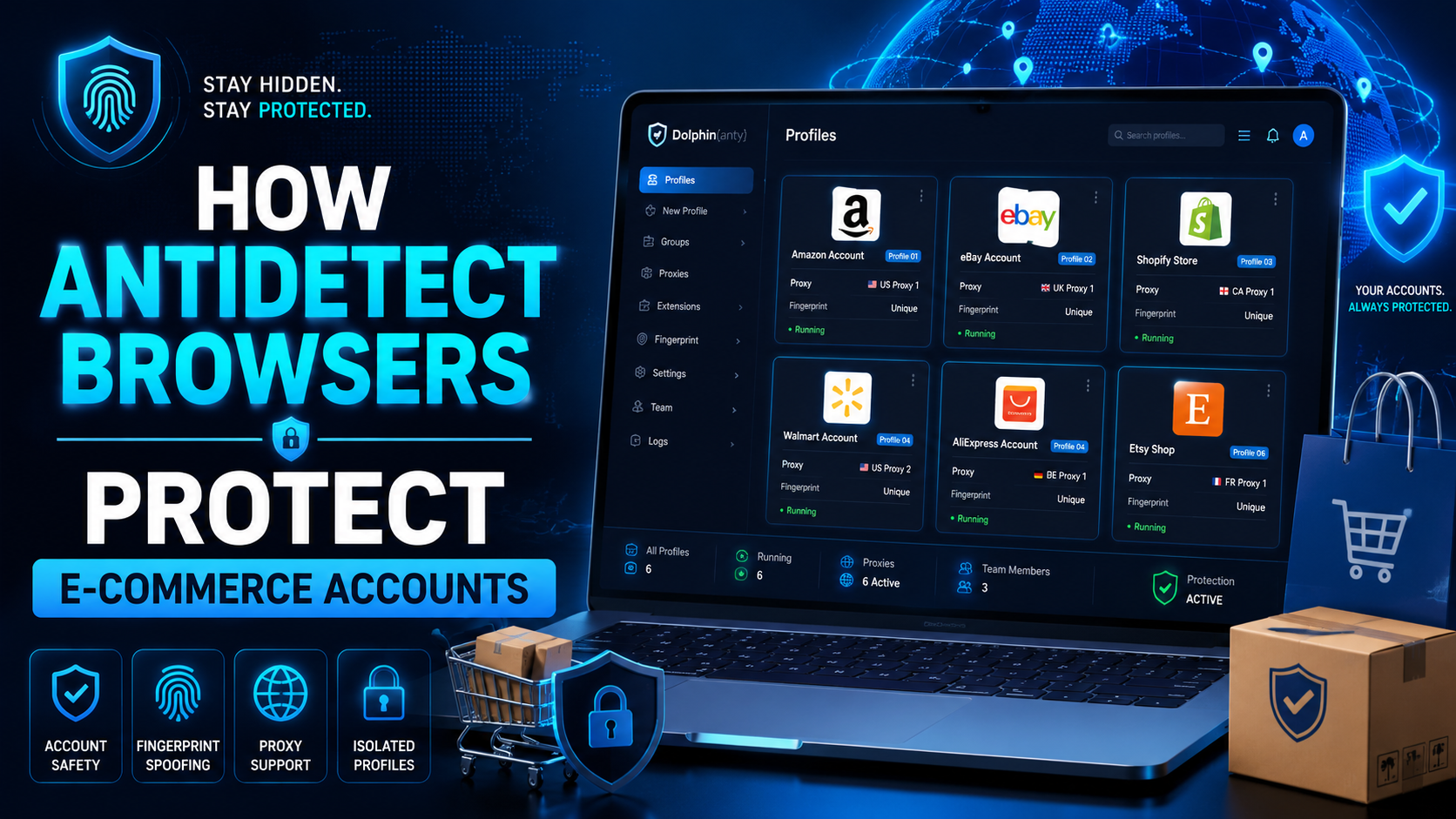
The world of e-commerce and dropshipping is growing rapidly, with more and more businesses looking to take advantage of the opportunities presented by online sales. However, with this growth comes an increase in online fraud, which can lead to account locks, chargebacks, and other financial losses. To prevent these issues, many businesses are turning to use Anti-detect Browser, which provides a[…]
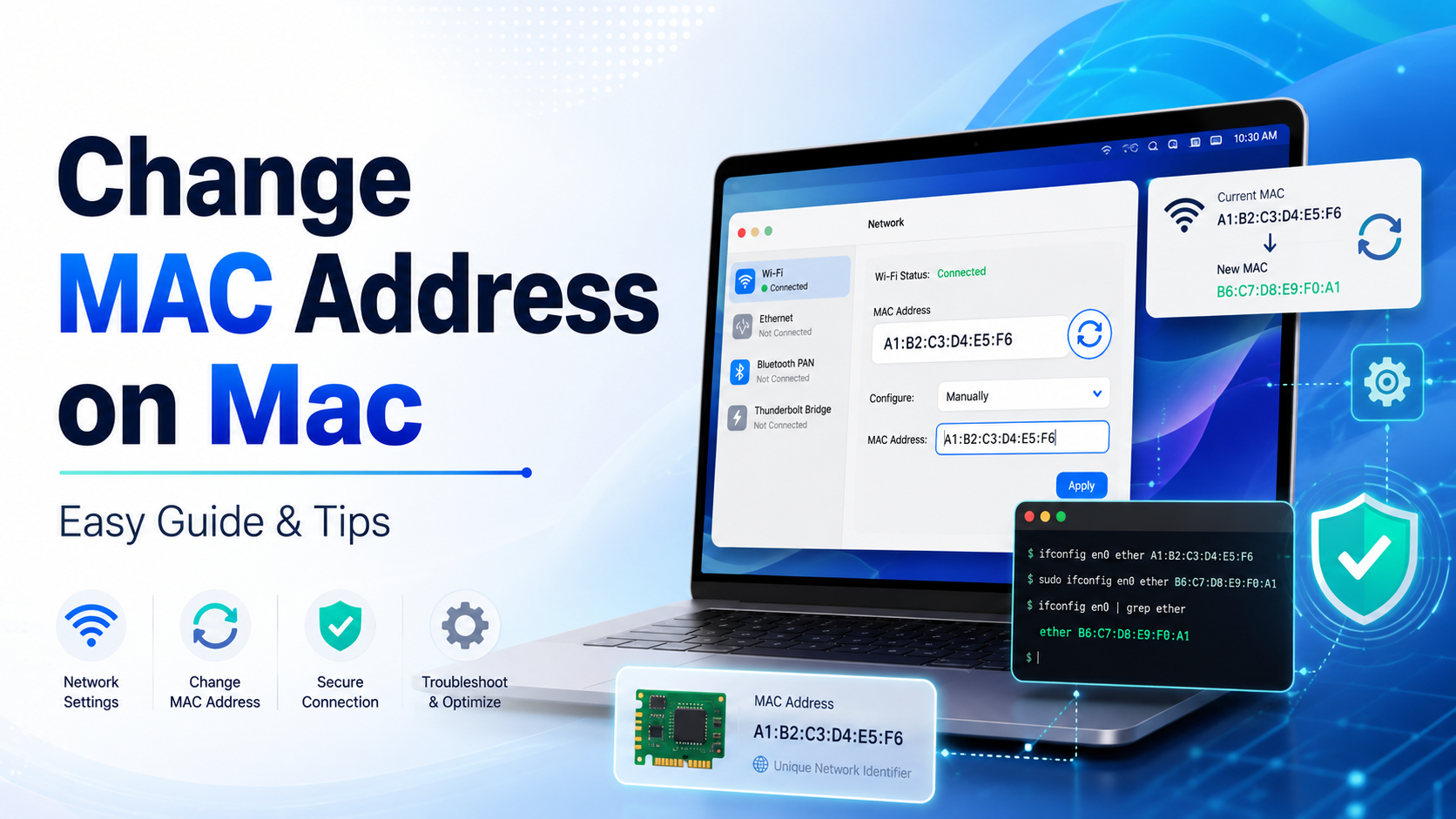
How to Change MAC Address on Mac: Complete Privacy GuideIn today's hyper-connected world, protecting your digital identity has never been more important. Every time your Mac connects to a network, it broadcasts a unique hardware identifier that can be logged, tracked, and used to build a profile of your behavior. If you've ever wondered how to change MAC address on Mac, you're not alone — it's[…]
