

What is iTop VPN? iTop VPN is a service virtual private network (VPN) that helps protect identity, protect privacy, and increase security when accessing the Internet. This service encrypts access data and hides users' IP addresses, thereby avoiding tracking and overcoming geographical restrictions. In this article, Antidetect Browser Hidemium will guide you in detail Outstanding features, benefit, as well as How to install and use iTop VPN effectively in 2025.
What is the iTop VPN?
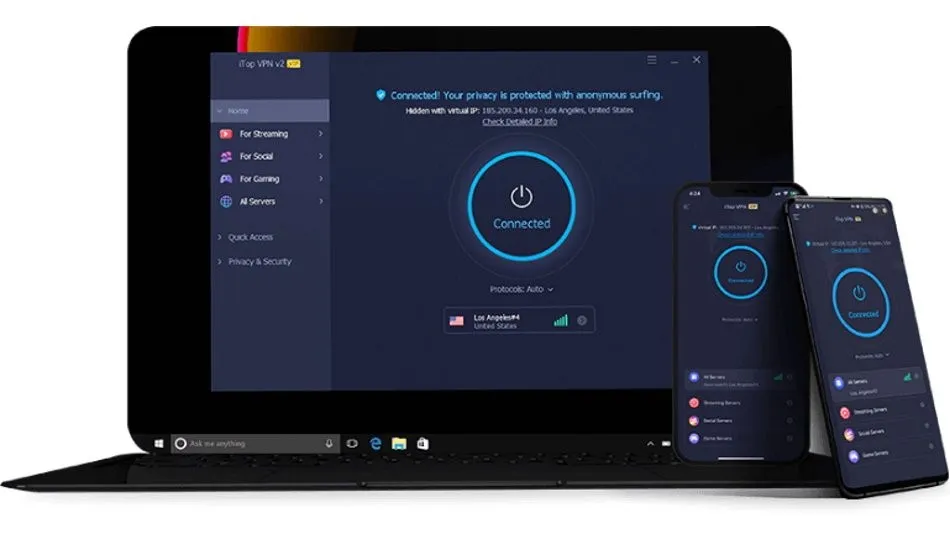
Top VPN is a tool Free VPN helps users access the Internet safely, protect privacy and avoid personal information leakage. Thanks to the ability of data encryption and IP anonymity, iTop VPN helps you bypass content censorship barriers, access restricted platforms like Netflix, BBC iPlayer, TikTok, etc.
The highlight of iTop VPN lies in Network of over 1,800 servers worldwide, helping to maintain high speeds and stable connections in many countries and regions.
>>> Learn more: Top 10 Best Free VPN Apps for Android in 2025
2. Outstanding advantages of iTop VPN
Unblock global content
Easy access to popular platforms likeNetflix, TikTok, Facebook, YouTube…without being limited by geography or carrier.
Browse the web securely and anonymously
Protect users from third-party tracking while surfing the web, watching videos, live streaming, or making online transactions.
Unlimited access, stable speed
Download, play games, watch movies or stream live with ease, high speed and unlimited bandwidth.
Powerful global server system
Than 1,800 servers in many countriesAllows fast connections, easy firewall bypass, and reduced latency when accessing international content.
Strict Privacy Policy
Commit No access logs stored, do not sell user data, guarantee absolute privacy during use.
Customize flexible connection mode
Users can choose between gaming mode, livestream or quick connect, suitable for each specific purpose.
Automatic protection Kill Switch feature
Automatically disconnects from the Internet when VPN is interrupted, preventing IP or sensitive data leaks.
24/7 Technical Support
Customer service team is always ready to answer and support all technical issues, helping you feel secure in using.
Convenient free package
Provide a free version with access to certain servers, allowing users to experience the service before upgrading to the paid version.
>>> Learn more: Proxy, VPN and Anti Detecting Browser Comparison – What are the Main Differences?
3. Detailed instructions for installing and using iTop VPN
After researching What is iTop VPN? With these outstanding features, the next step that users are often interested in is How to install and use iTop VPN quickly and efficiently. Here's a step-by-step guide to help you get started:
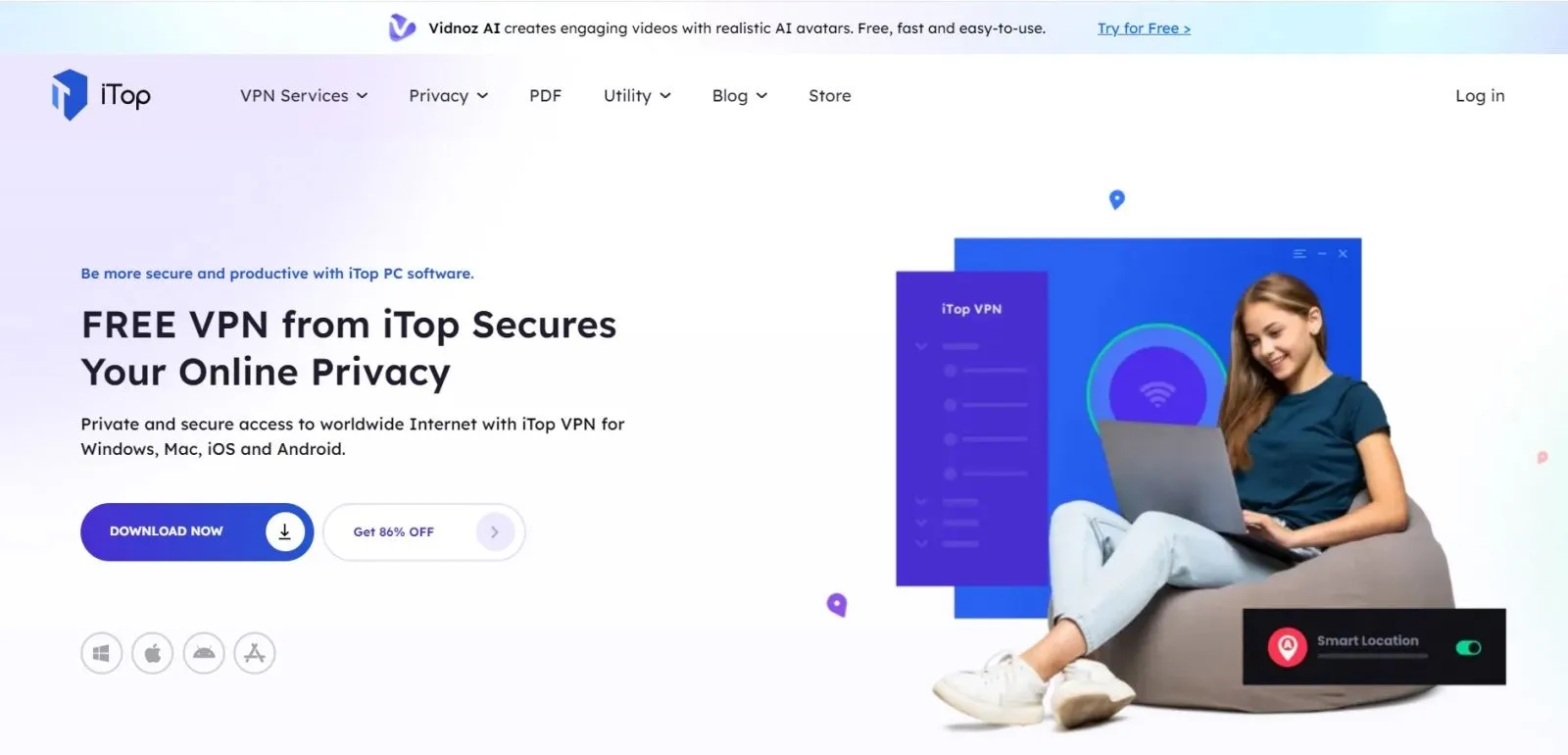
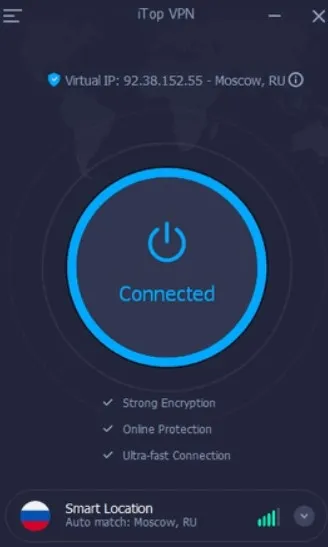
Step 1: Visit the official site to Download and install iTop VPN. After downloading, open the installation file and follow the instructions displayed on the screen. After successful installation, you can log in with an existing account or select Sign Up To create a new account with email and password.
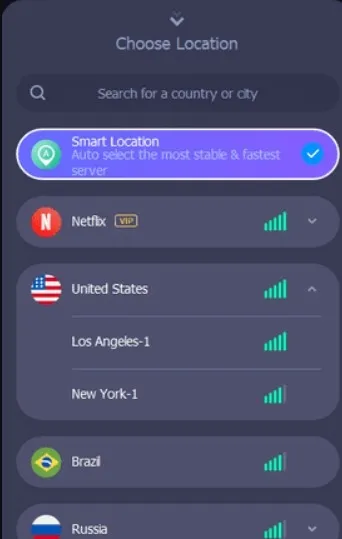
Step 2: Open the software, access the menu Serverto choose the appropriate server according to your needs (eg: access foreign content, increase connection speed, play games, etc.). The full server list will be displayed to help you choose easily.
Step 3: Press the button Connectto activate VPN. Once connected successfully, all your online activities will be Anonymous and Encryption Safe. In addition, you can also access geo-restricted content easily
>>> Learn more: Top 15 Trusted Free Proxy Sites
4. Is it safe to use iTop VPN?
The answer is Have. iTop VPN provides High speed, stable and secure internet connection, and is increasingly trusted by many users thanks to its optimal privacy protection.
Software used AES-256 encryption technology, one of the strongest security standards available today – often used in the military and financial institutions – helps ensure that all personal data transmitted over the network cannot be stolen or hacked.
Not only used for access entertainment platforms, iTop VPN also effectively supports remote workers, especially when you need to connect to your company's internal network securely. However, to avoid risks, you should Only download software from iTop VPN official site, absolutely do not use cracked versions or from unknown sources.
The article has helped you understand more aboutWhat is iTop VPN?, how to install, and why this is one of theThe best network security solution today. With the ability of anonymous internet access, Unlock restricted content, and Strong data encryption, iTop VPN is an indispensable tool if you want to enhance your online experience in a waysafe, fast and flexible.
Experience iTop VPN today to feel the difference!
>>> ARTICLES ON THE SAME TOPIC:
Related Blogs
Etsy – one of the leading e-commerce platforms today – stands out thanks to its focus on handmade products, antiques and personalized items. This difference makes Etsy more approachable and "human" than its competitors who sell mass-market, impersonal goods. In an era where the market is flooded with mass-produced industrial products, Etsy is the ideal destination for those who appreciate[…]
.png)
In today's digital age, safeguarding personal information while browsing the web is becoming increasingly important. One of the most effective tools for protecting online privacy is the Antidetect Browser. With its ability to disguise device information, window size, and IP addresses, the Antidetect Browser helps users maintain anonymity while surfing the internet. Additionally, it prevents[…]
In the digital age, owning and managing multiple Google accounts not only is it a personal need, but it is also an indispensable part of the operations of businesses, marketers or freelancers. The article below Hidemium will guide you how to Create a large number of Google accounts safely and efficiently in 2025, and suggests strategies, support tools, and management tips to help you optimize[…]
.png)
How to Get Social Media Help: Tips, Tools, and Resources That Actually WorkWhether you're locked out of your account, dealing with a sudden algorithm change, or trying to protect your digital footprint, navigating social media platforms can feel like a full-time job. Fortunately, social media help is well within reach — if you know exactly where to look and what strategies to apply.Platforms like[…]
Are you tired of managing multiple social media accounts daily? What you want is a comprehensive solution for managing social media accounts. Although it requires a lot of effort, having multiple accounts on online platforms is essential and beneficial for businesses. The article will tell you the secret to managing social media accounts effectively, so stay tuned for the content below!Pros and[…]

In today's digital age, online account security is an important factor for every user. YouTube, the world's largest video sharing platform, is no exception. A hacked YouTube account can lead to loss of data, videos, and even personal or business reputation. In this article, learn how to recover a hacked YouTube account effectively with Hidemium Antidetect Browser.1. How to know if your YouTube[…]
