

.png)
Looking for the best AdsPower alternatives in 2026? Whether you're switching because of pricing, browser profile management, automation requirements, or team collaboration, choosing the right antidetect browser depends on your workflow.
AdsPower is an established option for managing multiple browser profiles, but it isn't the only choice. Hidemium, Multilogin, GoLogin, Dolphin Anty, and Incogniton offer different approaches to profile management, browser fingerprint configuration, proxy integration, and automation.
This guide compares five AdsPower competitors, explains their strengths and limitations, and provides a practical checklist for evaluating a replacement.
Quick Answer: What Is the Best AdsPower Alternative?
The best AdsPower alternative depends on your team size, automation requirements, budget, and browser profile management needs.
Here are five options worth comparing:
- Hidemium: A strong candidate for teams that need browser profile organization, proxy configuration, and customizable automation workflows.
- Multilogin: Worth evaluating for established operations that prioritize structured browser environments and technical support.
- GoLogin: An accessible option for freelancers and smaller teams looking for straightforward profile management.
- Dolphin Anty: Particularly relevant to affiliate marketing and advertising-focused workflows.
- Incogniton: A practical option to investigate for individuals and smaller teams seeking essential profile management features.
No antidetect browser can guarantee complete anonymity, prevent every form of account linking, or eliminate the possibility of platform restrictions.
Key Takeaways
- Compare browser profiles, fingerprint configuration, proxy integration, automation, and collaboration—not just advertised profile counts.
- Check the total cost at the number of profiles and team members you actually need.
- Validate compatibility with Selenium, Puppeteer, Playwright, or other tools before migrating.
- Test a provider with non-sensitive data before transferring important sessions.
- Hidemium and its competitors manage browser environments; they do not replace account security, proxy quality, or compliance with website policies.
1. Why Are Users Looking for AdsPower Alternatives?
AdsPower provides tools for creating and managing browser profiles with configurable fingerprint and proxy settings.
It also offers automation and collaboration capabilities.
However, different users may outgrow particular tools as their requirements change.
Pricing and Profile Limits
A plan that works for a few profiles may become less suitable when an organization needs additional profiles, users, or features.
When comparing providers, review the total subscription cost rather than focusing only on the entry-level price.
Automation Requirements
Some users need manual profile management, while others require browser automation through APIs or scripting frameworks.
The critical question is whether a provider supports your specific workflow reliably.
Team Collaboration
Agencies and ecommerce teams may require shared workspaces, access permissions, profile assignment, and organized operational processes.
Not every product offers the same collaboration model.
Browser Compatibility and Stability
Browser-based workflows can be affected by software updates, extension compatibility, proxy configuration, and system resources.
It is important to test performance on your own hardware.
Changing Business Requirements
A freelancer managing a small number of profiles may prioritize simplicity.
A larger team may prioritize operational controls, automation, migration support, and technical documentation.
Before switching from AdsPower, identify the limitation you want to solve. Otherwise, you may end up paying for a different product without improving your workflow.
2. Top 5 AdsPower Alternatives in 2026
These five products are relevant alternatives because they offer tools for managing browser profiles and related settings.
Their capabilities, available plans, and technical requirements differ.
2.1. Hidemium — For Browser Profile Operations and Automation
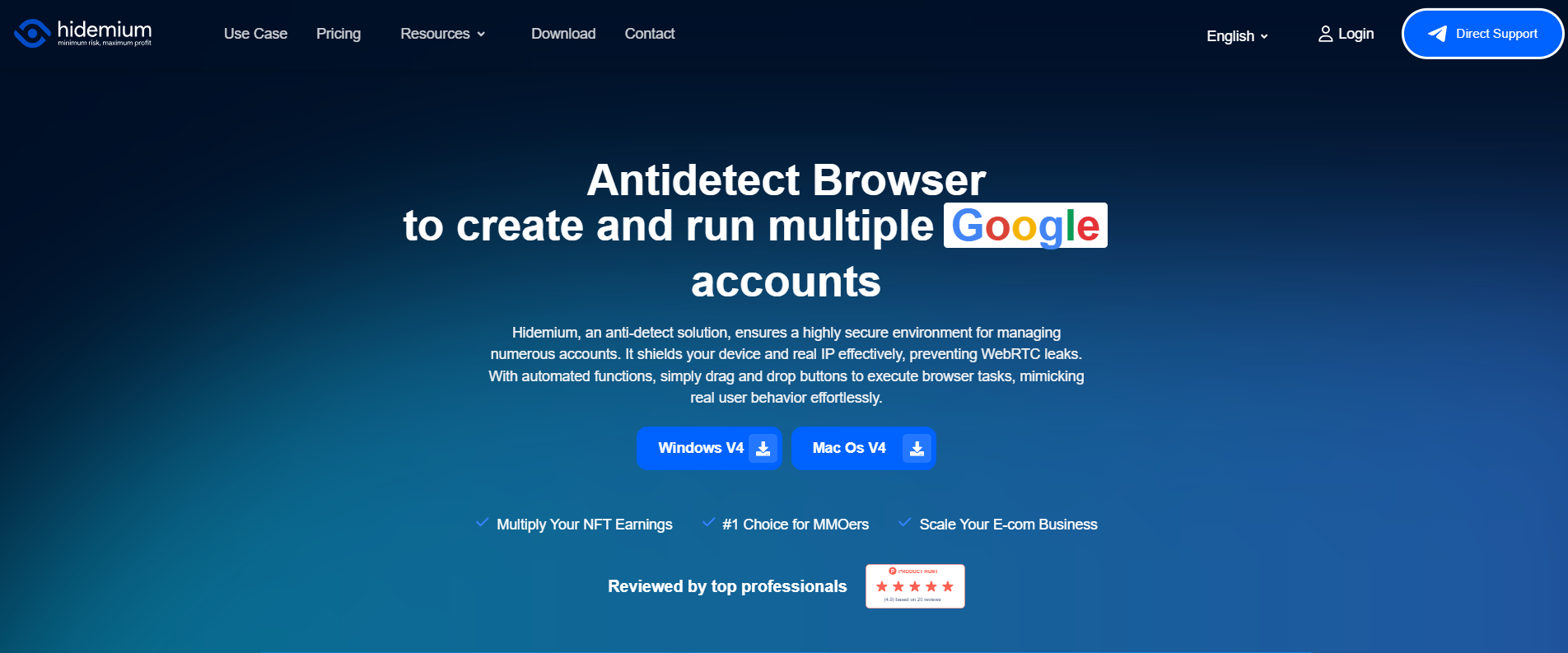
Hidemium is an antidetect browser designed for users and teams that need to organize separate browser environments and configure profile-specific settings.
It combines profile management with proxy configuration and automation-related capabilities.
Key Features
Browser profile management
Hidemium allows users to create profiles with separate browsing environments and configurable settings.
Profiles can help teams organize legitimate work across different projects.
Browser fingerprint configuration
Supported settings can include characteristics associated with the browser environment, such as Canvas, WebGL, WebRTC, timezone, and language.
The available controls should be checked against the current product version.
Proxy integration
Proxy settings can be configured for profiles when the workflow requires routing through a specific network endpoint.
The actual IP address and connection quality depend on the proxy provider.
Automation and API access
Hidemium documents local profile-management API capabilities and compatibility with browser automation tools, including Puppeteer, Playwright, and Selenium.
Before deploying automation, verify that the relevant features are available on your selected plan.
Team workflows
Profile organization and applicable sharing or access-management functions can help teams coordinate work.
Advantages
- Configurable browser environments.
- Profile-level proxy settings.
- Automation-related capabilities.
- Suitable for evaluating multi-profile operational workflows.
- Documentation for profile management and technical setup.
Limitations
- Users may need time to learn profile settings and automation.
- API, collaboration, and automation availability can depend on the product plan.
- Performance benefits over competitors should be established through actual tests rather than marketing claims.
Best for: Agencies, ecommerce teams, marketers, and users seeking configurable browser profiles and automation workflows.
Official website: Hidemium
Documentation: Hidemium Browser Profiles
Pricing: Hidemium Plans
2.2. Multilogin — For Structured Multi-Profile Operations
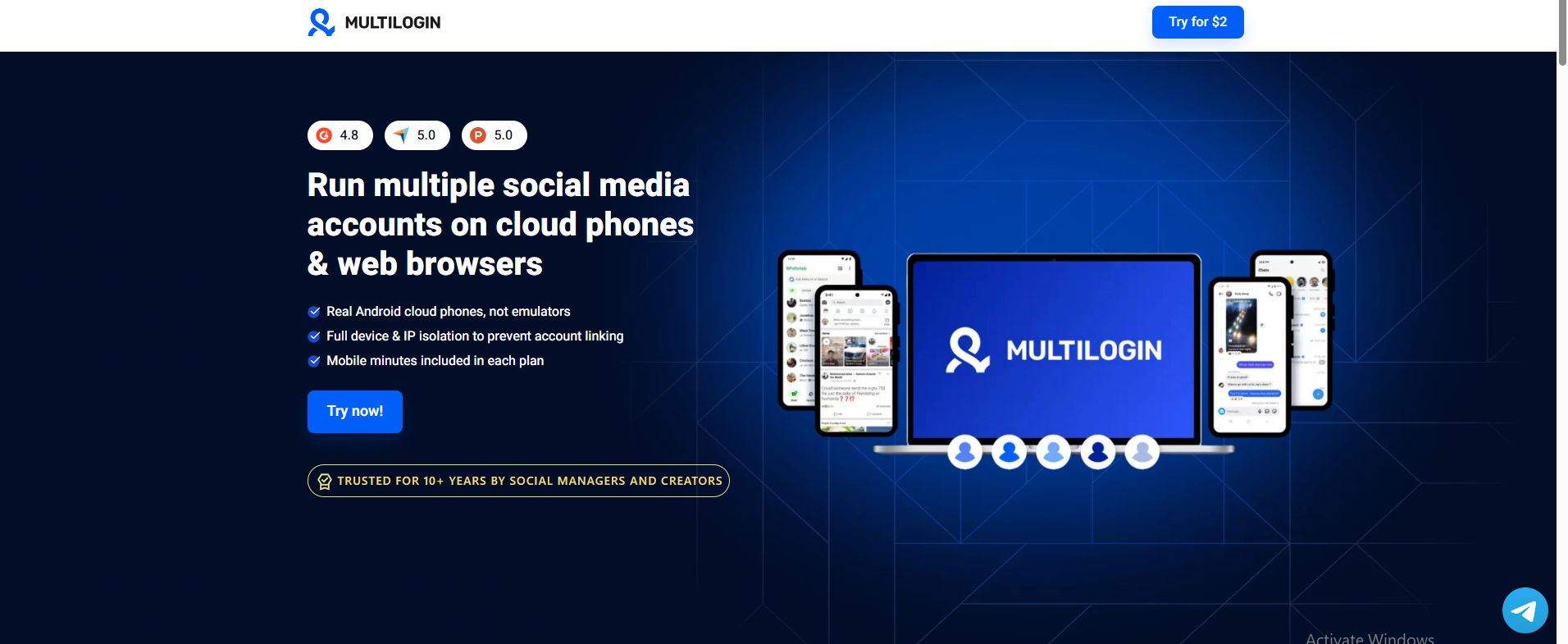
Multilogin is an established antidetect browser provider with tools for managing browser environments, fingerprint configurations, and related workflows.
It is worth evaluating when you need a mature product ecosystem and structured profile management.
Key Features
Browser profiles
Multilogin supports browser environments with configurable settings.
Mimic browser engine
Mimic is Multilogin's Chromium-based browser environment and the recommended choice for new profiles.
Legacy Stealthfox browser
Stealthfox is Firefox-based, but Multilogin's current documentation identifies it as a legacy option that no longer receives browser core updates.
New users should not treat Stealthfox as an equally maintained alternative to Mimic.
Automation capabilities
Multilogin offers automation and API-related functionality, subject to current plan and technical requirements.
Operational features
The platform provides tools for managing profiles and coordinating workflows.
Advantages
- Established browser-profile product.
- Technical documentation.
- Mimic browser support.
- Suitable for evaluating structured workflows.
Limitations
- Feature depth and pricing may exceed the needs of smaller teams.
- Stealthfox is legacy software.
- Migration and workflow compatibility need testing.
Best for: Organizations prioritizing established profile-management tooling and structured operations.
Official website: Multilogin
2.3. GoLogin — For Straightforward Browser Profile Management
GoLogin provides an antidetect browser for creating and managing separate browser environments.
It is a relevant alternative for users who prefer an accessible profile-management workflow.
Key Features
Profile management
Users can organize multiple browsing environments through the application's interface.
Browser fingerprint settings
GoLogin provides configuration options for browser characteristics.
Proxy support
Compatible proxy connections can be assigned based on the product's available settings.
Profile synchronization
Cloud-related profile capabilities can support workflows across supported environments.
Advantages
- Accessible starting point for browser-profile management.
- Suitable for users evaluating profile separation.
- Proxy and fingerprint configuration.
- Options for collaborative workflows.
Limitations
- Advanced users should verify compatibility with their particular automation stack.
- Cloud-based features and available controls may vary by plan.
- Ease of use is subjective and should be tested.
Best for: Freelancers, small businesses, and users seeking a relatively straightforward antidetect browser workflow.
Official website: GoLogin
2.4. Dolphin Anty — For Affiliate Marketing and Advertising Teams
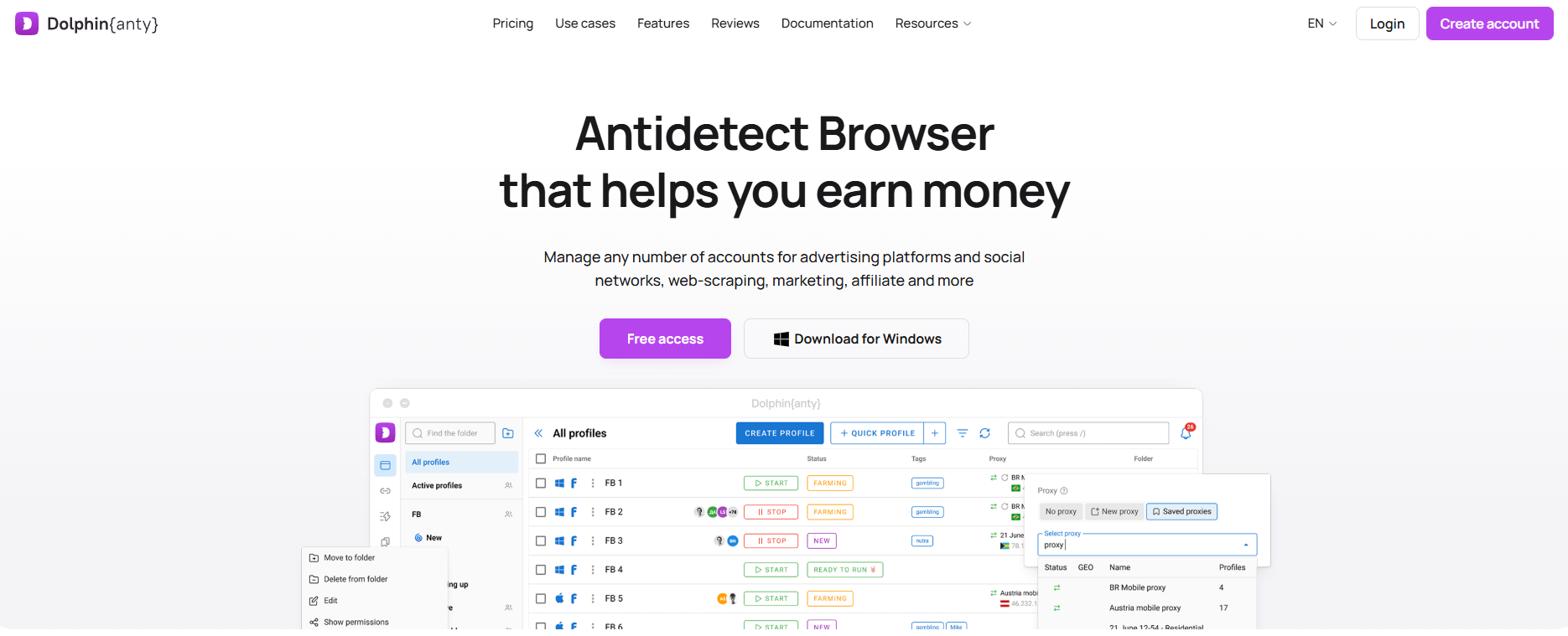
Dolphin Anty is an antidetect browser associated with digital advertising, affiliate marketing, and team-based operations.
Its official website describes browser profile management, automation-related functions, and team collaboration.
Key Features
Browser profiles
Dolphin Anty supports separate profile environments.
Proxy management
Users can configure network settings for supported workflows.
Team collaboration
The platform offers team-related capabilities, with availability depending on the plan.
Automation
Dolphin Anty provides automation and API-related features that may support repetitive workflows.
Advantages
- Strong focus on advertising and affiliate workflows.
- Profile and proxy management.
- Team collaboration options.
- Automation-related capabilities.
Limitations
- Users outside advertising-focused operations may not need every feature.
- Team and automation features depend on plan conditions.
- Compatibility with specific applications should be verified.
Best for: Affiliate marketers, media buyers, and digital advertising teams.
Official website: Dolphin Anty
2.5. Incogniton — For Individuals and Small Teams
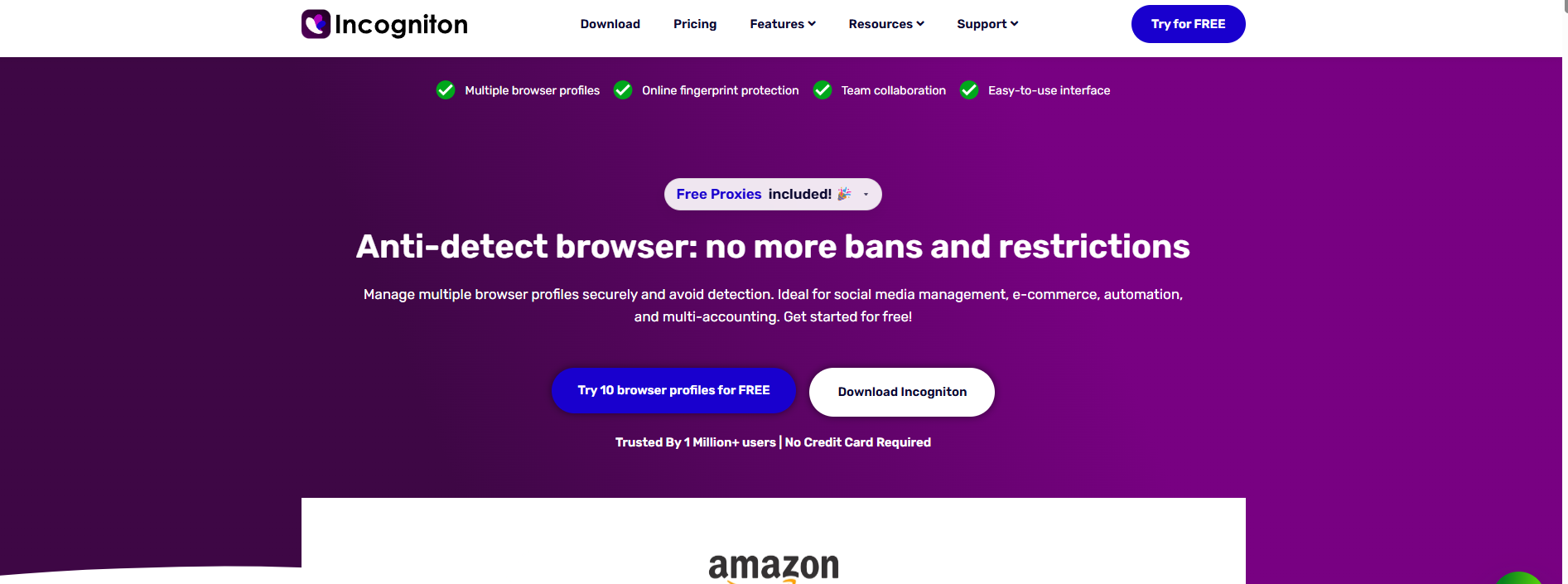
Incogniton is another browser profile management solution worth investigating.
It provides tools for creating separate environments and configuring browser-related settings.
Key Features
Browser profile isolation
Incogniton supports multiple browser profiles with separate browsing data.
Fingerprint configuration
It provides browser-environment settings for profile management.
Proxy integration
Users can configure supported proxy connections.
Automation-related functionality
Users should verify current Selenium or Puppeteer compatibility and the features available on their plan.
Advantages
- Suitable for evaluating essential browser-profile functionality.
- Profile and proxy configuration.
- An option for individuals and smaller operations.
- May be appropriate for users with limited initial requirements.
Limitations
- Collaboration and advanced capabilities should be compared with larger operational needs.
- Free-tier availability and profile limits may change.
- Automation support should be tested before implementation.
Best for: Solo users, freelancers, and smaller teams evaluating browser-profile tools.
Official website: Incogniton
3. AdsPower vs. Hidemium vs. Other Alternatives: Comparison Table
Browser | Typical Use Case | Features to Evaluate | Main Consideration |
| AdsPower | General multi-profile management | Profiles, proxy, RPA, team tools | Cost and feature fit |
| Hidemium | Team workflows and automation | Profile organization, API, proxy settings | Verify plan capabilities |
| Multilogin | Structured operations | Mimic, profile tools, automation | Pricing and legacy browser support |
| GoLogin | Freelancers and smaller teams | Profile setup, synchronization | Advanced workflow compatibility |
| Dolphin Anty | Media buying and affiliate teams | Team tools, proxy, automation | Advertising-focused workflows |
| Incogniton | Individuals and smaller teams | Profiles, fingerprint settings | Plan limits and collaboration |
Comparison methodology: This table describes general product positioning and evaluation criteria. It does not represent an independently measured ranking for fingerprint quality, speed, account survival rate, or security.
Which Browser Should You Shortlist?
If automation is central to your work, compare Hidemium, AdsPower, and other providers using the same test script.
If your organization needs structured profile management, evaluate Multilogin and Hidemium against your actual collaboration requirements.
For smaller workflows, GoLogin and Incogniton may be appropriate starting points.
For advertising-focused teams, Dolphin Anty is another relevant option.
Avoid selecting a provider based solely on a claim that it is undetectable.
4. How to Choose the Right AdsPower Alternative
Selecting an antidetect browser involves more than comparing subscription prices.
4.1. Check Browser Profile Management
Evaluate whether you can:
- Create profiles easily.
- Assign clear profile names.
- Organize profiles into relevant groups.
- Maintain separate cookies and local storage.
- Reopen and manage sessions reliably.
- Control access when working in a team.
Test these functions with non-sensitive accounts or test environments.
4.2. Evaluate Fingerprint Configuration
Browser fingerprinting uses multiple signals that may help websites distinguish browsing environments.
Relevant characteristics can include:
- User-Agent.
- Canvas.
- WebGL.
- WebRTC.
- Timezone.
- Language.
- Screen properties.
- Audio-related browser characteristics.
A tool that changes only the User-Agent does not necessarily provide the broader configuration functions associated with antidetect browsers.
However, changing more settings does not automatically make a browser safer or less identifiable.
Configuration quality and consistency should be evaluated in context.
4.3. Compare Automation Support
If you use Selenium, Puppeteer, Playwright, or another framework, verify:
- Supported browser versions.
- API and automation documentation.
- Available endpoints.
- Plan requirements.
- Error-handling behavior.
- Compatibility with your scripts.
Do not assume that the presence of an API guarantees compatibility with every automation workflow.
4.4. Test Proxy Integration
Check whether the product supports the protocol and authentication method required by your proxy provider.
Test:
- Connection success.
- IP address observed by the website.
- Connection stability.
- Session behavior.
- Proxy error handling.
A browser profile does not automatically provide a unique IP address without suitable network configuration.
4.5. Evaluate Team Collaboration
Teams should examine:
- Shared profile access.
- Member permissions.
- Profile ownership.
- Workspace organization.
- Recovery processes.
- Operational documentation.
The best tool is the one that meets your actual organizational requirements.
4.6. Compare the Total Cost
Do not compare only the starting monthly price.
Calculate costs at your expected level of usage, including:
- Number of profiles.
- Team members.
- Automation features.
- Proxy subscriptions.
- Storage or synchronization requirements.
- Additional service fees.
For example, two browsers with similar entry prices may have different total costs for a team managing hundreds of profiles.
Use official pricing calculators and current plan information rather than relying on outdated comparison articles.
5. How to Migrate From AdsPower to Another Browser
Switching tools should be treated as an operational migration.
Some browser profile data may not transfer directly between products.
Step 1: Inventory Your Existing Profiles
Document the number of profiles, project assignments, proxy configurations, required extensions, and any important dependencies.
Avoid copying sensitive information into unsecured documents.
Step 2: Check Import and Export Support
Review the target browser's official migration documentation.
Do not assume fingerprint settings, cookies, extensions, and browser sessions will transfer identically.
Step 3: Create Test Profiles
Start with a small group of non-sensitive profiles.
Check browser settings, network configuration, and supported functionality.
Step 4: Test Critical Workflows
Validate:
- Website compatibility.
- Browser launch and restart.
- Proxy connectivity.
- Profile storage.
- Team access.
- Automation scripts, when applicable.
Step 5: Review Account Security
Use authorized sign-in methods and confirm that account recovery options are available.
A change in browser environment may cause websites to request additional verification.
Step 6: Migrate Gradually
Transfer suitable workflows in stages rather than moving every profile at once.
Keep a documented rollback plan in case the new environment does not meet expectations.
Step 7: Evaluate Results
Monitor:
- Technical errors.
- Time required to manage profiles.
- Automation success rates.
- Team workflow efficiency.
- Total operational cost.
Use these results to decide whether a full migration is justified.
6. Understanding Antidetect Browsers: Key Concepts
What Is an Antidetect Browser?
An antidetect browser is a browser designed to manage distinct browsing environments with configurable profile and fingerprint settings.
It can help organize browser data for different projects or authorized accounts.
However, it does not guarantee anonymity or remove obligations under platform terms of service.
For more information, read What Is an Antidetect Browser?.
What Is a Browser Profile?
A browser profile is a browsing environment that can maintain its own cookies, storage, and configuration.
Profile separation helps prevent accidental mixing of local browsing data between workspaces.
It does not guarantee that external services cannot associate accounts through other information.
What Is Browser Fingerprinting?
Browser fingerprinting is a technique that combines technical signals from the browser and device to distinguish browsing environments.
These signals may include Canvas, WebGL, User-Agent, screen properties, and other characteristics.
Fingerprinting is different from cookie-based tracking, although both may be used as part of a broader identification process.
What Does a Proxy Do?
A proxy routes configured network requests through an intermediary server.
It can change the public IP address observed by the destination for those requests.
It does not automatically change browser fingerprint information or remove existing account identifiers.
Is an Antidetect Browser the Same as a VPN?
No.
A VPN provides network tunneling, while an antidetect browser focuses on browser environments and configuration.
They solve different problems and can be combined where appropriate.
7. Conclusion: Which AdsPower Alternative Is Right for You?
The best AdsPower alternative in 2026 is the product that meets your actual browser profile, automation, collaboration, and budget requirements.
Hidemium is worth evaluating for configurable profile operations and automation.
Multilogin is an option for structured browser-profile workflows.
GoLogin and Incogniton may suit users who prioritize a simpler starting point.
Dolphin Anty is relevant to affiliate marketing and digital advertising operations.
Before choosing a replacement:
- Identify the limitation you're experiencing with AdsPower.
- Shortlist two or three relevant providers.
- Compare their current plans and technical documentation.
- Test your actual workflow with non-sensitive data.
- Evaluate reliability, management effort, and total cost.
If you're considering Hidemium, review the AdsPower vs. Hidemium comparison or explore Hidemium's browser profile capabilities.
You can also download Hidemium to evaluate whether its supported features meet your needs.
Choose based on verified functionality—not promises of perfect anonymity or zero account restrictions.
8. Frequently Asked Questions
What Is the Best AdsPower Alternative in 2026?
Hidemium, Multilogin, GoLogin, Dolphin Anty, and Incogniton are five options worth comparing. The best fit depends on your requirements for profiles, automation, collaboration, and cost.
Is There a Free AdsPower Alternative?
Some antidetect browsers offer free plans or trial access. Availability, profile limits, and included features can change, so verify the current conditions directly with each provider.
Is Hidemium Better Than AdsPower?
Neither product is universally better. Hidemium is worth evaluating for profile management and automation workflows, while AdsPower also offers established multi-profile and automation capabilities. Test both against your specific requirements.
Which AdsPower Alternative Is Best for Facebook Ads?
Dolphin Anty and Hidemium are relevant options to investigate for digital advertising workflows. However, no browser guarantees that advertising accounts will avoid restrictions. Platform policies still apply.
Which Antidetect Browser Supports Automation?
Several providers offer automation-related features, including Hidemium, AdsPower, Multilogin, and Dolphin Anty. Check API access, framework compatibility, documentation, and plan requirements.
Can I Transfer AdsPower Profiles to Hidemium?
Migration feasibility depends on the available export and import functions and the data you need to transfer. Check current documentation and test with a small number of profiles before proceeding.
Do Antidetect Browsers Automatically Change My IP Address?
No. A browser profile does not automatically create a new network connection or unique IP. You need an appropriate proxy or other supported network configuration when different routing is required.
Can an Antidetect Browser Prevent Account Bans?
No. Account restrictions may depend on platform policies, account verification, behavior, and many other factors. Browser settings alone cannot guarantee continued access.
What Should I Compare Before Switching From AdsPower?
Focus on profile limits, fingerprint configuration, proxy integration, automation support, team permissions, reliability, migration options, and total cost.
Does Hidemium Support Selenium, Puppeteer, and Playwright?
Hidemium publishes information about connecting automation clients to browser profiles. Confirm current framework compatibility and access requirements in the product documentation before using these tools in production.
Is Multilogin Stealthfox Still Recommended for New Profiles?
Multilogin currently identifies Stealthfox as a legacy browser and recommends Mimic for new browser profiles.
Which AdsPower Alternative Is Best for Small Teams?
GoLogin, Incogniton, and Hidemium are options worth evaluating. Compare their current plan limits, collaboration features, and total cost for your expected number of users and profiles.