

Is your Hidemium subscription about to expire? You can pay directly in the app to continue using the service. This guide explains how to renew, check your subscription status, and resolve common issues.
1. Check Your Hidemium Plan Before Renewing
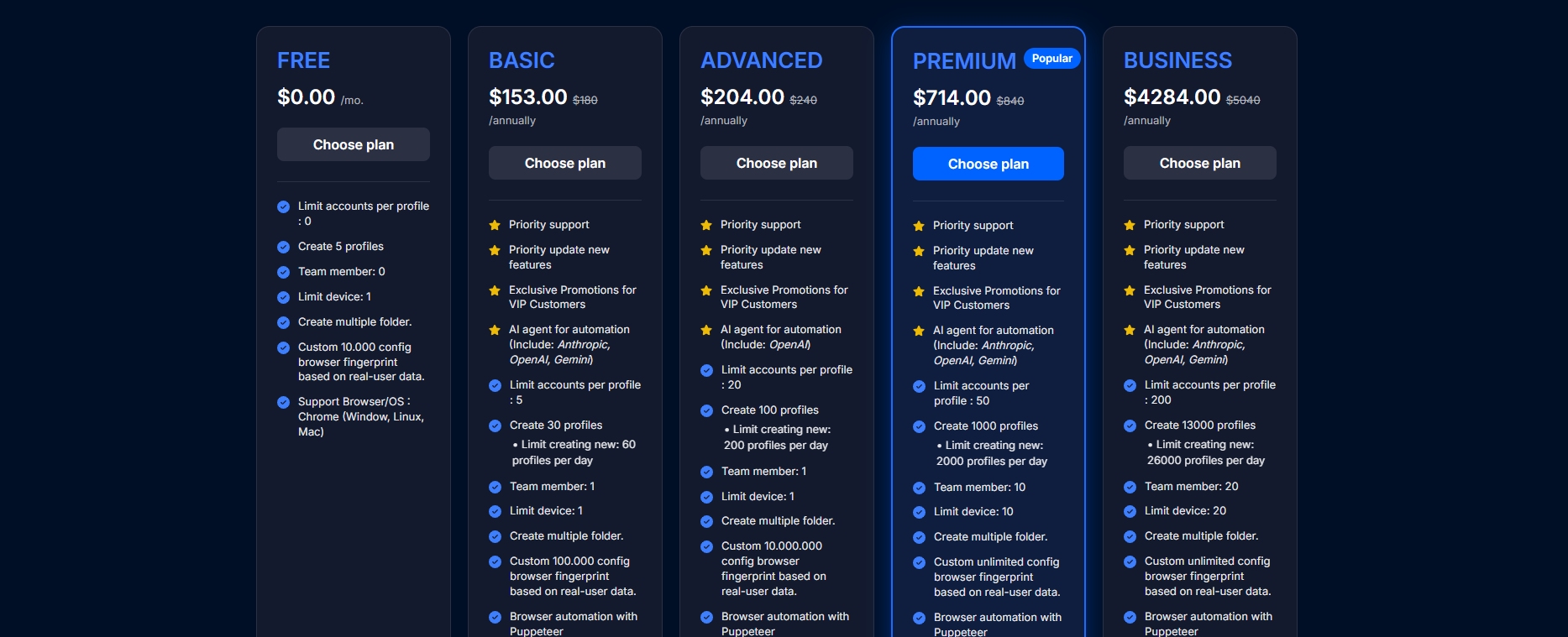
Sign in to your account and check your current plan and expiration date. Review the number of profiles, team members, and features you need to choose a suitable plan.
===> View Hidemium Pricing and Compare Plans
2. How to Renew Your Hidemium Subscription
- Open the Hidemium app and sign in to the account you want to renew.
- Go to the subscription management section and review your current plan.
- Choose a plan and subscription duration, then check the total amount before confirming.
- Complete the payment by following the instructions in the app.
- Check your plan status and expiration date after payment.
If you have not installed the app, download it from the official website.
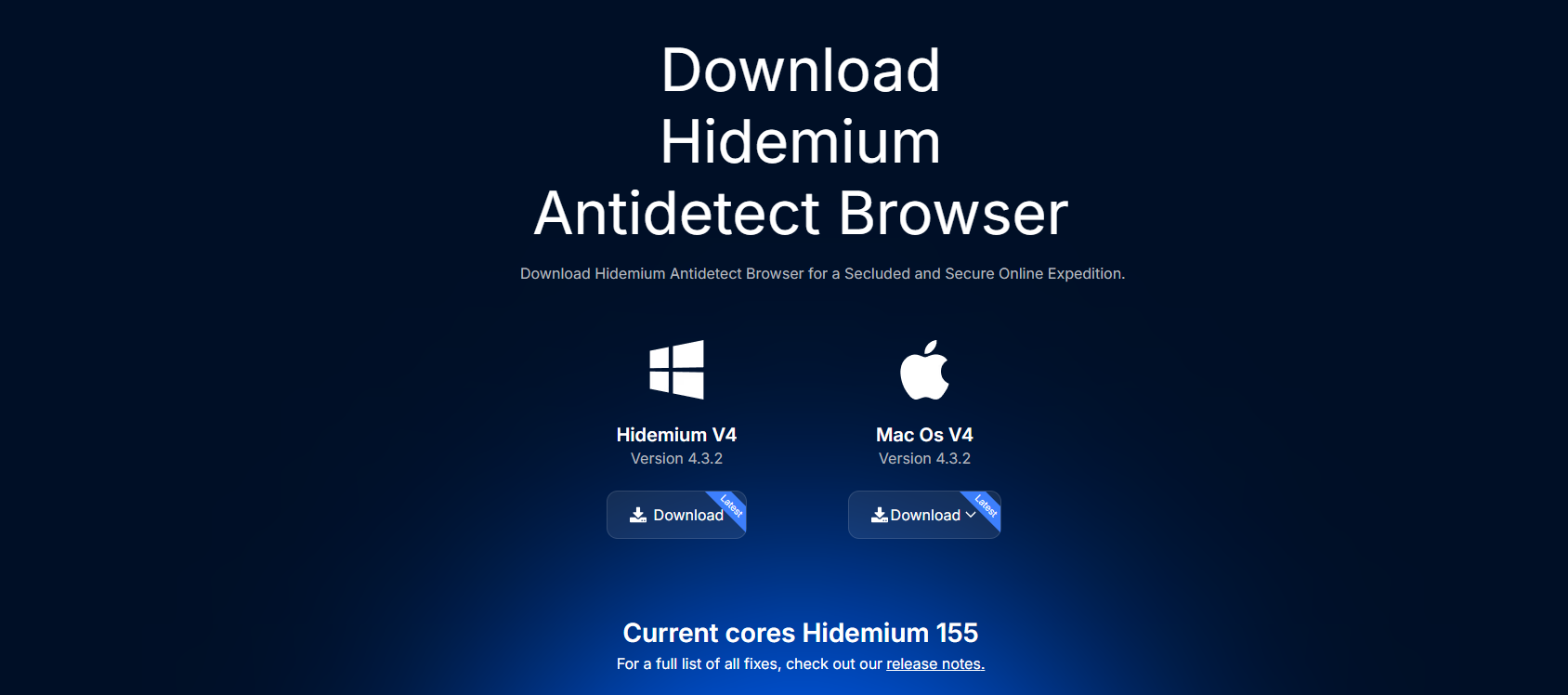
=>>> Download Hidemium
3. Paid but Your Subscription Has Not Updated?
If your expiration date has not changed, check your transaction status and contact the support team. Prepare the following information:
- Your Hidemium account email address.
- The plan and subscription duration you paid for.
- Your transaction ID or a payment confirmation screenshot.
- The date and time of the transaction.
You can use the website chat or email support@hidemium.io. Do not share your password, one-time verification codes, or full card details.
=>>> Visit the Hidemium Website for Support
4. Does Renewing Early Add Time to Your Existing Subscription?
Before renewing early, confirm with the support team how your remaining subscription time and new expiration date will be calculated. If you are switching plans, ask how the remaining time on your current plan will be handled before making a payment.
5. Common Issues and How to Resolve Them
| Issue / Symptoms | Possible Cause to Check | Solution |
|---|---|---|
| Payment has not been completed | The transaction is pending, or some payment steps are incomplete | Check the status with your payment provider and follow the instructions in the app. |
| Payment was completed, but the expiration date has not changed | The transaction has not been recorded or requires verification | Send your transaction ID, account email, and payment screenshot to support. Avoid paying again until the transaction is verified. |
| The subscription was applied to the wrong account | You may have been signed in to a different account when purchasing | Check the email address of the account used for payment and contact support for verification. |
| You cannot find the renewal option | The app version or navigation steps may need to be checked | Check for updates and ask support for instructions specific to your current interface. |
| Your subscription was renewed, but a profile shows “running on another device” | The issue may involve an active profile session or data synchronization | Check the session on the previous device and follow the dedicated troubleshooting guide. |
How to Fix the “Profile Is Running on Another Device” Error
6. Best Practices for a Smooth Renewal
- Check your expiration date before important work periods: Allow time to complete payment and resolve any issues.
- Confirm you are using the correct account: Check your sign-in email before purchasing or renewing.
- Choose a plan based on your needs: Compare your required profiles and team members with the information on the pricing page.
- Keep your payment confirmation: Save the transaction ID, date, time, and amount in case verification is needed.
- Confirm the terms before switching plans: Ask about your remaining subscription time and new expiration date.
7. FAQ — Frequently Asked Questions
Where can I renew my Hidemium subscription?
You can complete payment in the Hidemium app. Use the pricing page to review and compare plans before choosing.
How do I know my renewal was successful?
Check your active plan and expiration date in your account after payment. If the information has not updated, contact support for verification.
Can I switch plans when renewing?
If you want to switch plans, check the available options in the app and confirm the cost, subscription duration, and handling of your current plan with support.
Should I pay again if the money has already been deducted?
Check your transaction status and contact support before trying again to avoid duplicate payments.
Will my profile data be deleted when my subscription expires?
Contact Hidemium Support to confirm the data retention and access policies after expiration. Do not delete profiles while your account status remains unclear.
8. Conclusion
To renew your Hidemium subscription, confirm you are using the correct account, choose a suitable plan, pay in the app, and check your new expiration date. If the payment has not been reflected in your account, prepare your transaction details so support can investigate.
Explore Hidemium Plans and open the app to renew your subscription today.
Related Blogs

Viettel DNS is a simple yet effective solution to bypass network restrictions like Facebook blocking, slow YouTube loading, or unstable internet connections. So what DNS addresses does Viettel currently offer? How can you change DNS settings to improve internet speed? Let’s dive into the details with Hidemium.1. List of Popular Viettel DNS AddressesViettel DNS is a Domain Name System service[…]
.png)
Have you heard of TikTok SEO? It’s not just a trend but a "golden" tool that helps your videos stand out among millions of other content on the platform. TikTok SEO works similarly to website SEO—optimizing keywords, analyzing data, and implementing strategies to ensure your content appears in the right place at the right time.According to a study by Google, 40% of today's younger generation use[…]

The best iubenda alternative depends on how far your needs run past a cookie banner.Enzuzo: best for small and growing businesses, ecommerce, and agencies that want consent plus privacy tools (DSARs, policies, multi-domain) without enterprise pricing.Ketch: best if you want a platform you won't outgrow, with a genuinely complete free plan.Osano: best for growing teams that need more than a banner[…]

If you ever wondered “What are TikTok spam accounts?”, this article will provide the most complete and accurate view. Hidemium will help you understand the definition of spam accounts, the reasons why TikTok marks your account as spam and effective ways to prevent it. At the same time, you will also know how to use tools like Hidemium Antidetect Browser to manage multiple TikTok accounts safely[…]
.png)
Kameleo is one of the highly rated Antidetect browsers, supporting users to safely manage multiple accounts on the same device. Since its launch in 2018, Kameleo has attracted the attention of a community of users concerned about privacy and security of personal information online. So in 2025, will Kameleo still be a reliable choice? Let's go together Hidemium Explore details in the article[…]

In the rapidly evolving world of cryptocurrencies,airdrophas become a familiar term for those interested in crypto and blockchain. Not only does it provide the opportunity to receive free tokens, airdrop is also an important part of the marketing strategy of many cryptocurrency projects. So what is crypto Airdrop, how does it work, and how to participate in Airdrop effectively and safely using[…]
