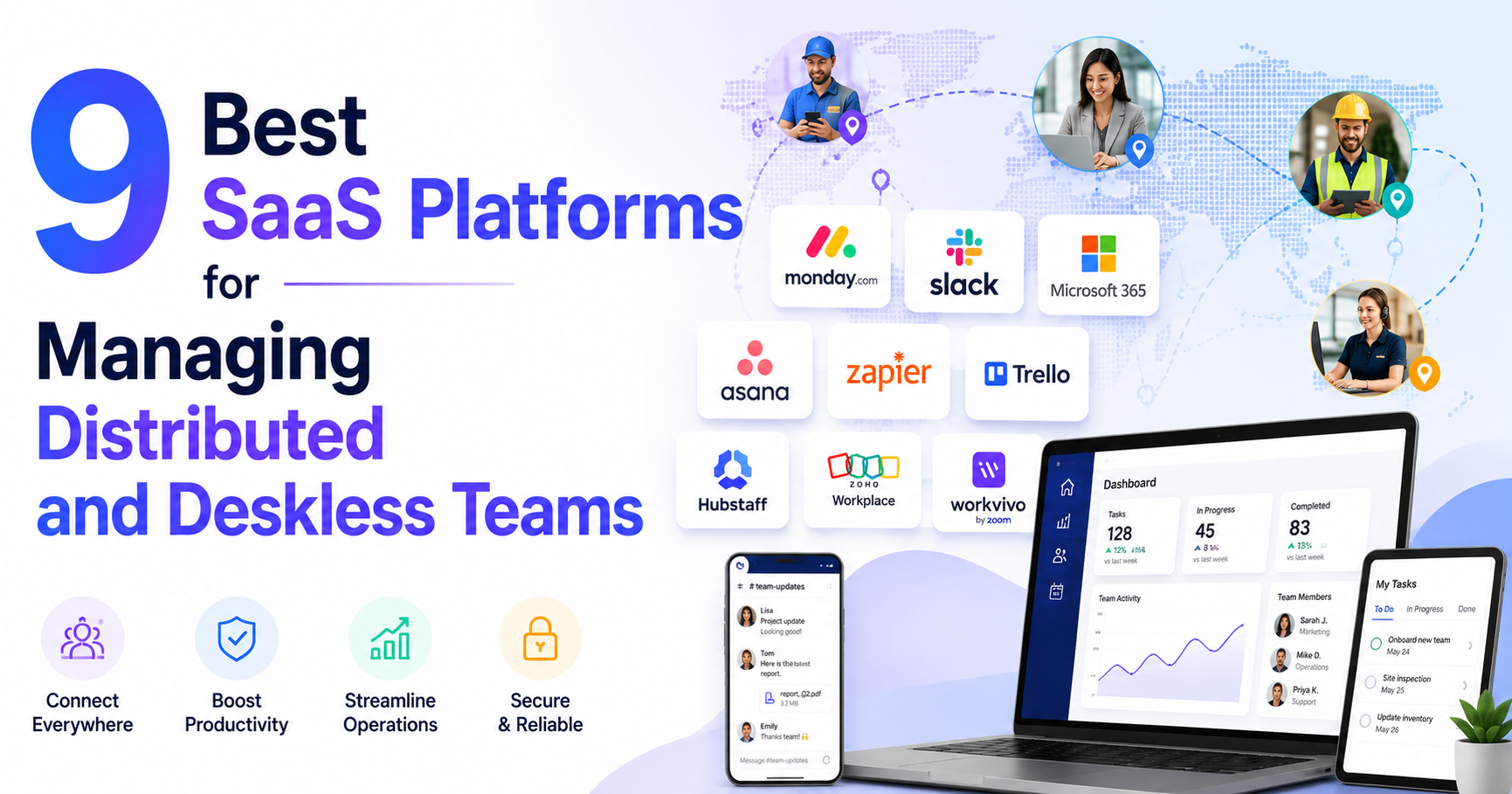

There is a point where a group chat stops being a management system. Usually it arrives quietly. You add the tenth contractor, or the second warehouse, or a support rotation in another timezone, and suddenly nobody can tell you who read the new returns policy, who finished the safety module, or which version of the shift roster is the real one.
That is the problem this software category exists to solve. We compared nine platforms built for teams that do not sit in front of a company laptop all day, using published pricing, vendor documentation, and public review scores. Below is what each one is genuinely good at, what it costs, and where it falls down.
1. What Deskless and Distributed Team Software Actually Does
"Deskless" and "distributed" are not the same thing, and the tools blur the line badly.
Distributed means your people are in different places but still working on screens: freelancers, remote operators, a support team spread across four countries. Deskless means the work itself happens away from a desk, on a phone, in a van, on a shop floor, or on a client site. Plenty of small online businesses are both at once. The Statista figures on global employment figures put the worldwide employed population at roughly 3.5 billion people as of 2024, and software written for the inbox-and-laptop worker only ever addressed a slice of that. Everyone else got a group chat and a printed schedule.
What these platforms give you, in practice, is one mobile app that carries four things at once:
- Targeted communication. Messages that go to a role, a location, or a shift, with read receipts, instead of a 40-person chat where everything is equally urgent.
- Training and knowledge. Courses, SOPs, and policy documents that people can open on a phone, with a record of who completed what.
- Forms, tasks, and checklists. The paperwork that used to live on a clipboard or in a shared spreadsheet.
- Scheduling and time. Who is working, when, and whether they clocked in.
One honest note before the list. The tool you are actually replacing is rarely another platform. It is a spreadsheet, a folder on a shared drive, and one person who happens to know where everything is. That is the real incumbent, and it is much harder to displace than any competitor, because it is free and it already works well enough on a quiet week.
2. How We Compared These Platforms
We looked at each vendor's own pricing page and product documentation first, because vendor marketing pages and third-party review summaries disagree constantly on what is actually included in which tier. Where a claim only existed in marketing copy, we say so.
The four things we weighted:
- Whether a small team can buy it without a sales call.
- Whether the mobile app is the primary product rather than a companion to a desktop intranet.
- What is genuinely in the entry tier, as opposed to an add-on with a separate line item.
- Public review scores from G2 and Capterra, reported with the review count so you can judge how much the number is worth.
We did not run a controlled trial of nine platforms with a real workforce, and anyone claiming they did should be asked for their methodology. Ratings below are quoted as plain text and were current at the time of writing.
3. Quick Comparison Table
| Platform | Best for | Starting price | Free tier or trial | Rating |
|---|---|---|---|---|
| iTacit | Regulated teams needing training records | Quote only | None | 4.6 on Capterra (42 reviews) |
| Blink | Lowest cost per seat at scale | $3.75 per user/month | Demo only | 4.6 on G2 (398 reviews) |
| Connecteam | Small teams on a tight budget | Free, then $29/month | Free for up to 10 users | 4.6 on G2 (3,491 reviews) |
| Deputy | Shift scheduling and time tracking | $5 per user/month | Free trial | 4.6 on G2 (647 reviews) |
| MangoApps | One system for HR plus comms | $19 per user/month | 14-day free trial | 4.4 on Capterra (150 reviews) |
| Beekeeper | Shift-floor communication | Quote only | Demo only | 4.6 on Capterra (80 reviews) |
| Speakap | A white-labelled branded app | Quote only | Demo only | 4.4 on Capterra (43 reviews) |
| Workvivo | Culture and engagement at scale | Quote only | No free trial | 4.8 on G2 (2,621 reviews) |
| Staffbase | Enterprise internal communications | Quote only | Demo only | 4.6 on G2 (246 reviews) |
4. The 9 Best Platforms for Distributed and Deskless Teams
4.1 iTacit
Most tools here treat training as a bolt-on. This one runs the other way round, starting from learning and compliance and adding communication on top. Its product pages describe an all-in-one app covering two-way messaging, an LMS, HR task automation, mobile forms, and onboarding, plus support for employees without a company email address, though the sign-in mechanism is not explained.
Best for: teams where training and compliance records must sit in the same app as the messaging.
Key features:
- Learning management with course completion and certification tracking
- Targeted two-way messaging by role, site, or group
- Digital forms and workflow automation replacing paper processes
- Recruiting and onboarding tools in the same app
Rating: 4.6 on Capterra from 42 reviews.
Not good for: anyone who needs the app to work without a signal. There is no offline mode, so a crew in a basement or a dead-zone site cannot open a form until they have bars again. No self-serve trial either, so you cannot test it before talking to sales.
4.2 Blink
Price is the headline here. Blink's published Core plan runs at $3.75 per user per month billed annually, which is the cheapest flat per-seat rate on this list, and the Pro plan sits at $5.00. It is built as a mobile-first feed rather than a chat app, so the home screen looks more like a social timeline than an inbox, and that suits a workforce that checks in a few times a day rather than living in the tool.
Best for: getting a large number of people onto something cheap without a procurement fight.
Key features:
- Personalised mobile feed with targeted posts
- Digital forms
- Frontline analytics on reach and engagement
- Single app hub for links into other systems
Rating: 4.6 on G2 from 398 reviews.
Not good for: teams that need API access or automated user provisioning early. Blink's own help documentation puts API access and SCIM in the Enterprise tier, with SCIM available on the Business plan only at extra cost, so integration work gets expensive faster than the headline price suggests.
4.3 Connecteam
If you are running a team of ten or fewer, this is the obvious place to start, because the Small Business plan is free for life for up to 10 users with all hubs included. That is not a crippled trial. It is a real product, and for a small distributed operation it may be the last bill you never pay.
Best for: small operators who want a full toolkit before they have a budget line for one.
Key features:
- Three hubs covering operations, communications, and HR
- Shift scheduling, time clock, and task management
- Chat, updates, and a company directory
- Course builder and quizzes for basic training
Rating: 4.6 on G2 from 3,491 reviews, the largest review base in this comparison.
Not good for: work in places without connectivity. Connecteam's own help centre is blunt about it: "At the moment it's currently not possible to use Connecteam offline, whether from the mobile app, Kiosk application, or desktop." Offline time tracking and forms sit on the roadmap, not in the product.
4.4 Deputy
Deputy is not really a communication platform, and it does not pretend to be. It is scheduling and time tracking, done properly, with messaging attached. For a distributed team whose actual pain is "who is working Saturday and did they clock in," that focus is a feature rather than a gap.
Best for: shift-based teams where labour cost and coverage are the daily problem.
Key features:
- Drag-and-drop scheduling with shift swaps
- Time clock with location capture
- Timesheet approval and export to payroll
- Award and overtime rule handling
Rating: 4.6 on G2 from 647 reviews.
Not good for: training and compliance. There is no learning management here, so if you need certification tracking you are buying a second tool, and the add-on pricing means the real monthly figure lands well above the advertised $5.
4.5 MangoApps
Nineteen dollars a user is a lot next to Blink's $3.75, and MangoApps knows it, so the pitch is breadth. The Small Business Workforce plan bundles 18 apps covering shift scheduling, time and attendance, leave, employee records, communications, forms, surveys, tasks, training, and recognition, with AI features embedded across them. Whether that breadth is worth five times the per-seat price depends entirely on how many separate subscriptions it kills.
Best for: a small business that would otherwise buy an HR tool, a comms tool, and a scheduling tool separately.
Key features:
- 18 bundled apps in the entry plan, 21 in Pro
- Shift scheduling, time and attendance, and leave management
- Employee records, onboarding, and e-signature
- Built-in AI search and reporting agents
Rating: 4.4 on Capterra from 150 reviews.
Not good for: teams under ten people, who are locked out by the minimum, or anyone who only needs two of the eighteen apps.
4.6 Beekeeper
Beekeeper has been one of the most-cited names in frontline communication for years, and it earned that on the shop floor: shift handovers, chat streams by location, and a mobile experience designed for people wearing gloves. Buyers in 2026 need one extra piece of context, though, which is that Beekeeper is now part of LumApps. Its pricing page redirects to a LumApps page that states "Beekeeper is now part of LumApps" and promises "a unified product experience that will roll out in phases over the next 12 to 18 months."
Best for: shift-floor communication where the app has to be genuinely simple to use.
Key features:
- Streams and chat organised by site, shift, or role
- Mobile-first document and policy access
- Surveys and pulse checks
- Integrations into HR and scheduling systems
Rating: 4.6 on Capterra from 80 reviews.
Not good for: buyers who need certainty about the product roadmap. A phased merge over 12 to 18 months is a reasonable thing for a vendor to do and an awkward thing to sign a three-year contract into.
4.7 Speakap
The differentiator is branding. Speakap's Premium plan delivers fully branded, white-labelled iOS and Android apps, so the thing your team downloads carries your name rather than a vendor's. For retail, hospitality, and franchise operations where the app is part of the employee experience, that matters more than it sounds.
Best for: operations that want their own app in the store, not a generic vendor app.
Key features:
- White-labelled native apps on iOS and Android
- News feed, groups, and direct messaging
- Document library and task assignment
- Third-party API integrations on the top tier
Rating: 4.4 on Capterra from 43 reviews.
Not good for: buyers who want to compare costs on paper. Despite a pricing page headed "Straight-up pricing for teams that don't have time for nonsense," every plan routes to a quote request. The thin review base is also worth weighing.
4.8 Workvivo
Workvivo, now owned by Zoom, sits at the engagement end of the category. It is closer to an internal social network than an operations tool, and it is very good at that: recognition, company news, town halls, and the soft stuff that keeps a distributed team feeling like one company. The 4.8 rating across more than 2,600 reviews is the strongest in this comparison by some distance.
Best for: larger distributed organisations where culture and internal comms are the actual problem.
Key features:
- Activity feed, spaces, and employee recognition
- Company podcasts, livestreams, and town halls
- Surveys and engagement measurement
- Deep integration with Zoom and Microsoft 365
Rating: 4.8 on G2 from 2,621 reviews.
Not good for: kicking the tyres. Zoom states plainly that "we do not offer a free trial, but we will give you a comprehensive demo aligned with your business needs." It also does not solve scheduling, time tracking, or compliance training.
4.9 Staffbase
Staffbase is an internal communications platform first, with employee apps, intranet, and email campaigns for corporate comms teams. It handles the frontline case well, but the buyer it is designed for is a communications department, not an operations manager. If nobody at your company has "communications" in their job title, this is probably not your tool yet.
Best for: organisations with a dedicated internal comms function and a mixed desk and frontline workforce.
Key features:
- Branded employee app plus intranet and email in one system
- Audience targeting and campaign analytics
- Multilingual content with translation support
- Configurations for frontline-only or whole-workforce rollouts
Rating: 4.6 on G2 from 246 reviews.
Not good for: small teams. There is no self-serve path, no published price, and the feature set assumes someone whose full-time job is publishing to employees.
5. How to Choose the Right Platform for Your Team
Start with the thing that is actually broken, not the feature matrix. Teams that came here because nobody reads the announcements need targeted messaging with read tracking, and almost anything on this list will do it. If the real problem is that you cannot prove a contractor completed the induction, the shortlist collapses to the two or three tools with a genuine learning management module.
Budget is the second filter, and it is more brutal than it looks. Free for ten users is a different business decision from $19 a seat with a ten-user minimum. Work out your headcount in eighteen months, not today, and price that instead.
Then there is the question of who is measuring the wrong thing. Location has become a proxy for productivity in a lot of management thinking, and recent research on productivity from Gartner found the same percentage of onsite employees and hybrid employees, 21%, ranked as highly productive. If where people sit is not the variable, then the tool that tracks where people are is not the tool that fixes output. Reach and comprehension are the things worth instrumenting.
For distributed teams, visibility can also matter when work happens across different apps or locations. A screenshot tool for teams can help capture and share visual updates, document issues, and keep everyone aligned without requiring another meeting.
Two practical checks that get skipped:
Connectivity. Ask the vendor directly whether the app works offline, and get the answer in writing. Most of this category is online-only, including several products whose marketing implies otherwise, and a "mobile-first" claim is not the same as an offline mode. If your people work in tunnels, cold stores, rural routes, or basements, this single question eliminates most of the list.
Access. Decide how people will sign in before you buy. Distributed teams often end up sharing one login across a team because not everyone has a company account, and that habit reliably produces lockouts, repeated verification prompts, and eventually a suspended account. Any platform you pick should give each worker their own identity, which for deskless staff usually means a phone number or an employee ID rather than a corporate email address.
A note on shape rather than size. The organisation that goes shopping for this software is not usually a ten-thousand-person enterprise. It is more often a company of around a hundred people spread across several states or regions, big enough that informal coordination has broken down, small enough that nobody has a systems team. For teams with more specific requirements, a digital product studio can be another option for building a tailored internal tool. If that describes you, buy for the next two years and accept that you will outgrow part of it.
Finally, be honest about which side of the category you sit on. If what you need is a frontline employee app that carries training records and compliance tracking in the same place as the messaging, and your workforce includes people who have never had a company email address, iTacit is built for exactly that shape of team, though you will be starting with a sales conversation rather than a free trial. If your team is distributed but desk-based, you are probably better served by a general collaboration suite and a scheduling tool.
6. Frequently Asked Questions
What is the difference between deskless and distributed team software?
Distributed team tools assume everyone has a screen, an account, and an email address, and they solve for timezones and asynchronous work. Deskless tools assume the opposite: a phone as the only device, short bursts of attention between tasks, and often no corporate identity at all. Some of the platforms above straddle both. Most lean clearly one way, and buying the wrong side of that line is the most common expensive mistake in this category.
Do any of these platforms work offline?
Fewer than the marketing suggests. Connecteam's help centre states plainly that the app cannot be used offline on mobile, kiosk, or desktop, and iTacit has no offline mode either. Treat offline capability as a hard requirement to be verified in writing rather than assumed, because "mobile app" and "works without a connection" are different claims.
Can workers use these apps without a company email address?
Several vendors support it, usually through a phone number, an employee ID, or an invite code. It is worth asking exactly how the identity is created and secured, because most deskless staff will be running the app on a personal phone. The US National Institute of Standards and Technology covers this ground in a federal practice guide on bring-your-own-device security, which notes that "an ineffectively secured personal mobile device could expose an organization or employee to data loss or a privacy compromise."
How much should a small distributed team expect to pay?
Somewhere between nothing and roughly $20 a head per month. A team of ten can genuinely run free on Connecteam. A team of fifty focused on communication will land near $3.75 to $6.50 a seat. A team that wants HR, scheduling, and comms in one system pays $19 and up. Quote-only vendors generally start to make sense above a few hundred employees.
Do I still need a separate scheduling tool?
It depends which platform you pick. Deputy, Connecteam, and MangoApps include scheduling. The communication-led platforms mostly do not, and bolting a scheduling tool onto a comms platform is the point where teams quietly go back to the spreadsheet. Decide up front whether scheduling is core or peripheral for you, because retrofitting it is the expensive path.
Related Blogs
Vmcard2025: Enterprise Card Issuing for Multi-Account Success When you open new ad accounts, subscribe to AI/SaaS tools, scale cloud resources, or verify stores, payment failures can derail the plan: card binding fails, extra 3DS checks pop up, renewals don’t charge. Most of the time it isn’t a random glitch—it’s the merchant’s risk engine asking for better signals. This article explains the[…]
.png)
Have you ever wondered: Why use an Antidetected Browser when proxy or VPN can also meet your needs? At first glance, this seems reasonable, but the truth is that these three tools are quite different. While they share the common goal of anonymity and online security, they operate in distinct ways and sometimes cannot replace each other. Surprised? Let’s explore the unique advantages and[…]
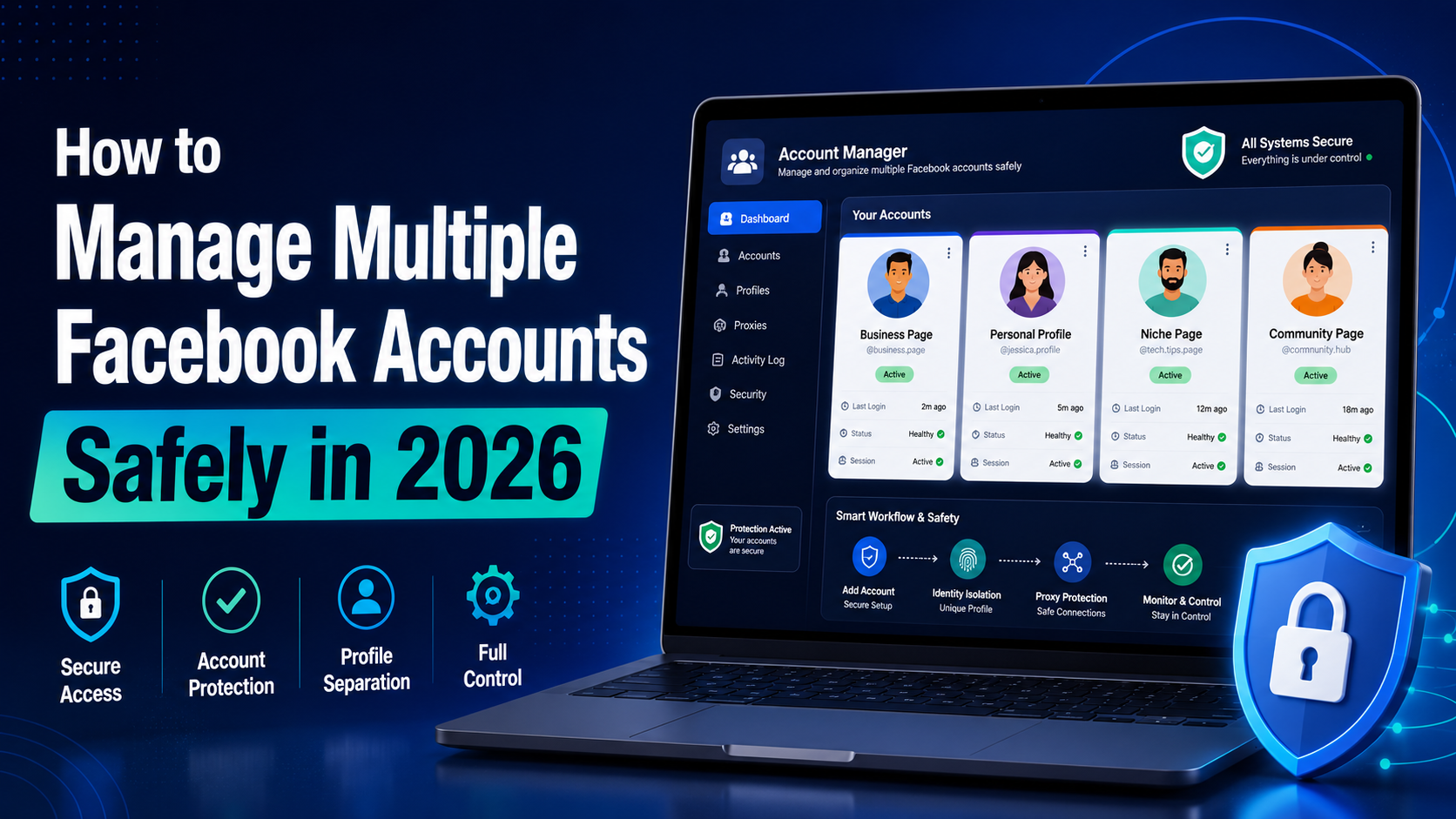
In 2026, Facebook remains one of the most powerful platforms for digital marketing, e-commerce, and social media management. Whether you're a media buyer running multiple ad campaigns, a social media manager handling client accounts, or a marketer practicing Facebook account farming to scale your operations, managing multiple Facebook accounts safely has never been more critical — or more[…]

In today's digital landscape where cybersecurity is paramount, Cloudflare emerges as a powerful shield against malicious bots and cyber attacks. However, what happens when legitimate data access or task automation is required? This detailed guide explores proven techniques and methodologies for navigating Cloudflare's security measures. Whether you're a data extraction specialist, automation[…]

In the digital age, YouTube is not only an entertainment platform but also a fertile ground for building brands, making money and growing businesses. Whether you are an individual content creator or a company promoting products, increasing views for YouTube videos is a prerequisite for success.However, increasing YouTube views in 2025 is no longer as simple as before. Competition is fiercer,[…]

Captcha is a popular security tool used on websites to prevent suspicious activities from automated programs (bots). However, Captcha can sometimes be frustrating for users, especially when fast access is needed or when the Captcha becomes overly complex. In this article, we will explore 7 effective ways to bypass Captcha in 2025, allowing you to overcome these barriers legally and safely.1. What[…]
