

In today’s digital age, using sample Prompt Scripts to automate browser tasks is becoming more and more popular, especially when combined with the Hidemium antidetect browser. With the powerful support of AI models like ChatGPT, Claude, and Gemini, users can easily perform tasks such as form filling, page scrolling, or content analysis – all without any coding knowledge.
This article will introduce the Top 5 most effective Prompt Script examples for beginners, including guidance on choosing the right AI and how to use them directly with Hidemium.
1. Auto Form Filling
Use case:
Registering an account, logging in, or completing survey forms.
Sample Prompt Script:

Recommended AI:
ChatGPT and Claude: Great at form structure recognition and accurate data entry.
Gemini: Ideal for forms with enhanced security layers.
2. Auto Scroll
Use case:
Browsing long content on platforms like TikTok, Facebook, or e-commerce sites like Shopee.
Sample Prompt Script:

Recommended AI:
Gemini: Smooth and stable scrolling.
ChatGPT: Best for simpler websites.
3. Auto Like or Follow
Use case:
Boosting engagement on social media platforms.
Sample Prompt Script:

Recommended AI:
Claude: Excellent at mimicking real human behavior.
ChatGPT: Fast and accurate with basic buttons.
4. Search Filter Script
Use case:
Filtering products or posts based on conditions like price or category.
Sample Prompt Script:

Recommended AI:
Claude and Gemini: Great for handling multi-step logic.
ChatGPT: Best for basic filtering tasks.
5. Competitor Monitoring Script
Use case:
Track product updates or new content from competitors.
Sample Prompt Script:

Recommended AI:
Gemini: Excellent for detailed content analysis and real-time alerts.
Claude: Ideal for note-taking and structured data storage.
5. How to Run Prompt Scripts in Hidemium
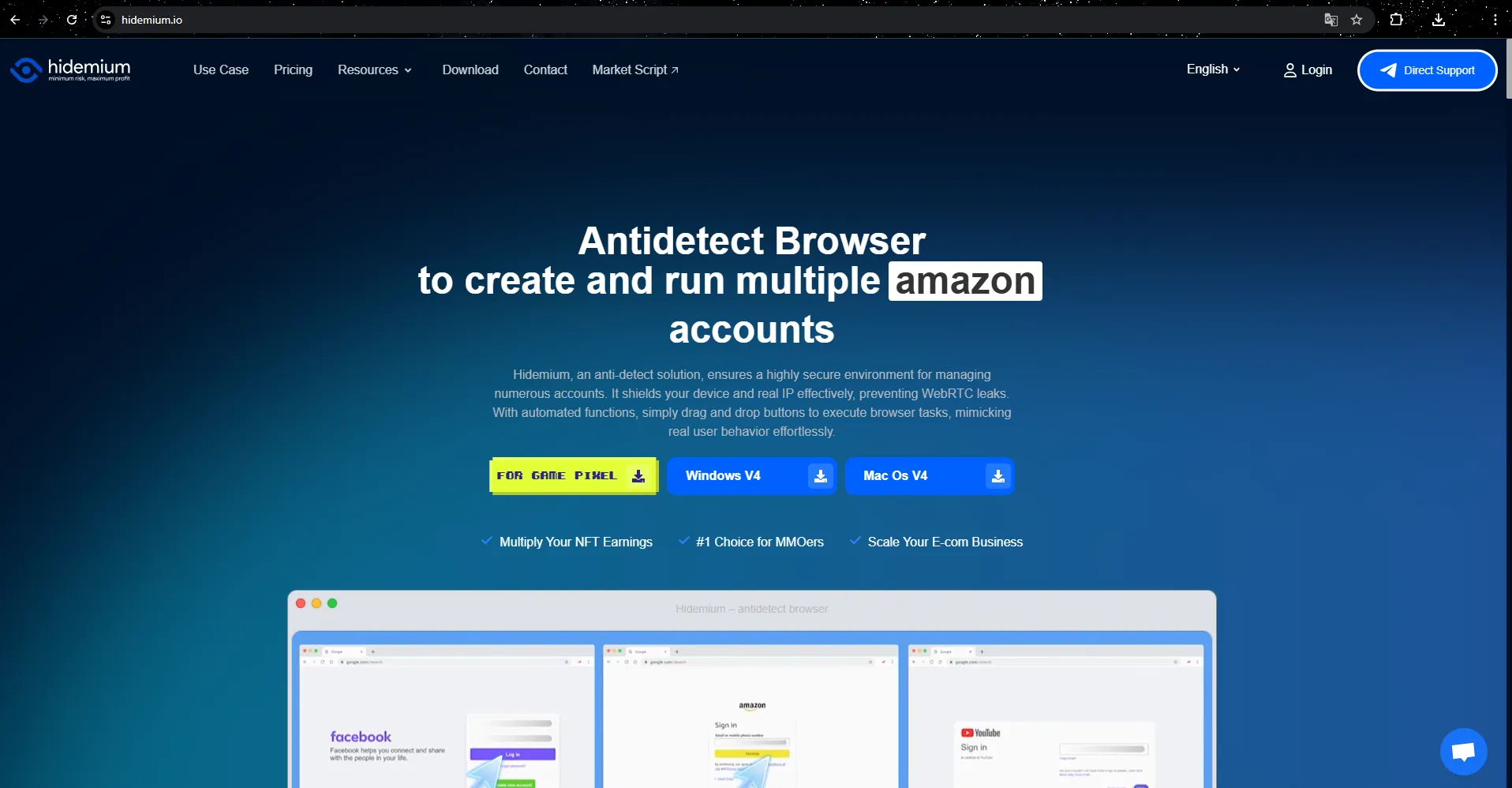
No matter which sample script you use, they can all be executed easily within the Hidemium platform with just a few steps:
🔧 Steps:
Download and install Hidemium, and claim 1000 free profiles + a 3-day trial.
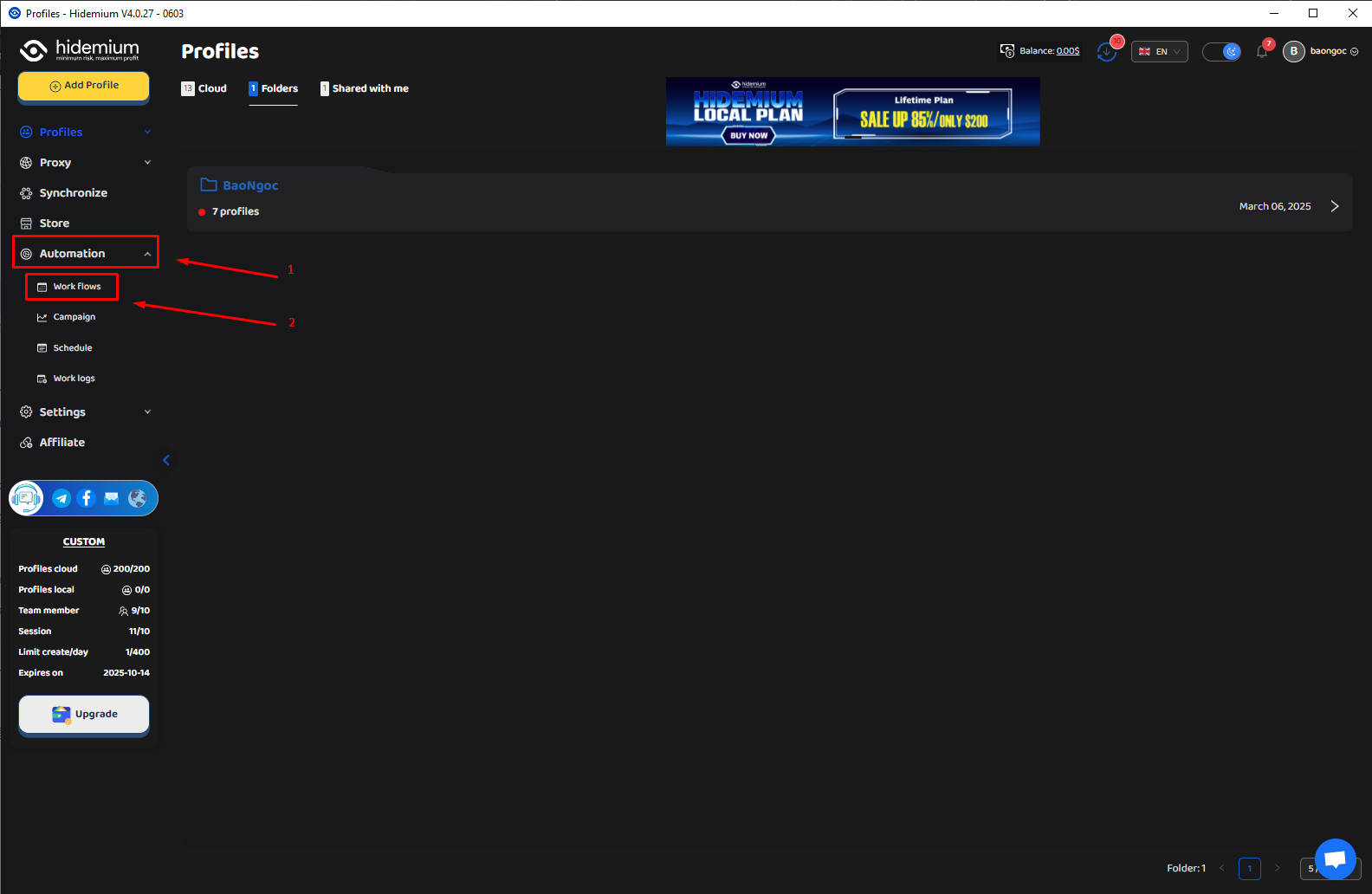
Go to the Automation → Workflows tab.
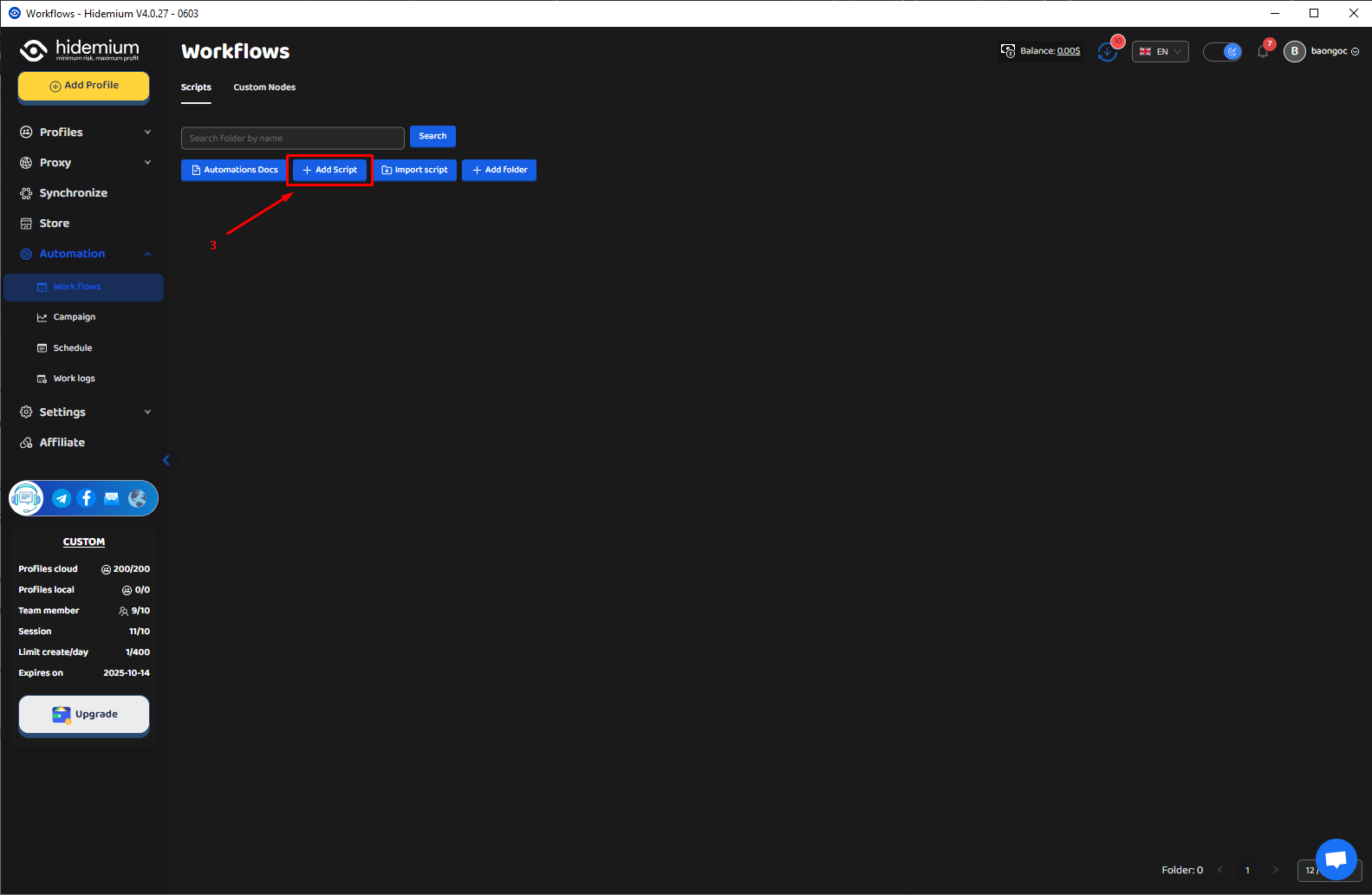
Click Add Script, then select Config Model: ChatGPT, Claude, or Gemini.
Paste your prompt into the input box, click Save, then select Start to test it.


6. Conclusion
Using sample Prompt Scripts with AI tools like ChatGPT, Claude, and Gemini offers powerful automation capabilities. Whether you’re a beginner or a seasoned user, Hidemium and these scripts help save time, boost productivity, and simplify complex tasks – without the need for advanced programming skills.
Learn more:
👉 What is ChatGPT? Easily automate tasks with Prompt Script
👉 What is Google Gemini? Integrate Gemini into Prompt Script Automation
👉 What is Claude AI? Use Claude to Create Smart Automated Prompt Scripts
Related Blogs

The choice AweSun – secure remote access software plays a vital role in helping large businesses, freelancers, and remote workers overcome the barriers of connecting and controlling computers in different locations. The right tools will give you the ability to seamless collaboration, session access and remote file transfer fast, efficient troubleshooting support anywhere in the world.To help you[…]
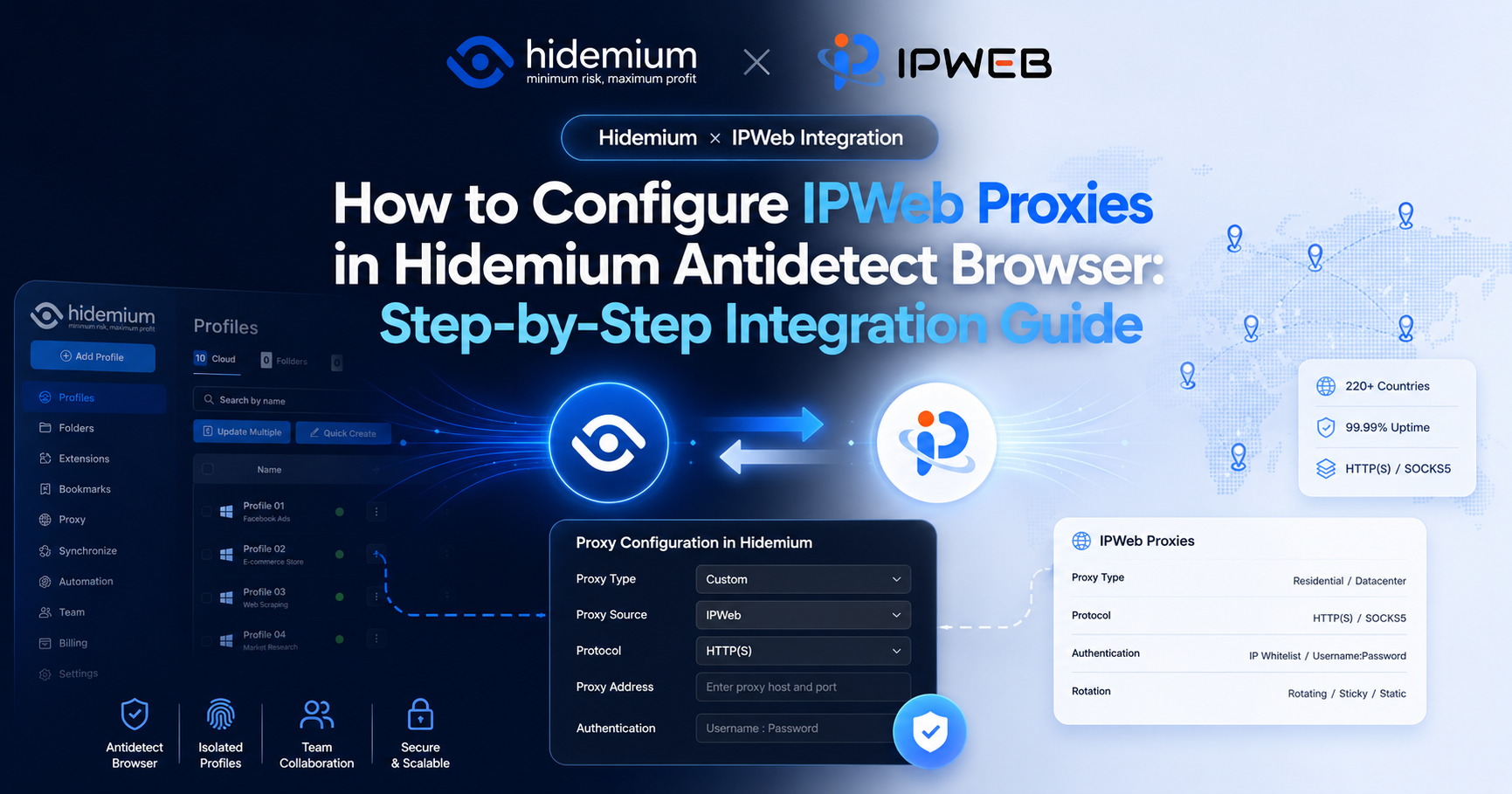
By using IPWeb with Hidemium, users can select proxies from different countries, regions, and proxy types based on the actual needs of each browser environment.This guide uses IPWeb static residential proxies as an example and walks through the entire process, from obtaining an IPWeb proxy to creating a Hidemium browser environment, entering proxy information, and testing the connection.1. IPWeb[…]
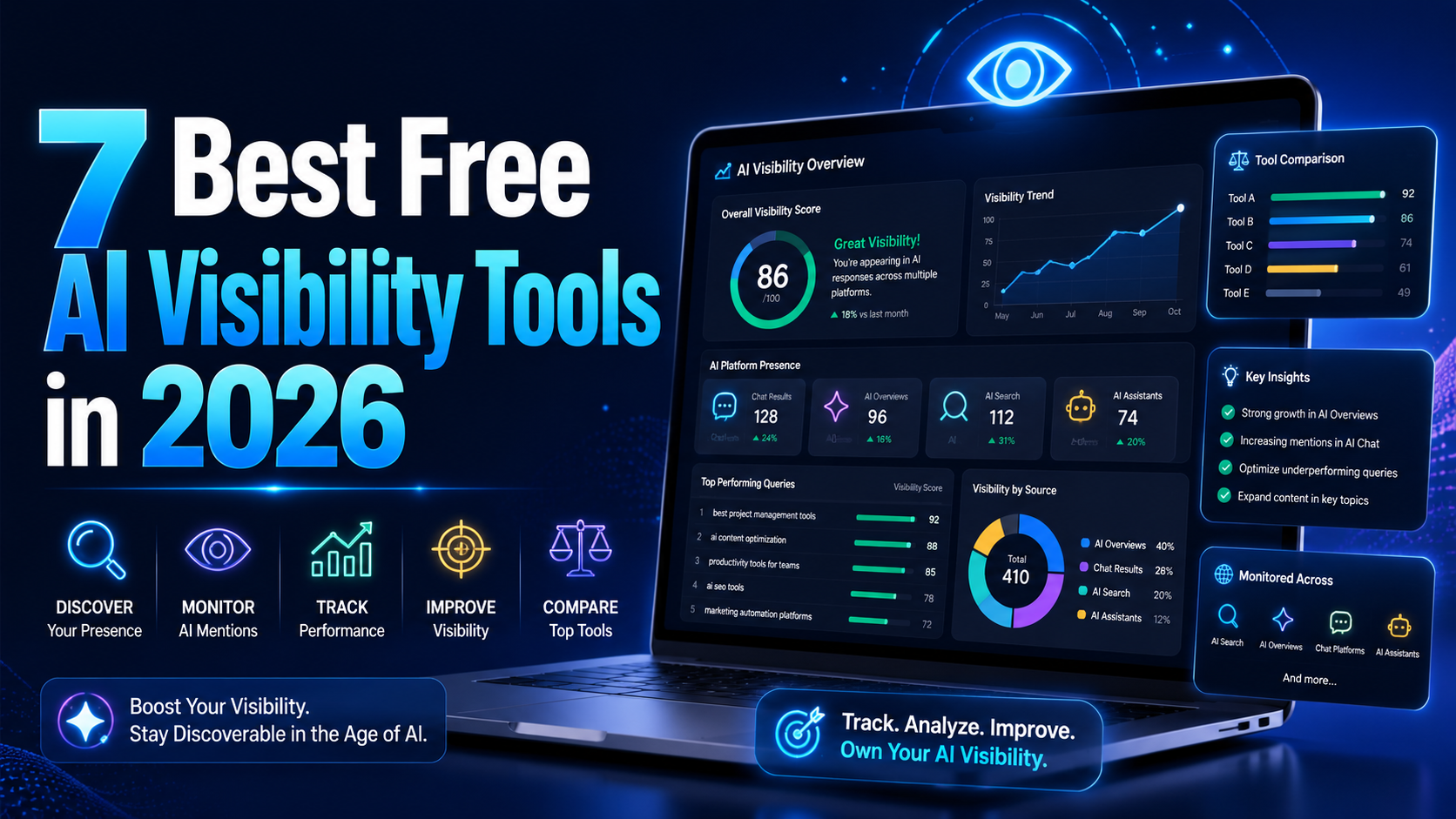
AI visibility is now increasingly talked about measures in marketing and with an excellent reason. As more consumers are asking ChatGPT, Gemini, and Perplexity to provide product recommendations instead of typing an inquiry into Google, companies must be aware of whether AI instruments are actually talking about their brands. It's good to know that there is no need for an enterprise budget to[…]

Best Multilogin Alternative for Teams in 2026The best multilogin alternative in 2026 is Hidemium for teams that need a practical way to manage multiple browser profiles, organize team workflows, assign proxies, separate online workspaces, and scale account operations without adding unnecessary complexity. It also works as a straightforward Multilogin replacement for growing operations.Multilogin[…]

In the digital age, most of our devices are constantly connected to networks like Wi-Fi or mobile data. Each connection is identified by a MAC (Media Access Control) address. While you don’t need to change your MAC address often, it can affect your privacy and security online.Thanks to the development of technology, methods of protecting digital identity are also increasingly diverse and[…]

Managing multiple accounts, clients, or online projects through the same browser can create operational problems. Teams may accidentally use the wrong account, mix browsing sessions, or lose track of which environment belongs to a particular project.As the number of accounts grows, these mistakes can become more difficult to manage.An antidetect browser offers a way to create separate browser[…]
