 (1).png)

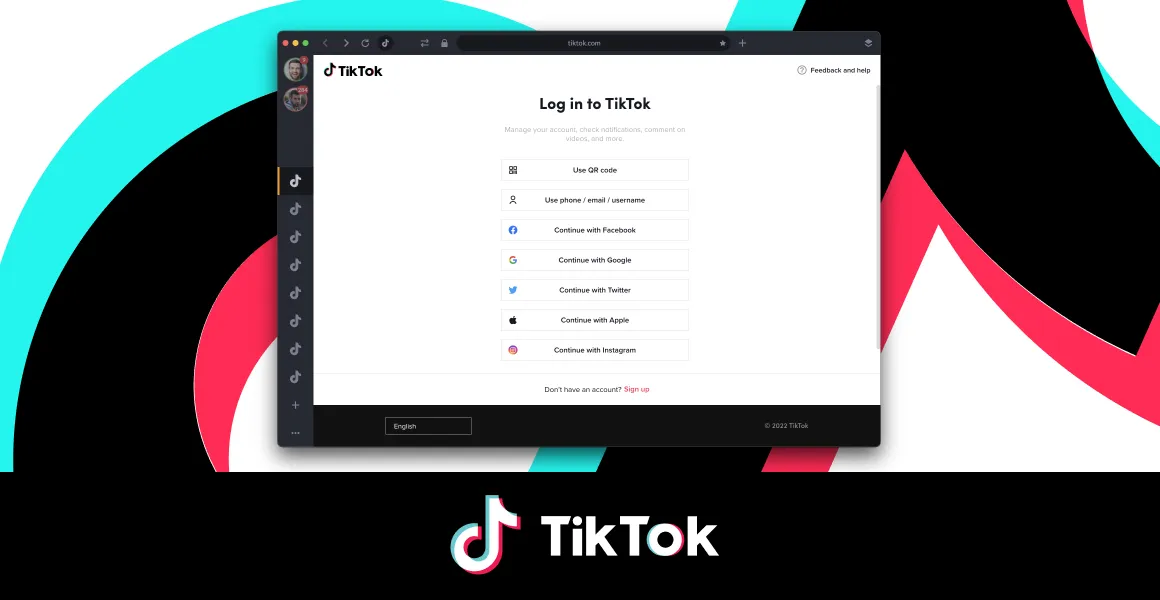
Managing multiple TikTok accounts can be a challenge, especially if you don’t want your content to be flagged or banned. If you're running multiple accounts on a single device, TikTok might mistake you for a business and stop displaying your content on the "For You" page. This means fewer views and engagement, which can seriously impact your reach, especially considering that 30% of global internet users are on TikTok.
To avoid being flagged as a business account, consider using a private browser like Hidemium, which allows you to manage multiple TikTok accounts on a single device without issues. Wondering how to make that happen? Let’s dive deeper into this!

1. Why Social Media Marketers Need Multiple TikTok Accounts
Social media marketers often handle accounts for several clients, sometimes even dozens. Managing multiple accounts at once, or multi-accounting, is a common practice in the industry. However, one of the biggest challenges they face is the risk of automatic bans on social media platforms. Even a single day of account suspension can lead to significant losses.
Imagine you’re a social media manager for a marketing agency serving many clients. Your job is to create and manage multiple accounts. When logging into these accounts from the same device, TikTok can detect that they’re all being managed by you. This often leads to verification requests to confirm the accounts are legitimate and not part of a spam operation. Failing to verify your accounts (which is likely) may result in TikTok temporarily or permanently banning them, causing a drop in their trustworthiness.
2. Understanding Shadowbans on TikTok
If you're an avid TikTok user, you’ve probably heard of the term "shadowban." But what exactly does it mean?
A shadowban occurs when TikTok partially or fully blocks your account without notifying you. This typically means that your content no longer appears on the "For You" page, TikTok’s primary newsfeed. Even though your account isn't banned outright, your visibility is drastically reduced.
TikTok removed 50 million videos in the past six months due to violations of its community guidelines. However, these guidelines can be unclear, similar to platforms like Facebook and Instagram. The TikTok algorithm automatically places suspicious accounts under shadowban to protect the user com
munity.
3. How to Avoid TikTok Account Bans and Shadowbans
To successfully run multiple TikTok accounts without facing bans, here are a few strategies:
Use a Private Browser: A private browser, such as Hidemium, helps you manage multiple accounts without triggering TikTok’s detection system. It enables you to simulate different devices, browsers, and IP addresses, reducing the risk of being flagged. After separating browser profiles, teams that also need scheduling, approvals, and reports can use TikTok management software to keep client content workflows organized.
Verify Accounts Properly: Always ensure that you follow TikTok’s verification process for your accounts. This helps prove that the accounts are genuine and not involved in spamming activities.
Avoid Spamming: Ensure your content complies with TikTok’s guidelines to avoid getting flagged or removed. Create organic content and avoid repetitive actions that could trigger suspicious activity.
By implementing these strategies and using tools like Hidemium, you can safely manage multiple TikTok accounts and grow your presence without worrying about bans or shadowbans.
4. What Are the Most Common Causes of Shadowban?
Impersonating someone else is the main reason why your TikTok account may be restricted. If you are managing 5 or 6 accounts on a single device, TikTok may apply measures to block your account.
A Real-World Case
One of our clients shared how he used Hidemium to protect his TikTok account from shadowbans, collaborate with his team, and expand his reach. He uses 10 separate profiles to upload content on TikTok via Hidemium and has never been shadowbanned: his videos always receive high engagement.
If one of the accounts is suspended or shadowbanned for reasons unrelated to Hidemium (e.g., reposting someone else's content without enough edits), the other accounts remain safe as they are completely isolated from each other. He shares his work with remote partners via Hidemium, allowing them to collaborate from any device and easily scale their efforts.
5. How Do Other Anti-Tracking Methods Work?
Some users prefer anti-tracking methods like VPNs or proxies to protect their IP addresses, and in some cases, these methods can be effective. However, your data is still not safe if you're only using a VPN or proxy: these methods cannot protect you from TikTok’s browser fingerprinting techniques.
A VPN may protect your local IP address, but it cannot prevent tracking scripts from collecting data through your browser. Proxy servers can bypass geo-blocking, but they cannot address the fingerprinting issue.
In 2019, U.S. regulators fined TikTok $5.7 million for illegally collecting personal information from children. During a famous 2023 hearing, TikTok's owners avoided answering questions about how and where user data is collected. Platforms like TikTok are extremely skilled at gathering user data regardless of what you do, and it’s your responsibility to protect your data from being tracked.
How to Protect Your Privacy While Browsing
If you're concerned about browser fingerprinting and want to protect your privacy online, there are a few steps you can take. Try using privacy-focused browsers like Hidemium, which blocks tracking even on the most advanced websites.
6. How to Manage Multiple TikTok Accounts with Hidemium – Avoid Account Bans
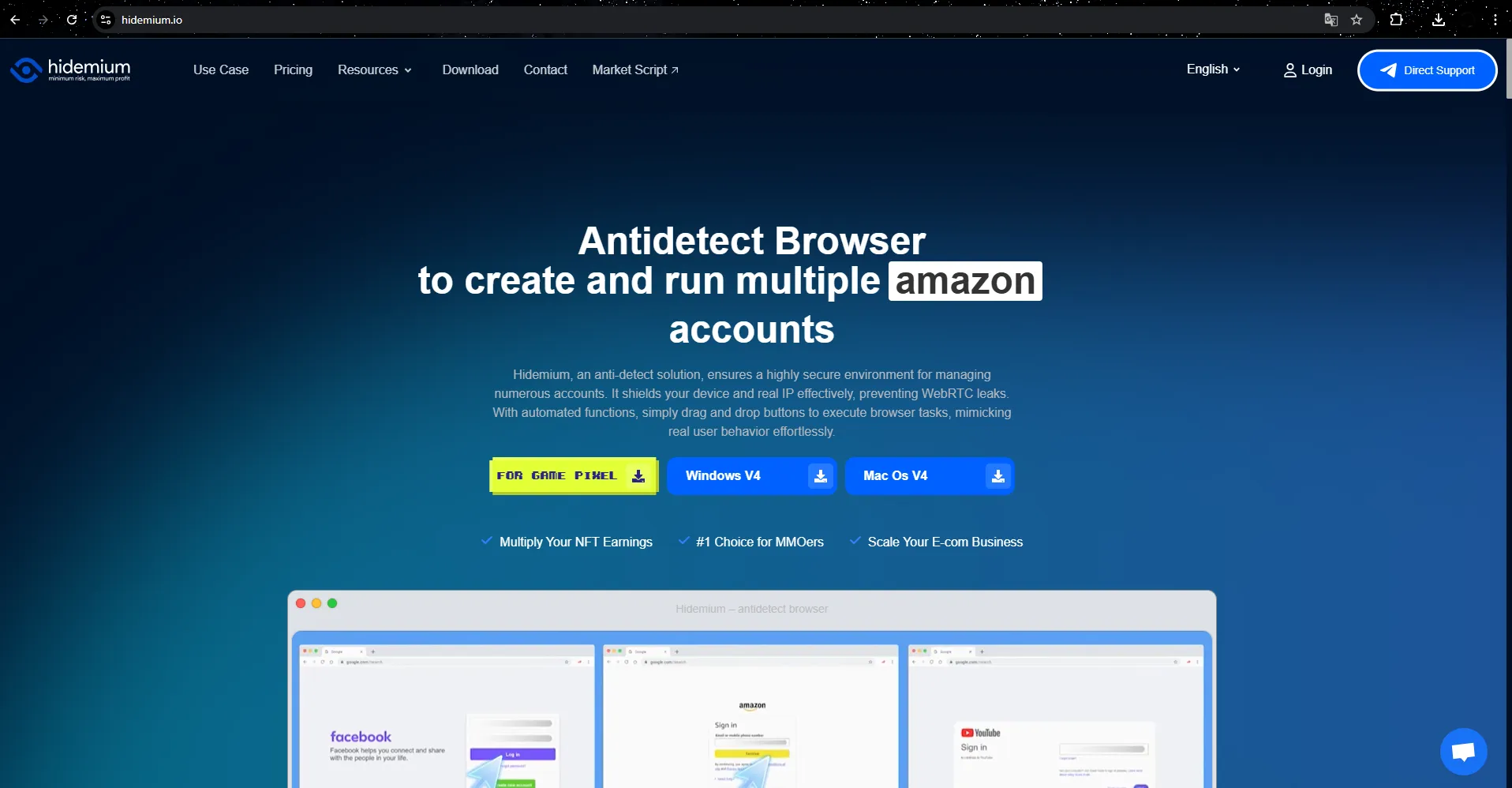
When managing multiple TikTok accounts, security and avoiding account bans are crucial. Hidemium, an antidetect browser software, is the ideal solution to help you achieve this safely and effectively.
What is Hidemium?
Hidemium is an antidetect browser tool developed by a team of experts with years of experience in the MMO (Make Money Online) field. Designed specifically to support complex tasks such as high security, automation, and synchronization, Hidemium is the preferred choice for large-scale MMO teams and businesses in the e-commerce industry.
Why You Should Use Hidemium to Manage Multiple TikTok Accounts
Avoid Shadowban and Account Bans
With Hidemium, you can easily manage multiple TikTok accounts without worrying about being flagged as a business account or shadowbanned. Hidemium protects your accounts from advanced tracking techniques like browser fingerprinting, keeping your accounts safe and preventing them from being banned.Create and Manage Multiple Browser Profiles
With Hidemium, you can create and manage multiple browser profiles simultaneously, each with different settings such as country, device information, cookies, proxy, fingerprint, language, and screen resolution. This helps prevent your accounts from being identified as belonging to a single user, thereby protecting your TikTok accounts.Key Features of Hidemium
Share Browser Profiles
You can easily share created profiles or folders with your team, partners, or clients without any hassle. This saves time and enhances team collaboration.Automate Tasks
Hidemium's automation feature allows you to perform repetitive tasks like logging in, posting, or clicking without manual intervention. This not only saves time but also increases work efficiency.High Security and IP Address Changes
Hidemium supports flexible IP address changes thanks to its diverse proxy and VPN features. Additionally, advanced fingerprinting technology allows for simulating and changing browser fingerprints, creating isolated, secure browsing environments.Works on Multiple Platforms
Hidemium operates smoothly on platforms like Windows, macOS, Linux, and Android, providing convenience for users across all devices.Special Offers for New Users
Hidemium offers a trial package with special benefits, including clean proxies updated daily and the ability to create up to 1000 profiles in the trial package. This is a great opportunity for both beginners and experienced MMO professionals.
With a Vietnamese support team, Hidemium ensures quick and accurate issue resolution, providing maximum peace of mind for users.
7. Conclusion
Managing and running multiple TikTok accounts effectively without getting banned is not an easy task, but with the right tips and tools, it is absolutely possible. Using an Antidetect Browser software like Hidemium allows you to create and manage multiple TikTok accounts without worrying about being flagged as a business account or getting shadowbanned. With features like IP address change, fingerprint security, and automation, Hidemium helps you maintain safe and effective operations on TikTok.
Apply the right strategies and tools to enhance the security of your accounts, avoid unnecessary risks, and continue growing on the TikTok platform without the fear of account bans. Good luck with building and managing multiple TikTok accounts!
Related Blogs

What is WebGL fingerprinting?WebGL fingerprinting is a browser fingerprinting technique that uses WebGL graphics rendering to collect signals about your GPU, graphics driver, browser, operating system, and rendering behavior. Websites can use these signals to help recognize a browser or evaluate whether a browser environment looks consistent and natural.WebGL stands for Web Graphics Library. It[…]

Need a free proxy site you can use directly in your browser? Start with browser-based options such as ProxySite and KProxy, then check whether Hidester, hide.me, or Megaproxy currently offer a working web proxy. This list also includes VPN apps and business proxy services: not all 15 tools are free web proxies.Quick answer: A web proxy lets you enter a URL and load some websites through a remote[…]

You are looking for answers to the question “What is SD-WAN?”and why is this technology increasingly mentioned in the context of digital transformation? Whether you are a system administrator, business owner or simply someone interested in optimizing network systems, this article from Hidemium AntiDetect Browser will help you understand SD-WAN technology and the value it brings to your[…]
.png)
Quick answer: To access YouTube through a proxy, obtain a reliable proxy server address, port and—if required—login credentials. Configure the proxy in your browser or operating system, open YouTube, and test video playback. The proxy must be able to reach YouTube, and local rules may still restrict access. Avoid sending passwords or sensitive data through untrusted free proxies.YouTube may be[…]
If you are looking for Proxyium alternatives, there are several free web proxies worth comparing before you choose one.For quick browser-based access, services such as CroxyProxy, KProxy, hide.me Web Proxy, 4everproxy, ProxySite, BlockAway, and VPNBook Web Proxy are commonly considered alternatives to browser-based proxy services like Proxyium.The right choice depends on what you actually need.[…]
.png)
Why Most Video Workflows Still Feel BrokenIf you’ve ever tried to produce video content consistently, you already know the friction points. Ideation is slow. Editing is repetitive. And the gap between concept and final output is often where projects stall. Even with the rise of the ai video generator category, many tools still behave like traditional editors with a thin AI layer on top—they[…]
