

Nobody sits down in the morning and thinks, today I'll do some digital content creation in my secure browsing environment. You just open the laptop. Coffee if you're lucky. Then it's a cloud editor in one tab, a client's social account in another, some AI tool you found last week in a third, and by about tab fourteen you've forgotten which account you're even logged into. I've done it. Everyone I know who makes content for a living has done it.
That's how most creative work actually happens now, in a browser, jumping between services that all want a login. The tools are genuinely brilliant — you can cut a video, design a thumbnail, and generate visual effects without a single piece of heavy desktop software. But the jumping around has a cost nobody mentions in the tutorials, and the cost is security, or rather the slow, messy loss of it.
Why Browser Security Matters for Digital Creators
Run through a normal day with me — a normal creator day, not the tidy brochure version. Up at whatever hour, kettle on, and straight into research: competitor posts, screenshots, three references saved and two already lost. By lunch you're in some cloud editor uploading footage that takes, for reasons known only to the internet gods, thirty-seven minutes. Then social accounts, comments, campaign numbers, and a file landing from a client marked "final version, promise," which has never once, in the history of files, been the final version. And the whole lot happens in the same browser, more or less permanently logged in to everything.
Every one of those hops is a small decision, and small decisions are where things go wrong. A link that looks like the usual login page and isn't, quite. A file from a source you didn't really check because the deadline was in forty minutes. Three accounts open in one session and a post that lands... on the wrong client's page. That last one happened to a designer I know; the client was lovely about it, which somehow made it worse.
Keeping projects in separate browsing setups does two jobs at once. It lowers the chance of genuine nastiness, the data-exposure kind, and it stops the stupid everyday confusion that causes most actual damage. Add the unglamorous basics — passwords that aren't the dog's name plus a year, multifactor authentication switched on even though it's annoying, a browser that's actually up to date, a quick look at what permissions a site is asking for before you hand over anything sensitive — and you're ahead of most people. Not invincible. Ahead.
Teams feel this more than solo creators do, by the way. Five people, four campaigns, two shared logins being passed around like a parcel... it works, right up until the day it really doesn't.
Understanding Browser Isolation and Session Management
Right, vocabulary, briefly, because two bits of jargon are about to turn up and they've been stretched to sell all manner of nonsense over the years. I'll tell you what they mean when I'm the one saying them.
Browser isolation just means separation. One bit of browsing is kept away from the rest of your machine and away from your other browsing, so if something in that corner turns out to be dodgy, it doesn't get a free tour of everything else you own. How it's done varies, but the principle's as old as putting the bleach in a different cupboard from the mugs.
Session management is duller and, I'd argue, more useful day to day. It's knowing which accounts are signed in where, and being able to keep those signed-in states organised instead of letting them pile up. Client dashboard here. Ad account there. Publishing platform somewhere else, still logged in from last Thursday, oops.
If your work involves bouncing between dashboards and creation tools all day (and if you're reading this, it does), this stuff stops being theory fairly quickly. What helps in practice isn't complicated:
Give unrelated projects or clients their own browser profiles, full stop. Don't park passwords in odd shared environments you'll never see again. Once a month, maybe while something renders, look at what's still signed in and kill the sessions you don't need anymore. Update the browser and your security extensions, yes, even when the update nag pops up mid-task, especially then. Read the address bar before you type a password into anything — actually read it, letter by letter, the way you'd check a banknote. And let people have the access their job needs, not the access that's easiest to grant, which are rarely the same thing.
None of that, on its own, makes you safe. Nothing does, and you should be suspicious of anything that claims otherwise. Security is a pile of small, boring habits stacked on top of half-decent tools, and the pile is the point.
Choosing Tools for a More Controlled Browsing Workflow
Once the account count creeps up — and it creeps, one client at a time, until suddenly you're maintaining logins you can't count on your fingers — plain browser profiles start creaking. That's usually the moment people go looking for a proper browser management tool, something built around separation and tidy sessions rather than bolted onto a normal browser as an afterthought.
Hidemium is one of the names that comes up in that search: a browser management solution for people who need their profiles and work sessions organised instead of scattered. Should you use it? I couldn't tell you without seeing how you work — nobody could, whatever the sales page implies. What I can tell you is what to poke at, with any tool in this category: the security side, obviously, then the fiddly account controls (who on your team can do what, that level of detail), then privacy, because you're trusting it with a lot, and then the question everyone forgets until it's too late, which is whether it slots into your existing routine or wants you to demolish your routine and build a new one around it. Demolition jobs get abandoned. Usually around week three. An abandoned tool protects nothing at all.
One confusion is worth clearing up while we're here. A separated browser profile organises your activity; it is not armour for your whole computer, and anyone who lets you believe otherwise is being careless with you. Endpoint security still has its own job. Multifactor authentication still has its (irritating, necessary) job. Your own brain, most of all. A profile is more like a good lock on a door in a building that also needs, you know, walls.
Get the choice right, and the tool more or less vanishes into your day, which is the nicest thing you can say about software. Get it wrong because a landing page looked slick at midnight, and February will find you mid-task, wrestling settings, saying words you'd not say in front of your grandmother.
Exploring AI Video Creation for Digital Campaigns
Now the fun part, because alongside all this sensible browser talk, the creative tools themselves have gone slightly mad in the best way. Animation that used to mean specialist software, a powerful machine and a render you left running overnight now starts with a sentence. You describe a thing, and the thing appears, moving.
The example I keep boring people with lately is liquid chrome. You'd recognise it on sight, name or no name: metal doing an impression of water, all ripples and slow stretches, before it gathers itself up into something — a flower; last week it was a ribbon for me, somebody else got a sculpture that looked expensive enough to belong in a hotel lobby. Advertisers with a futuristic product to sell love it. So do music visual people. Movement plus reflections is a hard combination to scroll past, at least for my eyeballs.
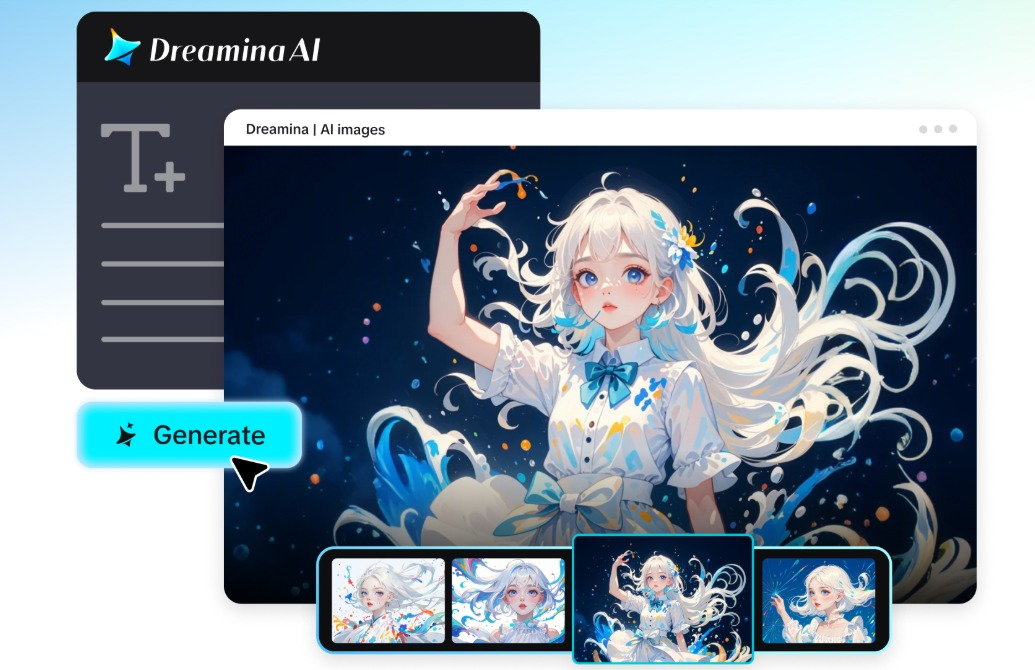
If you want to play with it, Dreamina's AI video tools are where a lot of creators are starting, and underneath sits a model called Seedance 2.5. There's no secret panel of sliders to master, not really. The work, such as it is, is describing: what's in frame when the clip opens, what it ends up as, whether the surface sloshes or creeps, and the light — always the light; people skip the light and then complain the metal looks like a spoon.
Mine, the one that finally worked after the spoon-looking disaster, went roughly like this: a silver sphere, polished like a mirror, hanging in a dark space with blue light on one side of it and pink on the other, unfolding itself — unfolding, slowly, not popping — into a flower. Rough, but workable, and from there you just nudge. Movement described more carefully got me closer than any fancy adjective did; camera drift too, a sentence about the camera wandering left did more than a paragraph of "cinematic, stunning, 8k." Ribbons, by the way, are weirdly forgiving for a first attempt. Geometric shapes likewise. The bird one got me, I'll admit it. You start with a droplet, it stretches, somehow there's a bird, and I sat there with my tea going cold, hitting replay — four times, five, I lost count somewhere around the bit where the wing forms.
Keep it to one transformation per clip, though. Ask for three and the whole thing turns to soup; trust me on this, I've paid for that lesson in wasted renders.
To explore this creative approach, use the following link:
Click on the link below to start your liquid chrome mesmerisation with Dreamina:
https://dreamina.capcut.com/tools/ai-video-generator
A word of grown-up caution, quickly: generated clips need a proper look before they go anywhere near a client. Check for the weird glitches AI loves to hide in frame forty-something, check the platform's terms, and make sure anything going into commercial work is actually licensed for commercial work. Brainstorming and experimenting, wonderful. Shipping unchecked, no.
Keeping Creative Projects and Online Accounts Organized
Here's an unfashionable opinion: as your projects grow, organisation matters as much as the fancy tools, possibly more. Nobody's portfolio ever died because a render was 4% less shiny. Plenty of projects have died because the wrong person had the wrong file, or nobody could get into the account, or the password lived in one person's head, and that person was on a beach.
A workflow that holds together isn't rocket science. Give people named jobs — this person publishes, that person approves, this other person is the only one who touches billing — and give them their own accounts to do those jobs with, instead of one shared login that six humans use. Keep a list of the tools you've approved (just a list, a boring document, updated when it changes), and every so often, quarterly is fine, actually look at who still has access to the important platforms. People leave. Freelancers finish. Their logins shouldn't outlive them.
Be careful at the AI end too. Before you upload a client's files, or private photos, or some unreleased campaign the client would have a heart attack about, read what the platform does with uploads. Privacy policy, data terms, the dull pages nobody reads. I know. I know. But picture the alternative: explaining to that client, over the phone, on a Sunday, how their unreleased product ended up being retained by a service you hadn't read the terms of. Five minutes of boring reading starts to look extremely well spent from that angle, doesn't it?
Then there's the small stuff, small in the way a loose stair is small. A profile per project rather than a soup of everything. File names a tired stranger could decode at 1 a.m., because final_v3_USE_THIS_ONE is not a name, it's a distress signal. Versions kept somewhere with a memory longer than a chat thread's. None of it photographs well for a portfolio. All of it is the difference, once you've got four projects breathing down your neck at once, between a system and a pile.
Balancing Creative Freedom With Digital Safety
Balance is a word people reach for when they don't want to pick a side, so let me be concrete about what I mean here. The new tools genuinely are liberating: experiment, collaborate from three time zones, make the weird chrome flower at midnight just to see if it works. That freedom's worth having. It's just not worth having at the price of a client's account, or your own, because you couldn't be bothered with the basics.
Judge every tool by the job it's for. Creative software makes and experiments. Browser management keeps the sessions and the accounts straight. Different jobs, both real. And underneath all of it, the unglamorous constant: sensible security controls, accounts looked after properly, and other people's data treated like it matters — because to them, it does.
Do that, and the workflow stops being a tightrope. You can build the concept, run the campaign, manage the seventeen tabs, and still sleep at night. Creativity, efficiency, security — not a slogan, just a working day that doesn't end in a panicked message at 11:47 at night.
Related Blogs
.png)
To log in to X/Twitter Web, open x.com, select “Log in,” and enter your email, phone number, or username and password. If login fails, check your credentials, browser cookies, network connection, and account status before trying another browser or device.For businesses managing multiple legitimate X accounts, separate browser profiles can help keep cookies, sessions, and account environments[…]
If you find Google Gemini quickly reaching its limits as the task becomes more complex, that's perfectly normal. Google applies quotas to prompts, conversations, and features — and the consumption increases rapidly with longer tasks, multiple files, or numerous exchanges.Therefore, each user may encounter limitations at different times. When you reach the limits of higher-end models like Pro or[…]
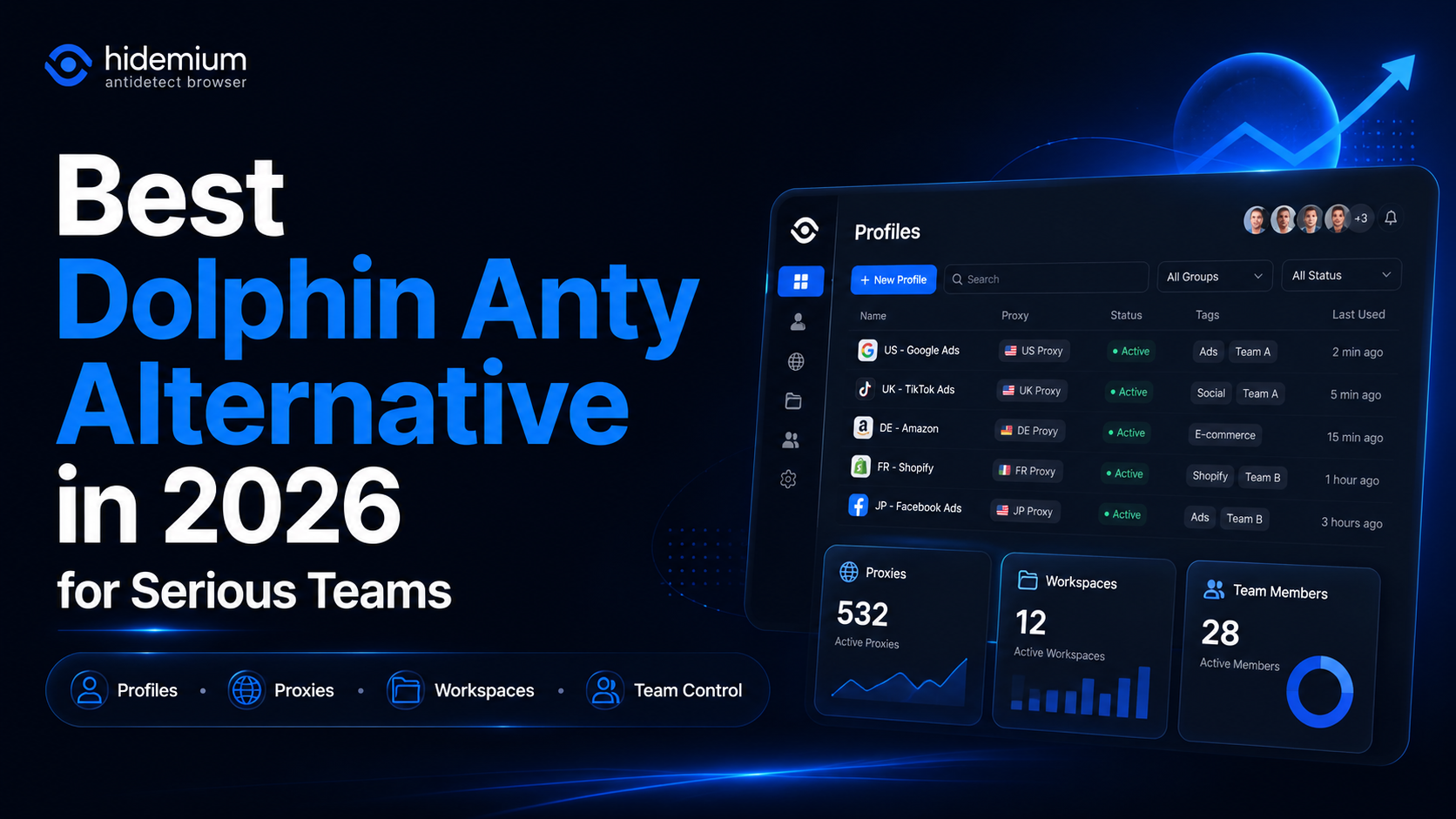
What is the best Dolphin Anty alternative in 2026?The best Dolphin Anty alternative in 2026 is Hidemium for teams that need stronger control over browser profiles, proxies, workspaces, team access, and multi-account operations.Dolphin Anty is known among affiliate marketers and media buyers. It can be useful for campaign-focused workflows where speed matters. But not every team wants only a fast[…]
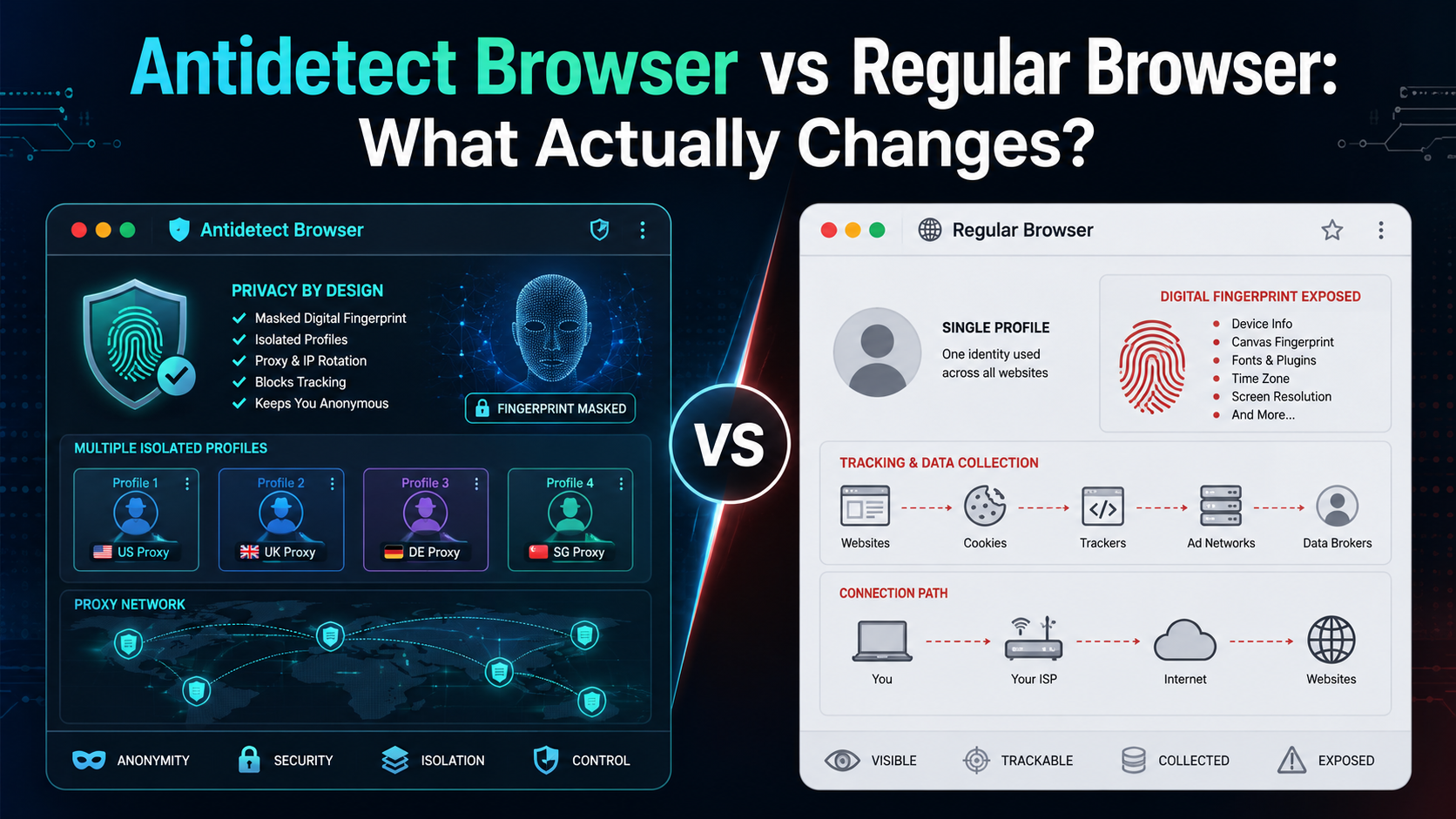
If an antidetect browser looks almost the same as Chrome, Firefox, or Edge, what actually makes it different?The biggest difference is not how websites look or how fast pages load. It is how the browser manages your digital environment.A regular browser is designed mainly for everyday browsing. An antidetect browser is designed to create and manage multiple isolated browser profiles, each with[…]
.png)
In today's digital age, safeguarding personal information while browsing the web is becoming increasingly important. One of the most effective tools for protecting online privacy is the Antidetect Browser. With its ability to disguise device information, window size, and IP addresses, the Antidetect Browser helps users maintain anonymity while surfing the internet. Additionally, it prevents[…]
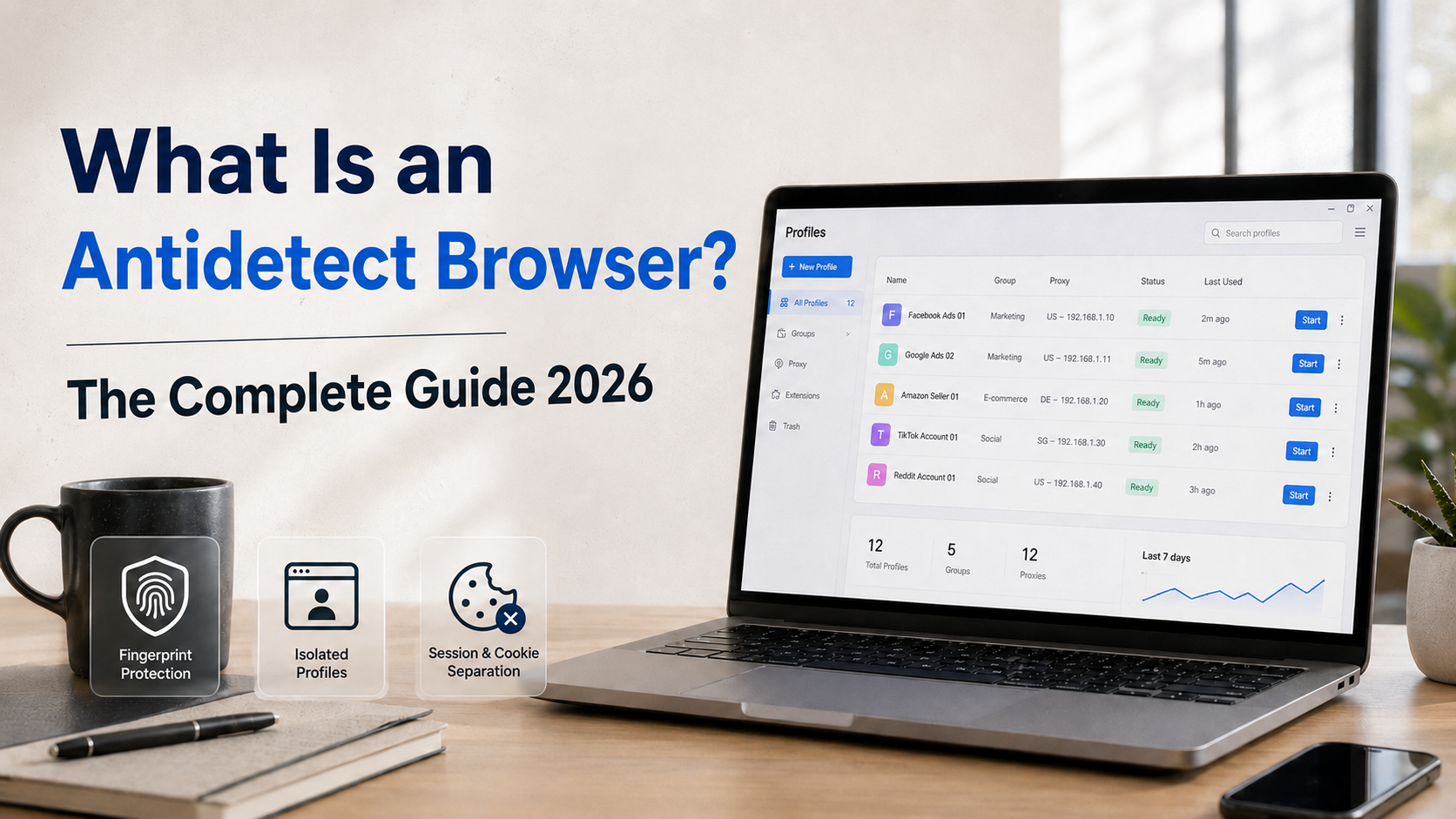
Are you managing multiple accounts on Facebook, Google, or Amazon but constantly getting banned due to "duplicate IP" or "fingerprint detected"? This is a common problem that thousands of marketers and sellers face every day. And the solution that more and more experts are turning to is the antidetect browser.So what is an antidetect browser, how does it work, and who should use it? This article[…]
