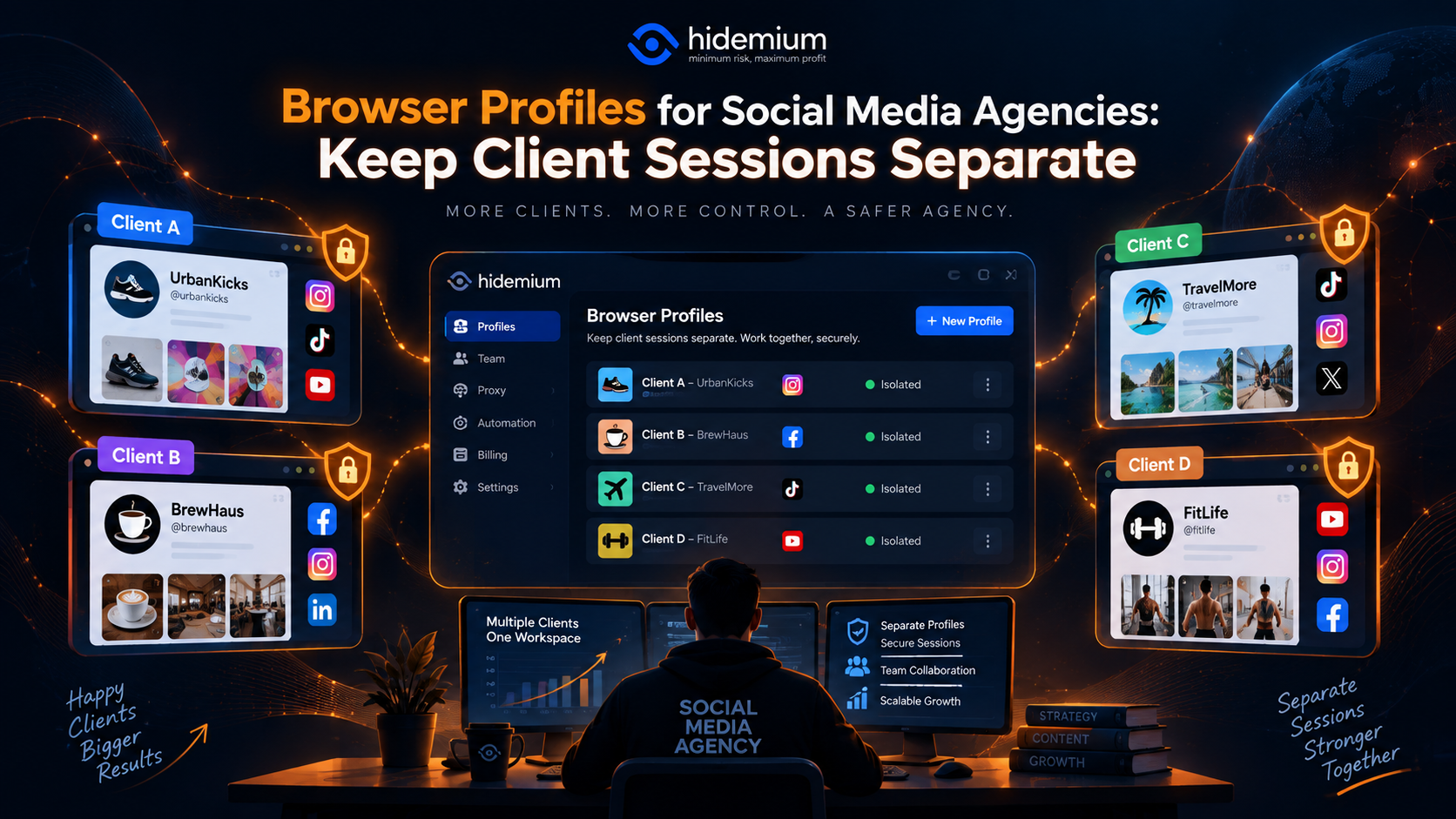

Managing one social media account is easy.
Managing 30 client accounts is not.
A typical social media agency may have:
- several Facebook accounts;
- multiple Instagram profiles;
- TikTok accounts;
- LinkedIn company pages;
- ad dashboards;
- analytics tools;
- content schedulers;
- shared inboxes.
The real problem is rarely opening the account.
It is making sure the right team member is working in the right client session.
One wrong tab, one reused login, or one poorly named browser profile can create confusion quickly.
That is why more agencies organize client work using separate browser profiles.
Quick Answer: Why Should Social Media Agencies Use Separate Browser Profiles?
For a social media agency, browser profiles help keep each client's cookies, login sessions, browser storage, bookmarks, and profile settings separated from other clients.
Instead of using one browser environment for every account, an agency can create:
Client A → Browser Profile A
Client B → Browser Profile B
Client C → Browser Profile C
This makes client account session separation easier, reduces accidental account switching, and creates a cleaner workflow for teams.
The main goal is not simply to create more profiles.
It is to make each client environment easy to identify, hand off, audit, and manage over time.
The Agency Session Problem
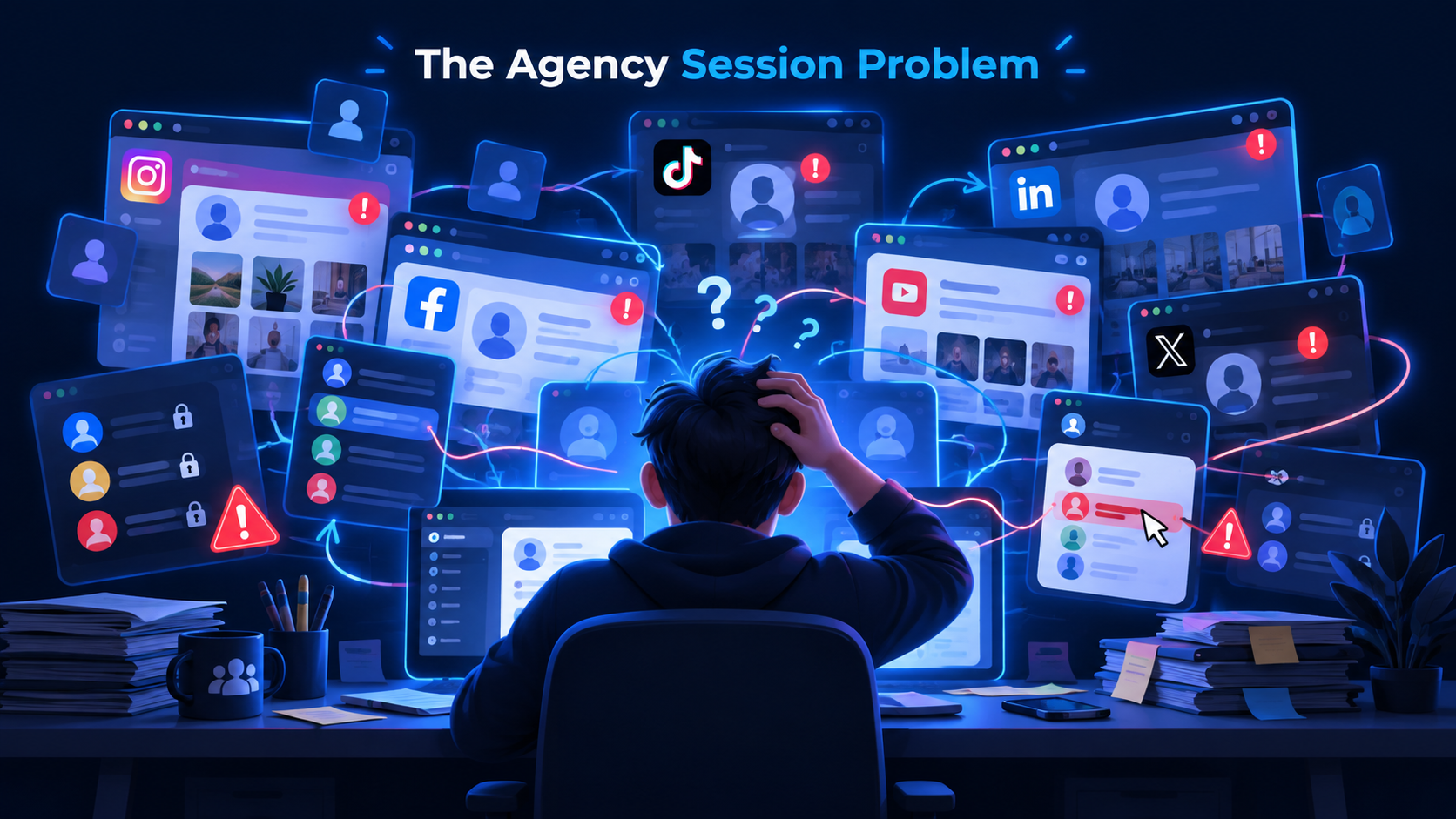
Imagine an account manager starts the morning with Client A.
They open:
- Facebook;
- Instagram;
- a reporting dashboard;
- an ad platform.
Thirty minutes later, they switch to Client B.
Then Client C.
Without separate browser environments, the team may spend the day repeatedly:
- logging out;
- logging in;
- checking which account is active;
- opening private windows;
- switching browser accounts;
- searching for saved credentials.
At a small scale, this may be manageable.
At agency scale, it becomes operational friction.
The problem gets worse when several employees work on the same clients.
Now you also need to answer:
Which session belongs to which client?
Who is currently responsible for it?
What happens when the account is handed to another employee?
Which environment should a new team member open?
This is where structured agency browser profiles become useful.
What Is Client Account Session Separation?
Client account session separation means keeping one client's browser session and stored browser data separate from another client's environment.
A browser session may include:
- cookies;
- authenticated sessions;
- local storage;
- saved site preferences;
- browser extensions;
- bookmarks;
- account-specific settings.
For example:
Client-A-Social
can contain the social media sessions used for Client A.
Meanwhile:
Client-B-Social
can maintain a separate set of logins.
The two environments do not need to share the same session state.
This creates a simple operating rule:
One client, one clearly defined browser environment.
That rule is easier for teams to understand than remembering which tab, Chrome window, or incognito session belongs to whom.
Why Not Just Use Incognito Mode?
Incognito mode can be useful for temporary sessions.
But it is not ideal for ongoing agency work.
When the private window closes, temporary session data is usually discarded.
That means your employee may have to sign in again the next time.
For recurring client work, this becomes repetitive.
A persistent browser profile works differently.
The profile can preserve the environment so the team can return to it later.
That makes browser profiles more practical for:
- daily community management;
- scheduled content reviews;
- client reporting;
- recurring account administration;
- multi-day campaigns.
Incognito is useful for temporary isolation.
Browser profiles are better suited to persistent client workspaces.
How Should an Agency Separate Client Profiles?
The simplest structure is usually the best.
For a smaller agency:
One client → one profile
For example:
Acme-Social
BlueCo-Social
Northstar-Social
As workloads become more complex, you may separate profiles by client and function.
For example:
Acme-Organic-Social
Acme-Paid-Social
Acme-Reporting
This can be helpful when different teams are responsible for different parts of the account.
However, avoid creating too many profiles without a clear reason.
If one client only needs one environment, one profile is often easier to manage than six.
The goal is organization, not maximum profile count.
Use Clear Naming and Tags
Naming is one of the most underrated parts of browser profile management.
A profile called:
Facebook 2
may make sense today.
Three months later, nobody remembers what it belongs to.
A better naming structure is:
Client – Team – Purpose
Examples:
Acme-Social-Organic
Acme-Social-Ads
Northstar-Reporting
BlueCo-Community
For larger agencies, tags can make profile management even easier.
Useful tags might include:
- Active
- Paused
- Organic
- Paid
- TikTok
- Meta
- Priority
- Handoff
This helps employees filter large profile lists instead of manually scrolling through dozens of names.
A simple rule
If a new employee cannot understand what a profile is for by reading its name and tags, the naming system is probably too vague.
Permissions Matter More as the Team Grows
When one person manages all clients, permissions are less important.
When 10, 20, or 50 employees use the same environment, they become essential.
Not every employee needs access to every client.
For example:
Social Team
→ organic content profiles
Paid Media Team
→ advertising-related profiles
Team Lead
→ profiles across several clients
Administrator
→ organization-wide access
A good agency workflow follows the principle of least privilege:
Give team members access to the client environments required for their role, not the entire workspace.
This makes the system easier to manage and reduces unnecessary access.
Permissions also matter during employee offboarding.
If someone leaves the agency, access to client environments should be reviewed and removed as part of the handoff process.
Proxy and Location Considerations for Agency Browser Profiles
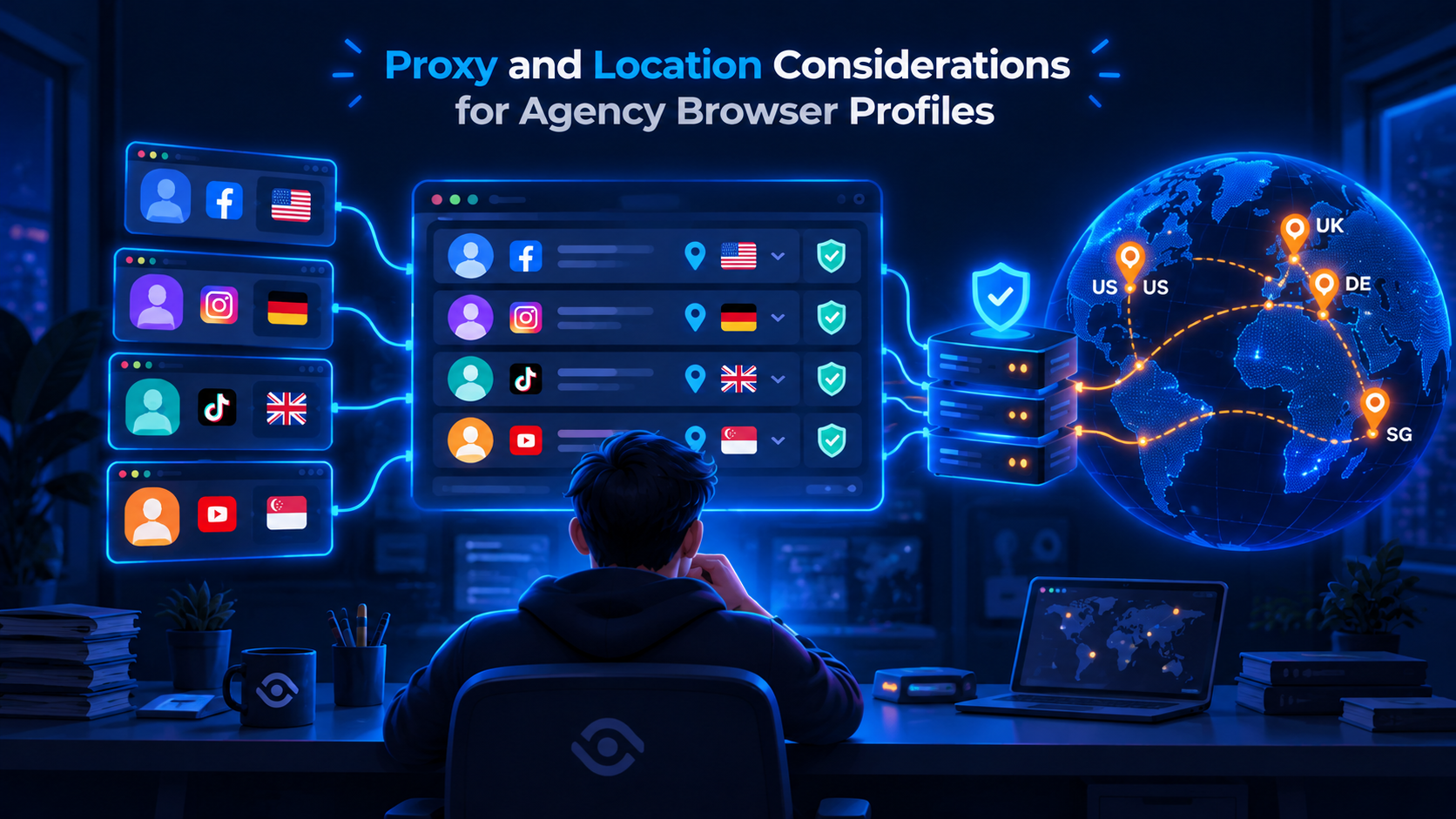
Some agency workflows also involve proxy configuration.
A proxy and a browser profile solve different problems.
A browser profile manages the browser environment.
A proxy manages the network route and public IP used by that environment.
If proxies are part of your workflow, keep the configuration clear and consistent.
For example:
Client-A-Social → Profile A → Proxy A
Client-B-Social → Profile B → Proxy B
The important thing is not simply assigning a proxy.
It is making sure the setup remains understandable to the team.
Useful information to document includes:
- proxy protocol;
- proxy location;
- profile owner;
- client name;
- purpose;
- status.
Avoid changing locations unnecessarily between sessions if the client workflow depends on a stable working environment.
And always use proxy services and account workflows in compliance with the terms of the platforms your agency manages.
How Should Team Handoffs Work?
Client handoff is one of the clearest benefits of structured browser profiles.
Imagine an employee leaves a project.
Without a profile system, the handoff might look like:
“Here are five passwords.”
“Instagram is logged in on my laptop.”
“Facebook is under another Chrome profile.”
“The reporting dashboard uses a different email.”
This is difficult to scale.
A better handoff process looks like:
Client: Acme
Profile: Acme-Social-Organic
Owner: Sarah → Daniel
Status: Active
Main platforms: Instagram, Facebook, TikTok
Notes: Scheduled posts through client-approved tool
Then update access.
This gives the incoming employee context without rebuilding the environment from scratch.
What should a handoff include?
At minimum:
- client name;
- browser profile name;
- assigned team member;
- purpose of the profile;
- active platforms;
- access level;
- relevant notes;
- date of handoff.
The browser profile becomes part of the client asset structure rather than something tied permanently to one employee's computer.
Should Every Social Network Have Its Own Browser Profile?
Not necessarily.
The right structure depends on how your agency operates.
One profile per client works well when:
- one team manages all social channels;
- sessions belong to the same client;
- access requirements are similar.
Separate profiles may make sense when:
- different departments manage different platforms;
- permissions differ;
- one workflow is temporary;
- one client has unusually complex operations.
For example:
Client A
- ClientA-Organic
- ClientA-Paid
may be enough.
You usually do not need:
- ClientA-Facebook
- ClientA-Instagram
- ClientA-TikTok
- ClientA-LinkedIn
- ClientA-YouTube
unless there is an operational reason.
Good profile management keeps complexity proportional to the workflow.
How Browser Profiles Reduce Common Agency Mistakes
Browser profiles do not eliminate human error.
But they can make the environment clearer.
Wrong client session
When profiles have clear names, team members can identify the client environment before starting work.
Constant login and logout
Persistent profiles can keep recurring sessions separated, reducing unnecessary account switching.
Unclear ownership
Profiles can be associated with projects, folders, tags, or team members.
Difficult handoffs
A structured browser environment is easier to transfer than a collection of unrelated browser sessions.
Profile sprawl
Naming rules and periodic audits help prevent hundreds of old or duplicate profiles from accumulating.
The benefit is primarily operational:
less confusion, fewer repeated steps, and clearer ownership.
Agency Browser Profile Audit Checklist
Browser profiles should not be created and forgotten.
Run a regular audit.
Monthly or quarterly is usually enough for most teams.
Use this checklist:
Profile ownership
- Does every active profile have an owner?
- Is the assigned employee still responsible for the client?
Naming
- Does every profile follow the agency naming convention?
- Can another employee understand the purpose immediately?
Access
- Do only relevant team members have access?
- Have former employees been removed?
Status
- Is the profile still active?
- Should it be archived?
Client mapping
- Is the profile linked to the correct client and project?
- Are duplicate profiles present?
Proxy configuration
If proxies are used:
- Is the assigned proxy still active?
- Is the intended location documented?
- Is the configuration still required?
Handoff readiness
Ask one simple question:
Could another employee take over this client tomorrow without rebuilding the browser environment?
If not, the workflow needs more documentation.
How Many Browser Profiles Does a Social Media Agency Need?
There is no universal number.
A small agency with 10 clients may need roughly 10 profiles.
Another agency with the same number of clients may need 25 because Paid Media and Organic Social are handled by different teams.
The better question is:
How many separate working environments do we actually need?
Create a new browser profile when separation provides a clear operational benefit.
Do not create additional profiles simply because the tool allows it.
Browser Profiles vs Password Managers
These tools solve different problems.
A password manager helps store and share credentials securely.
A browser profile maintains a browser environment.
Many agencies benefit from using both.
For example:
Password manager
→ manages credentials
Browser profile
→ manages cookies, sessions, browser environment, and project organization
One does not necessarily replace the other.
A strong workflow combines the tools according to their purpose.
How Hidemium Fits Social Media Agency Workflows
For small teams, built-in Chrome or Firefox profiles may be enough.
But when the number of clients and employees grows, agencies often need more structured profile management.
Hidemium can be used to organize browser profiles by client, project, or team.
A social media agency might create:
Acme-Social
Northstar-Paid
BlueCo-Community
and keep each client environment separated.
The practical benefit is not simply having “more profiles.”
It is making those profiles easier to organize as the team grows.
For agency workflows, you can also pair profile organization with:
- clear naming;
- tags;
- access control;
- profile ownership;
- proxy configuration where needed;
- periodic audits.
That turns browser profiles into a repeatable operating process instead of a collection of browser windows.
You can explore profile management at Hidemium.io.
Final Thoughts
Social media agencies do not usually struggle because they cannot open another browser tab.
They struggle because client environments become difficult to manage as the business grows.
5 clients may be easy to remember.
20 clients need a process.
50 clients need a system.
The most effective browser profiles social media agency workflow is usually built around a few simple rules:
Keep client sessions separate.
Use predictable profile names.
Limit access to the right team members.
Document proxies and locations when they are part of the workflow.
Make every profile easy to hand off.
Audit inactive environments regularly.
When those basics are in place, browser profiles become much more than a login convenience.
They become part of the agency's operational structure.
If your team needs a more organized way to maintain separate client environments, organize client sessions in separate Hidemium profiles and build your naming, permissions, and handoff process around a consistent profile structure.
Frequently Asked Questions
Why should social media agencies use browser profiles?
Browser profiles help social media agencies keep client sessions, cookies, storage, and account environments separated. This reduces repeated logins and makes it easier for employees to identify the correct client workspace.
What is client account session separation?
Client account session separation means maintaining different browser environments for different clients so their saved sessions and site data do not need to share the same browser workspace.
How should an agency name browser profiles?
A simple format is Client – Team – Purpose, such as Acme-Social-Organic or Northstar-Paid-Ads. Clear naming helps employees find the correct environment quickly.
Should every client have a separate browser profile?
For many agencies, yes. A separate client profile is a simple way to organize sessions. More complex clients may need additional profiles for different teams or workflows.
Can multiple employees use agency browser profiles?
That depends on the profile management tool. For team workflows, agencies should look for clear permissions, ownership, sharing, and access-revocation controls.
Do social media agency browser profiles need proxies?
Not always. Browser profiles and proxies solve different problems. If proxies are required for a legitimate workflow, they should be assigned and documented consistently per profile.
Are Chrome Profiles enough for an agency?
They may be enough for small teams. As the number of clients, employees, and environments grows, dedicated browser-profile management can make permissions, organization, handoffs, and auditing easier.
Related Blogs

In today's digital landscape, antidetect browsers have become essential tools for professionals managing multiple online accounts, protecting privacy, or conducting market research. As the market evolves, choosing from numerous best antidetect browser can be challenging. We've thoroughly evaluated the top contenders to bring you a comprehensive guide for 2024.1. What Are Antidetect Browsers?An[…]

Public Wi-Fi connections are becoming an indispensable part of modern life, especially when you travel, work remotely or entertain yourself at cafes, airports or shopping malls. However, using public Wi-Fi poses many security and privacy risks. In this article, Hidemium will share 5 simple but effective tips to help you stay safer when connecting to public Wi-Fi, avoiding data theft or personal[…]
Best Antidetect Browser for Media Buying 2026Modern media buying involves much more than launching ads and monitoring ROAS. An agency or performance marketing team may manage multiple clients, advertising accounts, Business Portfolios, landing pages, analytics tools, and regional markets at the same time.As the number of digital assets grows, opening everything in a standard browser can lead to[…]

Accessing blocked websites in Vietnam is no longer too difficult if you know how to use it. Proxy through firewall properly. This is an ideal solution, which helps free internet access, just to make sure safety and security of personal information. Together Hidemium Antidetect Browser Discover the 3 most effective methods of using Proxy to bypass firewalls today.1. Use free Proxy websites to[…]

I. Introduction to B2Proxy Residential ProxiesB2Proxy Official WebsiteB2Proxy is a professional provider specializing in global residential proxy services, offering high-purity residential IPs sourced from real ISP home networks. These proxies are widely used in cross-border e-commerce, online advertising, data collection, social media management, and account registration and verification.Key[…]

Fiverr is one of the leading marketplaces in the world where employers can hire a freelancer to perform various digital services. Those services range from creating a website or logo for your business to video editing, photo design, video scripting, web analytics, etc.Nearly 4 million people rent digital services on Fiverr each year, and hundreds of thousands of creators make a living on the[…]
