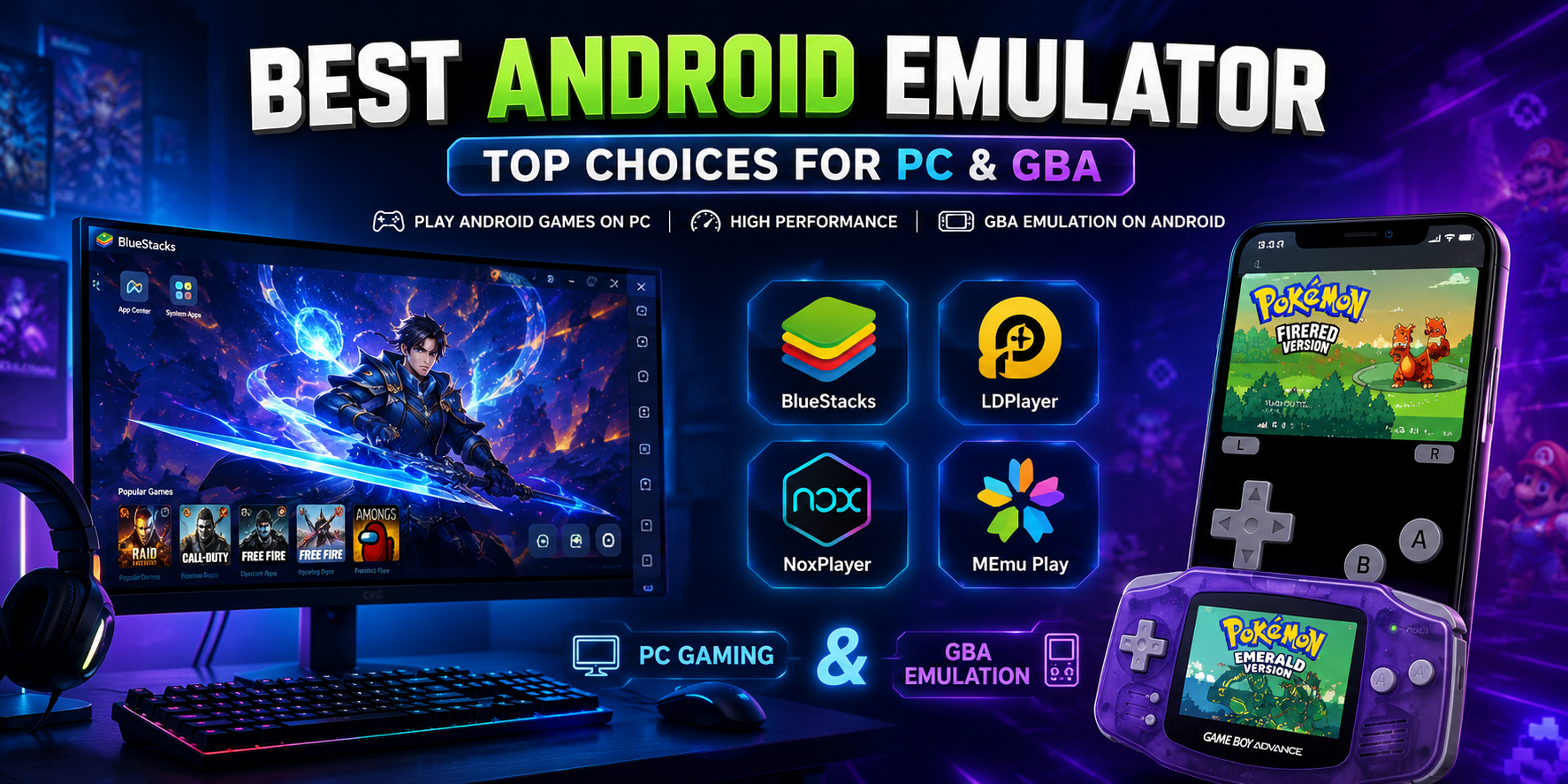

Whether you are a dedicated mobile gamer looking for a competitive edge on a larger screen, an app developer testing a new interface, or someone who manages multiple accounts across platforms, finding the best android emulator is the key to a seamless experience. For those involved in multi-account management or automation workflows, the choice of emulator — and how you pair it with the right tools — can make all the difference.
Bridging the gap between your smartphone and your computer has never been easier. Today's emulators are highly optimized, feature-rich, and incredibly versatile. In this comprehensive guide, we will explore top-tier software for running android games on pc, discuss lightweight options for older hardware, troubleshoot performance issues, and even dive into the flip side: retro console emulators you can run right on your Android phone.
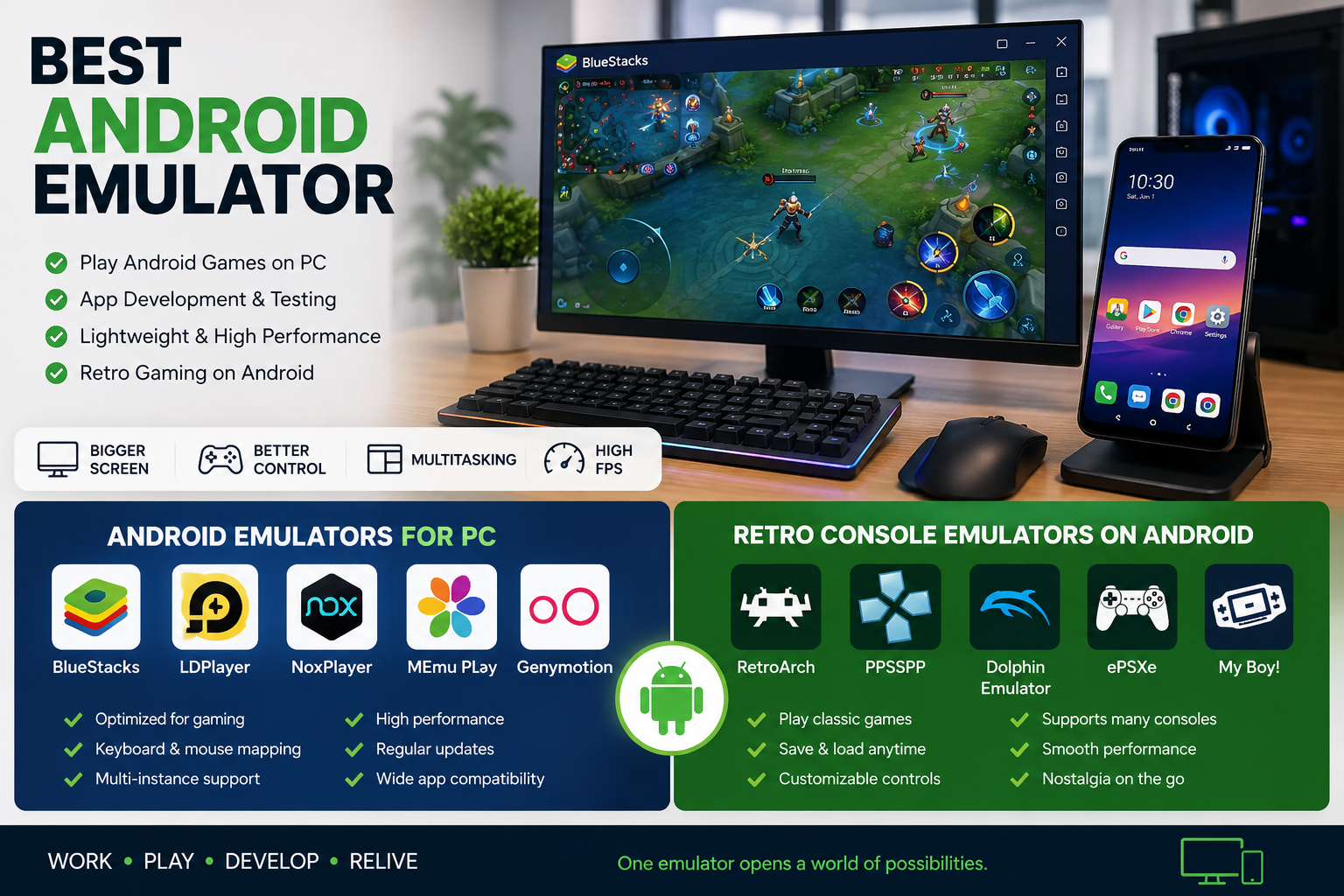
Why Use an Android Emulator?
Before downloading the first software you see, it helps to understand exactly what you can achieve with a reliable emulator:
- Bigger Screens and Better Controls: Ditch the touch screen. Emulators offer custom keyboard and mouse mapping, allowing you to play complex RPGs or fast-paced shooters with desktop-level precision.
- Superior Hardware Utilization: Modern computers pack far more processing power than the average smartphone, paving the way for high fps mobile gaming on computer setups.
- Streamlined Workflows: You can easily install apk files on desktop by dragging and dropping them into the emulator window, making testing and app installation a breeze.
- Development and Testing: Setting up a proper android app development environment on windows or Mac allows coders to test their apps across various simulated devices without needing physical phones.
- Multi-Account Management: Many users rely on emulators to run several Android app accounts simultaneously — whether for social media, gaming, or e-commerce. For advanced multi-account workflows where browser fingerprint isolation matters, pairing an emulator with a dedicated antidetect browser like Hidemium gives you a far stronger layer of account protection.
The Heavyweights: Top Android Emulators for PC
When it comes to mainstream emulators, two giants usually dominate the conversation. Let's break down the titans of the industry.
1. BlueStacks: The Gamer's Choice
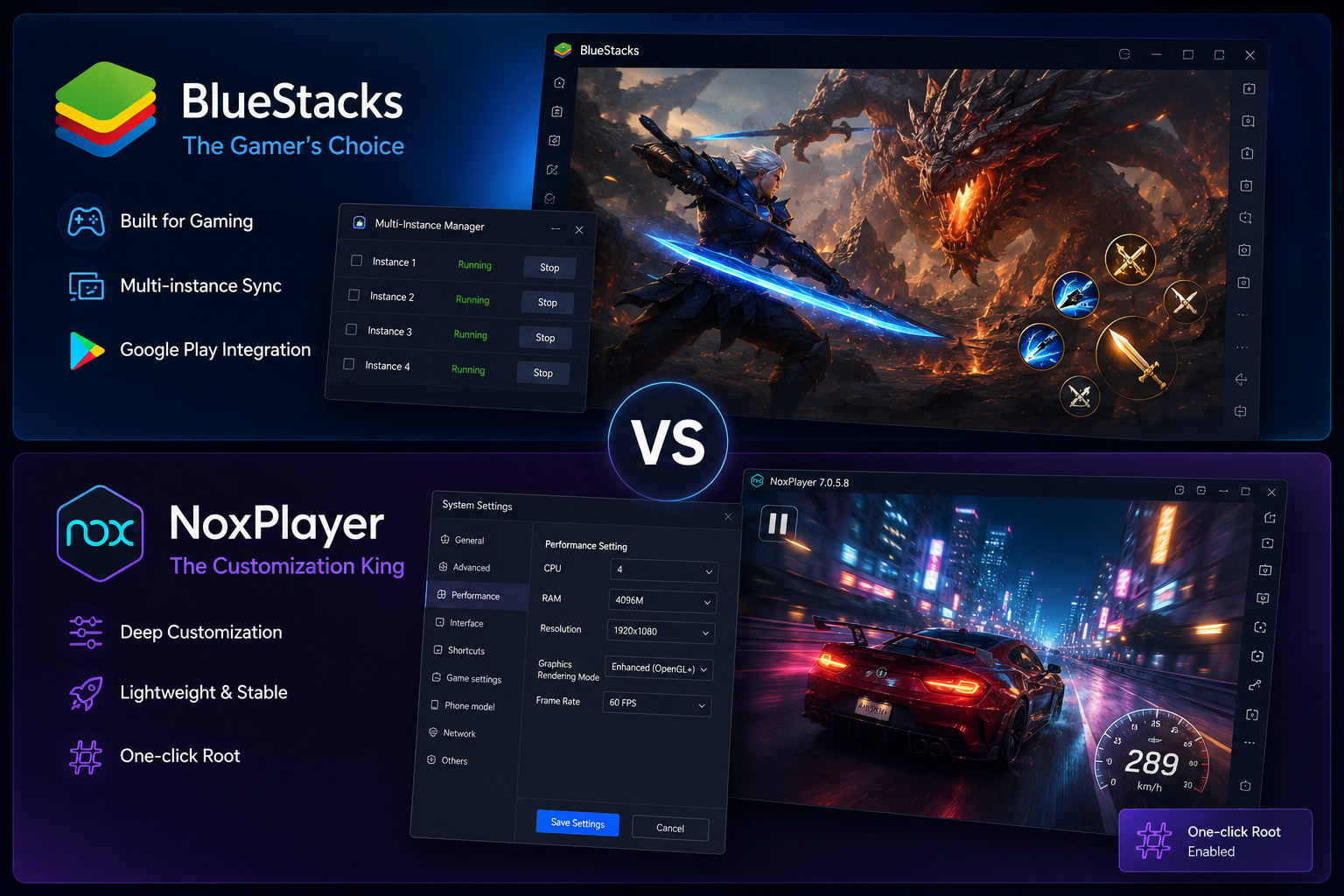
BlueStacks is arguably the most recognizable name in the emulation world, built from the ground up to prioritize gaming. It boasts incredible google play store integration for pc, allowing you to log in to your Google account and download apps exactly as you would on a physical device.
One of BlueStacks' standout features is its robust toolset. It fully supports multi-instance sync for mobile gaming, meaning you can run several games simultaneously or play multiple accounts of the same gacha game to reroll efficiently. However, for users who need true browser-level fingerprint isolation across separate profiles — such as affiliate marketers or social media managers — a purpose-built tool like Hidemium antidetect browser is a better fit than a gaming emulator.
2. NoxPlayer: The Customization King
NoxPlayer is another formidable contender, highly favored for its clean interface and deep customization settings. But when looking at bluestacks vs nox player performance, which comes out on top?
Generally, BlueStacks edges out Nox in raw frame rates on high-end machines due to its proprietary resource management. However, NoxPlayer often consumes less RAM out of the box, making it highly stable. Nox also makes it incredibly easy to root the virtual device with a single click, a feature power users and developers love.
Lighter Alternatives and Developer Tools
Not everyone has a high-end gaming rig. If your desktop is struggling to run the heavyweights, you still have fantastic options.
Emulators for Older Hardware
If you are searching for an android emulator for low end pc, LDPlayer and MEmu Play are your best bets. These are fantastic, lightweight android emulator alternatives designed to minimize CPU and RAM usage while still delivering smooth gameplay. LDPlayer, in particular, is optimized heavily for mobile MOBAs and battle royales, running efficiently even on integrated graphics.
Open Source and Developer Environments
If you prefer avoiding commercial software laden with ads, you might be looking for open source android emulator options.
- Android Studio: The official IDE from Google features a built-in emulator. While it is not optimized for gaming, it is the absolute gold standard if you want an authentic android app development environment on windows or Mac.
- Waydroid / Anbox: For Linux users, these open-source container-based approaches offer native-like performance without the heavy overhead of traditional virtual machines.
What About Apple Users?
Figuring out how to run android apps on mac used to be a headache, especially with the transition to Apple Silicon (M1/M2/M3 chips). Fortunately, BlueStacks and Android Studio have released updates tailored for macOS. Additionally, tools like Genymotion offer cloud-based emulation, bypassing your Mac's local hardware limits entirely.
The Flip Side: Retro Console Emulation on Android
The word "emulator" means different things to different people. While PC users are trying to emulate Android, mobile users are often trying to emulate classic consoles on their phones. If you are a retro gaming enthusiast, your Android device is a goldmine.
Reliving the GameBoy Advance Era
The GBA boasts one of the greatest handheld libraries of all time. If you are looking for the best gba emulator android has to offer, you are spoiled for choice.
- Pizza Boy GBA: Widely considered by purists to be the best android gba emulator, Pizza Boy offers a gorgeous interface, incredibly accurate sound emulation, and highly customizable on-screen skins.
- My Boy!: A classic staple in the community. It is incredibly fast, easy on battery life, and supports link-cable emulation over Bluetooth or Wi-Fi. For many, it remains the best gameboy advance emulator for android.
- RetroArch: If you want an all-in-one solution, RetroArch uses "cores" to emulate various systems. While it takes some setup, its mGBA core is easily the best gba emulator for android if you want ultimate cross-platform compatibility.
Bringing Sega to Your Smartphone
If you were a Genesis or Mega Drive kid, you will want the best free sega android emulator. MD.emu Free and the Sega Genesis core within RetroArch are phenomenal choices. They support hardware controllers, save states, and classic cheat codes, allowing you to breeze through Sonic the Hedgehog with perfect pixel scaling.
Maximizing Your PC Emulator Experience
Simply installing an emulator on your PC isn't always enough to guarantee a flawless experience. To get the most out of your software, follow these actionable tips.
1. Fix Lag and Stuttering Immediately
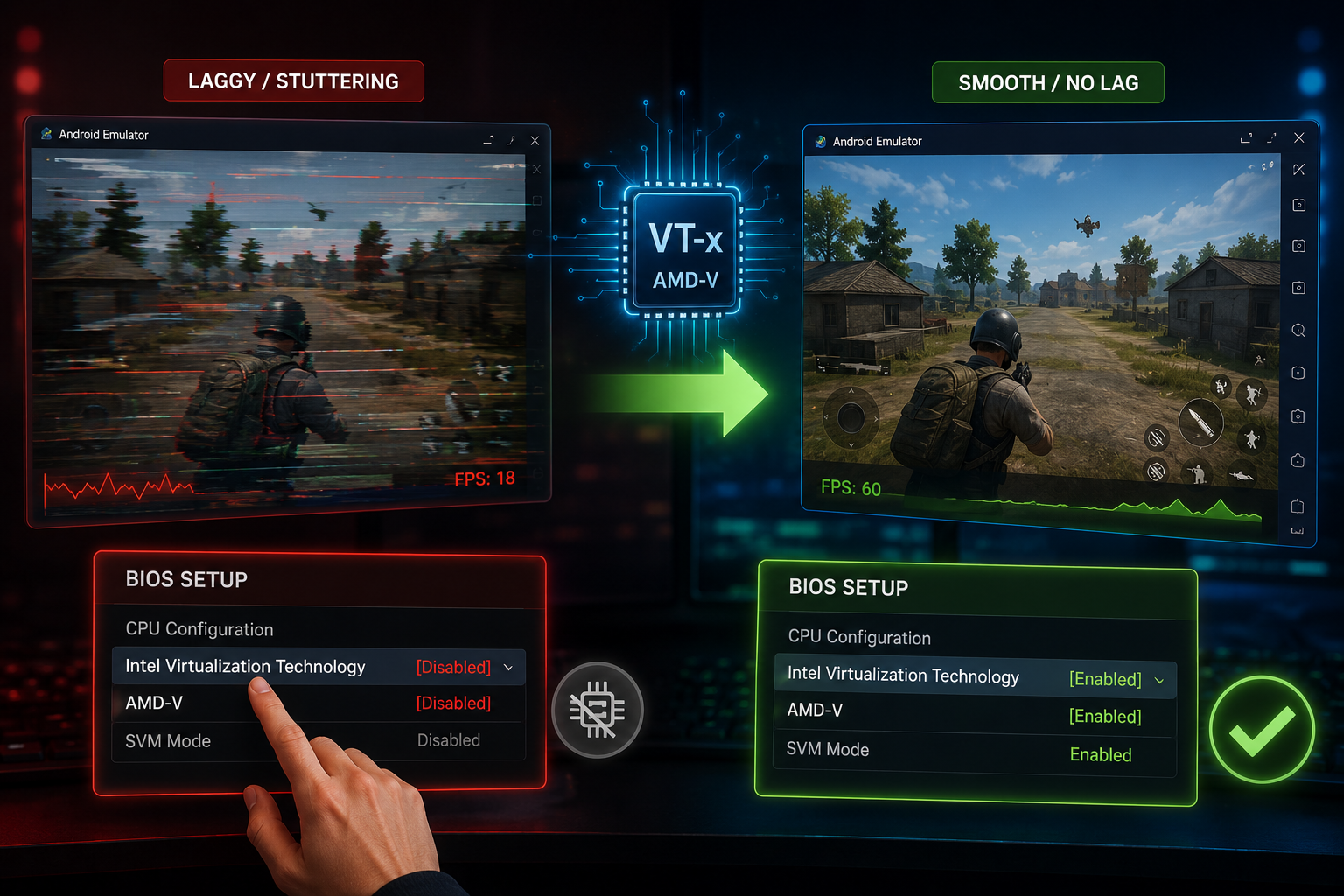
The most common complaint from new users is poor performance. If you need to fix lag in android emulators, the absolute most important step is to enable hardware virtualization vt-x (or AMD-V for Ryzen users) in your computer's BIOS.
Virtualization allows your CPU to act as multiple independent processors, which is mandatory for running a virtual Android environment smoothly. Without it, your emulator will run at a fraction of its true speed, resulting in unplayable frame rates and audio crackling.
2. Tweak Your Emulator Settings
Once virtualization is enabled, go into your emulator's settings (like BlueStacks or LDPlayer) and allocate more resources:
- CPU Cores: Set this to at least 4 cores (if your PC has 8 or more).
- RAM: Allocate at least 4GB to 8GB of RAM.
- Render Mode: Switch between OpenGL and DirectX to see which plays nicer with your specific graphics card.
3. Master Custom Controls
Don't settle for clicking the screen with your mouse. Take five minutes to set up custom keyboard and mouse mapping. Map your WASD keys to the on-screen digital joystick, assign specific keys to on-screen abilities, and utilize the "shooting mode" feature to lock your mouse cursor to the camera for first-person shooters.
Security: Is Using an Android Emulator Safe?
A common question among cautious users is: is using an android emulator safe?
The short answer is yes, provided you stick to reputable software. Mainstream emulators like BlueStacks, NoxPlayer, and LDPlayer are legitimate businesses. However, because they are free, some may bundle sponsored apps or display ads on the loading screen.
To stay completely safe, follow these best practices:
- Download from Official Sources: Never download emulators from third-party mirrors. Always use the official websites.
- Beware of Shady APKs: The beauty of emulators is the ability to easily sideload apps. However, if you download a malicious APK from an untrusted site, it can compromise your Google account linked to the emulator.
- Use a Burner Account: If you are testing sketchy apps or just want to be extra careful, create a secondary Google account specifically for your emulator's Play Store logins.
- Keep it Updated: Developers frequently patch security vulnerabilities. Ensure your emulator is always running the latest version.
- Consider Browser Fingerprint Isolation: If you run multiple accounts for work or marketing, note that Android emulators share the same device fingerprint across all instances. For true account isolation across separate browser profiles, using a dedicated antidetect browser with unique proxy assignments per profile — like Hidemium paired with quality proxies — provides a much safer setup.
Conclusion
Finding the best android emulator ultimately comes down to your specific needs. If you want a powerhouse for gaming with top-tier controls, BlueStacks is hard to beat. If you are on an older laptop, LDPlayer is a brilliant, lightweight savior. For developers, Android Studio provides the ultimate testing ground.
Conversely, if your goal is to turn your actual phone into a retro gaming powerhouse, downloading the right console emulator—whether it's for Sega or the GameBoy Advance—will unlock decades of gaming history right in your pocket.
By taking the time to enable virtualization, map your controls, and manage your system resources, you can bridge the gap between mobile and desktop to create an unbeatable digital experience. Happy emulating!
Related Blogs
There is a point where a group chat stops being a management system. Usually it arrives quietly. You add the tenth contractor, or the second warehouse, or a support rotation in another timezone, and suddenly nobody can tell you who read the new returns policy, who finished the safety module, or which version of the shift roster is the real one. That is the problem this software category exists to[…]
The proxy bill is what caps your operationAnyone running accounts at scale hits the same wall, and it isn't a technical one. It's arithmetic.Say you need 200 isolated profiles, each with its own dedicated residential IP. Buy those IPs directly from a major provider and you're looking at a serious monthly line item, plus separate accounts at three or four providers, because no single one covers[…]
In the current market, when consumers form an opinion about your business by just taking a glance at your visuals, it is essential to pay attention to your brand identity.The logo, brand colors, slogan, and even fonts and text styles are what make your brand stand out. Especially in 2026, when the market is more competitive than ever before, it is essential to create unique features for your[…]
Can You Share a ChatGPT Account? Risks, Rules & Better AlternativesAs artificial intelligence continues to reshape how we work, learn, and communicate, securing access to premium AI tools has become a top priority for many users. With powerful capabilities like GPT-4, data analysis, and image generation, upgrading to a premium tier is a natural step. However, at $20 per month per user,[…]
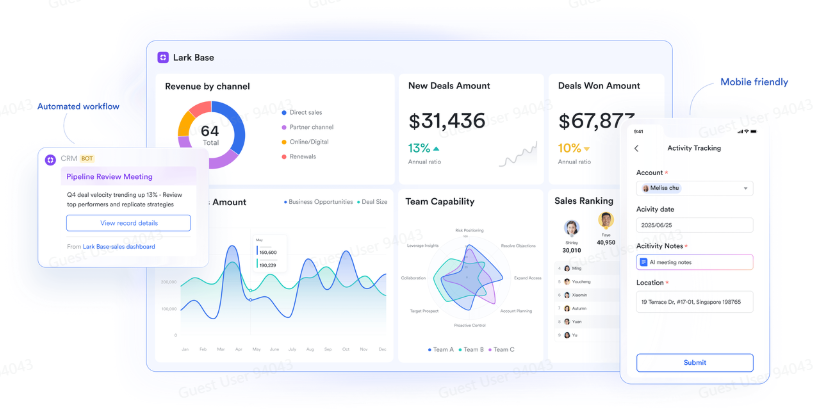
Agility in business used to mean fast reactions—responding quickly to change. Today, agility means anticipation: the ability to see patterns before they unfold and act with precision. Yet this level of awareness can't come from instinct alone. It comes from data—and more importantly, from how that data moves between people, processes, and decisions.A CRM app may reveal customer behavior, but[…]

In the digital era, online platforms such as Facebook, Google, TikTok, Amazon, Shopee, and others continuously leverage AI and Big Data to analyze browser fingerprints, user behavior patterns, and connections between accounts. This puts individuals and businesses managing multiple accounts at high risk of suspension if they lack the right solution. Antidetect browsers have emerged as a “shield,”[…]
