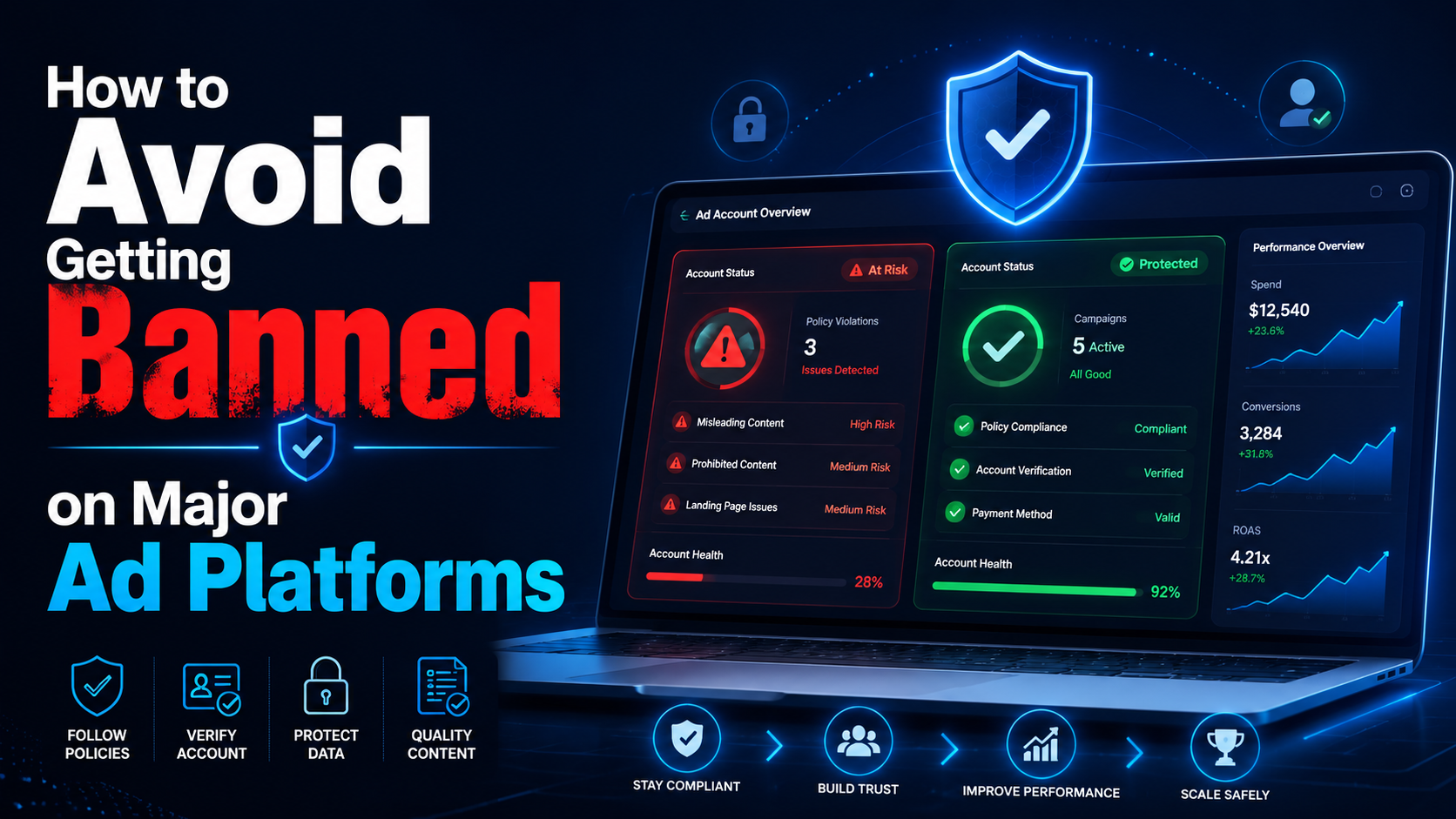

“You have been banned” is a situation often faced by most advertisers, affiliate marketers, or e-commerce professionals… on platforms:
- Can you get banned from Facebook
- Can you get banned from Google
- Banned amazon account
So why? How to find out why I was banned from Facebook? What do I need to do to solve this problem? Find the answer right away in this article.
What if your account has been banned?
Usually, before an account is banned, you don’t get a warning. And when that happens, you will receive an email notification that your profile has been banned or suspended. Many people only know when they try to log in to their account, and it doesn’t work.
Even if the reason the account is banned is not given, we can search for a list of the most common causes.
The reason the account is banned
Why platforms like Facebook, Google, and Amazon… can ban your account?
Access behavior with IP address conflict
The warning bell may ring if you use the same ad account or profile, but there’s a conflict. For example, you access an account through a VPN with a specific geographical location at one time, but another access uses a different location.
The same situation happens when you work in a team of colleagues in other countries accessing the same account.
Facebook or other platforms may mark such activities as suspicious and account ban.
Account history inconsistent
Many individuals or businesses choose to buy an account and set up a profile for immediate use. That is a considerable risk. Because as a new user of the purchased account, you can use it with a new IP address, geolocation, different behavior… That can lead to inconsistent account history. Even bought accounts may have been used for suspicious purposes in the past.
Multiple accounts with similar identities
Using a single browser profile to log in to multiple accounts increases the chance of being flagged. Many people try to hide or change the browser fingerprint. However, the usual solutions are still complex to prevent the detection of the natural fingerprint, including public IP, geolocation, hardware, system settings, etc.
Block the browser fingerprinting platform
Try to block fingerprinting because you think it’s the easiest way to prevent the platform from tracking you. However, it makes you immediately flagged because the behavior is marked as an attempt to conceal your identity – or suspicious activity.
In addition, Facebook also bans your account when it detects unauthorized access or malware infection on your computer, uses a fake name, or uses a personal account instead of a business page to advertise business…
So can you complain when the account is banned?
The answer is yes, you can appeal when an account is banned – but that almost always has a low success rate.
- If you have a Facebook account, you need to request a review through the Account Quality function, but little support information is provided.
- If you have a Google account, you must submit a detailed complaint and wait for an email response.
- For Amazon accounts, if the seller account is suspended, you need to contact the Amazon team to find out why. Then propose an action plan or POA that is convincing enough to demonstrate the problem doesn’t happen again. In case more than one account is discovered, and the account is disabled, you must file an appeal within 90 days.
However, these efforts often fail to yield more positive results. These platforms are always trying to protect their brands and want to handle errors with the utmost care. So your account is usually only restored when it is almost free of suspicious activity.
Besides, many people will also continue to create new accounts to maintain their business. However, this will also quickly lead to another ban because the platform can still track your new profile through your browser fingerprint and recognize the association with your banned accounts.
So what should you do to avoid your account getting banned?
To avoid account bans, you must resolve account history or behavior inconsistencies.
Instead of trying to block browser fingerprinting platforms or spoof differently, Hidemium provides a virtual browser configuration with unique fingerprint customization. It’s natural for any profile to be tracked across platforms like an actual device.
In addition, Hidemium helps each cookie, cache, browsing history… to be operated carefully, leaving no association between records. Learn the details of the plan to use Hidemium!
Related Blogs

Accessing blocked websites in Vietnam is no longer too difficult if you know how to use it. Proxy through firewall properly. This is an ideal solution, which helps free internet access, just to make sure safety and security of personal information. Together Hidemium Antidetect Browser Discover the 3 most effective methods of using Proxy to bypass firewalls today.1. Use free Proxy websites to[…]
Are you looking for a way to access websites restricted at school, work, or in your region? Unblocked browsers and related browsing tools may help in certain situations by using proxy servers, privacy networks, or alternative connection methods.However, not every browser works the same way. Some tools focus on privacy and accessing restricted content, while antidetect browsers such as Hidemium[…]
.png)
In the age of strong digitalization, using multiple accounts on platforms like Facebook, Google, TikTok or Amazon is common, especially for those doing affiliate marketing, advertising, or online business. However, these platforms are increasingly tightening their policies, easily detecting and locking accounts if unusual behavior is detected. And this is where browsers come in Antidetect Browser[…]

Affiliate marketing is currently one of the most popular and sustainable ways to make money online. Whether you are a beginner or a veteran, using the right support tools will help save time, easily manage campaigns and improve conversion efficiency.In this article, Hidemium will introduce 15 top affiliate marketing tools, divided into many groups: tracking & analytics, link management, SEO,[…]

Managing multiple Amazon accounts always comes with the risk of account linking and mass suspension if the login environment is not kept “clean.”In this article, we will guide you through how to build independent browsing environments, minimize account linking, and effectively manage multiple Amazon accounts using an anti-detect browser such as Hidemium.1. Why Is Managing Large Numbers of Amazon[…]
.png)
How to Get Social Media Help: Tips, Tools, and Resources That Actually WorkWhether you're locked out of your account, dealing with a sudden algorithm change, or trying to protect your digital footprint, navigating social media platforms can feel like a full-time job. Fortunately, social media help is well within reach — if you know exactly where to look and what strategies to apply.Platforms like[…]
