

Managing multiple Amazon accounts always comes with the risk of account linking and mass suspension if the login environment is not kept “clean.”
In this article, we will guide you through how to build independent browsing environments, minimize account linking, and effectively manage multiple Amazon accounts using an anti-detect browser such as Hidemium.
1. Why Is Managing Large Numbers of Amazon Accounts So Challenging?
For those implementing Amazon sales growth strategies, owning multiple accounts is inevitable. However, Amazon is known as one of the strictest platforms in the world when it comes to fraud control. Just a small mistake in IP address or device configuration can cause your entire account system to be wiped out in an instant.
The most common issue is “Linked Accounts.” When Amazon detects multiple accounts sharing the same browser fingerprint, it will suspend all of them. This is when you need to know the most effective way to recover a suspended Amazon account to save the situation—but ideally, it’s still best to proactively explore a guide on creating a clean environment using an anti-detect browser to prevent suspensions from happening in the first place.

2. What Is a “Clean Environment” for Managing Amazon Accounts?
A clean environment for managing Amazon accounts is not simply about changing your IP address with a VPN or proxy. It includes:
Clean IP addresses: Not blacklisted by Amazon.
Unique hardware parameters: Screen resolution, fonts, WebGL, Canvas, Audio, and other attributes must differ for each account.
Natural cookies and browsing history: Making each account appear like it belongs to a real, individual user.
3. Hidemium – The Perfect Solution for Creating a Clean Environment
To manage dozens or even hundreds of accounts without having to buy dozens of physical computers, an anti-detect browser is an essential tool. Among them, Hidemium has emerged as a top choice for the Vietnamese MMO community.
Register and experience Hidemium now at: https://hidemium.io/
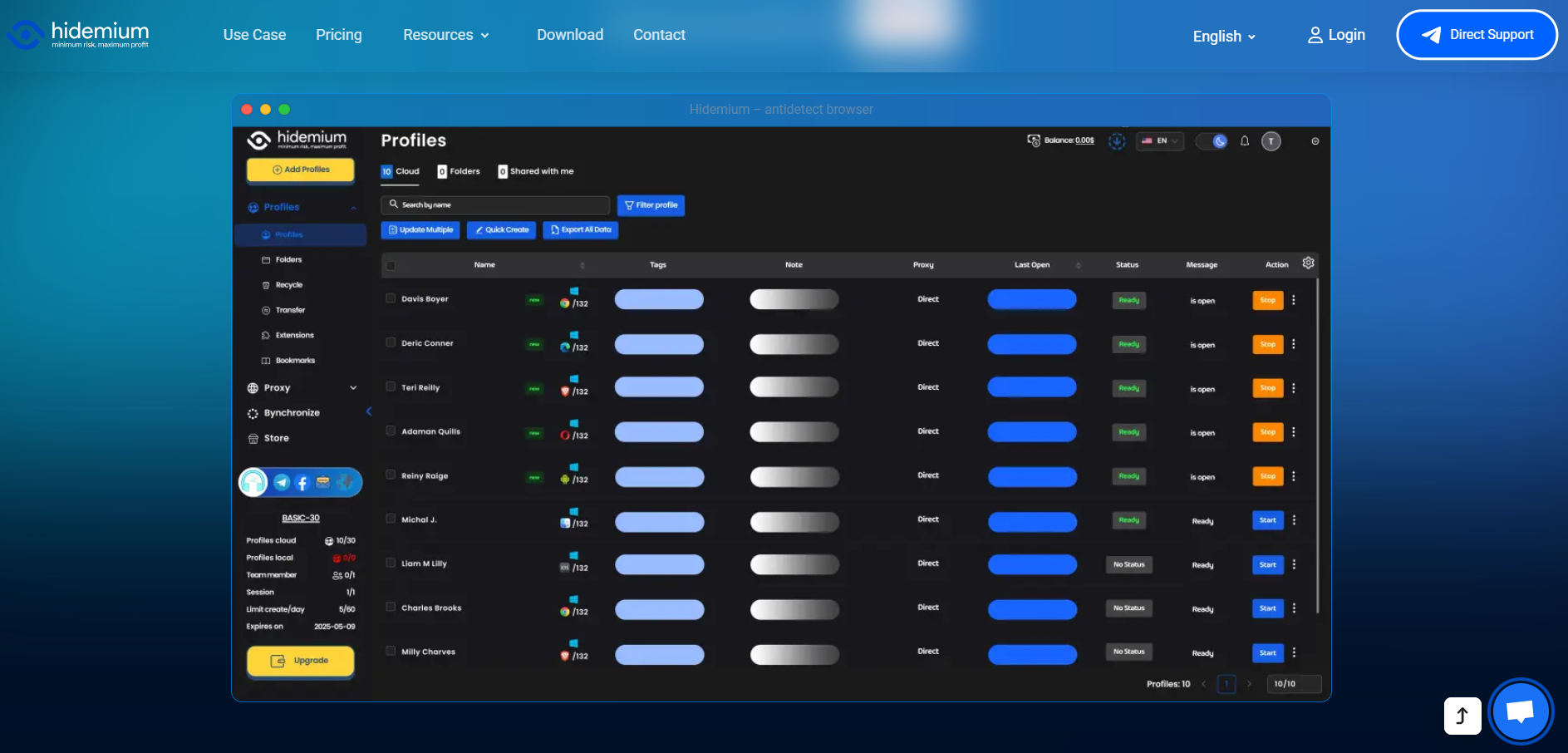
Hidemium allows you to create thousands of separate browser profiles. Each profile has a completely unique set of technical parameters, making Amazon’s algorithms believe that every account is being accessed from a different physical device.
4. Steps to Set Up an Amazon Account Management Environment in Hidemium
Step 1: Create a New Profile in Hidemium
Open the Hidemium application and select “Create New.” Here, you can customize parameters such as the operating system (Windows/macOS) and the browser version.
Step 2: Configure a Proxy
Each Amazon account requires its own unique IP address. You should use residential proxies for the highest level of trust. Hidemium supports easy and seamless proxy integration.
Step 3: Optimize the browser fingerprint
Hidemium automatically generates a random yet highly logical set of parameters. You can check how “clean” the environment is using websites such as Whoer.net or Pixelscan.net directly within the Hidemium browser.
Step 4: Start the account warming process
Once you have a clean environment, begin logging into your accounts. Don’t forget to explore 7 ways to make money on Amazon to choose a suitable business model, such as dropshipping or affiliate marketing.
5. Important Tips to Avoid Amazon Reviews and Checks
Use supporting tools: Don’t forget to combine your setup with 17 Amazon SEO tools to help your products stand out and optimize your store after successful account management.
Interaction schedule: Avoid logging in and making purchases or posting immediately. Spend the first 3–5 days casually browsing like a real user to build natural behavior patterns.
Do not reuse payment information: Each account on Hidemium should be linked to a separate payment method (VCC) to prevent account linking.
6. Conclusion
Building a system to manage large numbers of Amazon accounts is a complex technological challenge. To succeed, you must have a clean environment and a powerful anti-detect browser capable of bypassing Amazon’s multiple layers of security.
Hidemium is the “powerful ally” that helps you solve this problem professionally at a highly affordable cost. Don’t let all your hard work go up in smoke because of a small mistake in your browser fingerprint.
Download Hidemium now to protect your accounts: Download Hidemium
Related Blogs

WebGL is built similar to a website. Platforms can rely on WebGL exploits to recognize browser fingerprints. So what is the nature of WebGL, advantages, and its applications? And is there a way to block websites from collecting browser fingerprints via WebGL?Overview of WebGLWhat is WebGL?WebGL stands for Web Graphics Library – a graphics library that allows drawing, displaying, or interacting[…]
IP Checker is a feature of Hidemium that automatically matches the location settings of your browser fingerprint profile to your external IP address settings.Web platforms consider a mismatch between system and IP location information a red flag. IP Checker location allows you to avoid this flag IP, fly under the radar, and achieve greater account security.What is IP Checker?When a browser[…]
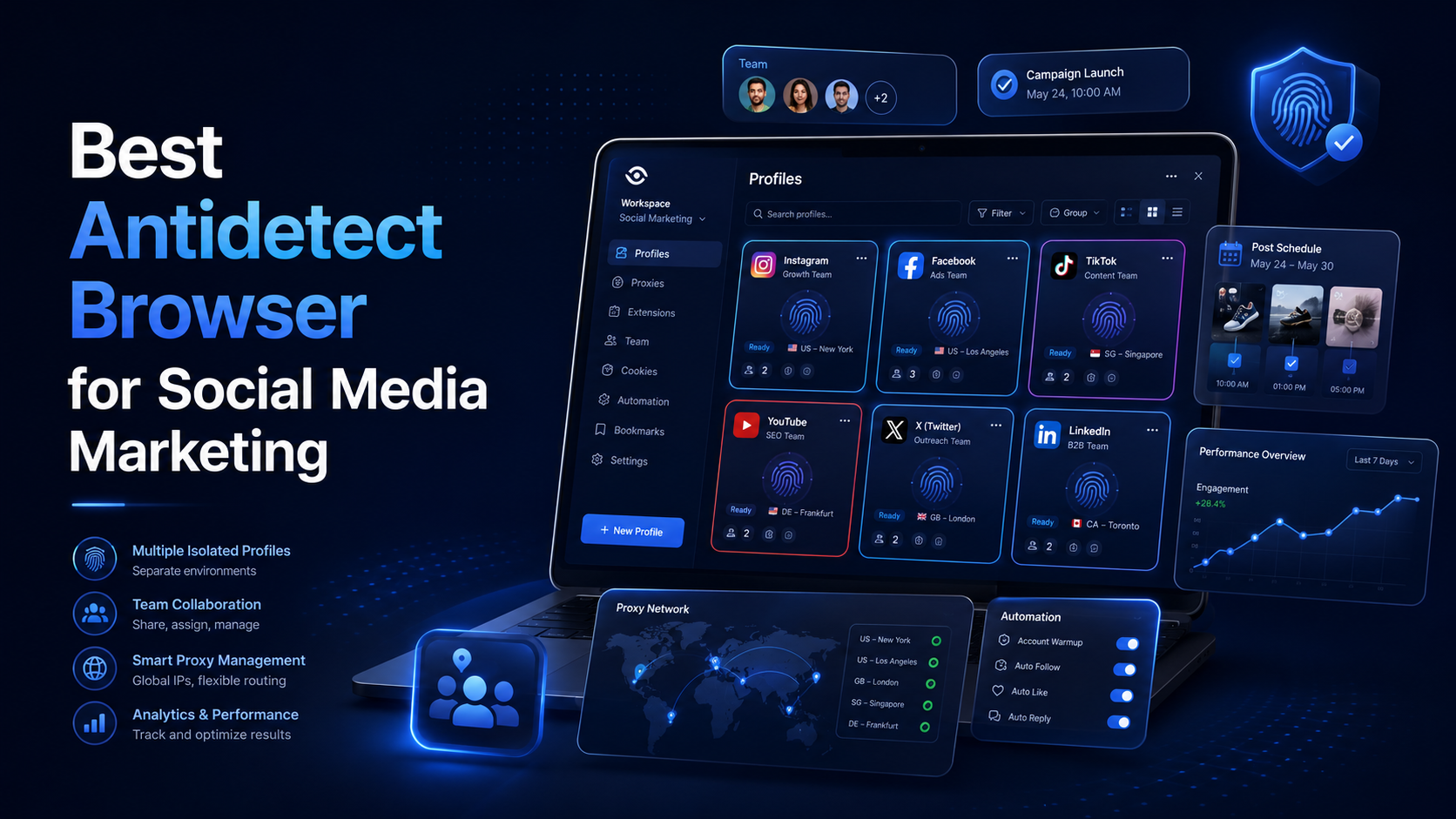
Best Antidetect Browser for Social Media MarketingSocial media marketing is no longer limited to publishing content on one Facebook or Instagram account. Agencies and in-house marketing teams may manage several brands, regional pages, advertising accounts, content calendars, and client workspaces at the same time.This creates an operational challenge. When multiple accounts are opened in the same[…]
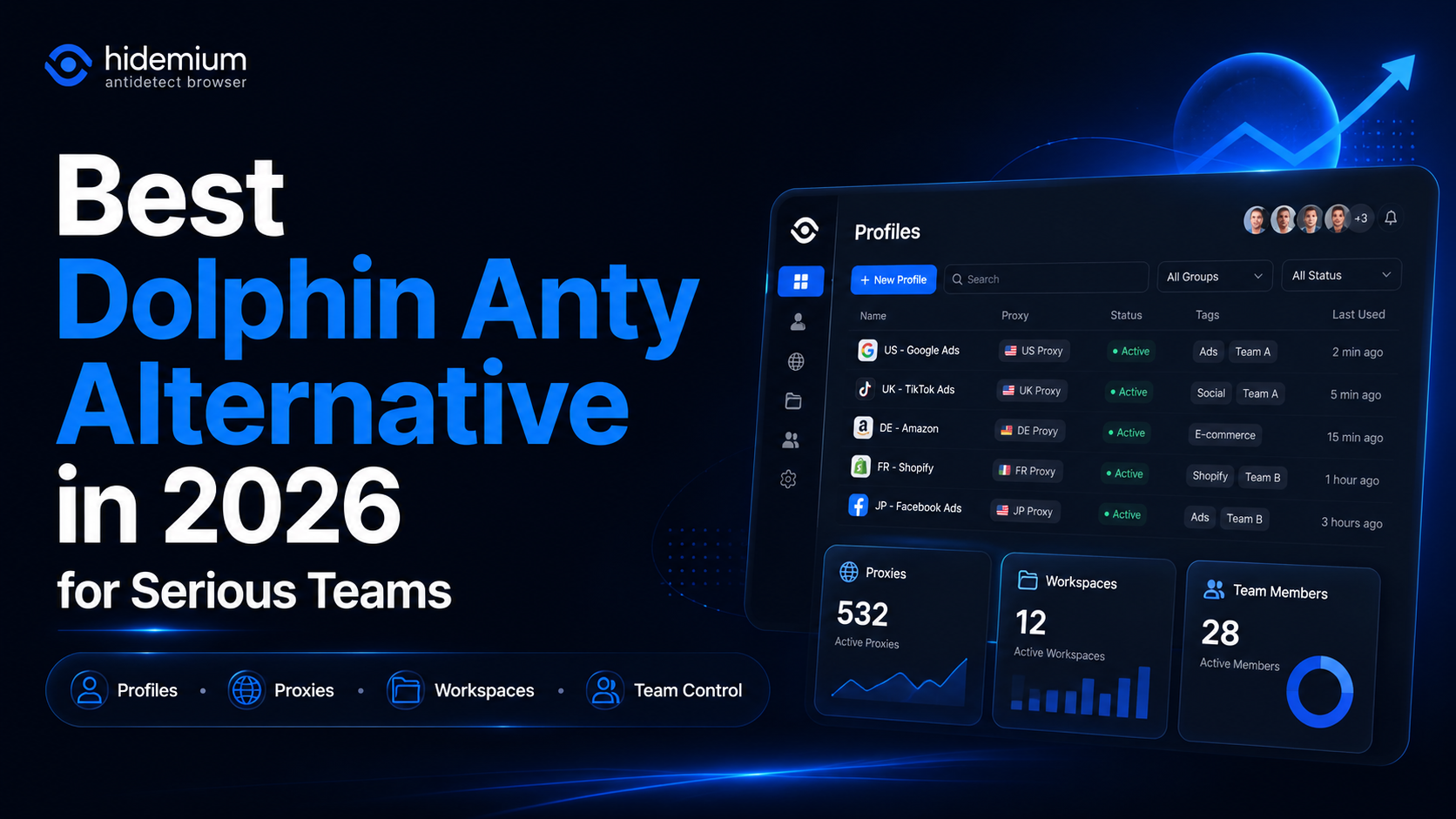
What is the best Dolphin Anty alternative in 2026?The best Dolphin Anty alternative in 2026 is Hidemium for teams that need stronger control over browser profiles, proxies, workspaces, team access, and multi-account operations.Dolphin Anty is known among affiliate marketers and media buyers. It can be useful for campaign-focused workflows where speed matters. But not every team wants only a fast[…]

Best Antidetect Browser for Ecommerce 2026Managing one online store is usually simple. Managing several stores, brands, client accounts, or regional teams is not.Each ecommerce account may use different cookies, sessions, proxies, extensions, and access permissions. Opening everything in one browser can lead to mixed sessions, wrong-account actions, or insecure password sharing.This is where an[…]

There is a point where a group chat stops being a management system. Usually it arrives quietly. You add the tenth contractor, or the second warehouse, or a support rotation in another timezone, and suddenly nobody can tell you who read the new returns policy, who finished the safety module, or which version of the shift roster is the real one. That is the problem this software category exists to[…]
