
How to Get Social Media Help: Tips, Tools, and Resources That Actually Work
Whether you're locked out of your account, dealing with a sudden algorithm change, or trying to protect your digital footprint, navigating social media platforms can feel like a full-time job. Fortunately, social media help is well within reach — if you know exactly where to look and what strategies to apply.
Platforms like Facebook, Instagram, and TikTok come packed with built-in support features. Beyond that, an entire ecosystem of external tools and community forums exists to provide the guidance you need. This guide covers practical solutions for security issues, community support, audience growth, and digital well-being — including how tools like antidetect browsers can protect your online identity across multiple accounts.
Navigating Platform Support: Technical & Security Help
The most stressful moments online often revolve around losing access to your profile or facing security threats. Knowing the right steps can save you hours of frustration.
Resolving Account Access and Security Threats
Account security should always be your top priority. If you suddenly find yourself locked out, start by clearing your app cache, updating the app, or trying to log in via a desktop browser.
If malicious actors have taken over your profile, act immediately. To recover a hacked Instagram account:
- On the login screen, tap "Get help logging in" (Android) or "Forgot password?" (iOS).
- Enter your username, phone number, or email, then tap "Need more help?"
- Follow the on-screen prompts to submit a selfie video for identity verification.
Prevention is always better than recovery. Protecting accounts from phishing requires constant vigilance — never click on unsolicited links in Direct Messages, even if they appear to come from "Meta Security." Always enable Two-Factor Authentication (2FA) using an authenticator app rather than SMS alone.
For users managing multiple social media accounts professionally, keeping each profile isolated with its own browser environment is critical. Tools like Hidemium — an antidetect browser — allow you to run separate browser profiles, each with distinct fingerprints, cookies, and proxies, so a security issue in one account never bleeds into another.
Reaching Out to Official Support Channels
A common frustration is figuring out how to actually contact platform support. Unlike traditional customer service, social networks rarely offer direct phone lines for free users.
- Help Center: Both Facebook and Instagram have extensive, searchable Help Centers covering nearly every issue.
- In-App Reporting: Shake your phone while the app is open to trigger the "Report a Problem" pop-up on both platforms.
- Meta Verified: Paying subscribers get direct chat access to support agents, dramatically speeding up resolution times.
Cultivating Safety and Personal Boundaries Online
Beyond technical glitches, maintaining a safe and positive online experience is fundamental to sustainable digital activity.
Managing Unwanted Interactions
You don't have to tolerate abusive behavior online. Every major platform lets you report specific comments, messages, or entire profiles. If you'd rather not alert someone that you've restricted them, Instagram and Facebook's "Restrict" feature is ideal — it hides their comments from the public and moves their messages to a hidden folder without their knowledge.
Taking Control of Your Privacy Settings
Securing your digital footprint requires a proactive approach to your settings. Here's a quick social media privacy settings checklist:
- Activity Status: Turn it off so others can't see when you're online.
- Tagging and Mentions: Require manual approval before any tag appears on your profile.
- Profile Lock: On Facebook, use the profile lock feature to instantly hide your timeline and full-size photos from non-friends.
Beyond platform settings, understanding how your browser fingerprint is used to track you across sites is equally important. If you want to see what websites can detect about your device, check out this guide on browser fingerprint testing and how to change it.
Leveraging the Community: Seeking and Offering Help
One of the greatest strengths of social media is the ability to connect with communities for mutual support, troubleshooting advice, and shared experiences.
Finding Solutions Through Peer Communities
When official support is slow, peer-to-peer resources often fill the gap. Platforms like Reddit (e.g., r/Instagram, r/socialmedia) or dedicated Facebook Groups are goldmines for troubleshooting. If you're experiencing a glitch, chances are hundreds of others are too — and community forums are usually the first to post a working fix.
Staying Safe While Participating in Mutual Aid
Social platforms are widely used for crowdfunding and community support, but it's essential to verify requests before engaging. When evaluating help requests:
- Check account history: Is the profile newly created? Does it lack personal posts?
- Look for verification: Are they linking to verified platforms like GoFundMe that have fraud protection?
- Assess mutual connections: Do you have mutual friends who can vouch for the individual?
Enhancing Your Presence: Visibility and Growth
For creators, freelancers, and business owners, getting help often means finding strategies to grow an audience and keep up with ever-changing algorithms.
.png)
Mastering the Social Media Algorithm
Platforms like Instagram and TikTok prioritize content that keeps users engaged longer. To consistently boost your organic reach, focus on storytelling: hook your audience within the first three seconds of a video, and always include a clear Call-to-Action (CTA) in your captions — ask a question, spark a debate, or prompt a save.
Content that drives "saves" and "shares" signals high value to the algorithm, triggering wider distribution. Consistency matters as much as quality; a regular publishing rhythm trains both the algorithm and your audience to expect your content.
Profile Optimization and Credibility Building
Your profile is your digital storefront. To maximize discoverability, include targeted SEO keywords directly in your bio name field — for example, if you're a wedding photographer in Chicago, use "Chicago Wedding Photographer" in your bio name, not just the description.
Establishing credibility has also become more accessible. Subscribing to Meta Verified (Facebook and Instagram) or X Premium gives you a blue checkmark after submitting government ID, boosting both visibility and account protection.
If your views drop suddenly, you may be dealing with a shadow restriction. Fixing a shadowban on TikTok typically involves removing any content that might violate community guidelines, clearing your app cache, taking a 48-hour posting break, and returning with highly original content that avoids restricted hashtags.
Streamlining Your Workflow with the Right Tools
Managing multiple accounts across platforms can quickly become a full-time job. The right technology stack makes all the difference.
Choosing the Best Social Media Management Tools
Platforms like Hootsuite, Buffer, Sprout Social, and Later allow you to draft, schedule, and analyze content from a single dashboard. When comparing Hootsuite vs. Buffer: Hootsuite suits larger teams needing in-depth analytics and social listening, while Buffer excels for solo creators and small businesses who want straightforward scheduling with a minimal learning curve.
For teams or professionals running multiple brand accounts or ad accounts simultaneously, managing separate browser identities is just as important as scheduling tools. An antidetect browser like Hidemium lets you manage multiple browser profiles, each with its own fingerprint, proxy, and cookie session — preventing platforms from linking your accounts together and reducing the risk of coordinated bans. This is especially valuable for affiliate marketers, social media agencies, and e-commerce operators managing several storefronts.
Content Scheduling Best Practices
Having the right tool is only half the battle. To get the most out of scheduling:
- Stay active around post time: Be online 15 minutes before and after your post goes live to engage with early comments — this signals activity to the algorithm.
- Tailor content per platform: Never auto-cross-post the exact same caption everywhere. Adjust tone, formatting, and hashtags for each platform's audience.
Preserving Your Mental Health and Digital Well-Being
While metrics, security, and algorithms matter, the human element of social media cannot be overlooked. Constant pressure to post, engage, and consume content leads to rapid burnout.
Managing digital wellness starts with intentional limits: use built-in screen time tools to cap your daily usage of scrolling apps, designate tech-free zones in your home (especially the bedroom), and remember that muting draining accounts is a valid act of self-care. Curating your feed to prioritize inspiring and educational content can transform your experience entirely.
The Final Takeaway
Navigating the complexities of social media doesn't have to be a solo journey. Whether you need help troubleshooting a locked account, want to grow your audience with smarter strategies, or simply need to set better boundaries for your digital health — the resources are out there.
By combining platform support centers, strong security practices, community forums, and professional tools, you can transform social media from a source of stress into a powerful asset. Stay proactive, stay secure, and never hesitate to seek the digital help you need.
Related Blogs

Selling on Amazon offers great profit potential, but success requires the right strategies. With fierce competition among millions of sellers, optimizing Amazon search engine optimization (SEO) and using Amazon Sponsored Products ads are the keys to increasing visibility and achieving sustainable sales growth. This article will guide you on how to increase Amazon sales by combining these two[…]
Facebook can i see who viewed my profileUnderstanding Who Views Your Facebook Profile: Facts vs MythsIf you have ever posted a new profile picture, shared an exciting life update, or simply wondered if an old flame is checking up on you, you have likely asked yourself the ultimate social media question. We all want to know who is looking at our digital footprint. The curiosity surrounding[…]
Digital marketing today runs on speed and volume. Brands are expected to push out fresh creatives constantly, and traditional video production simply can’t keep up. That’s where an AI Facebook ad generator comes in. These tools take product links, scripts, or raw assets and turn them into ready-to-use Facebook video ads with minimal manual editing. 1. Pollo AI Pollo AI works as a practical AI […]

Pixel Tracking is an effective data tracking solution that helps businesses understand user behavior and adjust their marketing strategies accordingly. By recording each action such as clicking, scrolling, or purchasing,Tracking Pixel Provides a comprehensive view of the customer journey. Let's Hidemium Explore in detail how this technology works and the benefits it brings.1. What is Tracking[…]
Fiverr is one of the leading marketplaces in the world where employers can hire a freelancer to perform various digital services. Those services range from creating a website or logo for your business to video editing, photo design, video scripting, web analytics, etc.Nearly 4 million people rent digital services on Fiverr each year, and hundreds of thousands of creators make a living on the[…]
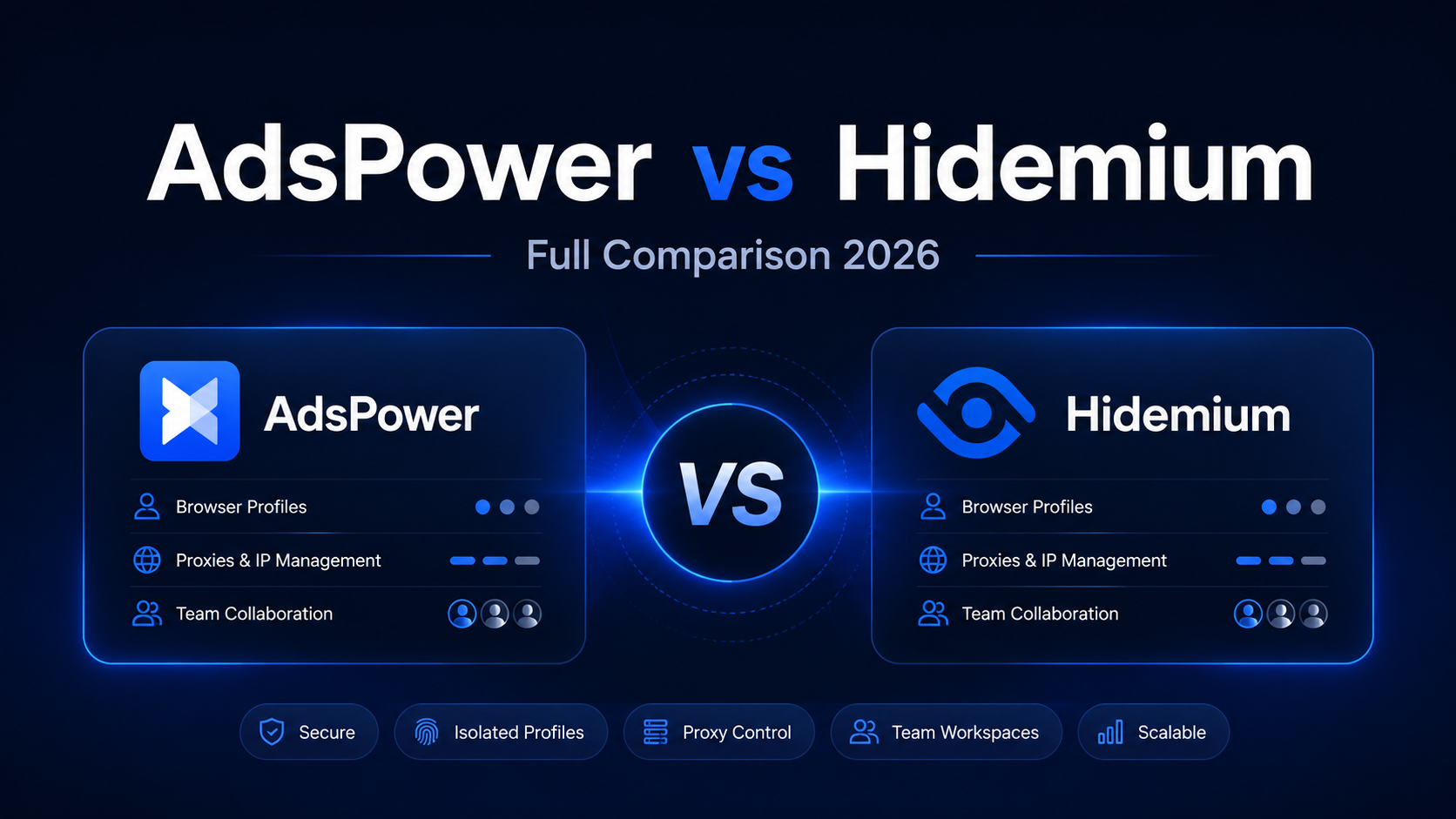
AdsPower vs Hidemium: Full Comparison 2026AdsPower vs Hidemium: quick answerAdsPower vs Hidemium is a comparison between two antidetect browser platforms used for browser profiles, proxies, team workflows, and multi-account operations. AdsPower is often considered by account-heavy users, especially in e-commerce and social workflows. Hidemium is a stronger fit for teams that want flexible browser[…]
