Why Your IP Address is the First Thing That Gives Your Multi-Account Setup Away
Try Hidemium for free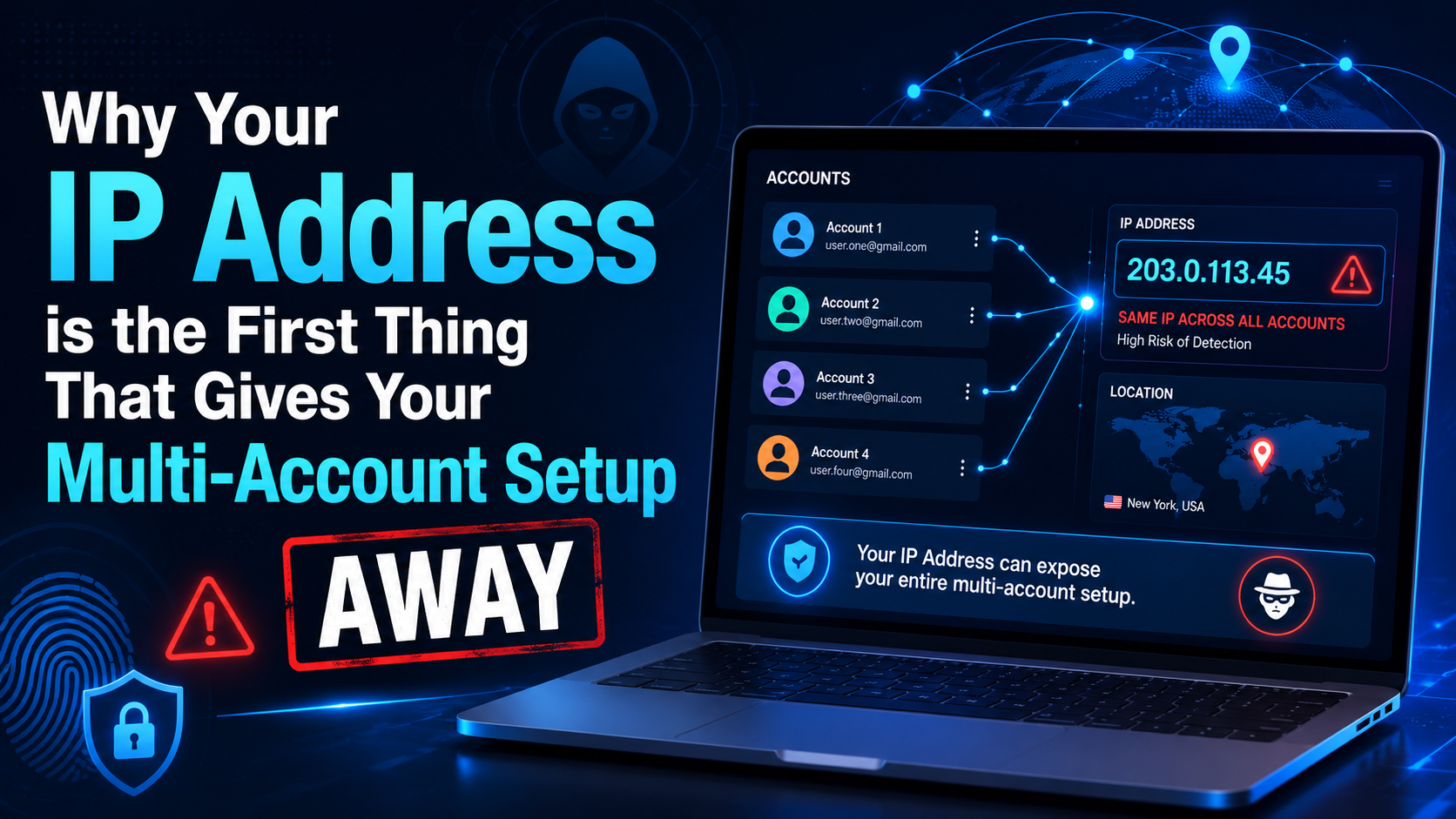

If you've ever managed more than one account on the same platform or a second Facebook ads account and a backup Amazon seller profile a handful of social media pages for different clients you've probably run into the same wall. One day the accounts are working fine the next they're all restricted at once even though nothing in your login behavior changed.
The usual suspect isn't your browser or your password habits or even your content. It's your IP address long before a platform looks at cookies and device fingerprints or browsing patterns it looks at where your connection is coming from. Get that part wrong, and everything else you do to stay anonymous becomes irrelevant.
What Your IP Address Actually Reveals About You
An IP address looks like a random string of numbers but platforms read a lot into it. A single lookup can expose your approximate location to your internet service provider whether you're connecting through a home network or a data center or a mobile carrier and whether that same address has a history of suspicious activity.
None of this requires advanced detection technology or it's publicly available information and any website you visit can see it the moment you connect.
The Role of IP Data in Platform Detection Systems
Large platforms like Meta, Google, Amazon, and TikTok cross-reference IP data with browser or fingerprints login timing and account history. If ten different accounts all connect from the same residential IP or if an account suddenly logs in from an IP address on the other side of the world that mismatch gets flagged automatically.
This is why experienced multi-account managers treat IP hygiene as step one not an afterthought. Everything else isolated browser profiles unique fingerprints consistent timezones are built on top of a clean, appropriate IP address.
Why Checking Your IP Should Be Step One
Before you ever log into a new profile it's worth knowing exactly what that connection looks like from the outside. This is where a quick IP check earns its place in the workflow.
Running an ip look up through a tool like Surfshark takes a few seconds and tells you the country, city, ISP, and connection type tied to the address you're about to use the same details a platform's detection system checks before deciding whether your account looks legitimate.
If the result shows a data center IP when you expected a residential one or a location that doesn't match your target audience you'll know before it becomes a banned account instead of after.
Common IP-Related Mistakes That Get Accounts Banned
- Reusing the same IP across multiple accounts is the fastest way to have platforms link them together.
- Connecting through flagged data center ranges that are already on a platform's blocklist.
- A mismatch between IP location and browser timezone or language settings.
- WebRTC leaks that expose your real IP address even while a proxy or VPN is active.
- Rotating IPs too frequently on an account that's supposed to look like one consistent user.
Each of these looks small in isolation but detection systems are built to catch exactly this kind of inconsistency. A single leaked IP or an unexpected location jump is often enough to trigger a review.
Building a Reliable Multi-Account Workflow
Pairing Clean Proxies With Isolated Browser Profiles
A clean IP address only solves half the problem even with the right proxy in place, logging into several accounts from the same physical browser still shares cookies cached data and a fingerprint across all of them. This is where an antidetect browser such as Hidemium comes in each profile runs as its own isolated environment with its own fingerprint so a shared device doesn't create a shared paper trail.
Used together a clean proxy and an isolated profile mean each account looks like it belongs to a genuinely separate user rather than one person juggling several logins from the same setup.
Verifying Before You Launch
A habit worth building into any multi-account routine is checking the IP tied to a new profile before the first login or not after something goes wrong. It takes less time than setting up the account itself and it catches the kind of mismatch that's very hard to fix retroactively once a platform has already logged the first suspicious session.
Quick Reference: IP Habits That Help vs. Hurt
| Helps account safety | Hurts account safety |
| Checking IP type and location before each login | Assuming a proxy is clean without verifying it |
| Matching IP location to browser timezone/language | Leaving timezone or language on default settings |
| One dedicated IP per isolated profile | Sharing one IP across several accounts |
| Testing for WebRTC leaks periodically | Ignoring leak checks after initial setup |
How Different Industries Run Into This Problem
IP-related bans aren't limited to one type of business e-commerce sellers running multiple storefronts on Amazon, eBay, or Shopify often lose several stores at once when a marketplace notices they all share a connection point. Affiliate marketers running ad accounts across Facebook and TikTok see similar patterns one flagged IP can pull down an entire cluster of campaigns overnight.
Social media managers handling accounts for several clients face the same risk from the opposite direction logging into unrelated client accounts from one office network can make platforms assume the accounts are connected even when the businesses have nothing to do with each other.
In every case the fix looks the same or separate the IP or separate the browser fingerprint and verify both before anything goes live.
Residential Mobile or Data Center: Why the IP Type Matters
Not all IP addresses are treated equally by platforms or residential IPs tied to a real home internet connection generally look the most trustworthy because that's how most genuine users connect. Mobile IPs assigned by cellular carriers are also considered fairly safe since they shift naturally as real users move around.
Data center IPs are a different story or they're fast and cheap but platforms know large blocks of them are rented for automation and scraping so accounts connecting through them get extra scrutiny from the start. Knowing which category your connection falls into again or something a simple IP lookup shows immediately helps you match the right IP type to the right task instead of finding out the hard way.
Frequently Asked Questions (FAQs)
Do I need to check my IP every single time I log in?
Not every login but definitely before setting up a new profile or switching proxies. Once you've confirmed a connection is clean and consistent it's fine to reuse it for that specific account going forward.
Can a VPN alone keep my accounts safe?
A VPN masks your IP but it doesn't touch your browser fingerprint. Platforms can still see matching cookies or canvas data or device details across sessions which is why VPNs are usually paired with an isolated browser environment rather than used on their own.
What's the fastest way to spot a bad proxy?
Run an IP lookup as soon as you connect if the location ISP or IP type doesn't match what you paid for or if the address shows up as already flagged that's your signal to switch before you attach it to an account.
Final Thoughts
Every strategy for managing multiple accounts safely fingerprint isolation proxy rotation behavioral consistency rests on one basic fact or the platform sees your IP address first. Getting that piece right isn't complicated but it does need to be intentional.
A short IP check before launching a profile paired with a browser environment that keeps each account genuinely separate closes off the most common way accounts get linked and flagged in the first place. It's a small habit but it's usually the difference between a multi-account setup that lasts and one that collapses within a week.
Related Blogs

You are looking for information about “What is SAN”and how can this technology help businesses optimize data management? In the era of explosive data development, Storage Area Network (SAN) is considered an ideal storage solution for organizations that need to process and protect large amounts of information. Hidemium Antidetect Browser will help you to learn more about what SAN is, and why more[…]
.png)
Protecting your identity is essential for any business managing multiple accounts. And your IP address is first. In this article, we will guide all you need to know about hiding your IP and using another IP. From information consistency to data center solutions, from proxies to more.How to hide your IP addressWhat do you want to hide your IP address for?Websites track multiple browser[…]
.png)
In the online business and social network management environment, using multiple accounts on the same platform such as Facebook, Twitter or Amazon is a common need. Ghost Browser was born as a convenient solution, helping users easily manage multiple accounts in a single browser interface. This article Hidemium will explain what Ghost Browser is, why it has become the favorite choice of many[…]
.png)
Due to the nature of Telegram, large-scale Airdrop games cannot run on browsers and can only be played on mobile devices, causing inconvenience for players, especially with games like Hamster Kombat. To address this issue, Hidemium has developed an exclusive extension to Bypass Telegram Game Bots. This tool allows users to easily participate in Telegram Airdrops directly from the browser, saving[…]
.png)
In today's digital age, safeguarding personal information while browsing the web is becoming increasingly important. One of the most effective tools for protecting online privacy is the Antidetect Browser. With its ability to disguise device information, window size, and IP addresses, the Antidetect Browser helps users maintain anonymity while surfing the internet. Additionally, it prevents[…]

Accessing blocked websites in Vietnam is no longer too difficult if you know how to use it. Proxy through firewall properly. This is an ideal solution, which helps free internet access, just to make sure safety and security of personal information. Together Hidemium Antidetect Browser Discover the 3 most effective methods of using Proxy to bypass firewalls today.1. Use free Proxy websites to[…]
