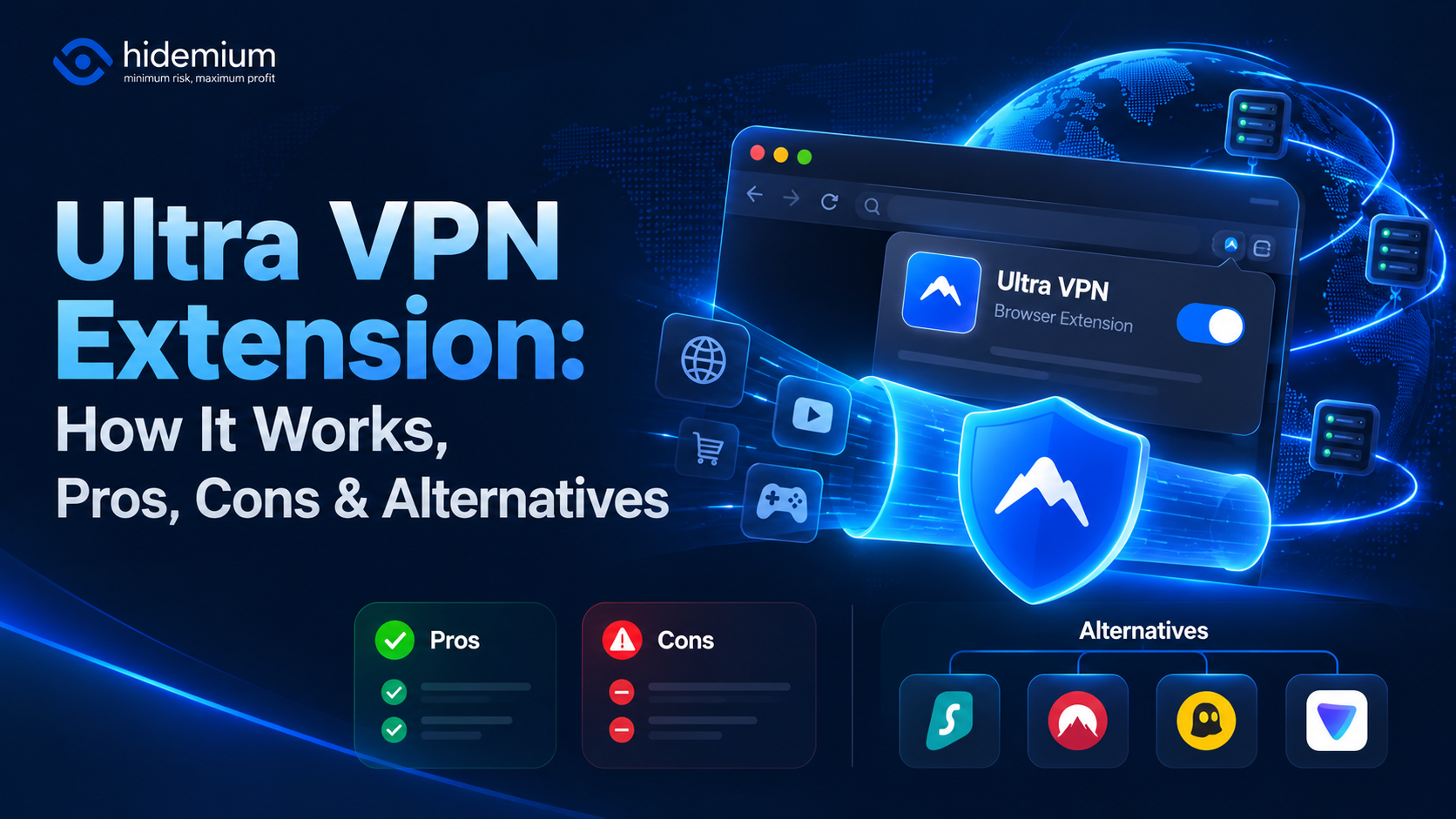

If you are searching for an Ultra VPN extension, you are probably looking for a quick way to change the IP address used by your browser, access region-specific content, or add another layer of privacy while browsing.
A browser VPN extension can be useful for those tasks, but it is important to understand what it actually changes.
A VPN or proxy-style browser extension primarily affects network routing and the public IP address visible to websites. It does not automatically create separate browser identities, isolate cookies, change browser fingerprints, or manage multiple independent browser profiles.
That distinction becomes especially important if your workflow involves more than simply changing your IP.
In this guide, we will explain how the Ultra VPN extension concept works, what to check before installing a browser VPN extension, its limitations, and when an alternative such as a proxy or an antidetect browser may be more appropriate.
What Is an Ultra VPN Extension?
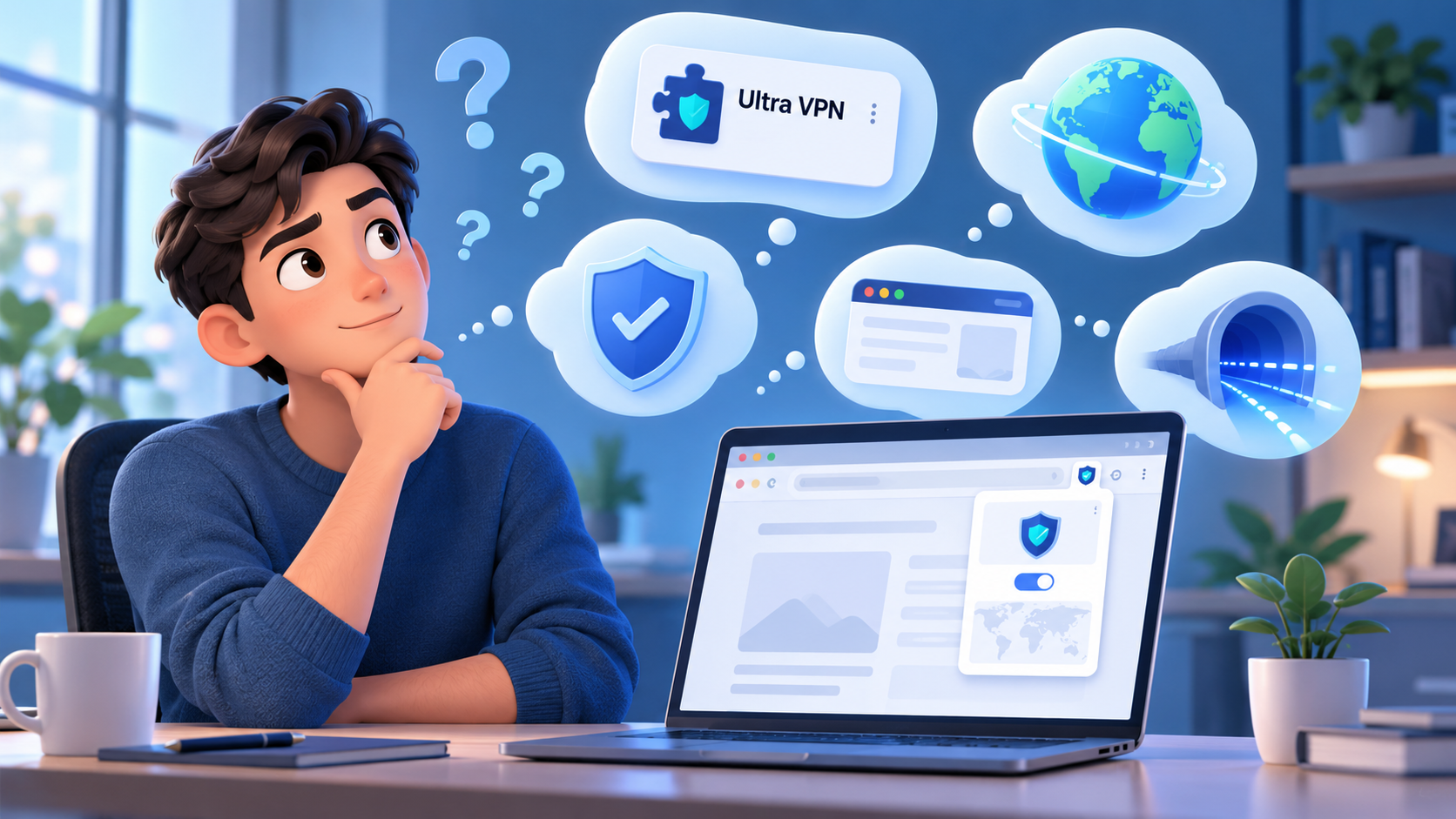
An Ultra VPN extension is generally understood as a browser-based tool associated with UltraVPN or a similar VPN service that routes browser traffic through a remote network endpoint.
The basic connection looks like this:
Browser ↓ VPN / Proxy Extension ↓ Remote Network Endpoint ↓ Website
Instead of seeing your original public IP address, the destination website sees the IP address associated with the remote endpoint.
This can be useful when you want to:
- change the IP address visible to websites;
- browse from another network location;
- test region-specific pages;
- reduce direct exposure of your original IP;
- quickly switch locations without configuring a full-device VPN.
Before installing any browser extension, however, you should verify that it comes from the official provider and check its permissions, privacy policy, update history, and supported browsers.
How Does a VPN Browser Extension Work?
A browser VPN extension sits between your browser and the websites you visit.
When enabled, browser traffic is sent through the provider's network before reaching the destination.
For example:
Your Browser ↓ Extension ↓ Remote Server ↓ Target Website
The target website normally sees the IP address of the remote endpoint rather than your original public IP.
Depending on how the extension is implemented, it may route only browser traffic rather than traffic from every application on your device.
That is one of the main differences between a browser extension and a full VPN application.
What Does an Ultra VPN Extension Change?
The most obvious change is your visible network IP.
If the extension connects successfully, websites may detect a different:
| Signal | Can a VPN Extension Change It? |
|---|---|
| Public IP address | Usually yes |
| Approximate IP location | Usually yes |
| Network route | Yes |
| Browser cookies | No |
| Browser local storage | No |
| Browser fingerprint | Not automatically |
| Device characteristics | No |
| Account history | No |
| Browser profile separation | No |
This distinction is important.
Changing the IP address does not create a completely new browser identity.
A website may still observe many other signals besides IP.
What Does a VPN Extension Not Automatically Change?
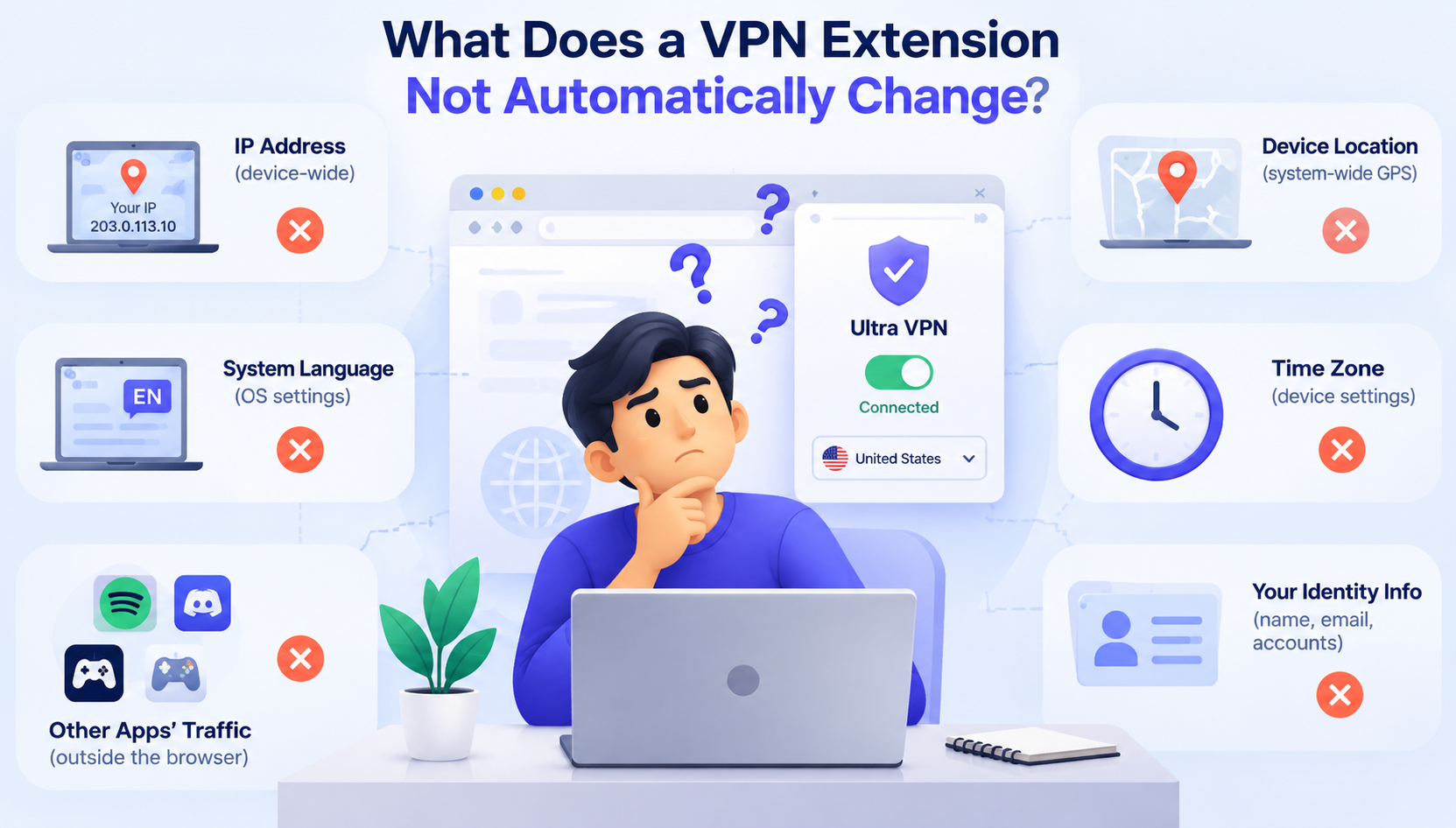
One of the most common misconceptions is that changing your IP means everything about your browser environment changes.
It does not.
A browser extension normally does not automatically isolate or replace:
- cookies;
- browser cache;
- local storage;
- timezone;
- browser language;
- screen characteristics;
- browser fingerprint signals;
- login history;
- account behavior.
For simple browsing, that may not matter.
But for workflows involving multiple independent browser environments, those factors become more important.
This is where the difference between a VPN extension and an antidetect browser becomes relevant.
Ultra VPN Extension vs Full VPN App
A browser extension and a full VPN application may appear similar because both can change how your traffic reaches websites.
However, they usually operate at different levels.
| Feature | Browser VPN Extension | Full VPN App |
|---|---|---|
| Browser traffic routing | Yes | Yes |
| Other applications | Usually limited | Usually yes |
| Public IP change | Yes | Yes |
| Device-wide tunnel | Usually no | Yes |
| Browser profile isolation | No | No |
| Separate cookies per profile | No | No |
| Browser fingerprint management | No | No |
| Quick browser switching | Strong use case | Less browser-specific |
If your only goal is to change the IP used by your browser, an extension may be sufficient.
If you need all applications on your computer to use the same encrypted tunnel, a full VPN client is usually the more relevant category.
Ultra VPN Extension vs Antidetect Browser
This is where the two tools solve very different problems.
A VPN extension primarily deals with network routing.
An antidetect browser primarily deals with browser-profile separation and environment management.
| Capability | VPN Extension | Antidetect Browser |
|---|---|---|
| Change network IP | Yes | Usually through proxy/VPN integration |
| Separate browser profiles | No | Yes |
| Separate cookies | No | Yes |
| Separate local storage | No | Yes |
| Manage multiple browser environments | No | Yes |
| Profile organization | Limited | Core feature |
| Network routing | Core function | Usually handled by proxy integration |
A useful way to think about it is:
VPN extension = change how browser traffic reaches the internet
while:
Antidetect browser = separate and manage browser environments
They are not direct replacements for each other.
In some workflows, they may even be used alongside different network tools such as proxies.
If you want a deeper comparison, see:
Proxy vs VPN vs Antidetect Browser: What Are the Key Differences?
Is an Ultra VPN Extension Enough for Multiple Browser Profiles?
Usually not by itself.
If your goal is simply:
Browser → different IP → website
then a VPN extension may be enough.
But if your workflow looks more like:
Profile A → Cookies A → Storage A → Proxy A Profile B → Cookies B → Storage B → Proxy B Profile C → Cookies C → Storage C → Proxy C
then browser-profile separation becomes the more important requirement.
A normal VPN extension does not create this structure.
That is the type of workflow where a browser-profile management tool such as Hidemium addresses a different problem.
Hidemium is not simply another VPN extension. Its role is to help manage separate browser environments, while network routing can be handled through the appropriate proxy or other supported connection method.
What Should You Check Before Installing an Ultra VPN Extension?
Before installing any VPN browser extension, check several things first.
The most important are the publisher, permissions, privacy policy, traffic coverage, update history, and official source.
An extension can potentially request access to browser traffic or website data, so it is worth confirming that the listing belongs to the official provider rather than a similarly named third party.
Also check whether the extension protects only browser traffic or whether the provider expects you to install a separate desktop application for full VPN coverage.
If the provider offers multiple browser extensions, make sure you choose the one intended for your current browser.
How Do You Know Whether the Extension Is Working?
After connecting, do not assume the extension is working correctly simply because its icon says “Connected.”
Verify the actual result.
A simple test is:
Before connection → Check public IP Connect extension After connection → Check public IP again
You should also verify the detected location if location is important to your workflow.
If the IP does not change, the extension may not be routing traffic correctly.
If the IP changes but websites still show unexpected regional behavior, remember that websites can use more signals than IP alone.
Cookies, account settings, language, timezone, and previous browsing history may all influence the result.
Is an Ultra VPN Extension Safe?
Safety depends on the provider, extension implementation, permissions, privacy policy, and how the service handles traffic and user data.
The fact that an extension is available in a browser extension store does not mean you should ignore its permissions.
Check whether the provider clearly explains:
- what data is collected;
- what browser permissions are required;
- whether browser traffic is logged;
- how data is stored;
- whether third parties receive information;
- how the extension is updated.
For privacy-related tools, transparency is especially important.
Is a Free VPN Extension Good Enough?
Sometimes, but it depends on what you need.
Free browser VPN extensions may come with limitations such as fewer locations, bandwidth limits, slower endpoints, fewer features, or restrictions on simultaneous usage.
The more important question is not simply:
“Is it free?”
but:
“Does the free version actually support the location, stability, privacy, and workflow I need?”
For occasional browsing, a free tier may be enough.
For long sessions, business workflows, consistent locations, or repeated testing, reliability often becomes more important than the initial price.
Ultra VPN Extension vs Proxy
A proxy is another common alternative when the primary requirement is changing the network IP used by a specific application or browser profile.
A simple comparison:
| Requirement | VPN Extension | Proxy |
|---|---|---|
| Change browser IP | Yes | Yes |
| Choose individual endpoint | Depends | Usually |
| One endpoint per browser profile | Limited | Common workflow |
| Browser-profile integration | Limited | Often easier |
| Device-wide encryption | Usually no | No |
| Profile-by-profile network setup | Limited | Strong use case |
This is why users managing multiple browser profiles often use proxies rather than one browser extension shared across every profile.
For example:
Profile 01 → Proxy A Profile 02 → Proxy B Profile 03 → Proxy C
This creates clearer separation at the network level.
When Is an Ultra VPN Extension Worth Using?
An Ultra VPN extension can be worth using when your requirements are simple.
For example, you mainly want to change the browser's IP, test a website from another region, or avoid configuring a device-wide VPN application.
In those cases, a browser extension can be convenient.
It may be less suitable when your workflow requires:
- many independent browser profiles;
- separate cookies and storage;
- one network endpoint per profile;
- persistent browser environments;
- organized profile management.
At that point, the problem has moved beyond basic VPN routing.
When Should You Consider an Antidetect Browser Instead?
Consider an antidetect browser when the main requirement is not simply changing your IP, but managing separate browser environments.
For example:
Browser Profile A → independent cookies → independent local storage → assigned proxy Browser Profile B → different cookies → different local storage → different proxy
This type of setup is fundamentally different from using one VPN extension in a standard browser.
A tool such as Hidemium is designed around browser-profile management rather than functioning as a simple VPN extension.
The important question is therefore not:
“Is an antidetect browser better than a VPN extension?”
but:
“Which problem am I actually trying to solve?”
If the answer is network routing, consider a VPN or proxy.
If the answer is separate browser environments, browser-profile management becomes relevant.
What If the Ultra VPN Extension Is Not Working?
If the extension fails to connect, connects without changing your IP, becomes slow, or shows the wrong location, troubleshoot the network layer first.
Common areas to check include the selected endpoint, browser permissions, extension conflicts, account status, network restrictions, and whether the provider is currently available from your location.
We will cover this separately in:
Ultra VPN Extension Not Working? Common Errors & Fixes
This should be linked here once that article is published.
What Are the Best Alternatives to an Ultra VPN Extension?
The right alternative depends on why you were looking for the extension in the first place.
If the goal is browser IP routing, another VPN extension may be enough.
If the goal is a stable IP for a particular browser profile, a proxy may be more appropriate.
If the goal is device-wide routing, a full VPN application may be a better fit.
If the goal is managing multiple separate browser environments, an antidetect browser becomes relevant.
We will cover these options in more detail in:
Ultra VPN Extension Alternatives: VPNs, Proxies & Browser Profiles
Is the Ultra VPN Extension Worth Using?
The Ultra VPN extension can be useful if you need a convenient way to change the network route or public IP used by your browser.
But it is important to understand its scope.
A VPN extension primarily solves a network-routing problem.
It does not automatically solve:
browser-profile isolation
cookie separation
local-storage separation
fingerprint management
multi-profile organization
If those features are part of your workflow, the right solution may involve a proxy, a full VPN client, an antidetect browser, or a combination of tools depending on the use case.
The best decision starts with identifying what you actually need to separate:
Only the IP → VPN extension or proxy may be enough
The whole device connection → consider a full VPN
Individual browser environments → consider browser-profile management
Manage Separate Browser Profiles With Hidemium
If your workflow has moved beyond changing a single browser IP and now requires multiple independent browser environments, Hidemium addresses the browser-profile side of that setup.
With separate profiles, you can organize browser environments independently and pair them with the appropriate network configuration for your workflow.
Frequently Asked Questions
What Is an Ultra VPN Extension?
An Ultra VPN extension is a browser-based network tool associated with a VPN service that can route browser traffic through another endpoint and change the public IP visible to websites.
Does an Ultra VPN Extension Change My IP?
A functioning VPN browser extension can change the public IP seen by websites for traffic routed through the extension.
Does a VPN Extension Change My Browser Fingerprint?
Not automatically. Network routing and browser fingerprint management are separate functions.
Is a VPN Extension the Same as a Full VPN?
No. A browser extension usually focuses on browser traffic, while a full VPN application typically operates at the device or operating-system level.
Can I Use a VPN Extension for Multiple Browser Profiles?
You may be able to use an extension inside a browser, but it does not automatically create independent cookies, local storage, fingerprints, or profile environments.
Is a Proxy Better Than a VPN Extension?
It depends on the workflow. A proxy is often more practical when assigning different network endpoints to individual browser profiles, while a VPN extension may be simpler for changing the IP of ordinary browser traffic.
Is Hidemium an Alternative to an Ultra VPN Extension?
They solve different problems. A VPN extension primarily changes network routing, while Hidemium is designed for managing separate browser profiles. Hidemium may be a relevant alternative when browser-profile separation is the actual requirement.
Is an Ultra VPN Extension Worth Using?
It can be worthwhile for simple browser-level IP changes. If your workflow requires profile separation, persistent environments, or different proxies for different profiles, you may need a more specialized setup.
Related Blogs

In the current market, when consumers form an opinion about your business by just taking a glance at your visuals, it is essential to pay attention to your brand identity.The logo, brand colors, slogan, and even fonts and text styles are what make your brand stand out. Especially in 2026, when the market is more competitive than ever before, it is essential to create unique features for your[…]
iOS on PC: Best Emulators, Gaming & Integration GuideApple's ecosystem is famous for its "walled garden" approach — seamless, secure, and tightly optimized. But what happens when you need to step outside that ecosystem? Whether you are a software developer testing a new application, a gamer wanting a larger screen, or a professional streamlining a cross-platform workflow, the desire to run iOS on[…]

Are you trying to make money on YouTube but can't seem to hit 4,000 watch hours? Don't worry! This is a frustrating milestone for many new YouTubers, but with this article, you can speed up the process and get monetized sooner.Let's explore 15 Fastest Ways to Get 4000 Hours of Watch Time to Enable Monetization 2025— combining content strategy, channel optimization, and anonymity tools[…]
.png)
Why Your Online Activity is Constantly TrackedEvery time you click, scroll, search, or make an online purchase, a vast network of invisible trackers is quietly watching. In today’s hyper-connected digital landscape, your personal data is a highly valuable currency. Tech giants, advertising agencies, and cybercriminals are all vying for a piece of your digital footprint. This is precisely why[…]
Think about what sits inside the average online shopping account.A customer's name and home address are the obvious things. There might also be saved cards, previous orders, store credit, loyalty points and gift card balances. Add the ability to place an order without entering all that information again and it's easy to see why somebody else might want access.For retailers, that's the awkward[…]

In the digital age, most of our devices are constantly connected to networks like Wi-Fi or mobile data. Each connection is identified by a MAC (Media Access Control) address. While you don’t need to change your MAC address often, it can affect your privacy and security online.Thanks to the development of technology, methods of protecting digital identity are also increasingly diverse and[…]
