

Facebook Ad Credits are an important concept for those who are running ads on this platform, especially in the context of Facebook regularly launching attractive incentive programs. If you are looking to optimize your advertising budget, this is a tool worth considering. Together Hidemium Find out how to make the most of your Facebook ad credits here!
1. What is Facebook Ad Credit?
Facebook Ad Credits are a form of payment support that allows users to pay for advertising costs through discount codes provided by Facebook. Typically, these credit codes will be granted when you participate in promotions or receive special offers from the platform.
When you use the credit, you will receive a 16-character code that combines letters and numbers. This code can be entered directly into the advertising payment section to reduce costs. Depending on each program, the value of the credit code will be different, helping users save a significant part of the budget when implementing a marketing campaign.
>>> Learn more: What is Facebook Ad Library? Key Features and How to Use It
2. How to get Facebook advertising credit code to optimize advertising costs
Usage Facebook Ad Credit Code is an effective way to help you save budget when running advertising campaigns on this platform. Below are two popular methods for you to easily access and use credit codes effectively.
2.1. Get codes through Facebook promotions
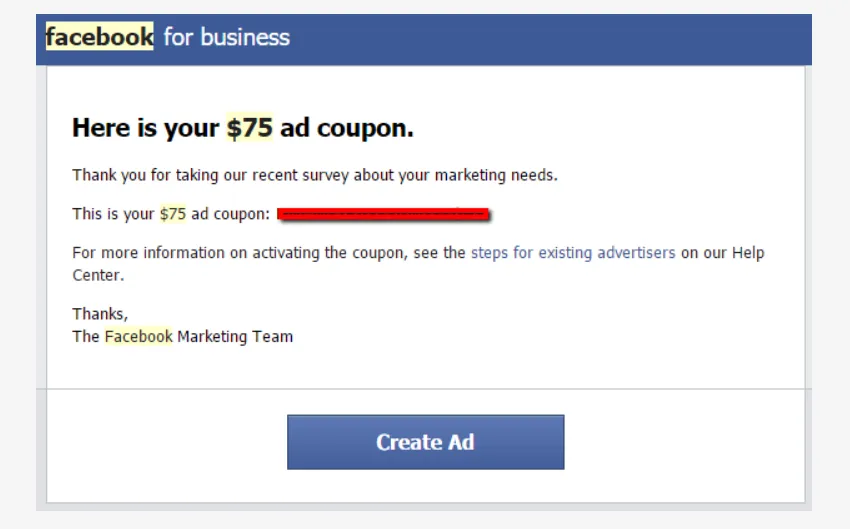
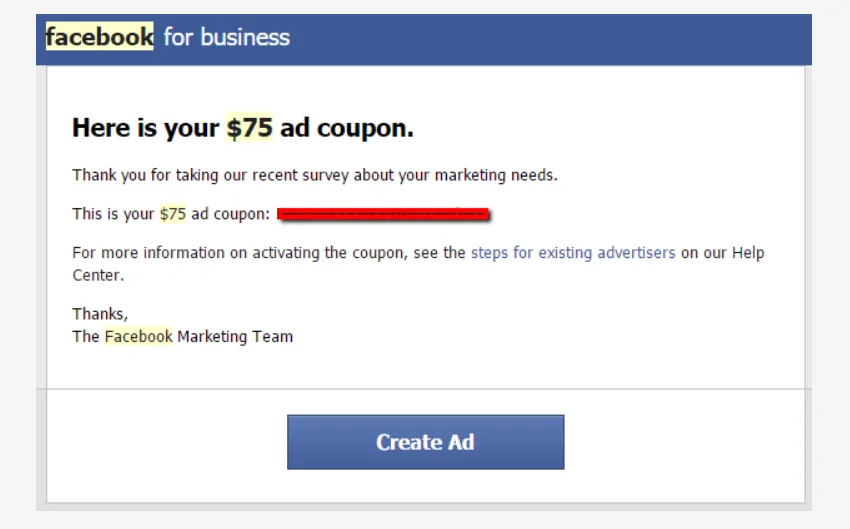
Facebook regularly deploys Special promotion for advertisers, providing credit codes for specific products or services. Therefore, you should actively follow the latest notifications from Facebook so as not to miss the opportunity to receive the code.
Some notes when using Facebook credit codes:
Account needs to be linked to payment card: This is a mandatory condition for Facebook to allow credit code activation.
Advertising costs are deducted automatically every day: The advertising amount will be deducted from the credit until the code expires or is no longer valid.
Ads will pause when credits run out: Once the credit code is no longer valid, the ad campaign will automatically stop if there is no alternative payment method.
Check your credit balance regularly: This helps you be proactive in managing your budget and avoid campaign interruptions.
2.2. Get code through Facebook partner
In addition to direct promotions, you can also get codes through Official Facebook Partners, such as technology companies, advertising platforms or partner websites. However, this method is usually only applicable to those who have experience or are active in the field of online advertising.
So if you are just starting out, take some time to learn it thoroughly What is Facebook ad credit code? how it works and how to leverage it to optimize advertising costs effectively and sustainably.
3. How Facebook advertising credits work
Facebook Ad Credits are free funds that you can use to pay for your Facebook or Instagram ad campaigns. Once you enter the credit code into your account, it will automatically be applied to your ad spend from the time the code is activated.
However, the credit is only effective for advertising costs generated after you add the credit to your account. Costs incurred before this time will not be paid with the credit, but will be deducted directly from the primary payment method associated with your advertising account.
While your campaign is running, your Facebook Ad Credit will continue to be used to pay for your daily expenses until your balance is depleted or the credit expires. Once your credit expires or is used up, any subsequent advertising charges will automatically be transferred to your primary payment method.
Therefore, to effectively manage your advertising budget, you need to understand how Facebook advertising credits work, regularly monitor your credit balance, and ensure that your primary payment method is always available to avoid interrupting running campaigns.
>>> Learn more:Which Proxy Should You Buy for Facebook? Amazon? Instagram? Shopify? …
4. Instructions for using Facebook advertising credit codes to save costs effectively
Getting a Facebook advertising credit is a great way to save money on your marketing campaigns. However, to get the most out of your credit, you need to understand how to apply it correctly for each type of account. Here is a step-by-step guide for both beginners and experienced advertisers.
4.1. For accounts that have never run ads
If this is your first time creating an ad campaign on Facebook or Instagram, follow these steps to activate and use your ad credit:
Step 1: Start creating your first ad.
Step 2: Once you've defined your campaign, go to settings and add a payment method to your ad account.
Step 3: Provide complete payment information as requested to ensure Facebook can process charges correctly.
Step 4: Under “Coupon” (or “Promo Code”), select the option to use a promotional credit code.
Step 5: Enter the code in the corresponding box and click “Continue” to complete. The credit will be automatically applied to your advertising campaign.
4.2. For accounts that have run ads before
With an account that has previously been active in advertising, you can still use Facebook advertising credit codes by following this simple process:
Step 1: Go to the “Billing Settings” section of your ad account.
Step 2: Go to the “Coupons” section in settings.
Step 3: Enter the credit code in the required box and click “Continue” to apply. Facebook will automatically use this credit balance to pay for running campaigns.
🔎 Tips: Always double check your payment method and account status to ensure the credit code is applied correctly, to avoid unusable codes or unexpected charges.
5. Causes and how to fix the error of not being able to add credit code to Facebook advertising account
While using your Facebook ad credit code, you may encounter an error that prevents you from adding the code to your account. Here are some common causes and detailed instructions on how to fix them:
Account does not have a valid payment method:
Facebook requires that each ad account have at least one valid payment method before using a promo code. If you don’t have one set up, you’ll need to add a new payment method. You can then cancel your current code and wait a few hours (or days) before trying again.
Credit code expired or invalid:
A common error is that the promotional code has expired. Please double check the validity period of the code before applying to avoid rejection.
Code already used on another account:
Each credit code can only be used once per ad account. If the code has been previously applied to another account, you will not be able to use it again on the current account.
Exceeded promo code usage limit:
Some Facebook credit codes are only available to new accounts or accounts that have never run ads before. If your account has run multiple campaigns, the system may determine that you have run out of free codes.
Account not activated for advertising:
The credit code can only be applied if the account has been activated for advertising. If the account has never been active for advertising, you need to activate your first campaign before entering the code.
👉 When you encounter an error that prevents you from adding a credit code, you should carefully check each of the above causes and follow the troubleshooting instructions to ensure the code is successfully applied.
>>> Learn more: How to Recover Disabled Facebook Account for 30 Days
6. Does the Facebook ad credit have an expiration date?
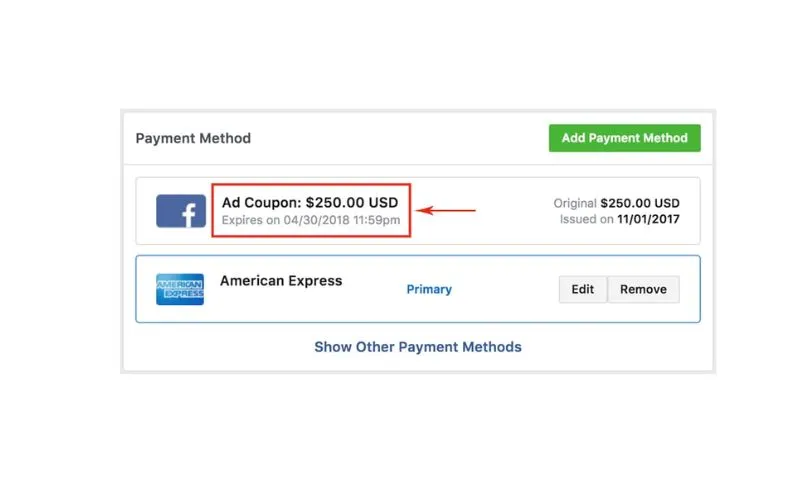
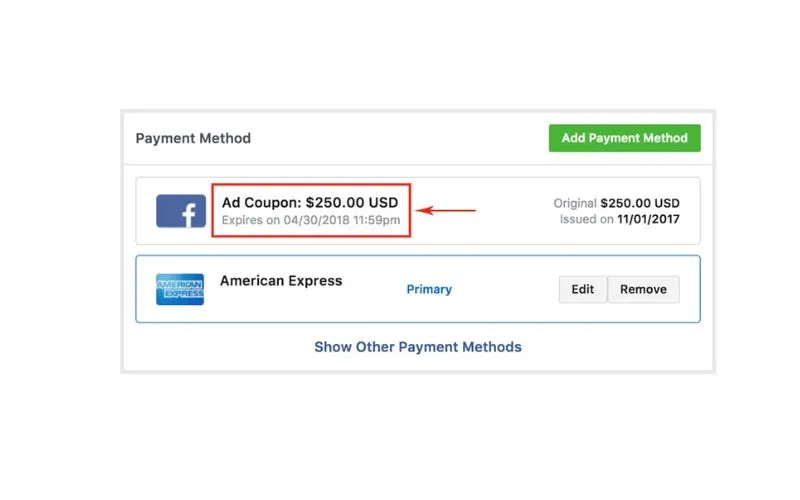
The answer is Have. Just like regular discount vouchers,Facebook Ad Credit Codeall have a specific period of use. Each code is determined by the issuer for its own validity regardless of campaign duration that you are deploying.
Meaning: even if your campaign is still active and has a budget, ifCredit code has expired, then it will no longer be valid and can not continue to be used. Therefore, to ensure your rights, you should regularly check the credit balance and Validity period of the code in the sectionAd settings on Facebook.
Understanding how it worksFacebook Ad Creditwill help you easily manage and make good use of promotional programs and save advertising costs effectively.
This article has provided an overview ofFacebook Ad Credit, how to use and things to note when applying into real campaigns. If you are looking to protect facebook advertising accounts, avoid being limited or locked out of your account when running multiple campaigns at the same time, discover the solution now Hidemium Incognito Browser– the ultimate tool for professional advertisers.
Related Blogs

Affiliate marketing is currently one of the most popular and sustainable ways to make money online. Whether you are a beginner or a veteran, using the right support tools will help save time, easily manage campaigns and improve conversion efficiency.In this article, Hidemium will introduce 15 top affiliate marketing tools, divided into many groups: tracking & analytics, link management, SEO,[…]
.png)
Best AdsPower Alternatives in 2026: Top Anti-Detect Browsers ComparedIf you're evaluating anti-detect browsers in 2026, AdsPower is likely already on your radar — but it's far from the only option. Whether you're switching because of pricing, performance, automation requirements, or team collaboration needs, there are now several mature alternatives worth considering.This guide compares the most[…]
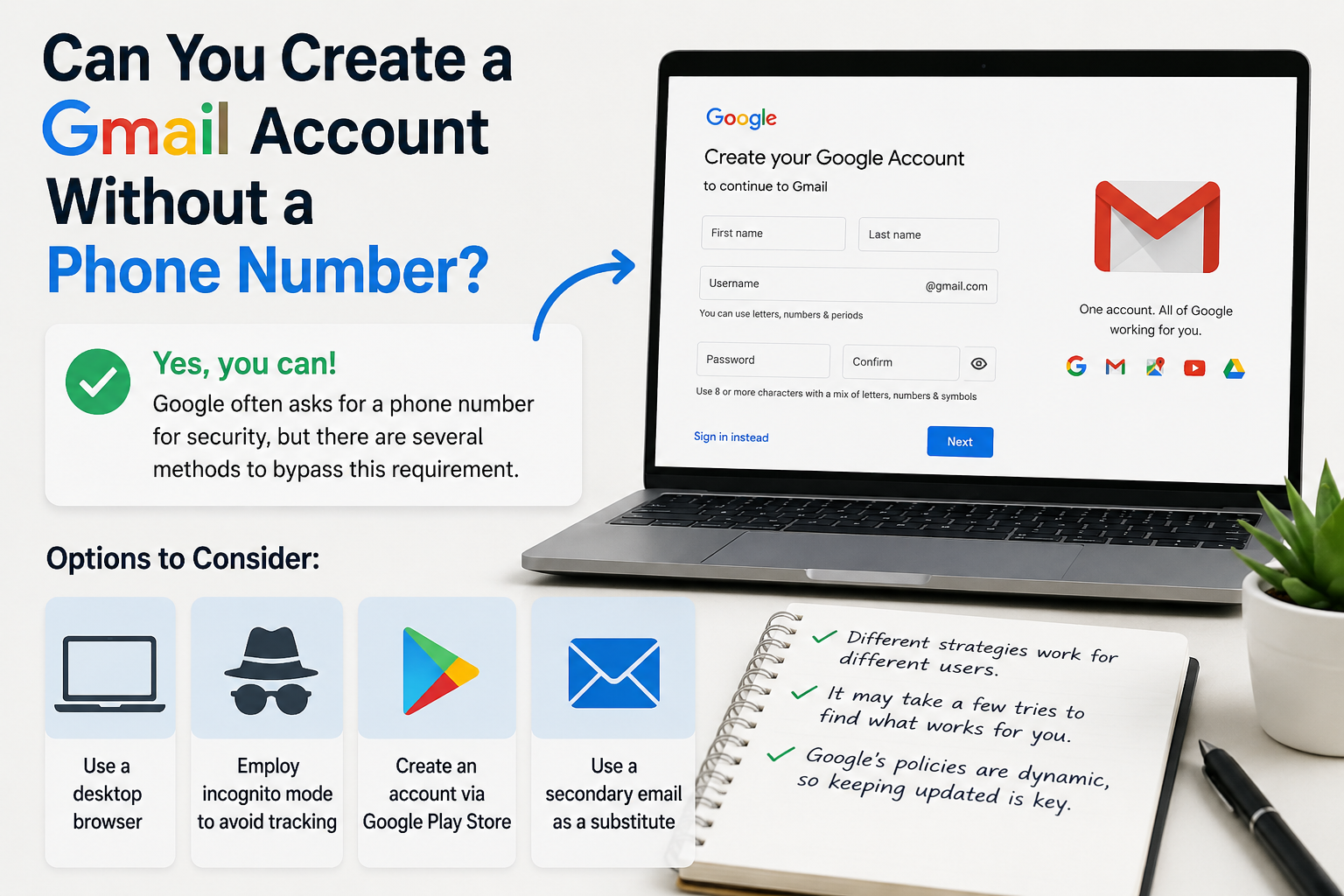
Create gmail with no phone numberCreating a Gmail account without a phone number is possible. Many users prefer this for privacy reasons.Google often requests a phone number for verification. However, there are ways to bypass this step.This guide will show you how to create a Gmail account without providing a phone number.We will explore different methods and tips to achieve this.Whether you're[…]
.png)
Looking for the best unblocked browser in 2026? Whether you want to access region-restricted content, protect your browsing privacy, or manage separate browser profiles, choosing the right tool can make a significant difference.However, not every unblocked browser works the same way. Some rely on web proxies, others use privacy networks, and antidetect browsers focus on browser fingerprint[…]

Whether you are a dedicated mobile gamer looking for a competitive edge on a larger screen, an app developer testing a new interface, or someone who manages multiple accounts across platforms, finding the best android emulator is the key to a seamless experience. For those involved in multi-account management or automation workflows, the choice of emulator — and how you pair it with the right[…]

Opening a store on Etsy is an excellent opportunity to start a business. However, to attract customers and increase traffic to your store, you need a clear strategic plan and effective execution.This article by Hidemium will guide you step-by-step on setting up an Etsy store and share effective strategies to help you drive traffic and boost sales growth. 1. What is Etsy?Etsy is a popular[…]
