
What is WebGL fingerprinting?
WebGL fingerprinting is a browser fingerprinting technique that uses WebGL graphics rendering to collect signals about your GPU, graphics driver, browser, operating system, and rendering behavior. Websites can use these signals to help recognize a browser or evaluate whether a browser environment looks consistent and natural.
WebGL stands for Web Graphics Library. It allows websites to render interactive 2D and 3D graphics inside the browser without requiring a separate plugin.
That makes WebGL useful for maps, games, 3D product views, design tools, visual dashboards, and other interactive web experiences.
But the same rendering process can also reveal device-specific signals.
In simple terms:
WebGL fingerprinting turns the way your browser renders graphics into an identity signal.
It does not work exactly like cookies. It does not need to save a tracking file on your device. Instead, it observes how your browser and graphics system behave when rendering visual content.
Why WebGL fingerprinting matters
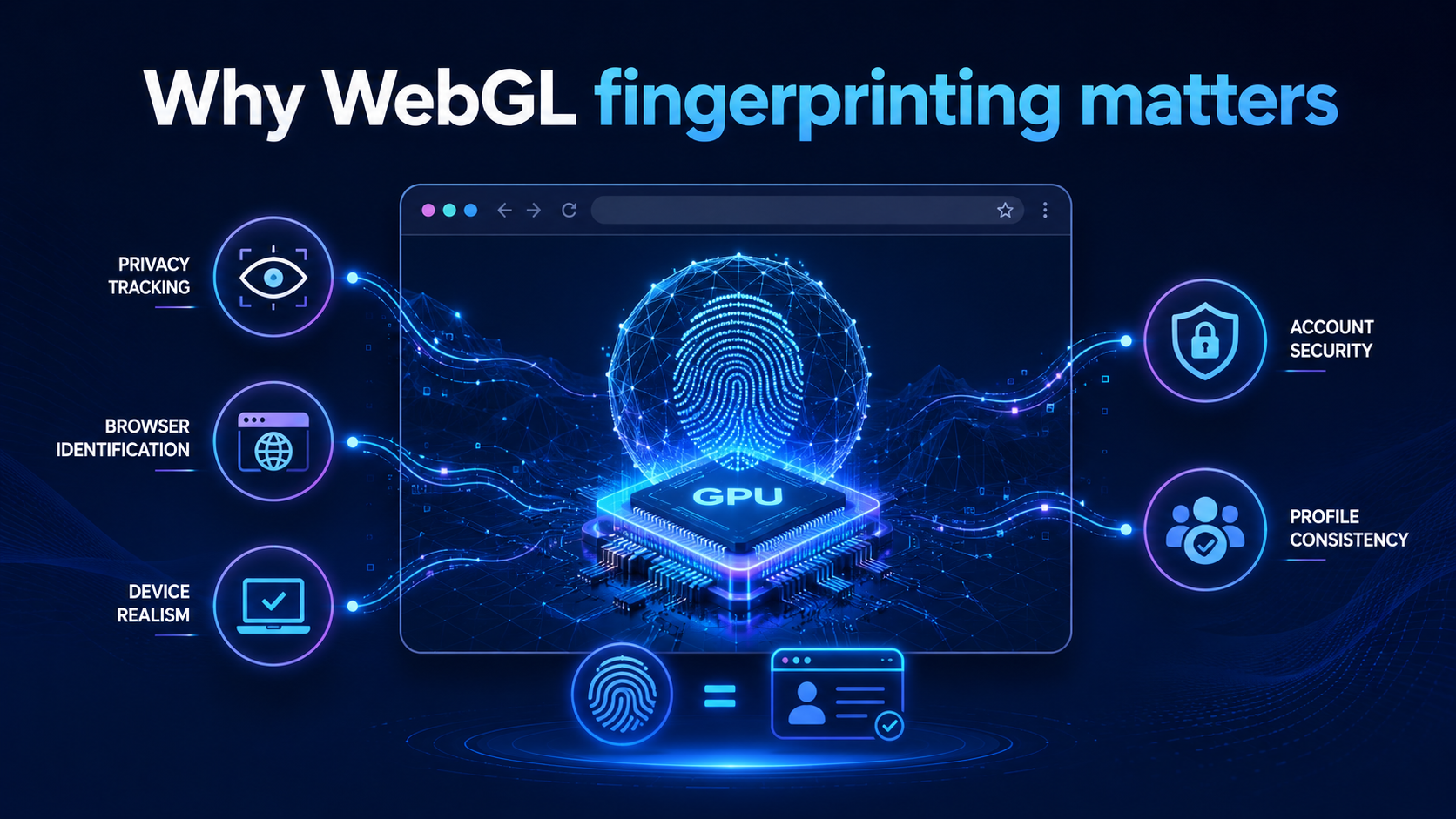
WebGL fingerprinting matters because your graphics environment can be surprisingly unique.
Two users may have the same browser and operating system, but their WebGL output can still differ because of:
- GPU model
- Graphics driver
- Operating system
- Browser version
- Hardware acceleration
- WebGL renderer
- Shader precision
- Anti-aliasing behavior
- Supported extensions
- Rendering performance
- Color and texture behavior
These details can help websites build a stronger browser fingerprint.
For normal users, WebGL fingerprinting matters because it can be used as part of online tracking.
For teams, it matters because inconsistent WebGL signals can make browser profiles look less realistic.
For privacy-focused workflows, WebGL is not just a technical detail. It is part of the trust layer that websites may use to decide whether a browser environment looks stable.
WebGL fingerprinting quick answer
WebGL fingerprinting identifies browsers by analyzing graphics rendering signals from WebGL, including GPU behavior, supported extensions, renderer data, shader output, and performance patterns. It is a key part of browser fingerprinting because graphics signals can stay recognizable even when cookies are cleared.
The best way to reduce WebGL fingerprinting risk is to use privacy-focused browser settings, avoid unusual configurations, separate browser profiles by workflow, and keep fingerprint signals consistent instead of randomizing them without control.
How WebGL fingerprinting works
WebGL fingerprinting usually starts when a website runs JavaScript in the browser.
The script creates a WebGL context, asks the browser to render graphics, and then reads information about the graphics environment.
This can include direct values from WebGL APIs and indirect values from rendering behavior.
A simplified process looks like this:
| Step | What happens |
|---|---|
| 1. WebGL context | A site creates a WebGL rendering context in the browser |
| 2. Graphics query | The script checks supported WebGL features and extensions |
| 3. Rendering test | The browser renders shaders, textures, shapes, or 3D objects |
| 4. Output analysis | The script compares rendering results, precision, and behavior |
| 5. Fingerprint match | WebGL data is combined with other browser signals |
The WebGL signal alone may not always identify a user. But when combined with canvas, fonts, timezone, language, user agent, screen size, and proxy behavior, it can become part of a stronger fingerprint.
What data can WebGL reveal?
WebGL can expose several types of graphics-related information.
Some information may be direct. Some may be inferred from how the browser renders content.
Common WebGL-related signals include:
- WebGL vendor
- WebGL renderer
- Graphics card behavior
- Supported WebGL extensions
- Shader precision
- Texture size limits
- Anti-aliasing support
- Floating-point rendering behavior
- Hardware acceleration status
- Rendering performance
- WebGL version support
Not every website collects all of these signals. Not every browser exposes them in the same way.
But together, these signals can help create a profile of the browser’s graphics environment.
That is why WebGL fingerprinting is often discussed together with canvas fingerprinting and broader browser fingerprinting.
WebGL fingerprinting vs canvas fingerprinting
WebGL fingerprinting and canvas fingerprinting are related, but they are not the same.
Both use browser rendering behavior. But they focus on different graphics layers.
| Method | Main focus | Typical signal |
|---|---|---|
| Canvas fingerprinting | 2D drawing behavior | Text, shapes, colors, canvas pixel output |
| WebGL fingerprinting | GPU and 3D rendering behavior | Renderer, shaders, extensions, graphics output |
| Audio fingerprinting | Audio processing behavior | Sound processing differences |
| Font fingerprinting | Font availability and rendering | Installed fonts and text behavior |
Canvas fingerprinting is often easier to explain because it asks the browser to draw something and reads the result.
WebGL fingerprinting goes deeper into the graphics stack. It can reveal how the browser, GPU, driver, and rendering engine work together.
A simple way to understand the difference:
Canvas fingerprinting checks how your browser draws. WebGL fingerprinting checks how your graphics system renders.
WebGL fingerprinting vs browser fingerprinting
WebGL fingerprinting is one part of browser fingerprinting.
Browser fingerprinting is the larger process of collecting multiple signals to recognize a browser environment.
These signals may include:
- WebGL data
- Canvas data
- Audio data
- Fonts
- Timezone
- Language
- Screen size
- User agent
- Platform
- Device memory
- Hardware concurrency
- Browser extensions
- IP address and proxy behavior
- Cookie and storage behavior
WebGL fingerprinting is important because it adds graphics-level evidence.
If a browser claims to be one type of device but its WebGL renderer behaves like another, that mismatch can create suspicion.
This is why WebGL consistency matters for browser profile management.
Why WebGL consistency matters
Many users think privacy protection means changing as many signals as possible.
That is not always true.
With WebGL fingerprinting, random changes can create problems if they do not match the rest of the browser environment.
For example, a browser profile may show:
- A Windows user agent
- A US timezone
- A residential US proxy
- English language settings
- Stable cookies
- But a WebGL renderer that does not match the expected device environment
That mismatch can look unnatural.
The goal should not be random graphics identity.
The goal should be consistent graphics identity.
A stable WebGL setup should align with:
| Signal | Why it should align |
|---|---|
| WebGL renderer | Should fit the browser and device environment |
| Canvas output | Should match the graphics behavior |
| User agent | Should not conflict with device signals |
| OS settings | Should align with browser and renderer details |
| Timezone | Should fit the workflow or region |
| Language | Should match user environment |
| Proxy | Should not conflict with profile context |
| Cookies | Should remain isolated inside the profile |
For account separation and privacy workflows, consistency often matters more than aggressive randomization.
Why WebGL fingerprinting is hard to block perfectly
WebGL is not only a tracking surface. It is also a useful browser feature.
Many websites rely on WebGL for legitimate functionality.
WebGL may be used for:
- Interactive maps
- 3D product previews
- Browser games
- Design tools
- Video effects
- Data visualization
- Web-based graphics editors
- Virtual environments
- Machine learning demos
If you block WebGL completely, some websites may break or lose important features.
If you spoof WebGL badly, your browser may look inconsistent.
If you randomize WebGL too often, the environment may look unstable.
That is why WebGL fingerprinting protection is more about careful control than one-click blocking.
Is WebGL fingerprinting legal?
WebGL fingerprinting is not automatically illegal. It depends on how it is used, what data is collected, where users are located, and whether the website provides proper disclosure or consent.
Some websites use fingerprinting-related signals for security, fraud prevention, bot detection, and abuse prevention.
Privacy concerns appear when fingerprinting is used for hidden tracking without transparency.
For users, the practical goal is to reduce unnecessary exposure.
For businesses, the safer approach is to be transparent about tracking and follow applicable privacy laws.
For teams using browser profile tools, the goal should be legitimate account separation, testing, privacy protection, and controlled workflows.
How to check WebGL fingerprinting
You can check WebGL fingerprinting in several ways.
1. Use browser fingerprint test tools
Some websites test how unique your browser fingerprint is. These tools may show WebGL renderer, vendor, extensions, canvas output, fonts, and other signals.
Use these tools for awareness, not as a perfect measurement.
Fingerprinting changes depending on browser settings, hardware, drivers, extensions, and test methods.
2. Check browser developer tools
Advanced users can inspect JavaScript activity and WebGL API usage through developer tools.
Look for scripts that create WebGL contexts or query WebGL parameters.
This does not always mean tracking. Many sites use WebGL for real graphics features.
But if a hidden script collects WebGL values without a visible graphics feature, it may be part of fingerprinting.
3. Compare profiles across environments
If you manage multiple browser profiles, compare whether WebGL, canvas, timezone, language, proxy, and user agent signals align logically.
This is especially important for teams using separate browser environments.
The goal is not to make every profile identical. The goal is to avoid unrealistic combinations.
How to reduce WebGL fingerprinting
There is no perfect method that works for every user and every website.
But you can reduce WebGL fingerprinting exposure with practical steps.
1. Use privacy-focused browser settings
Some browsers include fingerprinting protection that limits access to graphics-related signals.
These settings may reduce WebGL detail, standardize output, or block certain queries.
This can help reduce uniqueness.
The tradeoff is that some websites may not work normally if they depend on WebGL.
2. Disable WebGL when you do not need it
Some users disable WebGL completely for privacy.
This can reduce WebGL fingerprinting, but it may also break websites that use browser-based graphics.
Disabling WebGL may be useful for high-privacy workflows where graphics features are not needed.
For everyday browsing, it may be too strict.
3. Avoid unusual graphics configurations
A rare graphics setup can make your browser easier to identify.
Examples include unusual browser flags, uncommon extensions, strange renderer combinations, or mismatched device settings.
A more normal-looking environment may be better than a heavily modified one.
Privacy is not always about hiding every signal.
Sometimes it is about avoiding unnecessary uniqueness.
4. Use fewer browser extensions
Extensions can affect browser behavior and increase uniqueness.
Some extensions also interact with WebGL or canvas protection.
Using too many privacy extensions can backfire because the combination itself may become identifiable.
Use a small number of trusted tools instead of stacking many extensions.
5. Keep browser profiles separated
Using one browser profile for every workflow can connect sessions through cookies, storage, login history, and fingerprint signals.
Separate profiles help isolate activities.
This is useful for:
- Privacy separation
- QA testing
- Security research
- E-commerce workflows
- Agency accounts
- Web3 wallets
- Remote team access
- Multi-account management for legitimate use cases
Separate profiles do not magically erase fingerprinting, but they help prevent workflows from mixing.
6. Keep WebGL signals consistent inside each profile
If you use browser profiles, avoid changing WebGL-related settings randomly inside the same profile.
A stable profile should behave like the same device over time.
That means WebGL, canvas, timezone, language, user agent, cookies, and proxy behavior should remain logical.
Consistency is especially important for long-term account workflows.
7. Use a browser profile platform for controlled environments
For teams, WebGL fingerprinting is not only a privacy setting.
It is part of environment management.
A team may need to control:
- Browser profiles
- WebGL signals
- Canvas signals
- Proxy assignment
- Timezone
- Language
- Cookies and storage
- Workspace separation
- Operator access
- Profile ownership
Hidemium helps teams manage browser profiles, proxies, workspaces, and account workflows in one organized system.
This makes it easier to keep browser environments separated, consistent, and easier to operate.
WebGL fingerprinting and antidetect browsers
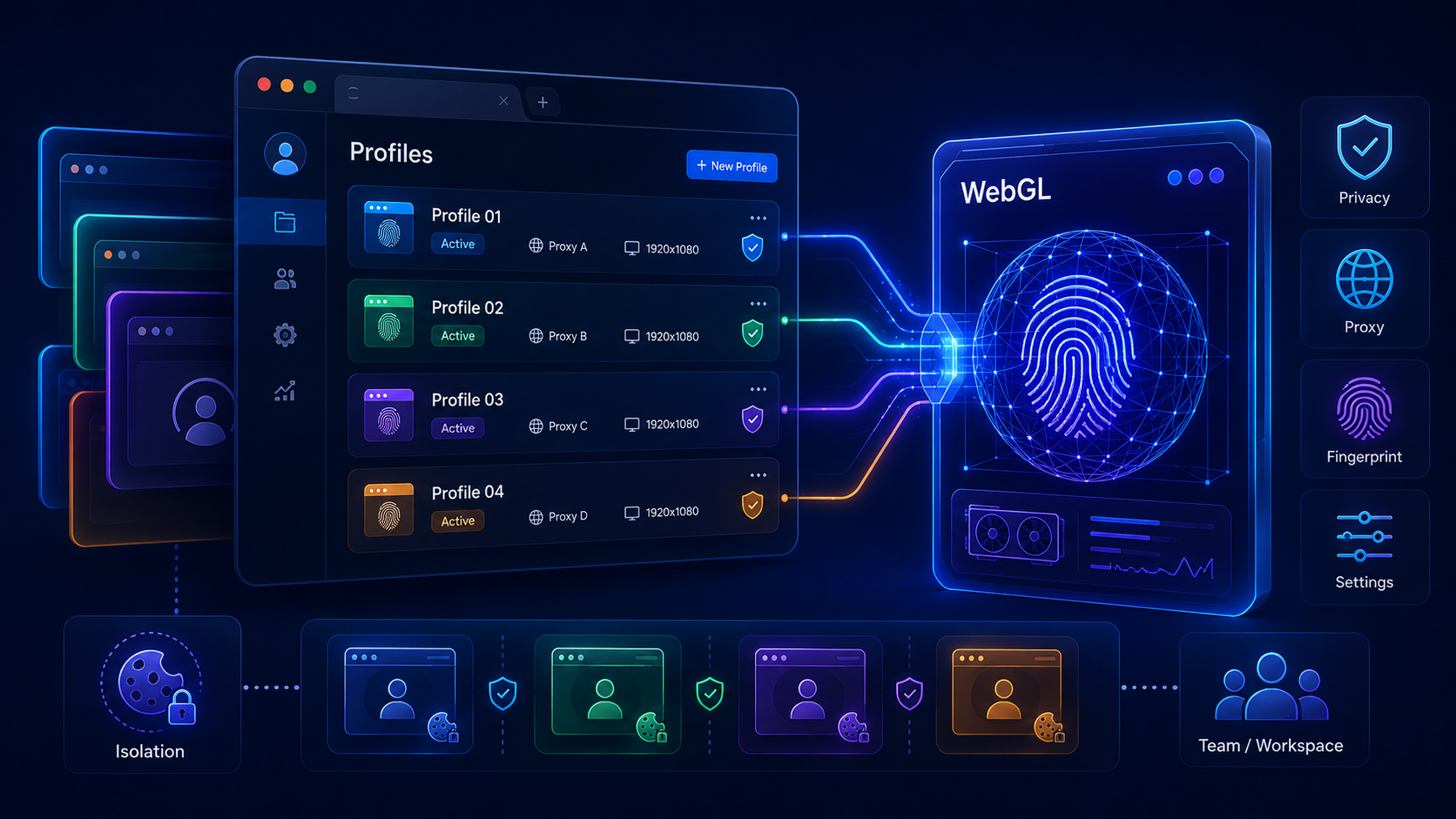
Antidetect browsers are often used to create browser profiles with controlled fingerprint settings.
For legitimate workflows, this can help with:
- Privacy testing
- Browser environment testing
- QA workflows
- Account separation
- E-commerce operations
- Agency workflows
- Social media team workflows
- Web3 project separation
- Security research
A good antidetect browser should not simply randomize everything.
It should help users create stable and logical browser environments.
Users should always follow applicable laws and the terms of service of the platforms they use. Antidetect browsers should not be used for fraud, abuse, or unauthorized access.
How Hidemium helps with WebGL fingerprinting workflows
Hidemium helps teams manage browser profiles with better structure.
For WebGL fingerprinting and broader browser fingerprinting concerns, Hidemium can help with:
- Separate browser profiles
- Controlled fingerprint settings
- Proxy assignment
- Workspace organization
- Profile ownership
- Team access
- Cookie and session separation
- Repeatable browser environments
For example, an agency may need different profiles for different clients. An e-commerce team may need separate profiles for different stores. A Web3 team may need separate profiles for different wallets or projects.
In all of these workflows, WebGL signals should remain consistent with the profile environment.
Hidemium helps teams manage those environments more clearly.
WebGL fingerprinting protection checklist
Use this checklist to reduce WebGL fingerprinting exposure:
- Use privacy-focused browser settings
- Disable WebGL only when you do not need graphics features
- Avoid unusual browser configurations
- Use fewer trusted extensions
- Separate browser profiles by workflow
- Avoid mixing personal and business sessions
- Keep WebGL settings consistent inside each profile
- Align proxy, timezone, language, and browser settings logically
- Use workspaces for different projects or clients
- Control team access when multiple operators are involved
- Review browser fingerprint signals regularly
The goal is not to become invisible.
The goal is to reduce unnecessary uniqueness and keep browser environments controlled.
Common mistakes with WebGL fingerprinting protection
Mistake 1: Blocking WebGL without checking website impact
Blocking WebGL can reduce exposure, but it may break sites that need graphics rendering.
Test important workflows before disabling WebGL completely.
Mistake 2: Randomizing WebGL too often
If WebGL changes constantly while other signals stay stable, the browser may look inconsistent.
A stable browser profile should behave like the same environment over time.
Mistake 3: Ignoring canvas and other signals
WebGL is only one fingerprinting surface.
Canvas, audio, fonts, timezone, language, user agent, screen size, and proxy behavior also matter.
Mistake 4: Using too many privacy tools
Too many extensions or rare settings can make a browser stand out.
A smaller, consistent privacy setup is often better.
Mistake 5: Mixing workflows in one browser profile
One profile for everything can connect sessions.
Separate profiles reduce the chance of mixing cookies, storage, accounts, and fingerprint signals.
Who should care about WebGL fingerprinting?
WebGL fingerprinting matters for anyone who wants better browser privacy and environment control.
It is especially important for:
- Privacy-conscious users
- Security researchers
- QA testers
- Agencies managing client sessions
- E-commerce teams separating store workflows
- Social media teams managing brand or client accounts
- Web3 users separating wallets and projects
- Remote teams managing browser profile access
- Teams using antidetect browsers for legitimate account separation
For individual users, browser privacy settings may be enough.
For teams, structured browser profile management is usually more practical.
Best way to reduce WebGL fingerprinting
The best way to reduce WebGL fingerprinting is to combine privacy protection, profile isolation, and signal consistency.
For individual users:
- Use privacy-focused browser settings
- Disable WebGL only when necessary
- Avoid unusual extensions and browser flags
- Separate sensitive workflows
- Test your browser fingerprint periodically
For teams:
- Use separate browser profiles
- Keep WebGL and canvas settings consistent
- Assign proxies carefully
- Separate workspaces by client or workflow
- Control operator access
- Avoid mixing accounts inside one profile
- Use Hidemium to manage browser environments
WebGL fingerprinting is not solved by one setting.
It is managed through controlled browser environments.
Summary: WebGL fingerprinting
- WebGL fingerprinting uses browser graphics rendering to collect GPU and rendering signals.
- It can reveal details about the graphics environment, browser, and device behavior.
- WebGL fingerprinting is one part of broader browser fingerprinting.
- Blocking WebGL can reduce exposure but may break some websites.
- Randomization is not always better than consistency.
- Separate browser profiles help isolate workflows.
- Hidemium helps teams manage browser profiles, proxies, workspaces, and controlled environments for legitimate use cases.
Conclusion: how to think about WebGL fingerprinting
WebGL fingerprinting shows how modern tracking can move beyond cookies and into the graphics layer of the browser.
It does not only ask who you are logged in as. It can ask how your browser renders, which graphics signals are exposed, and whether your environment looks consistent.
For individual users, the best approach is to use privacy settings, avoid unusual configurations, and separate sensitive workflows.
For teams, the challenge is bigger. Teams need controlled browser environments, stable fingerprint settings, proxy alignment, workspace separation, and access management.
That is where Hidemium can help.
Hidemium gives teams a practical way to manage browser profiles, proxies, workspaces, and account workflows in one organized system.
If your team needs to reduce fingerprinting exposure while keeping browser environments stable and separated, Hidemium is a strong platform to test.
Try Hidemium to manage browser profiles, proxies, WebGL settings, fingerprint signals, workspaces, and team access with more control.
FAQ: WebGL fingerprinting
What is WebGL fingerprinting?
WebGL fingerprinting is a browser tracking technique that uses graphics rendering signals from WebGL to identify details about the browser, GPU, driver, operating system, and rendering behavior.
How does WebGL fingerprinting work?
WebGL fingerprinting works by creating a WebGL context, querying graphics capabilities, rendering visual tests, and analyzing the output to produce fingerprint-like signals.
Is WebGL fingerprinting the same as canvas fingerprinting?
No. Canvas fingerprinting focuses on 2D canvas rendering. WebGL fingerprinting focuses on GPU and graphics rendering behavior, including shaders, renderer data, and WebGL extensions.
Can WebGL fingerprinting track me without cookies?
Yes. WebGL fingerprinting can contribute to browser recognition without cookies because it uses graphics behavior instead of stored browser data.
How do I block WebGL fingerprinting?
You can reduce WebGL fingerprinting by using privacy-focused browser settings, disabling WebGL when not needed, using fewer extensions, avoiding unusual configurations, and separating workflows into different browser profiles.
Should I disable WebGL?
Disabling WebGL can reduce fingerprinting exposure, but it may break websites that rely on graphics features. It is useful for high-privacy workflows but may be inconvenient for everyday browsing.
Is randomizing WebGL a good idea?
Randomizing WebGL can help in some cases, but constant randomization may create inconsistent browser signals. Stable and logical profile settings are often better for controlled workflows.
Can Hidemium help with WebGL fingerprinting?
Hidemium can help teams manage separate browser profiles, proxies, workspaces, fingerprint settings, and controlled browser environments. This is useful for legitimate workflows that require profile isolation and signal consistency.
Related Blogs

In MMO, dropshipping, and affiliate business models, managing multiple accounts on a single device always comes with significant risks—frequent checkpoints, shadowbans, or even mass account suspensions. Logging into multiple accounts using a traditional browser makes it easy to leave overlapping digital footprints, which greatly increases the likelihood of account bans. This is exactly why[…]
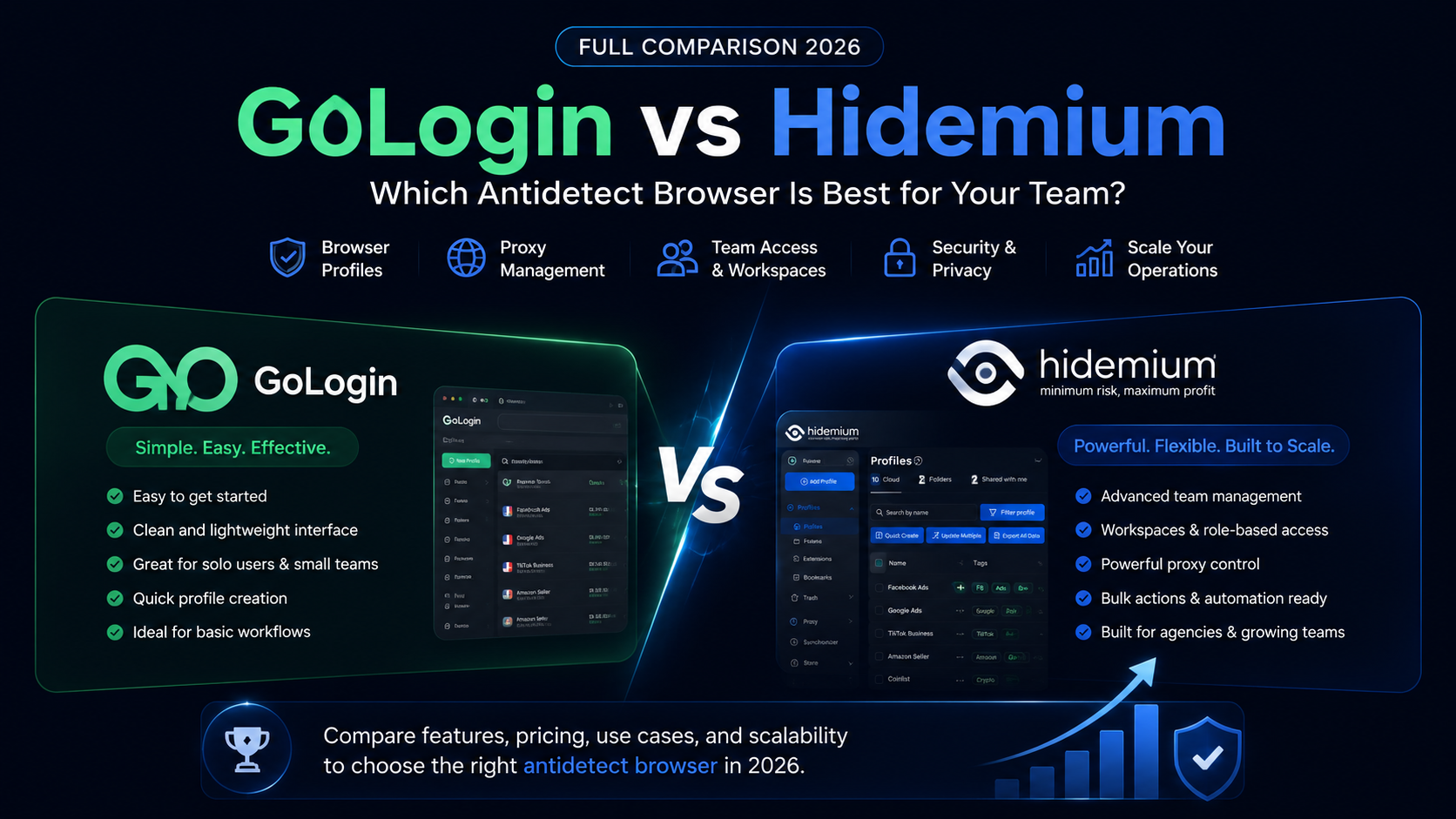
GoLogin vs Hidemium: quick answerGoLogin vs Hidemium is a comparison between two antidetect browser platforms used for browser profiles, proxies, and multi-account workflows. GoLogin is often considered by users who want a simple and accessible way to start managing browser profiles. Hidemium is a stronger fit for teams that need structured workspaces, proxy visibility, team access, profile[…]

In 2025, making 100 dollars online per day has become more realistic than ever. The rapid development of digital platforms and new business models has created opportunities for anyone to build a stable source of income right at home. In this article, Hidemium will introduce 21 legal methods that help you increase your profits, along with helpful tips to maximize your earning potential.1.[…]

The choice AweSun – secure remote access software plays a vital role in helping large businesses, freelancers, and remote workers overcome the barriers of connecting and controlling computers in different locations. The right tools will give you the ability to seamless collaboration, session access and remote file transfer fast, efficient troubleshooting support anywhere in the world.To help you[…]

Selling on Amazon offers great profit potential, but success requires the right strategies. With fierce competition among millions of sellers, optimizing Amazon search engine optimization (SEO) and using Amazon Sponsored Products ads are the keys to increasing visibility and achieving sustainable sales growth. This article will guide you on how to increase Amazon sales by combining these two[…]
.png)
How to Get Social Media Help: Tips, Tools, and Resources That Actually WorkWhether you're locked out of your account, dealing with a sudden algorithm change, or trying to protect your digital footprint, navigating social media platforms can feel like a full-time job. Fortunately, social media help is well within reach — if you know exactly where to look and what strategies to apply.Platforms like[…]
