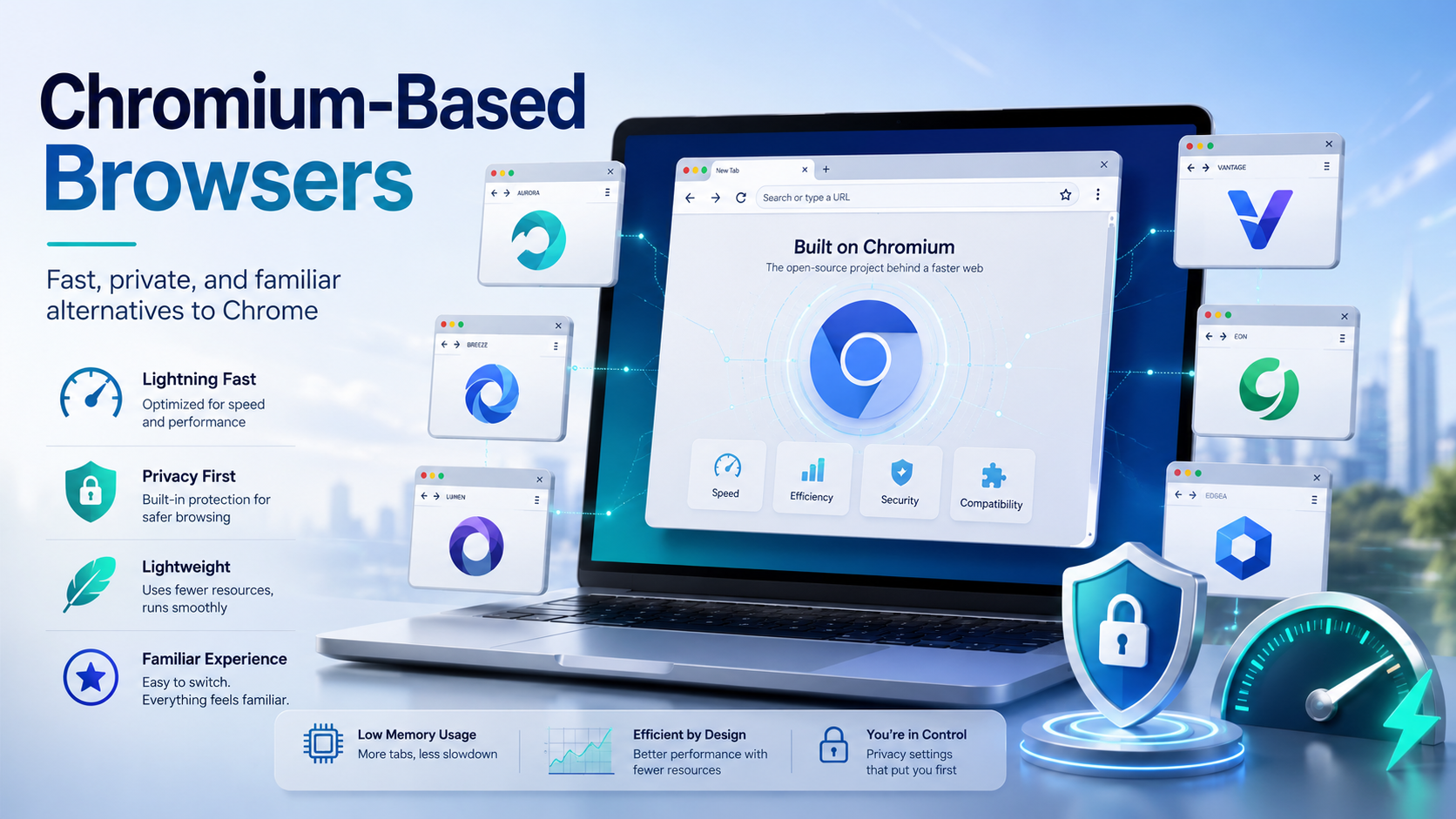

Chances are, you are reading this article on a browser built on the Chromium framework. While Google Chrome remains the undisputed heavyweight champion of the internet, an entire ecosystem of fantastic alternatives has quietly taken over the web. These are known as chromium based browsers, and they are reshaping how we experience the internet.
If you are tired of your computer slowing down due to resource-heavy applications, or if you are increasingly concerned about digital privacy, it might be time to switch. But you don’t have to leave the familiar features of Chrome behind.
In this comprehensive guide, we will dive deep into what makes these browsers tick, explore the best chrome alternatives available today, and help you find the perfect browser for your specific needs.
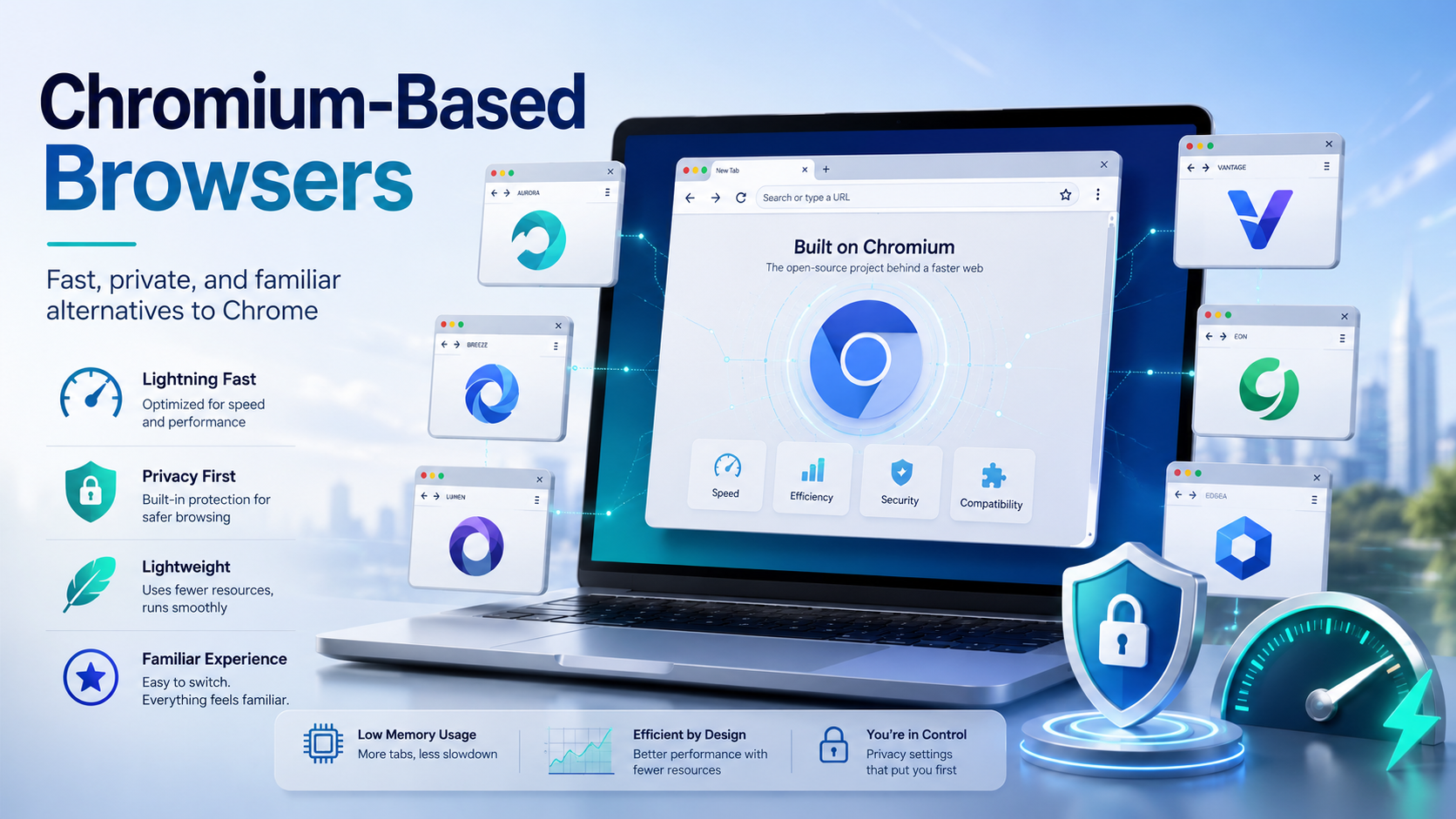
What Exactly is Chromium?
Chromium vs Chrome: The Simple Difference
To understand the modern web, you first have to understand Chromium. Launched by Google in 2008 alongside Chrome, Chromium is a free and open-source software project.
But what is the difference when looking at chromium vs chrome?
Think of Chromium as the engine and chassis of a car. It provides the core mechanics needed to drive on the web. Google Chrome is the fully finished car, complete with Google’s proprietary features—like automated updates, integrated media codecs (for Netflix or Spotify), and built-in Google account syncing.
Because the base code is free for anyone to use and modify, developers worldwide can build their own custom vehicles using that same reliable engine. This freedom highlights the tremendous open source browser project benefits, allowing smaller teams to create world-class browsers without spending billions of dollars in development costs.
Why Do Most Modern Browsers Use Chromium?
Why Browser Developers Choose Chromium
If you look at the current software landscape, you might ask: why do most modern browsers use chromium?
Building a web browser from scratch is an incredibly monumental and expensive task. The web is complex, filled with evolving coding standards, interactive media, and heavy web applications. By utilizing the Chromium framework, developers can bypass the grueling foundational work. Instead, they focus their resources on adding unique features, improving user interfaces, and enhancing privacy protections.

Under the Hood: The Technology Powering the Web
The Core Technology Behind Chromium Browsers
Browsers based on chromium are highly regarded for their speed, stability, and security. Let's look at the underlying technology that makes these chromium browsers so powerful.
The Blink and V8 Powerhouse
Why Blink and V8 Matter for Everyday Users
At the core of the framework is the Blink rendering engine architecture. Blink is responsible for parsing HTML and CSS, transforming raw code into the beautiful, visual web pages you interact with daily. Because it is highly optimized, Blink ensures that web pages load swiftly and correctly across different platforms.
Working alongside Blink is the V8 JavaScript engine. Modern websites are essentially complex applications, heavily reliant on JavaScript. The renowned V8 JavaScript engine performance compiles JavaScript directly into native machine code before executing it, resulting in lightning-fast loading times even on heavy, dynamic websites.
Uncompromising Security
How Chromium Browsers Protect Your Sessions
Security is a non-negotiable aspect of web browsing today. The Chromium project integrates robust sandboxing and web security features. Sandboxing isolates each browser tab into its own secure environment. If one tab encounters malicious code or crashes, it cannot easily compromise your operating system or even the other open tabs.
The Market Share Effect
It is impossible to ignore the browser engine market share impact that Chromium has achieved. Because Chromium-based software accounts for the vast majority of web traffic, web developers primarily optimize their sites for this specific engine. By using a Chromium browser, you guarantee that almost every website you visit will render perfectly, breaking the barriers of incompatibility that once plagued the early internet.
The Best Chromium Based Web Browsers to Try Today
How to Pick the Best Chromium Browser for Your Needs
If you want the reliability of Chrome without the Google-heavy ecosystem, there are several outstanding options. Here are the top chromium based web browsers currently dominating the market.
1. Brave: The Privacy Champion
If you are looking for the best privacy focused web browsers, Brave should be at the top of your list. Built by the creator of JavaScript and the co-founder of Mozilla, Brave blocks intrusive ads and cross-site trackers right out of the box.
People often ask: is chromium engine safe for privacy? The answer is a resounding yes, provided the browser built on top of it is configured correctly. While standard Chrome includes Google's telemetry (data tracking), Brave actively strips out all of Google's tracking code from the open-source Chromium base, offering a highly secure, private, and rapid browsing experience.
2. Microsoft Edge: The Corporate and Productivity Powerhouse
Microsoft completely rebuilt its native browser using the Chromium engine, and the results have been spectacular. Edge comes pre-installed on Windows and is heavily integrated with the Microsoft 365 ecosystem.
When looking at a Microsoft Edge vs Brave comparison, the choice comes down to your primary use case. While Brave excels in pure privacy, Edge is optimized for productivity and enterprise environments. Furthermore, Microsoft has introduced "Sleeping Tabs," a fantastic feature specifically aimed at reducing browser memory usage by putting inactive tabs to sleep. This makes Edge one of the best fast browsers for users who keep dozens of tabs open simultaneously.

3. Vivaldi: The Power User’s Dream
If you love tweaking every minor detail of your software, Vivaldi is for you. Founded by the former CEO of Opera, Vivaldi offers a massively customizable user interface for power users.
You can stack tabs in two tiers, view multiple tabs in a split-screen layout, create custom keyboard macros, and even change the entire color scheme of the browser to match the time of day. It is the ultimate productivity tool for researchers, developers, and heavy multitaskers.
4. Lightweight Alternatives (Thorium, Ungoogled Chromium)
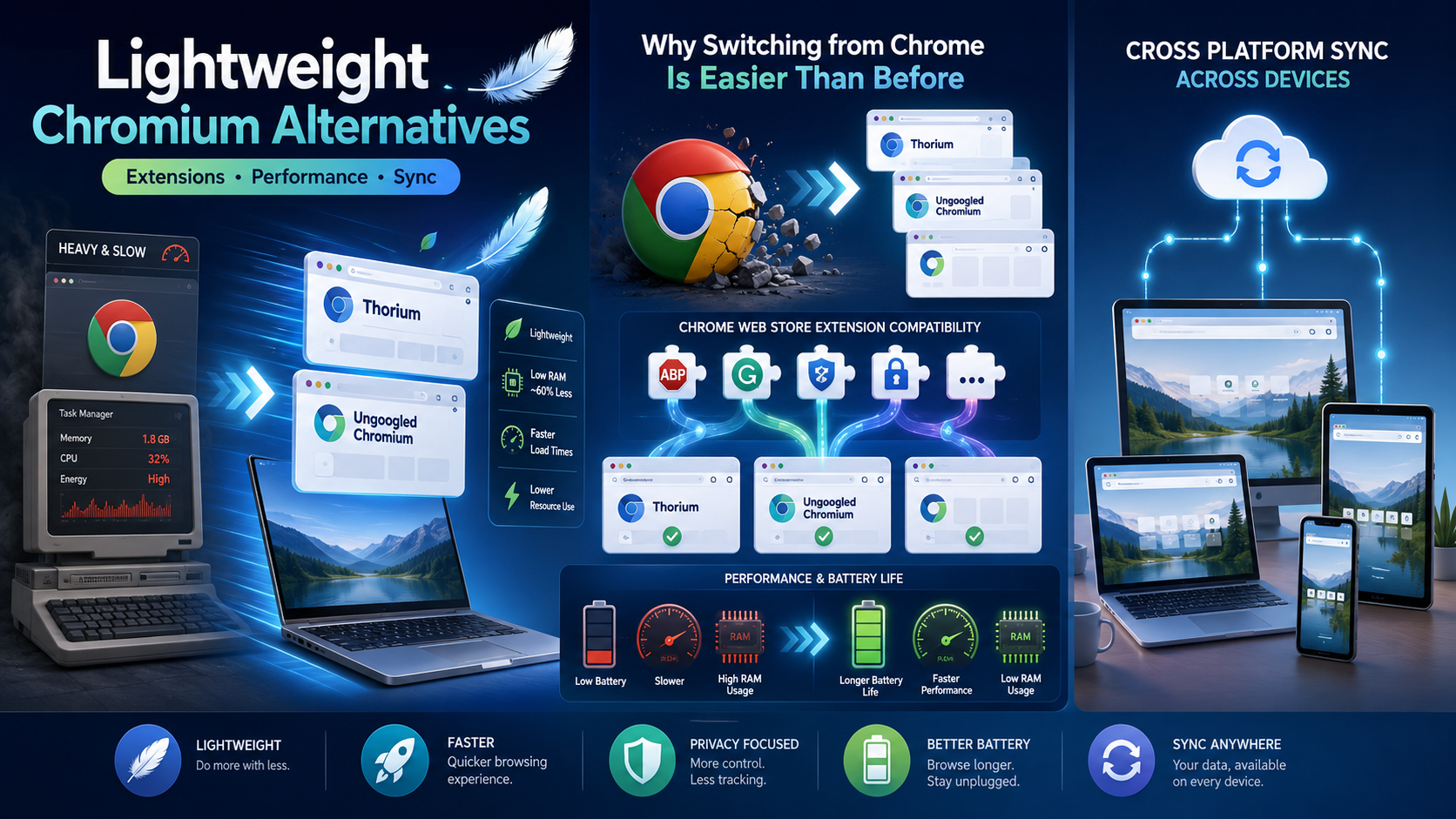
If you are running an older computer and desperately need to free up system resources, there are several lightweight alternatives to Google Chrome. Browsers like Thorium are compiled with advanced compiler optimizations to run faster on specific processors. Alternatively, Ungoogled Chromium offers the absolute barebones Chromium experience, completely severing all ties to Google services for the ultimate minimalist and private experience.
The Biggest Benefits of Switching
Why Switching from Chrome Is Easier Than Before
You might be hesitant to leave your current setup, but moving to alternative chromium based browsers comes with several massive advantages that don't require sacrificing convenience.
- Chrome Web Store Extension Compatibility: One of the biggest fears of switching browsers is losing your favorite tools. Fortunately, because these alternatives share the same foundational code, you retain full Chrome Web Store extension compatibility. Your favorite ad blockers, grammar checkers, and password managers will work flawlessly.
- Performance and Battery Life: Standard Chrome is notorious for draining laptop batteries and eating up RAM. Many alternatives prioritize efficiency, actively reducing browser memory usage so your device runs cooler and faster.
- Cross Platform Synchronization Across Devices: Most modern Chromium alternatives offer their own encrypted sync solutions. You can easily achieve seamless cross platform synchronization across devices, whether you are moving from a Windows PC to an iPhone, or a Mac to an Android tablet.
Actionable Tips: Making the Switch Seamlessly
Ready to take the plunge? Switching browsers takes less than five minutes today. Here is a simple guide on how to migrate bookmarks and passwords to your new browser.
- Download and Install: Choose one of the fast browsers mentioned above (like Brave, Edge, or Vivaldi) and install it on your machine.
- Trigger the Import Tool: Upon the first launch, almost all modern browsers will immediately ask if you want to import your data. If you skip this, simply go to the browser's Settings > Import Bookmarks and Settings.
- Select Your Old Browser: Choose Google Chrome (or whichever browser you are moving from) from the drop-down menu.
- Choose What to Migrate: You will be given checkboxes for Bookmarks, Passwords, Browsing History, and Extensions. Check the boxes you want and click "Import."
- Set as Default: Once you are happy with the new setup, go to your operating system settings and set your new Chromium browser as the default application for web links.
Pro-Tip: If you use a dedicated third-party password manager (like Bitwarden or 1Password), simply download their extension from the Chrome Web Store in your new browser, log in, and all your passwords will instantly be ready to use!
Conclusion
Quick Checklist Before Choosing a Chrome Alternative
The internet landscape has evolved significantly over the past decade, and you no longer have to settle for a one-size-fits-all browsing experience. The rise of chromium based browsers has democratized web development, giving users incredible freedom of choice.
Whether you want the unparalleled privacy of Brave, the deep OS integration of Microsoft Edge, or the boundless customization of Vivaldi, these powerful chrome alternatives ensure you never have to compromise on speed or compatibility. By understanding the technology that powers the web, you can finally take control of your digital life, protect your data, and enjoy a faster, lighter web experience.
Related Blogs
Multilogin vs Hidemium: Full Comparison 2026Multilogin vs Hidemium: quick answerMultilogin vs Hidemium is a comparison between two antidetect browser platforms used for browser profiles, proxy workflows, and multi-account operations. Multilogin is often seen as an established browser profile platform for professional users, while Hidemium is a strong choice for teams that want flexible profile[…]
IP Checker is a feature of Hidemium that automatically matches the location settings of your browser fingerprint profile to your external IP address settings.Web platforms consider a mismatch between system and IP location information a red flag. IP Checker location allows you to avoid this flag IP, fly under the radar, and achieve greater account security.What is IP Checker?When a browser[…]

What Is a Roblox IP Ban?A Roblox IP ban is one of the most severe enforcement actions Roblox can take against a player. Unlike a regular account ban, which restricts a specific username, an IP ban blocks all activity from your internet connection's IP address — meaning every account you try to create or use from that IP will also be blocked.IP bans are typically reserved for the most serious[…]

In the context of global digital transformation, the two most prominent technologies today are AI (Artificial Intelligence) and Blockchain. If AI brings the ability/Intelligent data processing, learning and accurate prediction, Blockchain creates a transparent, decentralized and highly secure platform. When combined, they not only help optimize processes, improve reliability, but also open up the[…]
.png)
Hidemyacc is an Antidetect Browser software designed to protect users from online threats. It offers robust security features and anti-phishing measures, enabling users to create and manage multiple virtual accounts safely and efficiently.In terms of pricing, Hidemyacc is comparable to Hidemium. But does Hidemyacc truly meet expectations in terms of features and quality like Hidemium? Let’s[…]

In the context of relationships with cyber security threats as cyberattacks continue to increase, protecting small businesses from cyberattacks has become a top priority. 2025 marks a turning point with many advanced technology solutions that help small businesses improve their defenses without spending too much money.This article Antidetect Browser Hidemium will introduce Top 13 Cyber Security[…]
