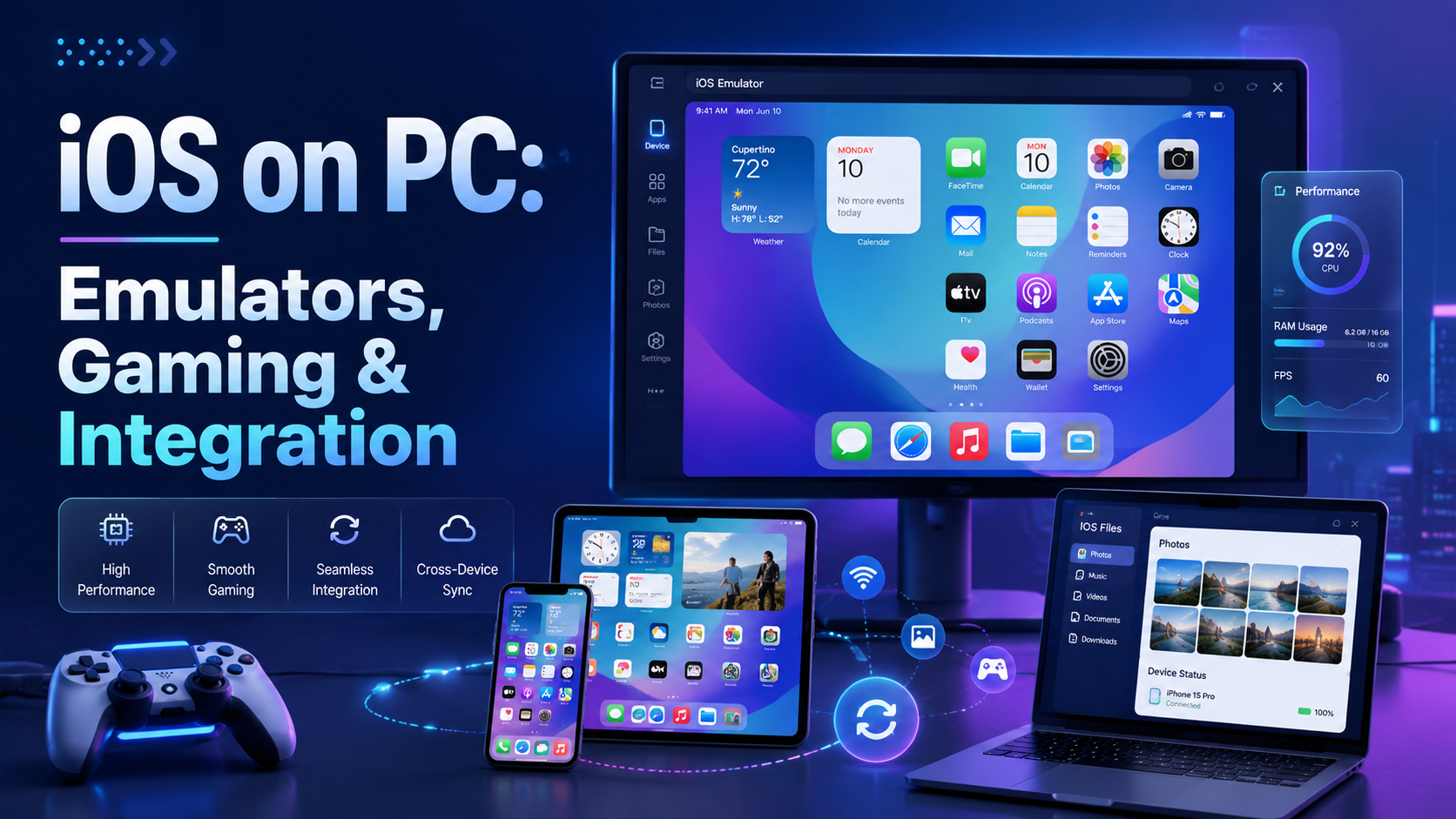

iOS on PC: Best Emulators, Gaming & Integration Guide
Apple's ecosystem is famous for its "walled garden" approach — seamless, secure, and tightly optimized. But what happens when you need to step outside that ecosystem? Whether you are a software developer testing a new application, a gamer wanting a larger screen, or a professional streamlining a cross-platform workflow, the desire to run iOS on PC is incredibly common.
While Windows and Apple have historically operated on entirely different hardware architectures, modern software solutions have built impressive bridges between the two. Running iOS on a laptop or desktop is no longer a pipe dream — but the method you choose matters significantly depending on your goal.
In this comprehensive guide, we will explore everything you need to know: from professional development tools and cloud simulators to mobile gaming workarounds, Windows 11 integrations, and privacy best practices when managing multiple app accounts.

Understanding the Technology: Emulators, Simulators, and Virtual Machines
Before downloading any software, it is vital to understand the underlying technology that makes running Apple software on a Windows PC possible. Many users search for an iOS emulator for PC — but what they actually need often depends on their specific goal.
What Is an iOS Virtual Machine?
A virtual machine (VM) allocates hardware resources — RAM, CPU, storage — to run a separate operating system within a sandboxed window. However, Apple's operating systems are strictly designed for proprietary silicon (A-series and M-series chips). Creating a true, locally hosted iOS virtual machine on standard Windows hardware is both technically difficult and often violates Apple's Terms of Service.
In practice, most users rely on cloud-based VMs or iOS simulators rather than locally hosted virtual machines. These cloud solutions handle the heavy lifting on Apple hardware remotely and stream the result to your browser or desktop client.
iOS Emulator vs. Simulator: Key Differences
Understanding the distinction between an iOS emulator and an iOS simulator will save you hours of frustration — especially if you are building or testing applications.
- Emulators translate the target device's hardware architecture into a language your PC understands. They replicate both the hardware and software environment, making them much heavier to run.
- Simulators only mimic the software environment. They do not replicate the physical hardware and are far easier to run on non-Apple machines.
Because Apple's hardware architecture is proprietary and closed-source, true hardware emulation on Windows is rare. Most of the top-rated tools for testing iOS apps on PC are technically simulators — which is perfectly fine for UI testing, app behavior validation, and developer workflows.
It's also worth noting that every browser environment leaves behind a unique set of signals — screen resolution, installed fonts, timezone, User-Agent string, and more. Running a browser fingerprint test can help you understand exactly how your simulated environment appears to external servers — a detail that matters greatly for developers testing how apps behave across different virtual configurations.
Top Solutions for Developers and Testers
For software engineers working without a Mac, the biggest obstacle is that Apple requires Xcode — which is exclusively available on macOS — to compile native iOS apps. Fortunately, several cloud-based platforms address this directly.

Appetize.io — Cloud-Based iOS Simulator
When looking for the best iOS simulator for Windows developers, cloud-based solutions typically win. Appetize.io is arguably the industry standard for professional mobile testing. Instead of downloading heavy local software, you upload your compiled app directly to Appetize's servers. It then streams a fully interactive iOS interface directly to your web browser — no installation, no Mac required.
- Best for: Client presentations, rapid prototyping, and embedding app demos into websites or documentation.
- Pros: Requires zero local processing power; accessible from any device with a browser.
- Limitations: Requires a compiled app binary — it does not replace Xcode for app compilation itself.
Smartface — Cloud IDE for Cross-Platform Development
Smartface is a strong option for professional development teams. Its integrated cloud environment allows developers to build native iOS and Android apps directly from Windows. By handling compilation and testing remotely on Apple-compliant infrastructure, it eliminates the dependency on local Mac hardware.
Smartface is particularly useful for teams working with cross-platform frameworks who need reliable UI testing on simulated iOS environments without purchasing dedicated Apple devices.
Web Testing Solutions for Frontend Developers
If you are a web developer rather than a native app developer, your primary concern is likely how your website renders on Apple devices — specifically mobile Safari. Browser-based tools and desktop extensions exist specifically for this, simulating the Safari rendering engine on a Windows desktop to ensure CSS and JavaScript behave as expected on iPhones and iPads.
For QA teams managing multiple testing environments or browser profiles across different projects, an antidetect browser like Hidemium provides an efficient way to manage separate browser profiles — each with its own fingerprint, proxy, and cookie environment. This eliminates interference between parallel test sessions and allows teams to simulate different device configurations in isolation, which is especially useful when testing how web applications detect and respond to different browser environments.
How to Play iOS Games on PC
Casual users and gamers have entirely different needs from developers. If you want to know how to play iOS games on PC, the landscape looks noticeably different from the development use case.

Why True iOS Game Emulation on PC Is Difficult
Directly running graphics-intensive iOS games on Windows via emulation is practically impossible due to architectural differences between Apple Silicon and standard x86 processors. The App Store is locked to Apple devices, so there is no straightforward way to install iOS games natively on a Windows PC.
Best Strategies for Playing iOS Games on PC
- Cloud Gaming Services: Many popular iOS games — such as Genshin Impact, Roblox, or Fortnite — have native PC versions or are available through cloud gaming platforms like Xbox Cloud Gaming or GeForce Now. This is the most reliable approach for performance-heavy titles.
- Simulators like iPadian: iPadian simulates the iOS interface on Windows without providing direct App Store access. It includes a custom app store with modified app versions, giving you the aesthetic experience of iOS without true emulation. Best for light usage and UI exploration.
- M-Series Mac Ports: Apple's shift to unified M-series chipsets is causing many iPad apps to become natively playable on Mac desktops. While this applies to Mac users rather than Windows users, it signals a broader trend toward cross-platform mobile-to-desktop gaming.
Bridging the Gap: Windows 11 Integration
If your goal isn't to develop software or play games — but simply to access your iPhone's ecosystem while working on your PC — Windows 11 offers increasingly capable native solutions.
Microsoft Phone Link for iMessage on Windows
Microsoft has updated its Phone Link app to support iOS devices via Bluetooth. While this doesn't run apps natively on your PC, it creates a functional bridge between your iPhone and your Windows desktop.
A frequently asked question is: can you use iMessage on a Windows computer? The answer, as of Windows 11, is yes. Through Phone Link, you can send and receive iMessages, manage notifications, and even make phone calls — directly from your PC without touching your phone.
Screen Mirroring: iPhone to PC via AirPlay
For situations where you need to display your iPhone's screen on a larger monitor — whether for recording tutorials or running presentations — AirPlay-based screen mirroring is the most practical solution. Windows does not support AirPlay natively, but third-party receiver software can turn your PC into an AirPlay destination.
- Reflector: A powerful wireless receiver that mirrors your iPhone or iPad to your PC. Excellent for recording screen tutorials or presenting app demos in meetings.
- LonelyScreen: A lightweight, straightforward AirPlay receiver. Ideal for quick mirroring sessions without complex configuration.

Privacy and Identity Considerations When Using iOS Emulators
Running iOS apps or simulated environments on a Windows PC almost always involves account management — App Store credentials, iCloud logins, developer accounts, and testing identities. This is an area many professionals overlook, and it carries real privacy and security implications.
Managing Multiple Test Accounts and Identities Safely
When developers or marketers manage multiple app testing accounts, or when QA teams run parallel sessions with different user identities, the risk of session crossover and fingerprint leakage becomes significant. Standard browsers share cookies, Local Storage, canvas fingerprints, and WebGL identifiers across sessions — which means that accounts can bleed into each other, triggering platform detection or unintended account associations.
This is where an antidetect browser becomes a practical tool in the workflow. Hidemium is designed specifically for workflows requiring clean, isolated browser sessions. Each browser profile runs with its own fingerprint configuration, proxy, and cookie jar — completely independent from other profiles. This architecture supports use cases like affiliate marketing, e-commerce account management, multi-account social media management, and automation workflows where session isolation is non-negotiable.
For anyone working across multiple platforms simultaneously — whether testing iOS apps with different developer accounts or managing separate client environments — tools that enforce digital identity separation are worth understanding. You can learn more about how browser privacy tools compare in this secure browser guide.
The Reality Check: Managing Expectations
While the tools covered in this guide are genuinely powerful, it is important to have realistic expectations about cross-platform computing.
Apple designs its hardware and software as a unified system. When you attempt to separate them, friction is inevitable. Whether you are using a cloud-based iOS simulator for development or a mirroring app for gaming, a 100% native experience is not achievable on Windows hardware. Tasks like heavy graphics rendering, accessing raw hardware sensors (LiDAR, gyroscope, barometer), and pushing iOS software updates will always require authentic Apple hardware.
That said, the current ecosystem of tools provides more than enough functionality for the vast majority of developers, QA testers, and everyday users who need to bridge the gap between their iPhone and their Windows desktop.
Summary
Running iOS on PC has never been more accessible — but the right approach depends entirely on your goal:
- Developers benefit most from cloud simulators like Appetize.io and Smartface, which eliminate the Mac dependency for testing and UI validation.
- Gamers are best served by cloud gaming services or official PC ports rather than iOS-specific emulators.
- Professionals and everyday users can leverage Windows 11's Phone Link integration for iMessage access, notifications, and calls — or use AirPlay receivers for screen mirroring.
- Security-conscious users and developers managing multiple accounts or test identities should consider dedicated browser profile isolation tools to prevent session crossover and fingerprint leakage.
As cloud technology continues to evolve, the boundaries between desktop and mobile ecosystems will only continue to blur. Tools built for cross-platform professionals — from iOS simulators to antidetect browsers — will become increasingly essential for developers, marketers, and power users working at the intersection of mobile and desktop environments.
Related Blogs
.png)
DNS 1.1.1.1 is the leading DNS service, trusted by many people thanks to its outstanding speed and high security. This is the ideal choice for those who want to enhance their safe and smooth web surfing experience. Together Antidetect Browser Hidemium Learn the details about DNS 1.1.1.1 and how to quickly set it up on your device!1. What is DNS 1.1.1.1? Outstanding benefits when usedDNS (Domain[…]
.png)
In international flash sale campaigns, where time is of the essence and opportunities are fleeting, having an effective tool to assist in your shopping is incredibly important. Antidetect Browser is the solution that helps you manage multiple accounts and participate in flash sales without the risk of detection. This tool changes browser fingerprints, IP addresses, and personal identification[…]
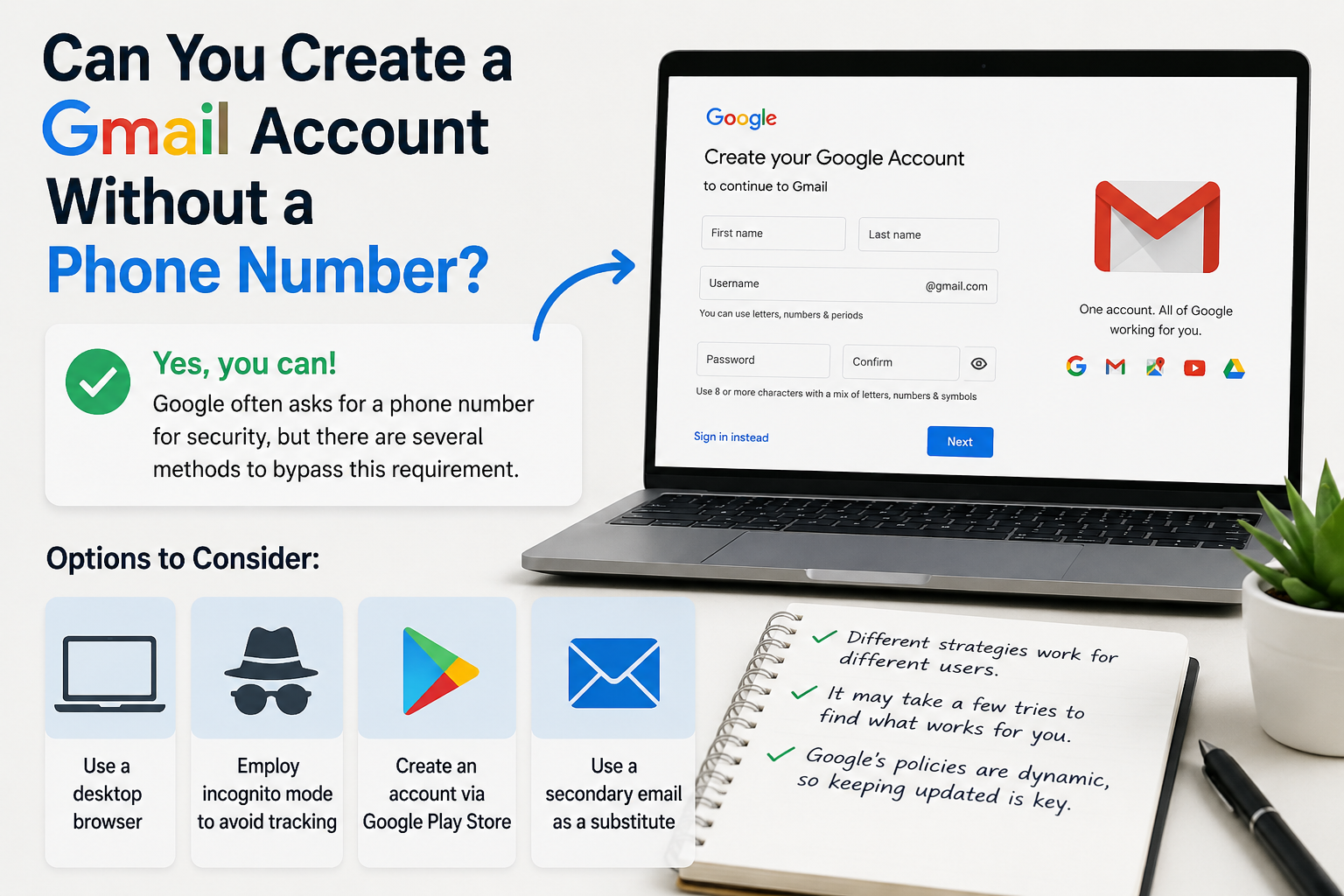
Create gmail with no phone numberCreating a Gmail account without a phone number is possible. Many users prefer this for privacy reasons.Google often requests a phone number for verification. However, there are ways to bypass this step.This guide will show you how to create a Gmail account without providing a phone number.We will explore different methods and tips to achieve this.Whether you're[…]
.png)
Captcha is a popular security tool used on websites to prevent suspicious activities from automated programs (bots). However, Captcha can sometimes be frustrating for users, especially when fast access is needed or when the Captcha becomes overly complex. In this article, we will explore 7 effective ways to bypass Captcha in 2025, allowing you to overcome these barriers legally and safely.1. What[…]
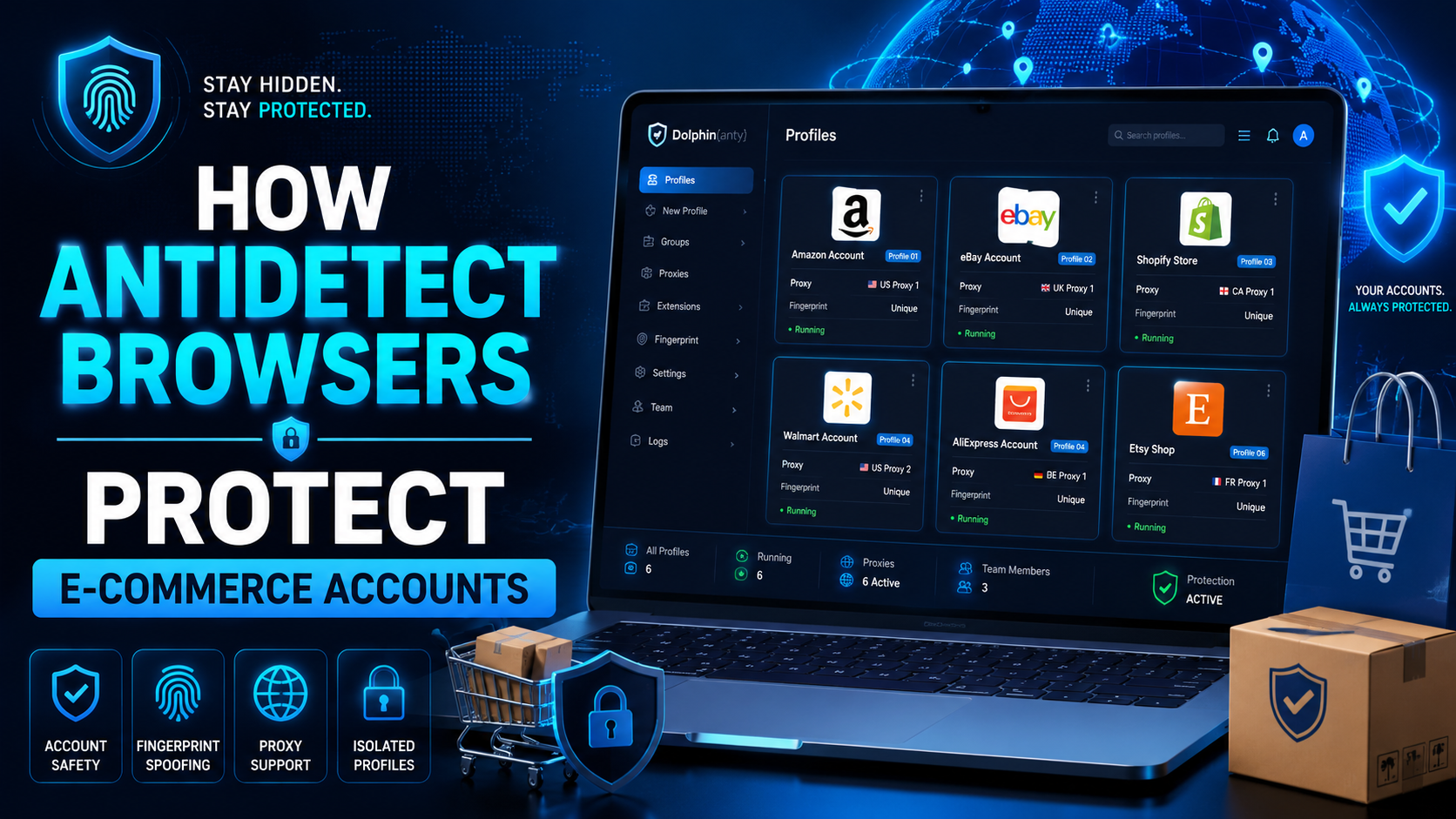
The world of e-commerce and dropshipping is growing rapidly, with more and more businesses looking to take advantage of the opportunities presented by online sales. However, with this growth comes an increase in online fraud, which can lead to account locks, chargebacks, and other financial losses. To prevent these issues, many businesses are turning to use Anti-detect Browser, which provides a[…]

Making money MMO is a phrase that is mentioned a lot today when it helps many people to have a good income without going to the office. According to the Economic Welfare of U.S. Households 2021, released in May 2022 by the Board of Governors of the Federal Reserve System, about 16% of adults are employed. A side job during the month to earn extra income.If you want to make money, you are not[…]
