

What Is an Anti-Fingerprinting Browser?
An anti-fingerprinting browser — also called an antidetect browser — is a specialized browser designed to mask or spoof the unique digital fingerprint your device broadcasts to every website you visit. Unlike a regular browser or even a VPN, an antidetect browser gives each browsing session a completely separate, unique identity at the hardware and software level.
In 2026, browser fingerprinting has become one of the most powerful tracking and account verification methods used by platforms like Facebook, Google, Amazon, and TikTok. If you're managing multiple accounts, running ad campaigns, or doing affiliate marketing, understanding how fingerprinting works — and how to defeat it — is no longer optional.
![Browser Fingerprinting Protection 2026 [Prevent Fingerprints]](https://www.cloudwards.net/wp-content/uploads/2023/05/How-to-Prevent-Browser-Fingerprinting-Protection-You-Need1-800x480.png)
What Is Browser Fingerprinting?
Browser fingerprinting is a technique websites use to identify and track users based on a combination of technical characteristics collected from your browser and device. Unlike cookies, fingerprinting doesn't require storing anything on your computer — the website silently collects data and builds a profile of you.
Here's what a browser fingerprint typically includes:
- User-Agent: Your browser name, version, and operating system
- Screen resolution and color depth
- Installed fonts and plugins
- Canvas fingerprint: A unique image rendered by your GPU
- WebGL fingerprint: Graphics rendering characteristics
- Time zone and language settings
- Hardware concurrency (CPU cores) and device memory
- Audio fingerprint
When combined, these parameters create a fingerprint that is unique to your device — often more reliable than an IP address for identification. Even if you switch proxies or use incognito mode, your fingerprint remains the same.
Why Regular Browsers and VPNs Aren't Enough
Many people assume that using incognito mode or a VPN protects them completely. This is a common misconception:
- Incognito mode only prevents your browser from saving local history. It does nothing to mask your fingerprint — every website you visit still sees the same unique combination of hardware and browser parameters.
- VPNs change your IP address but leave your browser fingerprint completely untouched. Platforms can still identify you by your fingerprint even when your IP changes.
Anti-fraud systems used by major platforms are sophisticated enough to flag accounts that share identical fingerprints. If two accounts log in from the same fingerprint, even from different IPs, both are likely to get banned.
How an Anti-Fingerprinting Browser Works
An anti-fingerprinting browser like Hidemium works by creating isolated browser profiles, each with its own spoofed fingerprint. Here's what happens under the hood:
- Canvas and WebGL spoofing: Each profile renders unique canvas signatures so tracking scripts can't identify you
- Custom User-Agent strings: Each profile reports a different browser and OS combination
- Unique font sets: Different profiles expose different installed fonts to fingerprinting scripts
- Timezone and geolocation matching: The browser timezone is synced with your proxy's geographic location
- Hardware parameter spoofing: CPU cores, device memory, and screen resolution can be configured per profile
- Profile isolation: Cookies, cache, and storage are completely separate between profiles — no data leaks between accounts
Who Needs an Anti-Fingerprinting Browser?
Anti-fingerprinting browsers are used across a wide range of legitimate professional use cases:
- Affiliate marketers who manage multiple ad accounts across Facebook, Google, and TikTok
- E-commerce sellers running multiple storefronts on Amazon, eBay, or Shopify
- Social media agencies managing accounts for multiple clients
- Web scraping professionals who need to bypass bot detection
- Crypto and airdrop hunters managing multiple wallets and profiles
- Privacy-conscious users who don't want to be tracked across the web
Key Parameters to Check When Evaluating Anti-Fingerprinting Browsers
Not all antidetect browsers offer the same level of protection. When evaluating options, look for these critical capabilities:
- Canvas/WebGL spoofing quality: Does it pass fingerprint checkers like Pixelscan and iphey?
- Proxy integration: Does it support HTTP, SOCKS5, and residential proxies?
- Profile management: Can you create, organize, and share browser profiles easily?
- Automation support: Does it integrate with Selenium, Puppeteer, or similar tools?
- Team collaboration: Can multiple team members access profiles simultaneously?
Why Hidemium Is the Anti-Fingerprinting Browser for 2026
Hidemium is built specifically for professionals who need reliable multi-account management without the risk of detection. Here's what sets it apart:
- Complete fingerprint spoofing: Canvas, WebGL, fonts, User-Agent, timezone, and hardware parameters are all customizable per profile
- Built-in proxy management: Add and rotate proxies directly within the app with automatic geo-matching
- Drag-and-drop automation: Automate repetitive tasks without coding — perfect for social media management and e-commerce operations
- Team profiles: Share and manage profiles across your team with role-based permissions
- Regular updates: Hidemium continuously updates its fingerprint database to stay ahead of platform detection systems
Whether you're running 5 accounts or 500, Hidemium gives you the fingerprint control you need to operate safely and at scale.
How to Get Started with Hidemium
Getting started with Hidemium takes less than 5 minutes:
- Download Hidemium for Windows or Mac from the official website
- Create your first browser profile with a unique fingerprint configuration
- Add your proxy (residential proxies work best for social media accounts)
- Launch the profile and log into your account — it will appear as a completely new device
- Repeat for each account you need to manage
Start your free trial today and see why thousands of affiliate marketers, e-commerce sellers, and social media professionals choose Hidemium as their anti-fingerprinting browser of choice.
Related Blogs

You open a profile in Hidemium, but its status stays stuck on “Running Command” and the browser window never appears. Try these five steps in order, checking after each one to see whether it resolves the issue.Method 1 — Check Smart App Control in Windows 11If Windows displays a message saying Smart App Control blocked Hidemium or a related component, check:Windows Security → App & browser[…]

What is the best Incogniton alternative in 2026?The best Incogniton alternative in 2026 is Hidemium—an Incogniton alternative for teams that need more than basic browser profile management. Hidemium is a strong choice for users who want to organize multiple browser profiles, assign proxies, manage team workflows, separate online workspaces, and scale multi-account operations with less[…]
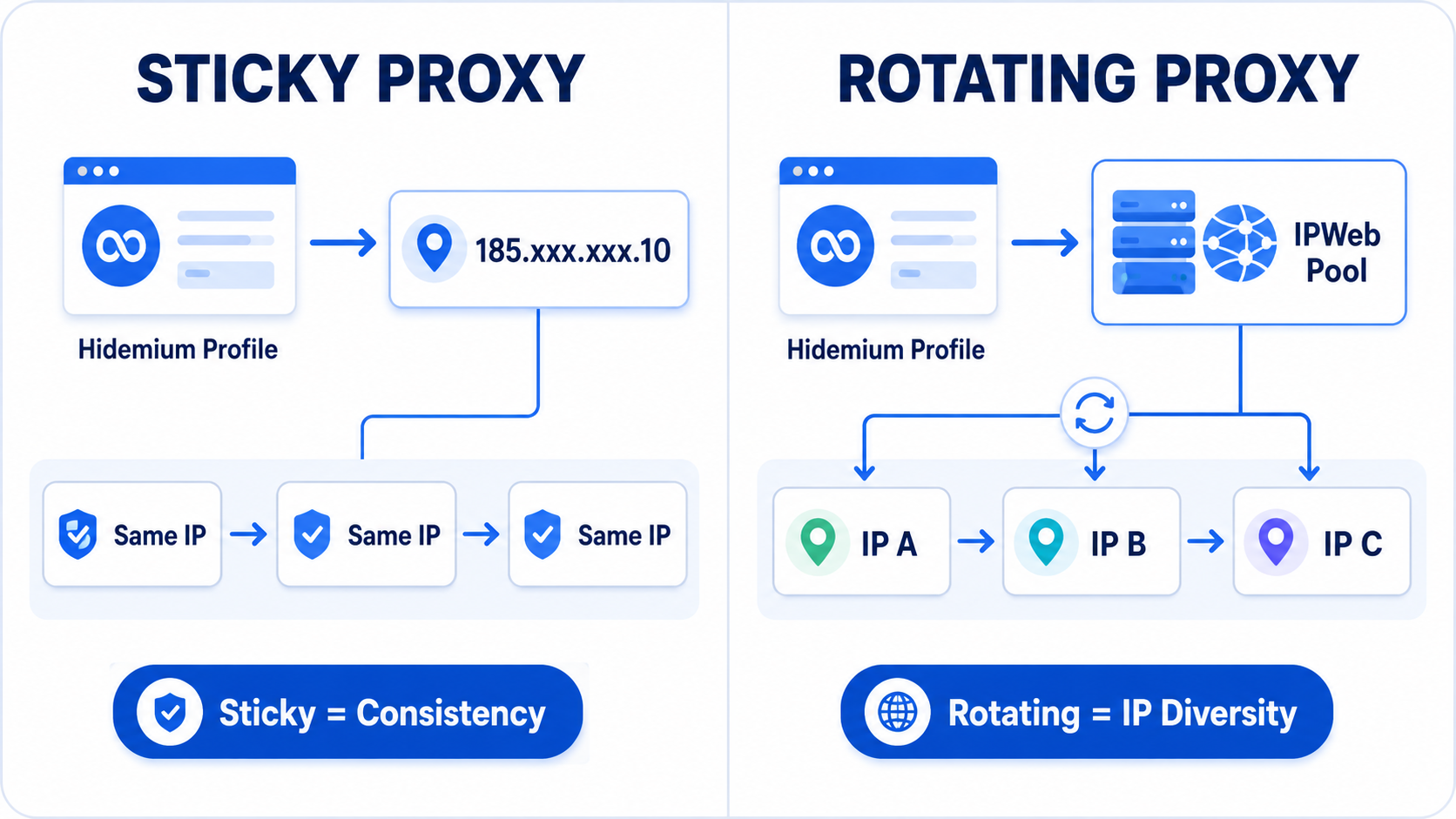
Title:Rotating vs Sticky Proxies for Hidemium: Which IPWeb Setup Should You Use? Meta description:Rotating or sticky proxy for Hidemium? Compare both IPWeb proxy setups, see which works best for stable sessions, research, geo testing and browser profiles. Rotating vs Sticky Proxies in Hidemium: Which IPWeb Proxy Setup Is Right for You?If you're using IPWeb proxies with Hidemium Antidetect[…]

IPv6 (Internet Protocol version 6) is the latest Internet protocol designed to replace IPv4, which is gradually running out of available addresses. With its 128-bit length, IPv6 provides an almost unlimited number of IP addresses while also improving connection speed, security, and support for IoT devices.However, not all users know whether their network already supports IPv6. Below are 4 simple[…]

Managing multiple online identities or scraping data securely requires more than just a browser extension — it demands a reliable proxy solution. If you're using Hidemium, a popular anti-detect browser, combining it with QuarkIP’s high-quality proxy services can take your anonymity, stability, and performance to the next level.In this guide, we’ll walk you through how to set up QuarkIP proxies in[…]

Public Wi-Fi connections are becoming an indispensable part of modern life, especially when you travel, work remotely or entertain yourself at cafes, airports or shopping malls. However, using public Wi-Fi poses many security and privacy risks. In this article, Hidemium will share 5 simple but effective tips to help you stay safer when connecting to public Wi-Fi, avoiding data theft or personal[…]
