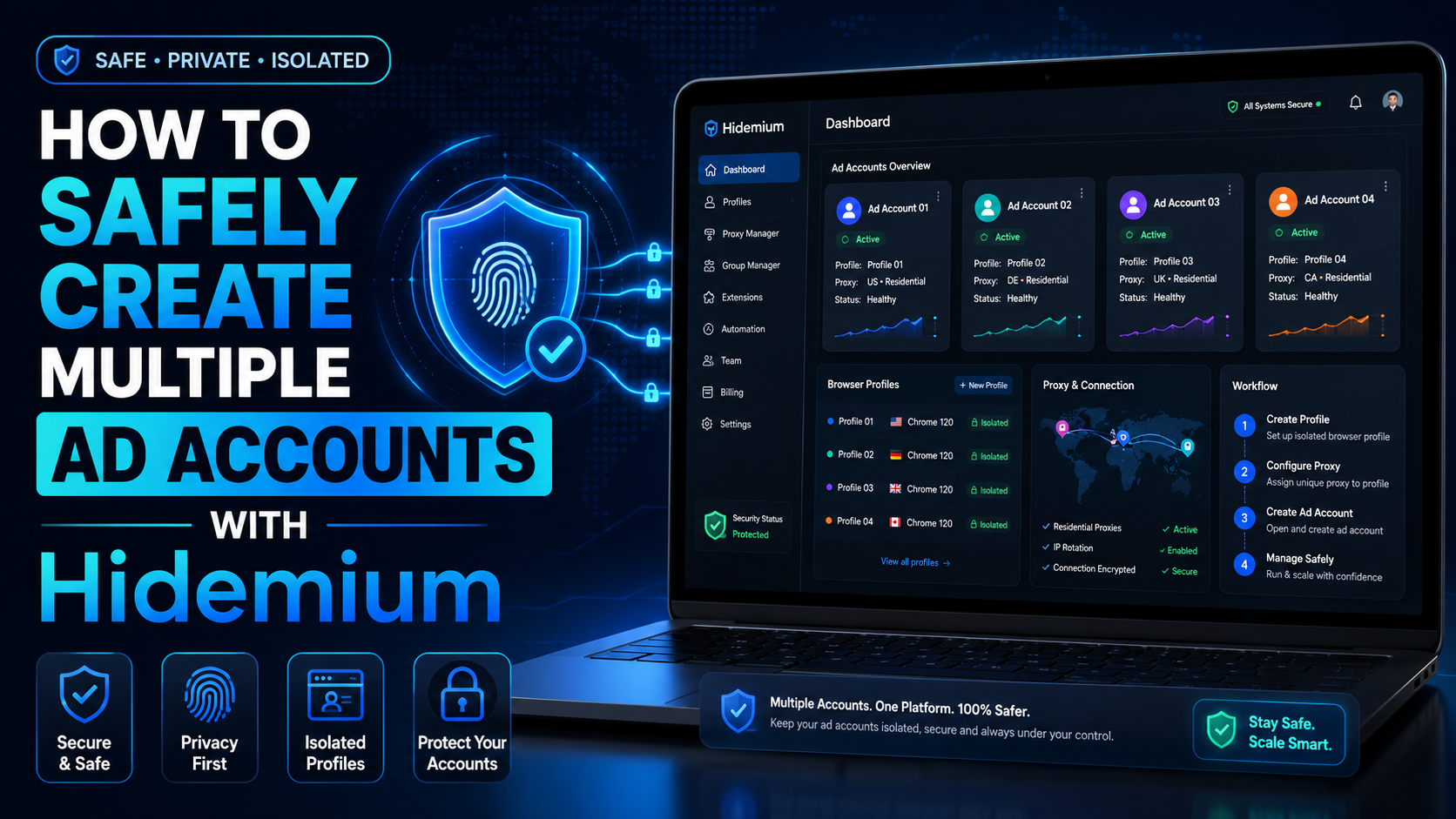

The restricted or locked account is probably a headache for businesses and advertising people. Facebook advertising is the leading trend in promoting online business in the 21st century. Most companies choose to advertise if they want to reach the right potential customers and generate sales quickly. Having an account problem will directly affect revenue.
So how to create multiple Facebook ad accounts and manage them to serve business activities while ensuring safety?
What is an ad account?
Advertising is a function of Facebook that allows users to advertise products they want to sell. To reach the right audience quickly and widely, users need to create an account to run ads and pay for Facebook.
What are the advantages of creating an account to run Facebook ads?
- Reach many potential audiences in a wide range and short time.
- The interface is familiar and easy to use, as most people are familiar with the Facebook platform.
- Directly advertise products without creating a website.
- There are many optional advertising methods.
Facebook ad accounts are currently divided into two types:
Personal ad account – Personal account: a commonly used account type, which is the account when you create Facebook and can run ads by default. However, a personal account only serves a small need simply because it has more limited functionality than a business account.
Business account: This type of account is not used to like, share, or chat like a personal account. The business account is used to develop the brand, manage Facebook Fanpage, etc.
How to create multiple Facebook ad accounts
How to create a personal ad account
- Step 1: Go to facebook.com.
- Step 2: Enter information to create an account.
- Step 3: Click the register button.
- Step 4: Activate the account (get the Facebook code sent to the phone number or email you entered and then enter it in the confirmation box).
- Step 5: Set up other information such as avatar, cover, hometown, etc.
How to create a business ad account
Before creating an ad account, you must create a business manager – Facebook Business Manager.
- Step 1: Need a personal Facebook account, fully updated information, security settings (how to create a personal account above).
- Step 2: Access Facebook Business Manager: business.facebook.com > select the Create account button.
- Step 3: Enter the business name, and email address > select Continue.
- Step 4: Set up information for business accounts: country, address, phone number, website, service purpose > select Submit.
- Step 5: Confirm email and complete registration.
You can now create a business ad account in the business manager.
- Step 1: Open the Account tab > select Ad Account > select Add > select New Ad Account.
- Step 2: Account settings: advertising account name, advertising on behalf of, time zone, currency, payment method > select Create ad account.
- Step 3: Add an account management member; you can choose now or skip to add later.
- Step 4: Receive notification of successful account creation, and the ad account you just created will appear in the business manager.
Create multiple Facebook ad accounts
- With a personal Facebook account: create up to 3 business advertising accounts
- For each business Facebook account: create up to 3 ad accounts.
So how to create more Facebook ad accounts?
Long-term operation with an increasing advertising budget will be a plus point for Facebook to allow you to create more ad accounts.
You can create multiple Facebook accounts by creating multiple individual accounts. But the verification problem needs to be very careful because creating multiple accounts is very easy to be locked out of Facebook.
If you need to create and manage multiple Facebook ad accounts, you can refer to the Hidemium browser anti-detection software. With the ability to create and manage multiple accounts with just one click. Hidemium primarily simulates your profiles working on different real devices, making the platform not detect suspicious signs. Try Hidemium plan now with seven days free trial!
Related Blogs

Nobody sits down in the morning and thinks, today I'll do some digital content creation in my secure browsing environment. You just open the laptop. Coffee if you're lucky. Then it's a cloud editor in one tab, a client's social account in another, some AI tool you found last week in a third, and by about tab fourteen you've forgotten which account you're even logged into. I've done it. Everyone I[…]
.png)
In today's challenging Digital Marketing environment, protecting accounts and safeguarding user information has become a top priority. Antidetect Browser plays a key role in protecting identities and optimizing online marketing strategies. With its ability to mask information and block tracking activities, this tool not only supports the effective management of multiple advertising accounts but[…]

When applied correctly, the 10 Antidetect Browser tips not only significantly reduce the risk of account restrictions but also enhance stability in multi-account management. Close synchronization between browser fingerprints, IP addresses, and access behavior helps platform AI systems assess activity as more natural.In addition, these techniques optimize marketing operations, save management[…]
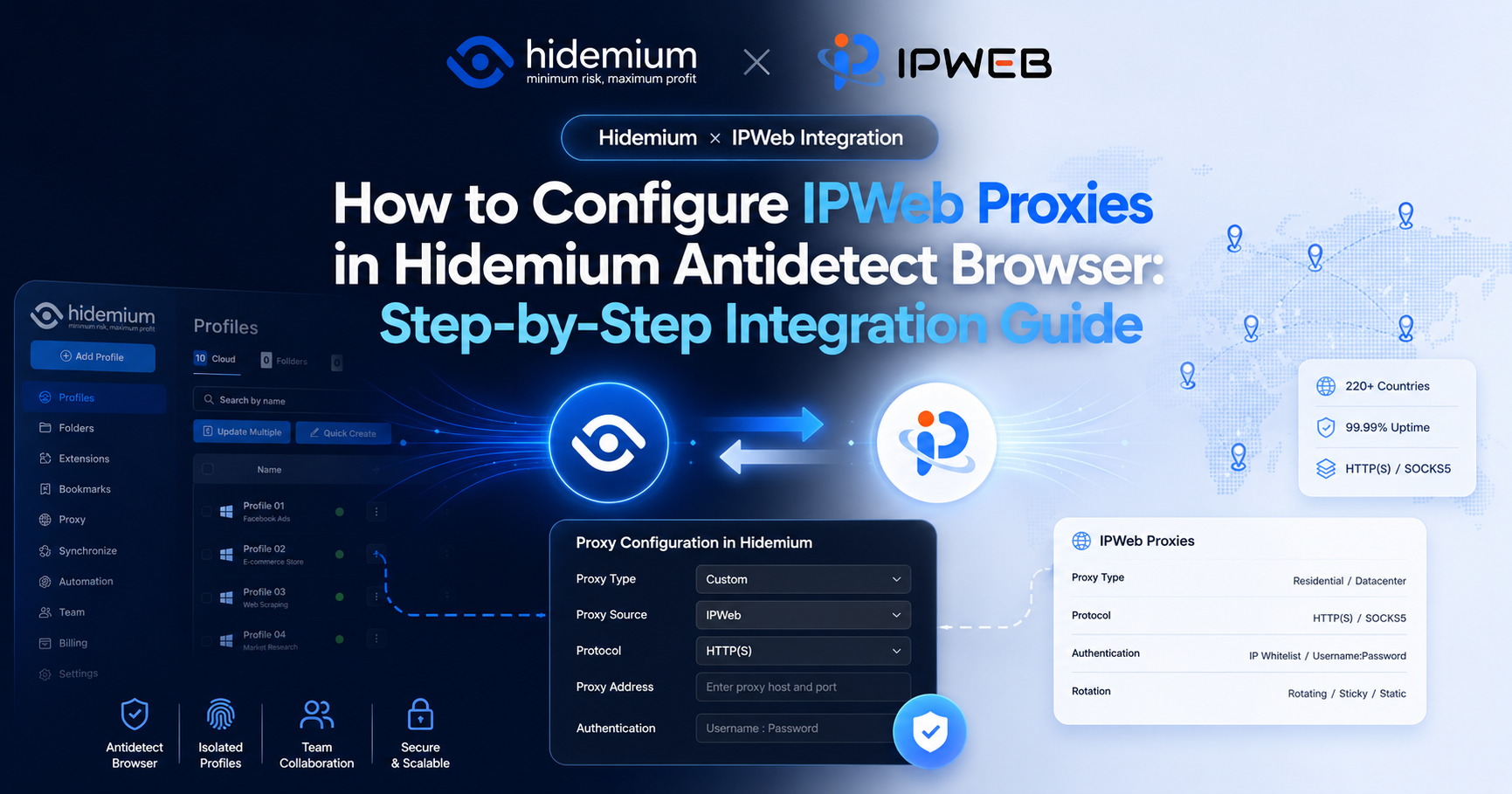
By using IPWeb with Hidemium, users can select proxies from different countries, regions, and proxy types based on the actual needs of each browser environment.This guide uses IPWeb static residential proxies as an example and walks through the entire process, from obtaining an IPWeb proxy to creating a Hidemium browser environment, entering proxy information, and testing the connection.1. IPWeb[…]

Scaling a YouTube channel from a side project into a major marketing asset is a high-stakes endeavor. You need rapid growth to capture the algorithm's attention, but aggressive tactics can trigger YouTube's sophisticated detection systems, putting your entire channel at risk. The central challenge for every ambitious marketer is how to push the boundaries of growth without crossing the line into[…]
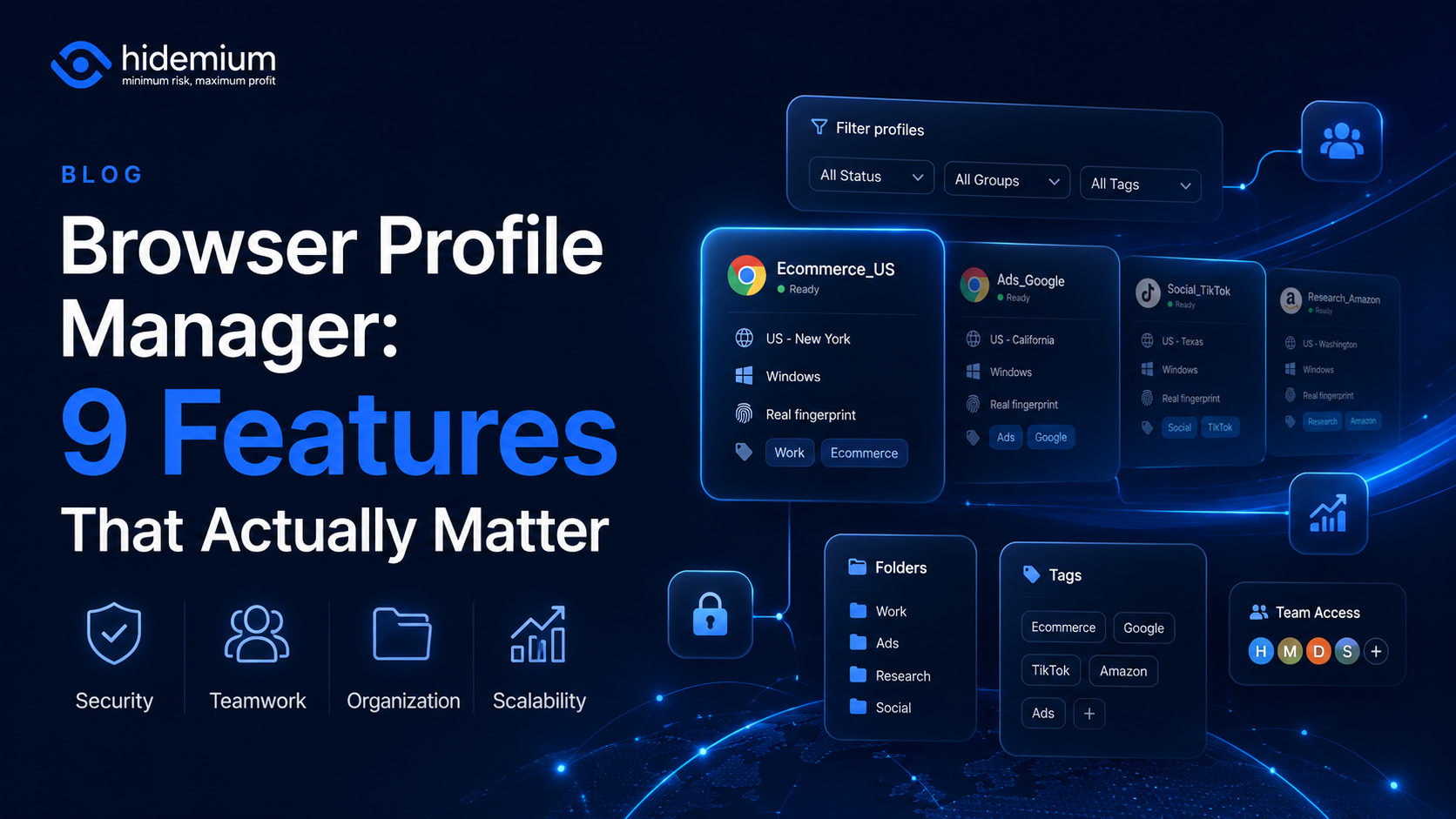
Managing three browser profiles is easy.Managing 10 is still manageable.But once your workflow grows to 50, 100, or hundreds of browser profiles, the problem changes completely.You are no longer asking:“How do I create another browser profile?”You start asking:Which profile belongs to which client?Who is allowed to access it?Which proxy is connected to it?Can another team member use the same[…]
