.png)

In today's online world, user security and privacy are extremely important factors. One of the advanced technologies that help protect personal information and bypass online restrictions is the Fingerprint Browser. When combined with Antidetect Browser software, this technology provides powerful anonymity, protects accounts, and allows users to manage multiple accounts without the risk of detection or account bans. This article will help you understand Fingerprint Browsers and the importance of using them in Antidetect Browser software, along with the security benefits and how they work.
1. What is Fingerprint Browser?
A Fingerprint Browser refers to a set of information related to a user's web browser. This includes details about hardware configuration, software, settings, and user activities on websites. Websites can use this information to identify users uniquely, even when users employ security measures like changing their IP address or using incognito mode. Fingerprints can still be tracked

2. Why is Fingerprint Browser Important When Using Antidetect Browser Software?
When utilizing Antidetect Browser software, altering your browser fingerprint is a critical factor in protecting your accounts from detection and suspension. Here's why:
2.1 Protects Your Accounts from Detection
Online platforms use browser fingerprints to verify user identities. If your fingerprint matches that of another user whose account has been suspended, your account may also be flagged or blocked. Antidetect Browsers help modify your fingerprint, ensuring your account remains secure and undetectable.
2.2 Overcomes Account Creation Limits
Many websites and platforms restrict the number of accounts a user can create. By changing your browser's fingerprint through Antidetect Browser software, you can bypass these limitations and create multiple accounts without issues.
2.3 Enhances Security
Beyond altering browser fingerprints, Antidetect Browser software also offers robust security features such as data encryption and cookie protection. These features safeguard your accounts against attacks or breaches, ensuring your personal information remains secure during web browsing

3. Information Antidetect Browser Needs to Change to Refresh the Fingerprint Browser
To effectively modify the Fingerprint Browser, Antidetect Browser software must implement robust security measures. These measures go beyond altering basic browser details to ensure the user’s fingerprint cannot be detected by online platforms.
Information That Needs to Be Changed:
Browser Version:
Antidetect Browser software should change the browser version to make your browser appear as a completely new version. This avoids detection through fixed fingerprints associated with older versions.Browser Settings:
To ensure your fingerprint is unique, the Antidetect Browser must modify browser settings, including language preferences, geographic location, and installed extensions. These changes make your browser appear as if it is being used by a completely different individual, effectively obscuring your fingerprint.Browser Behavior:
Antidetect Browsers must also adjust browser behavior, including how the browser interacts with and responds to websites. This reduces the chance of detection through browsing habits and actions, which are critical components of online fingerprinting.
In addition, Antidetect Browser software must be regularly updated to maintain the effectiveness of these security measures and prevent websites and online platforms from detecting changes in your fingerprint.
4. Tips for Effectively Using Antidetect Browser Software
4.1 Choose a Reliable Software Provider
There are numerous Antidetect Browser providers in the market today. Take the time to research and select reputable providers that offer strong and effective security features to protect your personal information.
Hidemium stands out as a trusted provider of modern, fast, and efficient Antidetect Browser solutions. It offers one of the most generous trial packages in the market, granting free access to clean proxies that are refreshed daily for optimal performance. Users can create up to 1,000 profiles during the trial period, ensuring the highest quality experience before committing.
4.2 Use a VPN for Enhanced Security
A VPN is an excellent tool to safeguard your privacy. By encrypting all traffic and hiding your IP address, a VPN not only ensures safe browsing but also prevents tracking and identification by online platforms.
4.3 Be Cautious with Personal Information
Always stay vigilant about the personal information you share online. Avoid disclosing sensitive data such as your name, address, phone number, or other private details on public platforms to minimize the risk of information leaks or account bans.
By following these tips, you can safely and effectively use AntiDetect Browserr software, protecting your accounts from detection and suspension risks.

Conclusion
Fingerprint Browser is a critical element when using Antidetect Browser software. It not only protects your accounts but also helps overcome restrictions imposed by online platforms. With superior and flexible security capabilities, Antidetect Browsers provide an optimal solution for users who need to manage multiple accounts or safeguard their personal information online.
For further assistance, contact us at Hidemium.io
Related Blogs
.png)
Kameleo is one of the highly rated Antidetect browsers, supporting users to safely manage multiple accounts on the same device. Since its launch in 2018, Kameleo has attracted the attention of a community of users concerned about privacy and security of personal information online. So in 2025, will Kameleo still be a reliable choice? Let's go together Hidemium Explore details in the article[…]
Creating an account to sell on Amazon is not easy for sellers. However, locked Amazon accounts are even more common problems. Losing an account is a significant loss for those who trade even for a day. This is unavoidable in the sales process. So what can you do when Amazon ban your account? Or how to minimize these risks? Find out below!What is a suspended Amazon account? Sanctions from[…]

Multilogin has affirmed its position thanks to its stable operation and has been on the market for a long time. However, this tool also attracts attention because of its high price and customized support mode according to customer size.Notably, with the latest Multilogin X update, Multilogin has made great strides, leading many to question whether this is a worthy investment. In this article, we[…]
.png)
Managing multiple online accounts has become an essential part of building a strong digital presence for businesses. Tools like AdsPower Browser, GoLogin, Hidemium, and other antidetect browsers are proving to be crucial in optimizing multi-account management, ensuring businesses operate efficiently and securely.According to Hidemium, the trend of using secure multi-account browsers is set to[…]
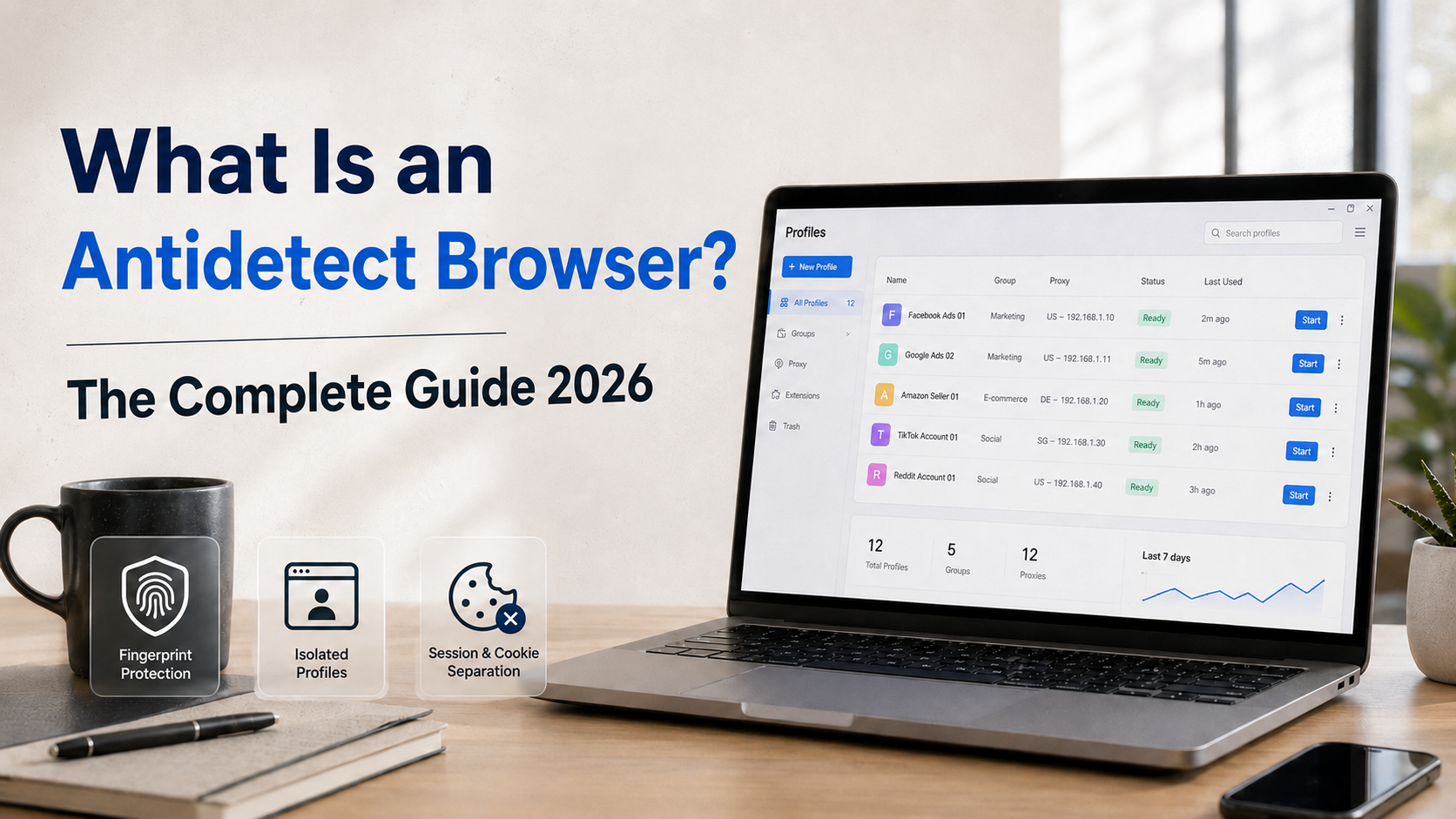
Are you managing multiple accounts on Facebook, Google, or Amazon but constantly getting banned due to "duplicate IP" or "fingerprint detected"? This is a common problem that thousands of marketers and sellers face every day. And the solution that more and more experts are turning to is the antidetect browser.So what is an antidetect browser, how does it work, and who should use it? This article[…]

As campaign scale increases, managing multiple advertising accounts on a single computer becomes a necessity for media buyers and agencies. However, using conventional browsers like Chrome to log into multiple Facebook Ads accounts carries a significant risk of “mass suspension”—a single account violation can potentially impact the entire system.The root cause lies not only in ad content, but[…]
