.png)

Beyond the Bot: How to Humanize AI and Safely Bypass AI Detection
The year 2026 has brought us to a strange crossroads. On one hand, we have large language models that can write poetry, code, and 3,000-word essays in the blink of an eye. On the other, we have an "AI police force"—detectors like Turnitin, Originality.ai, and GPTZero—that are getting increasingly aggressive.
If you’re a student or a non-native English speaker, you’ve probably felt the sting of this digital tug-of-war. You use AI to help structure your thoughts, only to be accused of "cheating" because a machine decided your syntax was too clean. It’s frustrating, right?
In this guide, we’re going to dive deep into how to humanize AI text and effectively bypass AI detection without losing your message or your integrity. Whether you’re trying to polish a term paper or make your business emails sound less like a template, here’s how to bridge the gap between silicon and soul.
The "ESL Tax": Why Non-Native Speakers Get Flagged
Before we talk about tools, let’s address the elephant in the room: AI detectors are often biased against non-native English speakers.
When you learn English as a second language, you tend to follow grammatical rules strictly. You use standard sentence structures and common vocabulary. Ironically, this "perfect" adherence to rules is exactly what AI detectors look for. They search for predictability. Because your writing is clear and structured, the software assumes a bot wrote it.
This is the "ESL Tax." You’re being penalized for writing correctly. This is where the need to humanize AI output becomes a necessity, not just a trick. You need to inject the "messiness" of human thought back into the prose to prove that there is a person behind the screen.
What Does it Actually Mean to "Humanize AI"?
To humanize AI is to adjust the two primary metrics that detectors use: Perplexity and Burstiness.
1. Perplexity (The "Randomness" Factor)
Perplexity measures how complex and "random" a text is. AI models are trained to predict the next word in a sequence. Therefore, they usually choose the most statistically likely word. Humans, however, are unpredictable. We use idioms, metaphors, and occasionally, weird word choices that a computer wouldn't prioritize. To bypass AI, you need to increase the perplexity of your writing.
2. Burstiness (The "Rhythm" Factor)
AI tends to produce sentences of very similar length and structure—it’s a steady, monotonous hum. Humans write in "bursts." We might follow a long, flowery, descriptive sentence with a short one. Like this.
By varying your sentence length and structure, you create a "pulse" in your writing that detectors recognize as inherently human.
How to Bypass AI Detection: A Step-by-Step Strategy
If you have a draft generated or assisted by AI, you can’t just copy-paste it and hope for the best. You need a workflow. Here is the professional SEO approach to ensuring your content stays under the radar.
Step 1: Use a Specialized "Humanizer" Tool
Manual editing is great, but when you're on a deadline, you need efficiency. Tools designed to humanize AI text work by re-writing your content to specifically target those perplexity and burstiness metrics.
These aren't just basic "spinners" that swap words for synonyms. Modern humanizers use their own localized LLMs to restructure sentences entirely, ensuring the flow is natural while scrubbing the "digital fingerprint" left by models like GPT-4 or Claude.
Step 2: Inject Personal Anecdotes and "I" Statements
AI is great at facts, but it’s terrible at lived experience. One of the easiest ways to bypass AI detection is to add a sentence or two about a personal observation or a specific local context.
- AI version: "The coffee in Paris is known for its rich flavor."
- Humanized version: "I remember sitting at a rainy cafe in Montmartre; the espresso was so bitter it woke up my soul, but that’s exactly how the locals like it."
A detector will see that personal narrative and immediately lower its "AI likelihood" score.
Step 3: Break the "Perfect" Grammar
We aren't suggesting you write poorly. However, adding a rhetorical question, a dash of slang (if appropriate), or a starting a sentence with "And" or "But" can make a world of difference. AI models are often programmed to be "too" formal. By loosening the tie, you make the text look human.
Why Students are Turning to Humanization Tools
Academic integrity is a hot topic, but the reality for students in 2026 is that AI is a permanent part of the educational landscape. Students use AI as a tutor, a brainstormer, and a structural architect.
The problem arises when a student does the research and uses AI to help draft the content, but the university's detector flags it as 100% AI. To protect their grades and their reputation, students are learning to bypass AI filters by:
- Re-formatting: Changing lists into narrative paragraphs.
- Active Voice: AI loves the passive voice. Switching to active voice often fools simple detection algorithms.
- Cross-referencing: Manually adding citations that the AI didn't provide.
The Role of SEO in Humanized Content
If you’re a blogger or a marketer, simply trying to bypass AI isn't enough. You also need to rank on Google. In 2026, Google’s "Helpful Content" updates have made it clear: they don’t care if you used AI, as long as the content is high-quality, original, and helpful.
Ironically, the steps you take to humanize AI text—adding personal insights, varying sentence structure, and using unique vocabulary—are the exact same things that help your SEO. Google loves "E-E-A-T" (Experience, Expertise, Authoritativeness, and Trustworthiness). A generic AI-generated article has zero "Experience." By humanizing it, you’re essentially adding the SEO "secret sauce."
Tools of the Trade: What Actually Works?
When looking for a tool to help you humanize AI, look for these features:
- Contextual Awareness: The tool shouldn't just change "happy" to "glad." It should understand the whole paragraph.
- Multiple Modes: It should offer "Standard," "Academic," and "Creative" modes to match your specific needs.
- Integrated Detection: The best tools show you the "Before" and "After" AI detection scores in real-time.
Pro Tip: Always do a final "read-aloud" pass. If you can read the entire article out loud without tripping over your tongue, you’ve likely successfully humanized it.
Ethical Considerations: Use AI as a Bridge, Not a Crutch
We have to be honest: the goal of using tools to bypass AI detection should be to protect your original ideas from being unfairly flagged. It shouldn’t be used to submit work you didn’t actually think about.
AI is an incredible co-pilot. When you use a humanizer, you are essentially "polishing" the digital output to reflect your true intent. Especially for non-native speakers, these tools are an equalizer—they allow your brilliance to shine through without the barrier of "robotic" sounding English.
Conclusion: The Future is Hybrid
The battle between AI writers and AI detectors is an arms race that shows no sign of slowing down. However, the winner will always be the writer who knows how to blend the two.
By learning how to humanize AI and strategically bypass AI detection, you aren't "gaming the system"—you are mastering the tools of the modern age. You are ensuring that your voice, your perspective, and your hard work aren't silenced by an algorithm that doesn't understand the nuance of human creativity.
Related Blogs
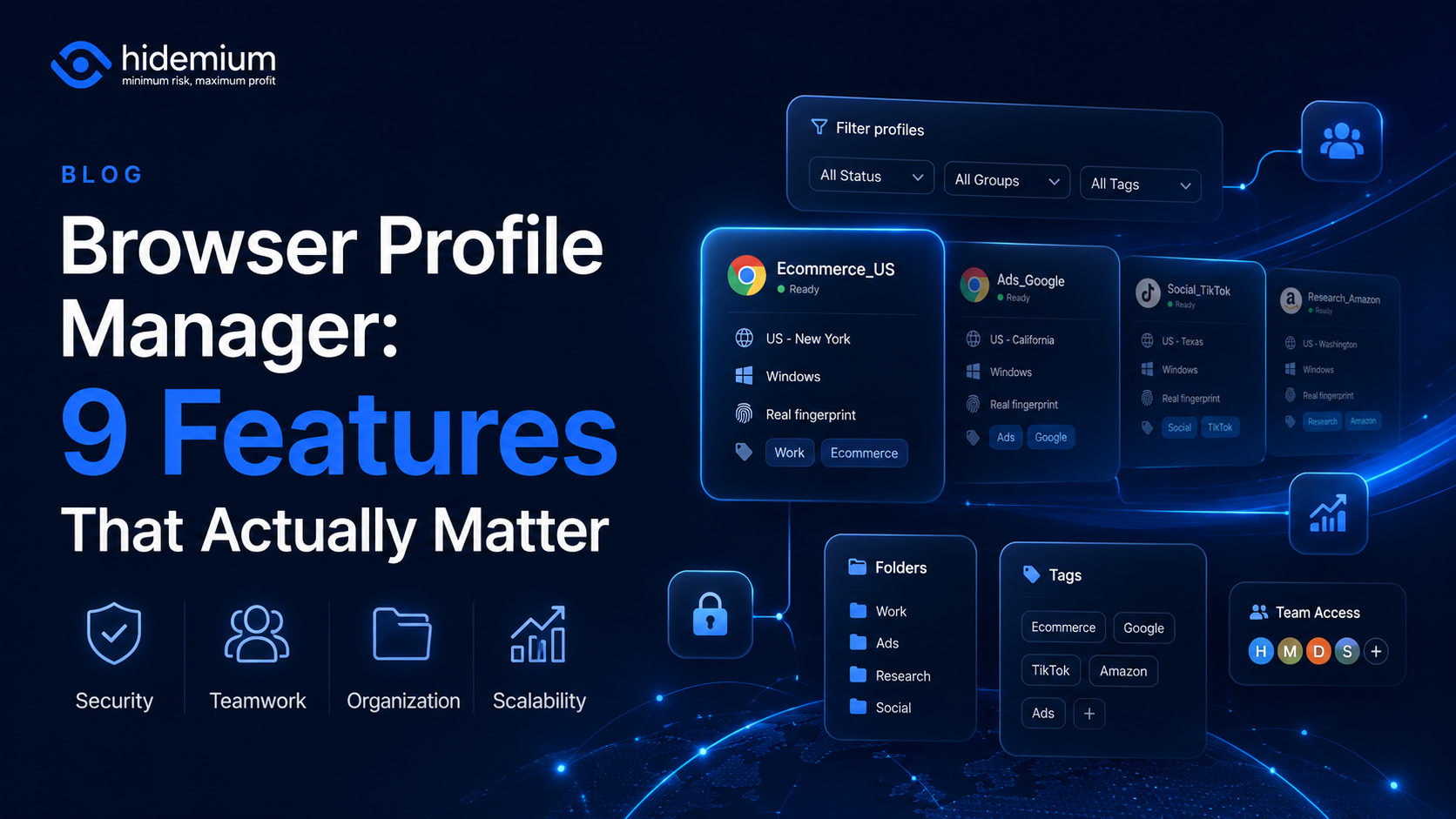
Managing three browser profiles is easy.Managing 10 is still manageable.But once your workflow grows to 50, 100, or hundreds of browser profiles, the problem changes completely.You are no longer asking:“How do I create another browser profile?”You start asking:Which profile belongs to which client?Who is allowed to access it?Which proxy is connected to it?Can another team member use the same[…]
.png)
In an age where digital privacy is increasingly emphasized, anonymity on the Internet is more than just changing IP address. Websites today can identify users through browser fingerprint – set of unique device parameters. If you are active in the field of making money online and need to create a large number of accounts on the same device, the risk of your account being locked is very high. In[…]
.png)
In multi-account operations, e-commerce monitoring, and ad verification scenarios, browser environment isolation and reliable proxy services have become essential “infrastructure.” For users of multi-account browsers like Hidemium, choosing a stable, secure, and widely covered residential proxy service is crucial.This article will introduce you to IPPeak, explain why it’s worth considering, and[…]

If your Amazon seller account is suspended, the most important thing is timely handling. This not only disrupts business operations, but also directly affects revenue and cash flow. The good news is that most suspensions can be reinstated if you understand the cause and know how to appeal properly.In this article, we will guide you through how to check your Amazon account suspension status,[…]

I tested three platforms that all claim to turn ideas into moving images quickly. The goal was simple: run the same set of everyday tasks and note where each tool helped or slowed me down. No rankings. Just observed differences.Starting Point and Test SetupI used three recurring needs. First, a short text prompt for a mood scene. Second, a product photo that needed motion. Third, a short script[…]

The best iubenda alternative depends on how far your needs run past a cookie banner.Enzuzo: best for small and growing businesses, ecommerce, and agencies that want consent plus privacy tools (DSARs, policies, multi-domain) without enterprise pricing.Ketch: best if you want a platform you won't outgrow, with a genuinely complete free plan.Osano: best for growing teams that need more than a banner[…]
