.png)

Captcha is a popular security tool used on websites to prevent suspicious activities from automated programs (bots). However, Captcha can sometimes be frustrating for users, especially when fast access is needed or when the Captcha becomes overly complex. In this article, we will explore 7 effective ways to bypass Captcha in 2025, allowing you to overcome these barriers legally and safely.
1. What is Captcha and Why is it Used?
Captcha, short for "Completely Automated Public Turing test to tell Computers and Humans Apart," is an automated test designed to distinguish humans from bots. It often appears as distorted characters, image recognition tasks, or simple questions that humans can easily solve but bots cannot.
The main purposes of Captcha include:
Preventing automated attacks like spam, fake account creation, or unauthorized access.
Protecting websites from malicious bot activities.
Ensuring fairness in online activities such as ticket purchasing or survey participation.
However, frequent or overly complicated Captchas can inconvenience users, driving the need for effective bypass methods.
Why Bypass Captcha?
Users might want to bypass Captchas to save time, improve browsing experience, or assist legitimate activities like software testing. However, bypassing Captcha for illegal purposes is not encouraged and can lead to legal consequences.

>>> Learn more: Top 13 Best Captcha Solving Services in 2025
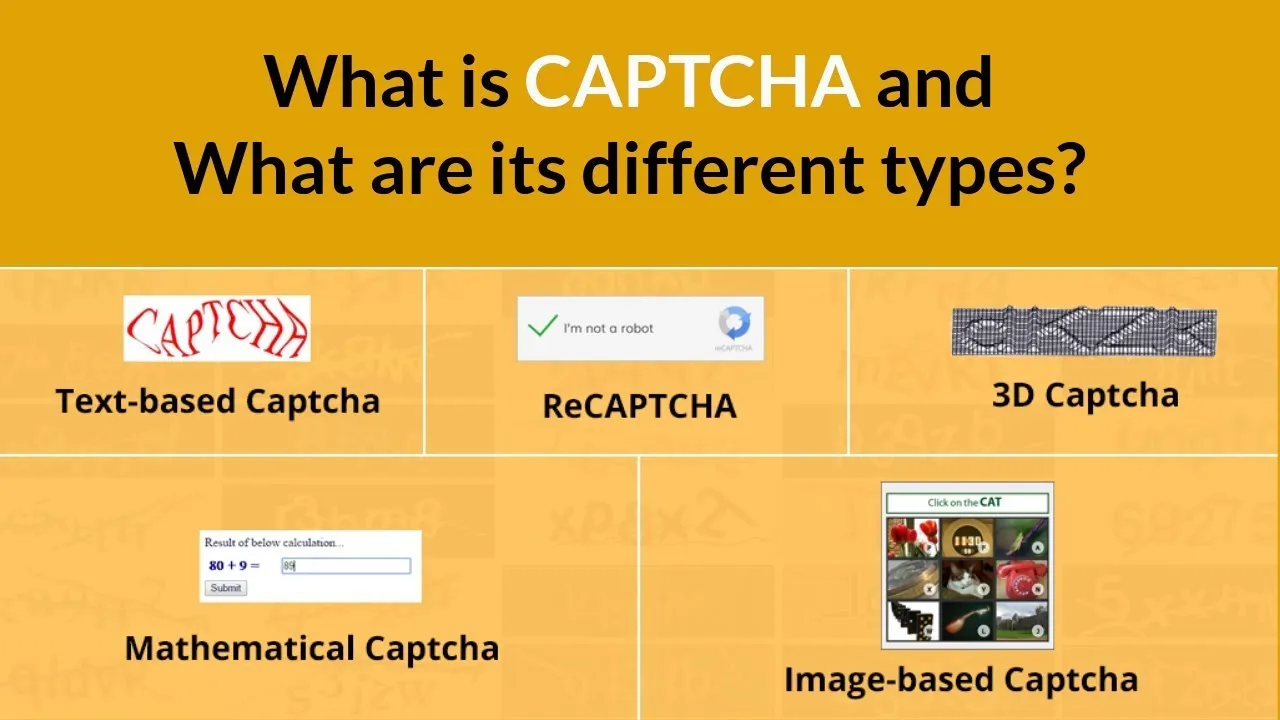
2. Common Types of Captcha
Before learning how to bypass Captcha, let's take a look at the most common types today:
Captcha Type | Description |
| Text-based Captcha | Users enter characters shown in a distorted image, often hard to read. |
| Audio Captcha | Users listen and input the spoken characters, suitable for visually impaired individuals. |
| Image selection Captcha | Users select images matching a description, e.g., "select all images with cars." |
| Drag-and-drop Captcha | Users drag a puzzle piece to the correct position to complete an image. |
| reCaptcha | Google's advanced Captcha requiring image selection or solving a challenge. |
| Mathematical logic Captcha | Users solve a simple math problem, e.g., "2 + 3 = ?" |
Each type of Captcha has its own mechanism but shares the common goal of distinguishing humans from bots.
3. 7 Most Effective Ways to Bypass Captcha
3.1 Change Your IP Address Using a Proxy or VPN
Use a proxy or VPN to change your IP address. Many websites trigger Captchas when they detect unusual activity from an IP, such as repeated access. Changing your IP helps you avoid being flagged as a bot. Use reputable VPN services like NordVPN or ExpressVPN. Install the VPN, select a server from a different location, and revisit the site.
Note: Avoid free proxies as they are often unstable and easily blocked. With Hidemium Antidetect Browser, you can integrate proxies for automatic IP rotation.
3.2 Enable Cookies
Enable cookies in your browser so websites can recognize you as a returning user. Cookies store session data, reducing the chance of Captchas being triggered.
Go to your browser settings (Chrome, Firefox, etc.) and enable cookie acceptance. Avoid clearing cookies after each session.
Some websites require cookies for proper functionality. With Hidemium Antidetect Browser, you can easily manage cookies for each browser profile.
3.3 Interact Naturally
Perform human-like actions on websites, such as random mouse movements, scrolling, or clicking different areas. Natural behavior helps avoid Captchas triggered by bot detection.
Take a few seconds to scroll, click non-essential links, or move your mouse around before submitting forms. Avoid acting too quickly or repetitively.
Advanced Captchas like ReCaptcha analyze user behavior, so natural interaction is a simple yet effective tactic.
3.4 Avoid Using Incognito Mode
Incognito mode doesn’t save cookies or browsing history, making websites suspect you're a bot. Use normal browsing mode to reduce Captcha frequency.
Open your browser in regular mode and ensure cookies are enabled. If you need privacy, use Hidemium Antidetect Browser to create separate profiles that still store cookies.
While incognito mode is good for privacy, it’s not ideal for avoiding Captchas.
3.5 Update Browser and Plugins
Ensure your browser and plugins (such as ad blockers) are updated to the latest versions. Outdated software can cause security vulnerabilities, triggering Captcha systems.
Check for updates in your browser settings and plugin stores. For example, update uBlock Origin or NoScript to prevent Captcha conflicts.
Some ad-blocking plugins may unintentionally trigger Captcha — temporarily disable them if necessary.
3.6 Use an Antidetect Browser
Hidemium offers an Antidetect Browser that creates unique "fingerprints" for each browsing session. This helps avoid bot detection and reduces the frequency of Captchas.
Download the Antidetect Browser from Hidemium, create new browser profiles, and integrate proxies if needed. This tool is ideal for multi-account management and software testing.
It is suitable for technical users, but must be used legally to avoid violating terms of service.
3.7 Use Automatic Captcha Bypass Tools
Use services like AntiCaptcha or Hidemium's API to automatically solve Captchas using AI or human workers. These tools easily integrate with automation systems.
Register for an account with Hidemium or AntiCaptcha, obtain an API key, and integrate it into your software. Hidemium offers free solutions for certain Captchas.
Only use reputable services and comply with legal regulations. Abuse may lead to account suspension.
4. Conclusion
Captcha plays an important role in security, but sometimes it can hinder automation processes. The bypass methods in this article can help you overcome these barriers efficiently. However, always use them responsibly and only when necessary.
If you are a Facebook advertiser or need a solution to protect your account from being locked, Hidemium Antidetect Browser is a great choice. It helps you create multiple browser profiles, change IP addresses with proxies for each account, and integrates advanced features like Cookie import, resource sharing, and workflow automation.
>>> Learn more:
Related Blogs
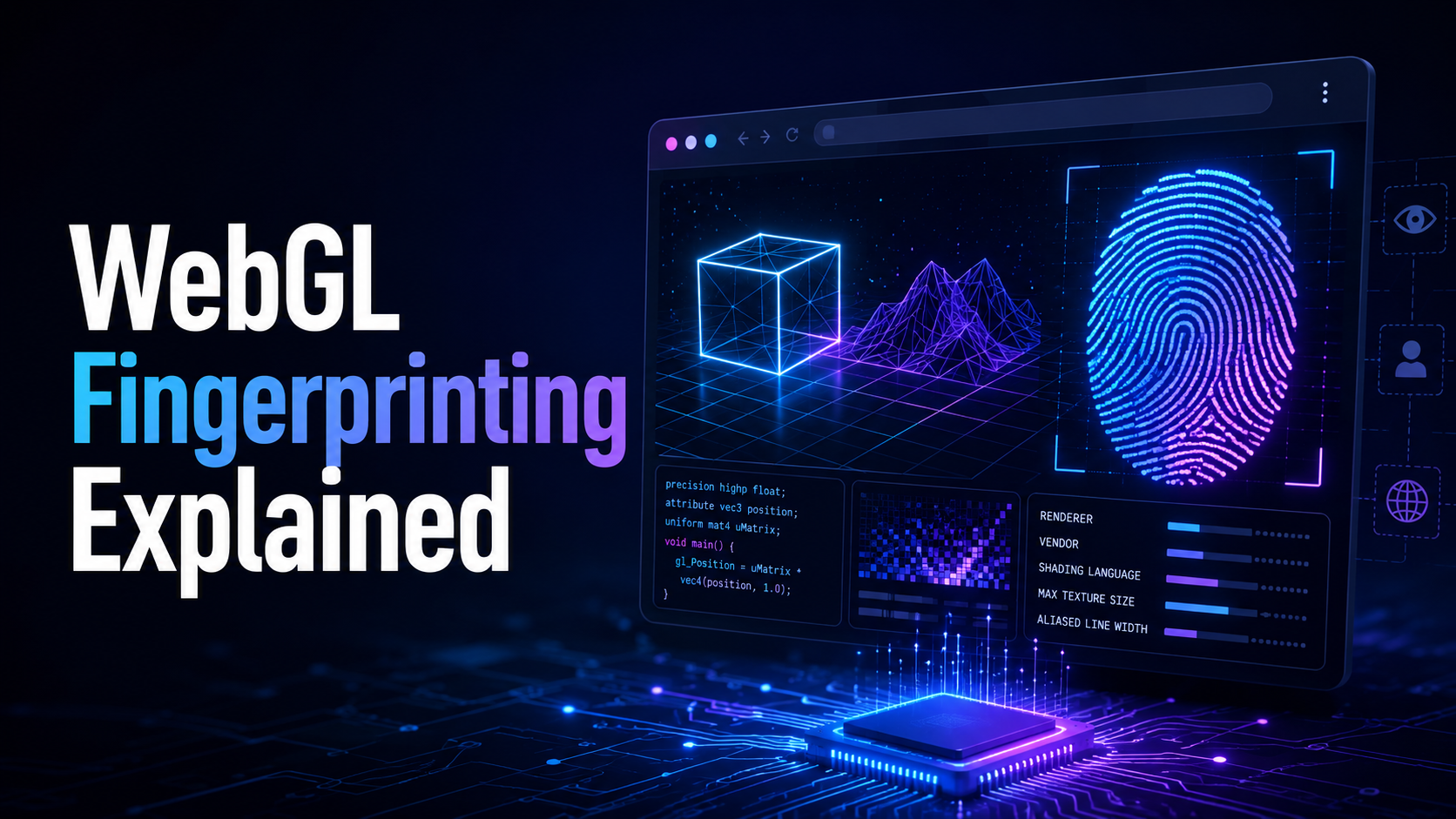
What is WebGL fingerprinting?WebGL fingerprinting is a browser fingerprinting technique that uses WebGL graphics rendering to collect signals about your GPU, graphics driver, browser, operating system, and rendering behavior. Websites can use these signals to help recognize a browser or evaluate whether a browser environment looks consistent and natural.WebGL stands for Web Graphics Library. It[…]
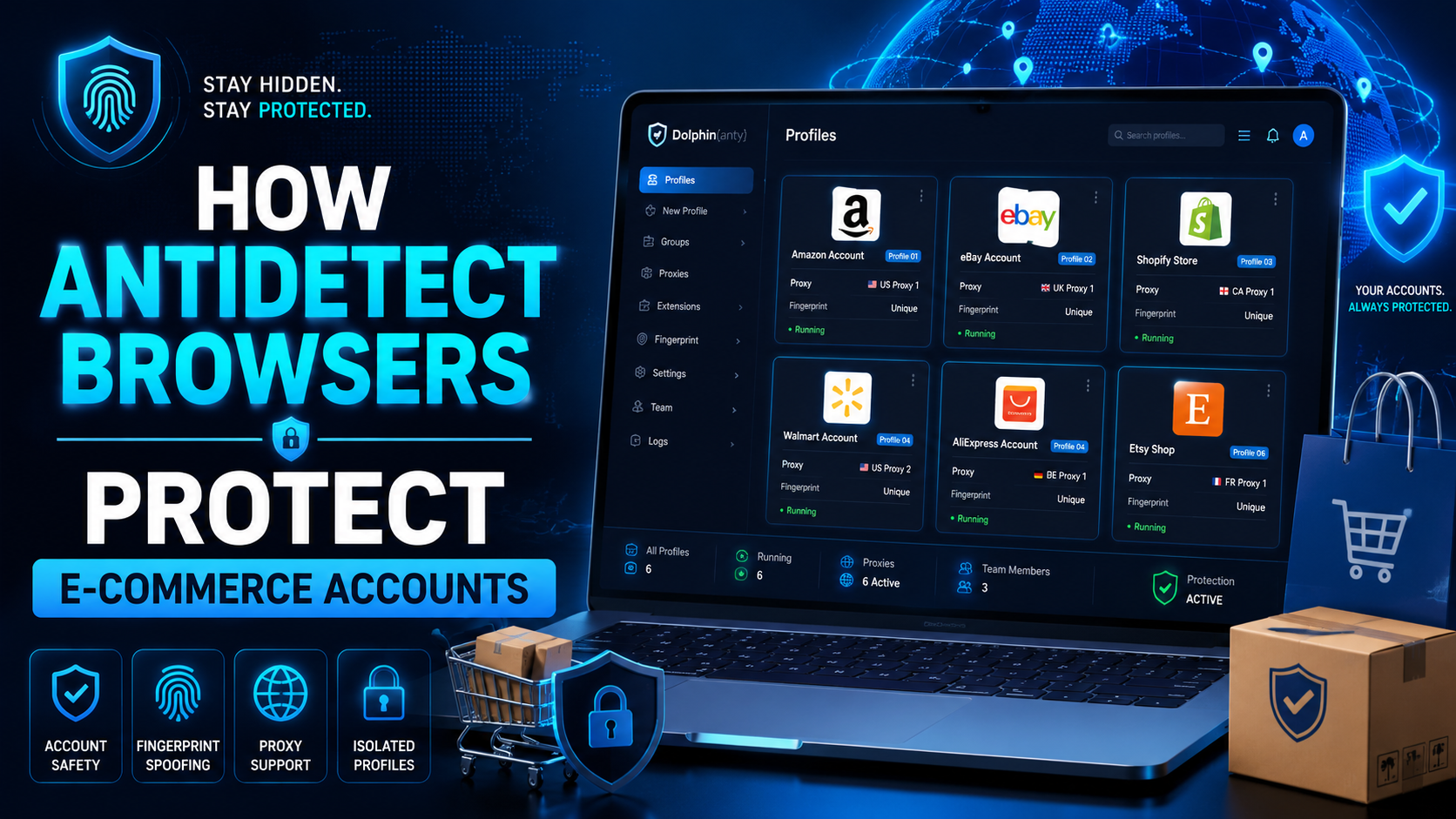
The world of e-commerce and dropshipping is growing rapidly, with more and more businesses looking to take advantage of the opportunities presented by online sales. However, with this growth comes an increase in online fraud, which can lead to account locks, chargebacks, and other financial losses. To prevent these issues, many businesses are turning to use Anti-detect Browser, which provides a[…]
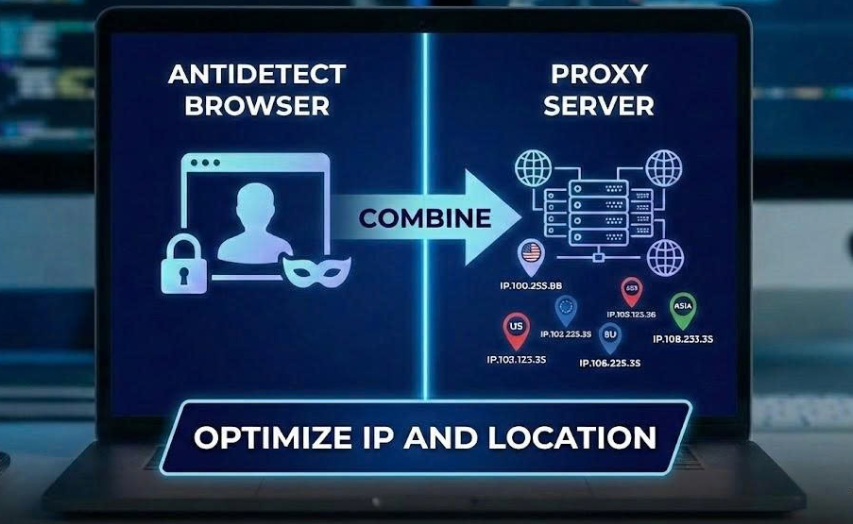
When managing multiple accounts for MMO, eCommerce, or multi-platform marketing, IP address and geographic location are always among the top risk factors. If multiple accounts log in from the same IP or an incorrect location, platforms can easily detect account linkage, leading to suspensions or bans.This is also why using a proxy alone is no longer sufficiently safe. A more sustainable solution[…]

If you are using Binance exchange to invest in crypto, or trade digital assets, have you ever wondered. “Can I create multiple Binance accounts?”. This is a common question, especially for those who want to separate personal and business accounts, or sub-accounts for capital, creating Referrals Marketing (Refer others to get rewards).In this article,Antidetect Browser Hidemium will help you[…]

In the field of affiliate marketing, cookie stuffing is a common form of fraud. This occurs when tracking cookies are installed on users' devices.without their knowledge. This allows fraudsters to receive commissions for actions they didn't actually commit.The consequences extend beyond just lost costs. Businesses also face issues such as inaccurate marketing data, unreliable performance reports,[…]
.png)
GenLogin is marketed as a user-friendly software with a simple interface and basic security features. However, claiming to be "safe" and "user-friendly" is not enough to confirm its actual effectiveness. Many users have reported concerns about the platform potentially exposing personal information and raised issues regarding lack of transparency, particularly related to the integration of the P2P[…]
