.png)

As internet users become more aware of the need to protect their personal information, hiding IP addresses and maintaining anonymity has become a priority. Whether you're trying to avoid unwanted ads, stay safe from cyber threats, or access restricted content, bypassing an IP ban can be essential. In this article, we'll explore the most popular methods to change or hide your IP address and ensure your online privacy is protected.
1. Why Hide Your IP Address?
There are various reasons why someone might want to conceal their IP address online. Here are the most common ones:
Security Concerns: Your IP address can reveal personal information, such as your location, operating system, and browser details. In the wrong hands, this information can lead to identity theft or other malicious activities.
Avoiding Intrusive Ads: Online ads have become increasingly persistent, often following you across multiple websites. Changing your IP address is one way to escape the relentless targeting of such ads.
Accessing Restricted Content: Some websites or servers block users based on their IP addresses. Whether you're trying to access a game server or a forum, bypassing an IP ban can help you regain access.
Protecting Personal Information: Activists, journalists, and individuals sharing sensitive information online often need to hide their IP address to prevent exposure to personal details.
Bypassing Censorship: In some countries, access to certain websites or services is restricted. Changing your IP address can help you bypass these geographic limitations.
In general, hiding or changing your IP address offers better privacy and access to a wide range of online services.
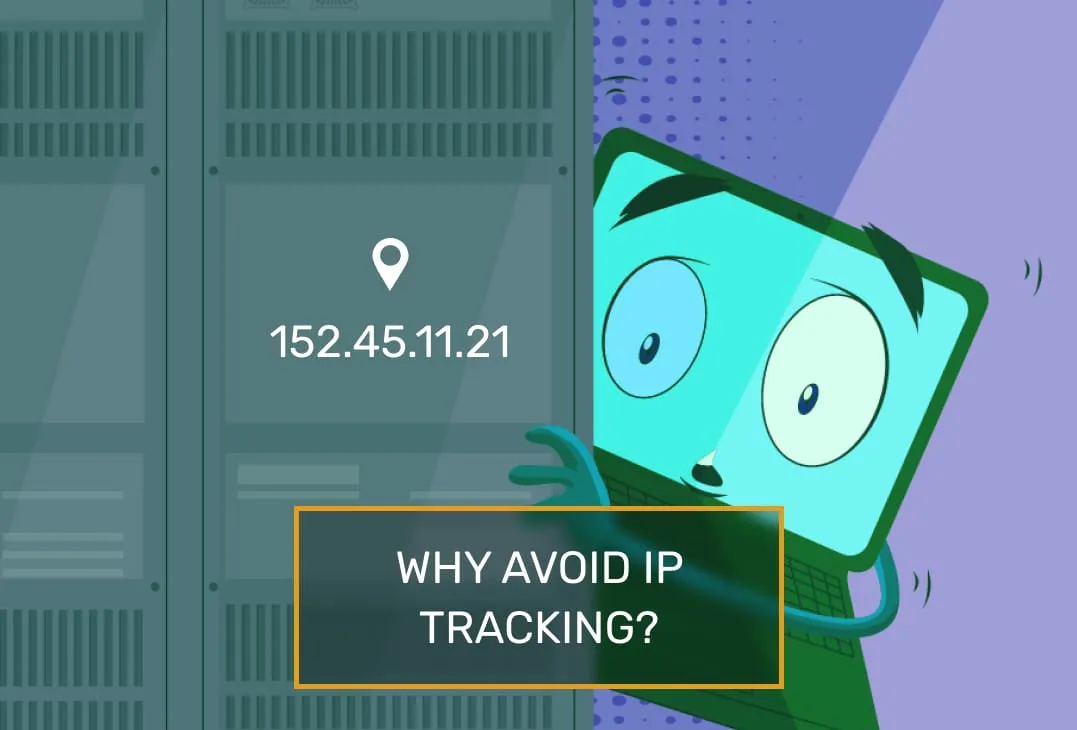
2. What is an IP Address?
An IP (Internet Protocol) address is a unique identifier assigned to every device connected to the internet. It is used to send and receive data packets between computers and servers. There are two main types of IP addresses: IPv4 and IPv6. While the structure and range differ, both serve the same purpose: to identify devices on the network.
When your device connects to the internet, the Internet Service Provider (ISP) assigns it a public IP address. This is the address visible to websites, and it can often reveal your location and other personal information. For most users, the IP address can be changed by the ISP, either dynamically or permanently, depending on the type of connection.
3. 7 Methods to Bypass IP Bans
Here are some of the most effective techniques to mask or change your IP address to bypass bans or enhance your privacy:
3.1 Proxy Servers (SOCKS and HTTP)
A proxy server acts as an intermediary between your device and the website you want to visit. It hides your real IP address by routing your traffic through a third-party server. The two most common types of proxies are HTTP and SOCKS.
HTTP Proxies are simple to set up and widely available, but they only work for HTTP traffic.
SOCKS Proxies are more versatile and support a wider range of protocols, including TCP/IP and UDP/IP. They offer better anonymity and can be used to mask your IP on various platforms.
While proxies can help mask your IP, they can still be traced if not properly configured, and free proxies often log your activity.
.webp)
3.2 Virtual Private Network (VPN)
A VPN creates a secure, encrypted connection between your device and a VPN server. This server acts as an intermediary, masking your real IP address with its own. VPNs are highly effective for bypassing IP bans, securing your data, and accessing restricted content.
PPTP and OpenVPN are the most commonly used VPN protocols. OpenVPN, in particular, is known for its security and reliability.
VPN services are generally paid, with prices starting around $15 per month. However, free VPNs are also available, though they may have limitations.
VPNs provide excellent privacy, but it's essential to choose a reliable service that does not log your activity.
.webp)
3.3 Tor (The Onion Router)
Tor is a free, open-source software that routes your internet traffic through a series of servers, making it difficult to trace your online activities. By using onion routing, Tor encrypts your traffic multiple times before it reaches its destination.
Tor is ideal for complete anonymity, but it can be slower compared to other methods. It’s also not as user-friendly, so it may not be suitable for casual users.
.webp)
3.4 SSH Tunneling
SSH (Secure Shell) tunneling allows you to route your internet traffic through an encrypted connection to a remote server. This method is often used by advanced users and can act as a low-cost alternative to VPNs.
By setting up an SSH connection to a server and forwarding your traffic through it, you can change your IP and encrypt your data. While not the easiest solution, it provides excellent security when configured correctly.
3.5 JAP (Java Anon Proxy)
Developed by a German institution, JAP is a proxy service that encrypts your traffic and routes it through intermediate servers known as mixes. This system ensures that all users are treated equally, making it difficult to track a specific individual.
JAP provides strong anonymity, but it is less widely used than other methods, and its setup can be complex.
.webp)
3.6 P2P Anonymizers
P2P anonymizers use a distributed network of volunteers' computers to mask users' IP addresses. Services like Peek-A-Boot offer a peer-to-peer network to bypass censorship and restrictions.
By connecting to this network, your traffic is routed through several computers, making it difficult to trace back to you. While this method provides good anonymity, its availability and speed may vary.
3.7 Anti-Detection Browsers
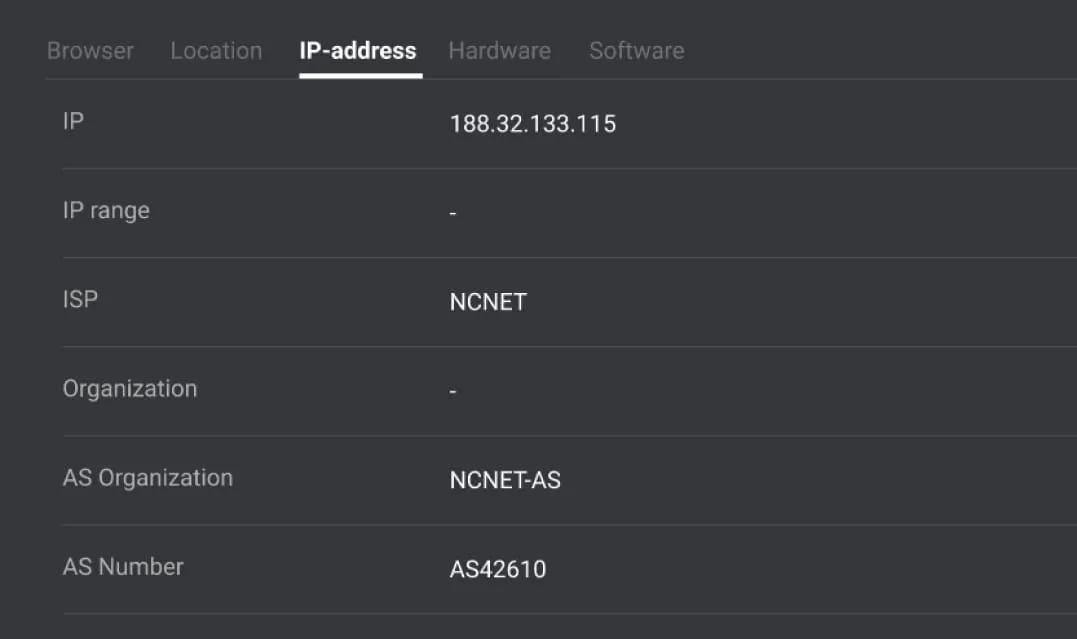
Anti-detect browsers are specialized tools designed to hide your online fingerprint, including your IP address. These browsers, such as Hidemium, integrate with proxies and modify your connection parameters, creating a completely new identity online.
Anti-detection browsers are the most effective at bypassing IP bans and securing anonymity. However, they often require a subscription and may have a learning curve for new users.
4. Conclusion
In summary, there are several ways to bypass IP bans and enhance your online privacy. For the highest level of anonymity and security, Tor and P2P anonymizers are excellent choices, but they can be slow and challenging to configure. For a more practical solution, VPNs and proxy servers offer a balance between ease of use and security. SSH tunneling and anti-detection browsers are additional tools for those looking for more advanced methods.
Ultimately, the best solution depends on your specific needs. Whether you're protecting sensitive information or bypassing geo-restrictions, understanding these tools will help you make an informed decision.
Related Blogs

Secrets to Safely Managing Etsy & eBay AccountsAre you struggling because your Etsy & eBay accounts keep getting suspended due to shared IPs or devices? The root cause is very likely browser fingerprints and an unclean login environment.Don’t worry—this article will guide you on how to build a clean, secure, and anonymous environment using Hidemium, helping you protect your Dropshipping/POD[…]
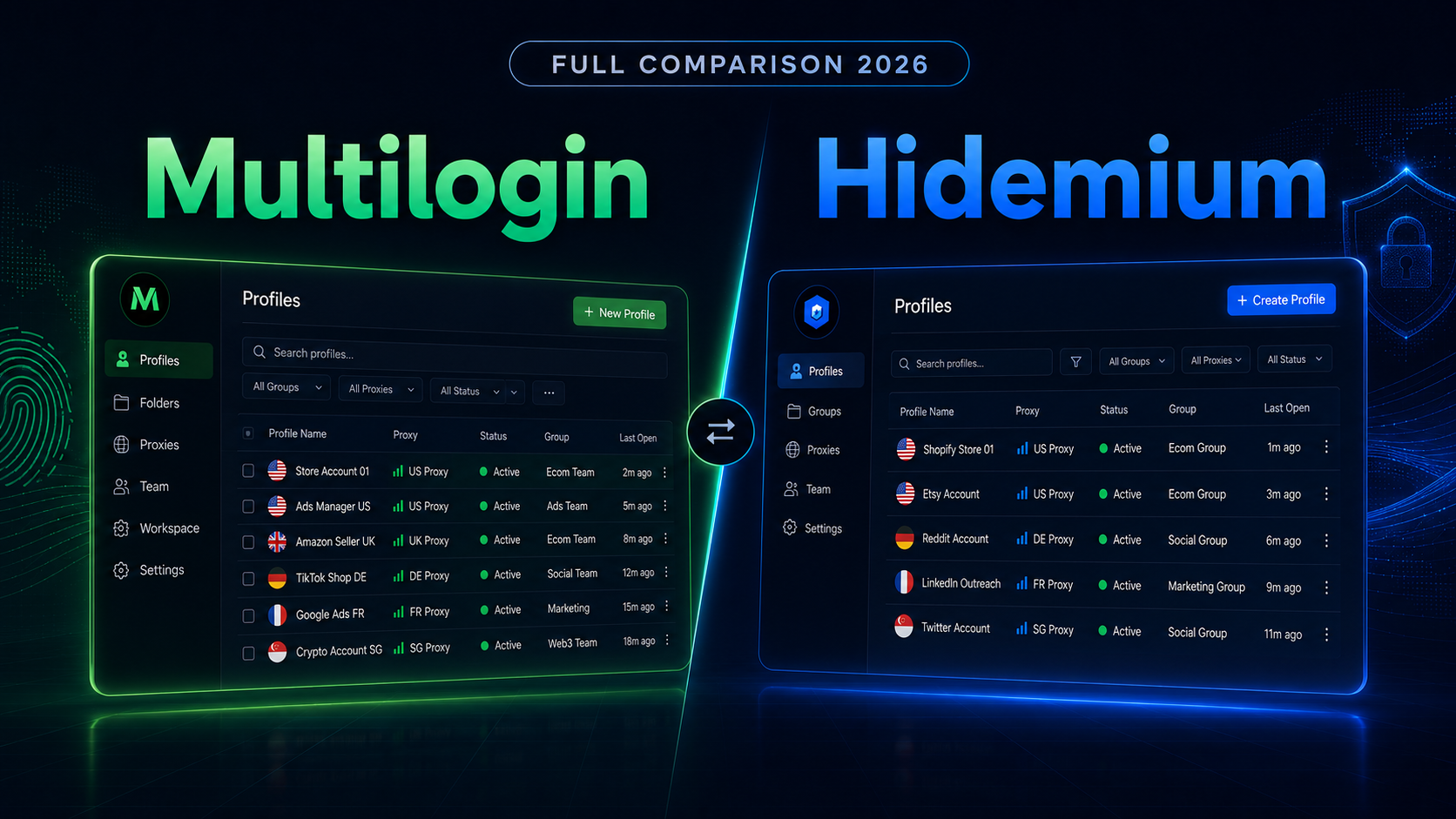
Multilogin vs Hidemium: Full Comparison 2026Multilogin vs Hidemium: quick answerMultilogin vs Hidemium is a comparison between two antidetect browser platforms used for browser profiles, proxy workflows, and multi-account operations. Multilogin is often seen as an established browser profile platform for professional users, while Hidemium is a strong choice for teams that want flexible profile[…]
.png)
Kameleo is one of the highly rated Antidetect browsers, supporting users to safely manage multiple accounts on the same device. Since its launch in 2018, Kameleo has attracted the attention of a community of users concerned about privacy and security of personal information online. So in 2025, will Kameleo still be a reliable choice? Let's go together Hidemium Explore details in the article[…]
.png)
Why People Are Looking for a Multilogin Alternative in 2026Multilogin is the oldest and most technically sophisticated antidetect browser in the market. Its fingerprint modification happens at the C++ engine level rather than via JavaScript injection — meaning the spoofed fingerprints are genuinely harder to detect because there are no injection artifacts for anti-bot systems to find.But "hardest[…]

Accessing blocked websites is no longer difficult if you know how to properly use a Proxy. This is considered one of the most optimal solutions to bypass internet restrictions while maintaining privacy and personal data security. Let Hidemium walk you through 3 easy-to-apply Proxy methods for firewall circumvention!1. Use web-based Proxy servicesProxy websites act as intermediaries that help hide[…]

Are you starting your content creation journey and struggling to get free YouTube views? Getting your first 1,000 views can be a big challenge, especially if you don’t want to run ads or use support tools. However, it is completely possible to get free YouTube views without using tools and without running ads if you apply the right strategy. In this article, you will discover effective, safe and[…]
