
Digital marketing today runs on speed and volume. Brands are expected to push out fresh creatives constantly, and traditional video production simply can’t keep up. That’s where an AI Facebook ad generator comes in. These tools take product links, scripts, or raw assets and turn them into ready-to-use Facebook video ads with minimal manual editing.
![]()
![]() 1. Pollo AI
1. Pollo AI
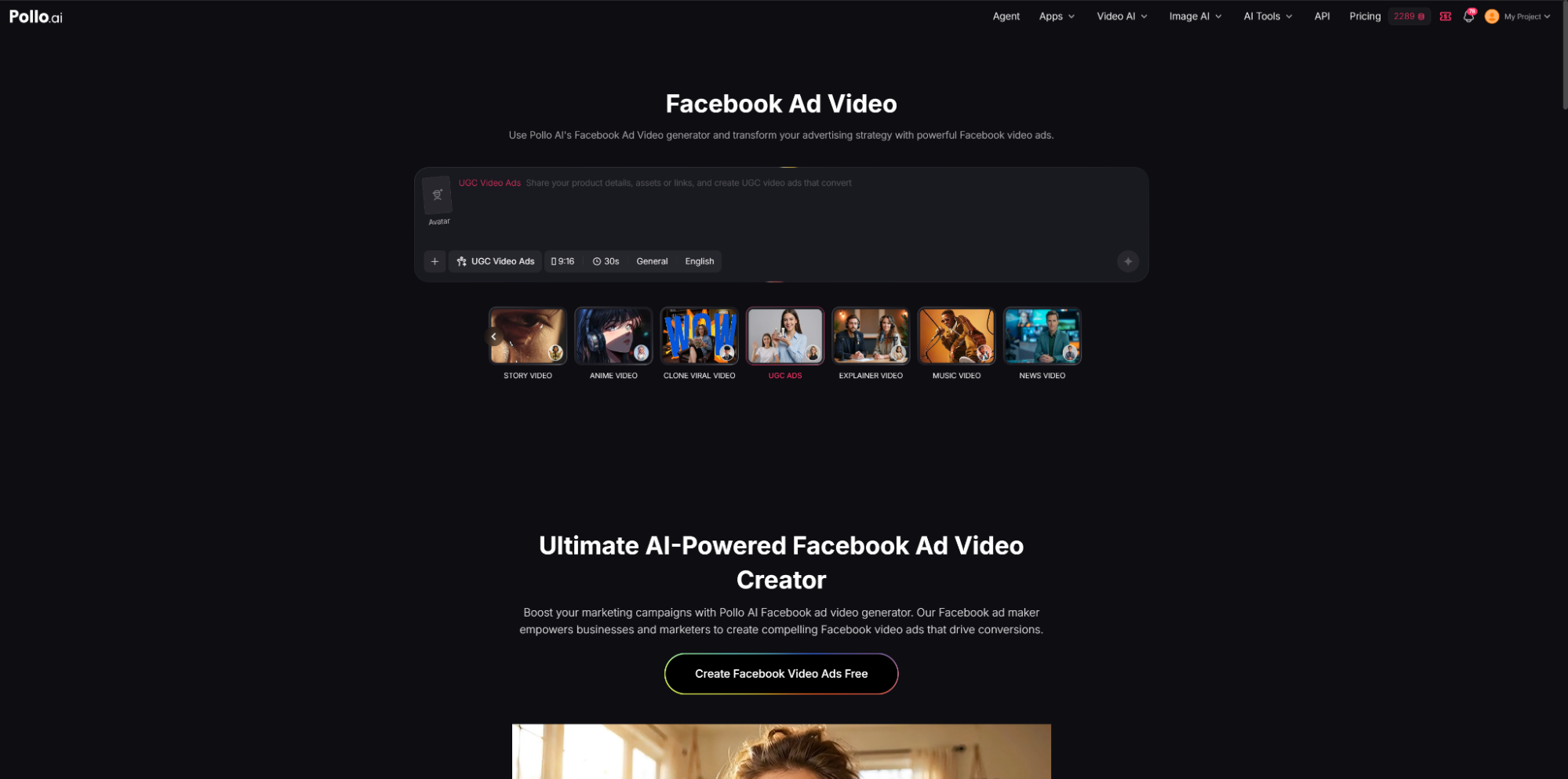
Pollo AI works as a practical AI Facebook ad generator built for turning product links, text prompts, and brand assets into structured Facebook video ads. Instead of dealing with timelines or editing layers, users just paste a product URL or upload assets, then guide the output with a simple prompt. The system generates ad videos that can include AI avatars, voiceovers, and multilingual narration, making it easier to produce localized campaigns.
The workflow is straightforward: input content, choose avatar and voice, then generate. It supports multiple formats like UGC-style ads, story ads, explainer videos, and product
showcase clips. Users can also upload their own branding assets to keep visual identity consistent. For teams running e-commerce or performance campaigns, this setup removes
most of the manual production steps and keeps output consistent across variations.
Why it works
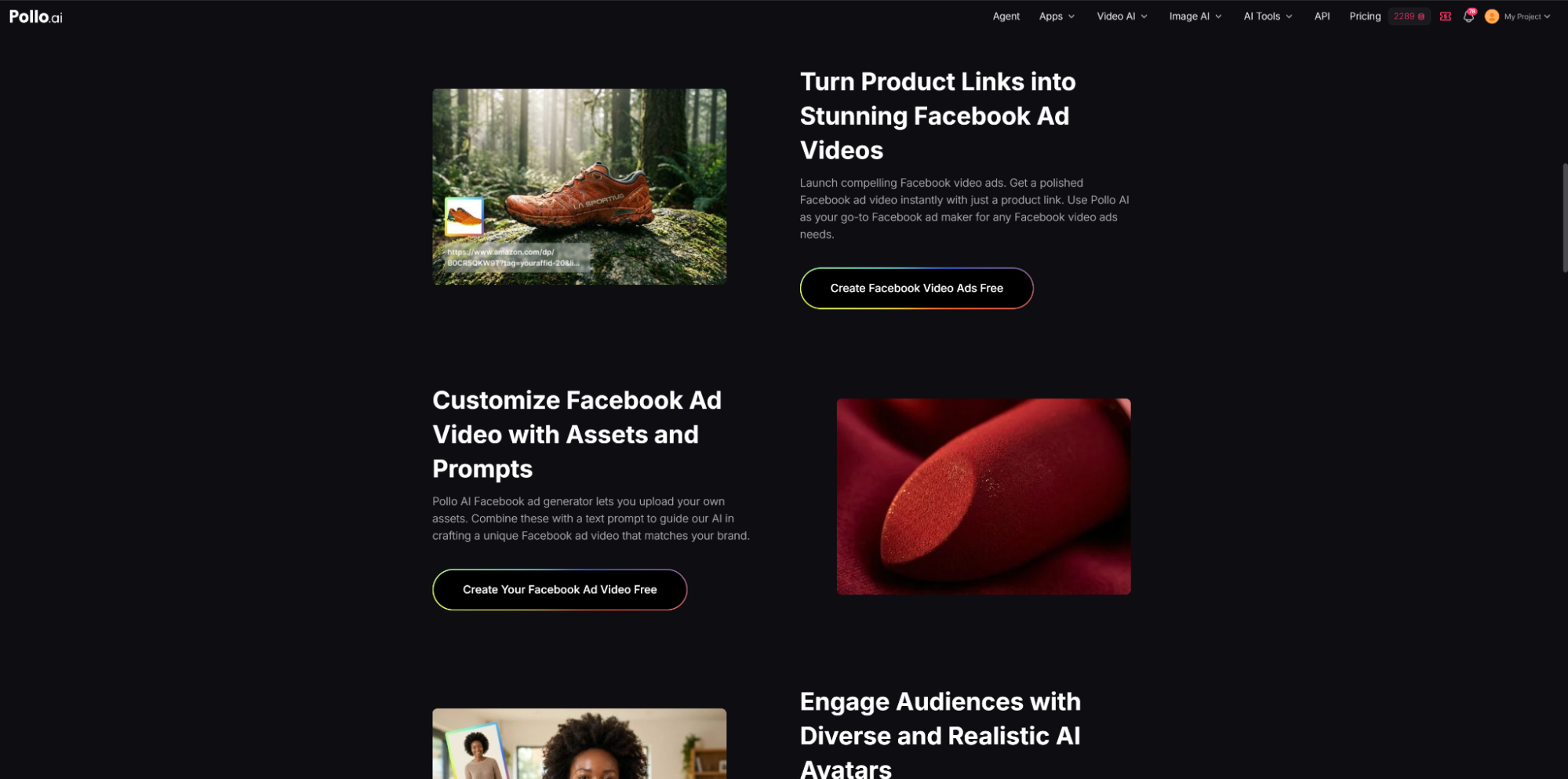
Pollo AI stands out because it blends automation with enough control to keep ads on-brand. One strong point is its link-to-video system, which turns product pages into ready-made ad
creatives without extra editing work. That alone saves a lot of production time for fast-moving campaigns. Steve AI video generator is sometimes mentioned in comparisons, but Pollo AI
keeps things more production-focused.
It’s also widely used in dropshipping, e-commerce, and agency environments where testingvolume matters more than perfection. The AI avatars help add a human feel to ads, while
multilingual support makes it easier to push the same campaign across different regions without rebuilding creatives from scratch.
2. CapCut
CapCut is often used as a lightweight AI Facebook ad generator for short-form video ads. It focuses on speed and simplicity, turning raw clips or basic inputs into structured social ads.
The system automatically handles captions, transitions, and timing so users don’t need editing experience.
Most of the workflow is template-driven. Users pick a style, drop in footage or text, and the tool builds a video around it. It also includes auto-captioning and basic AI editing features
that help align visuals with trending social formats. This makes it a common choice for creators who need fast output rather than complex production control.
Why it works
CapCut is popular because it gets ads out the door quickly. You can go from idea to finished video in minutes, which is useful for campaigns that rely on rapid testing or trend-based content. The built-in templates also make it easy to match current social media styles.
It’s widely used by solo marketers, small teams, and content creators who need to publish often. The trade-off is flexibility. It works best when you stick to its existing formats rather than trying to build highly custom ad concepts.
3. HeyGen
HeyGen functions as an AI Facebook ad generator focused on talking-head style video ads. It turns scripts into videos using AI avatars that act as presenters. Users simply input text, select an avatar, and generate a video that looks like a real person delivering the message.
It supports multiple languages and voice styles, which makes it useful for global campaigns. The platform is often used for product explainers, onboarding-style ads, and spokesperson content where a human face helps build trust. There’s no need for filming or actors, which keeps production simple.
Why it works
HeyGen is effective because it makes ads feel more personal without production costs. The avatar-based format works well for Facebook ads where trust and clarity matter more than heavy visuals. It’s also easy to localize content by swapping languages and voices.
It’s commonly used in SaaS marketing, education, and B2B campaigns. The limitation is that it’s not built for dynamic or action-heavy visuals, so it’s best suited for structured talking content.
4. InVideo AI
InVideo AI is a flexible AI Facebook ad generator that turns text prompts or scripts into full video ads. It breaks content into scenes, matches visuals, and adds voiceovers and captions automatically. Users can also adjust outputs using simple text commands instead of traditional editing tools.
The system pulls from stock media libraries to build videos quickly. It works well with blog posts, product descriptions, or landing pages, converting them into structured ad content.
This makes it useful for repurposing existing marketing material into Facebook video ads.
Why it works
InVideo AI is strong when speed and volume matter. It helps teams produce multiple ad variations quickly without spending time on manual editing. The scene-based structure also keeps videos organized and easy to adjust.
It’s commonly used by agencies and content teams that need to test different messaging angles. However, it relies heavily on stock footage, so brands with specific visual requirements may still need to upload their own assets.
5. Canva
Canva works as a design-focused AI Facebook ad generator built around templates and drag-and-drop editing. It’s mainly used for static ads, basic motion ads, and branded visuals. Users can start from templates or build layouts from scratch using its design tools.
The platform includes AI-assisted features like background removal, layout suggestions, and text adjustments. It also supports brand kits, which help teams keep fonts, colors, and styles consistent across campaigns. For Facebook ads, it’s often used for image creatives and simple promotional videos.
Why it works
Canva is widely used because it’s easy to pick up and doesn’t require design skills. Small businesses and marketing teams use it to produce ads quickly without relying on professional designers. It’s also strong for maintaining brand consistency across multiple campaigns.
The main limitation is control. It’s great for fast design work, but less suitable for advanced video storytelling or complex motion-based ads.
Conclusion
An AI Facebook ad generator is now a core tool in modern ad workflows. Whether it’s Pollo AI for structured product-to-video generation, CapCut for fast social edits, HeyGen for avatar-driven ads, InVideo AI for script-based automation, or Canva for design-first creatives, each tool solves a different part of the production process.
Most teams don’t rely on just one anymore. Instead, they mix tools depending on speed, format, and campaign goals.
Related Blogs

What Is an ISP Proxy? And How to Use It Safely for Multi-Account ManagementManaging multiple accounts today isn’t just about creating more profiles—it’s about staying undetected.Whether you're running stores on Amazon, scaling TikTok accounts, or doing affiliate marketing, your setup is only as strong as your proxy—especially when using an antidetect browser.One wrong IP choice can lead to[…]
.png)
Have you ever wondered: Why use an Antidetected Browser when proxy or VPN can also meet your needs? At first glance, this seems reasonable, but the truth is that these three tools are quite different. While they share the common goal of anonymity and online security, they operate in distinct ways and sometimes cannot replace each other. Surprised? Let’s explore the unique advantages and[…]
.png)
Due to the particular characteristics of Telegram, Airdrop games with a large volume cannot run on the browser and can only be played on mobile phones, which creates many inconveniences for players, especially with games like Hamster Kombat. To solve this problem, Hidemium has developed an exclusive extension to Bypass Bot Game Telegram. This tool helps users easily join Telegram Airdrops right[…]
.png)
Dolphin Anty is an outstanding Antidetect Browser, developed in Russia with the goal of serving users who need to manage multiple online accounts securely. However, in 2025, will this still be the optimal choice for MMO and digital marketing activities? Be tickledof Hidemium DOverview of pros and cons of Dolphin Anty browser to make the most accurate decision.1. What is Dolphin Anty?Dolphin Anty[…]

MMO has never been an easy game—especially as platforms like Facebook, Google, Amazon, and eBay continue to tighten their algorithms. If you’re still in the habit of opening dozens of tabs in regular browsers such as Chrome, CocCoc, or Firefox to run jobs, you’re exposing yourself to a very high risk of mass account bans.This article will help MMO practitioners avoid costly losses caused by using[…]

In the fiercely competitive world of YouTube, having a large number of subscribers not only helps you increase your influence but also opens up many new opportunities for your channel. So why are subs important and how to increase this number quickly and effectively? Let's explore!1. Why are YouTube subscribers important?In today's competitive YouTube world, owning a channel with many subscribers[…]
