The Best AI UGC Video Generators in 2026: Honest Tests and Real-World Insights
Try Hidemium for free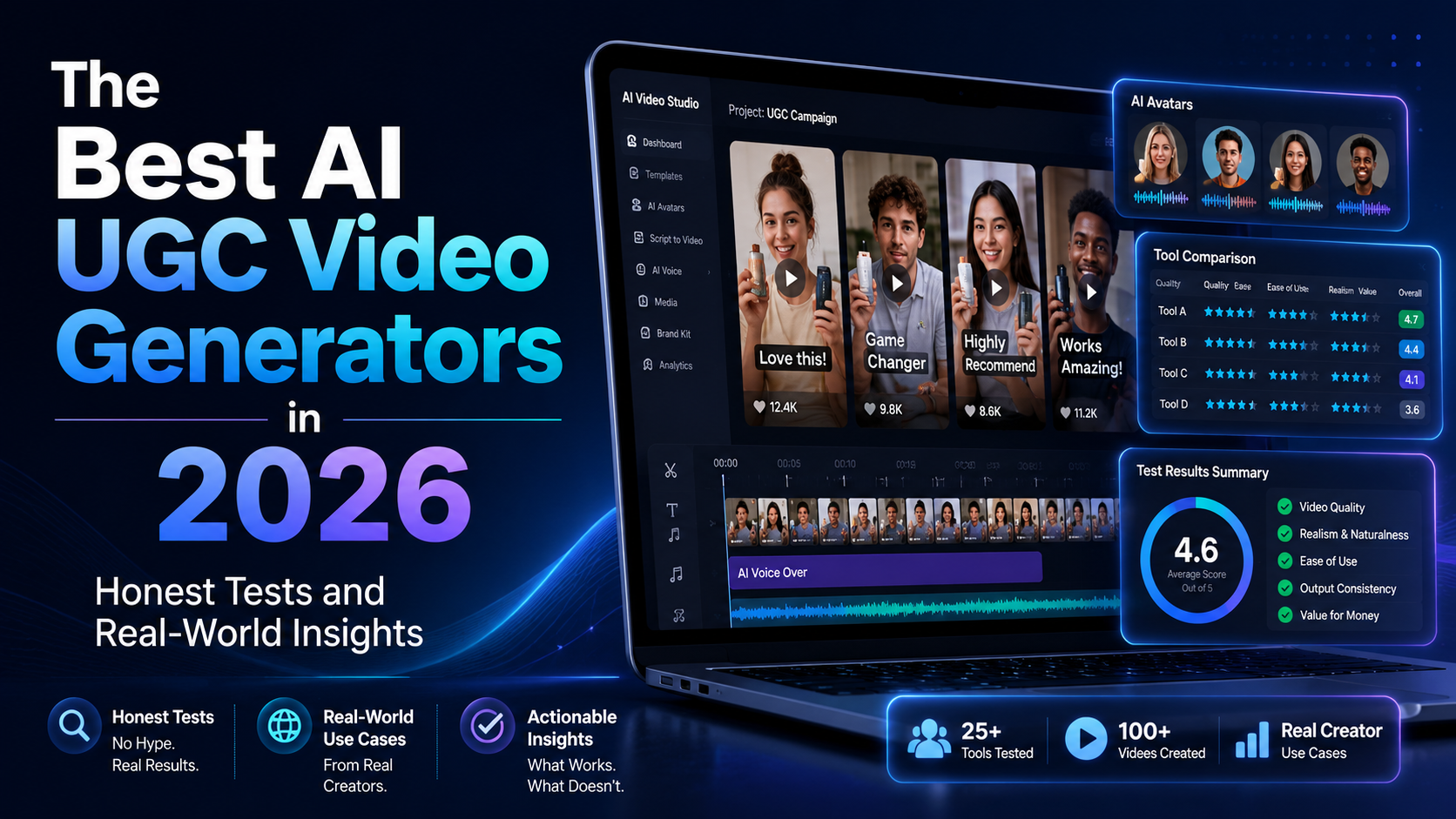

In the fast-paced world of social commerce, AI UGC Video Generator tools have become game-changers for brands and creators who need scroll-stopping content without the hassle of traditional shoots. These platforms let you turn product images or simple prompts into realistic user-generated-style videos in minutes.
I spent weeks testing popular options—uploading products, tweaking scripts, and even running small ad tests—to see what actually delivers. This guide breaks down four standout AI UGC Video Generator solutions from different angles. No hype, just practical takeaways.
Why AI UGC Video Generators Matter Right Now
Traditional UGC shoots are slow and pricey. Hiring creators can cost hundreds per video and take days or weeks. AI flips that script. Many marketers report producing 5-10x more creative variants, helping feed hungry algorithms on TikTok and Meta.
Real-world data backs this up. Some brands see higher engagement and conversion lifts when using authentic-looking AI UGC compared to polished ads. One case showed CTR improvements of up to 95% in certain tests versus standard creatives.
These tools shine for e-commerce sellers, media buyers, and small teams needing quick iterations. But not all perform the same. Let's dive into the specifics.
UGCVideo.ai: Mastering Realistic Avatars and Ad Creatives
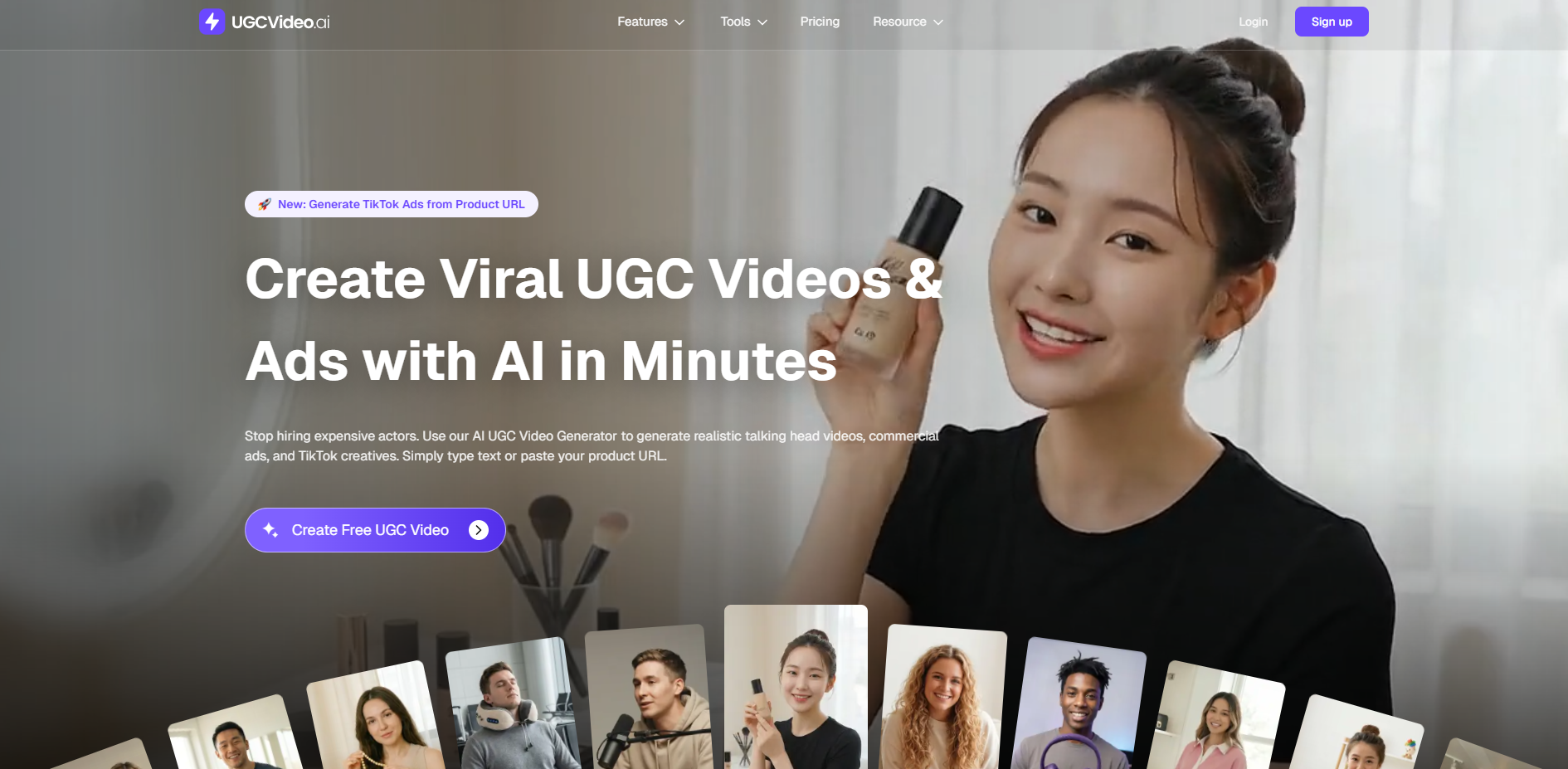
UGCVideo.ai stands out as a dedicated AI UGC Video Generator focused on hyper-realistic talking-head videos and TikTok-style ads. It emphasizes "human imperfections" like natural skin textures, pores, and subtle blemishes to avoid that plastic AI look.
Key Strengths and Features
During my tests, I pasted a product URL for a skincare item and generated a full ad in under 5 minutes. The avatar showed realistic gestures, synced lip movements, and natural lighting. The platform offers a multi-scenario engine, template library, and the ability to clone winning TikTok structures.
Standout perks include advanced skin texture controls and full-body options. It supports URL-to-video workflows, making it simple for e-commerce. Users get centralized asset management for scaling campaigns.
In one session, I created variations with different ethnicities and expressions. The output felt native to social feeds—exactly what algorithms reward. Pricing starts with a free tier (limited credits), then scales to Creator and Pro plans for heavier use.
UGCVideo.ai works best for brands prioritizing trust-building realism in beauty, supplements, or lifestyle niches. It’s not perfect for ultra-complex multi-person scenes, but it excels at solo spokesperson videos.
Blobbi.ai: Product-Focused AI Avatars for Brand Storytelling

Blobbi.ai takes a practical approach to AI UGC Video Generator work, specializing in avatars that naturally interact with products. It’s built for brands wanting videos where the presenter holds, wears, or demonstrates items seamlessly.
Core Capabilities Explored
I tested it with a simple coffee mug product. The workflow was straightforward: choose an avatar, add the product, customize the scene, and generate. Magic Edit prompts let me tweak backgrounds and lighting without extra software.
It includes a solid actor library, AI cloning for consistency, and multi-language support with native-sounding voices. Average creation time hovered around 3 minutes in my runs. The interface feels clean and marketer-friendly.
Testimonials from e-commerce founders highlight time savings without performance drops. One shared launching new creatives in minutes instead of days. Blobbi keeps outputs feeling authentic rather than overly generated.
This tool shines for social media advertising and product storytelling. It’s ideal if your focus is visual product integration over long-form content. Limitations include fewer advanced editing controls compared to pure video suites, but that keeps things simple.
Bambuser: Live and Shoppable Video Commerce Platform
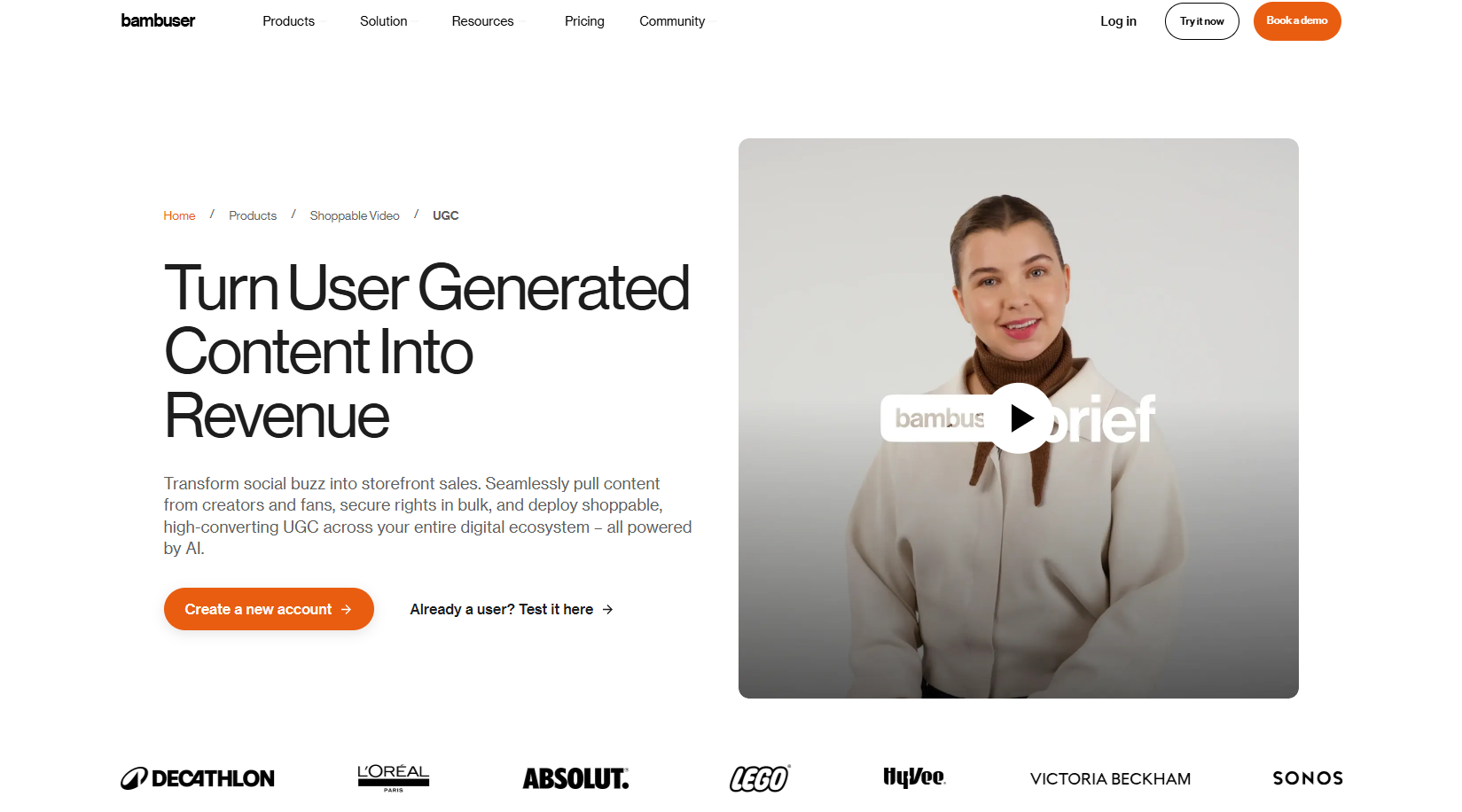
Bambuser offers a broader take on video for commerce. While not purely an AI UGC Video Generator, it integrates shoppable elements and live capabilities that complement AI-generated content.
Platform Highlights and Use Cases
Bambuser excels in live shopping, shoppable videos, video consultations, and live chat. Brands report impressive results: 3x more time on site, higher conversions, and uplifts in add-to-cart rates. Real case studies include skincare brands hitting strong ROI and fashion retailers boosting AOV.
In my exploration, I saw how it turns existing content (including AI UGC) into interactive experiences. It’s enterprise-leaning with strong integrations, zero-lag streaming, and global reach. Perfect for omnichannel strategies.
If you generate AI videos elsewhere, Bambuser can help deploy them effectively in live or shoppable formats. It’s less about one-click avatar creation and more about scaling personalized customer journeys. Smaller teams might find the full platform overkill, but larger operations love the data and conversion power.
ShotUGC.ai: Speedy Multi-Shot UGC Ads for Sellers
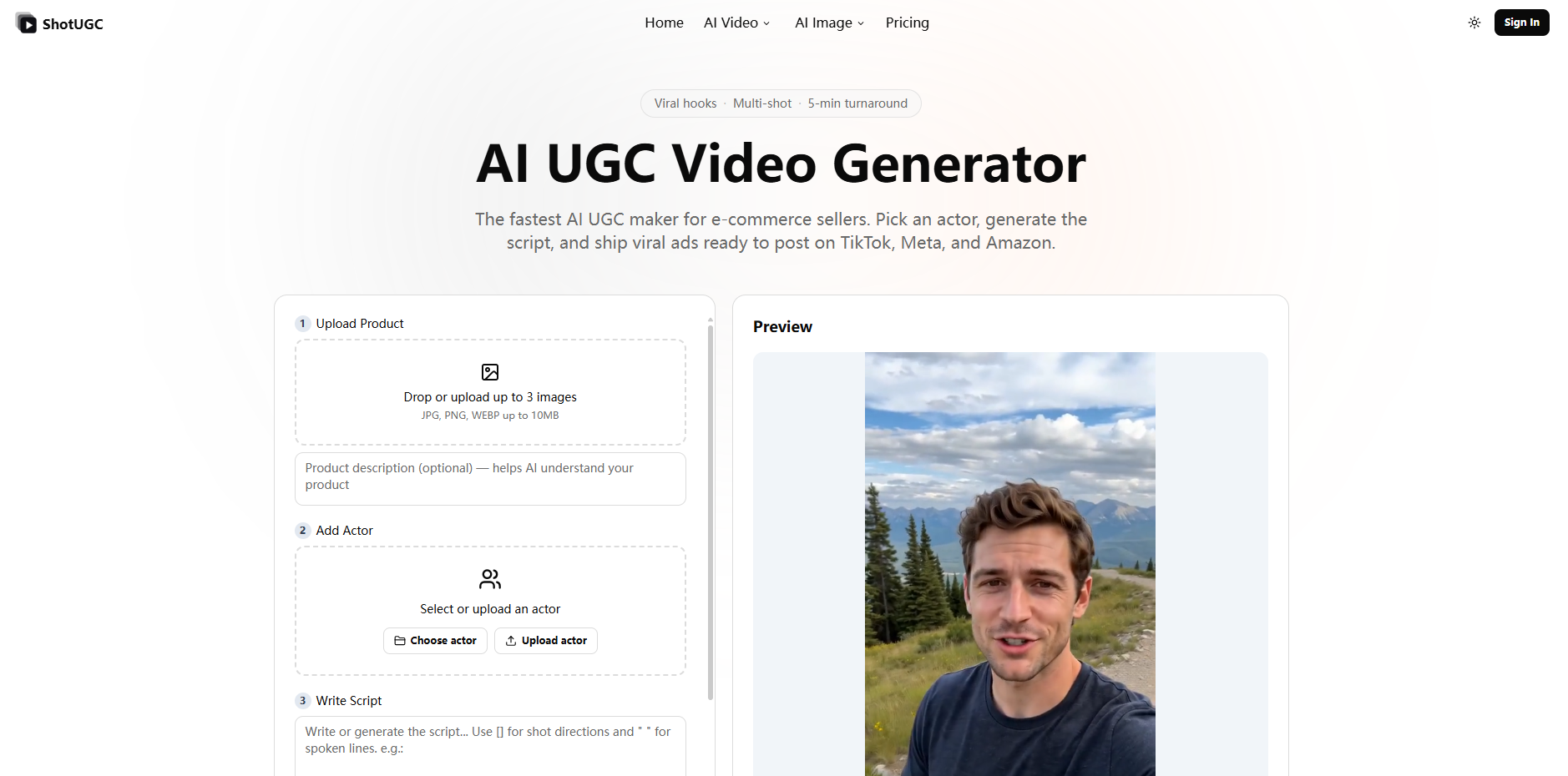
ShotUGC.ai positions itself as one of the fastest AI UGC Video Generator options, promising 5-minute turnarounds with multi-shot editing baked in.
Magic Hour AI: AI-Powered Video Creation for Marketers and Creators
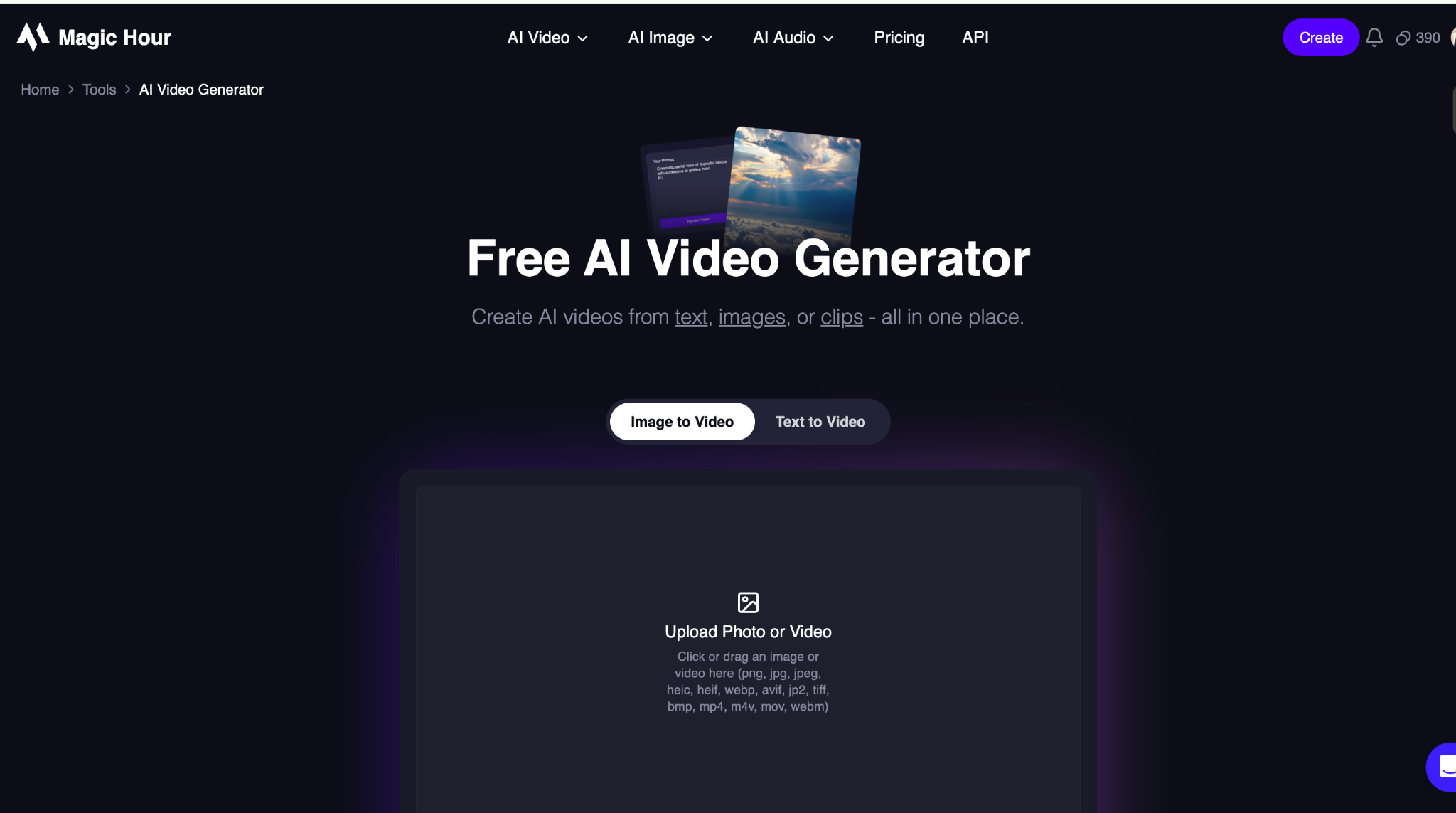
Magic Hour is an AI-powered video generator designed to help creators and marketers turn ideas, prompts, and images into engaging video content. Its browser-based workflow makes it possible to create videos without traditional filming or complex production software.
Key Strengths and Features
Magic Hour supports multiple AI video workflows, including text-to-video and image-to-video generation. This gives users flexibility to start with either a written concept or an existing visual and transform it into a video.
Standout capabilities include AI-generated video creation, image-to-video generation, face swapping, lip syncing, and other creative video tools. These features make it possible to experiment with different concepts and produce variations for social media, advertising, and marketing campaigns.
The platform is particularly useful when teams need to create video content quickly or test multiple creative ideas without producing every concept from scratch. Its collection of AI tools also allows creators to combine different effects and workflows within the same platform.
Magic Hour works best for marketers, content creators, social media teams, and businesses looking for a flexible AI video creation platform. Results can vary depending on the prompt, source material, and complexity of the scene, so highly precise professional productions may still require traditional video-editing tools.
What Sets It Apart
I uploaded product images and let the AI script writer generate hooks, body, and CTAs. The result? A polished multi-shot video with close-ups and mid-shots already edited together. It supports 50+ actors, aspect ratio switching, and 8+ languages with proper lip sync.
Key advantages include character consistency for series, native multi-shot rendering, and low per-video costs. In tests, outputs were ad-ready for TikTok Shop, Amazon, and Meta. It solves the “single locked angle” problem common in simpler tools.
ShotUGC.ai appeals to performance marketers and DTC sellers who need volume. It’s great for daily fresh creatives that satisfy algorithm demands. Downsides? Less emphasis on ultra-custom skin textures compared to some rivals, but the speed and multi-shot capability make up for it in high-volume scenarios.
Head-to-Head Comparison: Choosing the Right AI UGC Video Generator
All four tools share core strengths: fast generation, realistic avatars, and social-ready outputs. They reduce costs dramatically—often 90% cheaper than traditional shoots—and speed up testing.
Differences shine in focus areas:
- UGCVideo.ai leads in avatar realism and imperfection controls for trust-building ads.
- Blobbi.ai prioritizes natural product interaction and simple workflows.
- Bambuser dominates in live/shoppable deployment and enterprise-scale personalization.
- ShotUGC.ai wins on raw speed and multi-shot convenience for high-volume testing.
In my side-by-side tests, processing times ranged from 2-8 minutes depending on complexity. File outputs were standard MP4s, easy to upload anywhere. Audio quality held up well across native voices.
Industry reports note AI UGC helping brands scale creative testing, with some seeing significant ROAS lifts when variants are tested aggressively.
Practical Tips from Hands-On Testing
Start small. I always begin with free credits or trials, upload clear product photos, and write conversational scripts that sound like real people. Test different hooks—problem-solution formats often perform best.
Pay attention to platform policies on AI disclosure for TikTok and Meta. Monitor performance metrics closely; what looks great in preview might need tweaks for actual ads.
For best results, combine tools: generate base videos with one AI UGC Video Generator, then enhance deployment with another like Bambuser for live elements.
Final Thoughts on AI UGC Video Generators
These AI UGC Video Generator platforms represent a genuine shift in content creation. They won’t fully replace human creators for every scenario, but they excel at rapid iteration, cost control, and consistent output.
Whether you’re a solo seller refreshing Amazon listings or a brand running global campaigns, there’s a tool here worth testing. The key is matching the platform to your specific needs—realism, speed, product focus, or live integration.
Try a couple yourself. The learning curve is low, and the time savings can be massive. In 2026, the brands winning on social are the ones moving fastest with authentic-feeling content.
Related Blogs

AdGuard DNS is a free DNS service designed to block intrusive ads and protect your devices from online threats. Instead of using the default DNS servers provided by your internet service provider, you can switch to AdGuard DNS to filter malicious content right from the first connection. This not only enhances your browsing speed but also improves your online privacy and security.In this article,[…]
.png)
Our software, Hidemium, masks all common browser fingerprints, such as screen size, operating system, and others that websites use to track and identify you. Using the same browser fingerprint across your accounts can lead to account suspension.But ultimately, the most extensive fingerprint of all is your IP address. Using the same IP address with multiple accounts is a big red flag that can and[…]
.png)
In an age where digital privacy is increasingly emphasized, anonymity on the Internet is more than just changing IP address. Websites today can identify users through browser fingerprint – set of unique device parameters. If you are active in the field of making money online and need to create a large number of accounts on the same device, the risk of your account being locked is very high. In[…]
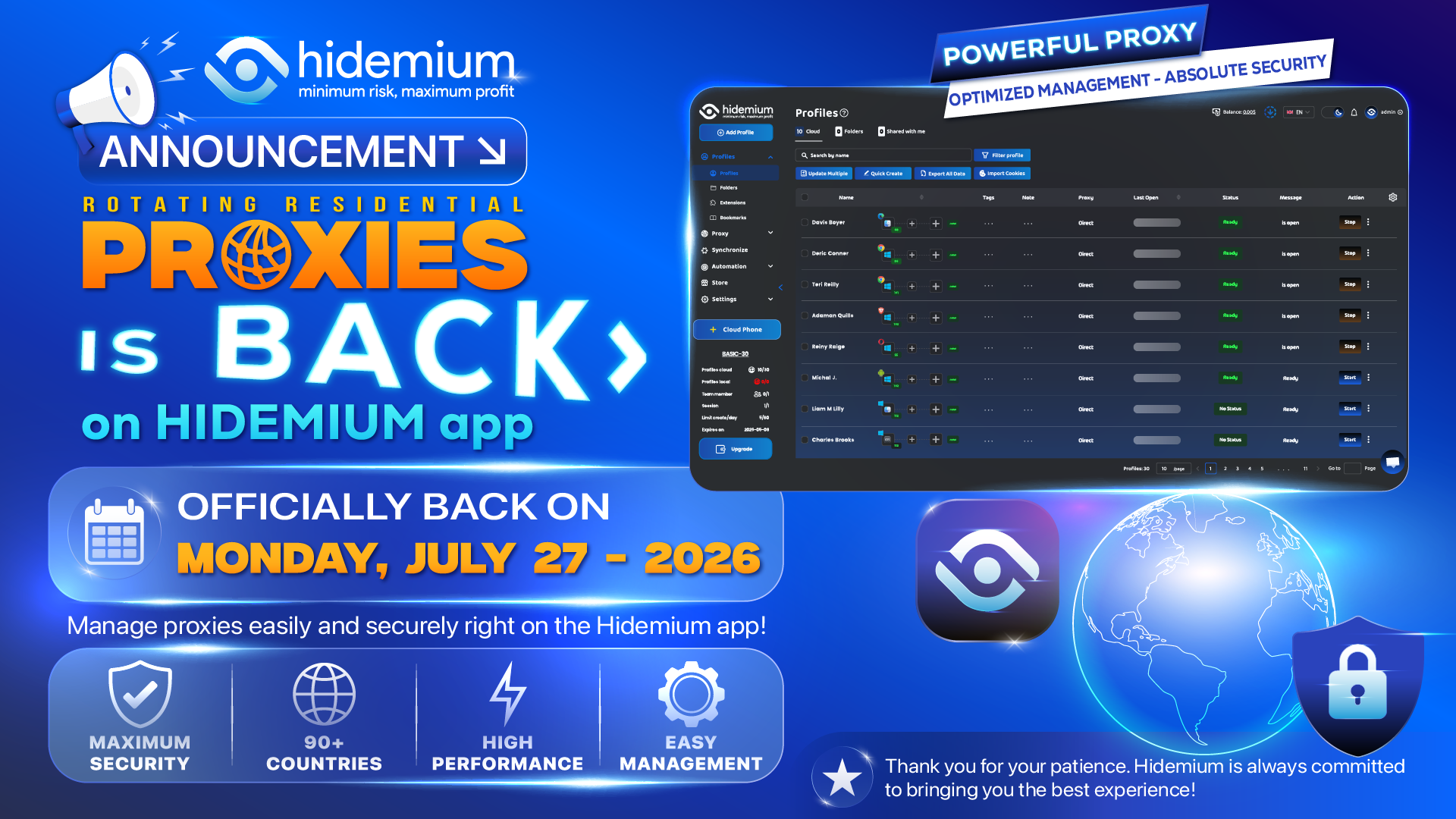
Over the past few weeks, some customers using Hidemium with Rotating Residential Proxies experienced an issue that temporarily prevented the Proxy feature in the Hidemium application from working as expected. We understand that this disruption may have affected the daily work and overall experience of many customers.On behalf of the entire Hidemium team, we sincerely apologize for the[…]
.png)
Why People Are Looking for a Multilogin Alternative in 2026Multilogin is the oldest and most technically sophisticated antidetect browser in the market. Its fingerprint modification happens at the C++ engine level rather than via JavaScript injection — meaning the spoofed fingerprints are genuinely harder to detect because there are no injection artifacts for anti-bot systems to find.But "hardest[…]

How to get my marketplace backHow to Recover Access to Your Marketplace AccountWaking up to find that you have lost access to your primary digital selling platform can send even the most seasoned seller into a panic. Whether you rely on social commerce to declutter your garage or to run a full-time business, being unexpectedly locked out impacts your bottom line. If you find yourself desperately[…]
