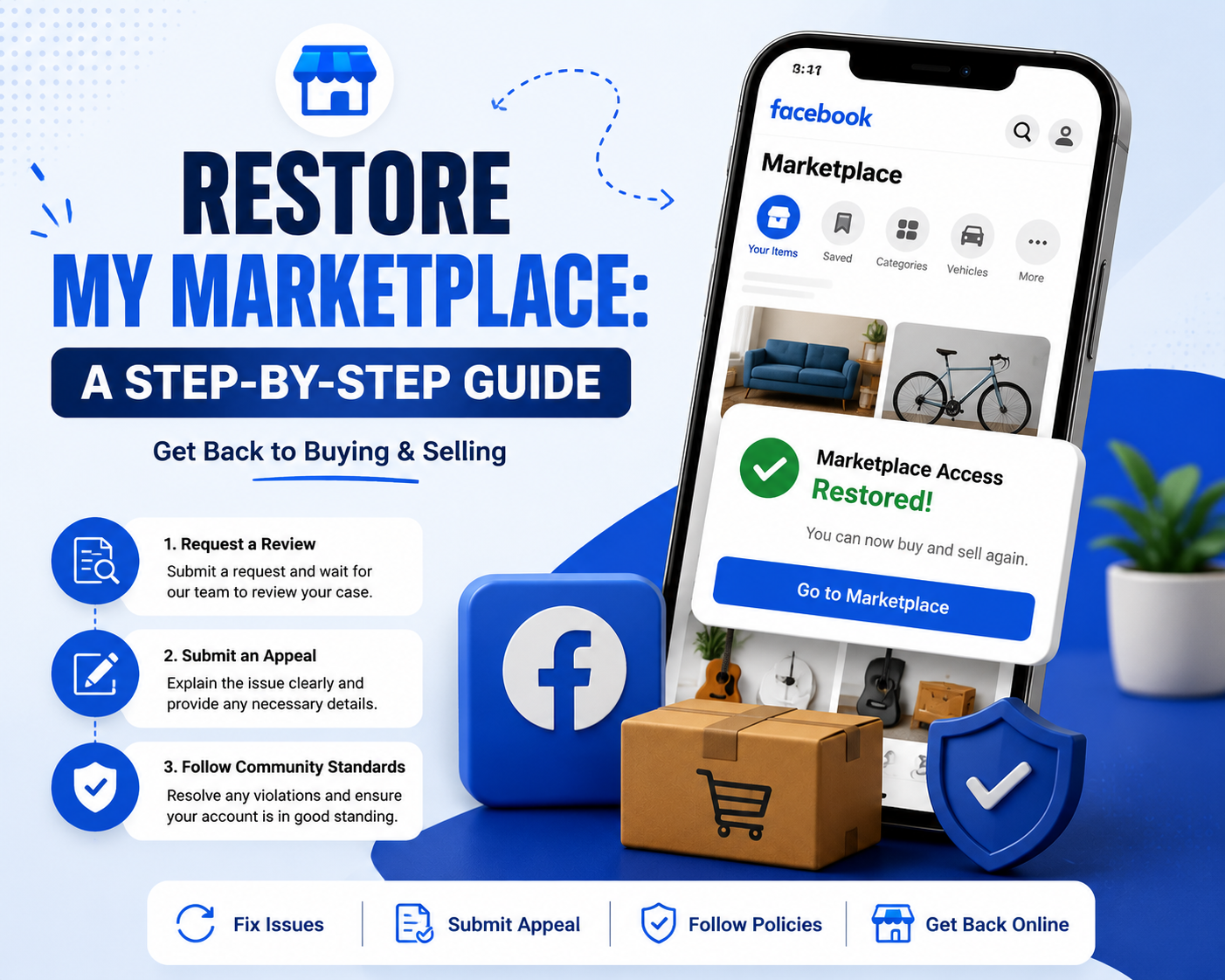

How to get my marketplace back
How to Recover Access to Your Marketplace Account
Waking up to find that you have lost access to your primary digital selling platform can send even the most seasoned seller into a panic. Whether you rely on social commerce to declutter your garage or to run a full-time business, being unexpectedly locked out impacts your bottom line. If you find yourself desperately typing “how to restore my marketplace” into a search engine, you are not alone. Platform glitches, strict algorithms, and policy updates routinely catch well-meaning sellers in their net.
Fortunately, a lost storefront is rarely a permanent situation. With the right approach, patience, and a clear understanding of platform policies, you can successfully navigate this digital hurdle. This comprehensive guide will walk you through the necessary steps for marketplace restoration, from resolving simple app glitches to filing formal appeals for disabled commerce accounts.
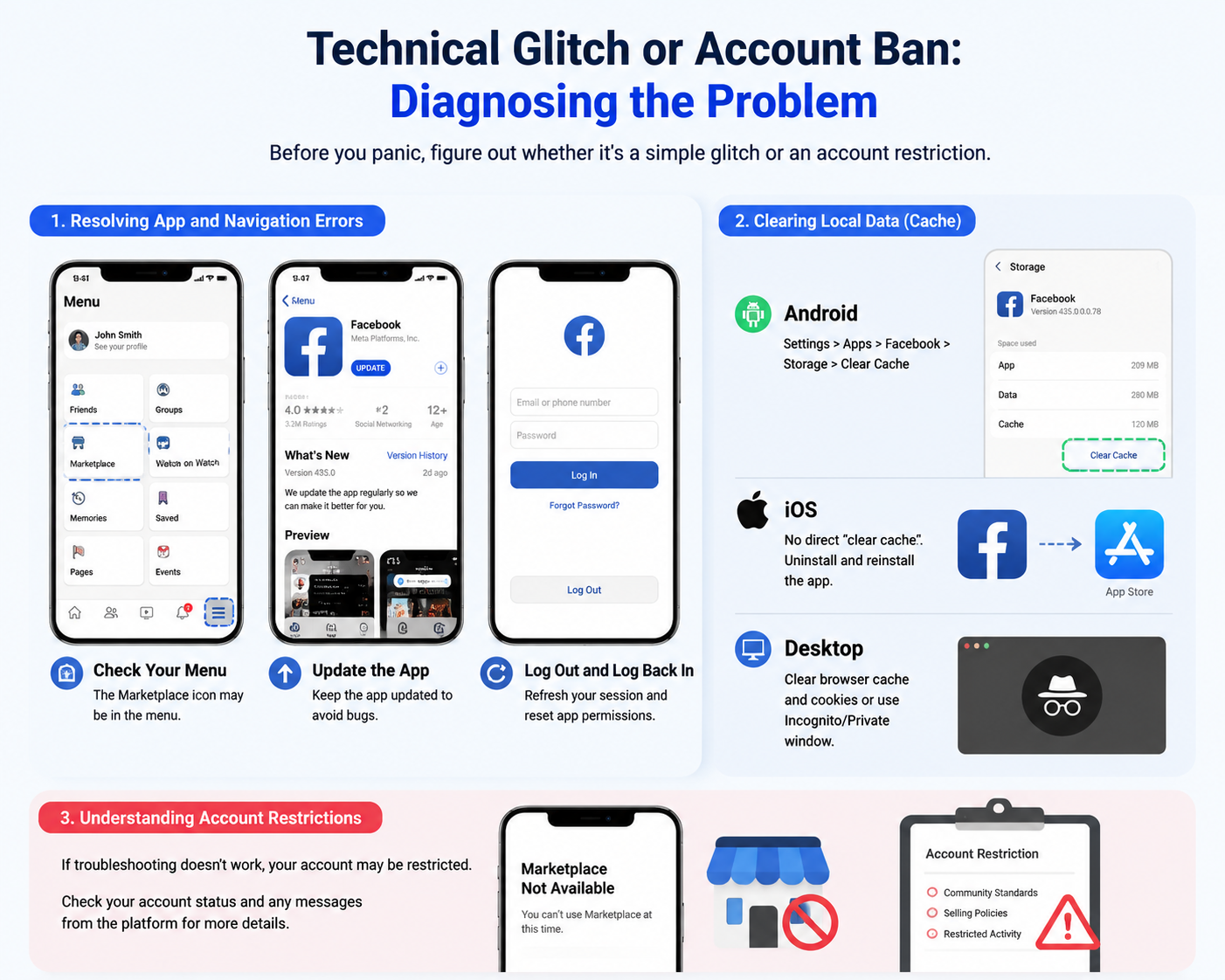
Technical Glitch or Account Ban: Diagnosing the Problem
Before you assume the worst, it is crucial to determine whether you are facing a punitive action or a simple software glitch. Sometimes, an effective marketplace fix is just a few taps away.
Resolving App and Navigation Errors
If you are wondering, "why is marketplace missing from facebook app?", the answer might be entirely technical. App updates, corrupted data, or accidental navigation changes can easily hide the storefront.
If you notice the marketplace icon missing from navigation bar, try these quick troubleshooting steps:
- Update the App: Ensure you are running the latest version of the app. Developers frequently patch bugs that cause missing icons.
- Check Your Menu: Sometimes the icon drops from the main shortcut bar but is still accessible by tapping the three horizontal lines (the "hamburger" menu) on your app.
- Log Out and Log Back In: This simple step forces the app to refresh your account permissions and UI layout.
Clearing Local Data
If the icon is there but nothing works, you are likely looking at a caching issue. Fixing marketplace not loading often requires clearing out old, corrupted temporary files.
Clearing cache for facebook marketplace is straightforward:
- On Android: Go to Settings > Apps > Facebook > Storage > Clear Cache.
- On iOS: Apple does not offer a direct "clear cache" button for apps. You will need to uninstall and reinstall the application.
- On Desktop: Clear your browser’s cache and cookies, or try accessing the site via an Incognito/Private window.
Understanding Account Restrictions
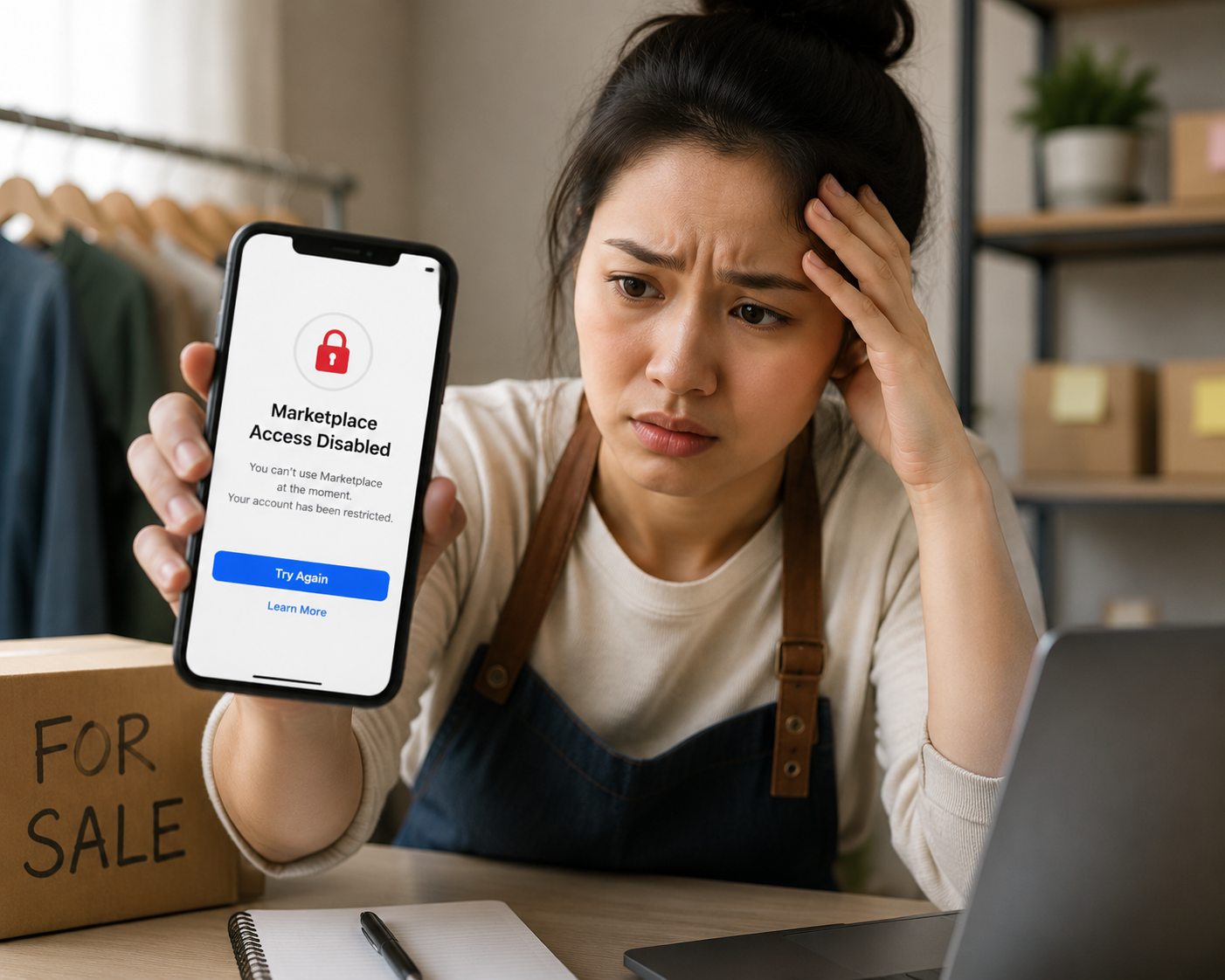
If technical troubleshooting fails, you may be dealing with an account restriction. Knowing the nature of your restriction is the first step in figuring out how to restore my facebook marketplace.
Marketplace Ban vs Shadowban
It is vital to understand the difference between a marketplace ban vs shadowban.
- A Hard Ban: You receive a direct notification stating your access is revoked. You will see an error screen explicitly mentioning that your account restricted from buying or selling.
- A Shadowban: You still have access, but your listings receive zero views, no messages, and do not appear in local search results. The platform silently restricts your reach, usually due to spammy behavior, posting too frequently, or receiving low buyer ratings.
Common Reasons for Marketplace Suspension
Algorithms heavily monitor digital storefronts to protect buyers. Understanding the common reasons for marketplace suspension can help you identify exactly where things went wrong:
- Selling Prohibited Items: This includes weapons, adult items, certain health supplements, digital subscriptions, or counterfeit goods.
- Unusual Account Activity: Logging in from a new country or using a VPN can trigger security locks.
- Stock Photos: Using manufacturer stock photos instead of taking your own pictures can flag your listing as fraudulent.
- Multiple Accounts: Operating duplicate profiles to bypass limits violates core community rules.
- Poor Customer Feedback: Unresolved disputes, failing to ship items, or abusive communication can lead to rapid suspensions.
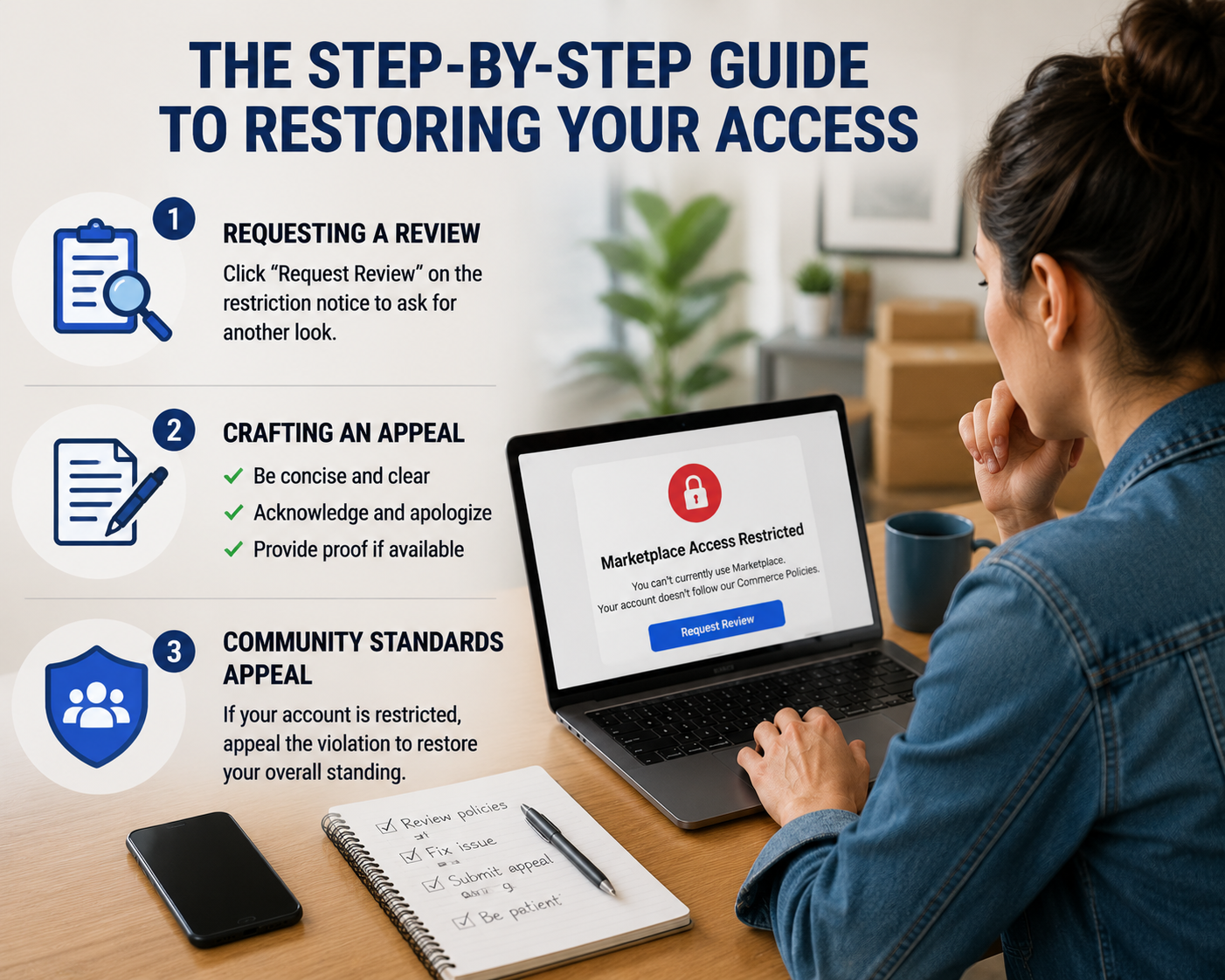
The Step-by-Step Guide to Restoring Your Access
If your account has genuinely been flagged, you need a systematic approach to appeal the decision. Here is exactly what you need to do to secure a marketplace access denied fix.
1. Requesting a Review
When you are locked out, the platform usually provides an on-screen prompt. Requesting marketplace review is your first official line of defense. Click the "Request Review" button typically found on the restriction notice. This sends your profile to a human moderator (or a higher-tier algorithm) for a second look.
2. Crafting a Commerce Policy Violation Appeal
If the initial review is rejected, you will need to submit a more detailed commerce policy violation appeal. When filling out this form, clarity and politeness are your best tools.
- Be Concise: State the issue clearly. (e.g., "My access was restricted, and I believe it was an error regarding a listing for a vintage toy.")
- Acknowledge and Apologize (If Applicable): If you accidentally broke a rule, admit it. Say that you have reviewed the commerce policies, deleted the offending listing, and will strictly adhere to the guidelines moving forward.
- Provide Proof: If your item was falsely flagged as counterfeit, provide receipts or certificates of authenticity.
3. Filing a Facebook Community Standards Appeal
Sometimes, a storefront ban stems from a broader account restriction. If you made an inappropriate comment in a group or posted something that violated site-wide rules, your commerce privileges are collateral damage. In this scenario, you must file a facebook community standards appeal to restore your overarching profile standing before your storefront can be fixed.
4. Identity Verification
To protect users from scammers, platforms heavily rely on identity checks. Verifying identity for marketplace access is a highly effective way to bypass automated security blocks. If prompted, upload a clear, high-resolution photo of your government-issued ID. Ensure the name on your profile matches the name on your documentation; otherwise, the verification will fail.
Escalating the Issue: Reaching Out for Help
If you have submitted appeals and heard nothing back for weeks, you might be wondering how to contact facebook support for marketplace. Unlike traditional businesses, giant social networks do not have a public customer service phone number. However, there are workarounds:
- Meta Business Support: If you run ads or have a linked Business Manager account, you often have access to live chat support. Representatives here can sometimes escalate commerce issues.
- Twitter/X: Reaching out to official platform support handles publicly on X can occasionally attract the attention of a human representative.
- Report a Problem: Use the "Help & Support" > "Report a Problem" feature within the app. While this feels like throwing a message into a black hole, these reports are categorized and reviewed, especially if a specific bug is causing mass lockouts.
Reinstating Selling Privileges and Recovering Your Store
Best Practices After Successfully Restoring Your Marketplace Account
Recovering disabled commerce profile features takes time. It is not uncommon for an appeal to take anywhere from 24 hours to two weeks. During this time, refrain from creating a secondary "burner" account. Doing so is a direct violation of terms of service and can turn a temporary suspension into a permanent, IP-level ban.
Once your appeal is successful, reinstating marketplace selling privileges will happen automatically. You will receive a notification, and the storefront icon will reappear. However, you should tread lightly for the first few weeks. Post only a few high-quality listings, respond promptly to messages, and ensure your descriptions are meticulously accurate. You want to feed the algorithm positive data to rebuild your internal trust score.
Broadening the Scope: Restoring Other Digital Storefronts
While social media commerce is massive, these principles apply across the digital landscape. Whether you are selling on Etsy, eBay, Amazon, or managing a standalone Shopify site, knowing how to restore online store operations is a vital e-commerce skill.

If you need to revive marketplace platforms outside of social media, the core restoration formula remains the same:
- Read the Email: Third-party platforms always send an email detailing the exact policy violation.
- Audit Your Listings: Before asking to restore marketplace access, audit your entire inventory. Delete anything that even borderline violates copyright, shipping, or community rules.
- Draft a Plan of Action (POA): Platforms like Amazon require a formal POA. This document must explicitly state what went wrong, what immediate actions you took to fix it, and what preventative measures you have put in place for the future.
- Communicate Professionally: Treat platform support agents with respect. They are the gatekeepers to your marketplace restoration, and aggressive or demanding language will only hurt your case.
Conclusion
Losing access to your digital storefront is undoubtedly stressful, but it rarely has to be the end of your selling journey. By systematically ruling out technical bugs, understanding the exact nature of your restriction, and navigating the appeals process with patience, you can successfully reverse the damage.
Remember, the key to any successful marketplace fix—whether you are figuring out how to restore my marketplace on a social app or appealing a ban on a massive e-commerce site—lies in clear communication and strict adherence to platform policies. Keep your cache clear, take original photos, read the commerce guidelines regularly, and your digital doors will stay open for business.
Related Blogs
.png)
If you're looking to enhance your online privacy or manage multiple social media, e-commerce, or ad accounts, Antidetect browsers are a crucial tool. With a wide range of options available, picking the right one can be a daunting task. To help you navigate, we've researched and compiled a list of the best Antidetect browsers for 2024. 1. What Are Antidetect Browsers?An Antidetect Browser is a[…]
.png)
Why Your Online Activity is Constantly TrackedEvery time you click, scroll, search, or make an online purchase, a vast network of invisible trackers is quietly watching. In today’s hyper-connected digital landscape, your personal data is a highly valuable currency. Tech giants, advertising agencies, and cybercriminals are all vying for a piece of your digital footprint. This is precisely why[…]

You're wondering...How to calculate TikTok earningsHow can you maximize your income from today's most popular short-video platform? Understanding TikTok's reward system and applying smart monetization strategies is key to turning your passion for content creation into a stable source of income.This article Hidemium will give you a comprehensive overview of How TikTok calculates earnings, analyze[…]
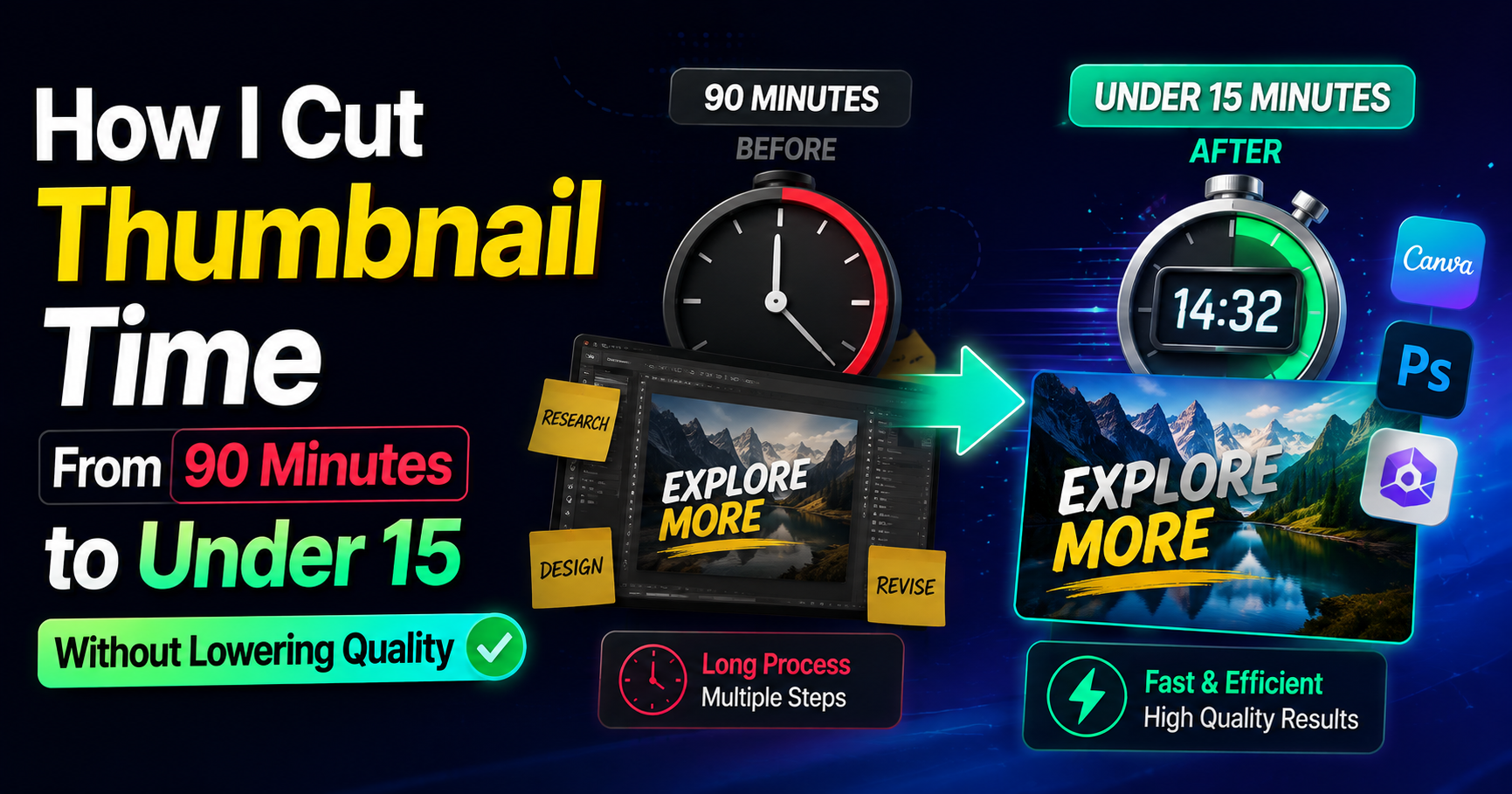
HubSpot’s latest marketing data shows short-form video consistently ranks among the top ROI-driving formats for marketers. That number only matters if people actually click. For freelancers who bill by the hour, every extra minute spent polishing a thumbnail is time that does not get invoiced elsewhere. I learned this the expensive way.I used to open a design file, stare at a blank frame, and[…]

Remote work did not simply change where employees open their laptops. It changed the boundaries businesses need to secure.A company may now have employees working from home, managers traveling between locations, cloud applications holding sensitive data, and physical offices operating without a security specialist permanently on-site. This distributed model creates a problem for security teams[…]
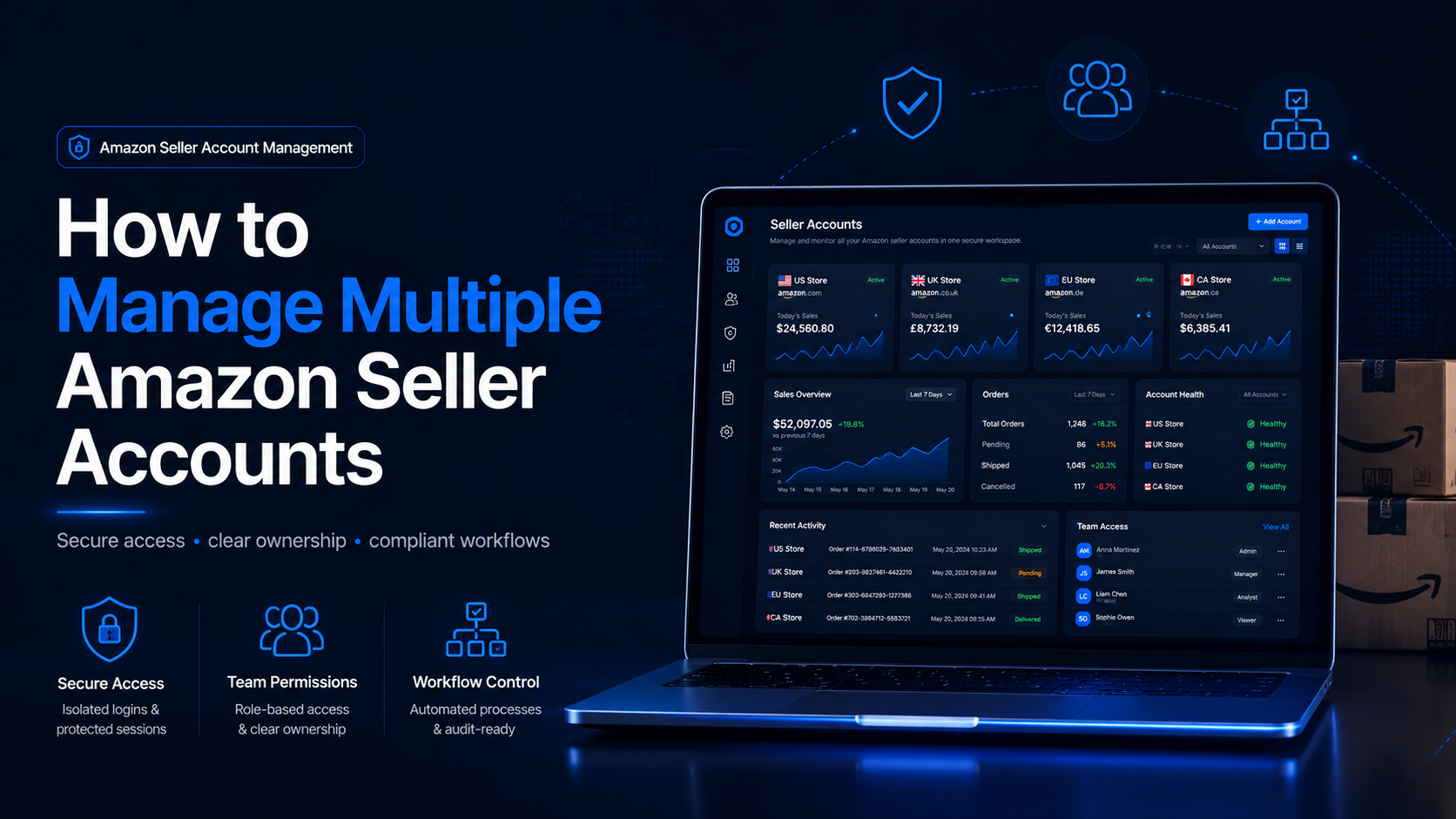
How to Manage Multiple Amazon Seller AccountsManaging multiple Amazon seller accounts can be necessary for companies operating separate businesses, distinct brands, regional teams, or client portfolios. It can also create serious operational and compliance risks when ownership, permissions, account health, or login procedures are poorly documented.The central challenge is not simply switching[…]
