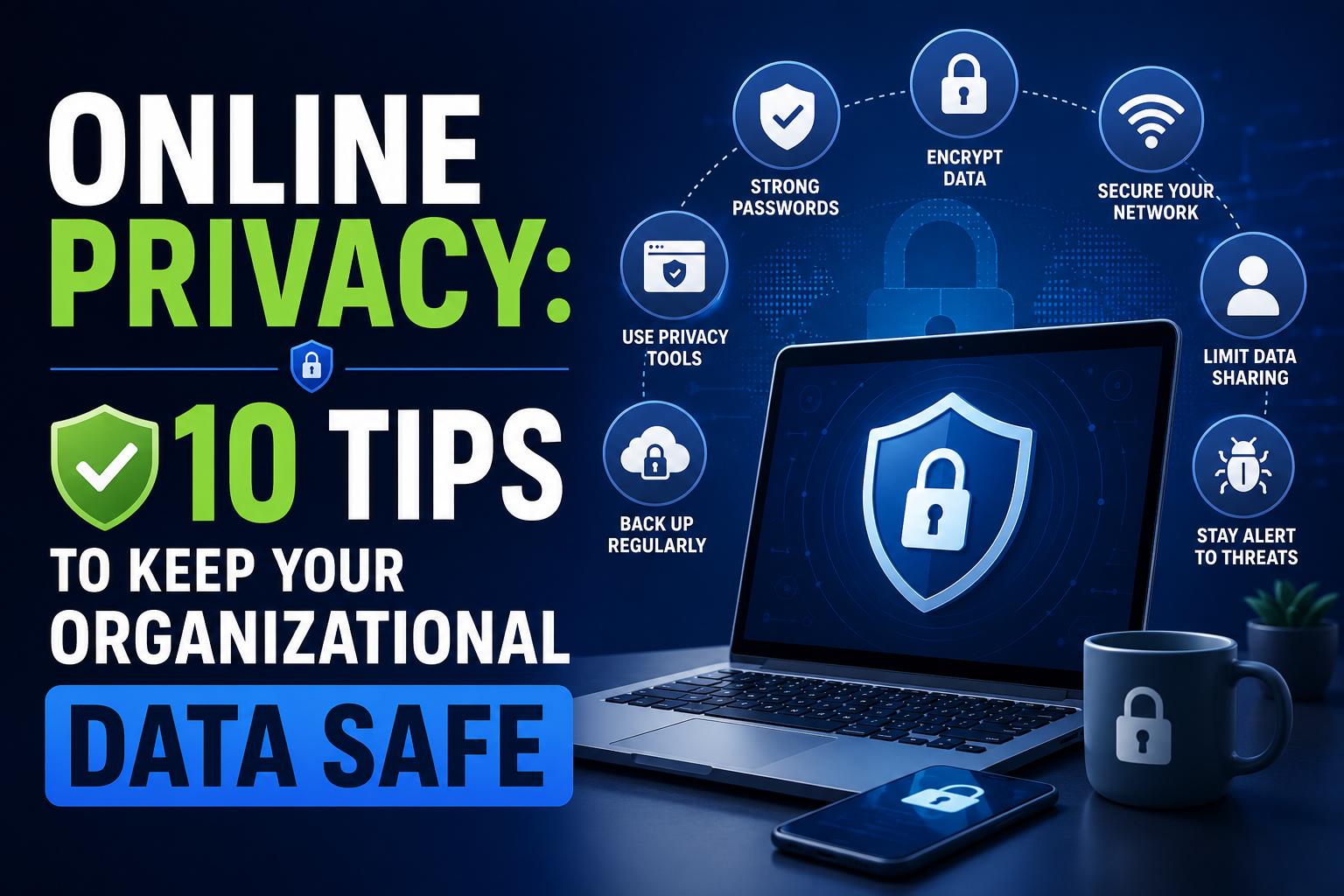

Data represents a valuable asset for any organization. Financial records, employee details, and proprietary information all require protection. The boundaries of data security have shifted because cloud solutions and remote work continue to expand. Protecting this information demands a comprehensive approach to online privacy and security across the entire organization.
Financial penalties, reputational damage, and a loss of trust can result from a single data breach. Robust data protection is critical for sectors handling vulnerable populations, such as educational institutions. Implementing comprehensive Internet filtering software serves as a necessary step for schools to ensure a safe online environment. This approach shields students from inappropriate content, while it also protects the institution's network from cyber threats.
Here are ten tips to keep your organizational data safe and maintain online privacy.
1. Implement Strong Access Controls
Ensuring that only authorized individuals have access to sensitive information forms the foundation of any data security strategy. Implementing the principle of least privilege (PoLP) means you grant employees only the access rights necessary for their specific job functions. This minimizes potential damage if an account is compromised.
Multi-factor authentication (MFA) should be mandatory across all organizational accounts. Requiring users to provide two or more verification factors adds a layer of defense against credential theft and unauthorized access.
2. Encrypt Data at Rest and in Transit
Encryption converts readable data into an unreadable format that can only be deciphered with the correct decryption key. Organizations must ensure sensitive data is encrypted when stored on servers, hard drives, or cloud storage. They must also encrypt data when transmitting it across networks.
Using strong encryption protocols, such as AES-256 for data at rest and TLS 1.3 for data in transit, ensures that intercepted data remains unreadable without the corresponding keys.
3. Conduct Regular Security Audits and Vulnerability Assessments
The cybersecurity landscape constantly evolves, and new threats emerge daily. Organizations must proactively identify and address weaknesses in their IT infrastructure to stay ahead of potential attackers.
Regular security audits and vulnerability assessments help organizations evaluate their current security posture. These assessments identify potential entry points for attackers and ensure compliance with relevant industry regulations. Experienced cybersecurity professionals should conduct these assessments to provide actionable recommendations for improving defenses.
4. Educate and Train Employees
Human error causes many data breaches. Employees who are unaware of the latest phishing techniques or social engineering tactics can inadvertently compromise security. Comprehensive and ongoing cybersecurity awareness training is necessary.
Training programs should cover identifying suspicious emails, creating strong passwords, and securely handling sensitive data. Organizations can also use interactive learning methods, such as quizzes and a flashcard maker, to help employees review important security concepts, recognize common threats, and retain best practices. Building a culture of security awareness empowers employees to become the first line of defense against cyber threats.
5. Establish a Comprehensive Data Backup Strategy
Ransomware attacks, hardware failures, and natural disasters can result in data loss. Organizations must establish a comprehensive data backup strategy to ensure business continuity and minimize the impact of such events.
The 3-2-1 backup rule offers a recommended approach. Keep at least three copies of your data, store two copies on different storage media, and keep one copy offsite or in the cloud. Regularly testing backups ensures data can be successfully restored during an emergency.
6. Secure Mobile Devices and Remote Work Environments
The shift toward remote work and the increasing use of mobile devices have expanded the attack surface for organizations. Securing these endpoints is necessary for maintaining data privacy.
Organizations should implement Mobile Device Management (MDM) solutions to enforce security policies. These policies can include requiring device encryption, enabling remote wipe capabilities, and restricting the installation of unauthorized applications. Remote workers should also be required to use Virtual Private Networks (VPNs) when accessing corporate resources over public or unsecured Wi-Fi networks.
7. Monitor Network Traffic for Suspicious Activity
Continuous monitoring of network traffic is necessary for detecting and responding to potential security incidents. Analyzing network logs and identifying anomalous behavior helps organizations spot signs of a cyberattack, such as unauthorized access attempts or data exfiltration.
Intrusion Detection Systems (IDS) and Security Information and Event Management (SIEM) solutions can help automate the monitoring process. These tools provide security teams with actionable alerts and insights to investigate and mitigate potential threats.
8. Develop and Test an Incident Response Plan
Security incidents can still occur despite an organization's best efforts. Having a well-defined incident response plan ensures the organization can respond quickly and effectively to minimize the impact of a breach.
An incident response plan should outline the roles and responsibilities of key personnel, establish communication protocols, and detail the steps for containing and recovering from a security incident. Regularly testing the plan through tabletop exercises helps identify gaps and ensures the team is prepared to handle a crisis.
9. Manage Third-Party Vendor Risks
Organizations often rely on third-party vendors and service providers to support their operations. These partnerships can introduce security risks if the vendors do not maintain adequate data protection standards.
Organizations should conduct thorough due diligence to assess a new vendor's security practices before engaging with them. Contracts should include specific security requirements and outline the vendor's responsibilities in the event of a data breach. Regularly reviewing and auditing third-party vendors ensures ongoing compliance with the organization's security standards.
When utilizing platforms for managing multiple accounts securely, evaluating the privacy infrastructure of the service is necessary. For insights on evaluating browser security solutions, you might explore resources on anti-detect browser technologies to understand how specialized tools manage digital footprints.
10. Stay Informed About Data Privacy Regulations
Data privacy regulations, such as the General Data Protection Regulation (GDPR) in Europe and the California Consumer Privacy Act (CCPA) in the United States, impose strict requirements on how organizations collect, store, and process personal data.
Staying informed about the latest regulatory developments and ensuring compliance is necessary for avoiding fines and maintaining the trust of customers and stakeholders. Organizations should designate a Data Protection Officer (DPO) or a dedicated privacy team to oversee compliance efforts and ensure data privacy principles are integrated into all aspects of the business.
11. Implement Data Minimization and Retention Policies
Collecting vast amounts of data can seem beneficial for analytics and marketing, but it also increases the organization's risk exposure. The principle of data minimization dictates that organizations should only collect the data strictly necessary for a specific, legitimate purpose. Limiting the amount of data collected reduces the potential impact of a data breach.
Establishing clear data retention policies ensures data is not kept indefinitely. Once data is no longer needed for its original purpose or for legal compliance, it should be securely destroyed or anonymized. Regular data purging enhances security, reduces storage costs, and improves overall data management efficiency.
12. Foster a Culture of Security from the Top Down
Cybersecurity requires leadership and commitment from the executive level. When the C-suite and board of directors prioritize security, it sets the tone for the entire organization.
Leaders should actively participate in security initiatives, allocate sufficient resources for cybersecurity programs, and communicate the importance of data protection to all employees. Building a culture where security is viewed as everyone's responsibility creates a resilient and vigilant workforce capable of defending against cyber threats.
13. Secure Physical Access to Data Systems
While much of the focus in data security is on digital threats, physical security is equally important. Unauthorized physical access to servers, computers, or mobile devices can bypass even the most robust digital defenses. Organizations must ensure that server rooms and data centers are secured with restricted access, surveillance cameras, and environmental controls.
Employees should be trained to secure their workstations when stepping away, using screen locks and keeping sensitive documents off their desks. Additionally, implementing policies for the secure disposal of physical media, such as hard drives and paper records, prevents data from being recovered by malicious actors after it has been discarded.
14. Apply Regular Software Patches and Updates
Outdated software is a common entry point for cyberattacks. Software vendors frequently release patches and updates to address newly discovered vulnerabilities. Organizations must establish a systematic process for applying these updates promptly across all systems, applications, and devices.
Automated patch management systems can help streamline this process, ensuring that critical security updates are applied without relying solely on manual intervention. Delaying or ignoring software updates leaves systems exposed to known exploits that attackers actively target.
15. Deploy Advanced Threat Protection Technologies
As cyber threats become more sophisticated, traditional security measures may not be sufficient to protect organizational data. Implementing advanced threat protection technologies, such as Endpoint Detection and Response (EDR) and Next-Generation Antivirus (NGAV), provides a deeper level of security.
These technologies use behavioral analysis, machine learning, and artificial intelligence to detect and block complex threats, such as zero-day exploits and fileless malware. With advanced security tools in place, organizations can identify anomalous activities that might evade conventional signature-based detection systems, which allows for faster response and mitigation of potential breaches.
Conclusion
Safeguarding organizational data requires a proactive, multi-layered approach. Implementing strong access controls, encrypting sensitive information, training employees, and establishing robust backup and incident response strategies can reduce the risk of a data breach.
For specialized sectors like education, where protecting student privacy is paramount, adopting targeted solutions such as internet filtering software is a necessary component of a comprehensive security strategy. Prioritizing online privacy and data security is about building a foundation of trust that enables the organization to operate safely. Following these tips helps your organization navigate the challenges of the cybersecurity landscape and ensure valuable data remains secure.
Related Blogs

Getting your Reddit account banned can be frustrating, especially if you don't know why it happened. Understanding the reasons and how to fix it can help you regain access quickly or safely create a new account. In this article, Hidemium will analyze in detail the common reasons why Reddit accounts get banned, how long the ban lasts, and what to consider when creating a new Reddit account after[…]

Accessing blocked websites is no longer difficult if you know how to properly use a Proxy. This is considered one of the most optimal solutions to bypass internet restrictions while maintaining privacy and personal data security. Let Hidemium walk you through 3 easy-to-apply Proxy methods for firewall circumvention!1. Use web-based Proxy servicesProxy websites act as intermediaries that help hide[…]

Choosing the right proxy provider requires careful consideration of speed, stability, security, and customer service quality. In this article, we provide a detailed review of Naproxy, one of the most popular proxy providers today. By analyzing performance, reliability, and security features, you'll gain a comprehensive understanding to decide whether Naproxy is the right proxy solution for your[…]
.png)
To log in to X/Twitter Web, open x.com, select “Log in,” and enter your email, phone number, or username and password. If login fails, check your credentials, browser cookies, network connection, and account status before trying another browser or device.For businesses managing multiple legitimate X accounts, separate browser profiles can help keep cookies, sessions, and account environments[…]
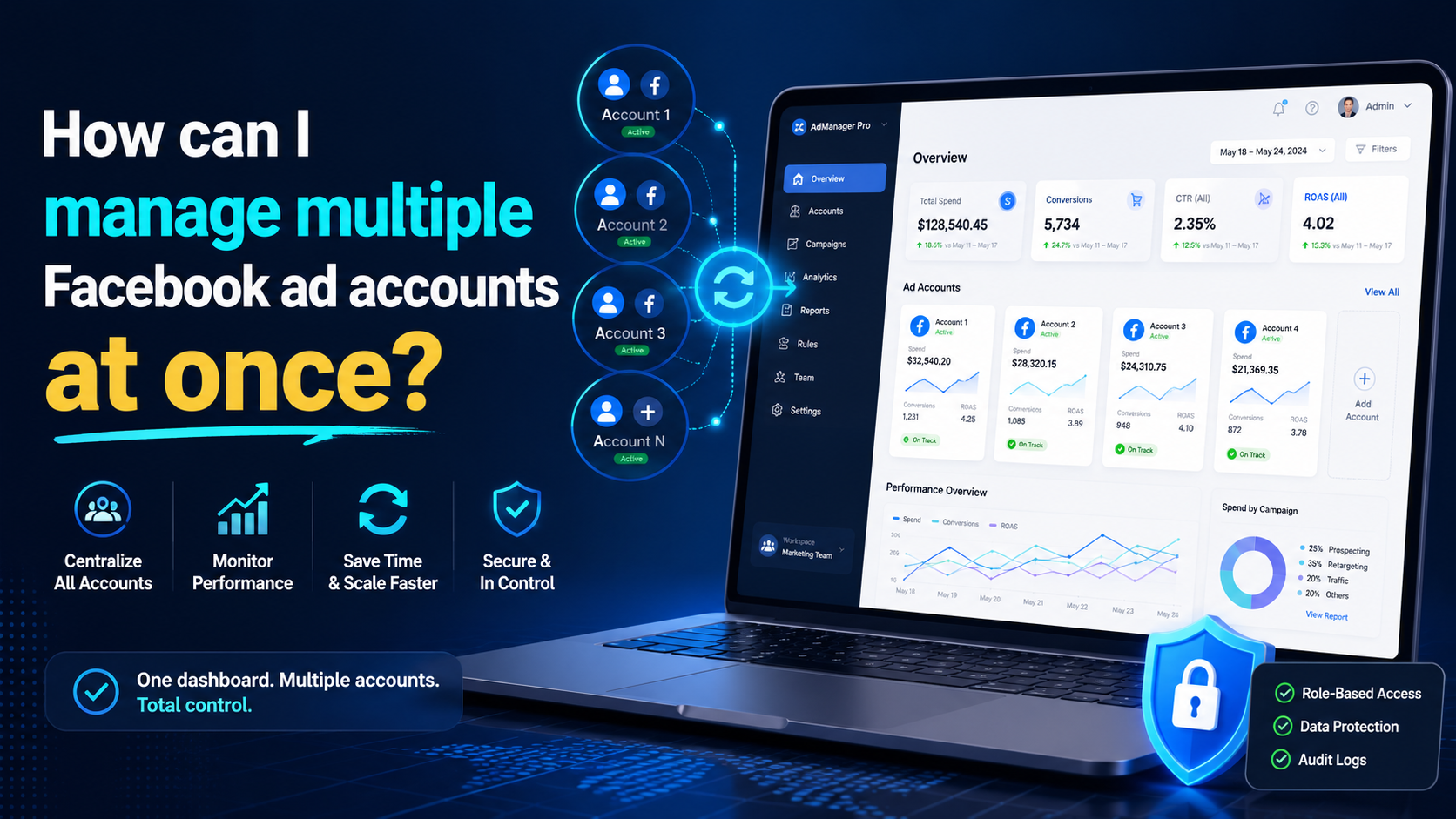
Are you doing business in the traditional direction and want to find a new guide? Do you have a headache because the number of customers is decreasing, and the competition is increasing? So let me reveal that Facebook ads can help you troubleshoot the above problems. Through the article, let’s find helpful information about creating and managing Facebook ad accounts!Ad accounts and things to[…]
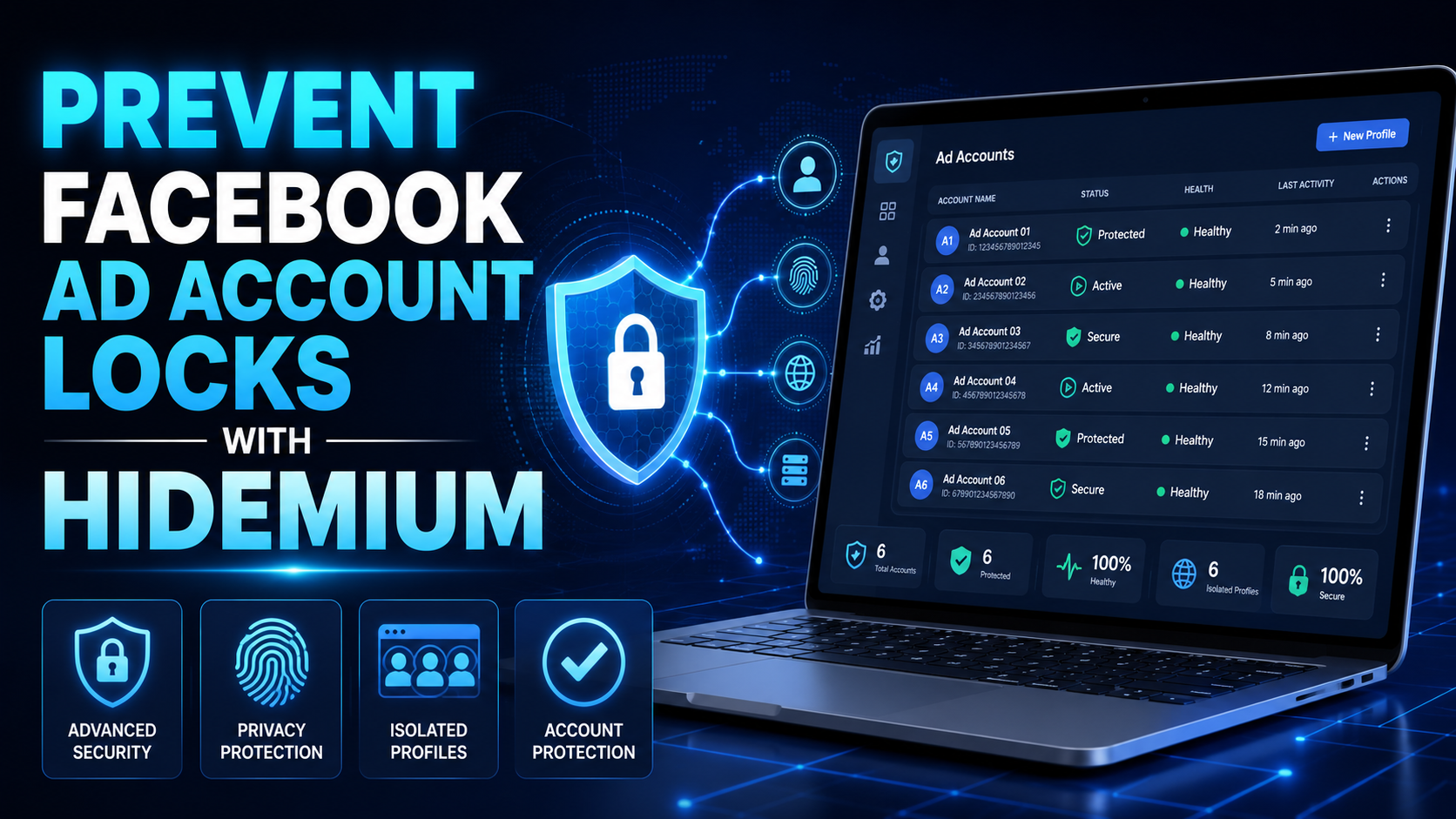
Facebook has become a popular tool for companies, businesses, and brands to run ads effectively. However, many people run Facebook ads when the account is suddenly locked but do not know the cause. Let’s learn more about the problem of the locked ad account and the best solution through the following article!The ad account is locked for what reason?Suspected fraudBecause advertisers often use[…]
