
Mastering Facebook Account Management for Personal and Business Use
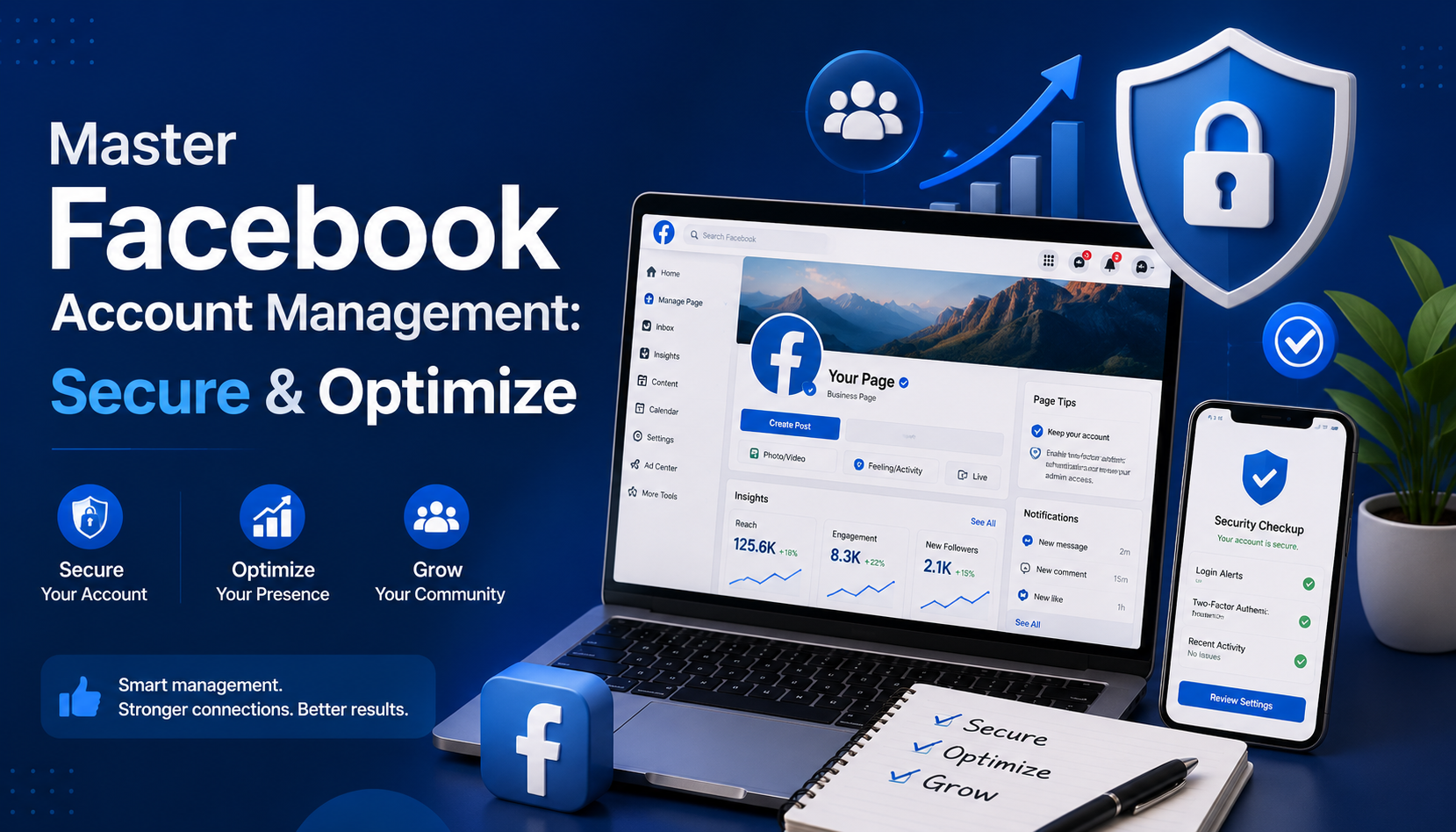
Whether you are an individual casually connecting with friends or a brand striving to build a loyal community, mastering the art of facebook account management is essential. Facebook has evolved from a simple college networking site into a complex ecosystem requiring both careful personal oversight and strategic business navigation.
For comprehensive account management, Facebook requires a dual approach: safeguarding your personal digital footprint while optimizing your professional presence. In this guide, we will explore practical strategies for maintaining a secure, private, and highly effective presence on the platform, blending personal account care with professional social media management techniques.
Personal Profile Management: Security and Privacy First
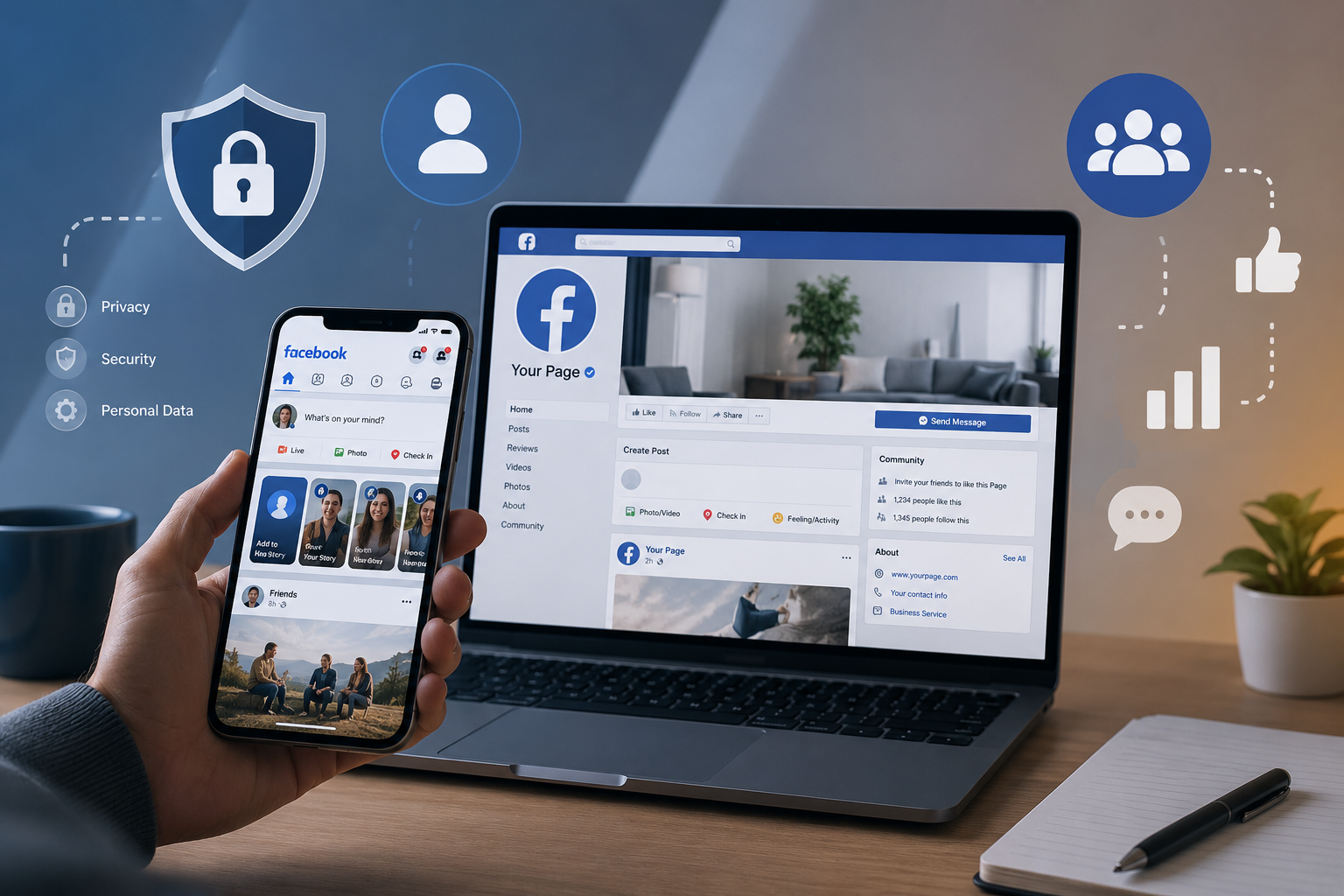
Your personal profile is the key to everything you do on the platform. Before you start running ads or managing community pages, your foundation must be rock-solid.
Fortifying Your Account Security
In an era where digital threats are increasingly common, knowing how to secure Facebook profile from hackers should be your top priority. Security is not a one-and-done task; it requires proactive measures such as strong authentication, regular security reviews, and Zerofox alternatives for continuous social media threat detection and brand protection.
The most effective step you can take is completing your two-factor authentication setup (2FA). By requiring a secondary code sent to your mobile device or an authenticator app, you build an impenetrable wall against unauthorized logins.
Additionally, you should stay vigilant about who (and what) has access to your data. Over the years, you have likely used Facebook to log into various games, quizzes, and external websites. Routinely reviewing and removing third-party app access prevents these external platforms from continuously scraping your data long after you have stopped using them.
Unfortunately, even with tight security, bad actors exist. If you ever discover a cloned profile using your photos and name, immediately utilize the platform's tools for reporting impersonation and identity theft. Facebook has dedicated channels to swiftly remove these fraudulent accounts and protect your reputation.
Mastering Your Privacy Settings
Privacy on social media is entirely in your hands, provided you know where to look. To ensure your information is only visible to those you trust, run through a quick privacy settings audit checklist:
- Default Audience: Set your future posts to "Friends" rather than "Public."
- Profile Discoverability: Restrict who can look you up using your email address or phone number.
- Tagging and Timeline: Enable timeline review so you have the final say on what tagged photos appear on your profile.

For complete transparency regarding what the platform knows about you, consider downloading personal data archive. This feature allows you to export your entire Facebook history—including posts, photos, and messages—giving you a tangible backup of your digital life and a clear view of your shared data.
Day-to-Day Profile Optimization
Effective management is also about curating your daily experience. If you find yourself overwhelmed by constant pings, spend a few minutes customizing notification alerts. You can mute specific groups, turn off email notifications, and prioritize updates from close friends, drastically reducing digital fatigue.
You may also want to separate your professional and personal lives. Meta now allows managing multiple profiles on one device under a single login. This means you can have a main profile for family and a separate, dedicated profile for your local community groups or professional networking, all without constantly logging in and out.
Finally, it is wise to plan for the future. By setting up a legacy contact, you designate a trusted friend or family member to manage your memorialized account in the event of your passing. They won't be able to read your private messages, but they can pin a final post, respond to new friend requests, and update your profile picture.
Taking a Break: Pausing or Leaving the Platform
Social media burnout is real, and occasionally, you may need a hiatus. When that time comes, it is crucial to understand the difference between deactivating vs deleting Facebook account.
Deactivating is a temporary measure. Your profile disappears from public view, and people cannot search for you. However, you can still use Messenger to stay in touch, and the moment you log back in, your account is fully restored.
Deleting, on the other hand, is an irreversible action. Once you initiate deletion, Facebook gives you a 30-day grace period. If you do not log in within those 30 days, your photos, posts, and account data are permanently wiped from Meta’s servers. Always download your data archive before choosing this nuclear option.

Mastering Facebook Business Page Management
Once your personal profile is secure, you can confidently shift your focus to the business side of the platform. Professional social media management demands a structured, strategic approach, moving beyond simple status updates into the realm of analytics, team collaboration, and targeted marketing.
The Power of Meta Business Tools
Trying to run a business page from your personal newsfeed is a recipe for disorganized chaos. To scale your brand, you need a dedicated facebook business management account. Previously known as Facebook Business Manager, this centralized hub separates your personal profile from your business assets, ensuring you never accidentally post a personal photo to your company’s page.
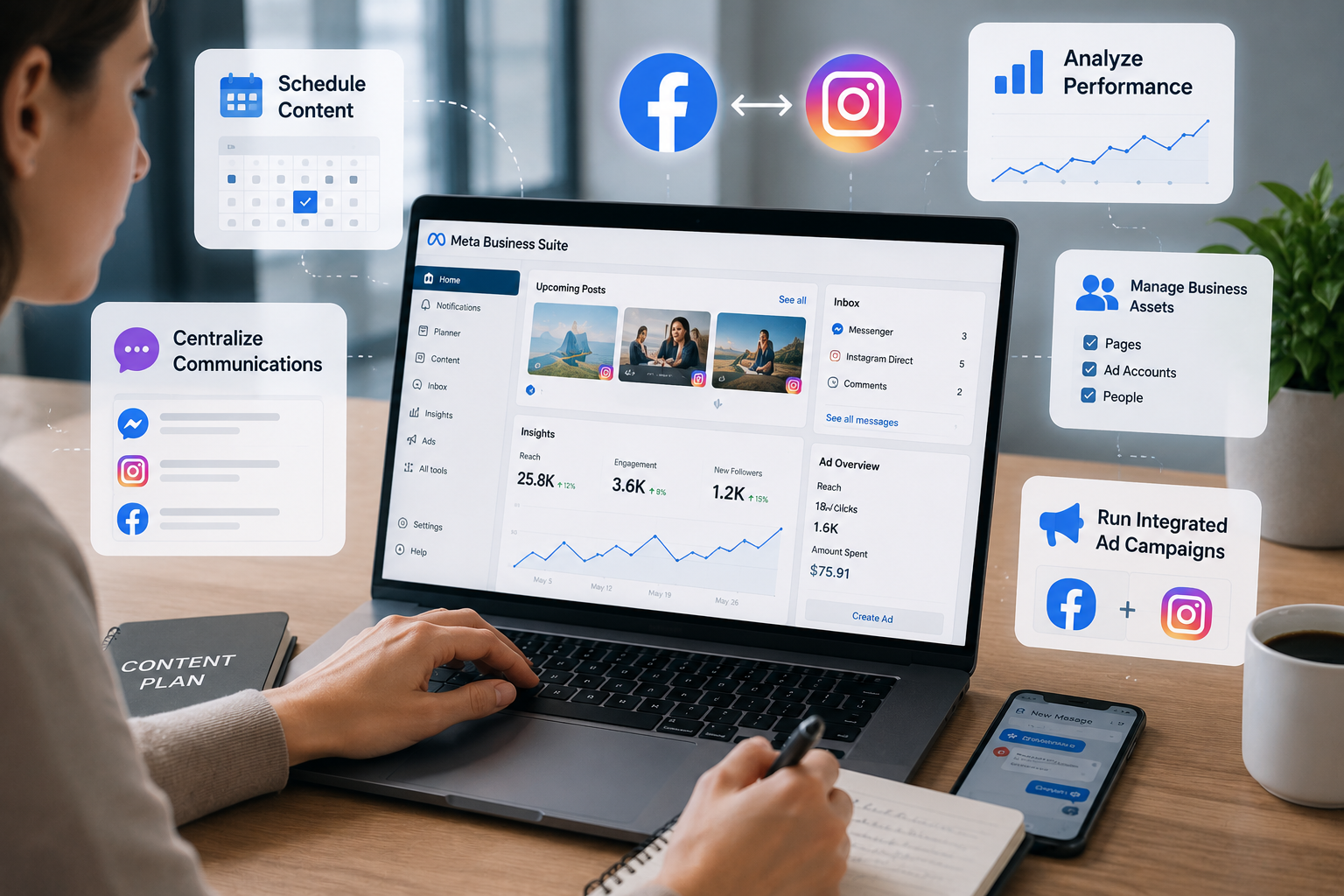
To truly streamline your workflow, a quick Meta Business Suite walkthrough is highly recommended. The Business Suite is your daily command center. Here, you can:
- Schedule Content: Draft and schedule Facebook posts and stories weeks in advance using the built-in content planner.
- Centralize Communications: Reply to Facebook comments, Messenger chats, and Instagram Direct Messages from a single unified inbox.
- Analyze Performance: Access deep insights into your audience's demographics, post reach, and engagement metrics to refine your content strategy.
A major advantage of this suite is the seamless integration between platforms. By linking Instagram and Facebook accounts, you ensure brand consistency. You can cross-post content simultaneously, sync your business contact information, and run integrated advertising campaigns that reach users across both networks effortlessly.
Team Collaboration and Roles
As your business grows, you will likely need help managing your social media presence. Sharing your personal login credentials is a massive security risk and violates Facebook’s terms of service. Instead, focus on assigning page administrative roles.
Meta provides tiered access levels for team members. You can assign someone as an "Editor" to create content and reply to comments, or as an "Analyst" simply to review performance metrics. The "Admin" role should be strictly reserved for business owners, as Admins have the power to delete the page or remove other team members.
Advertising and Troubleshooting
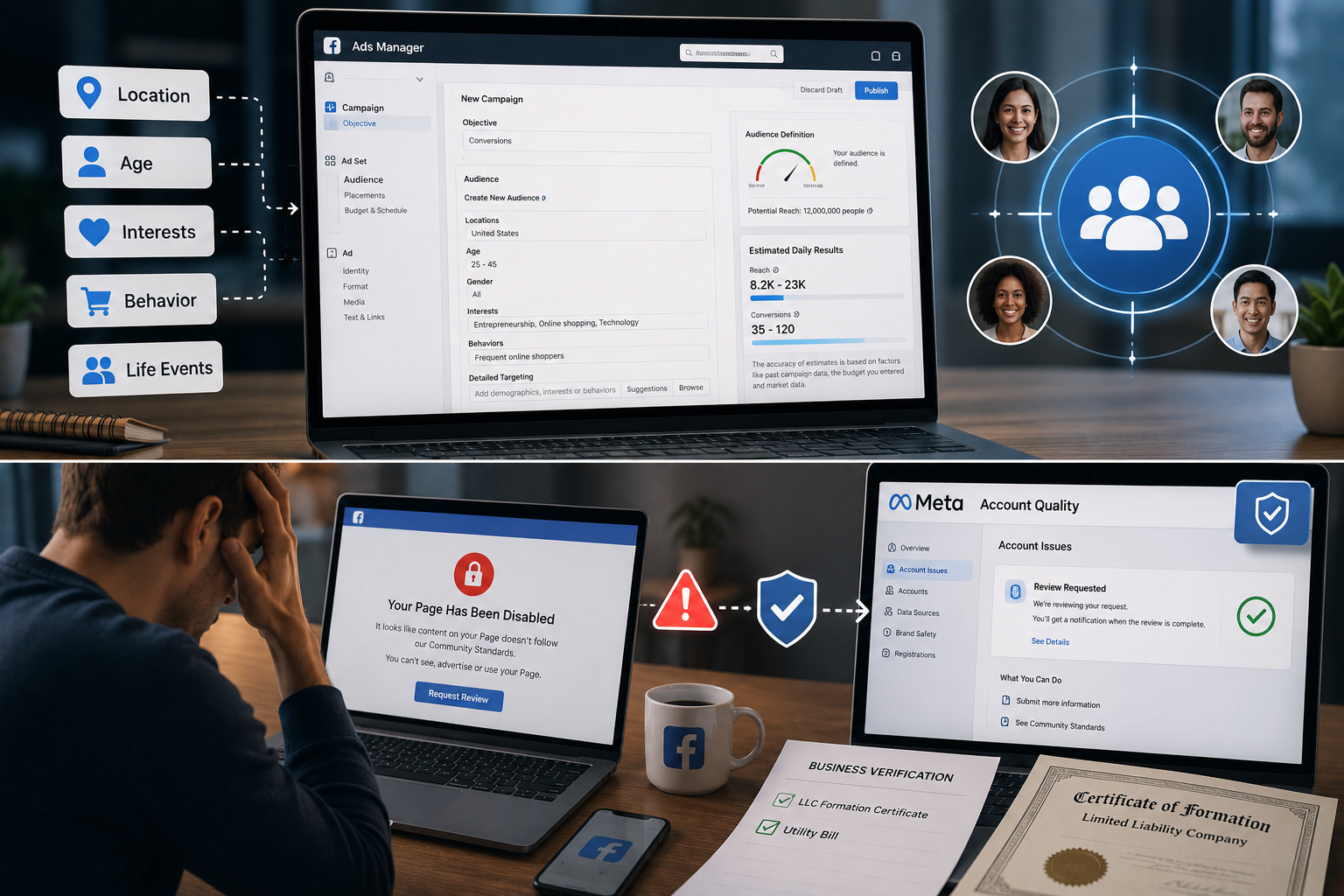
Organic reach on Facebook is notoriously challenging, making paid advertising a necessity for many brands. When creating campaigns, adjusting ad targeting preferences is where the true power of Facebook's algorithm shines. You can target users based on hyper-specific criteria: their geographical location, age, interests, purchasing behavior, and even life events like recently moving or getting married. Regularly refining these preferences ensures your marketing budget is spent on users most likely to convert into customers.
However, business management isn't without its hurdles. One of the most stressful experiences for a social media manager is waking up to find a page restricted or banned. Navigating the process of recovering disabled business pages requires patience. Usually, this happens due to an automated flag for a policy violation—such as a misunderstood ad creative or an aggressive posting frequency.
If this happens, do not panic. Head directly to the Meta Account Quality dashboard. Here, you can request an official review by a human representative. Be prepared to provide business verification documents, such as an LLC formation certificate or a utility bill, to prove your brand's legitimacy.
The Evolution of Account Management
Proactive Facebook Account Management and Tool Utilization
The landscape of digital interaction is constantly shifting, and Meta frequently rolls out new interface updates, privacy regulations, and algorithm changes. Staying proactive rather than reactive is the golden rule of platform management.
Whether you are performing a routine privacy checkup to keep hackers at bay, curating your newsfeed notifications for better mental health, or diving deep into ad targeting for your e-commerce store, success relies on utilizing the specific tools Meta provides.
By treating your digital presence with care, maintaining strict security protocols, and leveraging professional business hubs, you can transform Facebook from a distracting time-sink into a powerful, secure engine for personal connection and business growth. Make it a habit to audit your settings quarterly, keep your team's administrative roles updated, and always stay informed about the latest security features to keep your accounts thriving.
Related Blogs

Are you looking for a way to generate passive income without complicated skills, techniques, or owning a website? Affiliate marketing with ClickBank is the ideal choice for beginners, and when combined with tools Antidetect Browser Hidemium, you can optimize your campaigns for maximum effectiveness. In this article, we will guide you step by step to make money online with ClickBank without a[…]
.png)
The EdTech vertical in India is among the hottest B2B markets in Asia today. Funding in the space surged five-fold in the first half of 2025, while companies are hiring aggressively, opening offline stores and signing up new vendor contracts. For B2B sales teams, that activity creates a genuine window.” The fastest-growing companies are also the fastest acquirers.The challenge is to reach the[…]

As campaign scale increases, managing multiple advertising accounts on a single computer becomes a necessity for media buyers and agencies. However, using conventional browsers like Chrome to log into multiple Facebook Ads accounts carries a significant risk of “mass suspension”—a single account violation can potentially impact the entire system.The root cause lies not only in ad content, but[…]

In the field of affiliate marketing, cookie stuffing is a common form of fraud. This occurs when tracking cookies are installed on users' devices.without their knowledge. This allows fraudsters to receive commissions for actions they didn't actually commit.The consequences extend beyond just lost costs. Businesses also face issues such as inaccurate marketing data, unreliable performance reports,[…]

When managing multiple accounts for MMO, eCommerce, or multi-platform marketing, IP address and geographic location are always among the top risk factors. If multiple accounts log in from the same IP or an incorrect location, platforms can easily detect account linkage, leading to suspensions or bans.This is also why using a proxy alone is no longer sufficiently safe. A more sustainable solution[…]
![Cách Tìm IP Facebook Qua Điện Thoại – Hướng Dẫn Chi Tiết [Android & iPhone]](/photos/blog/1745810991510_thumbnail (1).png)
Bạn đang dùng điện thoại và muốn biết IP Facebook của mình là gì, hoặc xem lịch sử đăng nhập từ thiết bị nào? Chỉ cần vài thao tác đơn giản trên app Facebook, bạn có thể kiểm tra ngay — không cần máy tính, không cần phần mềm thứ ba. Cùng Hidemium hướng dẫn từng bước chi tiết dưới đây.1. IP Facebook là gì? Tại sao cần tìm?Địa chỉ IP Facebook là địa chỉ IP mà thiết bị của bạn đã dùng để đăng nhập[…]
