
Running several YouTube channels means handling the same repetitive tasks over and over: figuring out which account to open, finding the right working environment, and checking who is responsible for what. Hidemium is a browser profile manager that helps with these tasks, so you spend less time searching and more time on content and channel performance.
How Hidemium Helps Manage Accounts
When you operate many channels, the hard part is usually the routine: identifying the account you need, locating its working environment, and confirming who owns the task. Hidemium provides profile management tools to organize this work.
Identify the right working environment
Hidemium lets you name each browser profile. Your team can adopt a naming convention based on project or account code, so profiles are easy to recognize when you need them.
For example, a team might use names like YT_ProjectA_01 and record the related channel in a tracking sheet. When a task comes in, the person responsible has the information needed to find the right profile and open it.
The practical benefit is less reliance on memory, especially when you switch between several accounts in a single day. The setup steps are covered in the Hidemium profile information guide.
Group accounts so they are easy to find and track
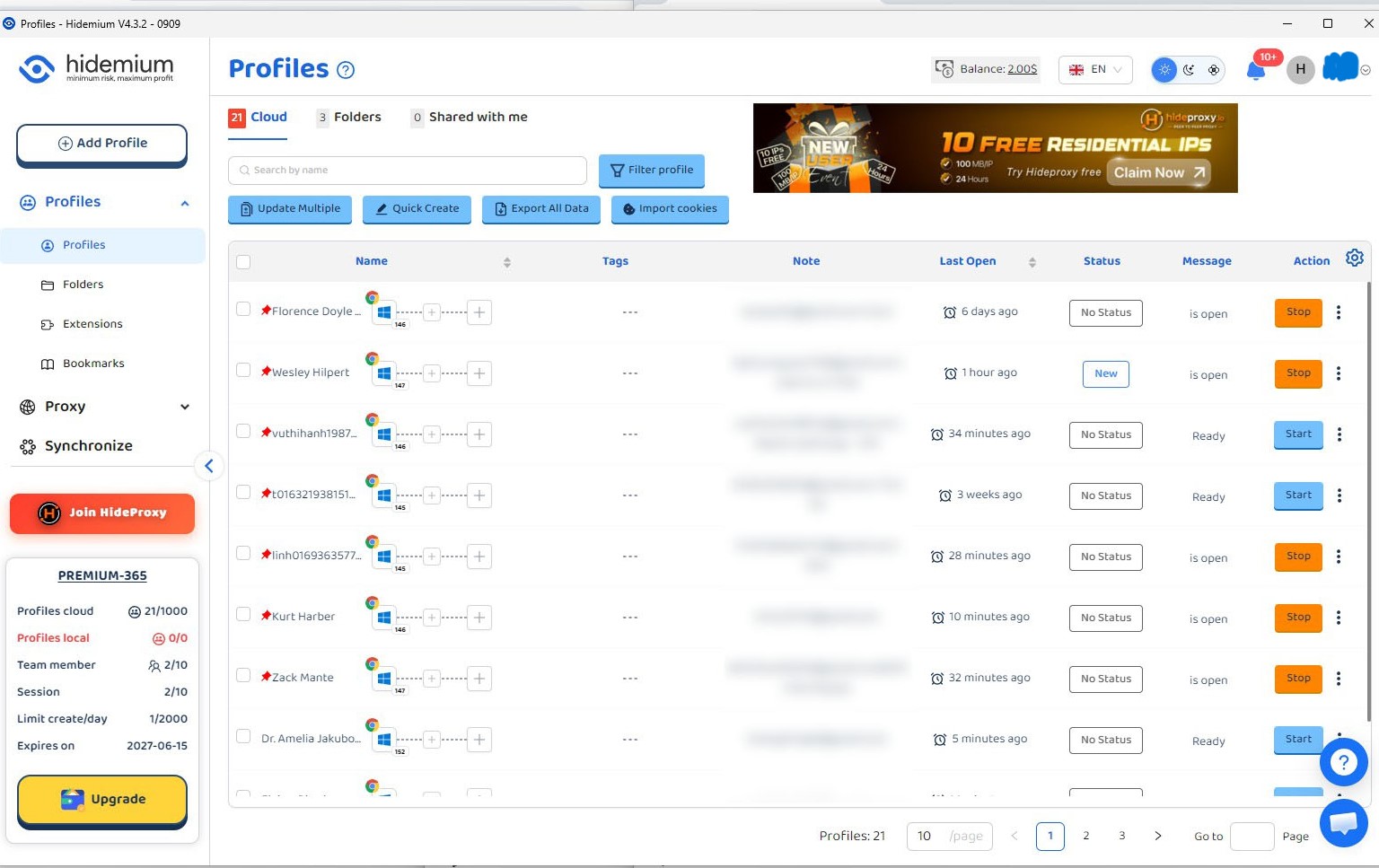
As your profile list grows, folders help you organize profiles by project, client, or workstream. Hidemium shows each folder's name and the number of profiles inside, and lets you rename and share folders, as described in the folder management guide.
Choose one grouping rule and apply it consistently. If your team organizes work by project, group each project's profiles into the matching folder. When a new task arrives, you know where to look instead of scanning the entire account list.
Keep continuity and handovers clear
Hidemium's profile list includes fields such as notes, status, and last-opened time. These help you review a profile before you continue working in it. See how to use the Profiles list.
For clean handovers, pair Hidemium with a tracking sheet that lists the profile name, related channel, owner, and task to complete. For example, when handing off a channel's analytics review, the new owner should know which profile to use and what results to report back. Clear profile management combined with clear task ownership makes that handoff much easier.
Manage connection settings per profile
If your workflow uses proxies, Hidemium stores connection settings within each profile. Team members can check these settings when they need to verify their working environment. Refer to the proxy configuration for profiles.
This keeps connection information organized, which makes day-to-day operations and troubleshooting simpler. How much this improves your workflow will depend on your own experience.
The Result: More Control as Your Account Count Grows
When profile names, folders, and ownership are consistent, operators can find the right environment and continue work faster. Solo creators benefit from having less to remember. Teams benefit from easier lookup and handovers. When you add new accounts, you already have a set of rules for where they belong.
To judge whether your setup is working, track specific measures: how long it takes to find a profile, how often someone has to ask for information again, and how often tasks are delayed because the owner was unclear. These are useful indicators of the operational value Hidemium provides.
Channel Results for Context
YouTube Studio recorded 2,824,962 views, about 213,500 watch hours, and roughly 1,600 new subscribers between September 15 and October 12, 2026.
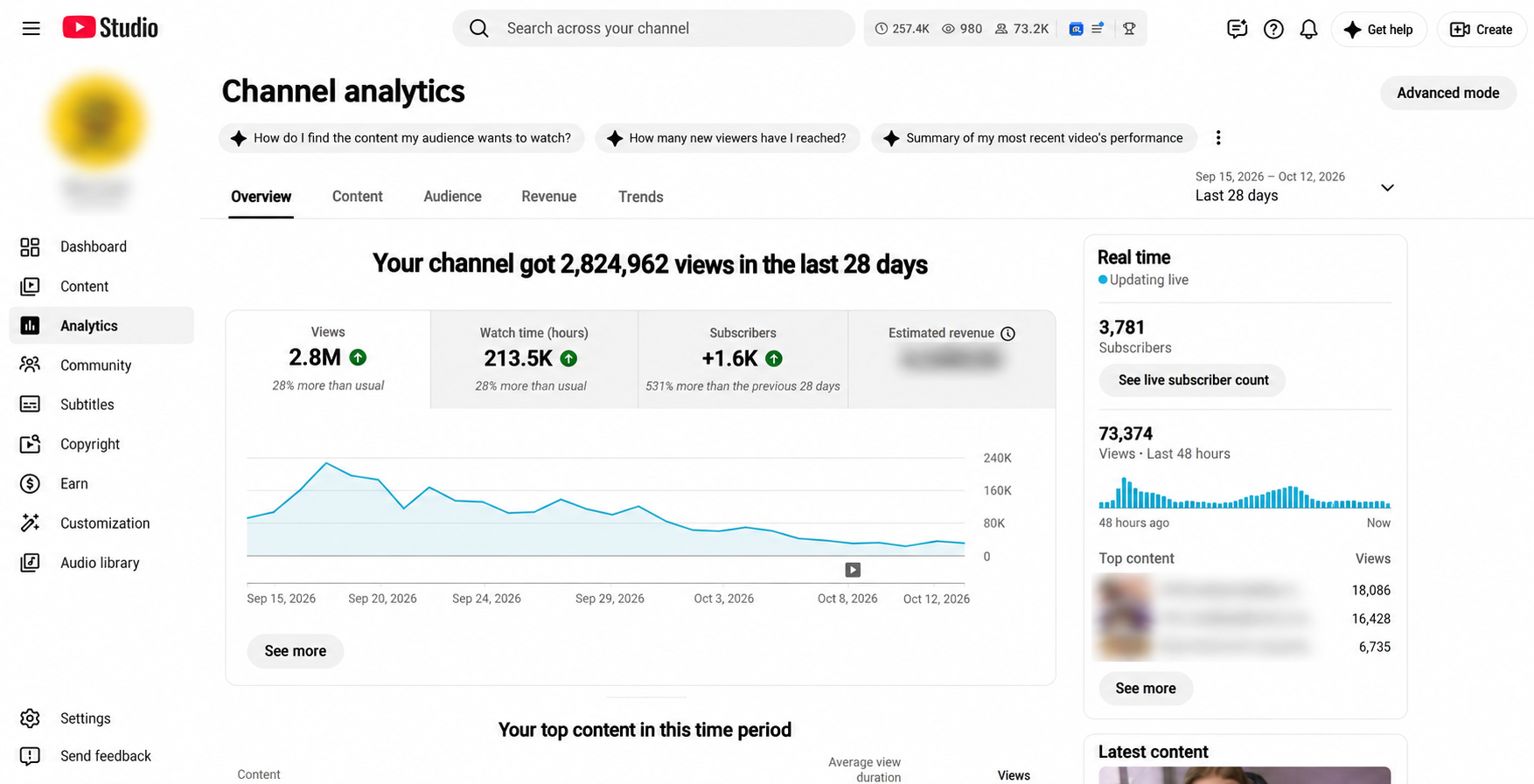
These results reflect content performance during that period. They do not show how much time Hidemium saves, how many channels a team actually manages, or how much Hidemium contributes to views. The main value to focus on is how the tool helps you organize and maintain your work. A profile system that is easy to recognize, grouped logically, and has clear owners is the foundation for keeping control as your operation grows.
Frequently Asked Questions
How does Hidemium help when managing multiple YouTube accounts?
Hidemium supports creating and managing browser profiles, naming them, grouping them into folders, and recording related information. These features help operators organize their working environments and find profiles quickly.
Does one browser profile correspond to one YouTube channel?
Not necessarily. The setup depends on each user's accounts and access permissions. Record how each profile, account, and channel relate to one another so your system stays manageable.
Do solo YouTubers need Hidemium?
It may be worth considering once switching between multiple accounts becomes hard to track. If your current process is simple and easy to control, assess your actual needs before adding a tool.
Will Hidemium directly increase my YouTube views?
The material provided does not show that Hidemium directly increases views. Its role is to help manage profiles. Channel performance should be analyzed through your content and YouTube data.
How should I start organizing my profiles?
Agree on a naming convention, group folders by project, and record who is responsible for each account. Try it with a small group first, then adjust based on your experience.
To build a profile system that fits how you run your channels, explore Hidemium and set up a structure that matches how you run your channels.
Related Blogs

The old story of VPNs is simple. Hide. Mask. Browse. But the world has moved on. So must the tools.Why anonymity alone isn't enoughPeople still think of VPNs as a cloaking device. That belief is narrow. Modern threats are layered. Attacks target devices, cloud apps, telemetry, supply chains, and identities — not just IP addresses. A good encrypted internet connection should do more than hide[…]

Have you ever wondered what makes it possible for you to surf the web, watch movies, send emails, or work online? The answer is your ISP – Internet Service Provider. This article is from Antidetect Browser Hidemium will explain in detail what an ISP is, how it works, the common types of ISPs, the benefits and risks, and how to choose the right provider for your needs.1. What is ISP? Basic[…]
GoLogin vs Hidemium: quick answerGoLogin vs Hidemium is a comparison between two antidetect browser platforms used for browser profiles, proxies, and multi-account workflows. GoLogin is often considered by users who want a simple and accessible way to start managing browser profiles. Hidemium is a stronger fit for teams that need structured workspaces, proxy visibility, team access, profile[…]
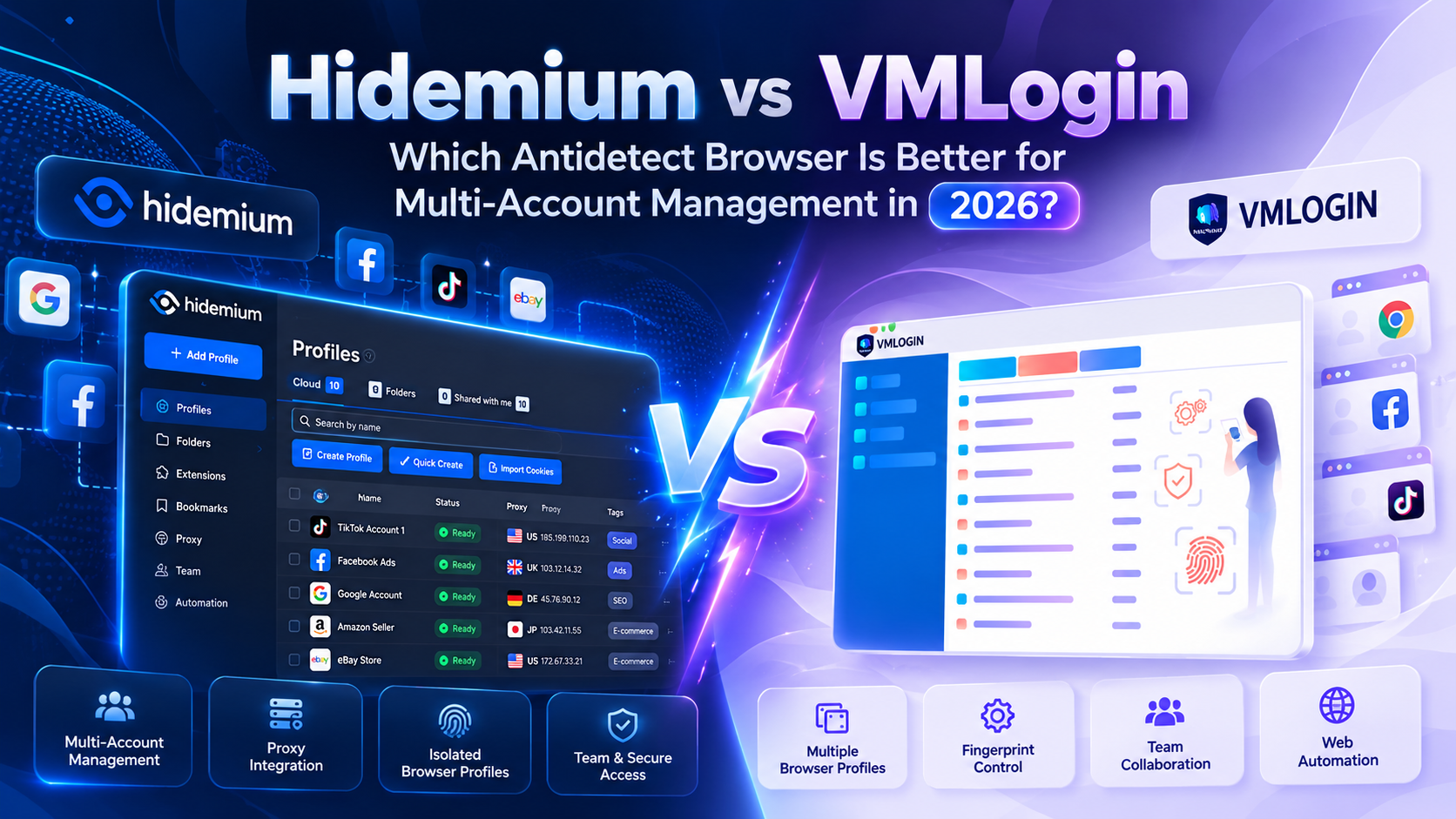
Managing multiple online accounts has become increasingly common in digital marketing, affiliate marketing, and e-commerce. However, as the number of accounts grows, maintaining separate browser environments, managing data, and performing repetitive tasks can become more complicated.To address these challenges, many users turn to antidetect browsers such as Hidemium and VMLogin. Both support[…]

Social media managers are tasked with producing a lot of content. Many platforms, many formats, one brand voice, daily or nearly daily publishing, all at once. Most of them now use some form of AI to help with at least a portion of that workload. There's nothing inherently wrong with using AI. The problems arise when AI-generated posts go live without getting a real editorial pass. The post that[…]

Opening a store on Etsy is an excellent opportunity to start a business. However, to attract customers and increase traffic to your store, you need a clear strategic plan and effective execution.This article by Hidemium will guide you step-by-step on setting up an Etsy store and share effective strategies to help you drive traffic and boost sales growth. 1. What is Etsy?Etsy is a popular[…]
