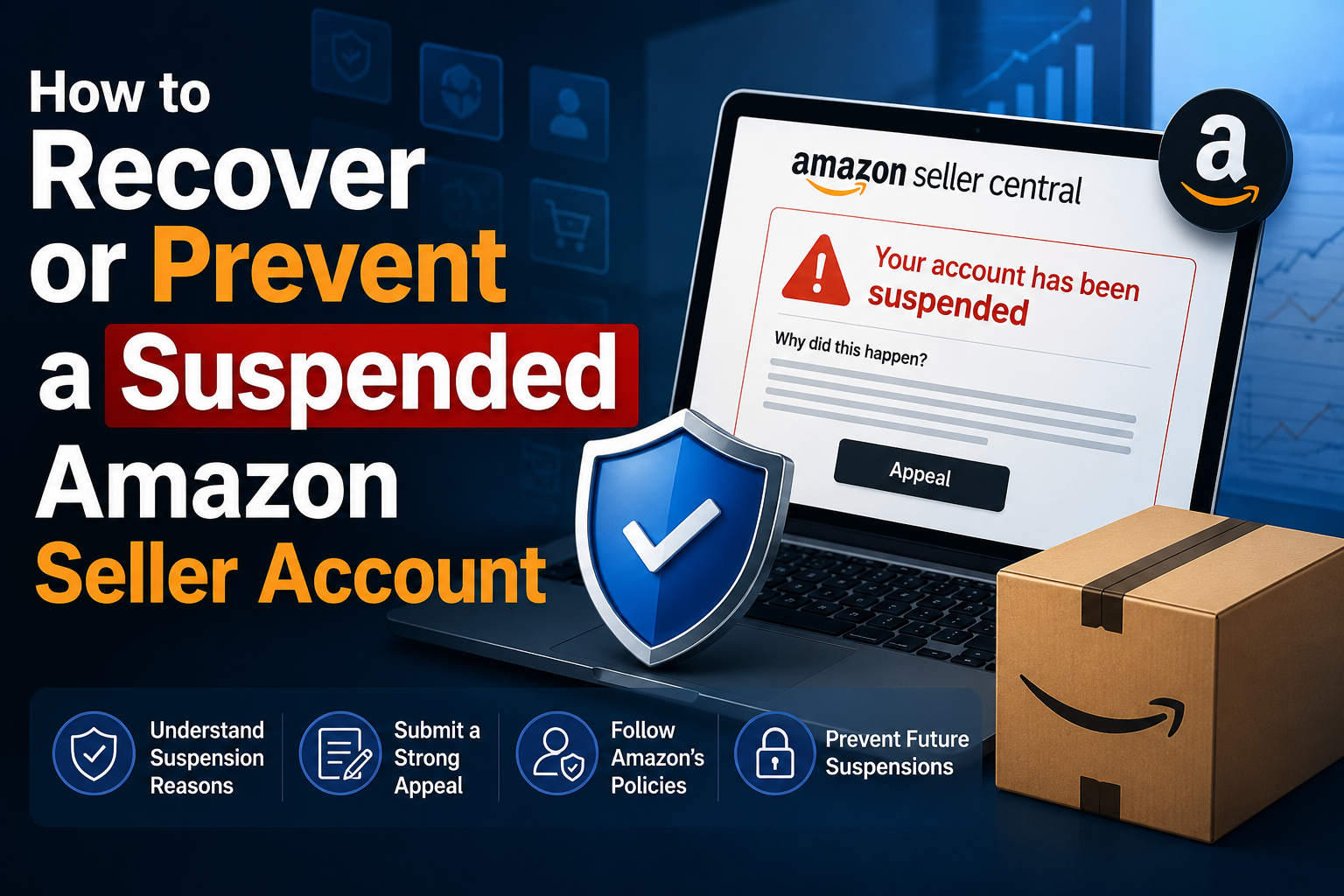

Creating an account to sell on Amazon is not easy for sellers. However, locked Amazon accounts are even more common problems. Losing an account is a significant loss for those who trade even for a day. This is unavoidable in the sales process. So what can you do when Amazon ban your account? Or how to minimize these risks? Find out below!
What is a suspended Amazon account? Sanctions from Amazon
“Your account has been suspended” or “Removing your selling privileges.” If you receive this message, your Amazon account has been suspended. Your ASIN will now stop working. Selling privileges will also be removed by Amazon, or you will be banned from selling a particular product.
Accordingly, accounts will be subject to the following disciplinary actions if they violate Amazon’s policies:
- Suspended account: This situation occurs when your account is not a serious violation. And you won’t be able to sell again on Amazon officially, but you still have the opportunity to request a reconsideration. For this decision to be changed, you must prepare a plan (POA) to file an appeal. It specifically describes how to fix the problem.
- Denied account: This notice is sent when Amazon does not accept your appeal. However, you can continue to fix the errors again.
- Banned account: Your sales account is now officially banned. And there is no way to restore it. This is Amazon’s heaviest penalty for the offending account.
Why is the Amazon account locked?
If you’re wondering why your Amazon account is locked, try to see if you’ve committed one of the following errors.
1. The process of setting up and raising an Amazon account has an error:
- Providing false information
- Create an Amazon account on a computer or network source you created
- Using used registration information, buying external information
- Misinformation during account registration
- Login to the main account in too many networks and browsers
- Payoneer and Reddit card replacements make Amazon suspicious
2. Low performance:
- Order Defect Rate (ODR): negative response rate, total claim rate, percentage of customers requesting a refund in the last 60 days.
- Cancellation rate (PCR) for FBM: the rate of order cancellation before shipping within the last seven days for any reason from you.
- The late delivery rate for FBM: the ratio of late delivery to total orders delivered in the last 10 – 30 days.
Customer care index: late reply rate (after 24 hours from receiving the message), average customer response time. - Bill of lading code ratio: the ratio of orders over goods with valid bills of lading to the total number of orders.
3. Selling unlicensed products, for example, dietary supplements, sharp products, and chemicals. etc
4. Violation of Amazon’s sales policy.
What to do when your Amazon account is locked?
So after the account is “disciplined,” what can you do? Looking to appeal to reopen an account or create a new one?
Find a way to unlock the account
As outlined above, you can file an appeal with Amazon when your account is locked. First, review Amazon’s policies and contrast the reasons for account inactivity. You must then prepare a plan of action (POA) to send Amazon to reconsider their decision.
Specifically, the document should contain the following:
- Write a brief introduction stating the problem: what causes an Amazon account to be locked.
- Show action to help solve the problem.
- What measures can be taken to avoid a similar situation from happening?
Create a new account
Due to business disruptions or the inability to appeal, many people choose to create a new Amazon account quickly. That means you have to start all over again:
- Use a new name that does not match the old account
- Use new papers that have nothing to do with old data
- Do not use old bank accounts
- Completely new registered phone number and email
So it can be seen that they are not easy to do. If you use the network and browser that created an old account to sign up for a new account, Amazon will also quickly notice you.
Tips to avoid being locked out of your Amazon account
“Prevention is better than cure.” So it would be best if you tried to be careful with your account first rather than dealing with it when it is locked.
- All you need to do is follow Amazon’s policies and take great care of your customers.
- Using anti-browser software to log into your Amazon account. Hidemium allows it to create multiple accounts and log in simultaneously without being detected. By the browser fingerprint change mechanism. At the same time, this is also an effective way to create an Amazon account after being banned.
Related Blogs

The old story of VPNs is simple. Hide. Mask. Browse. But the world has moved on. So must the tools.Why anonymity alone isn't enoughPeople still think of VPNs as a cloaking device. That belief is narrow. Modern threats are layered. Attacks target devices, cloud apps, telemetry, supply chains, and identities — not just IP addresses. A good encrypted internet connection should do more than hide[…]

Running a dropshipping business on eBay can be highly profitable, but it also comes with a major risk: unexpected account suspensions. For dropshippers, managing multiple accounts on the same computer without proper protection can easily lead to account bans.Even a small mistake—such as using duplicate IP addresses or exposing your browser fingerprint—can result in immediate suspension. So how[…]
.png)
Managing multiple Amazon accounts sounds like a smart way to scale your business—until things go wrong.Many sellers start with good intentions: separating brands, testing new products, or organizing operations. But without the right setup, multiple accounts can quickly get linked, flagged, or even permanently banned.In this guide, we’ll walk through how to create and manage multiple Amazon[…]

Managing multiple accounts, clients, or online projects through the same browser can create operational problems. Teams may accidentally use the wrong account, mix browsing sessions, or lose track of which environment belongs to a particular project.As the number of accounts grows, these mistakes can become more difficult to manage.An antidetect browser offers a way to create separate browser[…]
In the digital age, using multiple WhatsApp accounts on the same devices is no longer strange. Many users need to separate personal and work contacts, or manage customer care, sales, and marketing activities professionally and scientifically.According to information from WhatsApp's official blog, the platform now supports ad second account on android device use dual SIM. However, this feature Not[…]
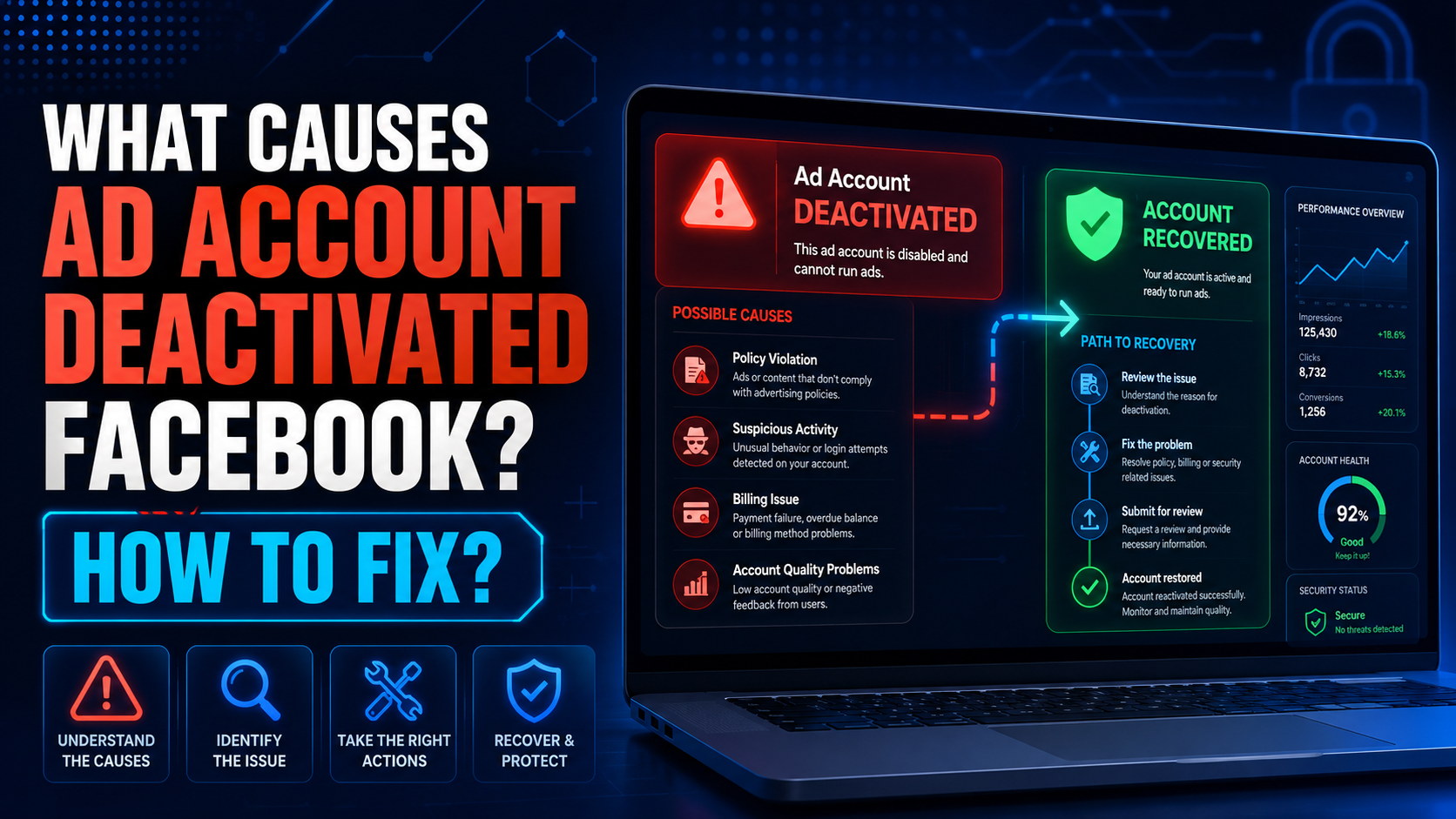
The problem of ad account deactivated Facebook is no longer a rare thing. Due to many reasons, your account “evaporated” from this social networking platform. So what causes the Facebook ad account to be disabled? Follow the article to get the most accurate answer.Reasons Ad account deactivated FacebookAd account deactivatedHow would you feel if one day you couldn’t find your ad account anymore?[…]
