How Cloud-Based Platforms Are Changing the Way Remote Teams Manage Business Security
Try Hidemium for free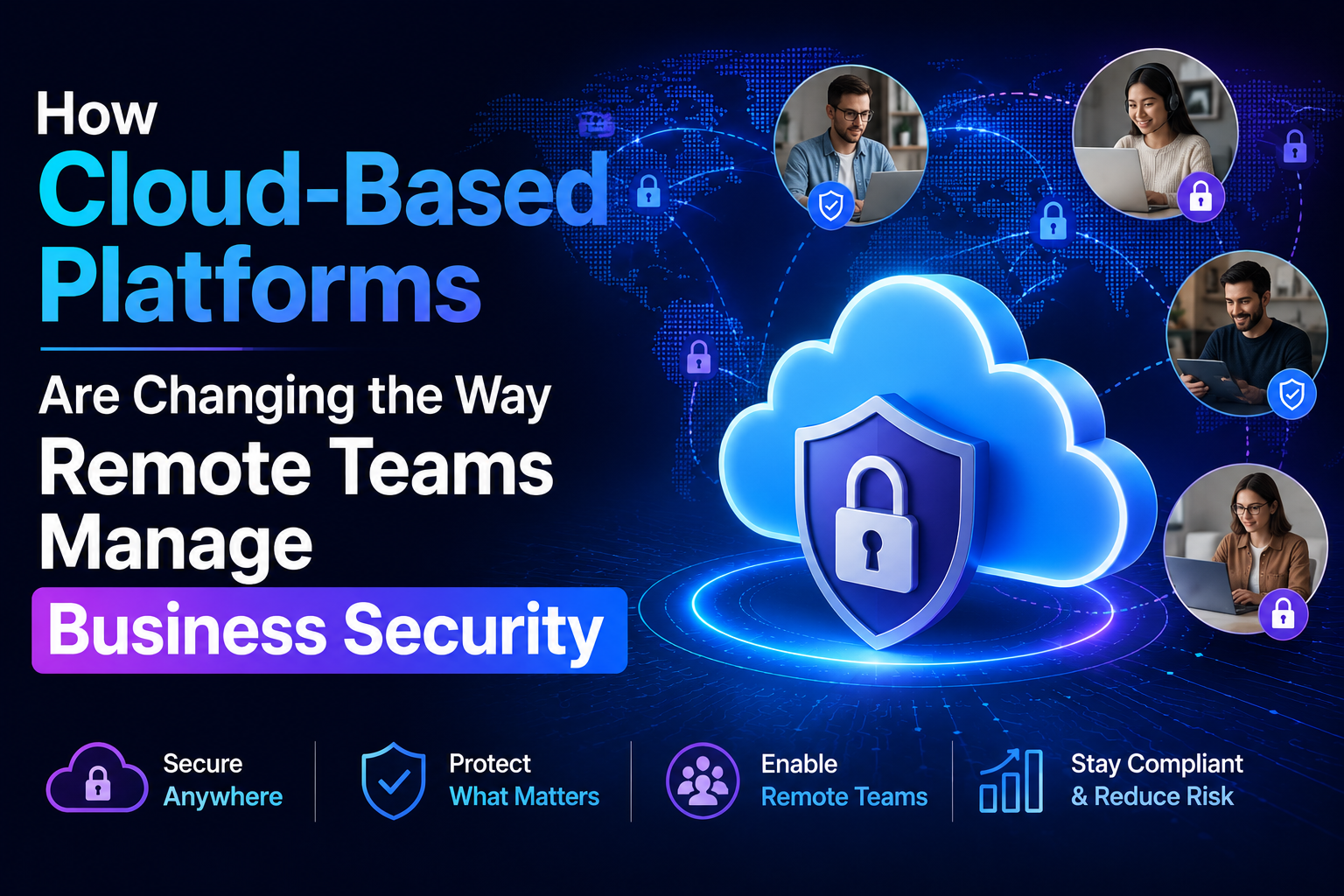

Remote work did not simply change where employees open their laptops. It changed the boundaries businesses need to secure.
A company may now have employees working from home, managers traveling between locations, cloud applications holding sensitive data, and physical offices operating without a security specialist permanently on-site. This distributed model creates a problem for security teams that still rely on locally managed tools.
The financial stakes are substantial. IBM's 2026 research puts the global average cost of a data breach at $4.99 million, up 12% from 2025. It also found that extensive use of AI and security automation was associated with $1.93 million in average savings compared with organizations using none.
Cloud platforms offer businesses a different model. Browsers, identity controls, business applications, access permissions, and physical video security can increasingly be administered without the responsible employee being physically present at every site.
This article looks at how that shift is changing security for remote teams, where centralized management delivers practical benefits, and why physical security is becoming part of the same cloud conversation.

1. Security Management Is Moving Away From Individual Locations
Traditional business security was built around a relatively simple assumption: employees, systems, and administrators would usually be in the same building.
That assumption no longer works for distributed organizations.
Consider a growing company with a headquarters, two smaller offices, a warehouse, and remote employees. If every location has its own camera recorder, access policies, software configuration, and administrator, security quickly becomes fragmented. A manager may have to sign into several systems just to understand what is happening across the organization.
Cloud platforms reverse that model by bringing administration to the user rather than requiring the user to go to the infrastructure.
For remote security and IT teams, centralized management can make it easier to:
- Apply permissions across locations
- Add or remove users without visiting an office
- Review activity from a central dashboard
- Standardize policies across distributed teams
- Investigate problems without immediately dispatching local IT staff
The value is not simply convenience. Consistency becomes a security control. If every office follows the same identity, access, and monitoring policies, there are fewer opportunities for forgotten accounts, outdated configurations, or location-specific workarounds to create gaps.
2. Cloud-Based Video Is Bringing Physical Security to Remote Teams
Physical security used to be one of the hardest functions to manage remotely. Traditional video management systems often depend on recorders and servers installed at each site, which can make remote troubleshooting, investigations, and multi-site oversight cumbersome.
Cloud video management changes that architecture. Cameras remain at the property, but administration, video access, permissions, and other capabilities can be centralized.
This is particularly useful when the person responsible for security is hundreds of miles from the site.
Coram provides one example of how a cloud based VMS can support this model. According to Coram, its platform works with existing IP cameras and brings video surveillance, access control, and emergency management into a unified cloud environment. Its video capabilities include natural-language search, AI-powered search, license plate and facial recognition, real-time threat alerts, hybrid storage options, and centralized administration.
For a distributed company, that could change a practical security workflow. Instead of asking someone at a branch to find footage and export it, an authorized remote security manager can investigate through the centralized platform.
The broader shift is important. Physical security is starting to operate more like other cloud business applications, where authorized teams can securely manage resources regardless of their location.
3. Identity Is Becoming the New Security Perimeter
When everyone worked inside an office, a company's network and physical building created relatively clear boundaries. Remote and hybrid work have weakened those boundaries.
Today, identity often determines whether someone can reach a sensitive resource.
That resource might be a cloud application, company browser profile, financial account, administrative dashboard, security camera, or office access system. As a result, businesses increasingly need to think about identity management as a common layer connecting digital and physical security.
A centralized approach can help organizations enforce principles such as least-privilege access. An employee should have the permissions required for their role, but not unnecessary access simply because managing permissions individually is inconvenient.
This becomes especially important when someone changes departments or leaves the company. Removing access from several disconnected systems manually increases the chance that one credential will remain active.
The consequences of weak access governance can be expensive. IBM's 2025 research found that 97% of organizations reporting an AI-related security incident lacked proper AI access controls, illustrating the wider problem created when technology adoption moves faster than access governance.
Centralized identity does not eliminate risk, but it gives businesses a more manageable way to decide who can access what and to change those decisions quickly.
4. Managed Browsers Are Giving Businesses More Control Over Remote Work
The browser has quietly become one of the most important business workspaces.
Employees use it to access email, CRM platforms, accounting software, collaboration tools, cloud storage, administrative portals, and other sensitive applications. For a remote team, that means the browser is also an important security boundary.
Cloud-managed browser environments can give IT teams more control over how employees interact with company resources without requiring them to work from a corporate office.
Depending on the platform and configuration, organizations can centrally manage policies around authentication, extensions, sessions, application access, and other browser behavior.
Imagine a finance employee traveling and accessing company applications from a laptop. The security question is no longer simply whether the laptop is outside the office. The business needs to know whether the correct user is authenticated, whether the session follows company policy, and whether sensitive applications are being accessed appropriately.
This reflects the broader direction of cloud security. Instead of assuming that a location is trusted, businesses can increasingly apply controls to the user, device, application, and session.
For remote teams, that is a much more realistic model than trying to recreate the traditional office perimeter everywhere employees happen to work.
5. Centralized Platforms Can Make Multi-Site Incident Response Faster
A security incident rarely stays neatly within one system.
Suppose a company laptop disappears from an office. The investigation might involve checking identity activity, reviewing application sessions, disabling credentials, examining access records, and reviewing security video.
When each of those systems is isolated, different people may need to collect information manually. That creates delays precisely when the organization needs clarity.
Cloud-based platforms can reduce some of that fragmentation by making information remotely accessible and easier to administer centrally.
The potential impact of faster detection is significant. IBM's 2026 report found the average data breach now costs $4.99 million globally. Extensive AI and security automation, meanwhile, was associated with nearly $2 million in average savings.
For remote teams, a practical response model may include several coordinated actions:
- Disable compromised user credentials centrally.
- Review relevant application and identity activity.
- Check physical access records if an office is involved.
- Review video from the relevant time and location.
- Preserve necessary information for investigation.
Centralization does not mean every security function needs to come from one vendor. It means teams should be able to reach the information and controls they need without depending on physical access to every location.
6. Cloud Management Makes Security Easier to Scale With the Business
Adding a new office traditionally meant adding another collection of local infrastructure.
Servers needed configuration, security software needed deployment, cameras needed local recording equipment, and administrators needed a way to maintain everything. Multiply that by ten or fifty locations and the operational burden becomes significant.
Cloud platforms make expansion less dependent on duplicating the same management infrastructure at every site.
Video management provides a good example. Coram's 2026 cloud VMS overview notes that traditional multi-location deployments may require separate servers, software licenses, and IT oversight at each site. Cloud-native management can instead centralize camera configuration, permissions, retention policies, and system health.
Similar logic applies to other cloud-managed tools.
A remote-first company opening another location can potentially bring users, applications, browser policies, identity controls, and physical security into existing management structures rather than creating another independent technology island.
That matters because scaling security should not require scaling administrative complexity at the same rate.
The challenge is governance. Centralization gives administrators considerable power, so strong authentication, carefully assigned administrator privileges, audit logs, and documented procedures become even more important.
7. Centralization Is Creating a More Unified View of Business Risk
Perhaps the biggest change is conceptual.
Cybersecurity, physical security, identity, and remote-work management have historically been treated as separate disciplines. Cloud platforms are making those boundaries less useful.
An unusual login could have a physical component. A missing device might require both identity investigation and video review. An employee departure might require disabling SaaS accounts and revoking building access on the same day.
Businesses therefore benefit from thinking about security as a connected process rather than a collection of unrelated products.
This does not mean moving everything to the cloud automatically makes an organization secure. Poorly configured cloud systems can introduce their own risks. IBM reported in 2024 that 40% of studied breaches involved data stored across multiple environments, including public cloud, private cloud, and on-premise systems. Those breaches took an average of 283 days to identify and contain.
The lesson is that cloud adoption needs governance.
Businesses should know who has administrative access, enforce strong authentication, regularly review permissions, maintain appropriate retention policies, and establish clear procedures for employee onboarding and offboarding.
Cloud technology provides the centralization. Good security practices determine whether that centralization actually reduces risk.
Key Takeaways
- Cloud platforms are making security location-independent, allowing authorized teams to manage users, applications, video, and policies without being physically present at every business site.
- Physical security is joining the cloud-management model, with cloud VMS platforms enabling remote video access, centralized administration, AI-assisted investigation, and multi-site oversight.
- Identity is becoming a central security layer because remote employees access business resources from many locations, devices, and applications.
- Managed browsers can extend company policies into remote workflows, helping organizations apply controls closer to where employees actually work.
- Centralization can improve incident response by making relevant controls and information accessible to distributed security and IT teams.
- Cloud adoption still requires strong governance. Administrator access, authentication, permissions, auditing, and offboarding processes remain critical.
FAQs
What is a cloud based VMS?
A cloud VMS is a video management system in which important management functions are hosted in the cloud rather than depending entirely on local servers and recorders. It can provide centralized camera management, remote viewing, permissions, storage options, and other capabilities.
Why are cloud platforms useful for remote teams?
They allow authorized employees to manage systems from different locations while maintaining centralized policies. This is particularly useful for businesses with hybrid workers, branch offices, or multiple physical facilities.
Can cloud video platforms work with existing security cameras?
Some can. Compatibility depends on the platform and camera infrastructure. Certain cloud VMS providers support existing IP cameras, allowing businesses to modernize video management without replacing every camera.
Does moving security management to the cloud automatically make it safer?
No. Cloud systems still require strong authentication, carefully managed permissions, secure configurations, auditing, and good operational practices.
How does centralized management help a growing business?
It allows policies, users, devices, and locations to be managed more consistently. As a business adds employees or sites, administrators can expand existing management processes instead of creating separate systems for every location.
Conclusion
Remote work has changed the meaning of business security. Protecting an organization can no longer depend on having the right administrator sitting inside the right building.
Cloud-based browsers, applications, identity platforms, and video management systems are giving distributed teams a way to manage security from wherever their responsibilities take them.
The biggest benefit is not simply remote access. It is centralized visibility and control.
When implemented with strong governance, that model can help businesses respond faster, maintain more consistent policies, and add locations without creating a new security silo every time they grow. For remote and hybrid organizations, that is quickly becoming the foundation of a more practical security strategy.
Related Blogs
Which is the better choice for your online business—VPN or Proxy? While many people mistakenly believe that simply using a VPN to change their IP address is enough for security, major platforms can still easily detect shared IP ranges and blacklist associated accounts. The difference between data encryption (VPN) and dedicated IP rotation (Proxy) is often the line between smooth operations and[…]
.png)
In today's challenging Digital Marketing environment, protecting accounts and safeguarding user information has become a top priority. Antidetect Browser plays a key role in protecting identities and optimizing online marketing strategies. With its ability to mask information and block tracking activities, this tool not only supports the effective management of multiple advertising accounts but[…]

In 2026, major platforms such as Facebook, TikTok, Amazon, and Etsy continue to tighten their algorithms for detecting abnormal behavior. For the MMO (Make Money Online) community, managing multiple accounts on the same device without being detected has become a matter of survival.In this context, proxies are no longer just tools for changing IP addresses—they have become a mandatory component[…]

The best antidetect browser for affiliate marketing depends on your workflow, team size, proxy requirements, automation needs, and budget. Hidemium is worth evaluating for organized browser-profile workflows and team collaboration; GoLogin emphasizes accessible profile management; Multilogin appeals to technical teams; Dolphin Anty is positioned toward ad-oriented workflows; AdsPower offers[…]

An undetectable browser, also known as a browser antidetect or anti-detection browser, is an essential tool for users to protect their online privacy and manage multiple accounts without detection. However, using unreliable antidetect software can result in various risks, such as data leaks, account bans, poor performance, and malware threats. In this article, we will analyze the potential[…]

Making money online has become a popular trend in recent years, with people looking for ways to supplement their income or make a full-time living from the comfort of their homes. One way to do this is by using apps that allow you to earn money through various means. In this blog post, we will discuss some of the best apps for making money online.SwagbucksSwagbucks is a rewards-based app that[…]
