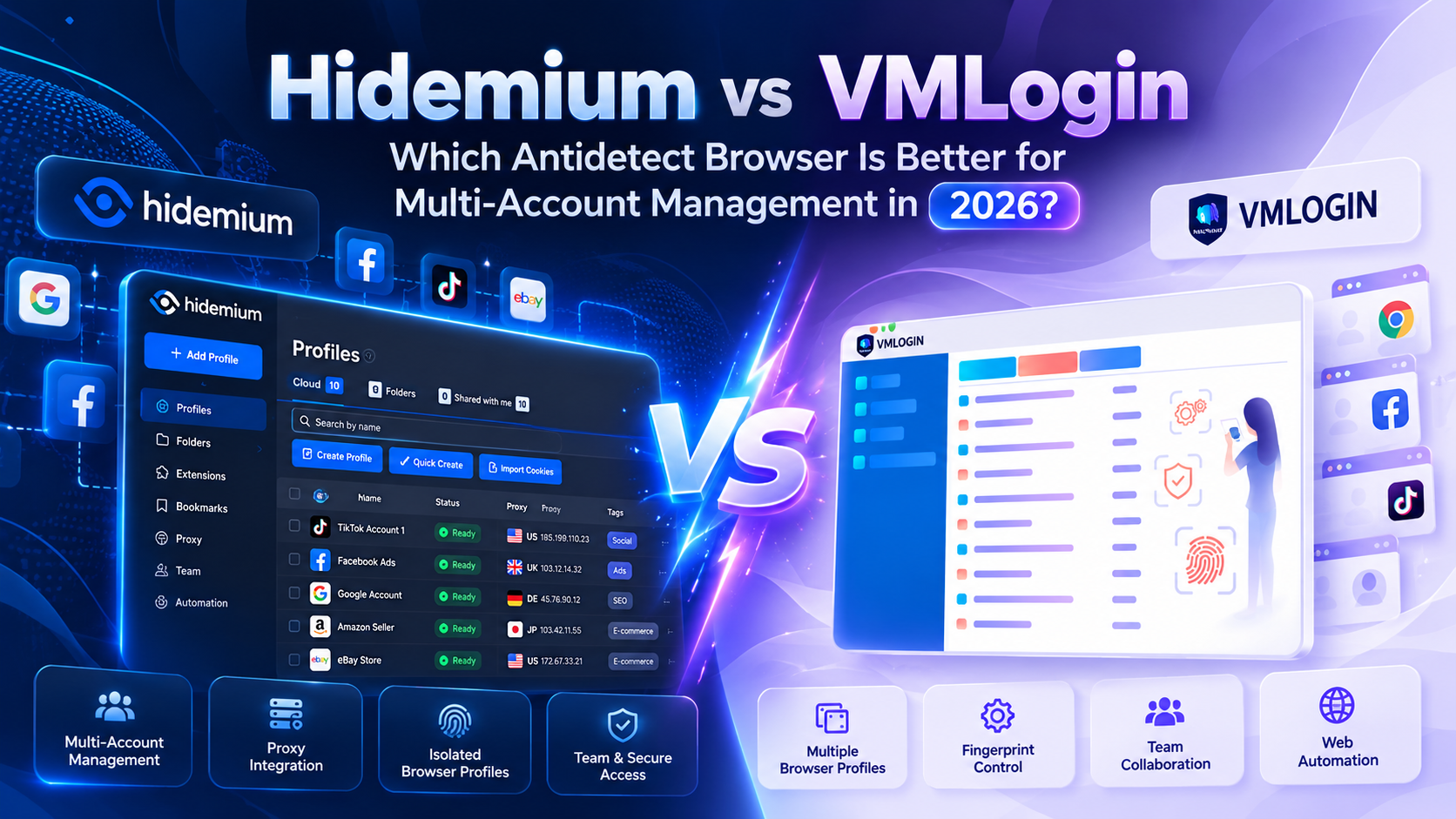

Managing multiple browser environments has become an important operational challenge for digital marketers, affiliate teams, e-commerce businesses, and agencies. As projects grow, keeping account sessions separate, assigning proxies, and managing repetitive browser tasks can become increasingly complicated.
Two tools commonly considered for these workflows are Hidemium and VMLogin. Both offer browser profile management, fingerprint configuration, and proxy integration. However, their suitability depends on whether your priority is maintaining established workflows or combining profile management with automation.
Quick answer: Hidemium is worth evaluating if you want to organize multiple browser profiles and streamline repetitive tasks through automation. VMLogin may remain suitable if your existing profiles work reliably and the current feature set meets your requirements. The better choice depends on compatibility, team needs, costs, and testing results.
This guide compares both tools, outlines seven reasons to consider Hidemium, and explains how to migrate carefully from VMLogin.
1. Hidemium vs VMLogin: Feature Comparison
Both platforms are designed to support multiple browser environments. Their differences should be evaluated through real workflows rather than feature counts alone.
Feature | Hidemium | VMLogin |
| Multiple browser profiles | Supported | Supported |
| Browser fingerprint configuration | Supported | Supported |
| Proxy integration | Supported | Supported |
| Browser automation | Workflow automation is a focus | Verify current automation capabilities |
| Profile organization | Available | Available |
| Team collaboration | Depends on plan | Depends on plan |
| Pricing | Depends on subscription | Depends on subscription |
| Direct profile migration | Compatibility must be verified | Compatibility must be verified |
This comparison is a starting point, not an independently tested performance ranking. Product features, subscription limits, and integration options can change.
For an accurate evaluation, compare both tools using the same operating system, proxy type, number of browser profiles, and daily tasks.
An agency managing 50 authorized customer environments may have different requirements from an individual operating five profiles.
2. Overview of Hidemium and VMLogin
What Is Hidemium?
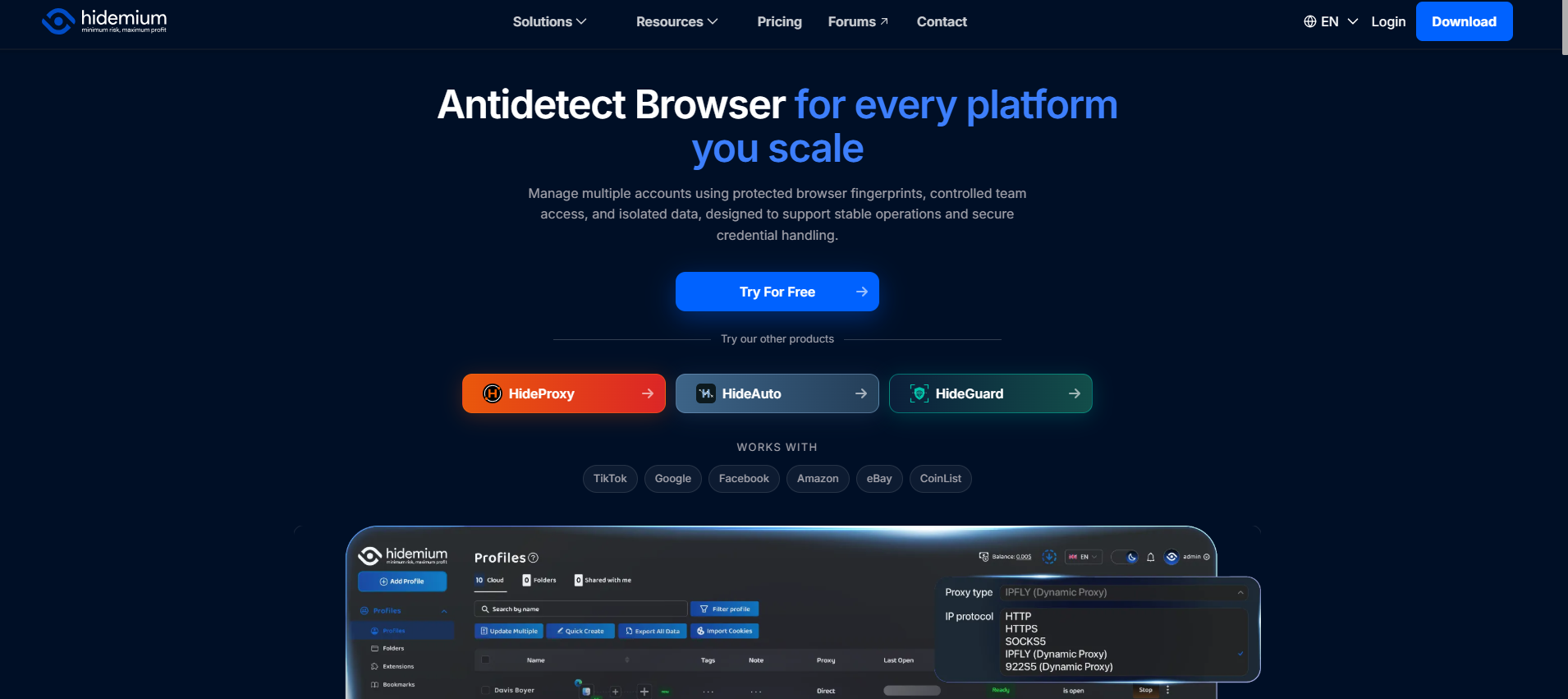
Hidemium is an antidetect browser designed to help users create and organize separate browser profiles.
Each profile can maintain its own cookies, session data, browser configuration, and assigned proxy. This separation can help businesses organize unrelated projects and reduce accidental mixing of browser sessions.
Hidemium also emphasizes browser automation and workflow management. These capabilities may be valuable to teams that repeatedly launch environments, navigate dashboards, or perform approved administrative tasks.
For additional context, read the Hidemium multiple-account management guide.
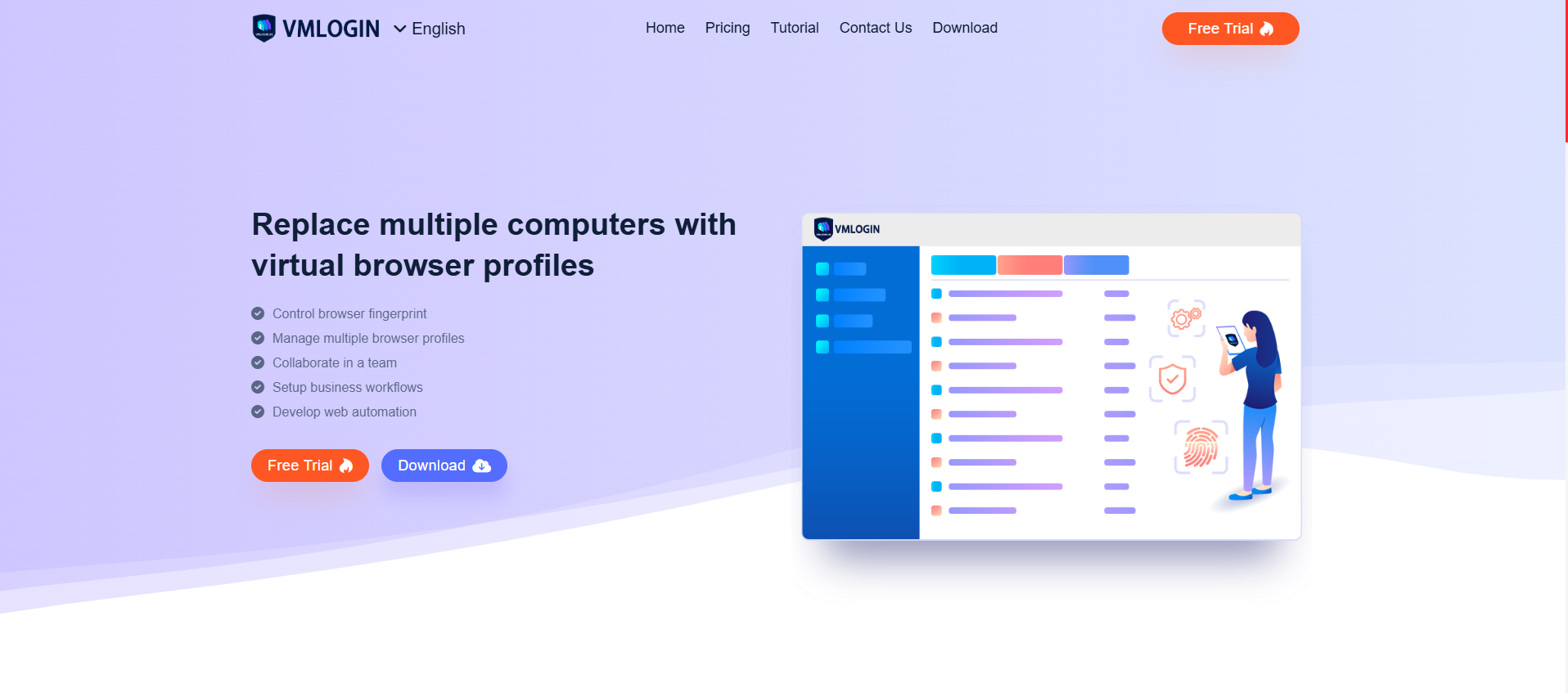
VMLogin is another antidetect browser designed around multiple browser environments, fingerprint configuration, and proxy management.
It can be a practical option for users who already maintain stable profiles and have established procedures.
Switching tools is not automatically beneficial. If an existing setup is dependable, the cost of retraining staff and recreating configurations may outweigh potential improvements.
3. 7 Reasons to Consider Switching from VMLogin to Hidemium
.png)
3.1. Streamline Daily Tasks with Browser Automation
Repeated browser operations can consume significant staff time.
Teams may repeatedly open profiles, navigate reporting dashboards, access project pages, and review information across different environments.
Hidemium is worth testing if you want to standardize parts of these workflows through automation.
Start by selecting one clearly defined task. Measure its manual completion time, then test whether an available automation feature can reduce effort without compromising accuracy.
Automation should only be used for activities permitted by the relevant website or platform.
For a broader explanation, see What Is API Automation?.
3.2. Organize Multiple Browser Profiles More Efficiently
A growing agency may need to organize browser profiles by customer, department, market, or project.
Without a consistent naming and assignment system, employees can accidentally open the wrong profile or use an incorrect proxy.
A structured approach can include a profile name, assigned owner, approved account, geographic market, proxy configuration, and modification history.
Hidemium's profile management capabilities can support this approach, but the operational benefit depends on how well the team implements its internal processes.
New users can consult the basic Hidemium training guide.
3.3. Manage Browser Fingerprints More Consistently
Browser fingerprinting involves technical signals that websites may use to distinguish browser environments.
These signals can include user-agent information, screen resolution, language, time zone, and graphics-related characteristics.
Both Hidemium and VMLogin offer fingerprint-related settings.
When comparing them, focus on whether configurations remain consistent between sessions, work with your required websites, and can be maintained after software updates.
A larger number of configurable settings does not automatically mean better performance.
Learn more in Browser Fingerprint Test: What It Reveals and How to Change It.
3.4. Simplify Multiple-Account Operations
Managing multiple authorized accounts involves more than creating browser profiles.
Businesses need clear account ownership, approved access permissions, correct proxy assignments, and documented workflows.
For example, an e-commerce company may keep separate browser environments for store administration, quality assurance, and market research.
Hidemium may help organize these environments more systematically.
However, profile separation does not override platform rules or grant permission to manage accounts that a user does not own or administer legitimately.
3.5. Support Team Growth and Scalability
As a business expands, the number of profiles, projects, and employees may increase significantly.
A workflow that works for five profiles may become difficult to manage with 100 profiles.
Hidemium is worth evaluating when the team needs more consistent profile organization and repeatable operating procedures.
Before selecting a subscription, verify the current limits on profiles, user seats, collaboration, permissions, and relevant automation features.
Scalability should be measured by how easily new users can be onboarded and how reliably existing processes continue to work.
3.6. Evaluate Long-Term Operating Costs
Subscription pricing is only one part of the total cost.
A realistic comparison includes software fees, proxy expenses, employee training, support time, configuration work, and interruptions during migration.
A lower monthly subscription might not provide better value if employees spend additional hours completing repetitive tasks.
Conversely, automation is valuable only when it delivers measurable time savings.
Calculate the cost per completed workflow instead of comparing subscription prices alone.
3.7. Build Repeatable Automation Workflows
As workflows grow more complex, businesses need procedures that can be repeated accurately.
A practical automation program starts by identifying approved repetitive activities, defining success criteria, testing reliability, and documenting responsibility.
Hidemium may be suitable when teams want browser profile management to become part of a larger workflow automation strategy.
Avoid automating prohibited engagement, unauthorized account access, or activities that violate platform policies.
4. Hidemium vs VMLogin: Which Browser Should You Choose?
When Should You Stay with VMLogin?
Continue using VMLogin when the current setup is stable, your team understands the interface, and the available features satisfy business requirements.
Migration creates operational costs. You may need to recreate profiles, verify proxies, train staff, and test important workflows.
If these costs exceed the expected improvements, staying with VMLogin can be a sensible decision.
When Should You Consider Hidemium?
Consider testing Hidemium if your team spends significant time on repetitive browser operations or needs more structured profile management.
Rather than migrating immediately, select a few noncritical projects and compare the results.
Track setup time, profile stability, task completion, and troubleshooting effort.
Quick Decision Table
Your Priority | Recommended Approach |
| Existing profiles work reliably | Consider keeping VMLogin |
| Reduce repetitive manual tasks | Test Hidemium automation |
| Organize many customer environments | Compare profile and team management |
| Preserve existing session data | Verify migration compatibility |
| Reduce total operating costs | Benchmark complete workflows |
5. How to Switch from VMLogin to Hidemium
Step 1: Review Your VMLogin Profiles
Create an inventory of existing profiles, proxies, authorized accounts, team members, and workflows.
Identify which environments are business-critical and which can be used for testing.
Back up relevant configurations through supported methods before changing anything.
Step 2: Install Hidemium
Download the application from the official Hidemium download page.
Follow the Hidemium installation instructions.
Confirm operating-system compatibility and software permissions before installing.
Step 3: Create Test Profiles
Begin with a small number of noncritical environments.
Configure proxies, browser settings, and the websites required for legitimate workflows.
Do not assume that all VMLogin cookies, fingerprints, and session data can be imported directly. Confirm migration options through current documentation or customer support.
Step 4: Compare Performance
Run equivalent tasks in VMLogin and Hidemium under similar conditions.
Measure launch time, stability, error frequency, ease of operation, and the amount of manual intervention required.
A faster launch time is useful, but workflow reliability matters more.
Step 5: Migrate Gradually
Move additional environments only after the initial tests meet your requirements.
Retain backups and a rollback plan.
For important business accounts, verify permissions, authentication, and recovery options before moving workflows into the new environment.
6. Conclusion: Is Hidemium a Better VMLogin Alternative in 2026?
Hidemium is a reasonable VMLogin alternative to evaluate when your priorities include browser profile organization and repeatable automation workflows.
VMLogin may remain the better practical choice when existing processes work reliably and the benefits of migration are limited.
Neither browser guarantees protection from account restrictions or makes activities compliant automatically.
The recommended approach is to test a small, authorized workflow before committing to a full migration.
Explore the Hidemium website or download Hidemium to assess the software using your actual operational requirements.
7. FAQ: Hidemium vs VMLogin
Is Hidemium Better Than VMLogin?
It depends on your needs. Hidemium may appeal to teams focused on profile management and automation, while VMLogin may remain suitable for established workflows.
Can Hidemium Replace VMLogin?
Hidemium can perform many similar browser profile management functions. However, specific features and migration compatibility should be verified.
Does Hidemium Support Browser Automation?
Hidemium offers browser automation-related capabilities. Check its current documentation to confirm supported workflows and subscription requirements.
Can I Transfer Profiles Directly from VMLogin to Hidemium?
Direct migration is not guaranteed. Some cookies, profile settings, and sessions may need to be recreated manually.
Is Hidemium Suitable for Affiliate Marketing?
It may help organize authorized browser environments and repetitive administrative workflows. Affiliate program policies still apply.
Does Hidemium Guarantee That Accounts Will Not Be Banned?
No. Antidetect browsers cannot guarantee protection against account restrictions, verification, or enforcement actions.
Related Blogs

You used to post regularly but suddenly your engagement dropped sharply? No likes, comments, or shares at all? It’s very likely you are being shadowbanned – a hidden moderation mechanism that social media platforms apply to limit content visibility without issuing any kind of warning.In this article, Hidemium will help you understand more clearly what shadowban is, the signs to recognize when you[…]
What is WebRTC?WebRTC is a technology used to transmit real-time audio and video on web browsers. This means that it allows users to make online video and audio calls without the need for external software or applications.WebRTC is supported on most popular web browsers such as Google Chrome, Mozilla Firefox, and Apple Safari.Do sites collect WebRTC fingerprints?While WebRTC brings many[…]

Port 443 is the standard network port used by HTTPS to securely transmit web traffic between browsers and servers. HTTPS protects data on Port 443 with TLS encryption, helping prevent eavesdropping, tampering, and unauthorized access. It is the default port used by most secure websites.One of the factors that plays an important role in protecting online data is Port 443 - the standard connection[…]

Imagine you are relaxing after a day of work by playing a game on your browser, when suddenly a message appears: “Your browser does not support WebGL.” This will definitely make you upset as you cannot continue your experience.At that point, you might be wondering: “Is there anything wrong with my device?” Don't worry! The problem is not with your device, but usually WebGL is not enabled in the[…]

Digital Footprint, also known as digital footprint, is the sum of all the data you leave behind as you move around the Internet. Every click, post, share, or even search contributes to your online presence.So why does your digital footprint matter? Because it reflects your entire digital behavior – from what you disclose to hidden data like metadata attached to photos or browser information. This[…]

Looking to expand your Print on Demand (POD) sales while keeping your account safe? Printify – one of the most popular POD platforms today – offers many attractive passive income opportunities. However, when you start scaling up to multiple accounts to optimize business efficiency, the risk of account suspension, data linking, or spam marking also increases.In this article, Hidemium will help you[…]
