.png)

What Is an Anti Detect Browser — and Why Does It Matter in 2026?
Every time you open a browser, you broadcast a fingerprint. Not your IP address — something far more specific: your canvas hash, WebGL output, installed fonts, screen resolution, timezone, audio context, and dozens of other signals that websites use to identify you as a unique device.
Standard browsers send this fingerprint unchanged. An anti detect browser creates isolated profiles, each with its own fake-but-internally-consistent fingerprint, so every account looks like a completely separate person on a completely separate device.
In 2026, this matters more than ever. Browser fingerprinting has overtaken IP-based detection as the primary method used by Facebook, Google, TikTok, and Amazon to link and ban multiple accounts. A residential proxy alone is no longer enough. You need the full isolation stack — and that starts with the right antidetect browser.
How We Tested
We evaluated each antidetect browser across six criteria, weighted by their real-world impact on multi-account safety:
| Criteria | Weight | What We Measured |
| Fingerprint Quality | 30% | BrowserLeaks, CreepJS, PixelScan — canvas, WebGL, audio, navigator consistency |
| Profile Isolation | 25% | Cookie, storage, and session leakage between profiles |
| Proxy Integration | 20% | Ease of setup, protocol support, auto timezone sync |
| Pricing & Free Plan | 12% | Entry cost, free profile limits, scaling costs |
| Automation | 8% | API quality, no-code options, Puppeteer/Playwright support |
| Usability | 5% | Profile creation speed, UI clarity, onboarding |
The 8 Best Anti Detect Browsers Ranked
1. Hidemium
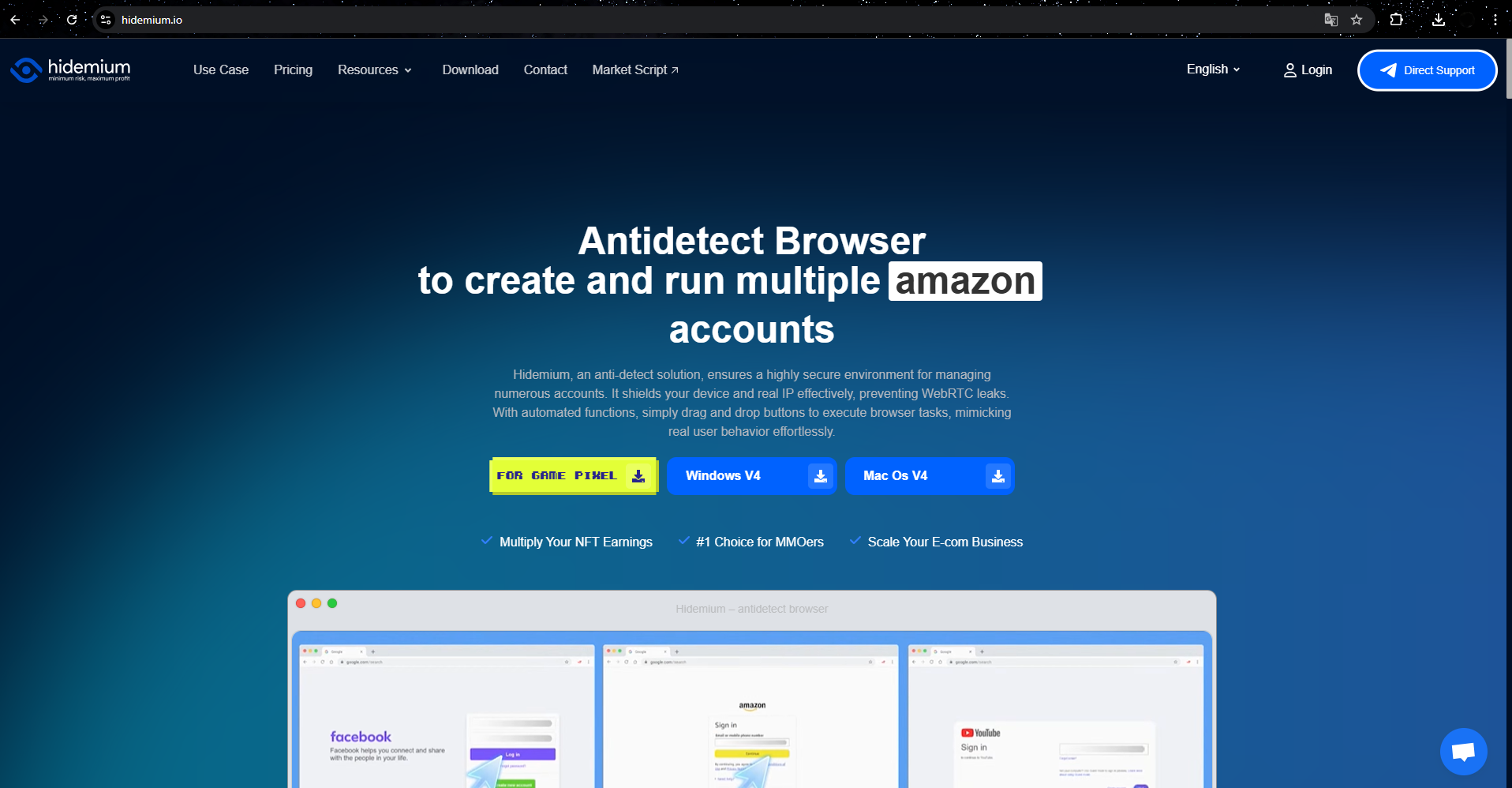
Hidemium.io — Best Overall + Best Free Plan + Best Automation
Hidemium is a Chromium-based antidetect browser built by a Vietnamese team with a sharp focus on two things competitors consistently under-deliver: accessible automation and a genuinely useful free plan. Its Prompt Script feature — where you describe a browser task in plain language and the AI builds and runs the automation — is a category first. GoLogin, Multilogin, and Dolphin Anty have nothing comparable.
In our fingerprint tests, Hidemium passed all BrowserLeaks checks cleanly, with no cross-profile canvas or WebGL leakage. The built-in CookieRobot (automatic profile warm-up) is a practical detail that saves hours of manual work before launching ad accounts.
✅ Pros
- Permanent free plan (5 profiles, no credit card)
- Prompt Script: no-code AI automation — unique in category
- CookieRobot for automated profile warm-up
- Clean fingerprint isolation across all tested signals
- Puppeteer, Playwright, n8n API support
- Fast profile creation, responsive support team
❌ Cons
- No built-in proxy traffic (must bring your own)
- Documentation lighter than Multilogin
- Windows + macOS only (no Linux)
- Enterprise plan ($420/mo) is a big jump from mid-tier
2. Multilogin
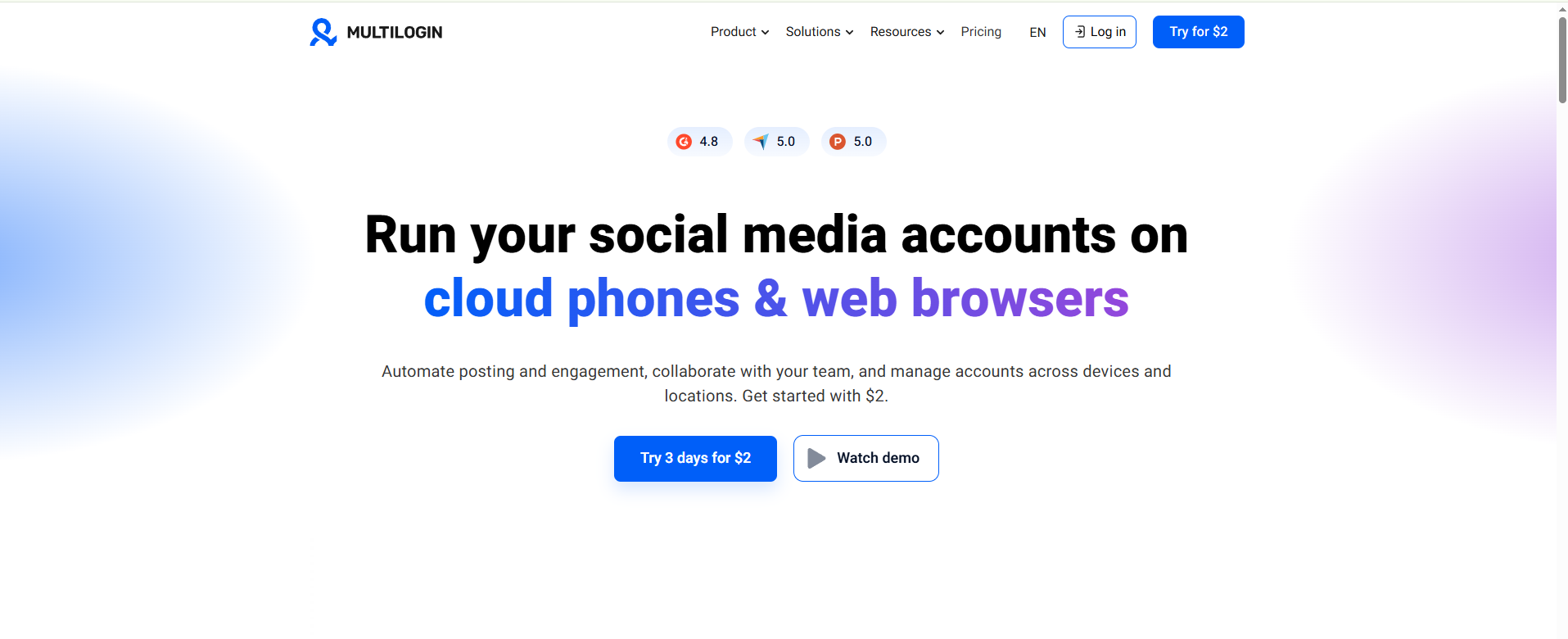
Multilogin.com — Best Enterprise-Grade Fingerprint Quality
Multilogin has been the industry benchmark since 2015. Its key technical advantage is genuine: while most antidetect browsers inject fake fingerprint values via JavaScript (which advanced detection systems can identify by looking for injection artifacts), Multilogin modifies the browser engine at the C++ level — canvas rendering, WebGL, audio, and font enumeration are altered inside the engine itself, producing fingerprints that are indistinguishable from a real hardware difference.
It offers two engines: Mimic (Chromium-based) and Stealthfox (Firefox-based), covering both major fingerprint surfaces. For high-stakes e-commerce and ad operations where a ban means real financial loss, this depth matters.
✅ Pros
- Deepest fingerprint modification in category (engine-level)
- Two browser engines (Chromium + Firefox)
- Strong team collaboration + role-based access
- Mature API, extensive documentation
- Built-in 1GB residential proxy/month on all plans
❌ Cons
- No free plan — €1.99 trial is 3 days only
- Expensive at scale: €99+/month for business use
- No no-code automation (developers only)
- Overkill for individual marketers or small teams
3. Gologin
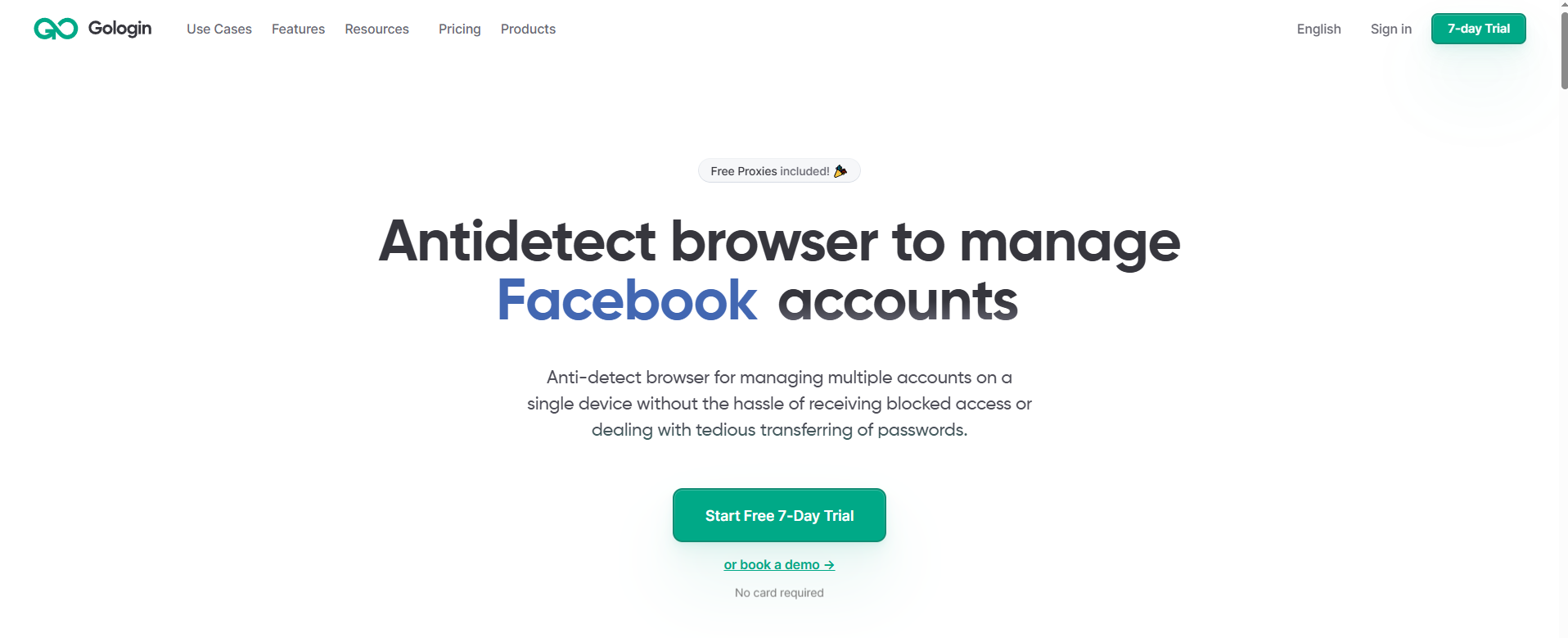
Gologin.com — Best Balance of Price, Features & Ease of Use
GoLogin sits in the sweet spot between Multilogin's enterprise power and Hidemium's beginner-friendliness. It's the only antidetect browser offering a full Android app and web cloud version in addition to desktop, which matters for mobile-first platform testing. A 7-day free trial gives enough time to validate your workflow before committing.
✅ Pros
- Most platform coverage (desktop + Android + web)
- 7-day free trial — full features, no credit card
- Beginner-friendly UI
- Built-in free proxy list + 2GB residential traffic
- Strong team collaboration features
❌ Cons
- Only 3 permanent free profiles (less than competitors)
- No no-code automation — developers only
- Fingerprint depth below Multilogin
4. Dolphin anty
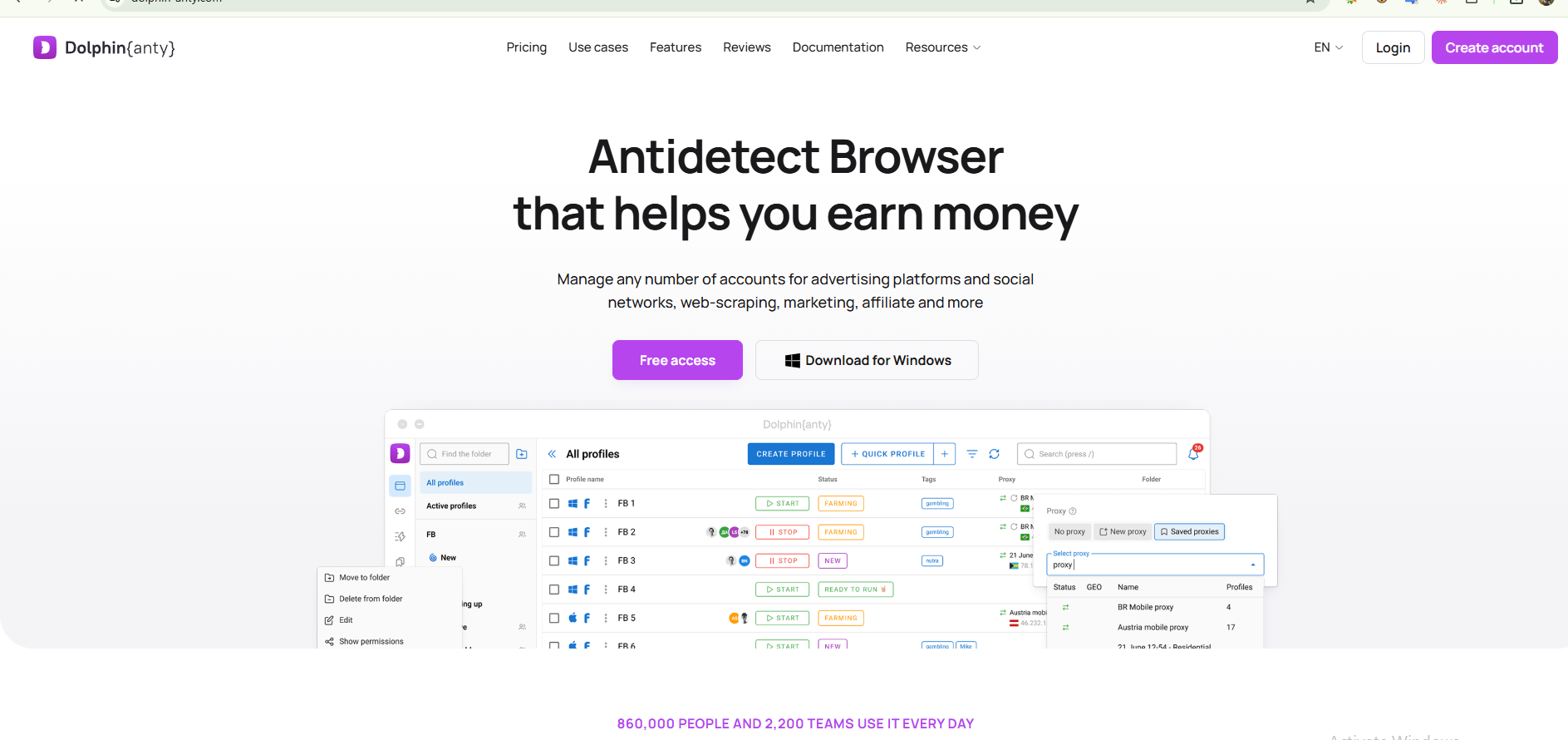
Dolphin Anty was purpose-built for the CPA affiliate and media buying community, and it shows. Its Facebook-optimized fingerprints and built-in team tools for managing ad account workflows have made it the default choice in the CIS affiliate space. The free plan (10 profiles) is the most generous among the tools tested for permanent use — but the paid tiers jump quickly.
✅ Pros
- Most generous free tier (10 profiles)
- Strong Facebook/ad account fingerprinting
- Active community in affiliate/CPA space
- Good automation capabilities
❌ Cons
- Team plans expensive ($159–$299/mo)
- No built-in proxy traffic
- Slower stability vs GoLogin according to user reports
- No no-code automation
5. AdsPower
AdsPower targets e-commerce teams managing large numbers of marketplace and social accounts. Its RPA automation tools are unique in the category — visual drag-and-drop workflow builders that don't require code — though they have a steeper learning curve than Hidemium's Prompt Script. With 9M+ registered users, it has the largest user base of any tool in this list.
Pros
- Affordable starting price
- RPA visual automation builder
- Large community and support resources
- Good e-commerce and marketplace focus
❌ Cons
- Steep learning curve for automation
- Fingerprint depth below Multilogin and Hidemium
- No REST API (limits developer workflows)
- Interface can feel cluttered
Also Tested: Incogniton, Kameleo, OctoBrowser
Incogniton — Local-first architecture (fingerprint data never leaves your machine), 10 free profiles. Best for privacy-sensitive users who prefer not to depend on cloud storage. Paid plans from ~$89/month. No automation beyond basic scripting.
Kameleo — Maximum fingerprint control and the only tool supporting both Chromium and Firefox cores with mobile emulation. Best for technical developers who need deep API flexibility. No meaningful free plan, complex setup, not beginner-friendly.
OctoBrowser — Clean UI, strong team collaboration, competitive pricing. Solid mid-tier option but lacks the automation depth of Hidemium or the fingerprint pedigree of Multilogin. Good for agencies managing client accounts.
Full Comparison: All 8 Anti Detect Browsers
| Tool | Free Plan | Starting Price | Fingerprint | Automation | Best For |
| 🥇 Hidemium | 5 profiles ♾️ | $15/mo | ★★★★★ | Prompt Script + API | All user types |
| 🥈 Multilogin | €1.99 trial only | €9/mo | ★★★★★ | API only | Enterprise |
| 🥉 GoLogin | 3 profiles + 7d trial | $24/mo | ★★★★☆ | API + Puppeteer | Solo / small teams |
| Dolphin Anty | 10 profiles ♾️ | $10/mo | ★★★★☆ | Puppeteer | Affiliates / media buyers |
| AdsPower | 5 profiles ♾️ | ~$9/mo | ★★★☆☆ | RPA builder | E-commerce teams |
| Incogniton | 10 profiles ♾️ | $89/mo | ★★★☆☆ | Basic scripting | Privacy-first users |
| Kameleo | No free plan | Custom | ★★★★★ | Full API | Developers |
| OctoBrowser | Trial only | ~$29/mo | ★★★★☆ | API | Agencies |
What Actually Makes an Anti Detect Browser Work: The Technical Truth
Not all antidetect browsers are equal under the hood. The gap comes down to how they modify fingerprints.
JavaScript injection (most common): The browser injects JS code that overrides navigator, canvas.toDataURL(), WebGL, and other APIs at runtime. This works — but advanced detection systems like PerimeterX and Cloudflare Bot Management can detect the presence of the injection itself by timing API calls and looking for anomalies in rendering behavior.
Engine-level modification (Multilogin): Modifies the browser's C++ source code so fingerprint values are different at the rendering level, not the JavaScript level. No injection artifacts. Much harder to detect — but also expensive to maintain as Chromium evolves.
What Hidemium does: Uses JS-level spoofing with additional consistency checks across signals (canvas, WebGL, timezone, navigator all match the same "device profile") to prevent the most common detection patterns: inconsistency between signals, timezone mismatch with proxy, WebRTC leakage.
Do You Need a Proxy With Your Anti Detect Browser?
Yes — always. An antidetect browser handles the fingerprint layer. A proxy handles the IP layer. You need both for complete account isolation.
We recommend pairing Hidemium with HideProxy mobile proxies for the most effective stack. Each Hidemium profile should have its own dedicated proxy session — never share a proxy between profiles.
Related Blogs

I tested three platforms that all claim to turn ideas into moving images quickly. The goal was simple: run the same set of everyday tasks and note where each tool helped or slowed me down. No rankings. Just observed differences.Starting Point and Test SetupI used three recurring needs. First, a short text prompt for a mood scene. Second, a product photo that needed motion. Third, a short script[…]
.png)
GoLogin, one of these Antidetect Browser oldest and popular, has established a strong position in protecting online identities and maintaining anonymity while browsing the web. However, with increasingly strong competition from competitors with modern technology, attractive prices and more intuitive interfaces, is GoLogin really worth the investment? Let's find out the details to make the right[…]
Digital marketing today runs on speed and volume. Brands are expected to push out fresh creatives constantly, and traditional video production simply can’t keep up. That’s where an AI Facebook ad generator comes in. These tools take product links, scripts, or raw assets and turn them into ready-to-use Facebook video ads with minimal manual editing. 1. Pollo AI Pollo AI works as a practical AI […]

Accessing blocked websites in Vietnam is no longer too difficult if you know how to use it. Proxy through firewall properly. This is an ideal solution, which helps free internet access, just to make sure safety and security of personal information. Together Hidemium Antidetect Browser Discover the 3 most effective methods of using Proxy to bypass firewalls today.1. Use free Proxy websites to[…]
.png)
Creating posters for events, promotions, or announcements used to require detailed design work and hours of manual effort. Today, AI poster makers like VistaCreate can generate visually striking layouts in just minutes using smart templates, automation, and ready-made design elements.While these tools all aim to simplify the design process, they differ in how much creative control they offer, how[…]
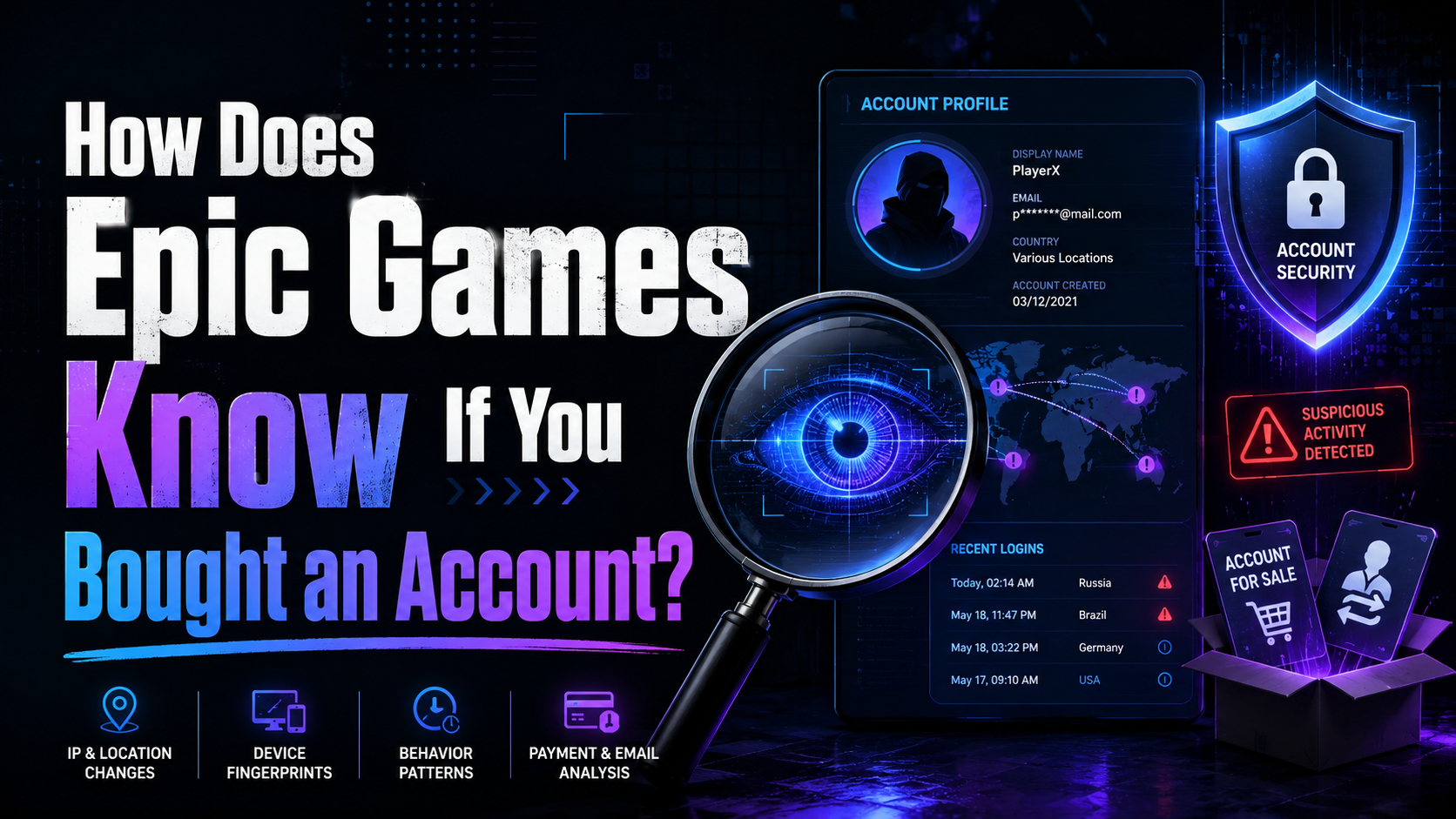
How Does Epic Games Know If You Bought an Account?Have you ever been tempted to buy a "stacked" Fortnite or Rocket League account loaded with rare skins and premium items? You are certainly not alone — the secondary market for gaming accounts is booming. However, buying, selling, or sharing accounts strictly violates Epic Games' Terms of Service. If caught, the account gets permanently banned,[…]
