.png)

Looking for the best unblocked browser in 2026? Whether you want to access region-restricted content, protect your browsing privacy, or manage separate browser profiles, choosing the right tool can make a significant difference.
However, not every unblocked browser works the same way. Some rely on web proxies, others use privacy networks, and antidetect browsers focus on browser fingerprint management and isolated profiles.
This guide compares five options: Hidemium, GoLogin, 1Browser, Tor Browser, and CroxyProxy. We'll explain their features, advantages, limitations, and ideal use cases so you can make an informed decision.
What Is an Unblocked Browser?
An unblocked browser is a general term for a browser or web-access tool that helps users reach websites unavailable through their usual network connection.
Websites may be restricted because of geographic licensing, local network policies, IP-based limitations, or technical compatibility issues.
Different tools address these restrictions in different ways.
A web proxy forwards supported website requests through another server. A VPN routes network traffic through a protected connection. Tor Browser uses a distributed relay network to improve privacy, while an antidetect browser manages separate browser environments.
Important: An antidetect browser does not automatically bypass a network restriction. It may require a compatible proxy or another permitted network connection.
For additional background, explore the Hidemium Antidetect Browser Guide.
The 5 Best Unblocked Browsers in 2026
Browser | Best For | Main Technology | Key Limitation |
| Hidemium | Multi-profile management and teams | Antidetect browser + proxy integration | More setup than a basic web proxy |
| GoLogin | Isolated browser environments | Fingerprint and profile management | Advanced features may require payment |
| 1Browser | Simpler profile-based browsing | Browser isolation and network features | Features require current verification |
| Tor Browser | Privacy and censorship resistance | Tor relay network | Slower connections; some sites block Tor |
| CroxyProxy | Occasional web access | Online web proxy | Limited compatibility and privacy scope |
Which Browser Should You Choose?
Choose Hidemium if you need organized browser profiles for authorized marketing, e-commerce, or team workflows.
Choose GoLogin if browser profile management is your priority and you want to compare alternative antidetect platforms.
Consider 1Browser if you prefer a simpler browsing environment.
Choose Tor Browser when privacy and censorship resistance matter most.
Choose CroxyProxy for occasional web access without installing another browser.
No option guarantees access to every website or complete anonymity.
How Do Unblocked Browsers Work?
Understanding the technology behind these tools helps you choose the right solution.
Proxy-Based Browsing
A proxy acts as an intermediary between your device and a website.
Instead of receiving requests directly from your original public IP address, the destination typically sees the proxy's outgoing IP.
This can help users test regional website experiences or access content through an alternative network route where permitted.
However, a proxy does not automatically protect browser fingerprints or encrypt all device traffic.
VPN Connections
A Virtual Private Network routes selected traffic through an encrypted tunnel to a VPN server.
Depending on its configuration, a VPN may cover multiple applications rather than just browser requests.
VPNs are useful for securing connections on untrusted networks and changing the apparent network location.
Tor Network
Tor Browser routes traffic through multiple relays operated by different participants.
This architecture helps reduce the ability of a single network observer to connect a user's identity with their browsing destination.
Tor also includes privacy-focused browser settings and anti-fingerprinting protections.
Antidetect Browser Profiles
Antidetect browsers create isolated environments with separate cookies, local storage, and configurable browser characteristics.
They are particularly relevant to professionals who need multiple independent browser profiles for legitimate workflows.
When combined with appropriate proxies, these profiles can support geographic testing and consistent browser configurations.
To understand how the network and browser layers interact, read Combining an Antidetect Browser with Proxies to Optimize IP and Location.
1. Hidemium — Best for Multi-Profile Browser Management
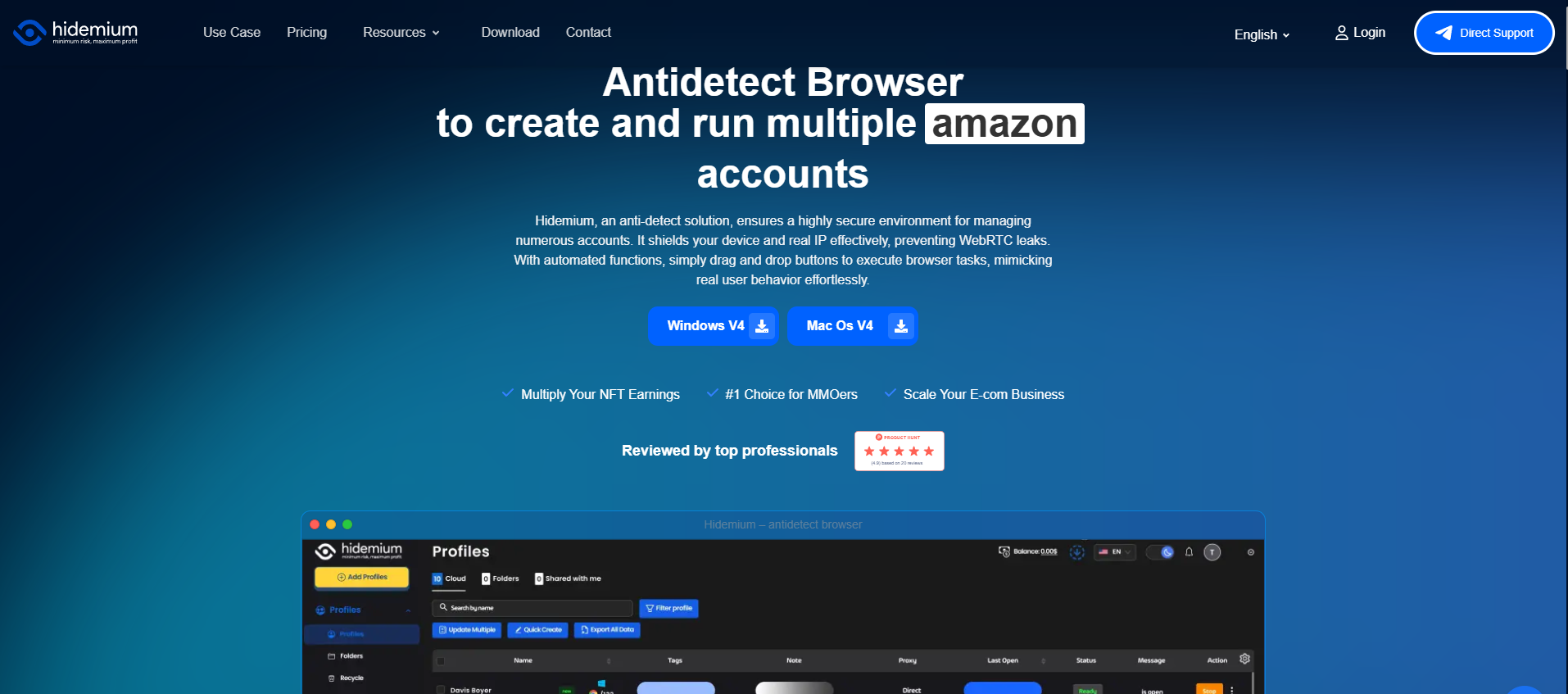
Hidemium is an antidetect browser platform focused on creating, organizing, and managing isolated browser profiles.
It is designed for users and teams that need separate browser environments, proxy configuration, and repeatable workflows.
Key Features
- Independent browser profiles with separate cookies and storage.
- Configurable browser fingerprint settings.
- Proxy integration for different network environments.
- Profile organization for individual and team workflows.
- Automation capabilities for supported tasks.
Advantages
Hidemium offers more than basic website access.
For marketing agencies, e-commerce teams, and authorized multi-account operations, separate profiles can help keep browser sessions organized.
Each profile can maintain its own configuration rather than requiring users to repeatedly reset their browser.
Proxy integration also allows teams to evaluate website experiences from selected network locations.
Limitations
Hidemium is not a dedicated censorship-resistance network like Tor.
Changing the visible IP address requires an appropriate network configuration, and browser isolation cannot guarantee that a website will permit access.
Users who only need to open an occasional webpage may find a simpler tool more convenient.
Best Use Cases
Hidemium is particularly suitable for:
- Managing separate professional browser environments.
- Testing localized website experiences.
- Organizing authorized team workflows.
- Maintaining consistent browser settings.
- Automating permitted repetitive tasks.
For configuration advice, read 10 Tips for Using an Antidetect Browser Effectively.
Best for: Professionals and teams that prioritize browser profile management.
2. GoLogin — Best for Flexible Browser Profile Management
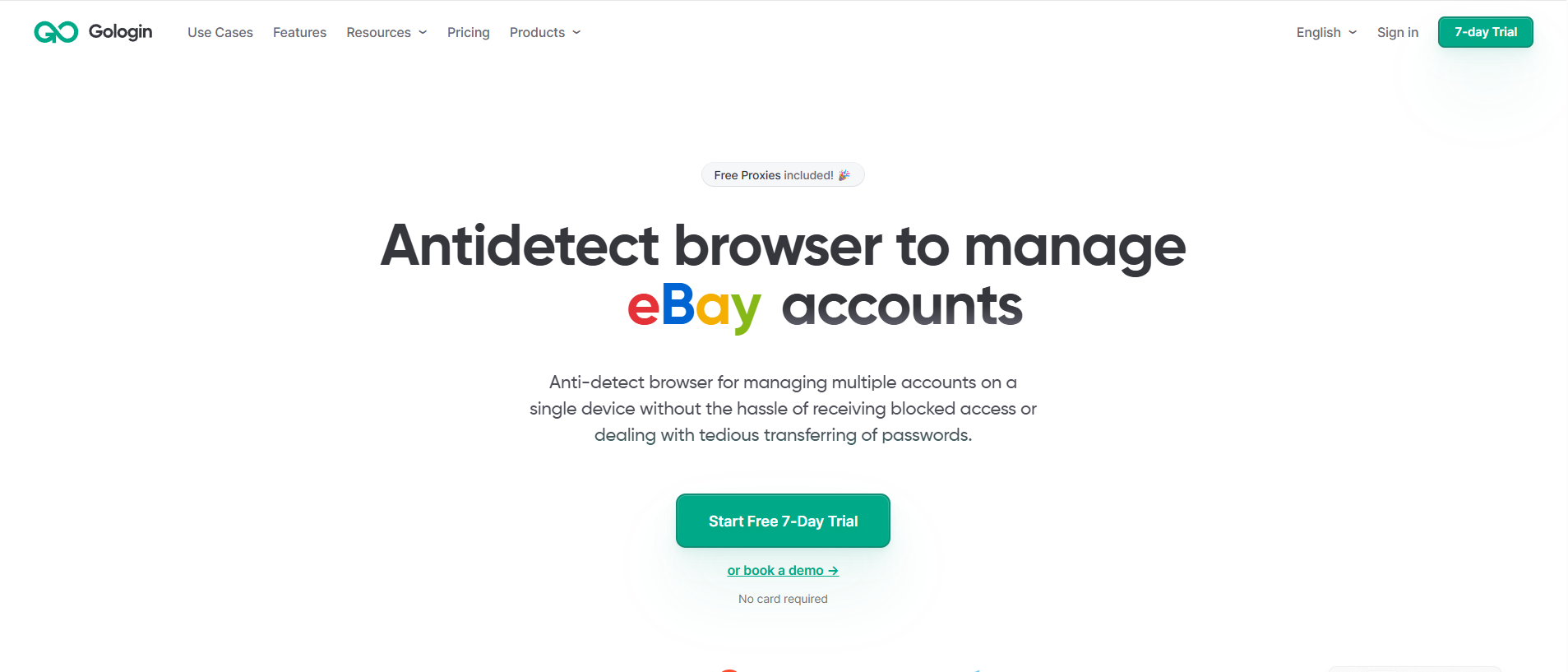
GoLogin is an antidetect browser platform that provides isolated browser profiles, fingerprint configuration, and proxy integration.
Like Hidemium, it focuses primarily on browser environment management rather than acting as a standalone VPN.
Key Features
- Separate browser profiles.
- Individual cookie and storage environments.
- Proxy configuration.
- Profile organization and collaboration features.
- Supported desktop and remote browsing workflows.
Advantages
GoLogin can be useful for individuals and teams that need reusable browser profiles.
Its proxy integration helps users assign network connections to specific environments.
This can support legitimate regional testing and consistent browsing sessions.
Limitations
The availability of web-based workflows, free profiles, and advanced features may vary according to the current product plan.
Users should verify pricing and supported platforms directly before subscribing.
A separate browser fingerprint does not automatically resolve network-level blocking.
Best Use Cases
GoLogin may suit professionals who want a configurable antidetect browser and need to compare profile-management capabilities.
Best for: Individuals and teams evaluating alternatives for isolated browser environments.
3. 1Browser — Best for Simpler Browser Separation
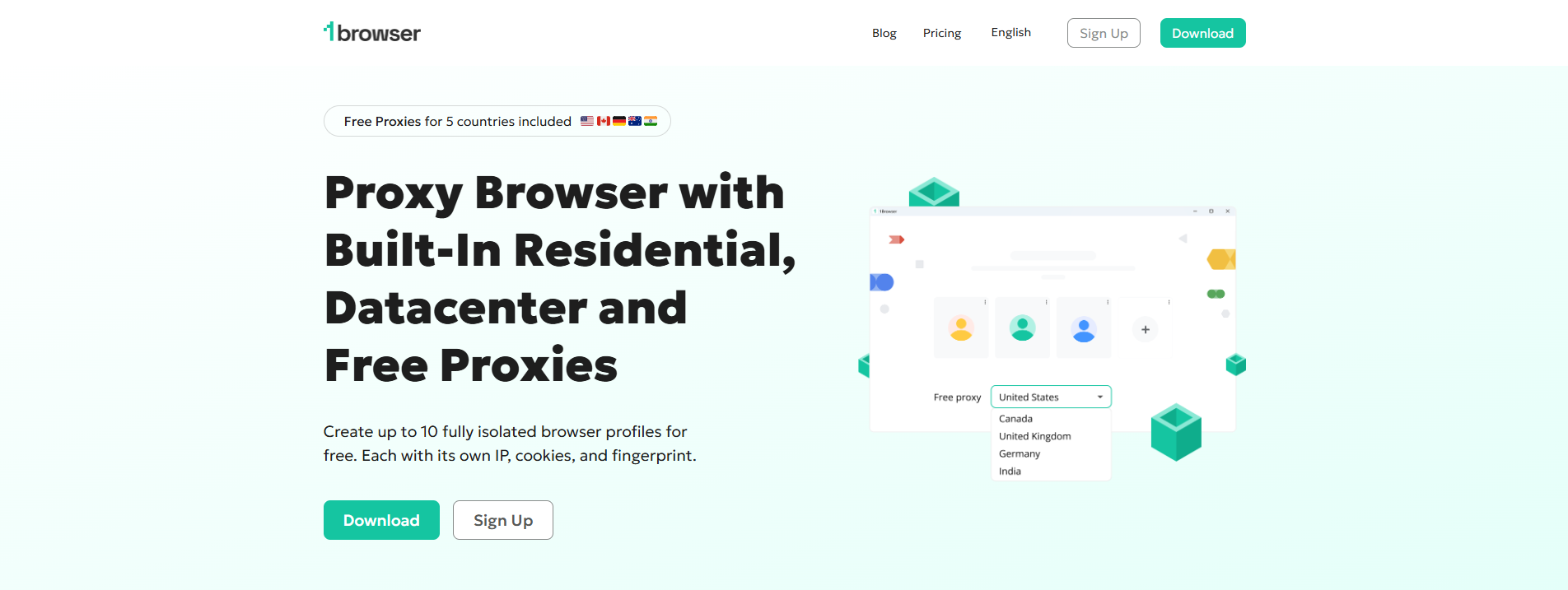
1Browser is another option associated with profile-based browsing and network configuration.
It may appeal to users looking for a less complicated environment than a full professional browser-management platform.
Potential Advantages
- An approachable browser experience.
- Profile separation for different browsing activities.
- Network-related functionality depending on the version.
- A potentially simpler setup for individual users.
Limitations
Before choosing 1Browser, verify its current proxy or VPN features, supported operating systems, privacy policy, and pricing.
These details can change between releases.
Do not assume that browser profile isolation provides the same privacy guarantees as Tor Browser or a properly configured VPN.
Best Use Cases
1Browser may be suitable for individual users who want basic profile separation and prefer a relatively straightforward setup.
Best for: Users exploring simpler profile-based browsing tools.
4. Tor Browser — Best for Privacy and Censorship Resistance

Tor Browser is a free, open-source browser developed to improve privacy and reduce online tracking.
Unlike an antidetect browser, Tor Browser is designed around the Tor network and privacy-preserving browser behavior.
Key Features
- Traffic routing through multiple Tor relays.
- Built-in tracking and fingerprinting protections.
- Support for onion services.
- Tor bridges for restricted network environments.
- Free, open-source software.
Advantages
Tor Browser helps reduce the exposure of a user's original IP address to destination websites.
It also uses browser settings designed to make tracking and fingerprinting more difficult.
For users in restrictive network environments, bridges may provide alternative ways to connect to Tor.
Limitations
Tor connections may be slower than ordinary browsing because traffic travels through multiple relays.
Some websites block Tor exit nodes or require additional verification.
Tor also cannot guarantee complete anonymity, especially when users voluntarily reveal personal information.
Best Use Cases
Tor Browser is suitable for privacy-focused browsing, research, and legitimate censorship-resistance needs.
Read the Tor Project's official documentation for setup and privacy guidance.
Best for: Users who prioritize privacy over convenience or connection speed.
5. CroxyProxy — Best for Quick Web-Based Access
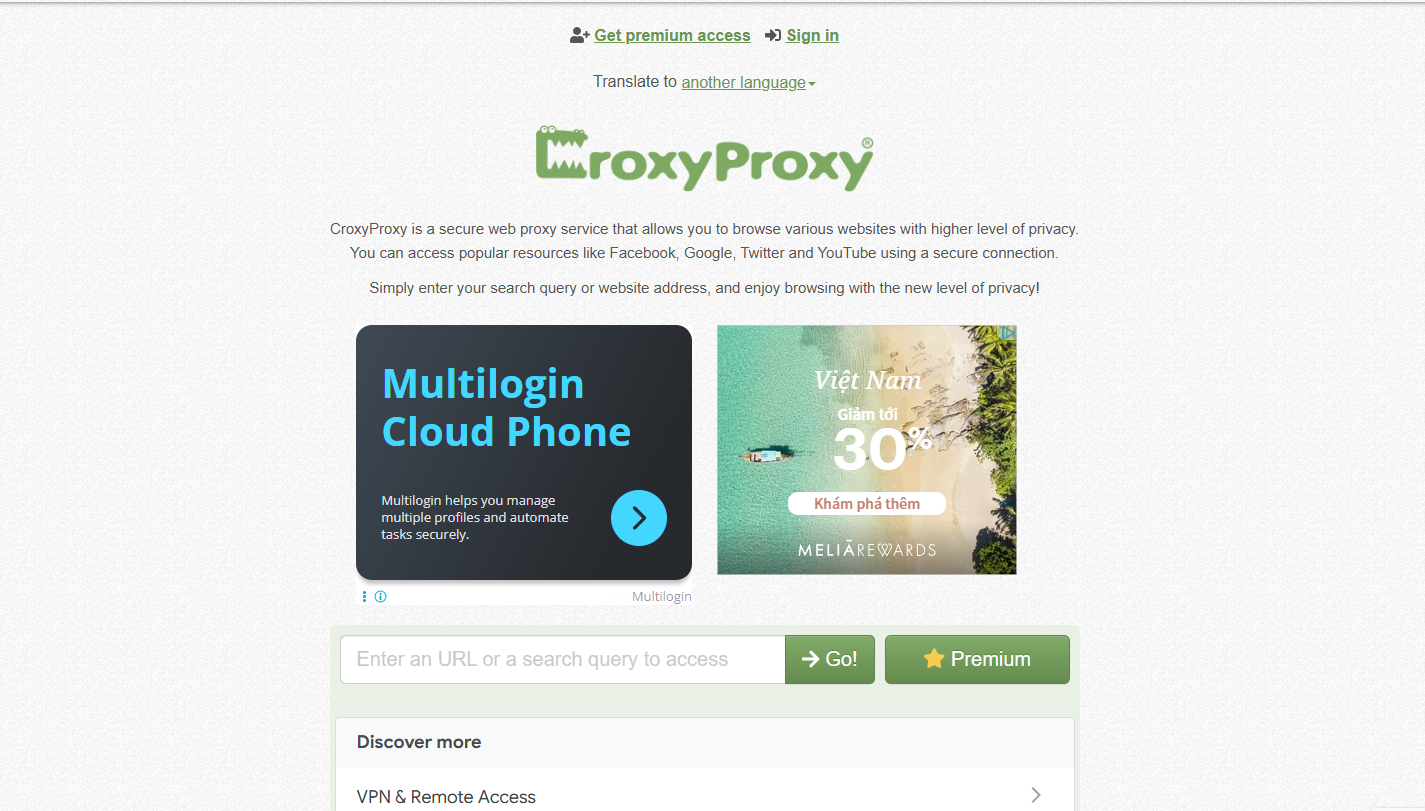
CroxyProxy is a web proxy service that allows users to access supported websites through an online interface.
Instead of installing a dedicated browser, users enter a destination URL into the service.
Key Features
- Browser-based web proxy interface.
- No separate desktop browser installation.
- Remote forwarding of supported website requests.
- Convenient access for occasional browsing.
Advantages
CroxyProxy is easy to try and does not require users to manage complex browser profiles.
It may be useful when the goal is to open a public webpage through a different network route.
Limitations
Web proxies may have compatibility issues with websites that rely on complex authentication, scripts, or interactive features.
They do not provide device-wide protection comparable to a full VPN configuration.
Users should also understand the privacy implications of routing traffic through a third-party proxy.
Avoid entering sensitive account credentials into services you do not trust.
Best Use Cases
CroxyProxy is most suitable for occasional, low-sensitivity web access.
Best for: Users who value convenience and do not need advanced browser management.
Unblocked Browser Comparison Table (2026)
.png)
Unblocked Browser vs. VPN vs. Antidetect Browser
These technologies are often grouped together, but their primary functions differ.
Feature | Web Proxy | VPN | Tor Browser | Antidetect Browser |
| Main purpose | Forward web requests | Secure network routing | Privacy-focused browsing | Profile isolation |
| Changes visible IP | Usually | Usually | Yes | With suitable proxy/network |
| Browser fingerprint management | No | No | Built-in privacy protections | Configurable profiles |
| Multiple isolated profiles | No | No | Not its primary purpose | Yes |
| Device-wide traffic coverage | No | Depends on configuration | No | No |
| Best use | Occasional web access | Network privacy | Privacy and censorship resistance | Professional browser workflows |
The key distinction is that network routing and browser fingerprint management are separate functions.
For example, using a VPN may change your IP address without changing browser storage or fingerprint characteristics.
Similarly, creating an antidetect browser profile does not automatically change your public IP address.
Choosing the right solution starts with understanding which problem you need to solve.
How to Choose the Best Unblocked Browser
Before downloading or subscribing to any tool, evaluate these six factors.
1. Identify the Reason for Blocking
Determine whether the restriction is caused by geographic licensing, a local network rule, an IP limitation, or a technical problem.
Not every issue requires a new browser.
2. Check Device Compatibility
Confirm that the software supports your operating system and that you have permission to install it.
A web-based proxy may be convenient for occasional access, but it does not replace a dedicated privacy browser.
3. Evaluate Privacy Protections
Review encryption, data handling, cookie management, tracking protection, and the provider's privacy policy.
Avoid treating promotional anonymity claims as technical guarantees.
4. Consider Browser Profile Requirements
If you need separate cookies, storage, and browser configurations for professional workflows, an antidetect browser may be more appropriate.
If you only need occasional public web access, a full profile-management platform may be unnecessary.
5. Compare Performance and Reliability
Check connection stability, website compatibility, and available support.
Some websites may not work correctly through particular proxies or Tor exit nodes.
6. Review Pricing and Usage Policies
Compare the features included in free and paid plans.
Also review school, workplace, service-provider, and website policies before using tools that change network access.
How to Set Up Hidemium with a Proxy
For teams evaluating Hidemium, a basic authorized setup follows a straightforward process.
Step 1: Install Hidemium. Obtain the current application from the official website.
Step 2: Create a browser profile. Choose a descriptive name and configure the environment for your task.
Step 3: Add a proxy. Enter the supported proxy address, port, and authentication details.
Step 4: Verify connectivity. Confirm that the connection works and the detected IP location matches your intended testing region.
Step 5: Review browser settings. Check language, time zone, and other settings relevant to the website being tested.
Step 6: Run your authorized workflow. Open the required website and document any technical problems.
For a practical example, see How to Configure Dexodata Proxies in the Hidemium Antidetect Browser.
Remember that proxies and browser profiles do not replace account authorization or compliance with platform policies.
Common Mistakes to Avoid
Assuming every unblocked browser works like a VPN: Different tools protect different parts of a connection.
Believing that changing IP guarantees anonymity: Cookies, accounts, browser fingerprints, and user behavior may still reveal information.
Ignoring website compatibility: Some web proxies cannot support complex websites reliably.
Using outdated software: Browser updates can include important security fixes.
Trusting unsupported marketing claims: Statements such as "100% undetectable" or "unlimited access" should be treated cautiously.
Overlooking organizational policies: Network restrictions may be governed by rules that users are required to follow.
Choosing a trustworthy provider and understanding its limitations is more important than selecting the tool with the strongest promotional promises.
Frequently Asked Questions
What is the best unblocked browser in 2026?
The best option depends on your needs. Hidemium is suitable for browser profile management, Tor Browser for privacy-focused browsing, and CroxyProxy for occasional web-based access.
Are unblocked browsers free?
Some tools provide free versions or trials. Tor Browser is free and open-source, while commercial platforms may charge for additional features.
Can an unblocked browser access every website?
No. Access depends on the network, destination website, geographic restrictions, and the technology being used.
Is an antidetect browser the same as a VPN?
No. An antidetect browser manages browser profiles and fingerprint settings. A VPN primarily changes how network traffic is routed.
Can Hidemium work without a proxy?
Hidemium can manage isolated browser profiles without a separate proxy, but changing the public IP generally requires an appropriate network connection.
Is Tor Browser completely anonymous?
No. Tor offers important privacy protections, but user behavior and external services can still create privacy risks.
Are web proxies safe for account logins?
That depends on the provider and configuration. Avoid sending sensitive credentials through web proxy services you do not fully trust.
Which browser is best for managing multiple profiles?
Hidemium and GoLogin are designed for browser profile management. Compare their current features, team controls, pricing, and compatibility before choosing.
Conclusion: Which Unblocked Browser Should You Choose?
The best unblocked browser in 2026 depends on whether you prioritize privacy, occasional website access, or professional browser profile management.
Hidemium is a relevant option for teams that need isolated browser profiles, proxy configuration, and organized workflows.
GoLogin offers another approach to antidetect browser management, while 1Browser may appeal to users looking for simpler profile-based browsing.
Tor Browser is designed for privacy and censorship resistance, and CroxyProxy offers convenient web-based proxy access.
No single tool is best for every situation. Focus on verified features, privacy protections, reliability, and compliance with applicable policies.
Looking for a browser platform to organize multiple professional profiles?
Explore Hidemium to learn about isolated browser environments, proxy integration, and supported team workflows.
Related Blogs
.png)
In the context of multi-account management on mobile applications becoming increasingly popular, Geelark Antidetect Browser emerging as a breakthrough solution, specifically designed for diverse needs from affiliate marketing, e-commerce to advertising management. Unlike regular antidetect browsers, Geelark provides an ecosystem cloud phone Unique, realistic Android device simulation, helping[…]
Last updated: October 2026If you are looking for Proxyium alternatives, the first question is whether you want another simple web proxy or a more configurable proxy solution.For users who need more control over IPs, locations, sessions, or browser profiles, HideProxy is the first option worth considering. If you only want quick browser-based access without setup, services such as CroxyProxy,[…]
If your application uses open-source code, it means that you are relying on components you didn’t write and can’t fully control, including the vulnerabilities coming with that code.This is where you should consider using Software Composition Analysis (SCA) tools, which scan your dependencies and catch any hidden security issues or risky licenses before they cause problems.Below, we will offer[…]

iOS on PC: Best Emulators, Gaming & Integration GuideApple's ecosystem is famous for its "walled garden" approach — seamless, secure, and tightly optimized. But what happens when you need to step outside that ecosystem? Whether you are a software developer testing a new application, a gamer wanting a larger screen, or a professional streamlining a cross-platform workflow, the desire to run iOS on[…]
If you are looking for Proxyium alternatives, there are several free web proxies worth comparing before you choose one.For quick browser-based access, services such as CroxyProxy, KProxy, hide.me Web Proxy, 4everproxy, ProxySite, BlockAway, and VPNBook Web Proxy are commonly considered alternatives to browser-based proxy services like Proxyium.The right choice depends on what you actually need.[…]

Have you ever felt tired eyes from constantly staring at the tiny phone screen to text? If so, you are not alone. With nearly 3 billion WhatsApp users worldwide, many of us are also looking for a more convenient solution.The good news is: WhatsApp Web is the perfect choice to help you get rid of that inconvenience. Now, you can chat on a large screen, type faster with a computer keyboard, and[…]
