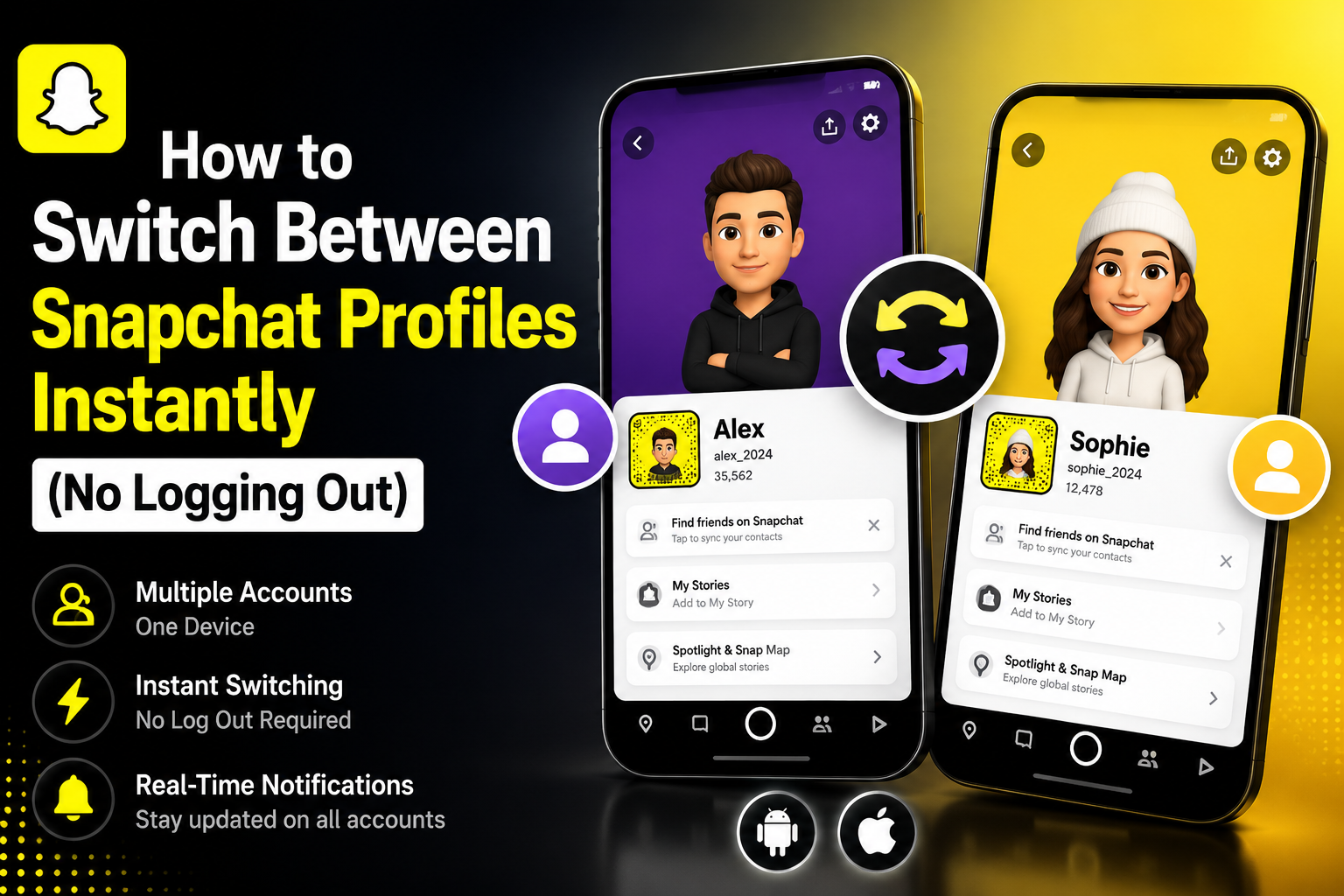

Snapchat has evolved far beyond a simple, ephemeral photo-sharing application. Today, it is a robust platform for communicating with close friends, consuming media, following creators, and even building brand awareness. But as your digital footprint expands, your needs change. You might suddenly find yourself wondering: can you have multiple snapchat accounts?
Managing Multiple Snapchat Accounts: Protecting Privacy and Building a Brand
Whether you are looking to protect your privacy, build a brand, or just organize your friend lists, juggling different digital identities is a surprisingly common necessity. Let’s dive deep into the world of dual profiles, exploring everything from built-in device features to the nuances of platform rules, so you can master your digital social life.
Why Create a Second Account?
Reasons for a Second Account
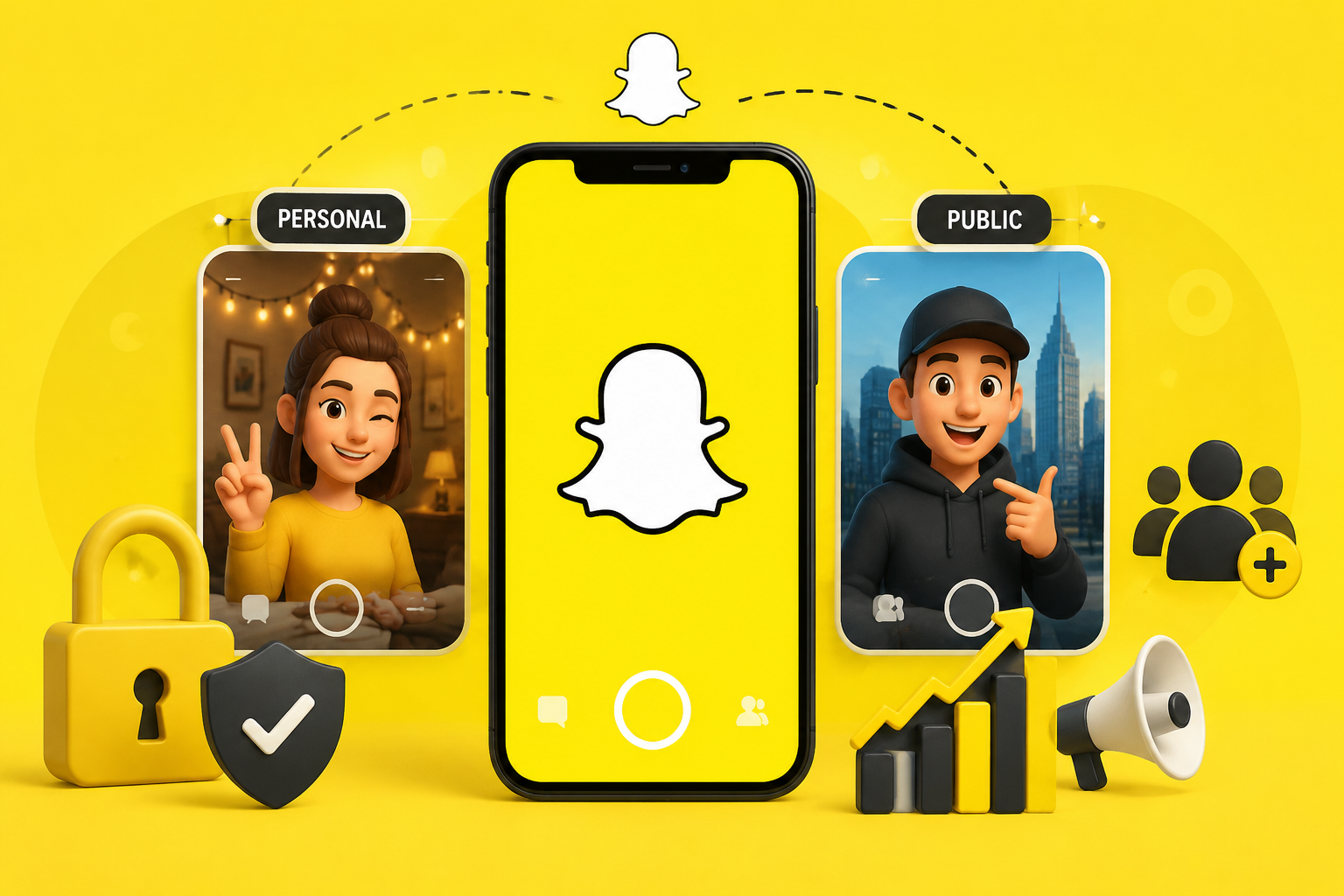
People have a variety of compelling reasons to create a second snapchat identity. For most users, it boils down to digital boundary setting.
Why Create a Second Snapchat Account?
You might want to separate business and personal snapchat interactions. A content creator or a small business owner absolutely needs a public profile to engage with fans, monitor analytics, and run campaigns. However, that same person likely wants a private space to send unfiltered, silly snaps to their family and close friends without worrying about public perception. By maintaining multiple snapchat accounts, you get the best of both worlds—a professional public face and a relaxed private one.
The Big Question: Can You Have Two Snapchat Accounts on One Phone?
Why Two Accounts Might Be Necessary
If you have been frantically searching the internet asking, can you have two snapchat accounts on one phone, you will be happy to know that the answer is a resounding yes.
How Mobile OS and Workarounds Enable It
By its original design, the app was intended for a single user per device. However, as the demand for multiple accounts snapchat configurations grew, both mobile operating systems and savvy users developed highly effective workarounds. Today, it is entirely possible to safely manage two snapchat usernames on one device without carrying around a second phone.

How to Have Multiple Accounts on Snapchat Officially
Using Snapchat’s Native Login to Switch Account
Unlike Instagram or X (formerly Twitter), Snapchat does not have a seamless, one-click "add account" button located directly on the main camera screen. However, you can still maintain multiple accounts on snapchat through the app's native interface. The most straightforward, officially supported method is by manually logging in and out.
Here is your quick snapchat account switcher feature guide:
- Open your Snapchat app and tap your Bitmoji icon in the top left corner to go to your profile.
- Tap the Settings gear icon in the top right corner.
- Scroll all the way to the bottom of the menu and tap 'Log Out'. Confirm your choice.
- On the login screen, tap 'Log In' and enter your secondary account credentials.
Once you have logged into both accounts on the same device at least once, your smartphone usually saves the login information (via Apple Keychain or Google Password Manager). This makes it significantly faster to toggle between different snapchat handles because you won't have to type out your complex password every single time.
Limitations of Manual Multi-Account Switching
However, let’s be honest: this manual method clearly exposes the limitations of snapchat multi-handle support. Constantly logging out means you might miss real-time notifications on your inactive account, which isn't ideal for power users.
How to Switch Between Snapchat Profiles Instantly (No Logging Out)
If the log-in and log-out dance is driving you crazy, you are likely looking for a method to bypass snapchat single login restriction. Fortunately, modern smartphones offer powerful cloning tools to help you run snapchat multiple accounts simultaneously, meaning you receive notifications for both accounts in real-time.
Android Devices: The Built-In Advantage
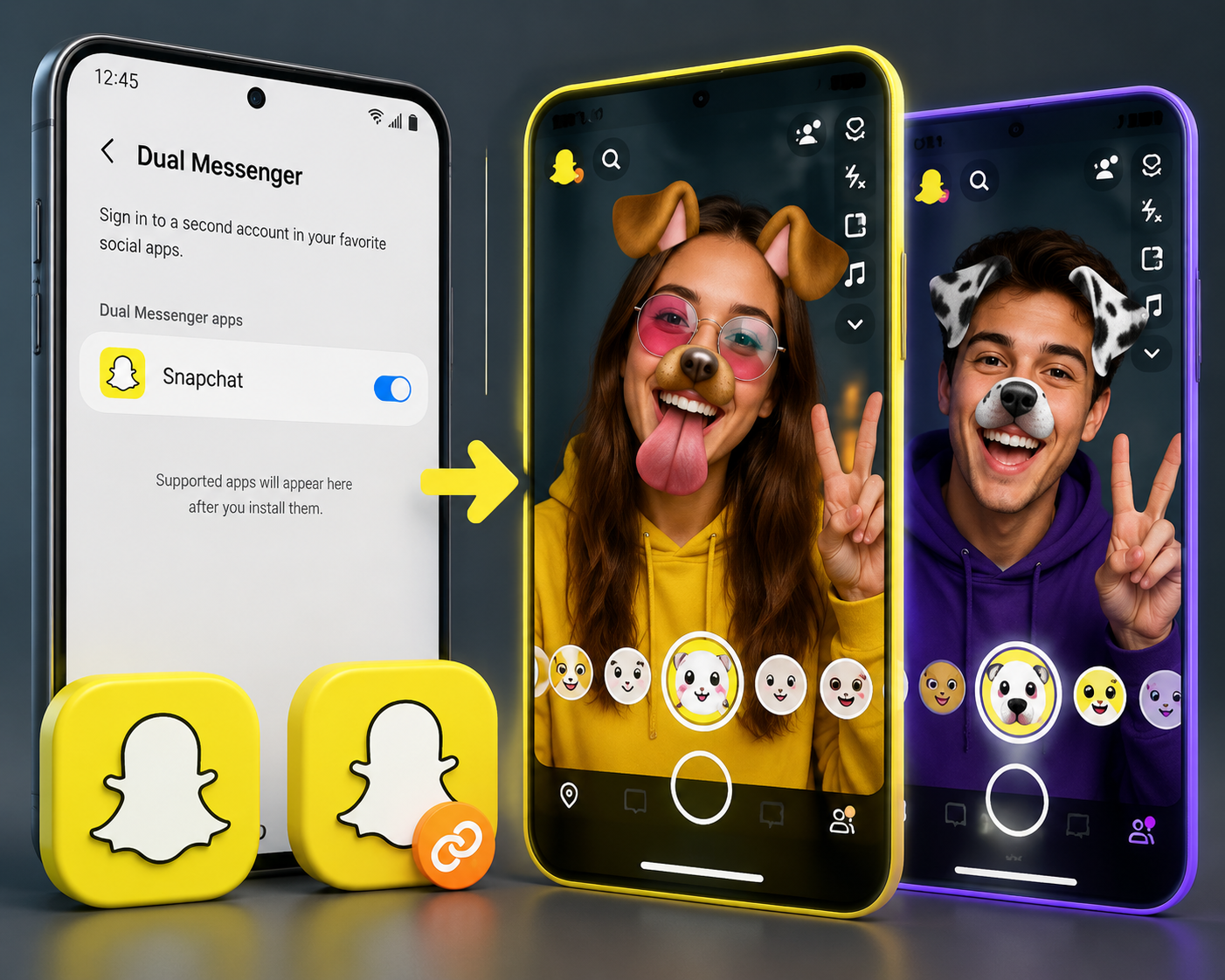
Android users have a massive advantage when it comes to social media management. Most modern Android smartphones feature built-in dual messenger settings for social media. Depending on your phone's manufacturer, this feature goes by different names (Samsung calls it "Dual Messenger," OnePlus uses "Parallel Apps," and Xiaomi has "Dual Apps").
Here is how to set it up:
- Go to your Android device’s Settings.
- Use the search bar to look for "Dual Messenger" or "App Cloner".
- Find Snapchat in the list of supported apps and toggle the switch to "On".
- Your phone will automatically install a second instance of the app, usually marked with a small orange chain icon on your home screen.
- Open this new app and log in with your second account.
If you are using an older Android device that lacks this native feature, you aren't out of luck. You can easily download an app cloner for snapchat android from the Google Play Store. Apps like Parallel Space, Dual Space, or Multi Parallel are widely considered the best apps for running dual snapchat. They create a separate virtual sandbox on your phone, allowing a second instance of the app to run perfectly.
iOS Devices: Navigating Apple’s Walled Garden
Apple’s iOS environment is famously strict, which makes running dual apps more challenging. Because of Apple's sandboxing rules, there is no official, built-in way to duplicate an app on an iPhone.
While many users scour the web looking for a parallel space for snapchat ios, legitimate and safe options on the official App Store are practically non-existent. Warning: You may find third-party websites offering tweaked versions of the app (like Snapchat++). Using these unauthorized apps is highly risky; they frequently steal login credentials and will almost certainly trigger a permanent ban from Snapchat.
For iPhone users, the safest ways to how to switch between snapchat profiles include:
- Using the official log-in/log-out method.
- Utilizing Snapchat Web on your Safari or Chrome mobile browser for your secondary account (ideal for chatting), while keeping the native iOS app dedicated to your primary camera account.
Customizing Your Identities: Avatars and Bitmojis
A frequently asked question among users managing two profiles is about using two bitmojis on one phone. Because your Bitmoji is intrinsically linked to a specific Snapchat login rather than the device itself, you can easily maintain two completely distinct avatars.
When you switch to your secondary account or open your cloned app, you will be prompted to create or link a Bitmoji for that specific profile. This is incredibly useful for personal branding. Your business account can feature an avatar dressed in professional attire, while your private account's avatar can wear a wild costume. Both will function perfectly on the exact same device without interfering with one another.
Privacy, Safety, and the Rules of the Road
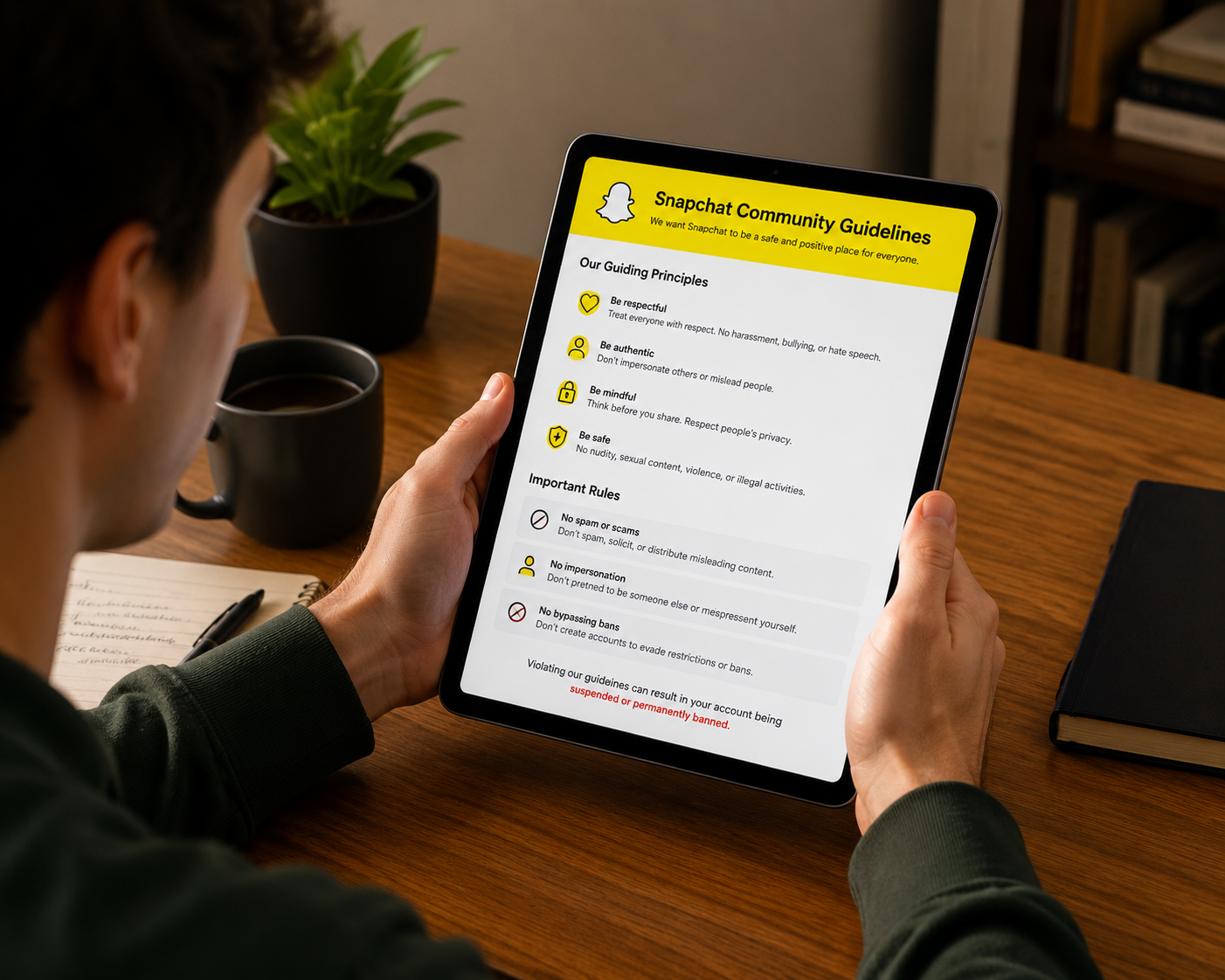
Before you dive headfirst into creating a network of alt accounts, it is vital to understand the platform's rules. You must always adhere to the snapchat community guidelines for secondary logins.
Creating a second account for legitimate purposes—such as starting a creator page, separating work and personal life, or organizing your contacts—is perfectly acceptable. However, Snapchat's automated security systems are highly vigilant. If you use your secondary accounts for spamming, harassment, impersonating others, or bypassing a previous ban, the platform will track your device's IP address and permanently terminate all accounts associated with your phone.
Spotting Secret Accounts: Can You Tell?
How to Spot Someone’s Secret Snapchat Accounts
From a privacy standpoint, you might be curious about how to tell if someone has multiple snapchat accounts. Because Snapchat prioritizes user privacy, there is no public directory or badge that links a user's primary account to their secondary "finsta" (fake insta) or alt-Snapchat.
However, there are a few subtle clues that might give away a secondary profile:
- The "Quick Add" Algorithm: Sometimes, the app's algorithm will suggest a person's secondary account to you if that account was registered using the same phone number or email address as their primary one.
- Similar Naming Conventions: People are creatures of habit. They often use slight variations of their primary handle (e.g., @JaneDoe becoming @JaneDoePrivate).
- Accidental Cross-Posting: Someone managing multiple accounts might slip up and accidentally post a highly personal snap to their public business story.
- Matching Bitmoji Styles: If two accounts in your suggested friends list have strikingly similar Bitmoji facial features, they may belong to the same person.
Ultimately, unless a user explicitly shares their alternative username with you or links the two profiles publicly, their secondary account remains hidden.
Pros and Cons of Maintaining Dual Accounts
To help you decide if taking on a second profile is worth the digital effort, let's break down the realities of managing dual identities.
The Pros:
- Ultimate Privacy Control: You can freely post whatever you want to your private story without worrying about coworkers, clients, or distant acquaintances judging you.
- Enhanced Professionalism: It is ideal for brands, influencers, or creators who are trying to build a public audience while keeping their personal inbox free of fan messages.
- Better Content Curation: You can use one account strictly for following news publishers and influencers, keeping your primary account dedicated solely to real-life friends.
The Cons:
- Notification Overload: Getting pinged by messages, streaks, and story replies from two different accounts can quickly become overwhelming and distracting.
- Device Strain: Running background app cloners on Android devices consumes extra RAM and can drain your battery significantly faster.
- The Risk of Mistakes: The risk of sending a highly sensitive, personal picture to a business contact—or vice versa—is never zero when you are quickly toggling between profiles.
The Final Takeaway
Mastering Multiple Snapchat Accounts
Learning how to navigate multiple snapchat accounts doesn't have to be a frustrating technological headache. Whether you take advantage of Android's built-in cloning features, utilize a secure third-party application, or simply master the platform's native log-in and log-out workflow, you have several viable options at your disposal.
By understanding the technical workarounds and the community guidelines, you can protect your digital privacy, effectively grow your brand, and keep your daily snap streaks alive without missing a single beat. Take control of your dual digital life today—just remember to double-check which account you are posting from before you hit send!
Related Blogs

In the digital era, making money online (MMO) has become a popular trend, offering flexible and accessible opportunities for everyone. Whether you want to earn extra income or build a long-term business, there are always suitable options available. However, for beginners, the abundance of information can be overwhelming. Don’t worry! This article will guide you through 22 practical ways to make[…]
Digital marketing today runs on speed and volume. Brands are expected to push out fresh creatives constantly, and traditional video production simply can’t keep up. That’s where an AI Facebook ad generator comes in. These tools take product links, scripts, or raw assets and turn them into ready-to-use Facebook video ads with minimal manual editing. 1. Pollo AI Pollo AI works as a practical AI […]
.png)
BitBrowser is one of the widely used Antidetect browsers thanks to its ability to change Browser Fingerprint and create multiple independent browser profiles, helping to manage a large number of accounts effectively. However, in the context of many new anti-detection browsers being born with more modern technology, can BitBrowser still remain as competitive and effective as before? Join Hidemium[…]
.png)
Whether you are a social media administrator, an affiliate marketer, or someone who needs to operate multiple accounts at the same time, antidetect browser is the ultimate solution to help each online profile act as an independent user. To optimize work efficiency and ensure safety, updating information about new anti-detection platforms is essential.In this article, we will evaluate it in[…]
What Is an Anti-Fingerprinting Browser?An anti-fingerprinting browser — also called an antidetect browser — is a specialized browser designed to mask or spoof the unique digital fingerprint your device broadcasts to every website you visit. Unlike a regular browser or even a VPN, an antidetect browser gives each browsing session a completely separate, unique identity at the hardware and software[…]

Are you starting your content creation journey and struggling to get free YouTube views? Getting your first 1,000 views can be a big challenge, especially if you don’t want to run ads or use support tools. However, it is completely possible to get free YouTube views without using tools and without running ads if you apply the right strategy. In this article, you will discover effective, safe and[…]
